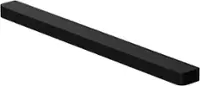
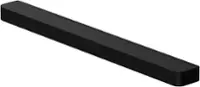
A:AnswerIn my research, I found out you can not do that. I was planning to do that as I already have an extra Yamaha SW.
If you find anything different I would like to know.
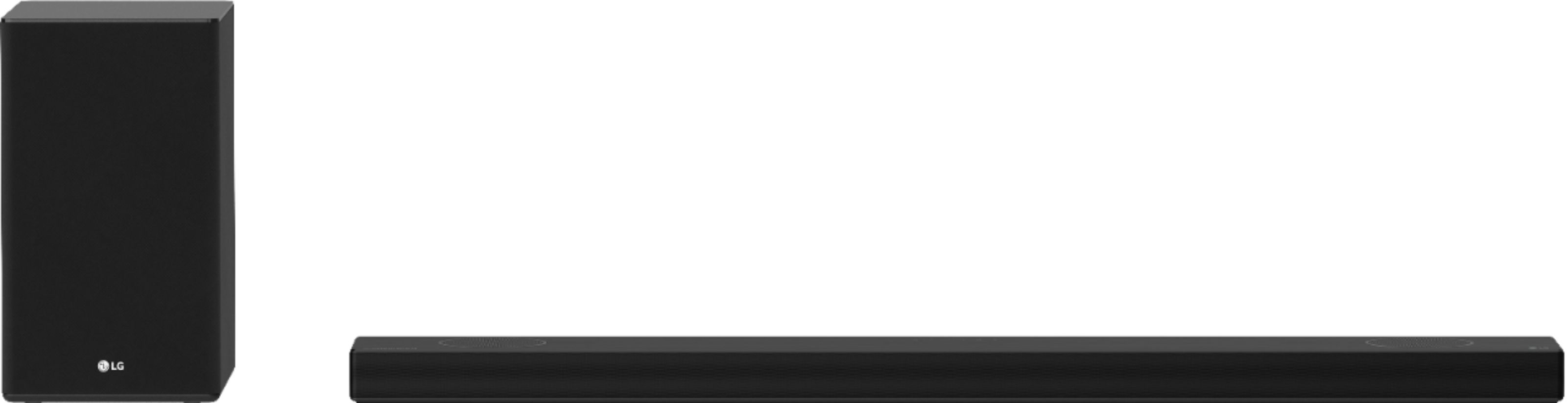
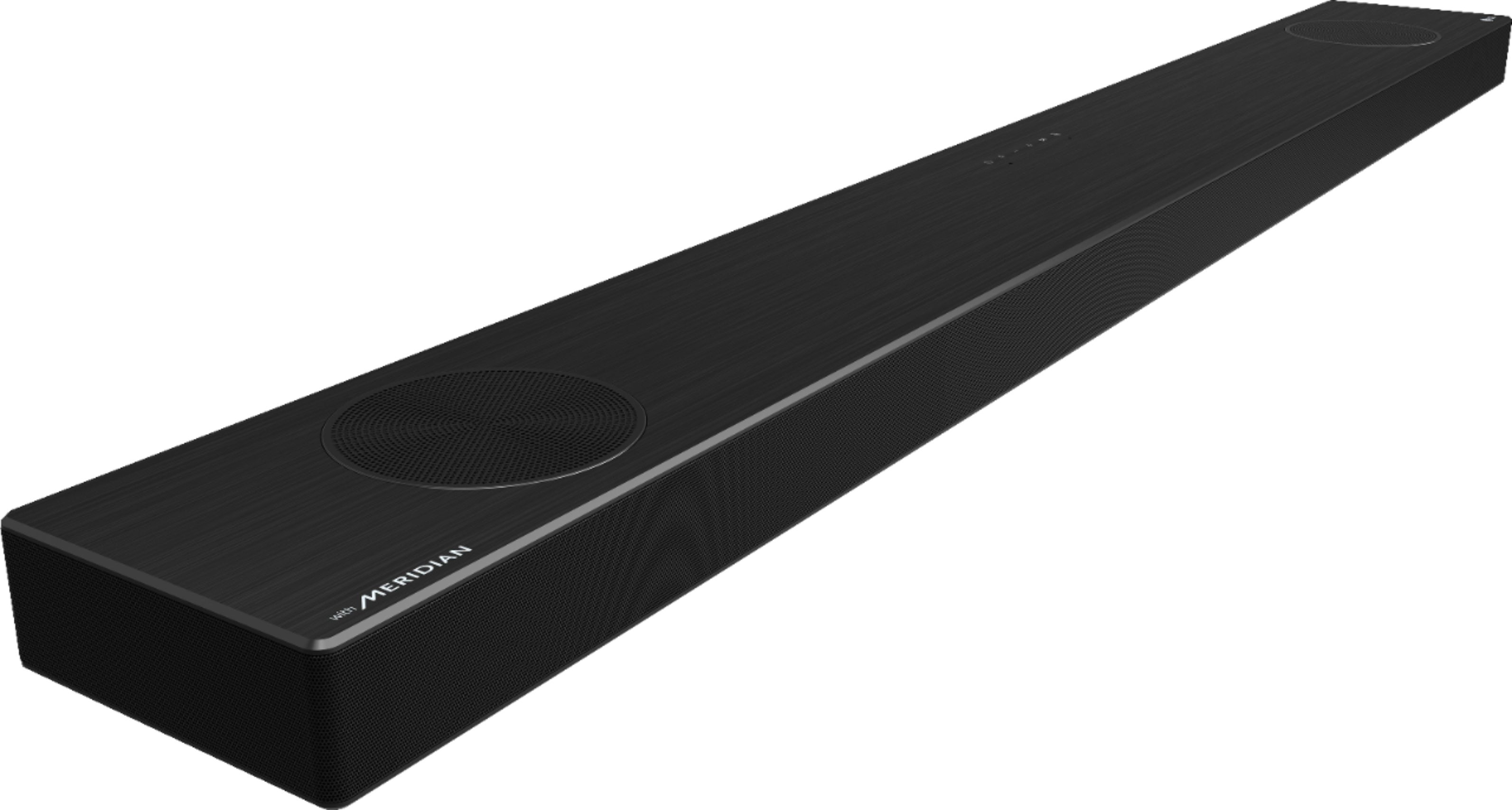
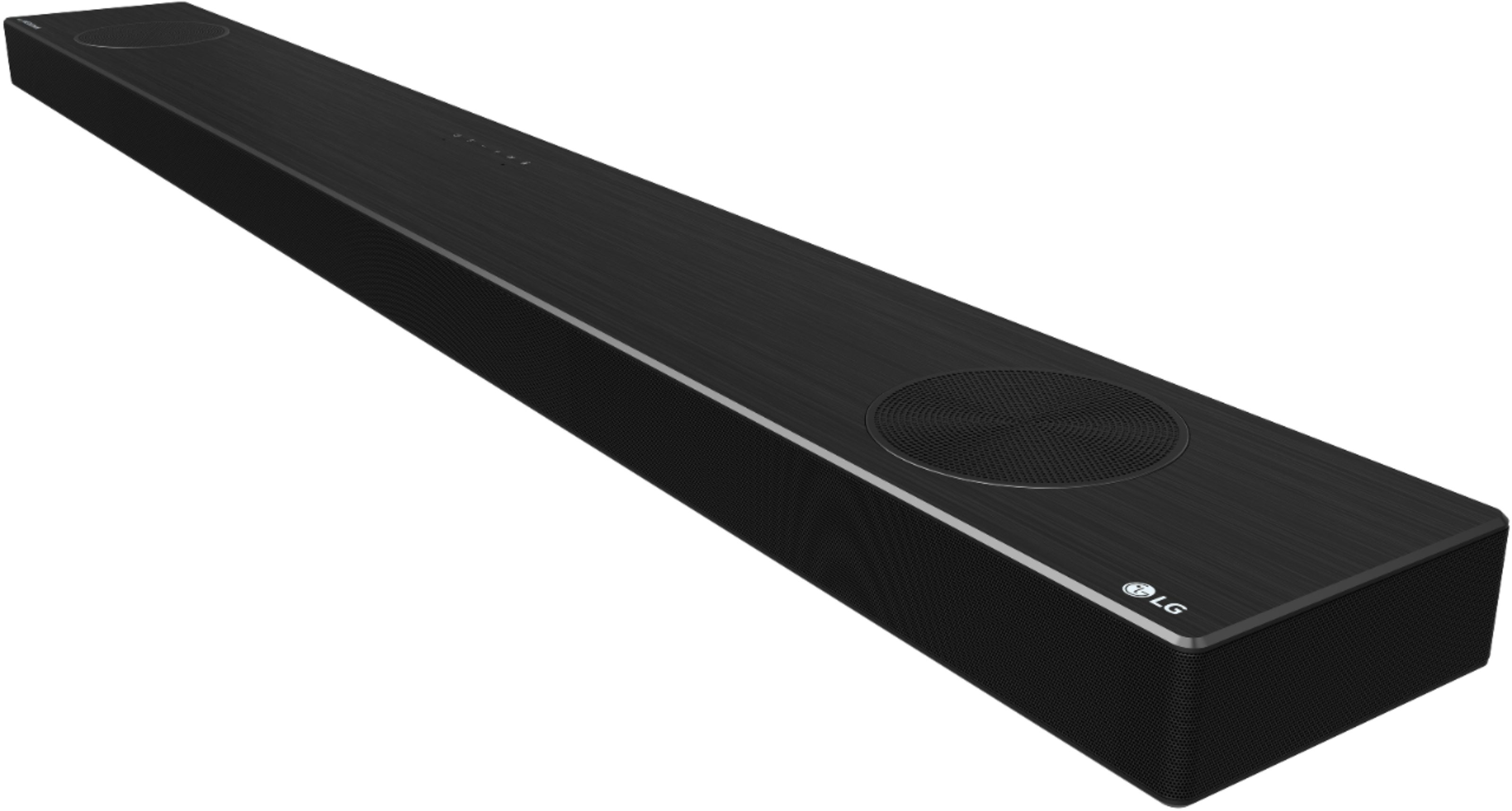
A:AnswerThe Soundbar is a complete all-in-1 5.0.2 system (5.1.2 with the sub, and 7.1.2 if you get the rear speakers). It has its own center channel, and isn’t a replacement for a center channel in a system that is comprised of separate speakers.
A:AnswerThe optional stand FS21GB has discreet companion bracket that hold devices and accessories. https://www.lg.com/us/tv-audio-video-accessories/lg-fs21gb-tv-stand. ^Daphane
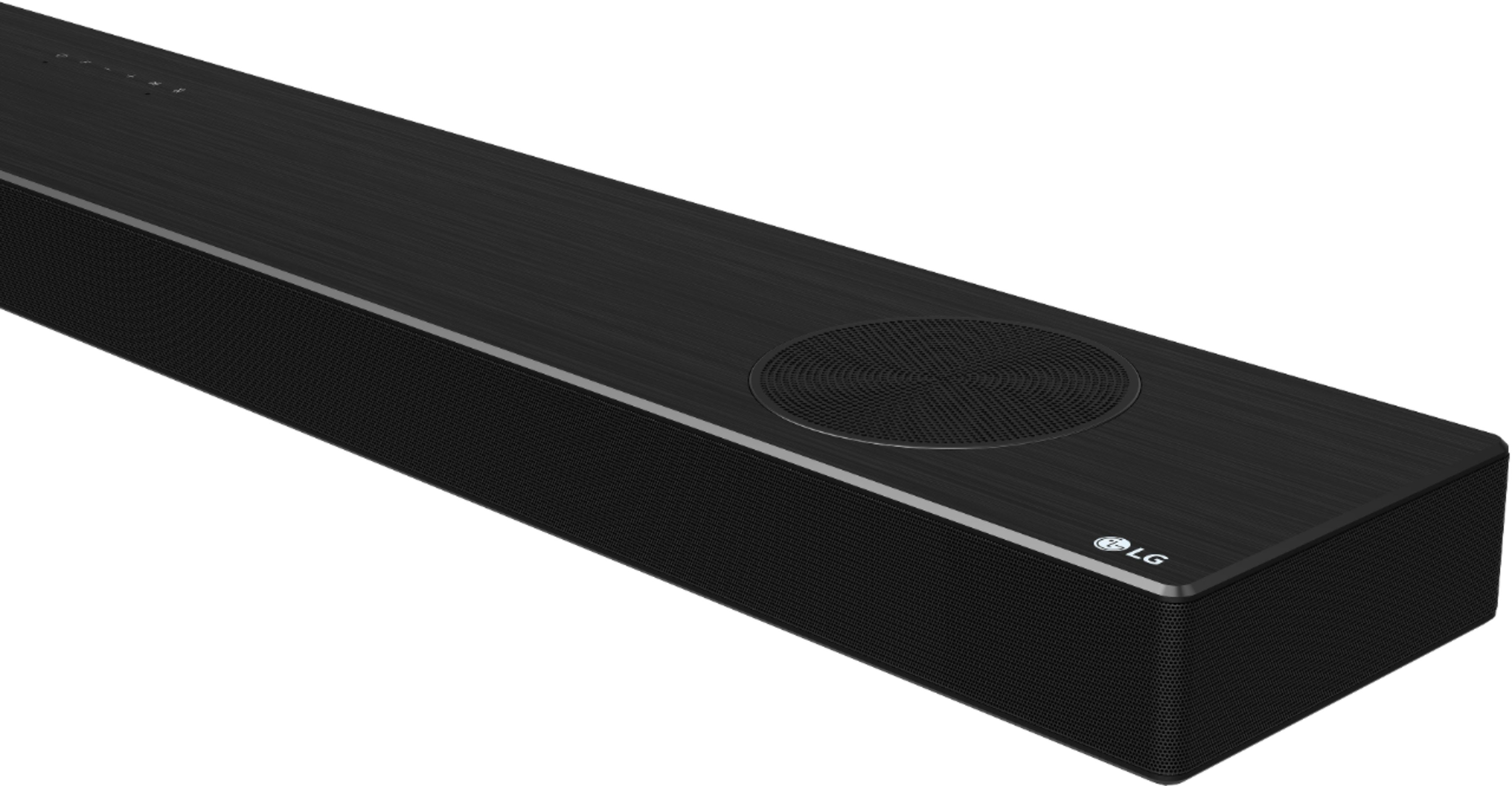
A:AnswerThe status display shows options such as input mode and volume. If there is no active input for 15 seconds, the status display will automatically dim. When you press the button, the status display will light up again. ^Daphane
A:AnswerThe rear speaker kit for Soundbar model SP9YA is LG SPK8-S 2.0 Channel Sound Bar Wireless Rear Speaker Kit. https://www.lg.com/us/sound-bars/lg-SPK8-S-wireless-surround-kit. ^Daphane
A:AnswerIt can be wall mounted and comes with wall brackets. Screws and Wall Plugs are not supplied for mounting the product. We recommend the Hilti (HUD-1 6 x 30) for the mounting. ^Daphane
A:AnswerYou can connect it to your TV using the Bluetooth function or the home WiFi. Just make sure they're connected to the same WiFi's and it will connect with no messy cords. Trust me. No cords are better
A:AnswerRegrettably, I do not have this information. Please reach out to our support team via private message on Facebook @LGUSSupport use #VOC in your first message to our social media support team. You can also try the forums on https://www.facebook.com/LGUSA; they are a great resource for getting help from other LG customers. Thank you. ^Daphane
A:AnswerI pass everything through my Xbox series X so I can get Atmos and DTS X I have an older lg 4k tv which only has on arc an 2018 model 4k tv with 2 other hdmi inputs