Black Friday is hereShop new DoorbustersShop now

Main Content

Questions & Answers

Your price for this item is $546.99
The comparable value price is $849.99
Page Showing 21-40 of 49 questions
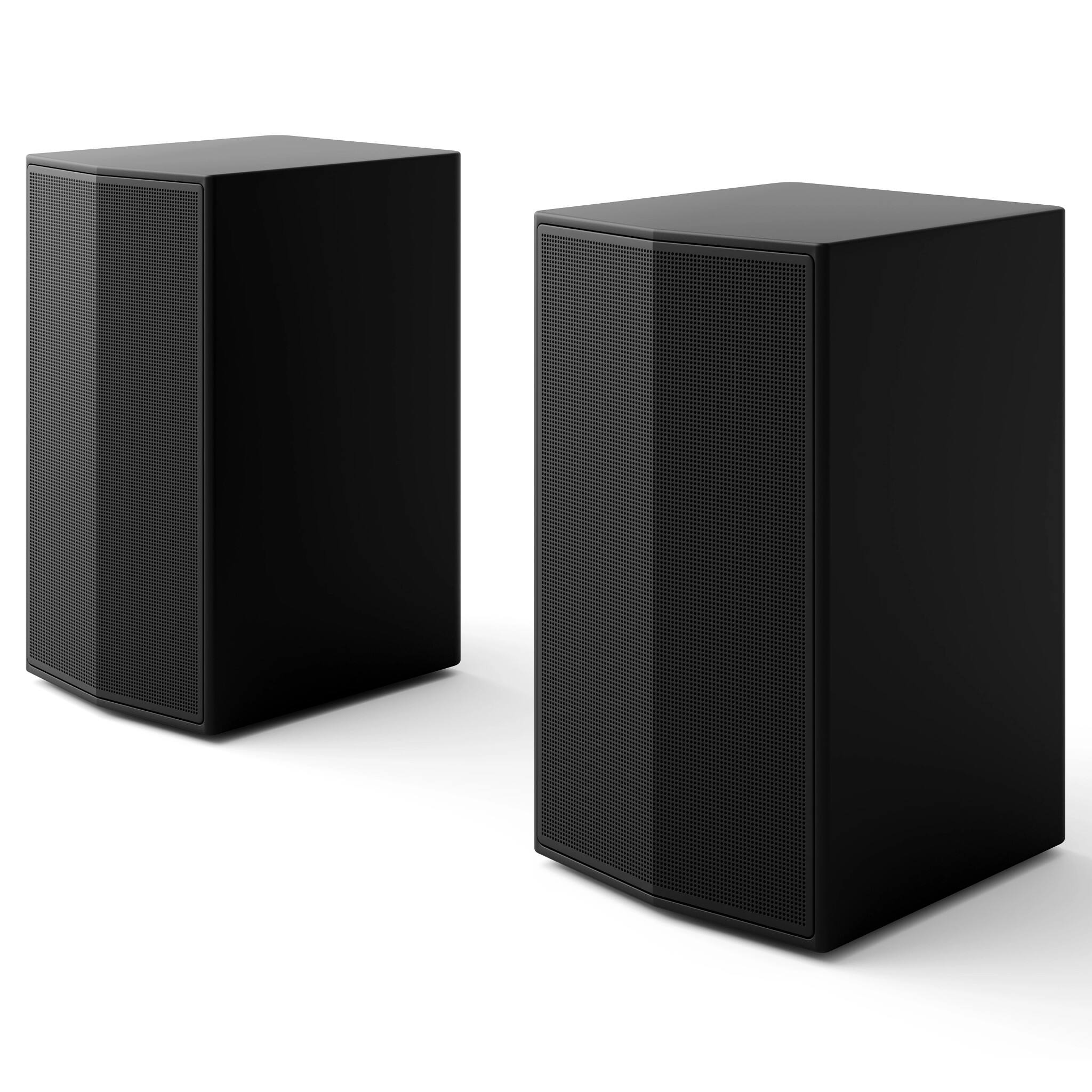
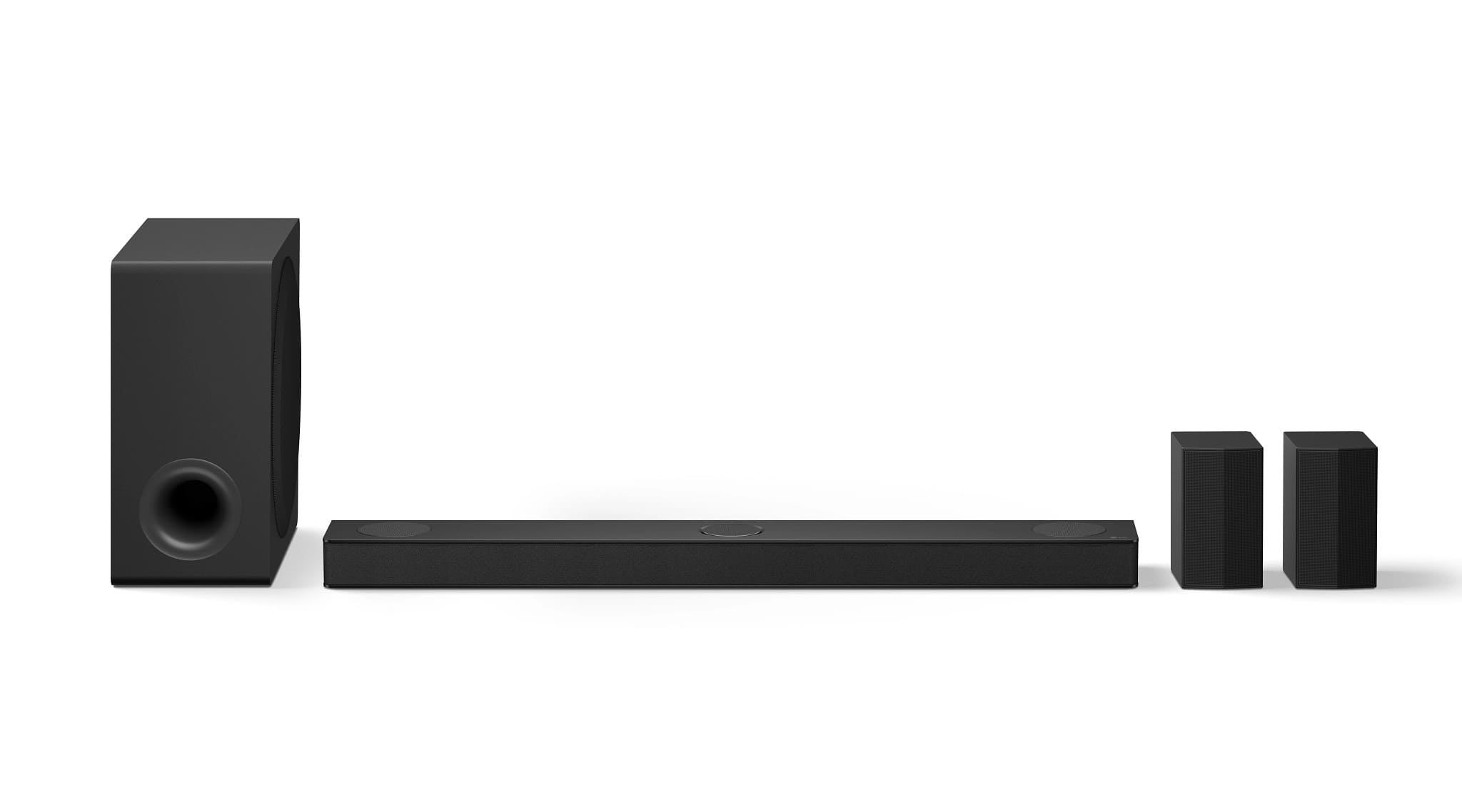
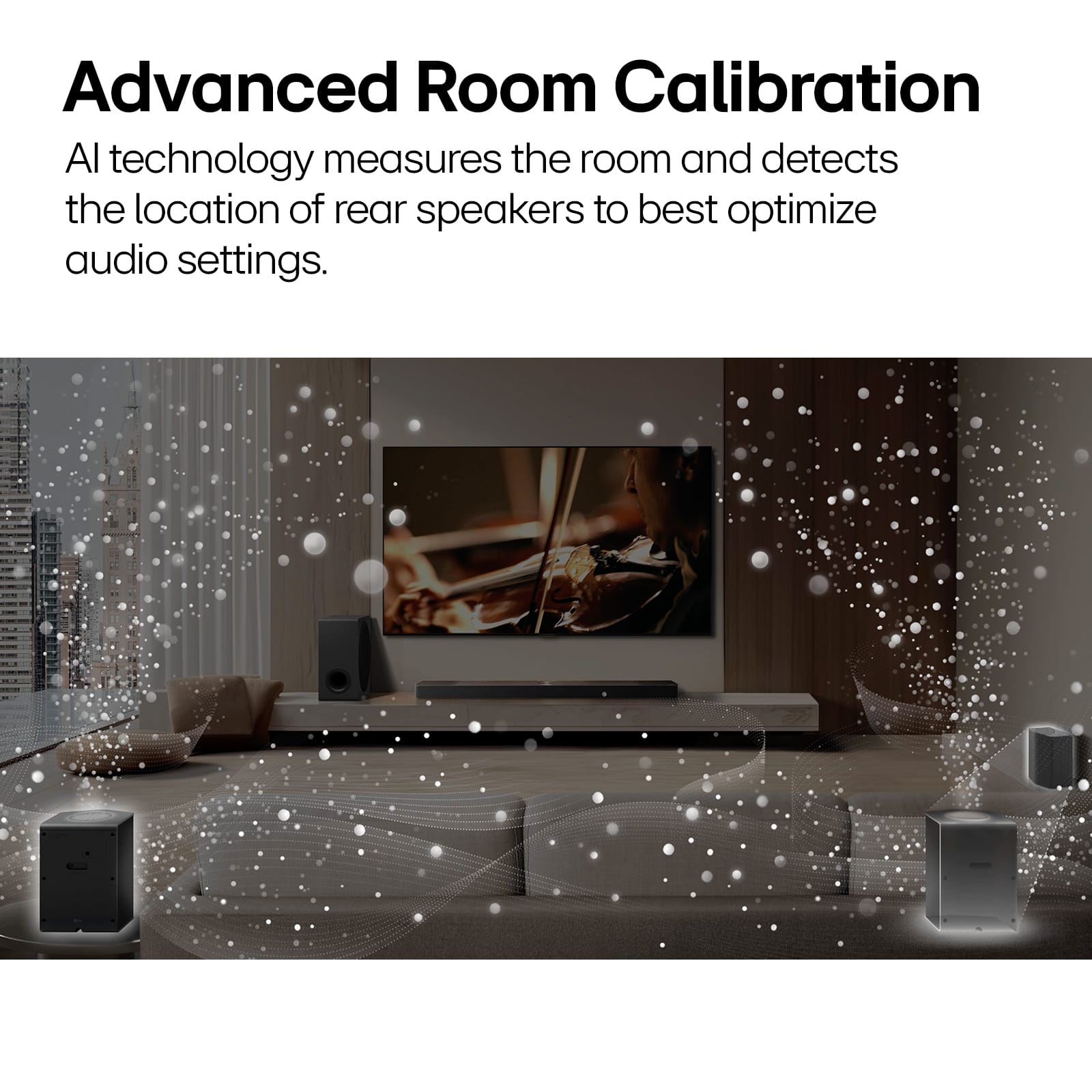
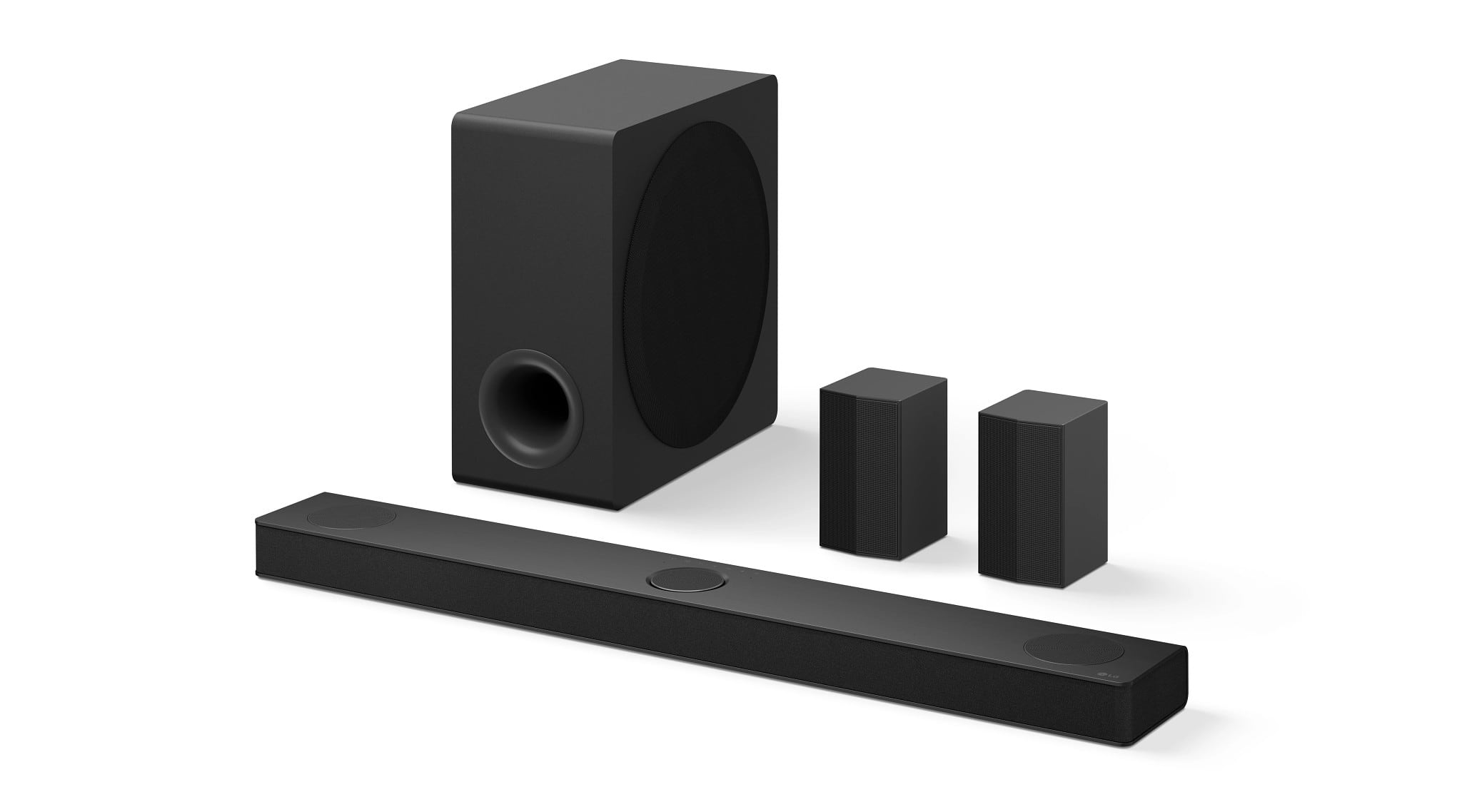
  • QuestionI understand the two rear speakers are a wireless connection to the system, but is there a wire connecting the two rear speakers to each other? Or are both rear speakers independent of each other and do not require any connection between them?

    Asked by Scotty.

    • Answer They are completely separate speakers. All you need is an outlet near the speakers and they connect wirelessly.

      Answered by Coolie

  • QuestionWhat screws do the surround speakers use for stand mounting? I bought a 'universal' stand and the screws were way too big for the surround speaker holes.

    Asked by Anonymous.

    • Answer Hello there! We understand your inquiry about mounting the S80TR rear surround speakers on a stand. Based on the Owner's manual page 50 for Mounting the model: The mounting holes on the back of each wireless rear speaker are designed for metric M4 machine screws (4 mm diameter) with a maximum length of 10 mm so that the screw head secures the speaker without touching any internal components. As a quick troubleshooting step, we recommend measuring your stand’s mounting-post screw diameter with a simple gauge or by comparing against an M4 screw from a hardware kit. If the screws that came with your universal stand are too large, try sourcing M4 × 8–10 mm pan-head or flat-head machine screws—adding a small flat washer under the head can help distribute pressure evenly and prevent the screw from bottoming out inside the speaker housing. Hand-tighten gently; over-torquing can damage the internal bracket threads. Owner's manual: https://www.lg.com/us/support/product/lg-S80TR.DUSALLK If you continue to have difficulty finding the right screws or if your stand requires a different thread pitch, please send us a private message on social media @LGUSSupport. We’ll be more than happy to check your stand’s specs and guide you to the exact hardware or replacement options you need. We appreciate your patience and are here to ensure your S80TR system sounds its best! —Renzo

      Answered by LG Digital Customer Care

  • QuestionCan I balance the rear surround speakers to make one louder than the other? For example if my right speaker is closer to me on the couch can I make that one quieter and the left one louder to have a more balanced sound from where I'm sitting?

    Asked by Jordan.

    • Answer No u can only control loudness for both at the same time on the app not individually

      Answered by alexx

  • QuestionHow many watts do it have?

    Asked by Caseylove.

    • Answer 580 watts

      Answered by alexx

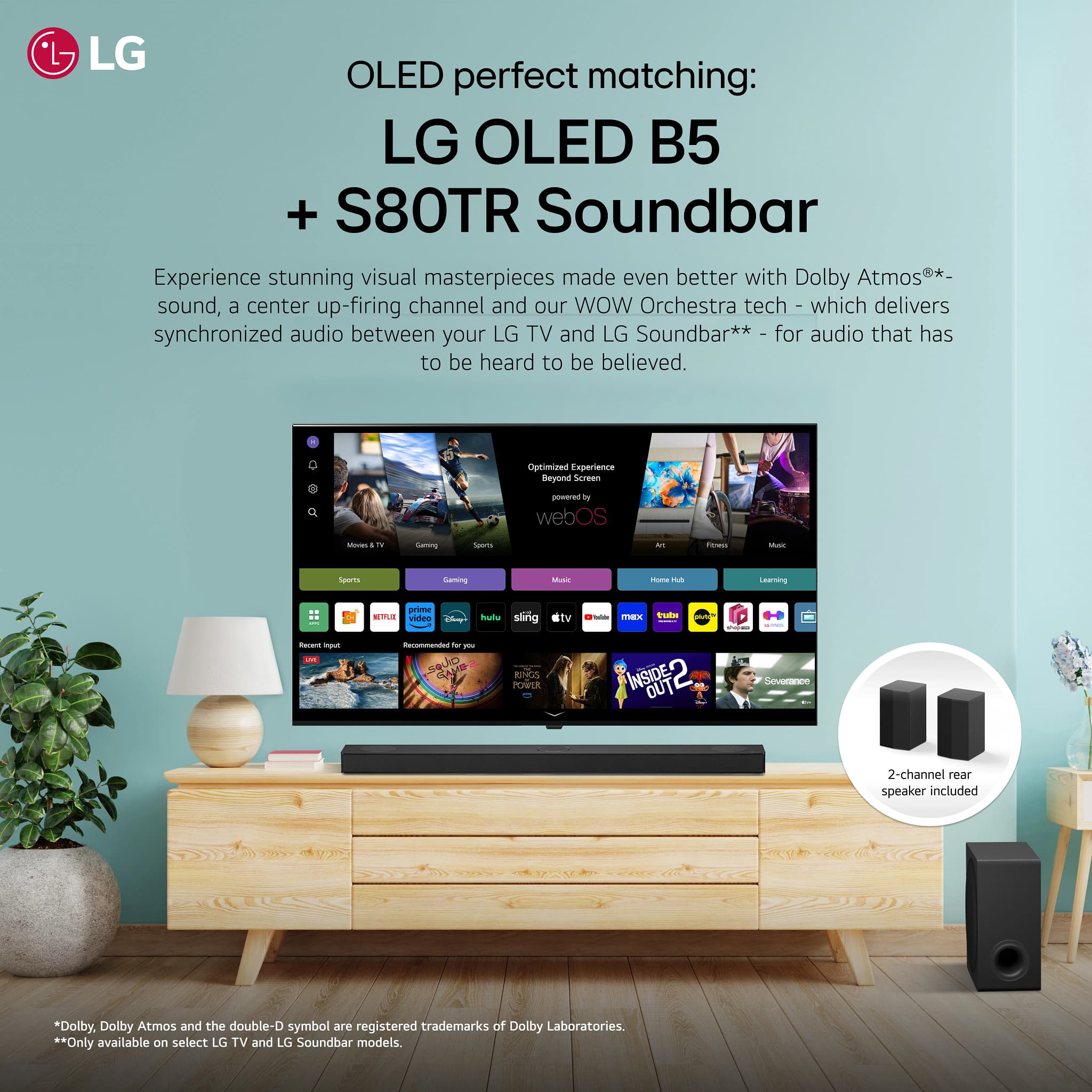
  • QuestionIs this system compatible with an LG web os TV UR8000AUA

    Asked by Jeff.

    • Answer Yes all lg tvs have the wireless sound sync w lg soundbars

      Answered by alexx

  • QuestionWhere can I find a replacement subwoofer power cable? My purchase did not come with one.

    Asked by Jason.

    • Answer Amazon

      Answered by alexx

  • QuestionWhat’s the power? How many watts?

    Asked by Hammerhead.

    • Answer 580watt

      Answered by alexx

  • QuestionWhere can I buy rear speakers only

    Asked by Nat.

    • Answer They sell the rear speaker kits for last generations only these wireless ones only come with the bar bundled

      Answered by alexx

  • QuestionWill this work with a Sony 85 inch tv

    Asked by Bubba.

    • Answer Hi, Bubba. Thank your for your question. Yes, the LG Soundbar (S80TR) model should work with your Sony 85-inch TV, as it features standard HDMI and optical audio connections that are compatible with most TVs, including Sony models. You'll just need to ensure that you connect the soundbar properly through the HDMI ARC/eARC or optical port on the TV for the best audio experience. For more information about the product, you may visit https://www.lg.com/us/sound-bars/lg-s80tr-sound-bar. If you run into any setup issues, feel free to reach out to us via private message on social media @LGUSSupport, and we can assist you further. ^Juvy

      Answered by LG Digital Customer Care

  • QuestionIs this sound bar compatible with LG model #65UP7670PUC ? Does it work with apple homekit and does it support Airplay 2?

    Asked by Frank.

    • Answer Hi, Frank. Thank your for reaching out to us. Yes, the LG Soundbar (S80TR) model is compatible with the LG 65UP7670PUC TV. You can connect it using HDMI ARC or optical cable for great sound quality. As for Apple HomeKit, the S80TR doesn't have built-in HomeKit support, but it does work with AirPlay 2, allowing you to stream audio from your Apple devices directly to the soundbar. For more information about the product, you may visit https://www.lg.com/us/sound-bars/lg-s80tr-sound-bar. If you need more guidance on setting this up or pairing with your Apple devices, don't hesitate to ask. Please send us a private message on social media @LGUSSupport. We're ready to help. ^Juvy

      Answered by LG Digital Customer Care

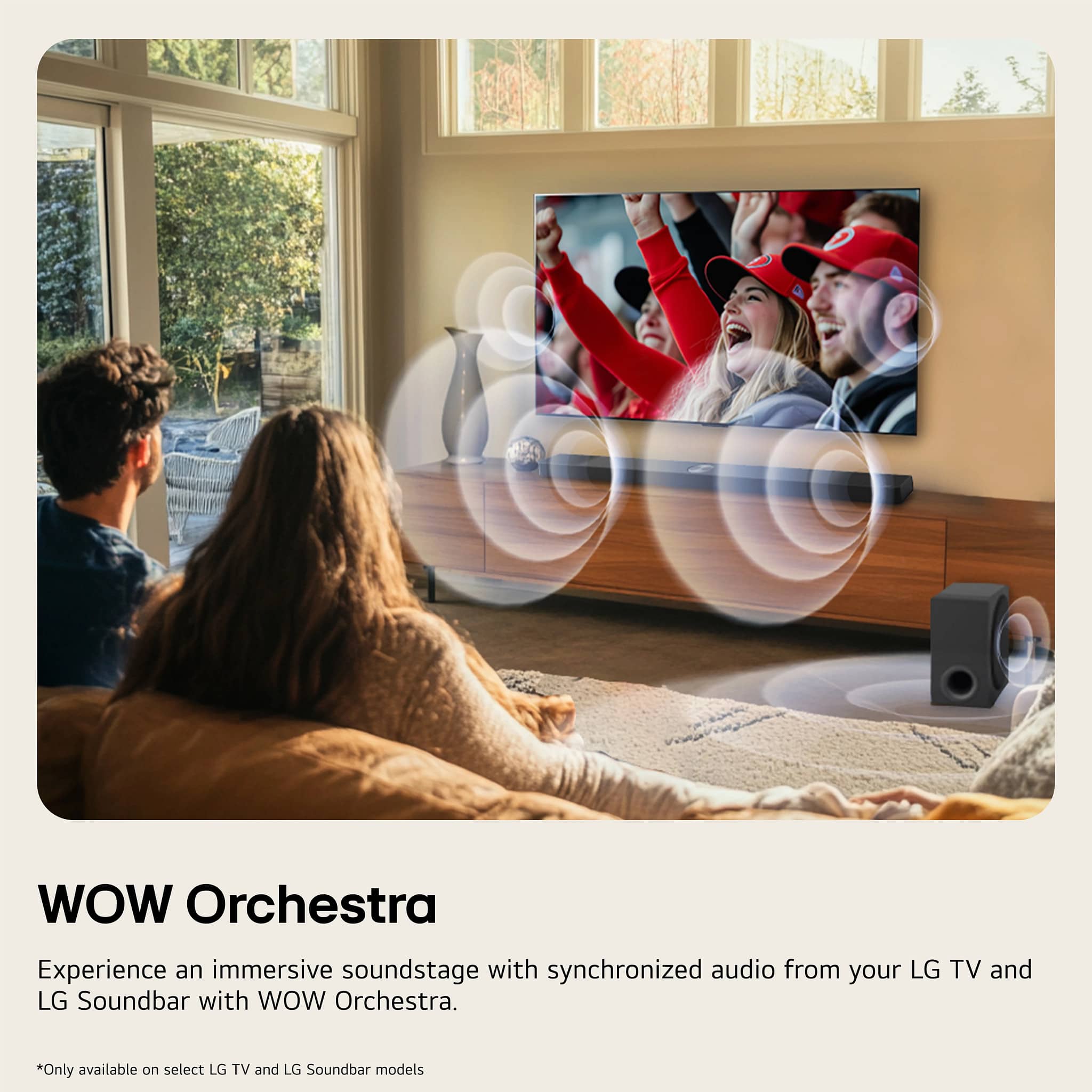
  • QuestionI have a OLED77C1PUB. I am wondering if this system is compatible with my TV, and what features wouldn't work (I assume WOW Orchestra would not work?). Or, could you recommend a more suitable system? Thank you.

    Asked by Ezangjen.

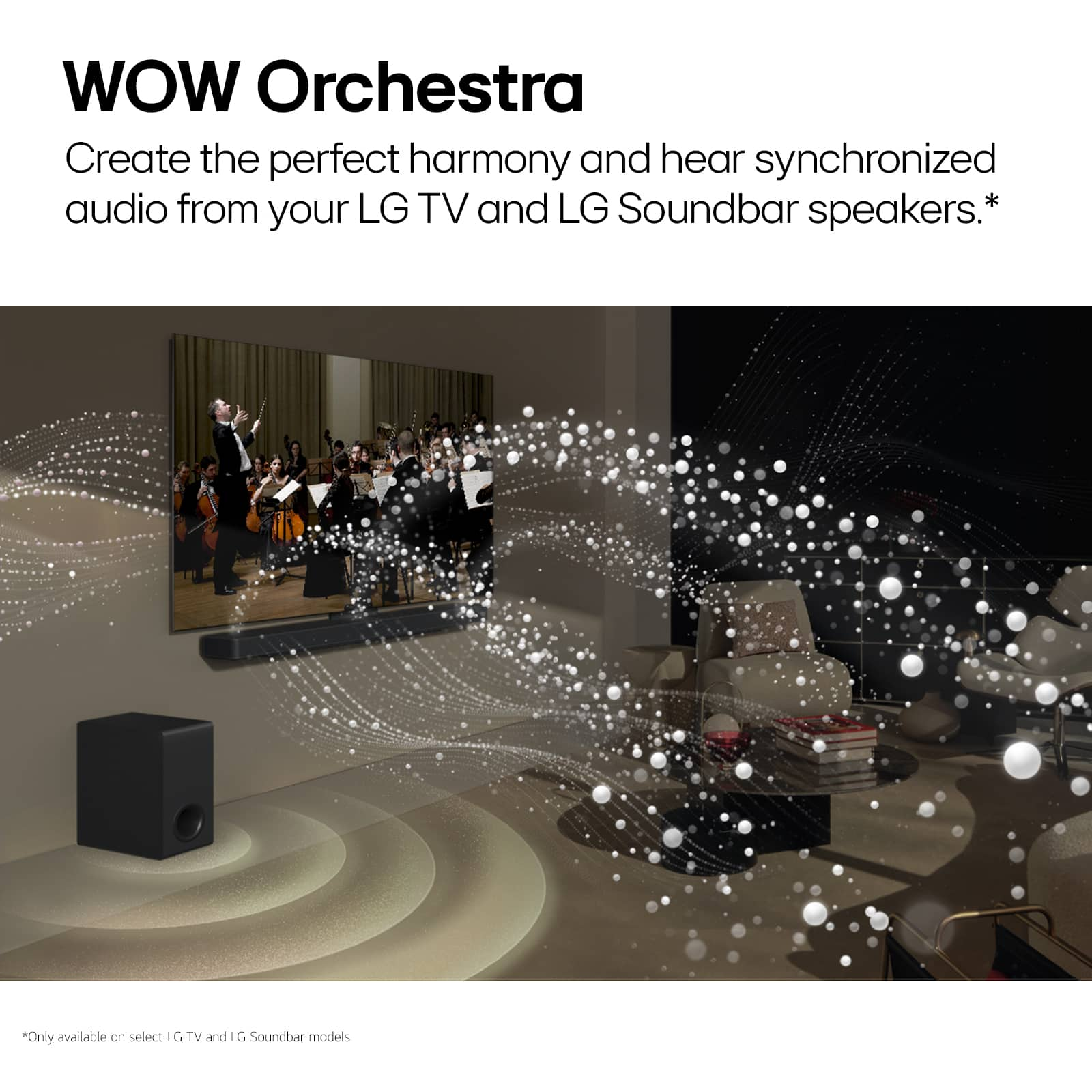
    • Answer Hello, Ezangjen. Any of our Soundbars will work with the LG OLED C1 Series 77” Alexa Built-in 4k Smart TV, Model # OLED77C1PUB. The only features that will not work with the TV are the WOW Orchestra and WOW Interface, which are supported on the S80TR LG Soundbar for TV with Dolby Atmos® and Rear Surround Speakers 5.1.3 channel, and other LG Soundbars that support those features since the TV does not support them. Best Buy may not carry our full lineup of available Soundbars so we recommend that you visit our company site to see our full lineup of soundbar models that are suitable for your TV that do not have WOW Orchestra and WOW Interface,..^Ivan.

      Answered by LG Digital Customer Care

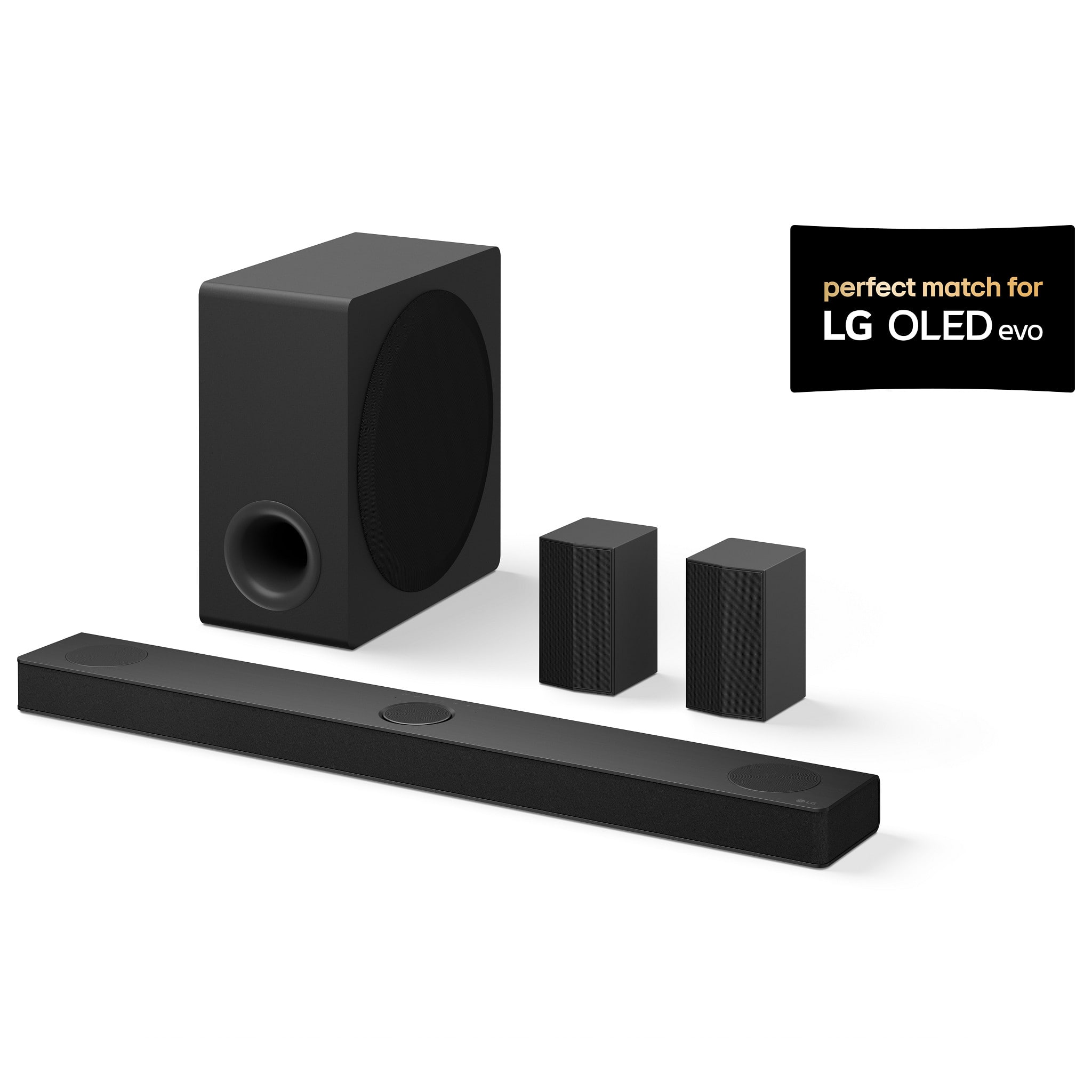
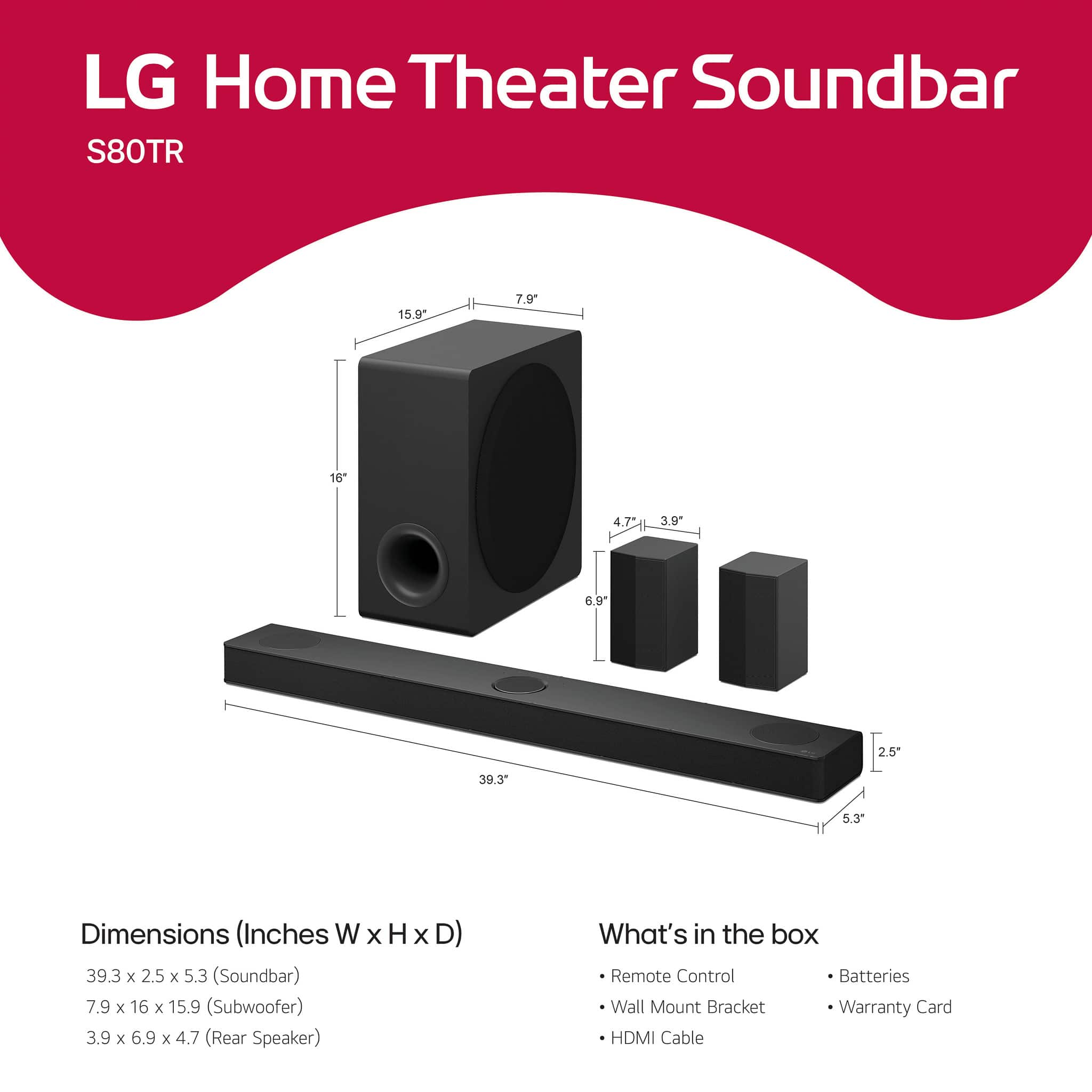
  • QuestionWhat is the size of the soundbar?

    Asked by David47.

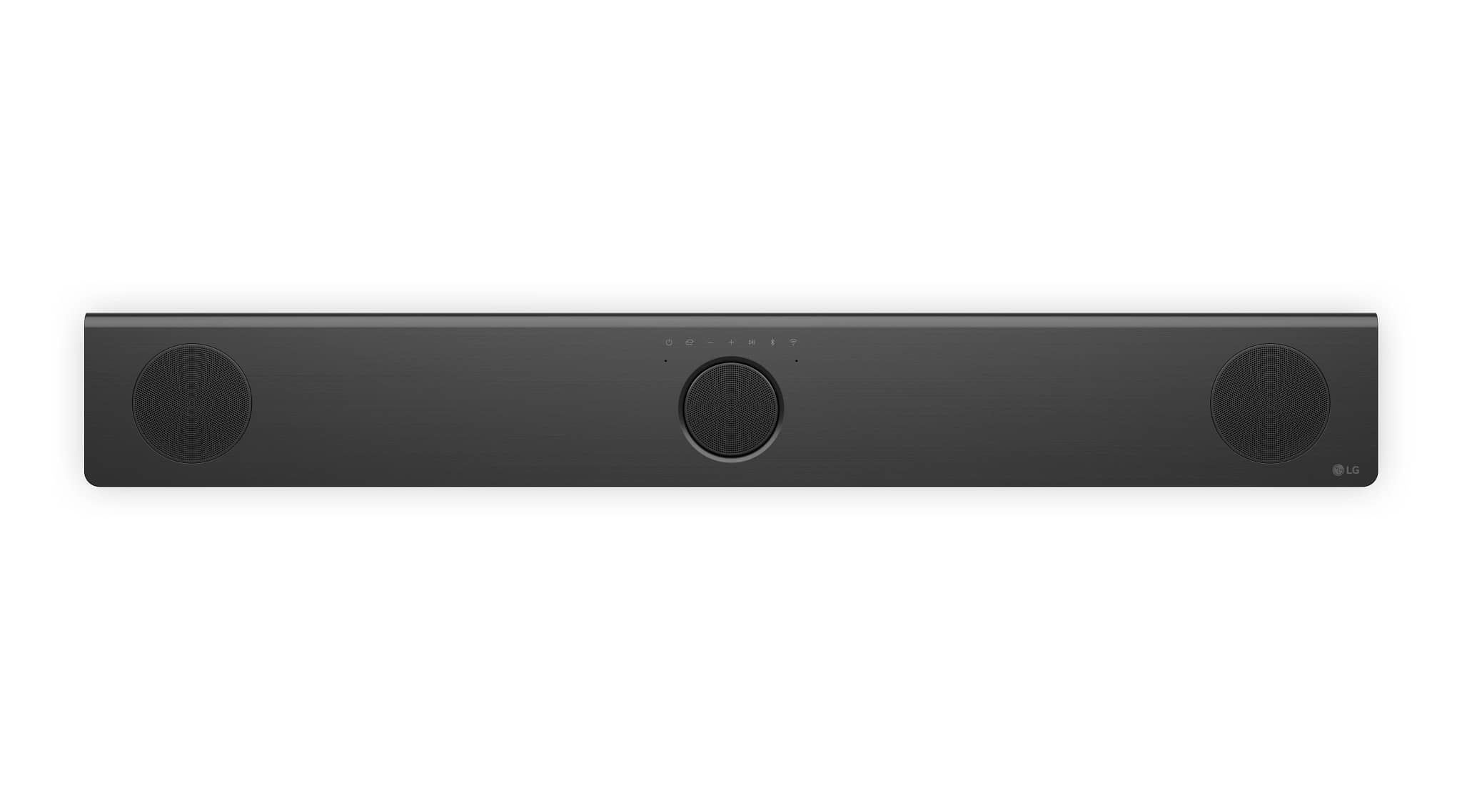
    • Answer Hi, David. Thank you for your question about the LG Soundbar (S80TR) model. The soundbar measures approximately 39.3 inches (1000 mm) in width, making it a great fit for TVs 40 inches and larger. Its sleek design blends seamlessly with modern home entertainment setups. For more information about the product, you may visit https://www.lg.com/us/sound-bars/lg-s80tr-sound-bar. If you'd like additional information or assistance, feel free to send us a private message on social media @LGUSSupport. We're here to help. ^Juvy

      Answered by LG Digital Customer Care

  • QuestionWe own an LG 65" 3D TV Model 65UB9500. Our LG 3D TV does not have an eARC HDMI port. Which LG Soundbar would you recommend we purchase S70TR, S80TR or S90TR? How do we connect our Apple 4K TV and Smasung 3D Blu Ray Player and soundbar to the TV?

    Asked by MartinE.

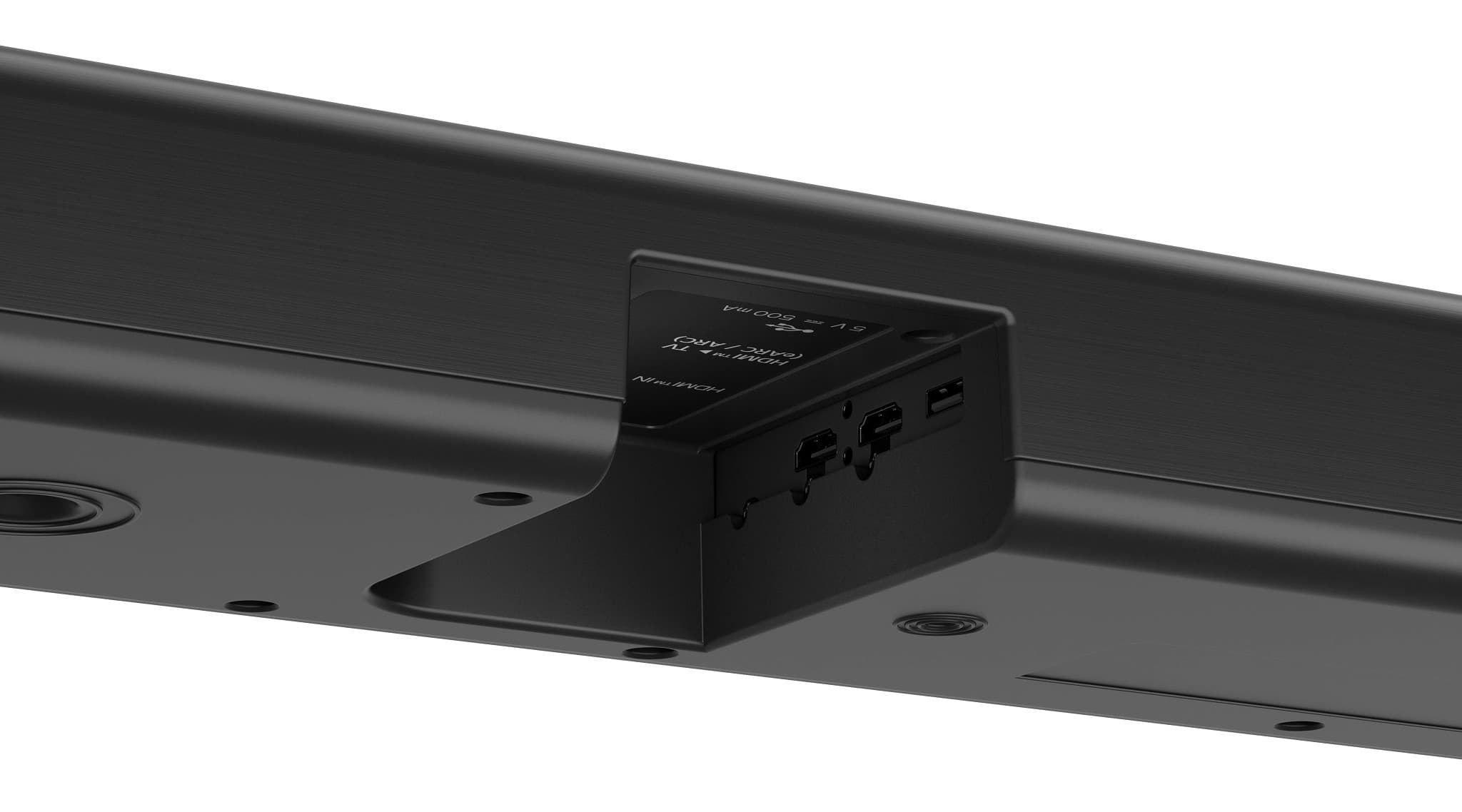
    • Answer Hi there, Martine. Thank you for reaching out with your question. We understand that you're looking to connect your LG 65" 3D TV Model 65UB9500 with your Apple 4K TV, Samsung 3D Blu-ray Player, and soundbar, and you're considering the S70TR, S80TR, or S90TR LG soundbars. For your TV model, which does not have an eARC HDMI port, we recommend the LG S80TR soundbar, as it offers HDMI ARC (Audio Return Channel) compatibility and would work well with your 65UB9500. It provides a solid connection with your TV and supports high-quality sound for your setup. As for connecting your Apple 4K TV, Samsung 3D Blu-ray Player, and the soundbar, here's a simple way to do it: Apple 4K TV: Connect the Apple 4K TV to one of the HDMI inputs on your LG TV using a standard HDMI cable. Samsung 3D Blu-ray Player: Connect your Blu-ray player to another HDMI port on your LG TV. LG S80TR Soundbar: Use the HDMI ARC port on your LG TV to connect the soundbar, ensuring that the soundbar is set to receive audio through ARC. Alternatively, you can use the optical audio output from your TV to connect to the soundbar if needed. https://www.lg.com/us/tvs/lg-65UB9500-led-tv#pdp_specs Please send us a private message on Social Media @LGUSSupport, and our team will be more than happy to assist you with further setup instructions and troubleshooting. We appreciate your patience. —Renzo
      Answered by LG Digital Customer Care

  • QuestionCan you add additional speakers to this system?

    Asked by Freddie.

    • Answer Hi, Freddie. Thank you for your question about the LG Soundbar (S80TR) model. Unfortunately, this unit is not designed to support the addition of external speakers directly. It’s a compact system with integrated speakers and doesn't have dedicated outputs for additional speakers. However, if you're looking to expand your sound setup, you could consider a soundbar that supports external speaker connections, such as wireless rear speakers or a subwoofer, depending on the system's compatibility. For more information regarding the product, you may visit https://www.lg.com/us/sound-bars/lg-s80tr-sound-bar. If you have more questions or would like recommendations for expanding your audio setup, feel free to send us a private message on social media @LGUSSupport, and we’ll be happy to assist you further. We’re here to help. ^Juvy

      Answered by LG Digital Customer Care

  • QuestionDoes this include a mount to mount to a wall mounted tv?

    Asked by Kevin.

    • Answer Yes, it includes two brackets for wall mounting. It did not provide the 4 screws and anchors needed to mount it though.

      Answered by SheriF

  • QuestionI purchased this system today and everything works fine but one of the rear speakers will not connect. I’ve tried all the trouble shooting tips but it will not pair, just keeps blinking green. Sub and other rear connected automatically but not this one.

    Asked by Wade.

    • Answer Hi there, Wade. Thank you for sharing your experience with the LG S80TR Sound Bar. We understand your situation with the rear speaker not connecting, and we appreciate you trying the troubleshooting tips. To help resolve this, we recommend double-checking that the rear speaker cables are properly connected to both the rear speakers and the wireless receiver. If everything is connected properly and the issue persists, we suggest reviewing additional troubleshooting steps from the link here: LG Sound Bar – Troubleshooting Audio Missing from Some Speakers (not all) - https://www.lg.com/us/support/help-library/lg-sound-bar-troubleshooting-audio-missing-from-some-speakers--1429107643672 Please feel free to send us a private message on Social Media @LGUSSupport if you need further assistance, and our team will be happy to explore more solutions with you. We appreciate your patience! —Renzo

      Answered by LG Digital Customer Care

  • QuestionWill it hook up to the Hisense 75-Inch Class U8 Series Mini-LED Pro+ ULED 4K UHD Google Smart TV (75U8N, 2024) - QLED Quantum Dot Color, Dolby Vision, Native 144Hz, Up to 3000-Nit,

    Asked by Anonymous.

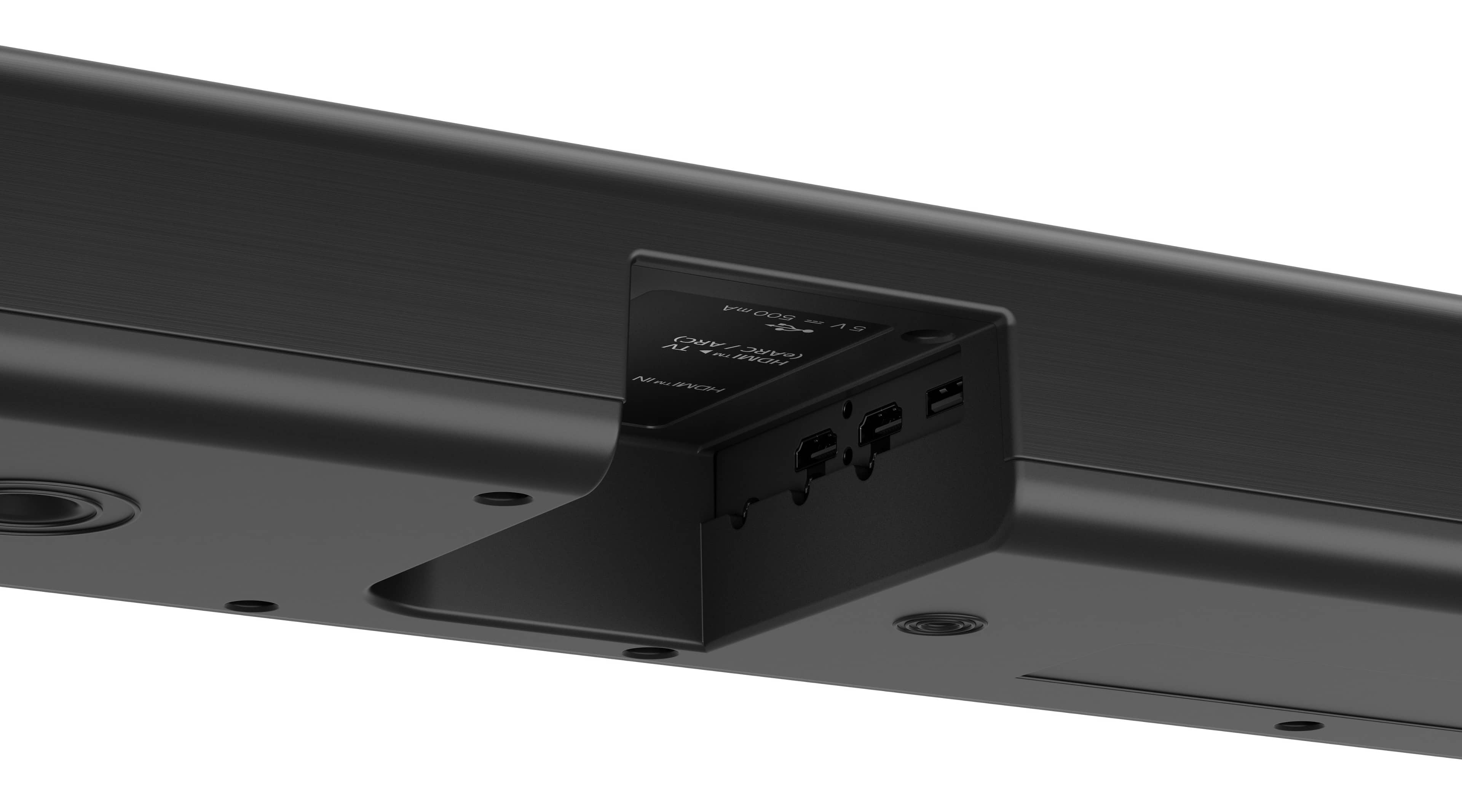
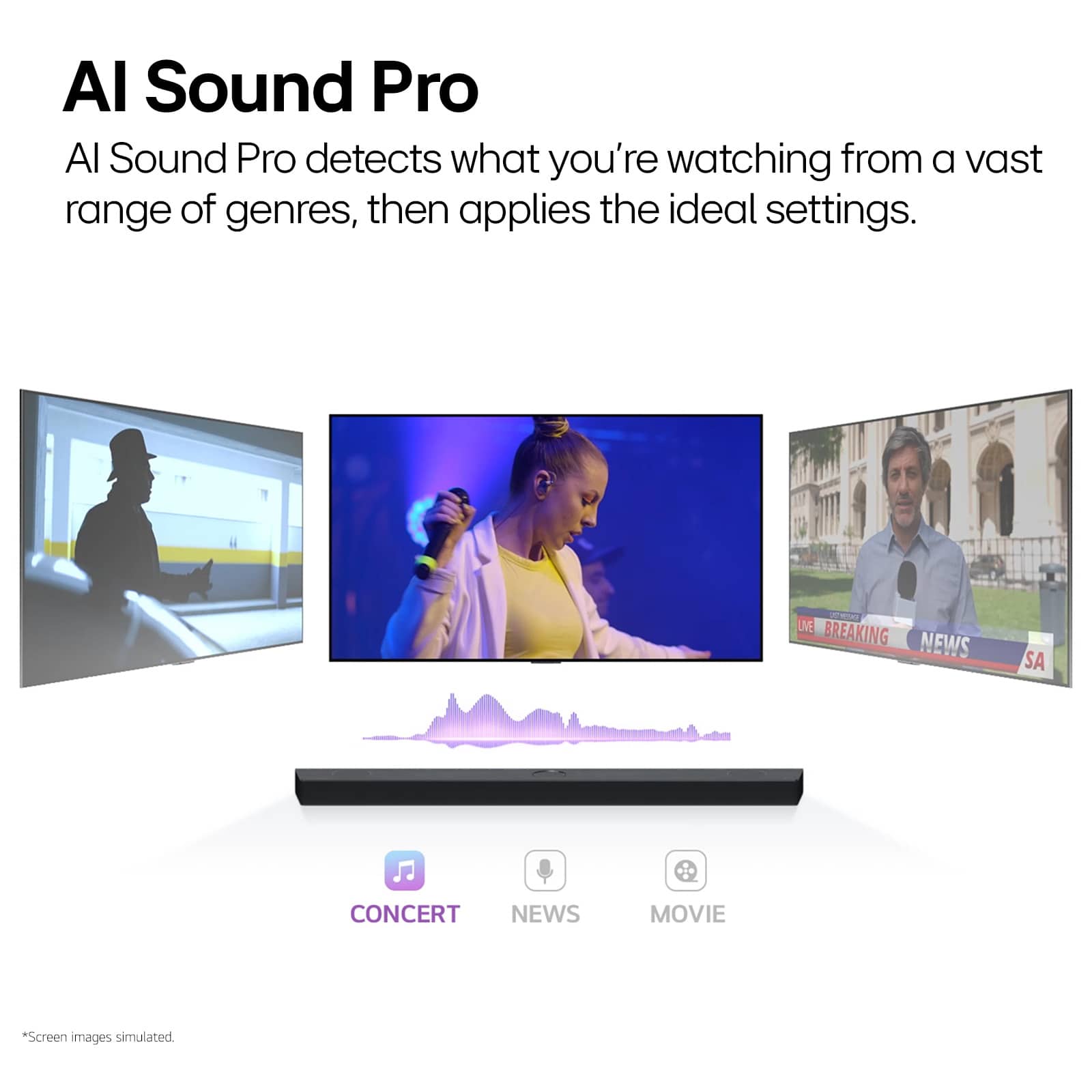
    • Answer Hi there! The LG S80TR Sound Bar can connect to your Hisense 75U8N TV. The TV supports HDMI eARC, ARC, or optical connections, which are all compatible with the S80TR. Here’s how you can hook them up: Connection Options: HDMI eARC/ARC (Recommended for Best Audio Quality): Use an HDMI cable to connect the soundbar's HDMI eARC/ARC port to the TV's corresponding HDMI eARC/ARC port. Ensure that HDMI CEC (Consumer Electronics Control) is enabled in your TV settings for seamless operation. Optical Connection: Use an optical (TOSLINK) cable to connect the TV's optical audio output to the soundbar's optical input. Bluetooth (Wireless Option): If preferred, you can pair the soundbar with the TV via Bluetooth for wireless audio playback. Additional Features for Enhanced Experience: The soundbar supports Dolby Atmos, DTS:X, and Dolby Vision & HDR10 passthrough, ensuring premium audio and video quality. https://www.lg.com/us/sound-bars/lg-s80tr-sound-bar#pdp_specs Features like AI Sound Pro and WOW Orchestra enhance sound customization and integration with LG TVs but will still provide great sound quality with your Hisense TV. Let me know if you need setup tips or further assistance! —Renzo

      Answered by LG Digital Customer Care

  • QuestionHow long are the satellite speakers power cords?

    Asked by GL.

    • Answer Hi there! Thanks for reaching out with your question about the LG S80TR Sound Bar. We understand you're asking about the length of the power cords for the satellite speakers. Each of the rear wireless speakers comes with a 5-foot power cord that needs to be plugged into a nearby outlet. https://www.lg.com/us/sound-bars/lg-s80tr-sound-bar#pdp_specs If you have any more questions or need further assistance, feel free to reach out to us on social media @LGUSSupport, and we'll be happy to help! —Renzo

      Answered by LG Digital Customer Care

  • QuestionI read your other answers, and you said it is designed to connect with LG TVs. Does that include older models like the series 85, specifically model 82UN85?

    Asked by K9Doc.

    • Answer Hi there! Thank you for your inquiry about the compatibility of the LG S80TR 5.1.3 Soundbar with older LG TV models, including the 85 Series model 82UN8570PUC. The LG S80TR Soundbar is designed to seamlessly connect with LG TVs via HDMI eARC or Bluetooth, which are standard connectivity features on most LG TVs, including the 82UN8570PUC and 86UN8570AUD. Both of these TVs are equipped with eARC (Enhanced Audio Return Channel) support, allowing for optimal audio performance when paired with the S80TR. Additionally, the soundbar supports LG Sound Sync, enabling a wireless or wired connection to enhance audio synchronization. If you’d like to explore this pairing further or require setup assistance, feel free to reach out to us via private message on Social Media @LGUSSupport. We’re happy to assist you in maximizing your entertainment experience! Thank you for choosing LG. —Renzo

      Answered by LG Digital Customer Care

  • QuestionShopping for speakers that have good wireless rear speakers Can I hook this system to my Samsung QN65QN85AAFXZA?

    Asked by Rich.

    • Answer Hi there, Rich. Thanks for reaching out about the LG Soundbar (Model: S80TR). Our LG soundbars are designed to work seamlessly with LG TVs, but for compatibility with a Samsung TV like the QN65QN85AAFXZA, we recommend checking with Samsung directly. They can provide you with the most accurate information regarding compatibility with third-party soundbars. https://www.lg.com/us/sound-bars/lg-s80tr-sound-bar#pdp_specs If you have any other questions or need assistance, feel free to contact us on social media @LGUSSupport. We’re happy to help! —Renzo

      Answered by LG Digital Customer Care