Questions & Answers
- Model:
- S60TR
- |
- SKU:
- 6579924
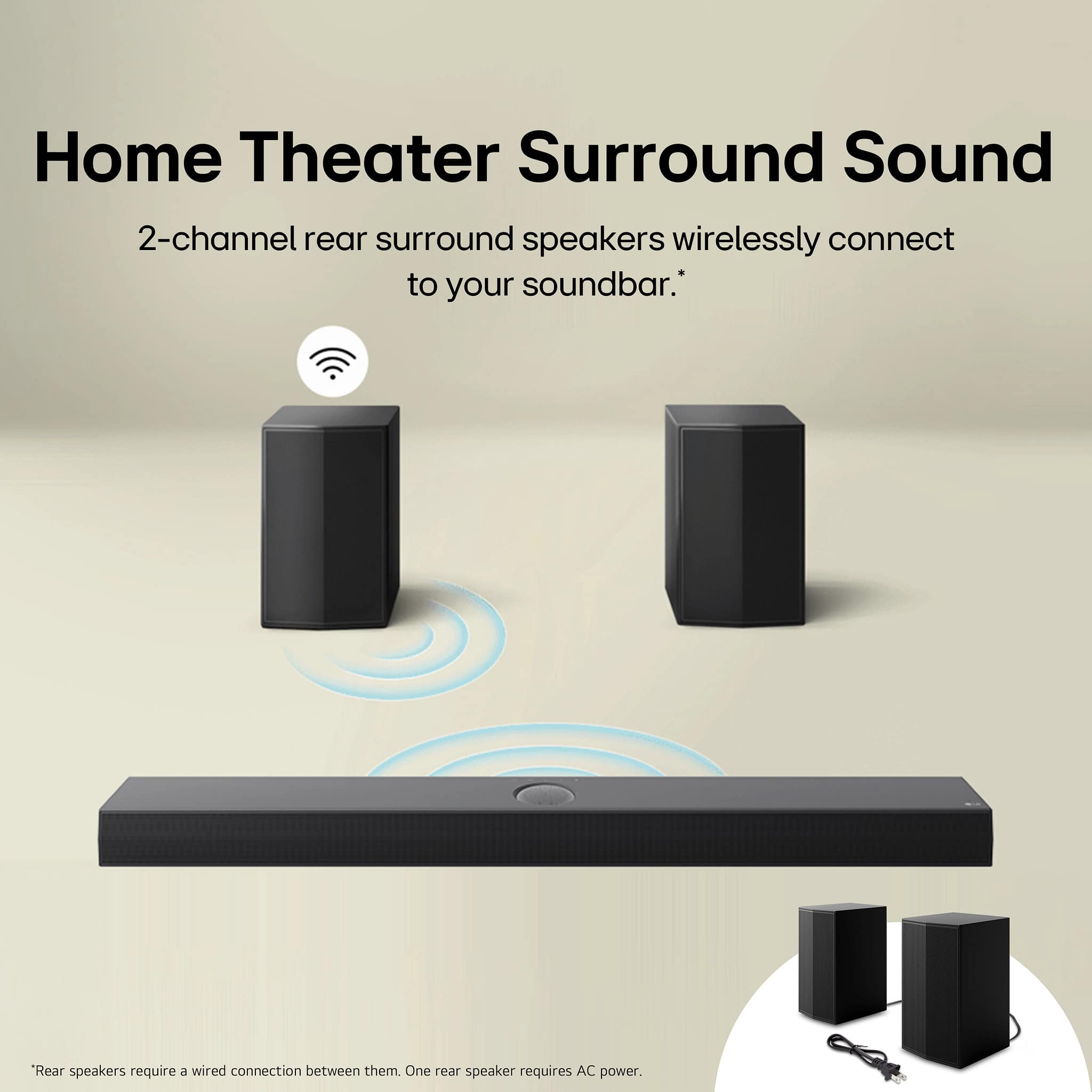
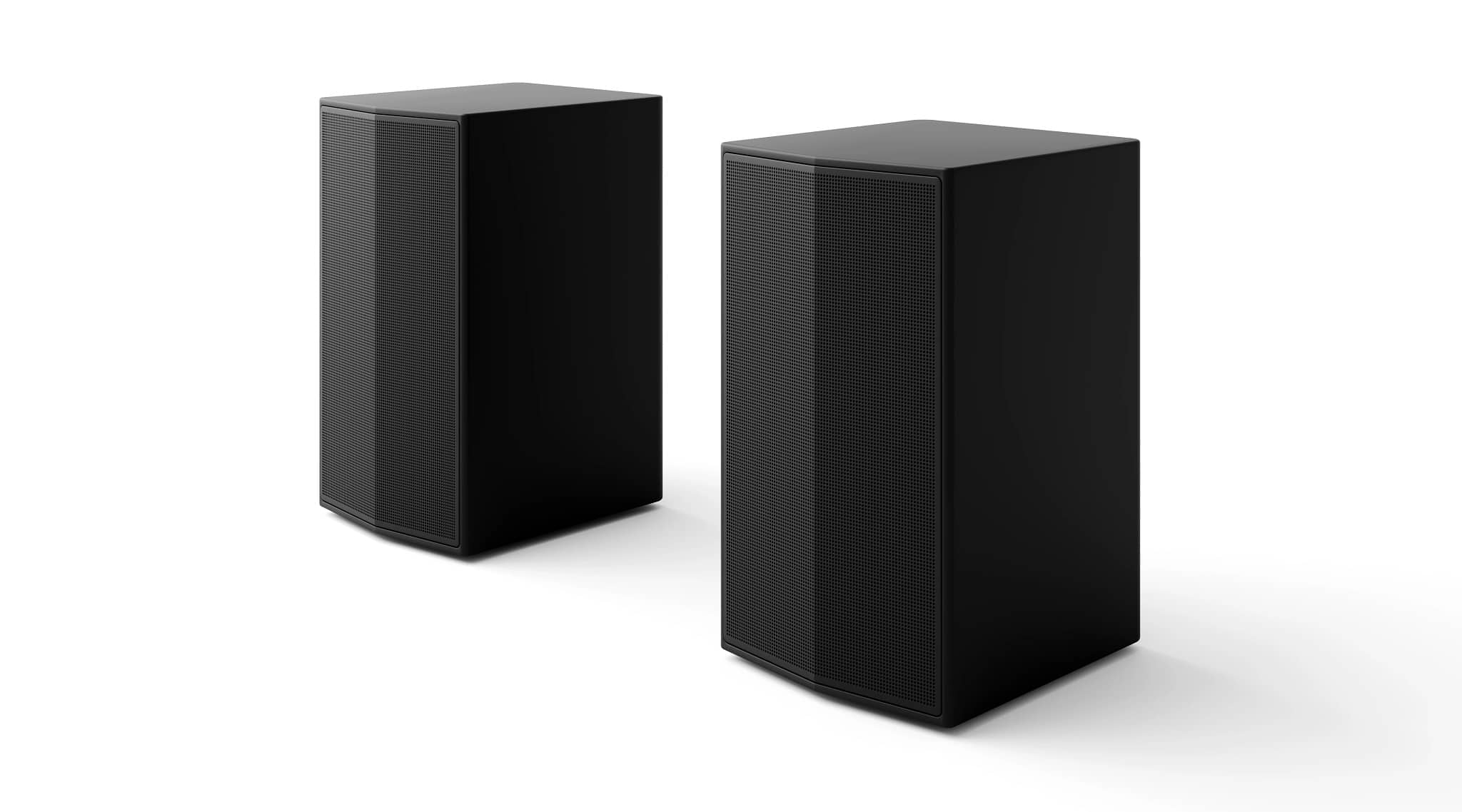
Q: QuestionI know it comes with two rear wireless speakers, but can I add two additional rear wireless speakers to put in my kitchen, if so what ones are recommended?
Asked by torynjr.
- A:Answer Hello there, thank you for your inquiry! We understand you're interested in adding two additional rear wireless speakers to the LG S60TR Home Theater Soundbar for use in your kitchen. Currently, the LG S60TR is designed to work with the two rear wireless speakers included in the package. It does not support the addition of extra rear wireless speakers beyond the ones provided. However, you can explore other LG soundbars that offer more flexibility with additional speakers, or consider using a Bluetooth connection to stream audio to other compatible speakers in your kitchen. https://www.lg.com/us/soundbars/lg-s60tr-home-theater-soundbar#pdp_specs For further assistance or if you'd like recommendations for other setups, please send us a private message on Social Media @LGUSSupport, and our team will be happy to help! —Renzo
Answered by LG Digital Customer Care

Q: QuestionI have a LG 60UH7700UB TV. I want to have a sound bar or system that turns on when the TV turns on using my Comcast remote. I would like to stay under $300. What do you recomment to someone who is tech challenged?
Asked by Mike.
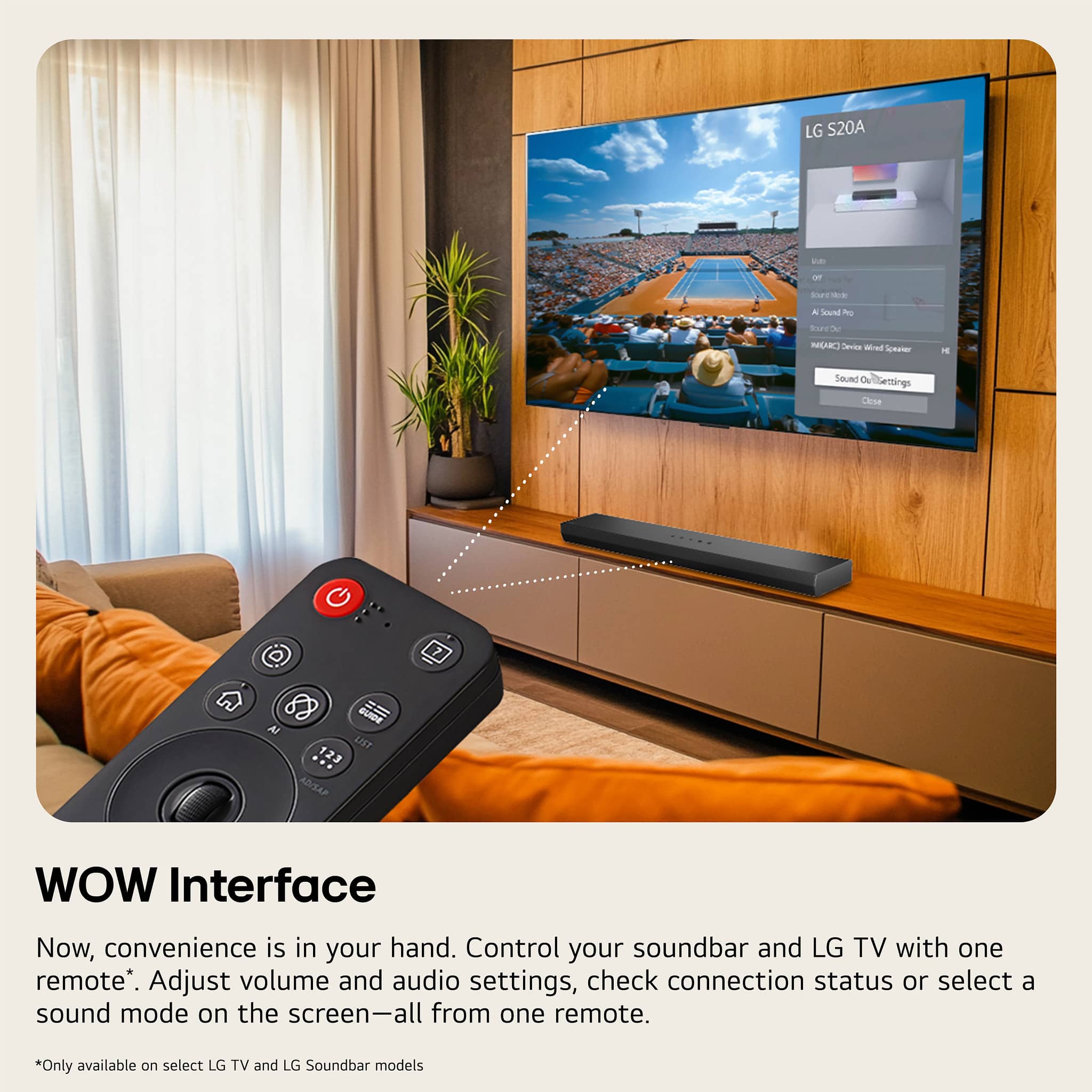
- A:Answer Hi there, Mike. Thank you for sharing your inquiry with us. We understand your situation and are here to help. Based on your LG 60UH7700UB TV and your desire for a soundbar or system that powers on automatically with your TV via your Comcast remote, the LG S60TR is a great option to consider. This home theater soundbar is designed with features like LG TV Sound Sync and Auto Power (On/Off) functionality that work seamlessly with LG TVs. It allows the soundbar to turn on when the TV is powered up, helping simplify the process for someone who prefers a straightforward setup. As a troubleshooting step, we recommend ensuring that your TV’s SIMPLINK™ (HDMI-CEC) feature is enabled and that the soundbar is connected via HDMI ARC or the optical input. This will help synchronize the power functions and allow your Comcast remote to control both devices easily. https://www.lg.com/us/tvs/lg-60UH7700-4k-uhd-tv#pdp_specs If you need additional guidance with the setup or have any further questions, please send us a private message on Social Media @LGUSSupport, and our team will be more than happy to explore possible solutions with you. —Renzo
Answered by LG Digital Customer Care

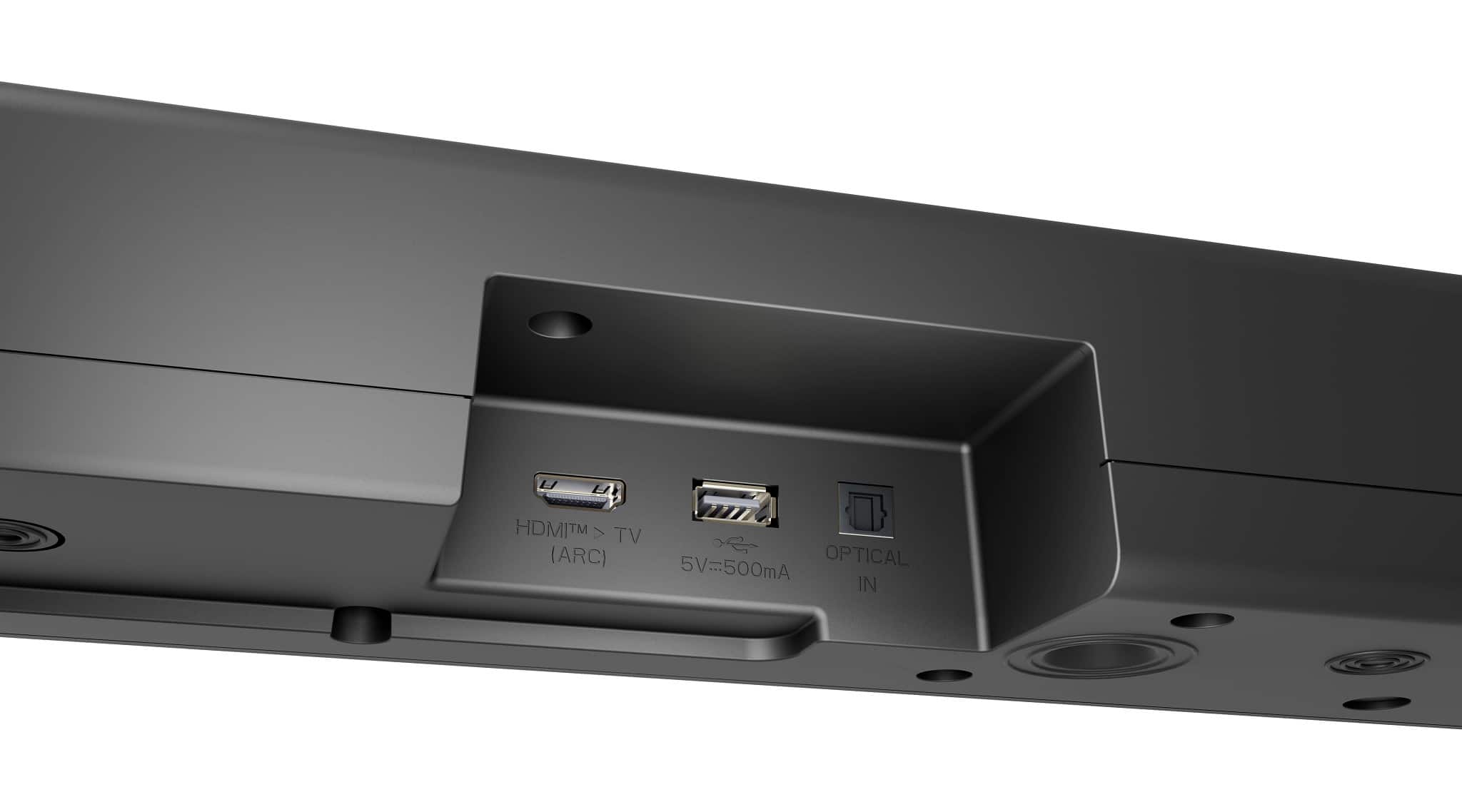
Q: QuestionI have a Samsung TV and recently bought a LG - 5.1 Channel S60TR Soundbar. I conected them using the Optic cable provided. I'd like to be able to control the sound volume using the Samsung remote but when i've tried i get volume from both the TV.
Asked by Wheels.
- A:Answer Wow…not sure why that is. Might be an issue to look at on your “settings” menu. Haven’t encountered that issue..
Answered by Biggmo
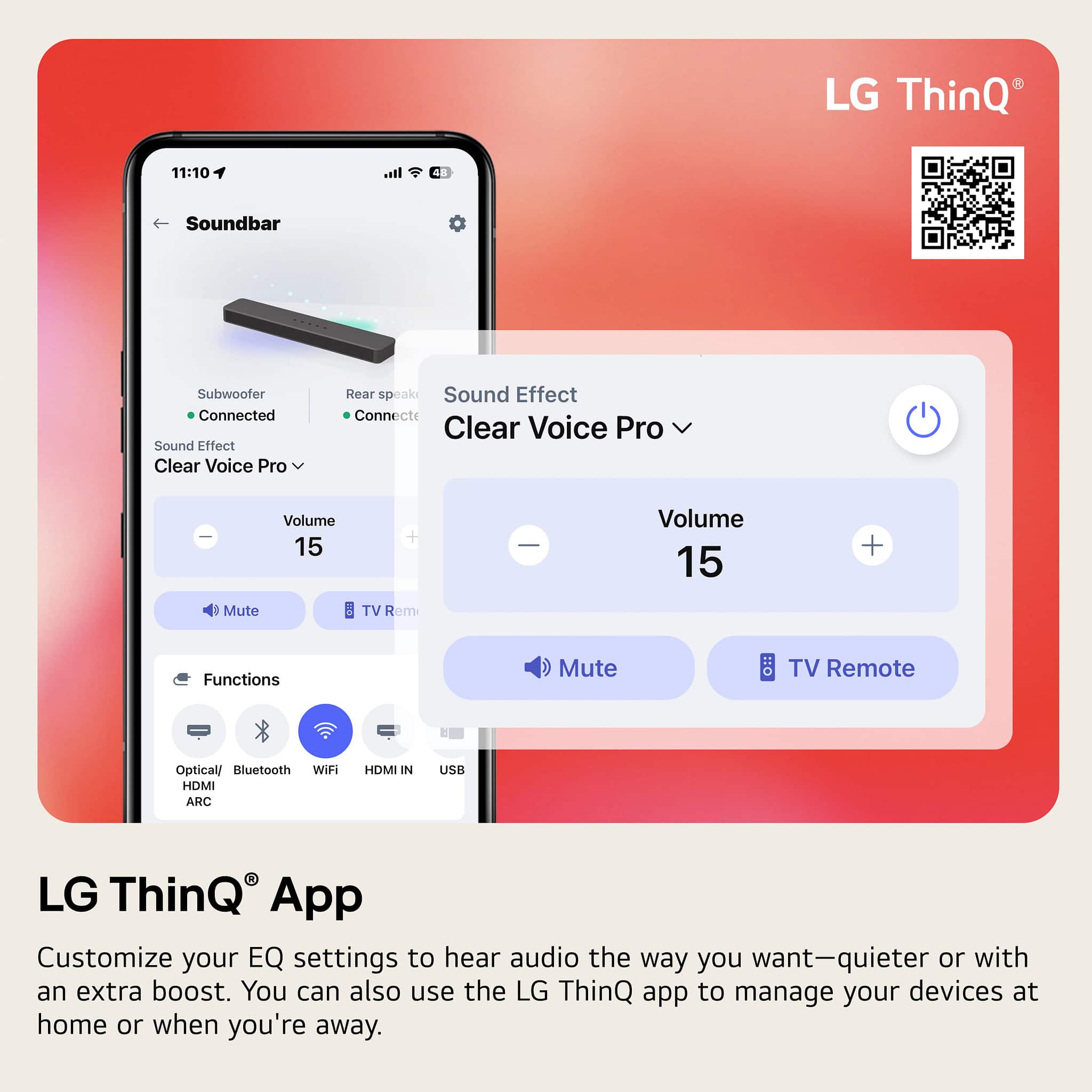
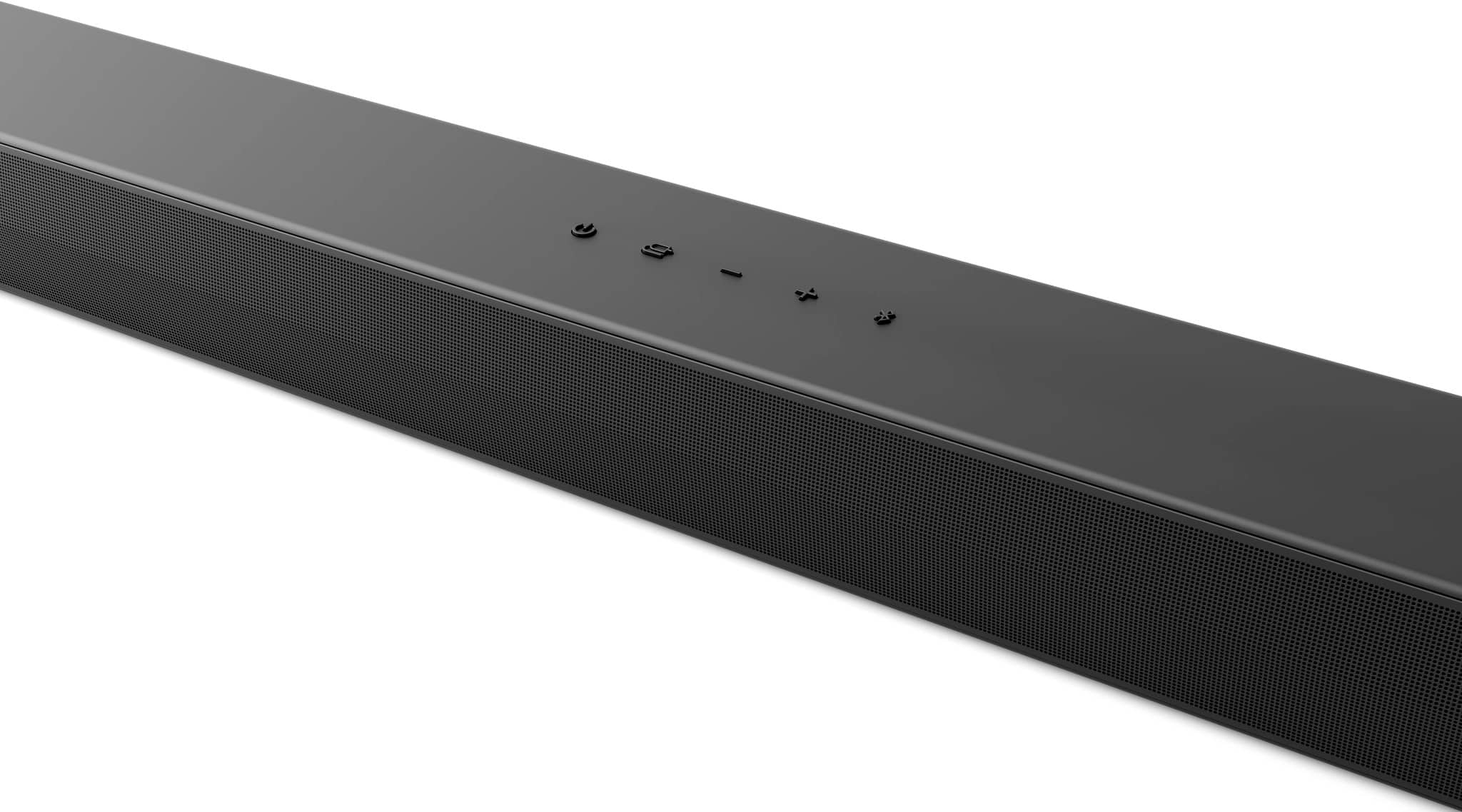
Q: QuestionDoes the soundbar have an LED display on the front? All we have is the lights that show that it is on. Is there a menu, so that when you are using the remote it shows how far up or down you are moving the sound and what you are adjusting?
Asked by Cyndy.
- A:Answer Yes, it is only lights. If you look at the instructions it tells you how to navigate the options with these lights and the voice that comes out of the speakers indicating where you are in the settings. A bit annoying, so the ultimate solution is to just use the LG app an and you can play with all settings on your phone!
Answered by RobI
Q: QuestionCan this soundbar be paired with Comcast remotes? I have a different company's HT system that will not, forcing me to use 2 remotes, and it doesn't make sense to make the same mistake twice.
Asked by Cliff.
- A:Answer Hi there, Cliff. Thank you for your question about the LG Sound Bar (Model S60TR.AUSALLK). We understand how convenient it is to control multiple devices with a single remote. While the LG S60TR sound bar supports HDMI CEC (SIMPLINK™), which allows for some control using compatible remotes, compatibility with Comcast remotes specifically depends on the remote's programming capabilities. https://www.lg.com/us/sound-bars/lg-s60tr-sound-bar#pdp_specs Typically, Comcast remotes can be programmed to control sound bars from various brands. We recommend checking the Comcast remote's user manual or contacting Comcast customer support to confirm if the LG S60TR sound bar can be paired with their remote. This could help you avoid the inconvenience of using multiple remotes. If you need further assistance, please feel free to send us a private message on Social Media @LGUSSupport. We’re here to help! —Renzo
Answered by LG Digital Customer Care

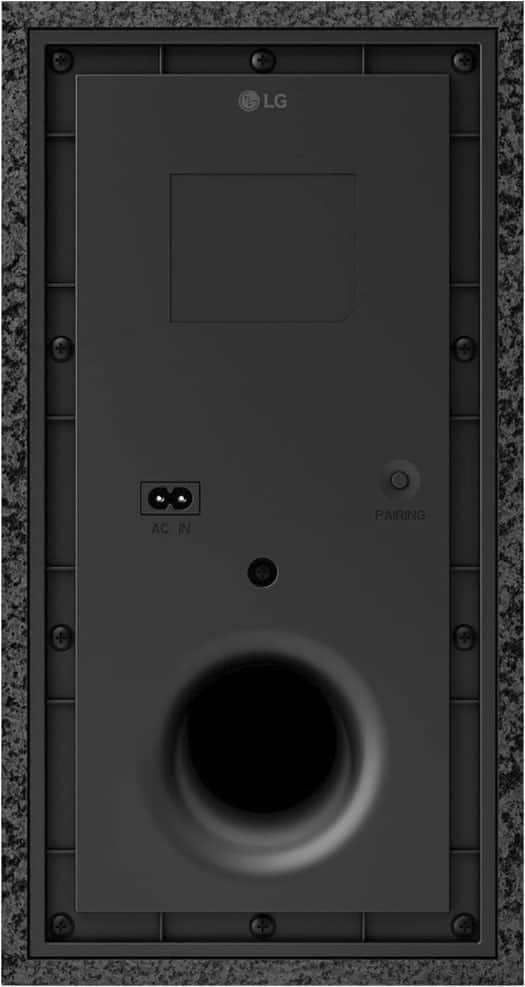
Q: QuestionCan you add additional wireless subwoofers to the lg s60t ? And can it be any brand?
Asked by John.
- A:Answer Hi there, John. Thank you for your inquiry about the LG S60TR Sound Bar. We understand that you're interested in enhancing your audio experience by adding additional wireless subwoofers. The LG S60TR Sound Bar is designed to work seamlessly with the included wireless subwoofer. However, it does not support pairing with additional subwoofers, whether from LG or other brands, as it is optimized for its specific configuration. https://www.lg.com/us/sound-bars/lg-s60tr-sound-bar#pdp_specs If you have further questions or need assistance exploring ways to maximize your sound system’s performance, feel free to send us a private message on social media @LGUSSupport. We’d be delighted to help! —Renzo
Answered by LG Digital Customer Care

Q: QuestionAm I able to connect additional LG speakers via Bluetooth to the the LG S60TR if I want sound radiating to another room ?
Asked by Sai.
- A:Answer Hello there, Sai. The LG S60TR sound bar does support Bluetooth connections, but it does not specify the capability to connect additional LG speakers via Bluetooth for sound in another room. It supports a wireless active subwoofer and LG TV Sound Sync via Bluetooth, but for adding more speakers, you might need to use a different setup or a compatible multi-room audio system. For best results, you may want to explore other LG sound solutions or use wired connections for additional speakers. https://www.lg.com/us/sound-bars/lg-s60tr-sound-bar#pdp_specs If you have further questions, feel free to ask! —Renzo
Answered by LG Digital Customer Care

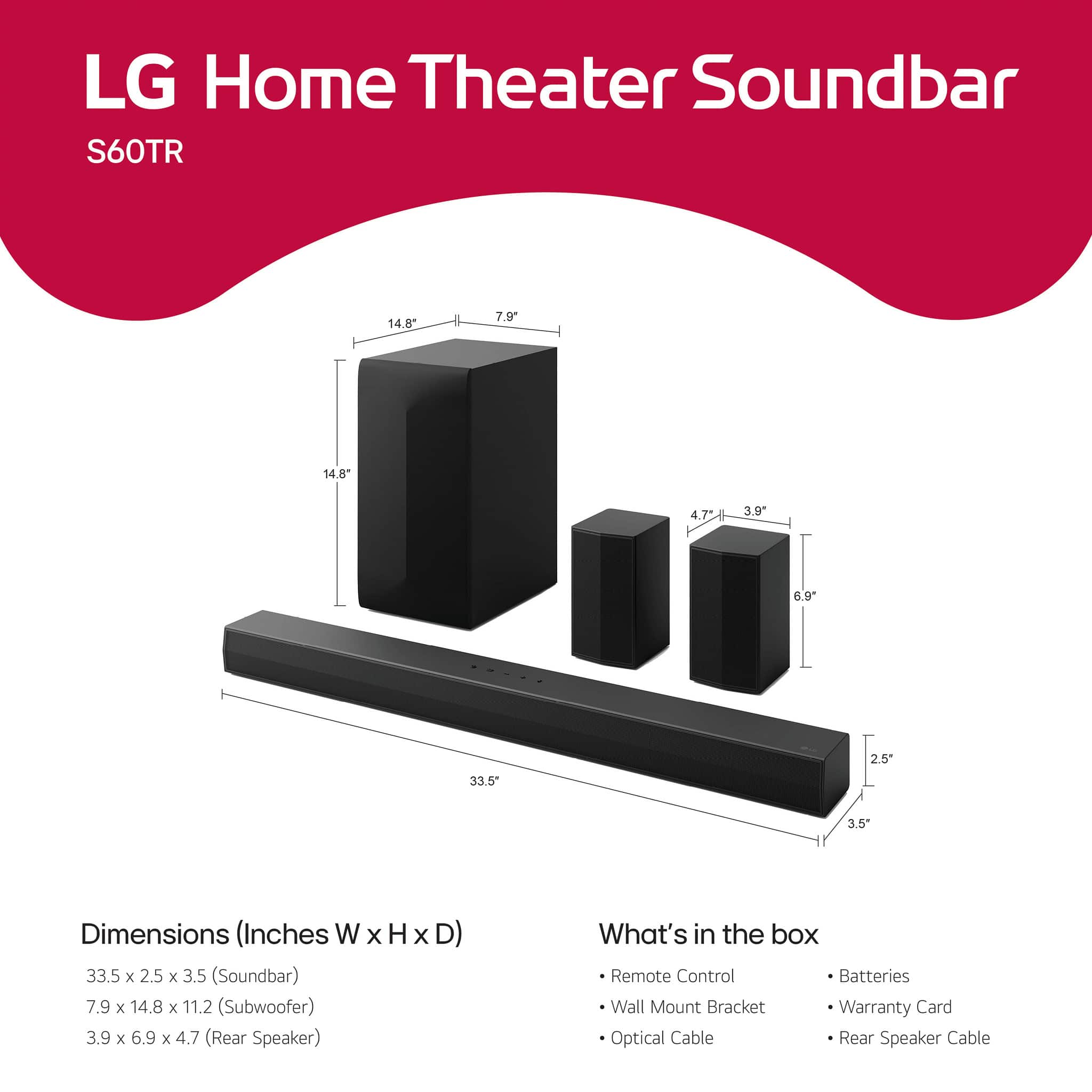
Q: QuestionI'm not terribly tech savvy. Will I be able to set this up myself? I have done some basic set-ups on my own. Also, I don't really need a subwoofer. Is there an option for not including that?
Asked by GrammaJoan.

- A:Answer Hello there, Joan. Thank you for your question about the LG S60TR Sound Bar. We understand that setting up a new device can feel a bit challenging, but we’re happy to let you know that the setup process for this sound bar is designed to be simple, especially if you've done basic setups before. It comes with clear instructions, and you can connect it to your TV using Bluetooth, optical input, or HDMI, depending on your preference. Regarding the subwoofer, the LG S60TR model includes a wireless subwoofer for enhanced sound. There is no option to purchase the sound bar without it. However, the subwoofer can be placed out of sight if space is a concern. https://www.lg.com/us/sound-bars/lg-s60tr-sound-bar#pdp_specs If you need assistance with setup or have further questions, feel free to send us a private message on social media @LGUSSupport. We’re here to help! —Renzo


Answered by LG Digital Customer Care

Q: Questionlg 5.1 sound bar with this sound bar will the PEOPLE TALKING BE LOUDER ( . I need to hear the people talking without the other sounds being louder like music gun shots etc.)
Asked by Anonymous.
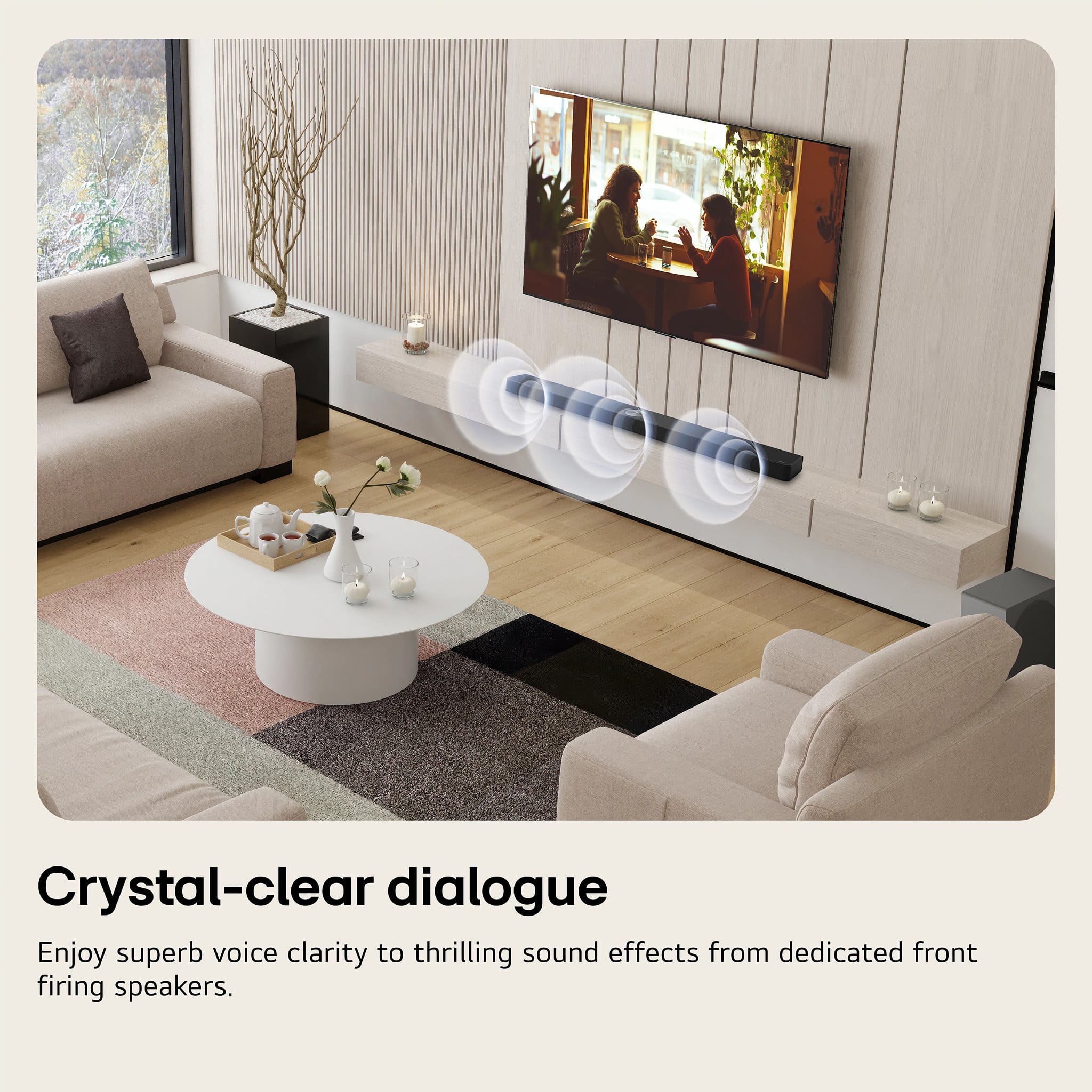
- A:Answer Hi, there. Thank you for reaching out. The LG Soundbar (S60TR) model features Clear Voice technology, which is designed to enhance dialogue clarity. This feature helps make conversations or people talking stand out more by boosting their volume over sound effects like music, gunshots, and background noise. It’s excellent for making voices more explicit without increasing the overall volume of the soundbar. To ensure this feature works, You can typically find this option in the sound settings of the soundbar or on the remote control. It’s often labeled as "Clear Voice" or "Voice Enhancement". If you're still not getting the desired effect, try adjusting the treble and bass levels, lowering bass or background sounds, and enhancing the mids (where speech frequencies lie). Additionally, some LG soundbars come with an AI Sound Pro mode that automatically adjusts sound settings to optimize dialogue based on the content being played. This mode could also be useful if you need the voices to be clearer and less affected by other sounds. For more information regarding the product, visit https://www.lg.com/us/sound-bars/lg-s60tr-sound-bar. Please send us a private message on social media @LGUSSupport for further assistance. We're more than happy to help you. ^Juvy
Answered by LG Digital Customer Care

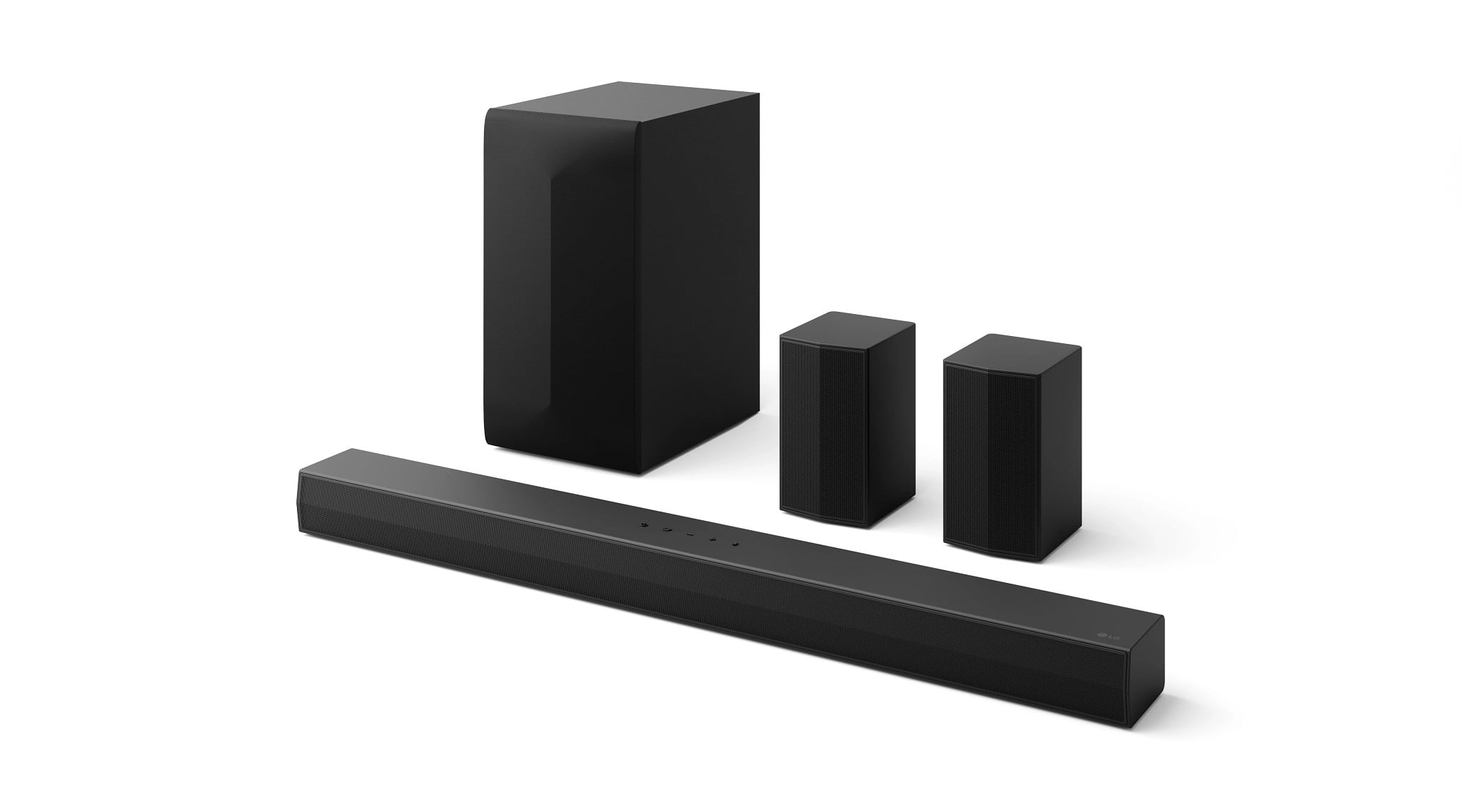
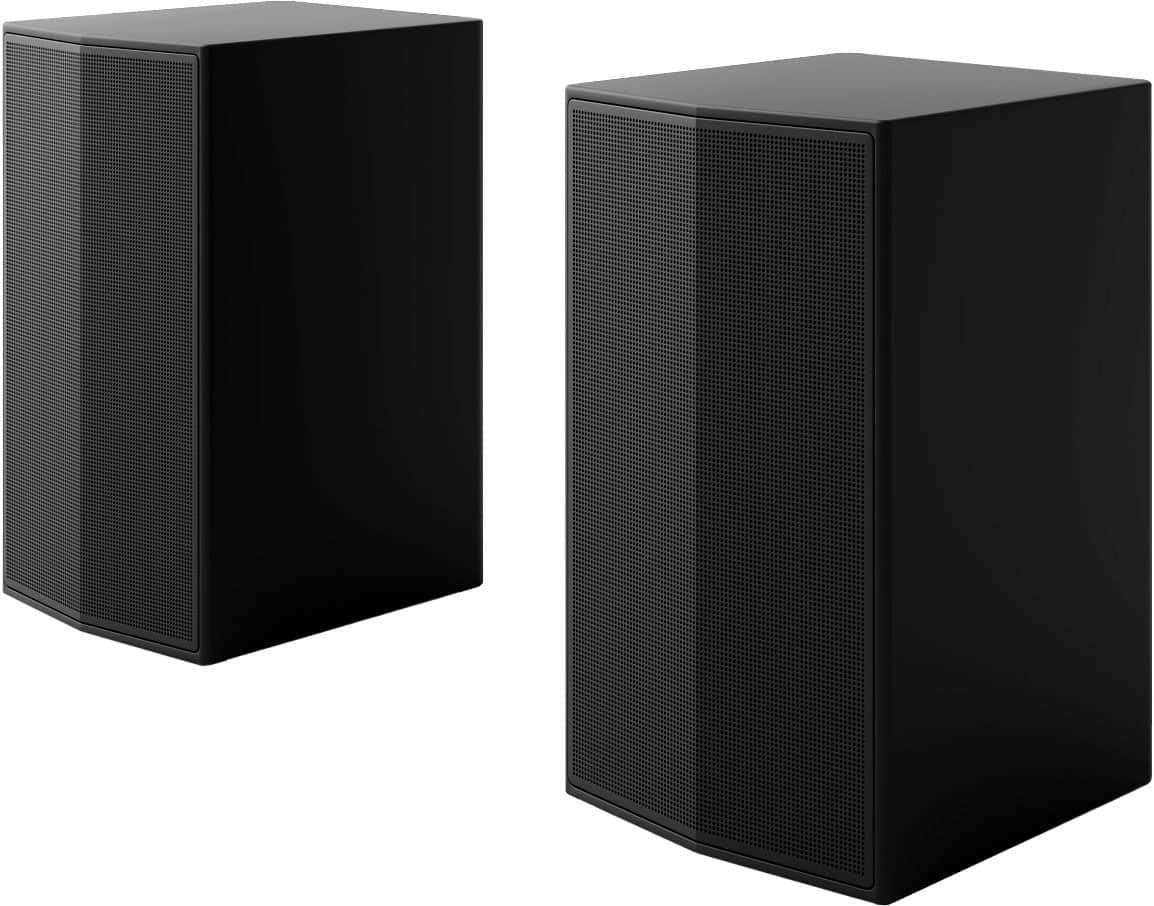
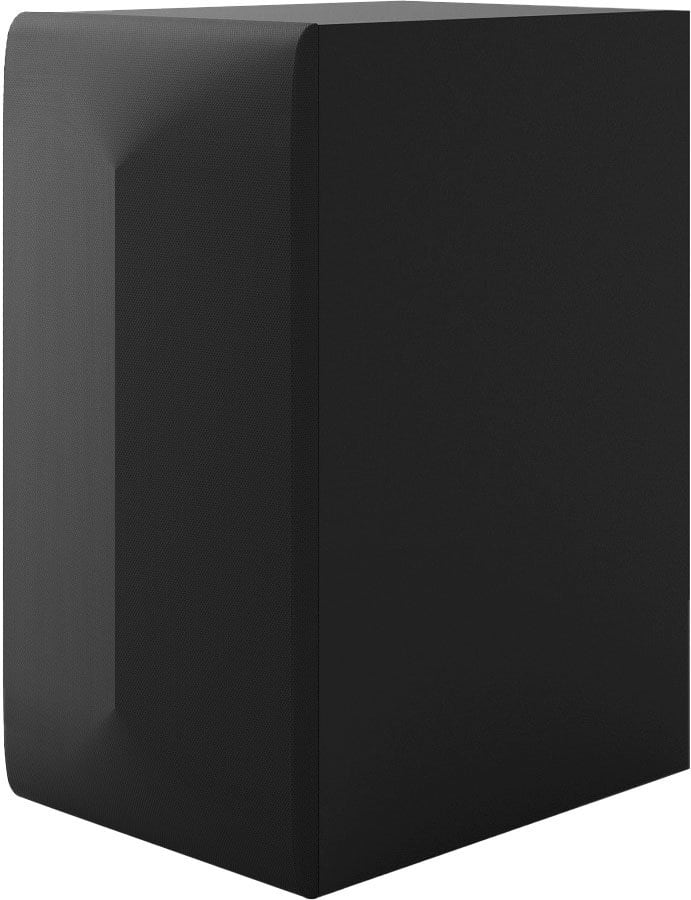
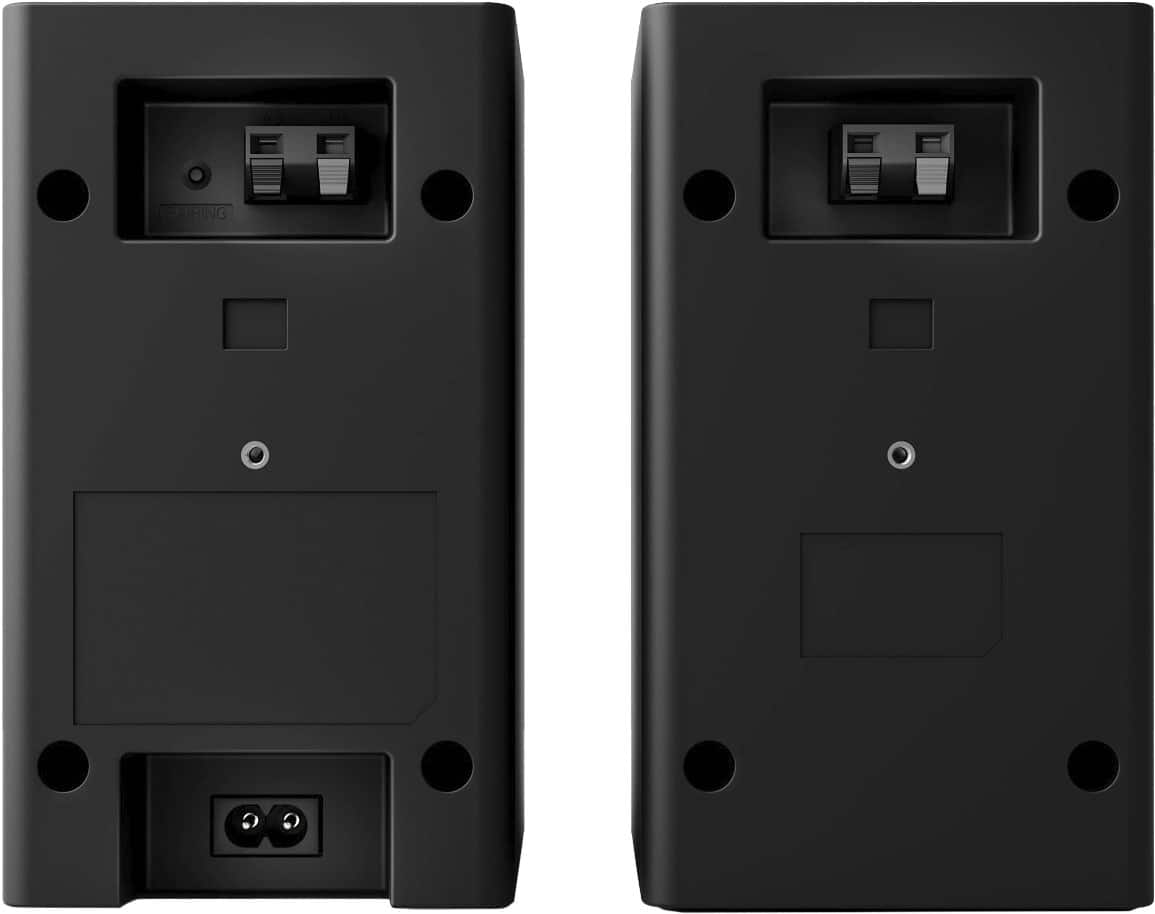
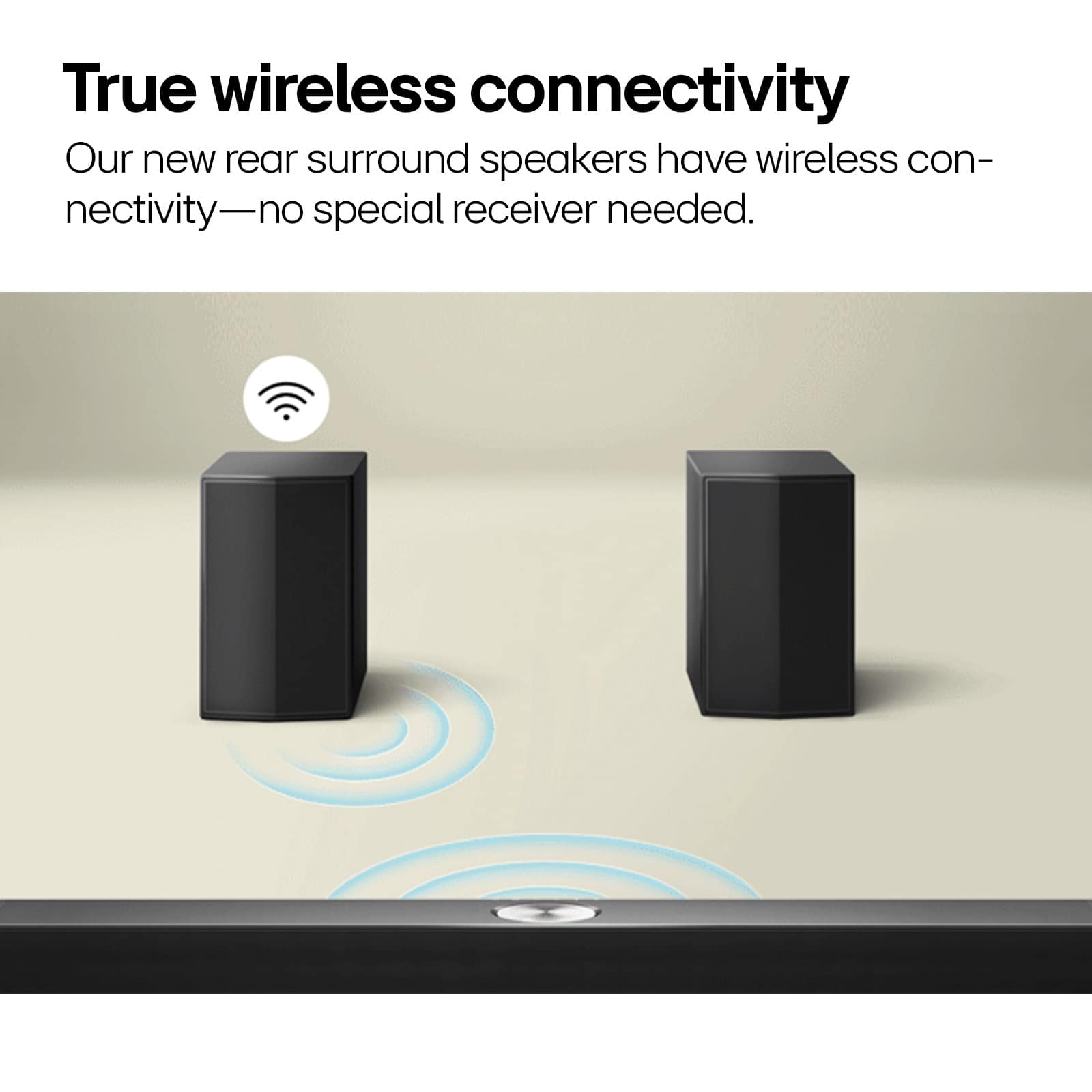
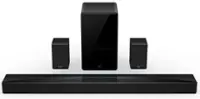
Q: QuestionIs the speakers that go behind the couch? Are they Wireless or do they have speaker cables that has to be hidden underneath the floor?
Asked by Jason.
- A:Answer They are wireless in that they don't require a power cable or speaker cable running to the front unit. But they do have a speaker cable that connects left rear speaker with right rear speaker. So if your couch is against a wall, the wire just goes behind your couch and you are good to go!
Answered by RobI
Q: QuestionCould I get installation with this order?
Asked by Savedbygrace1.
- A:Answer Hi there. Thank you for your question about installation for the LG S60TR Soundbar. We understand the convenience of having professional installation for your new sound system. While delivery is included, installation services are handled directly by Best Buy. To arrange for installation, please contact them at: Best Buy Appliance Delivery, Installation & Repair Services.- https://www.bestbuy.com/site/services/appliance-services/pcmcat255100050002.c?id=pcmcat255100050002 If you need further assistance or have more questions, feel free to reach out to us on social media @LGUSSupport, and we’ll be happy to help. —Renzo
Answered by LG Digital Customer Care

Q: QuestionLooking for the most compatible sound system for my 75 LG UR 8000 series tv.
Asked by Jjtom.
- A:Answer Hello there! We understand you're looking for the most compatible sound system for your LG 75UR8000 Series TV. The LG S60TR soundbar is a great choice for pairing with your TV, as it offers several features that complement your TV's audio and video settings: Audio Return Channel (ARC): The TV and soundbar can communicate over HDMI ARC, meaning you can control the soundbar's volume using your TV remote, creating a seamless experience. Multiple Audio Formats: The soundbar supports common formats such as Dolby Digital, DTS Digital Surround, and AAC, which your TV is also compatible with. This ensures that the soundbar can deliver the best audio quality for all your media. https://www.lg.com/us/sound-bars/lg-s60tr-sound-bar#pdp_specs Sound Modes and Customization: With sound modes like AI Sound Pro, Cinema, Music, and more, you can easily adjust audio to suit your content (such as movies, games, or sports). Additionally, you can fine-tune the EQ for a personalized experience. Smartphone Remote App: The app allows you to control sound settings via your phone, which adds flexibility. Night Mode: This feature is particularly helpful for reducing loud sounds at night, providing a more balanced listening experience when you need it. By choosing the LG S60TR soundbar, you’ll enjoy clear and immersive sound, easily adjustable for different types of content, with great compatibility and integration with your LG 75UR8000 TV. Let me know if you'd like more details or need further assistance! —Renzo
Answered by LG Digital Customer Care

Q: QuestionDoes this have an app to set up on your phone and how many wattage is the system
Asked by Raymond.
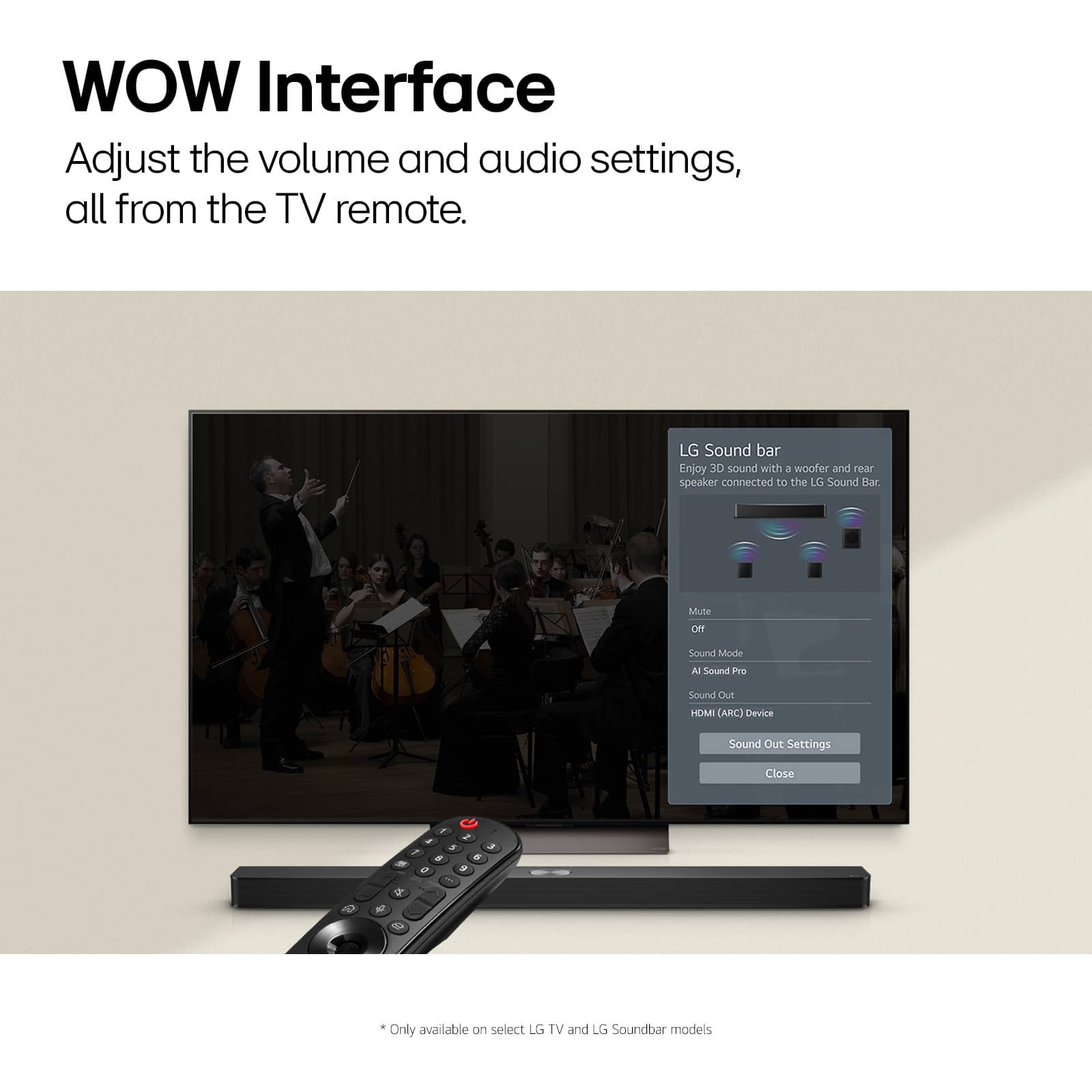
- A:Answer Hi there, Raymond. Thank you for your question about the S60TR system! Yes, this model is compatible with the LG ThinQ app, allowing you to control and monitor your system directly from your smartphone for a convenient audio experience. You may access this link related to your concern and go to Page 3 for guide on how to connect the LG ThinQ app: https://www.lg.com/us/support/product/lg-S60TR.AUSALLK. Regarding wattage, the S60TR soundbar system delivers a powerful 440W of audio through its left, right, center, and rear speakers, providing an immersive sound experience for your entertainment. If you have any further questions or need assistance with anything else, feel free to send us a private message on Social Media @LGUSSupport, and we’ll be happy to help. We appreciate your patience and look forward to assisting you! —Avril
Answered by LG Digital Customer Care

Q: QuestionCan I connect the soundbar to a receiver so I can listen to my phonograph?
Asked by terry0527.
- A:Answer Hi there! Thank you for your question about connecting the S60TR soundbar. You can connect a soundbar to a receiver for your phonograph, but it's not ideal due to compatibility and audio quality issues. If your soundbar lacks a phono input, you'll need a phono preamp to connect directly. Alternatively, connect the phonograph to the receiver's phono input and use the receiver's pre-out to send audio to the soundbar. For better sound quality, consider using a dedicated phono preamp or upgrading to a more suitable audio setup, as soundbars are primarily designed for TV and movies rather than vinyl playback. You may access this link for a quick quide on this unit, refer to Page 2 : https://www.lg.com/us/support/product/lg-S60TR.AUSALLK. If you need assistance with the connection process or have any further questions, please send us a private message on Social Media @LGUSSupport, and we’ll be happy to help. We appreciate your feedback! —Avril
Answered by LG Digital Customer Care

Q: QuestionIs there a way to set the HDMI ARC input as default? It sucks that I still have to use two remotes when I turn my tv on to change the input of the device to Optical Arc to hear my TV. The settings button on the remote only changes Auto On/Off.
Asked by Purchaser.
- A:Answer Hello there! Thank you for sharing your experience with the LG S60TR Soundbar. To set HDMI ARC as the default input, ensure that Simplink (HDMI-CEC) is enabled on both your TV and soundbar, which will allow the TV to automatically control the soundbar and select HDMI ARC when powered on. Additionally, you can go to your TV’s Settings > Sound > Sound Out, and select HDMI ARC as the default output. Make sure your soundbar is connected to the HDMI ARC port using a high-quality HDMI cable. If these steps don’t resolve the issue, please send us a private message on Social Media @LGUSSupport, and our team will be happy to assist you further. We appreciate your patience and look forward to helping you enjoy your setup. —Avril
Answered by LG Digital Customer Care

Q: QuestionSometimes there is white noise in one of the rear speakers. How do you fix it?
Asked by Scyllage.
- A:Answer Hello there! Thank you for your question about the LG S60TR sound bar. We understand your situation regarding the white noise in one of the rear speakers. To troubleshoot this issue, we recommend first ensuring that all connections are secure and that the rear speakers are properly paired with the sound bar. If the issue persists, you can try resetting the sound bar to its factory settings, which can often resolve audio-related concerns. If you continue to experience white noise or need further assistance, please send us a private message on Social Media @LGUSSupport, and our team will be more than happy to help you. We appreciate your interest in our products! —Renzo
Answered by LG Digital Customer Care

Q: QuestionCan you mount the to LG B4 TV 2024
Asked by Karl.
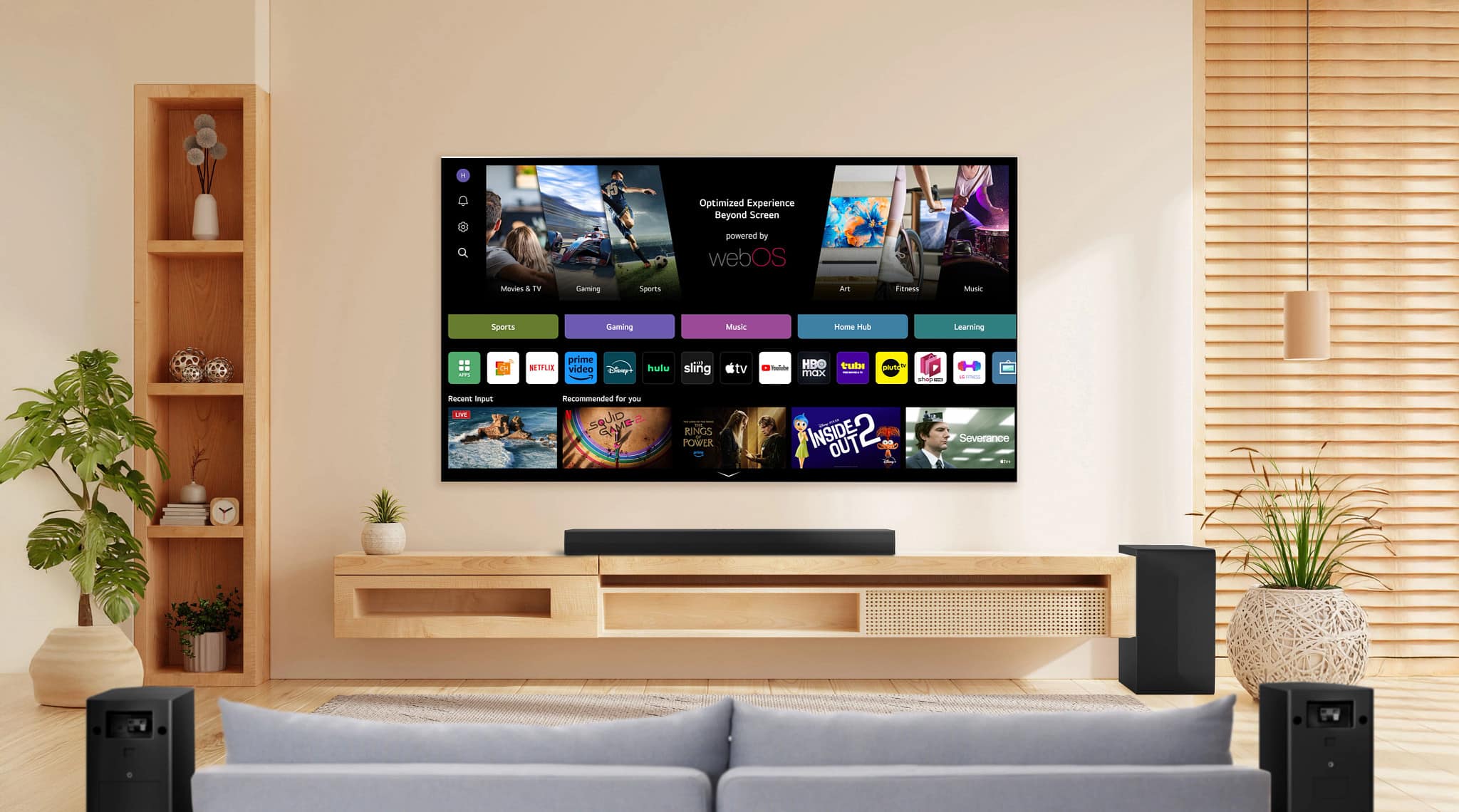
- A:Answer Hi there, thank you for your question. The LG S60TR soundbar is compatible with most LG TVs, including the 2024 LG B4 model. However, it does not mount directly to the TV. Instead, you can place the soundbar on a stand beneath the TV or mount it to the wall separately. If you need further assistance with setup or additional questions, please send us a private message on Social Media @LGUSSupport, and we’d be happy to help. —Avril
Answered by LG Digital Customer Care

Q: QuestionI have an older LG 4K 55" tv (2019 version) with HDMIarc that still works great and has a fantastic picture. If I get this sound bar and connect it using the HDMIarc, would I be able to control the volume using the TV remote, even though it is older?
Asked by Ranger.
- A:Answer Hi there. Thank you for your question regarding the LG sound bar model S60TR and your older 4K TV. Yes, if you connect the S60TR sound bar to your 2019 LG TV using the HDMI ARC (Audio Return Channel) port, you should be able to control the sound bar’s volume with your TV remote. HDMI ARC allows for bidirectional communication between the TV and the sound bar, which includes volume control. To ensure this works correctly, make sure your TV’s settings are configured to enable HDMI ARC control. You can typically find this setting under the TV’s audio or sound menu. If you encounter any issues with the setup, please send us a private message on Social Media @LGUSSupport, and our team will be more than happy to assist you further. We appreciate your patience. —Renzo
Answered by LG Digital Customer Care

Q: Questionwill this work with a projector?
Asked by Projector.
- A:Answer Hi there. Thank you for your inquiry about the LG S60T soundbar. We understand you're curious if it will work with a projector. The LG S60T soundbar can connect to devices like projectors, provided that the projector supports either HDMI ARC, optical, or Bluetooth connections. Please check your projector’s available output options to ensure compatibility. For further assistance, feel free to send us a private message on social media @LGUSSupport, and we'll be happy to help you explore the best setup for your home entertainment. We appreciate your patience. —Renzo
Answered by LG Digital Customer Care

Q: QuestionWill this sound system work with Samsung smart t.v.
Asked by Gamblingman.
- A:Answer Hey there! We'd be happy to answer your question about connecting your LG soundbar to any TV. These soundbars can connect to any smart TV with an HDMI IN (ARC) port. If you have any other questions, feel free to reach out to us on social media at @LGUSSupport, and we'll be happy to answer them! *Josh
Answered by LG Digital Customer Care

Top Rated
- $24.99Your price for this item is $24.99$39.99The comparable value for this item is $39.99
- Black Friday Deal$149.99Your price for this item is $149.99
Samsung - HW-B650/ZA 3.1 Channel Soundbar with Wireless Subwoofer, Dolby 5.1 / DTS Virtual:X - BlackBlack Friday Deal$199.99Your price for this item is $199.99- $199.99Your price for this item is $199.99$279.99The comparable value for this item is $279.99
- Black Friday Deal$999.99Your price for this item is $999.99
- Black Friday Deal$249.99Your price for this item is $249.99
- $1,099.00Your price for this item is $1,099.00
- $399.99Your price for this item is $399.99$499.99The comparable value for this item is $499.99
- $219.00Your price for this item is $219.00
- $1,274.99Your price for this item is $1,274.99$1,999.99The comparable value for this item is $1,999.99
- $119.99Your price for this item is $119.99
- Black Friday Deal$599.99Your price for this item is $599.99
- $139.99Your price for this item is $139.99$159.99The comparable value for this item is $159.99
- $469.99Your price for this item is $469.99$499.00The comparable value for this item is $499.00
- Black Friday Deal$699.99Your price for this item is $699.99
- $549.99Your price for this item is $549.99
- $599.00Your price for this item is $599.00
- Black Friday Deal$499.99Your price for this item is $499.99
- Black Friday Deal$229.99Your price for this item is $229.99
- $549.99Your price for this item is $549.99$649.99The comparable value for this item is $649.99