Questions & Answers
- Model:
- S60TR
- |
- SKU:
- 6579924
Q: QuestionDoes this have an app to set up on your phone and how many wattage is the system
Asked by Raymond.
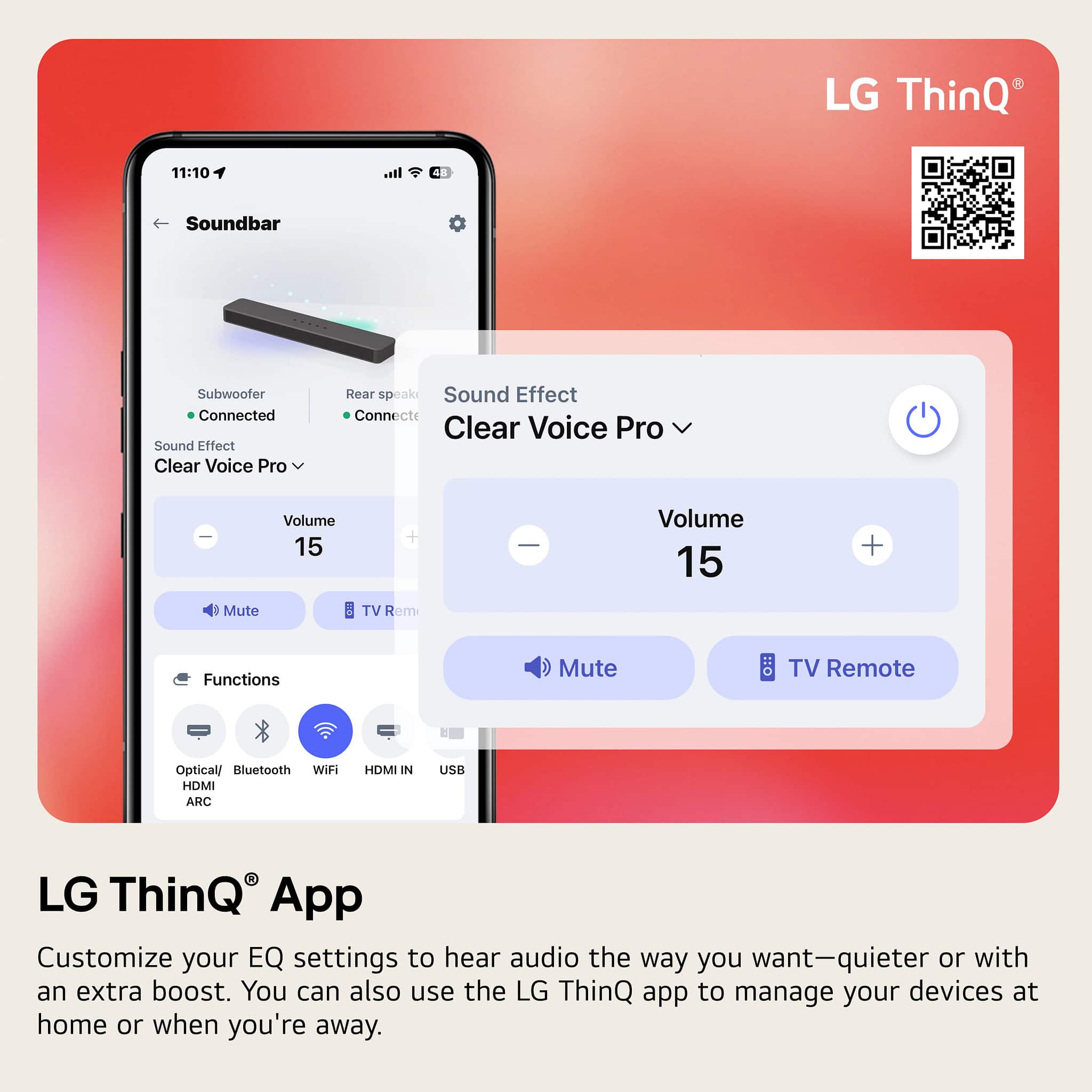
- A:Answer Hi there, Raymond. Thank you for your question about the S60TR system! Yes, this model is compatible with the LG ThinQ app, allowing you to control and monitor your system directly from your smartphone for a convenient audio experience. You may access this link related to your concern and go to Page 3 for guide on how to connect the LG ThinQ app: https://www.lg.com/us/support/product/lg-S60TR.AUSALLK. Regarding wattage, the S60TR soundbar system delivers a powerful 440W of audio through its left, right, center, and rear speakers, providing an immersive sound experience for your entertainment. If you have any further questions or need assistance with anything else, feel free to send us a private message on Social Media @LGUSSupport, and we’ll be happy to help. We appreciate your patience and look forward to assisting you! —Avril
Answered by LG Digital Customer Care

Q: QuestionCan I connect the soundbar to a receiver so I can listen to my phonograph?
Asked by terry0527.
- A:Answer Hi there! Thank you for your question about connecting the S60TR soundbar. You can connect a soundbar to a receiver for your phonograph, but it's not ideal due to compatibility and audio quality issues. If your soundbar lacks a phono input, you'll need a phono preamp to connect directly. Alternatively, connect the phonograph to the receiver's phono input and use the receiver's pre-out to send audio to the soundbar. For better sound quality, consider using a dedicated phono preamp or upgrading to a more suitable audio setup, as soundbars are primarily designed for TV and movies rather than vinyl playback. You may access this link for a quick quide on this unit, refer to Page 2 : https://www.lg.com/us/support/product/lg-S60TR.AUSALLK. If you need assistance with the connection process or have any further questions, please send us a private message on Social Media @LGUSSupport, and we’ll be happy to help. We appreciate your feedback! —Avril
Answered by LG Digital Customer Care

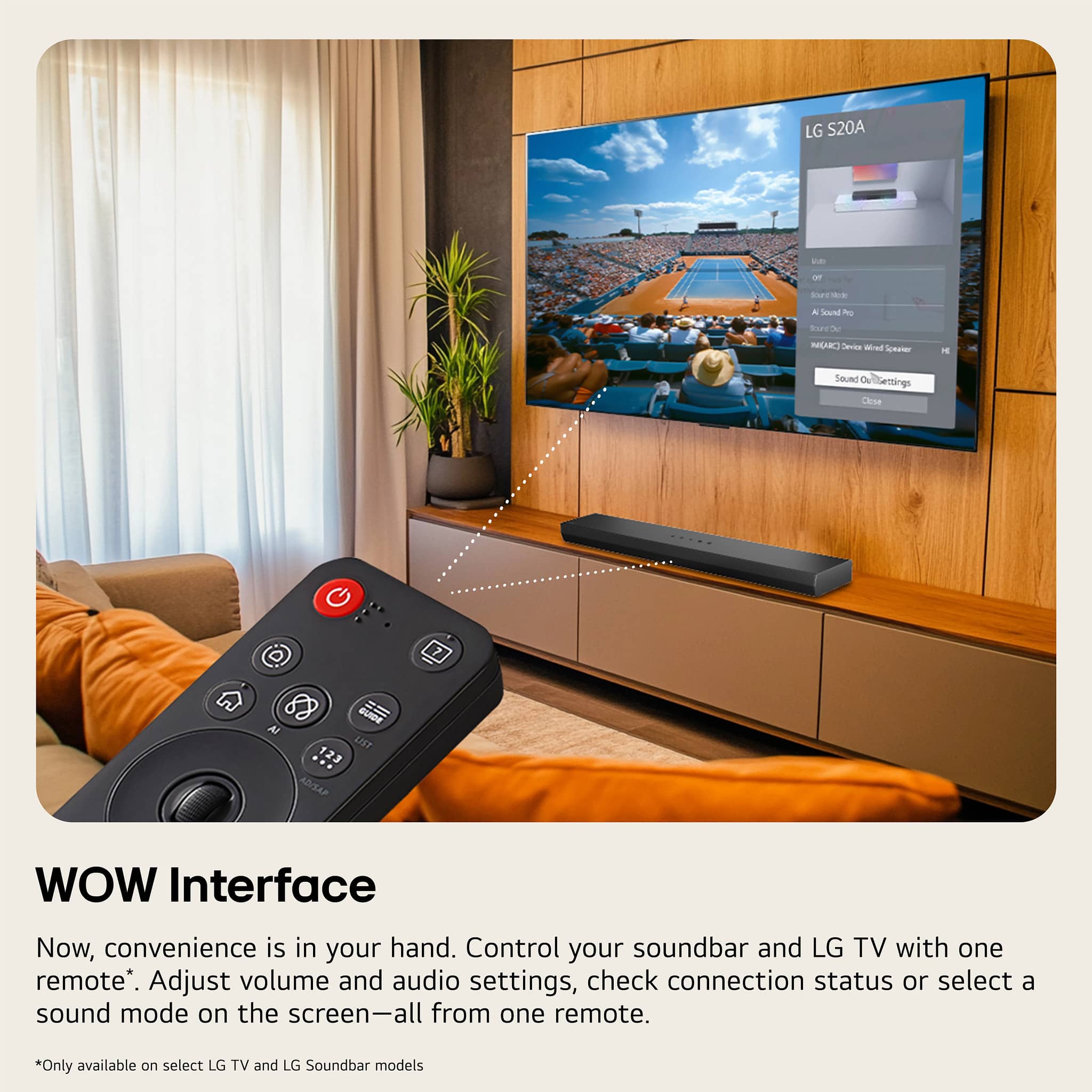
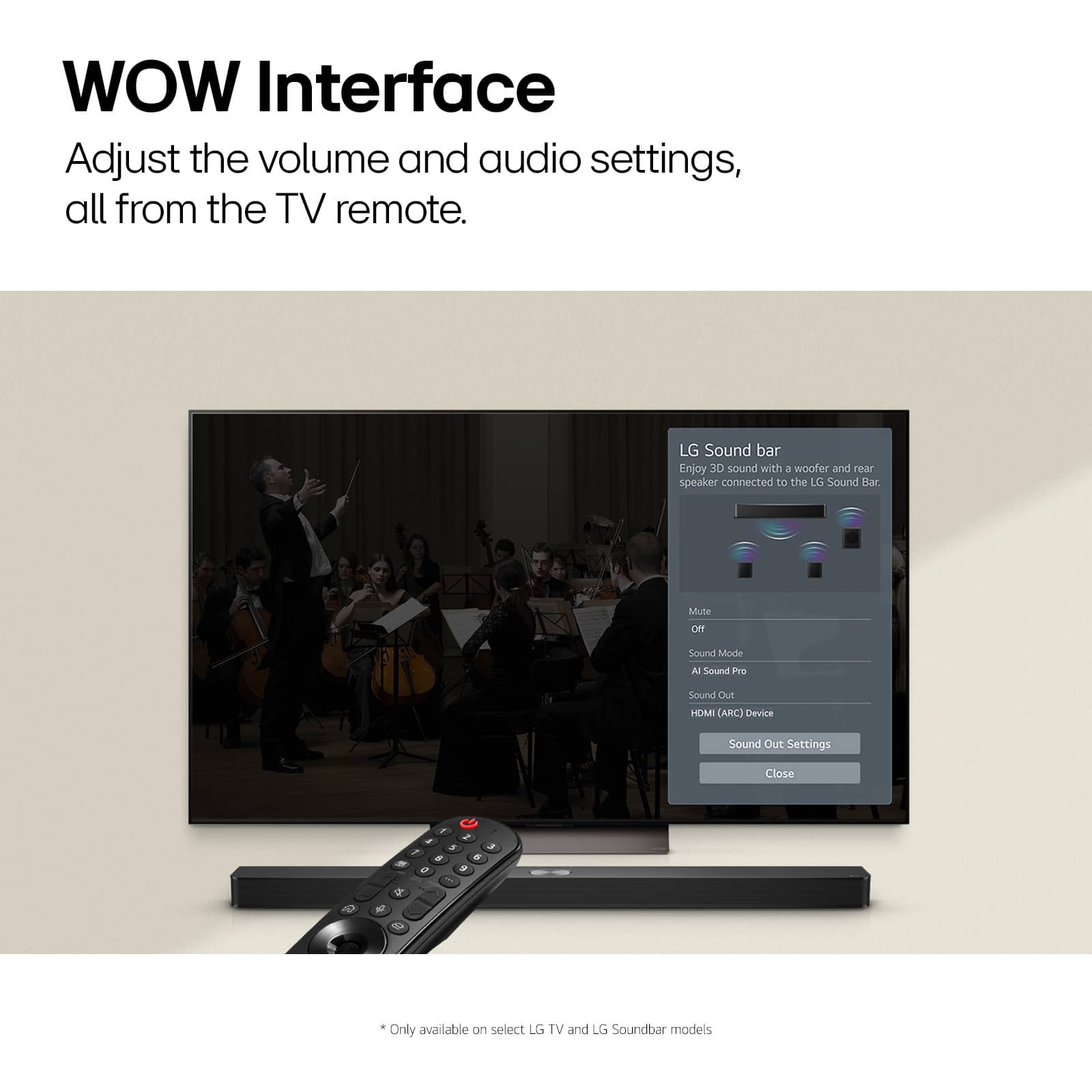
Q: QuestionIs there a way to set the HDMI ARC input as default? It sucks that I still have to use two remotes when I turn my tv on to change the input of the device to Optical Arc to hear my TV. The settings button on the remote only changes Auto On/Off.
Asked by Purchaser.
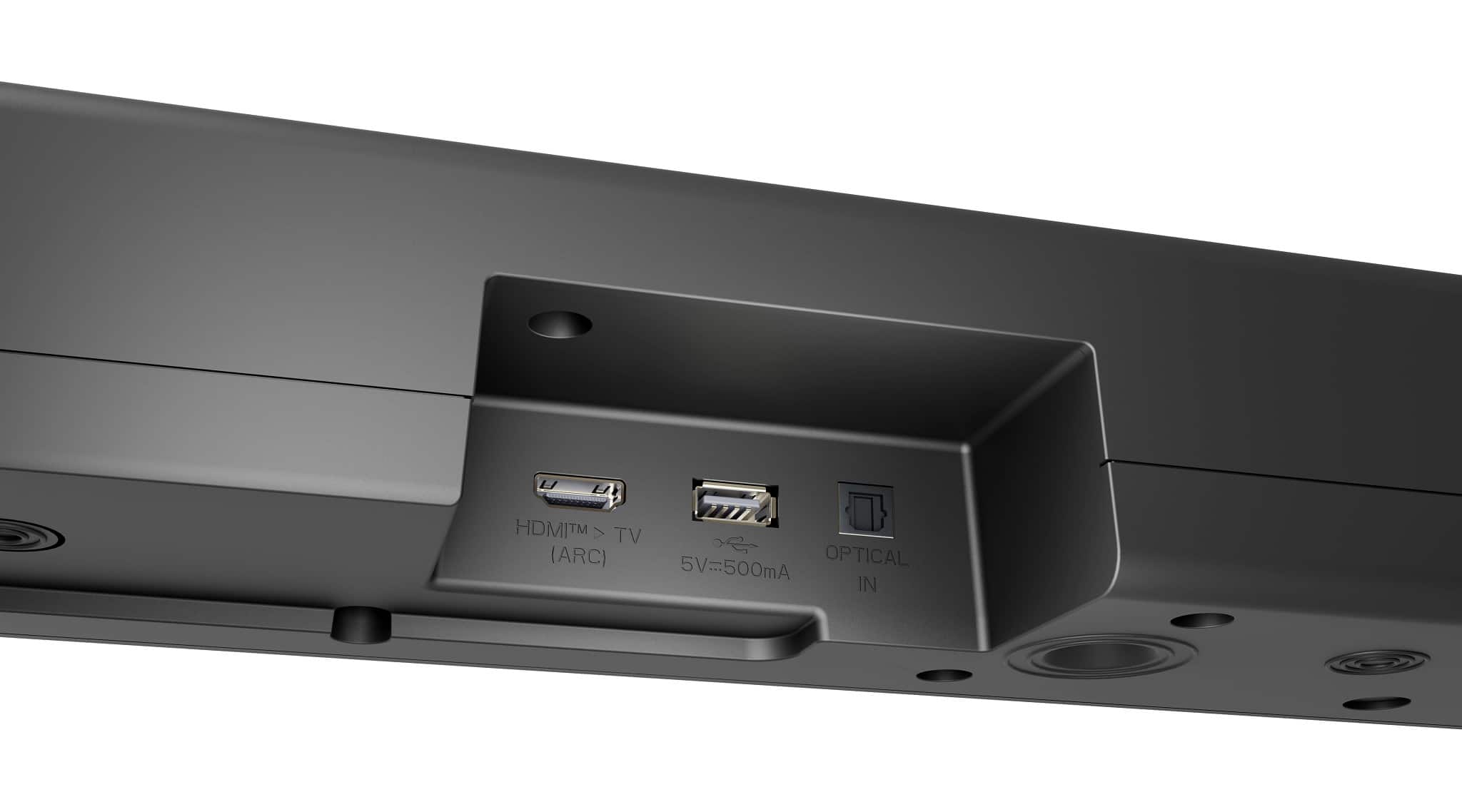
- A:Answer Hello there! Thank you for sharing your experience with the LG S60TR Soundbar. To set HDMI ARC as the default input, ensure that Simplink (HDMI-CEC) is enabled on both your TV and soundbar, which will allow the TV to automatically control the soundbar and select HDMI ARC when powered on. Additionally, you can go to your TV’s Settings > Sound > Sound Out, and select HDMI ARC as the default output. Make sure your soundbar is connected to the HDMI ARC port using a high-quality HDMI cable. If these steps don’t resolve the issue, please send us a private message on Social Media @LGUSSupport, and our team will be happy to assist you further. We appreciate your patience and look forward to helping you enjoy your setup. —Avril
Answered by LG Digital Customer Care

Q: QuestionSometimes there is white noise in one of the rear speakers. How do you fix it?
Asked by Scyllage.
- A:Answer Hello there! Thank you for your question about the LG S60TR sound bar. We understand your situation regarding the white noise in one of the rear speakers. To troubleshoot this issue, we recommend first ensuring that all connections are secure and that the rear speakers are properly paired with the sound bar. If the issue persists, you can try resetting the sound bar to its factory settings, which can often resolve audio-related concerns. If you continue to experience white noise or need further assistance, please send us a private message on Social Media @LGUSSupport, and our team will be more than happy to help you. We appreciate your interest in our products! —Renzo

Answered by LG Digital Customer Care

Q: QuestionCan you mount the to LG B4 TV 2024
Asked by Karl.
- A:Answer Hi there, thank you for your question. The LG S60TR soundbar is compatible with most LG TVs, including the 2024 LG B4 model. However, it does not mount directly to the TV. Instead, you can place the soundbar on a stand beneath the TV or mount it to the wall separately. If you need further assistance with setup or additional questions, please send us a private message on Social Media @LGUSSupport, and we’d be happy to help. —Avril
Answered by LG Digital Customer Care

Q: QuestionI have an older LG 4K 55" tv (2019 version) with HDMIarc that still works great and has a fantastic picture. If I get this sound bar and connect it using the HDMIarc, would I be able to control the volume using the TV remote, even though it is older?
Asked by Ranger.
- A:Answer Hi there. Thank you for your question regarding the LG sound bar model S60TR and your older 4K TV. Yes, if you connect the S60TR sound bar to your 2019 LG TV using the HDMI ARC (Audio Return Channel) port, you should be able to control the sound bar’s volume with your TV remote. HDMI ARC allows for bidirectional communication between the TV and the sound bar, which includes volume control. To ensure this works correctly, make sure your TV’s settings are configured to enable HDMI ARC control. You can typically find this setting under the TV’s audio or sound menu. If you encounter any issues with the setup, please send us a private message on Social Media @LGUSSupport, and our team will be more than happy to assist you further. We appreciate your patience. —Renzo
Answered by LG Digital Customer Care

Q: Questionwill this work with a projector?
Asked by Projector.
- A:Answer Hi there. Thank you for your inquiry about the LG S60T soundbar. We understand you're curious if it will work with a projector. The LG S60T soundbar can connect to devices like projectors, provided that the projector supports either HDMI ARC, optical, or Bluetooth connections. Please check your projector’s available output options to ensure compatibility. For further assistance, feel free to send us a private message on social media @LGUSSupport, and we'll be happy to help you explore the best setup for your home entertainment. We appreciate your patience. —Renzo
Answered by LG Digital Customer Care

Q: QuestionWill this sound system work with Samsung smart t.v.
Asked by Gamblingman.
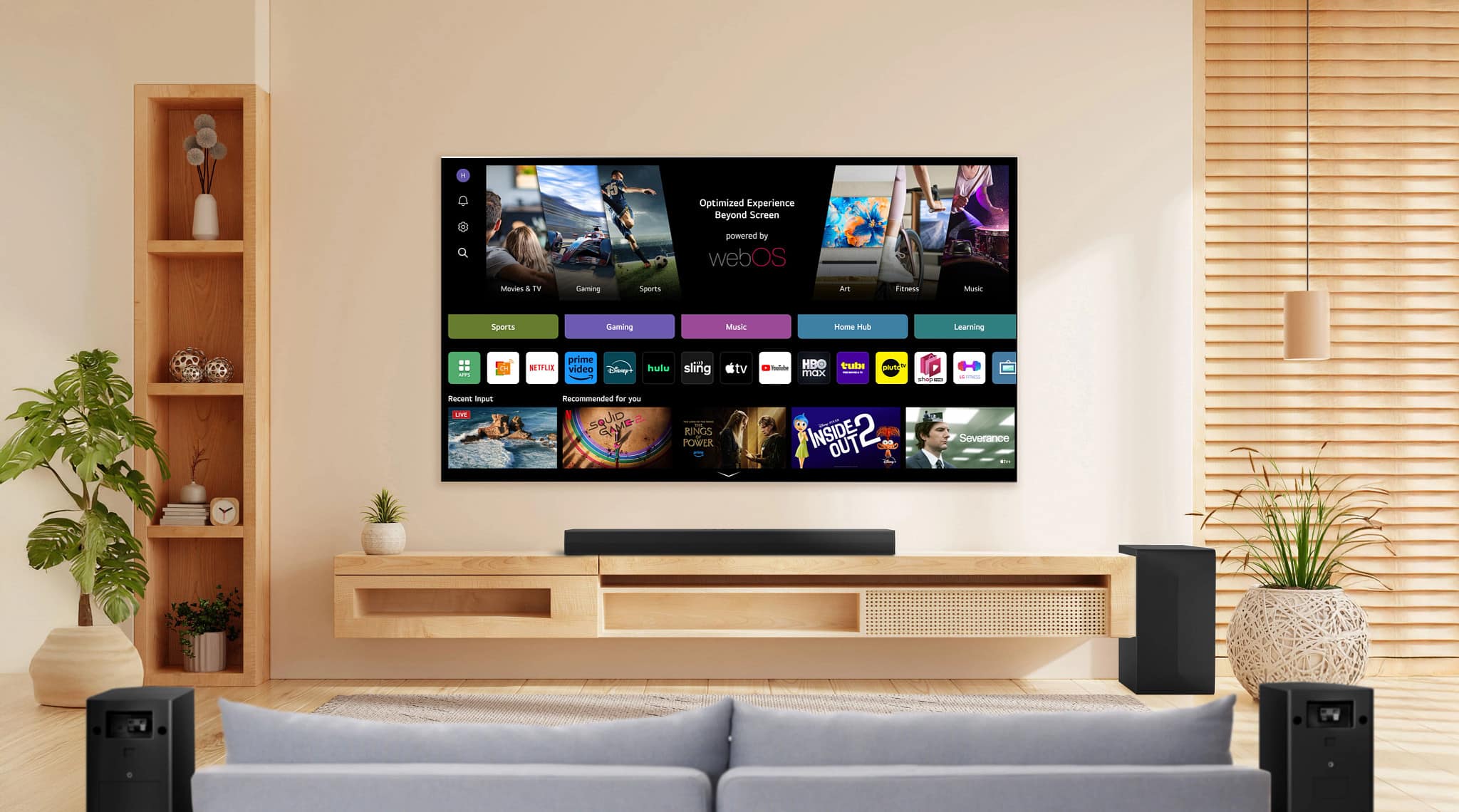
- A:Answer Hey there! We'd be happy to answer your question about connecting your LG soundbar to any TV. These soundbars can connect to any smart TV with an HDMI IN (ARC) port. If you have any other questions, feel free to reach out to us on social media at @LGUSSupport, and we'll be happy to answer them! *Josh
Answered by LG Digital Customer Care

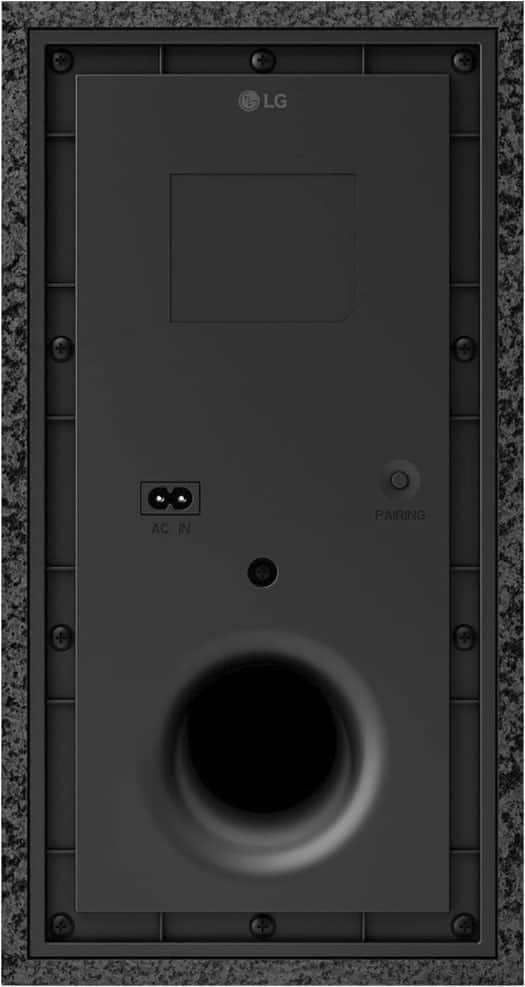
Q: QuestionPondering purchasing but wanted to ask if subwoofer could lay on its side and go under bed or is that not recommended?
Asked by Underbed.
- A:Answer Hello there! For the S60TR soundbar system, placing the subwoofer on its side is generally not recommended. Subwoofers are designed to work optimally when positioned upright, as this orientation allows for proper airflow and sound dispersion. Placing the subwoofer under a bed or in an enclosed space might affect its performance and sound quality. For the best audio experience, it's ideal to follow the placement guidelines in the user manual. If you have any other questions or need further assistance, please send us a private message on social media @LGUSSupport. We’re here to help! —Junel
Answered by LG Digital Customer Care

Q: QuestionWill this work on a Roku TV?
Asked by Todd.
- A:Answer I’m using this soundbar with the TCL 65” Roku TV and with an HDMI cable in the ARC position. With this configuration I can adjust the volume using my Roku remote -or- the supplied LG remote.
Answered by ChristopherP
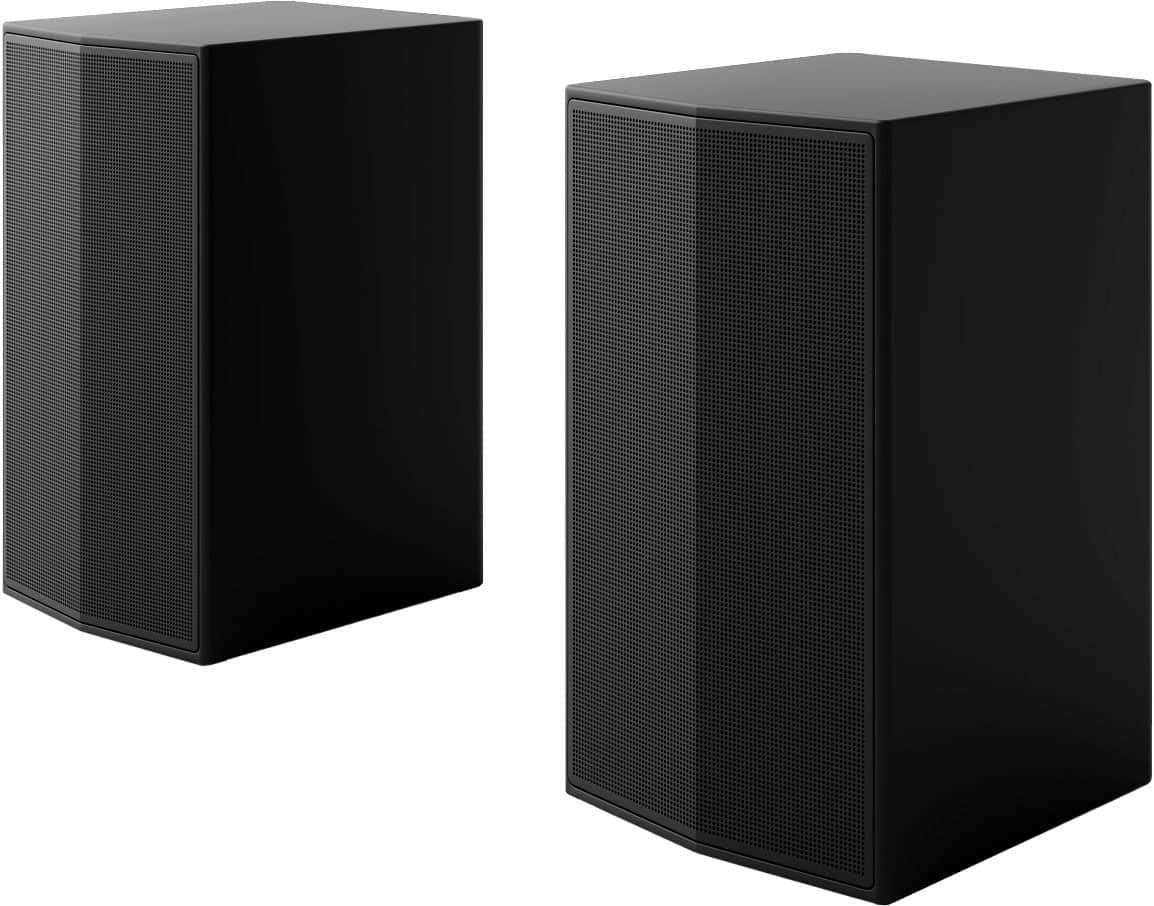
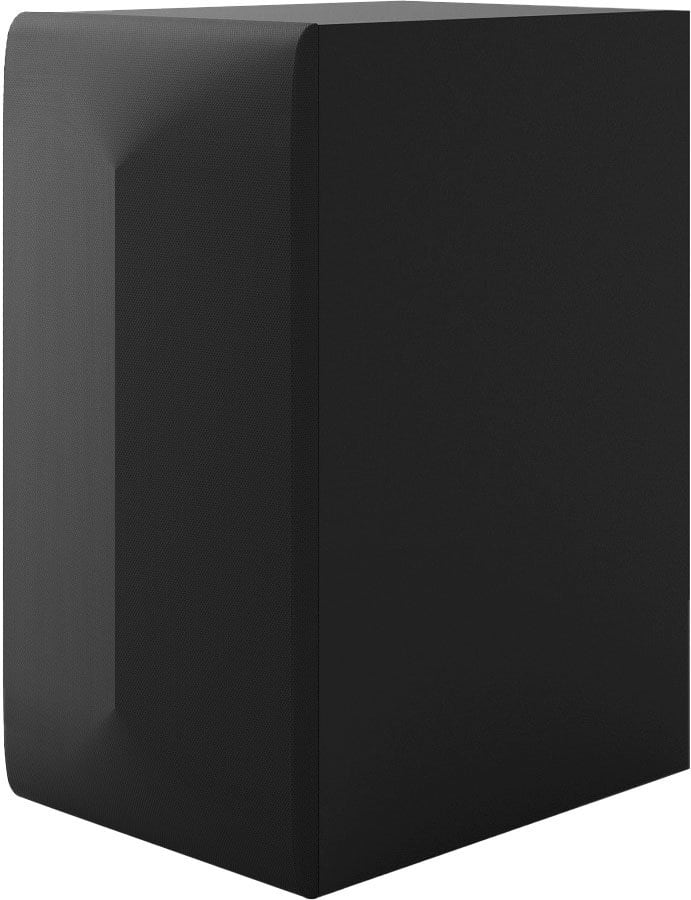
Q: QuestionCan 2 extra speakers be added and paired? If so which ones can be used?
Asked by Dan.
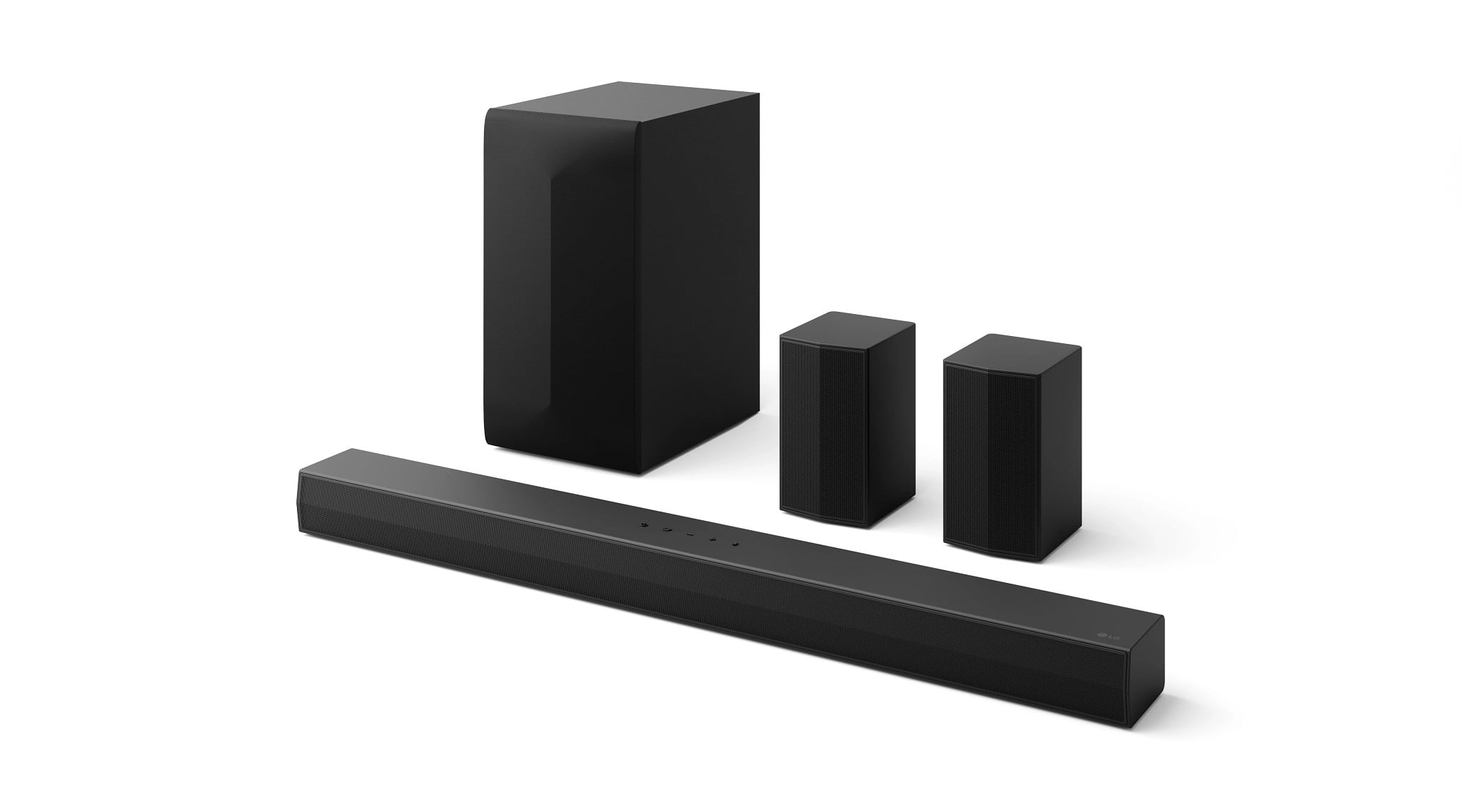
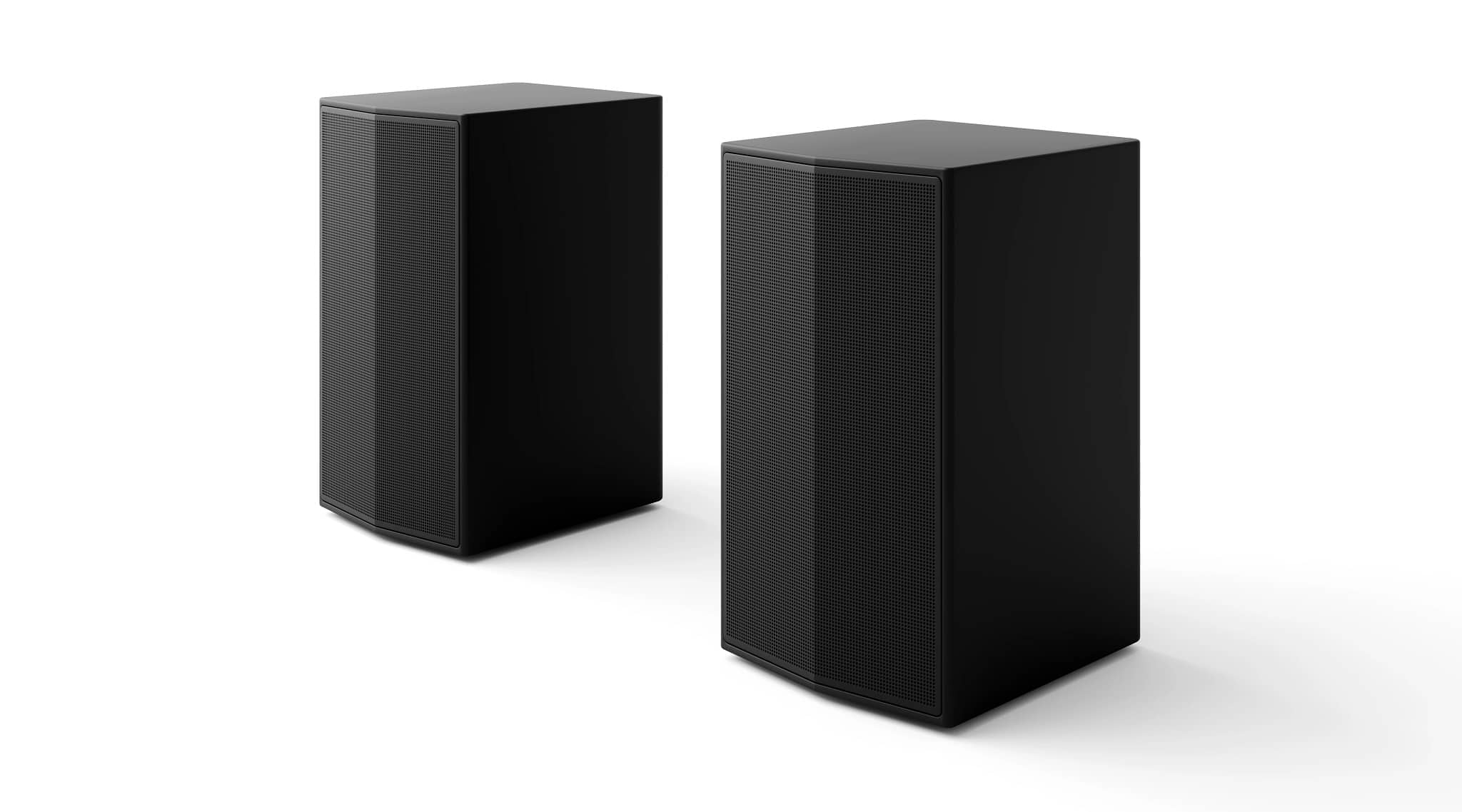
- A:Answer Hi Dan. Thank you for reaching us regarding LG Soundbar. Yes, you can easily enhance your audio experience by adding two extra speakers to the LG S60TR soundbar. This soundbar supports wireless rear speakers for a more immersive surround sound. Compatible Speakers: The LG S60TR works best with the LG SPK8-S wireless rear speakers. How to Pair: 1. Connect the Speakers: Use the provided cables to connect the rear speakers. 2. Power On: Turn on the wireless subwoofer first, then the rear speakers, and finally the soundbar. 3. Automatic Pairing: The soundbar will usually connect automatically to the subwoofer and rear speakers. If it doesn’t, please check the manual for troubleshooting tips. You can download its owner's manual through this link for more information: https://www.lg.com/us/support/product/lg-S60TR.AUSALLK. For additional assistance, please reach out to us on social media @LGUSSupport so we can help you further. ^Cris
Answered by LG Digital Customer Care

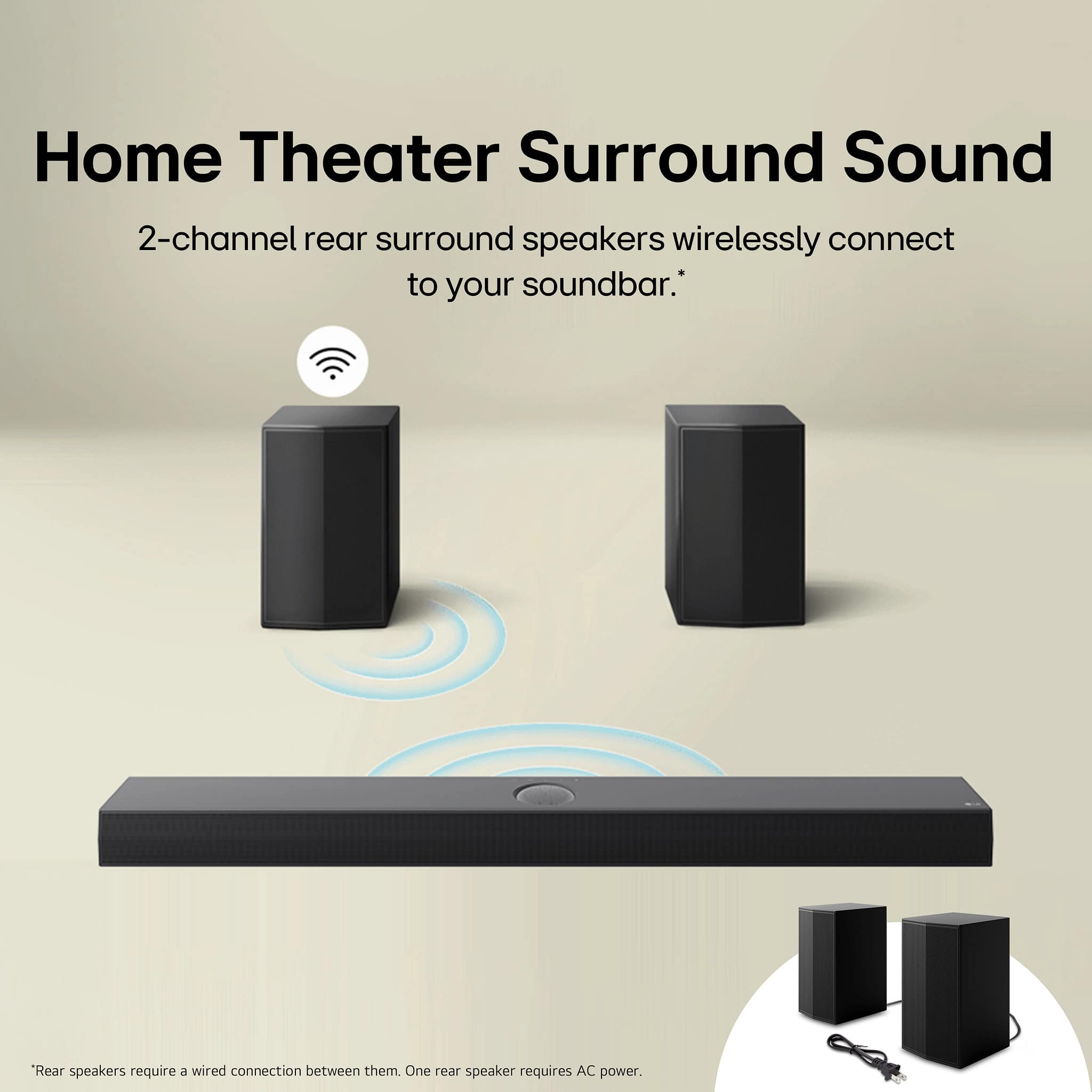
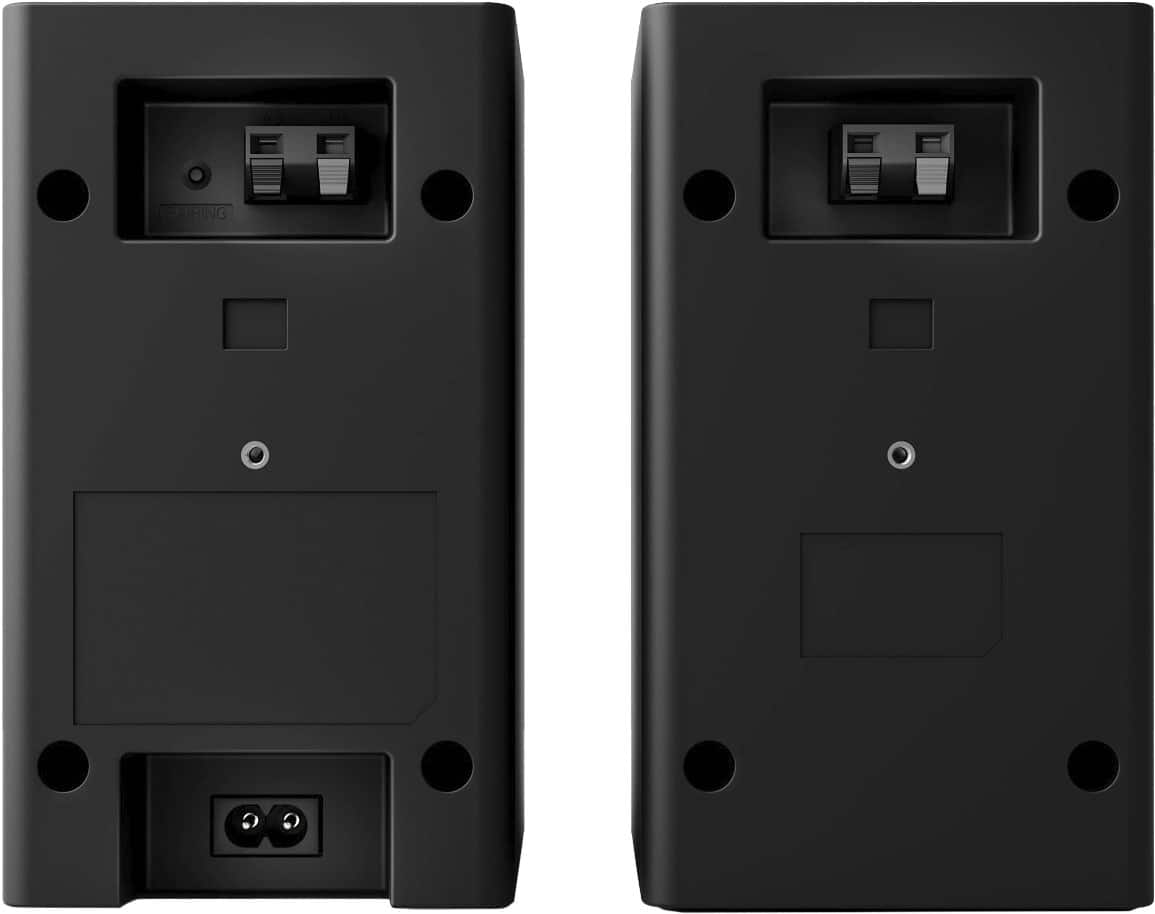
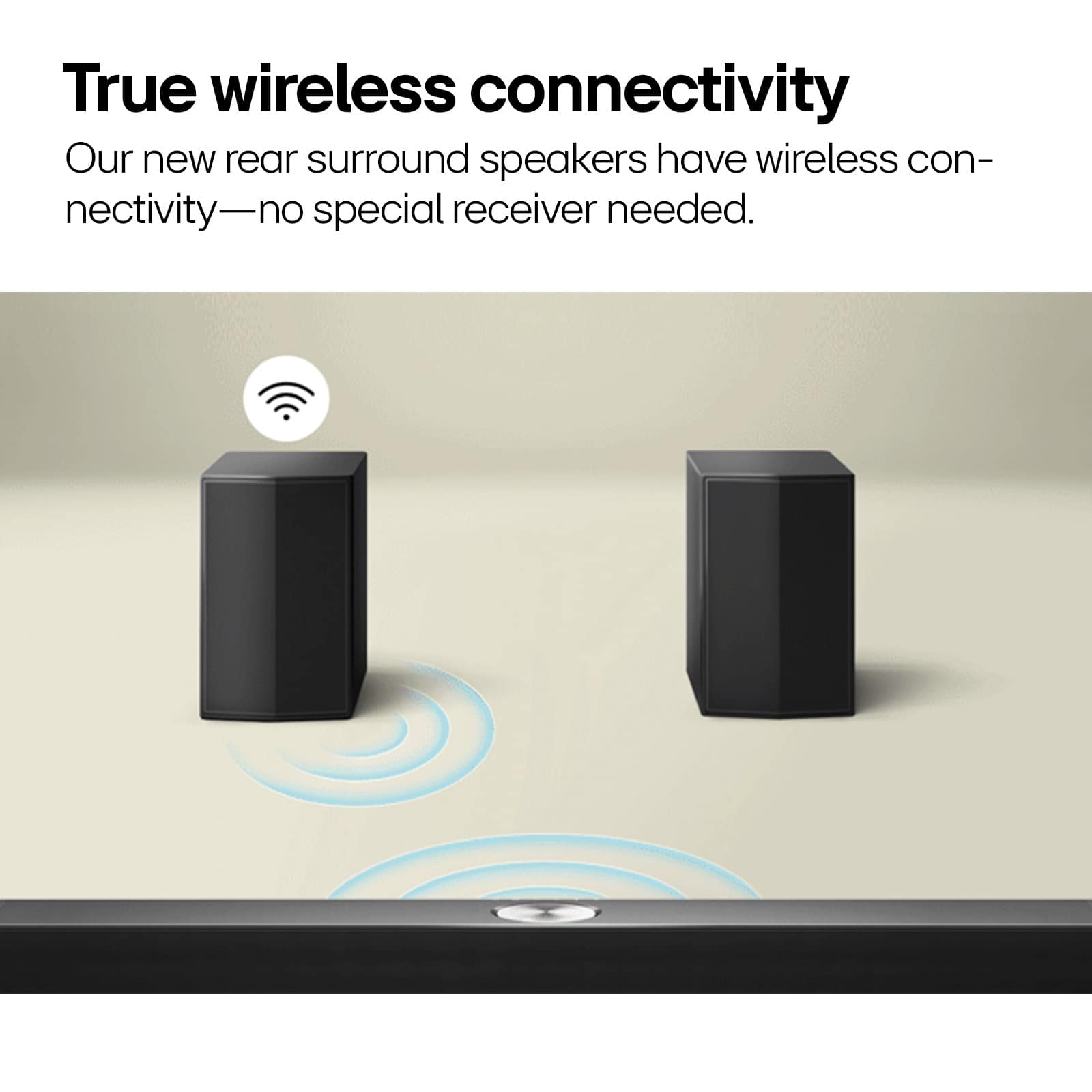
Q: QuestionDo the rear speakers have to be wired together since it’s labeled as a wireless setup?
Asked by Anonymous.
- A:Answer Oh yes they do
Answered by bobb
Q: QuestionHow far can the speakers be from each other?
Asked by Anonymous.
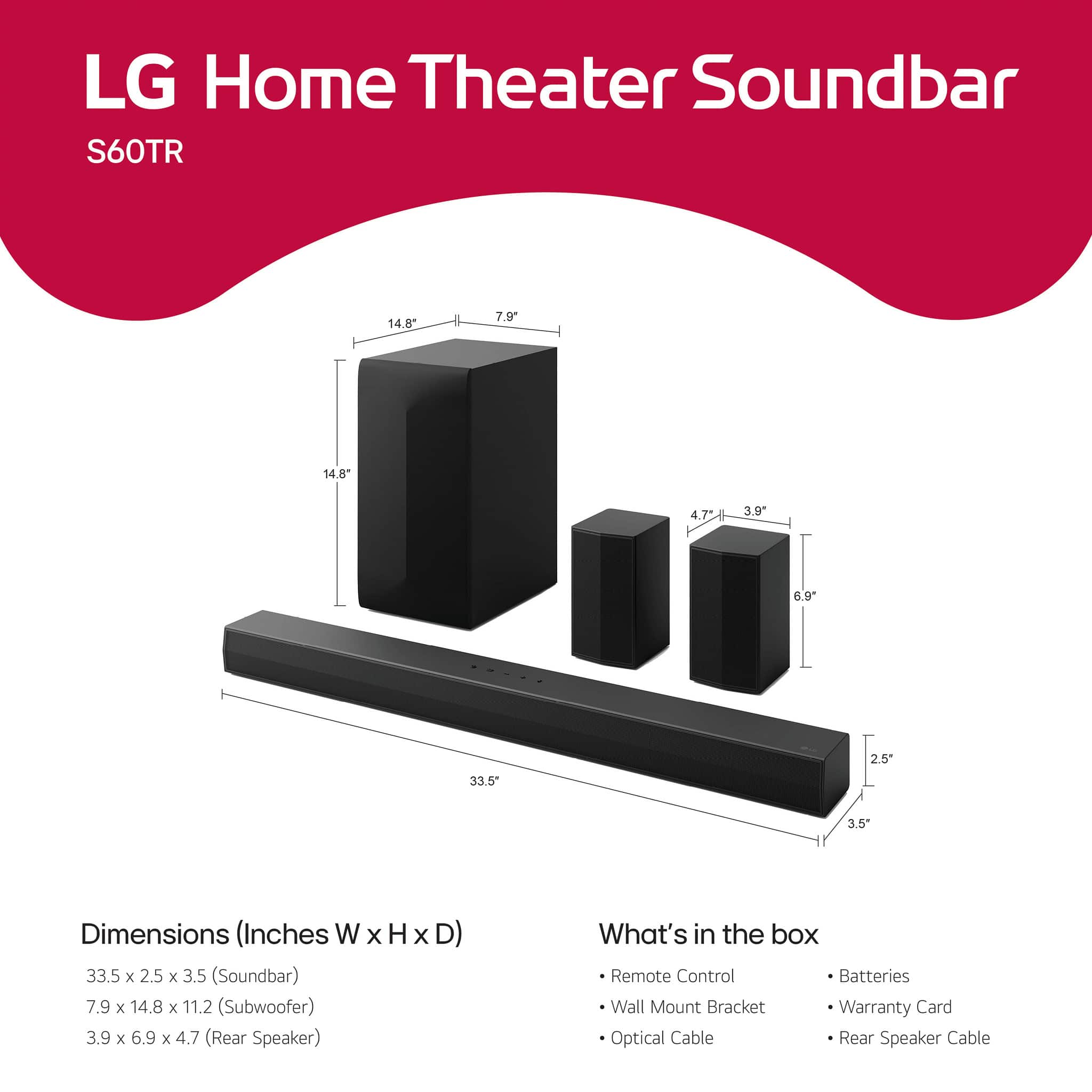
- A:Answer Thank you for reaching us regarding LG Soundbar. The LG S60TR soundbar can have its rear speakers placed up to 10 meters (33 feet) apart from each other. You can download its owner's manual through this link for more information: https://www.lg.com/us/support/product/lg-S60TR.AUSALLK. For additional assistance, please reach out to us on social media @LGUSSupport so we can help you further. ^Cris
Answered by LG Digital Customer Care

Q: QuestionWhat kind of modes does this have? Does it have Night mode?
Asked by Mysticsage.
- A:Answer Yes there is a night mode.
Answered by AaronC
Q: QuestionIs the voice sound heard through the rear speakers or just the sound bar
Asked by Confitz.
- A:Answer Hello there. Thank you for your inquiry about the LG S60TR Soundbar with Wireless Subwoofer and Rear Speakers. The voice sound is primarily heard through the soundbar itself, which is optimized for clear dialogue and audio clarity. The rear speakers enhance the overall surround sound experience, emphasizing ambient effects and immersive audio. For more detailed information on audio distribution and setup tips, please refer to the product manual or contact us via @LGUSSupport on our social media platform. We're here to ensure you enjoy rich, balanced sound with your LG soundbar! ^Sam
Answered by LG Digital Customer Care

Q: QuestionHow are the rear speakers connected to the bar? Are they connected together or independent?
Asked by Herb.
- A:Answer Hello, Herb. Thank you for your interest in the LG soundbar and rear speaker system model S60TR.AUSALLK. The rear speakers in this system are typically connected wirelessly to the soundbar. This wireless connection allows for flexibility in placement and eliminates the need for running wires across the room. The soundbar acts as the central hub, wirelessly transmitting audio signals to the rear speakers, which can be placed independently within the room for immersive surround sound. If you have any more questions about the setup or need further assistance, please feel free to send us a private message on our social media platform via @LGUSSupport. Our team will be happy to assist you further. Thank you for choosing LG. ^Sam
Answered by LG Digital Customer Care

Q: QuestionAre the rear speakers that are Included wireless or wired? If they’re wired how do you hook them up
Asked by Rearspeakers.
- A:Answer the two speakers are wired together. the cables are provided
Answered by Anonymous
Q: QuestionHow long is the wire between the 2 rear speakers?
Asked by RobertCSW.
- A:Answer I'd say around 10-12 feet
Answered by ShawnM
Q: QuestionHow can I use my Firestick remote to control my LG-5.1 Channel S60TR soundbar and my Samsung 77" Class OLED S90D series TV? The Firestick is connected to HDMI2, the soundbar is connected to the HDMI/ARC. I can't find the IR Profile number.
Asked by SASmz8f86.
- A:Answer You can pair your speakers directly to your firestick via Bluetooth. On your firestick, go to settings, controllers & Bluetooth devices, other Bluetooth devices and press the Bluetooth button on your soundbar or remote. You will have to do this every time you turn the tv on though. It works seamlessly for me sound-wise. Hope this helped.
Answered by XavierS
Q: QuestionDoes this soundbar support legacy/uncommon forms of surround sound? (Examples: Linear PCM 5.1 used by Nintendo Switch 1 and 2, Dolby Pro Logic 2 used by Nintendo GameCube, and Dolby Surround used by the Super Nintendo and Nintendo 64)
Asked by CrazyCaps.
- A:Answer The supported Audio formats on the LG 5.1-Channel S60TR Home Theater Soundbar with Wireless Subwoofer and Rear Speakers, Dolby Audio, WOW Orchestra - Black are: AAC / AAC+, Dolby Digital, DTS Digital Surround, LPCM, MP3, WAV C4A / USB, and WMA...^Ivan.
Answered by LG Digital Customer Care