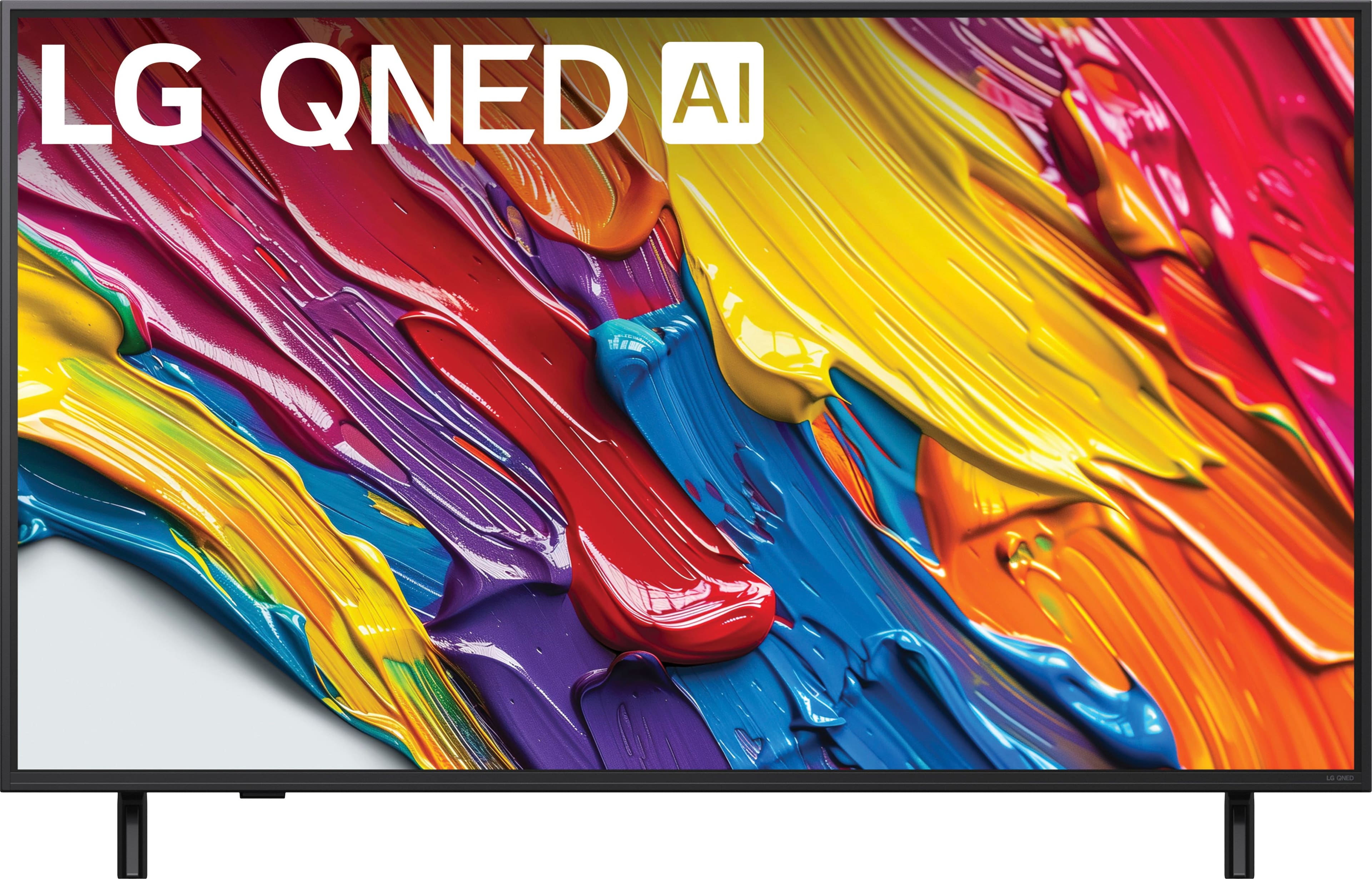
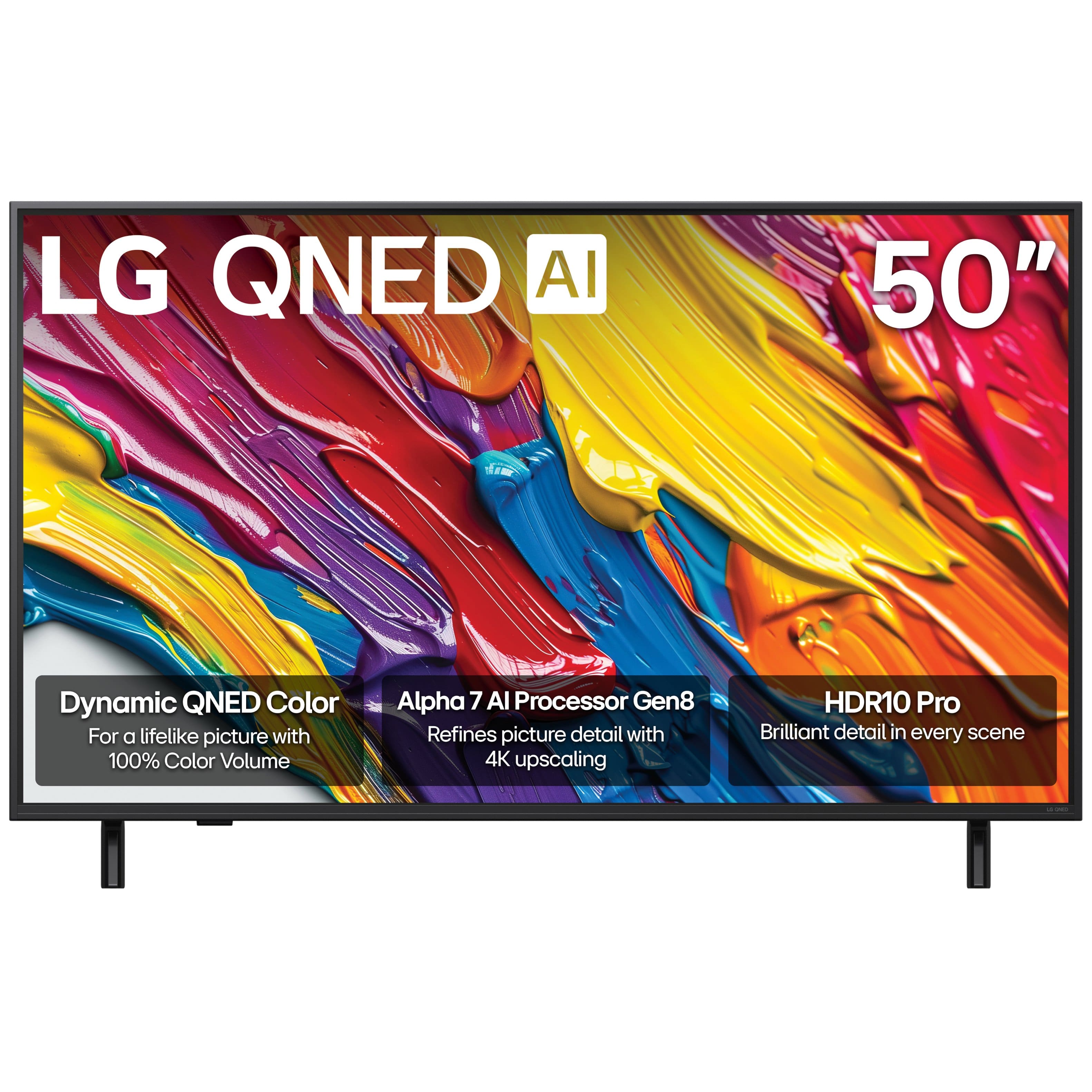
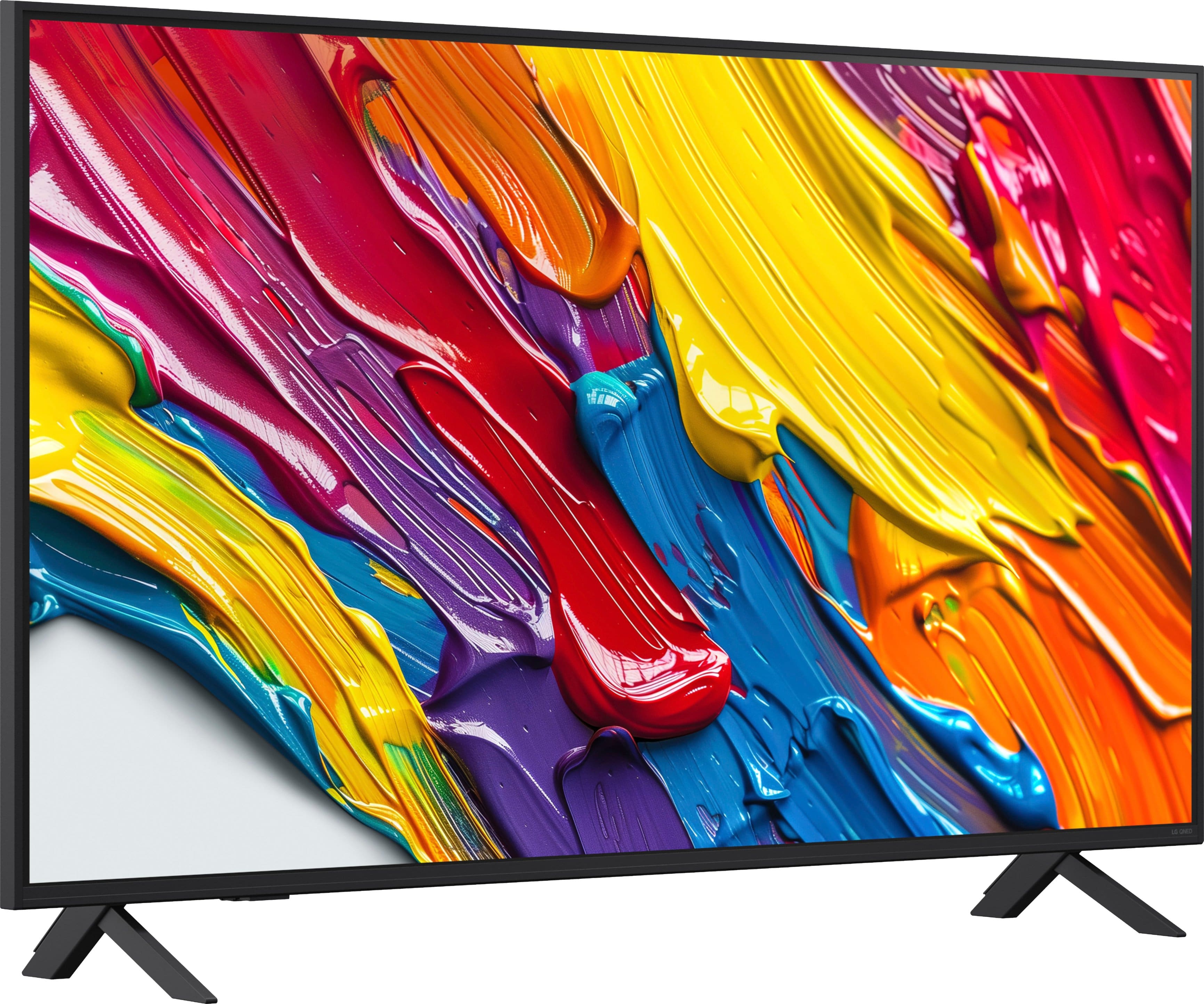
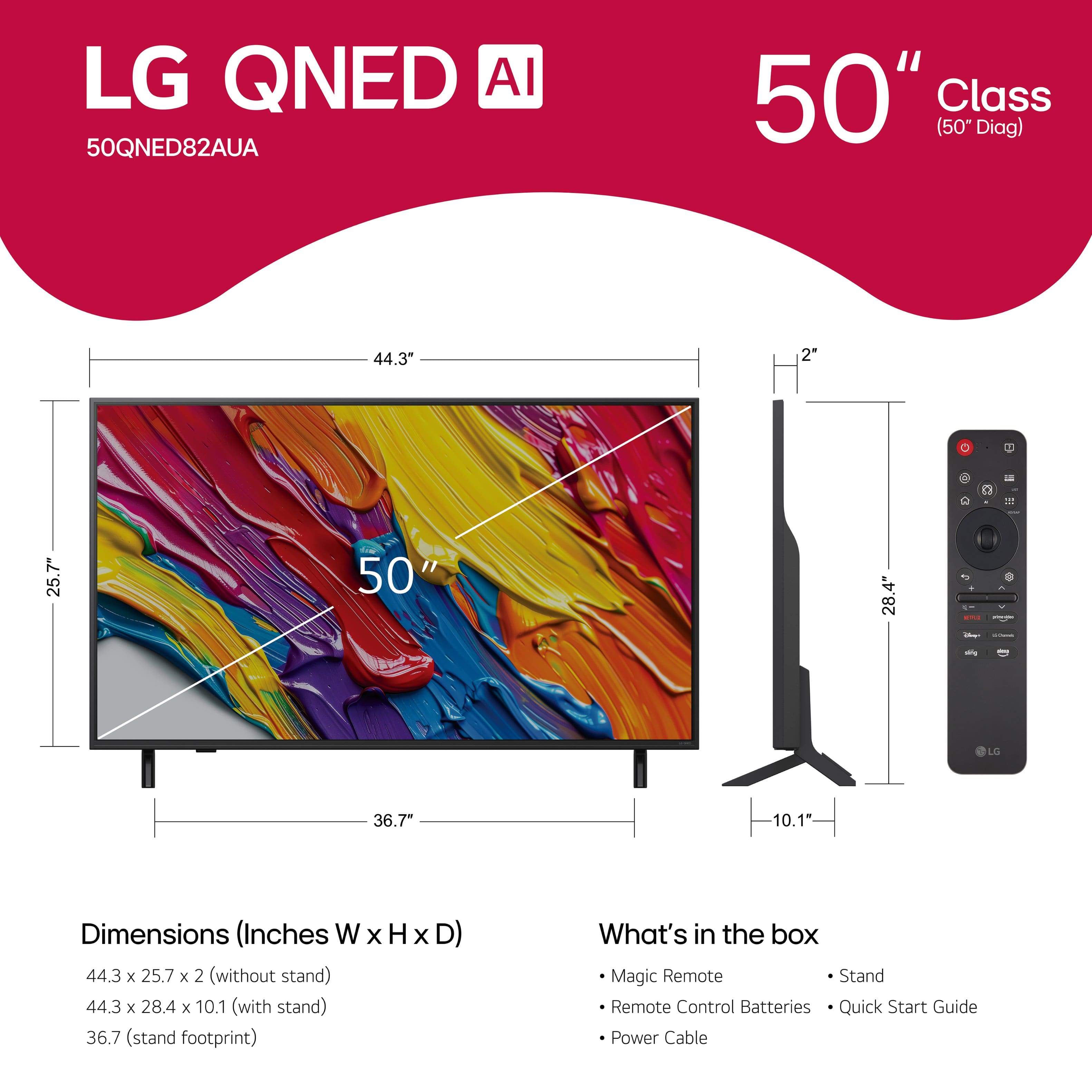


Main Content

Questions & Answers

$399.99
Page Showing 1-16 of 16 questions
  • QuestionIs this TV wall-mountable?

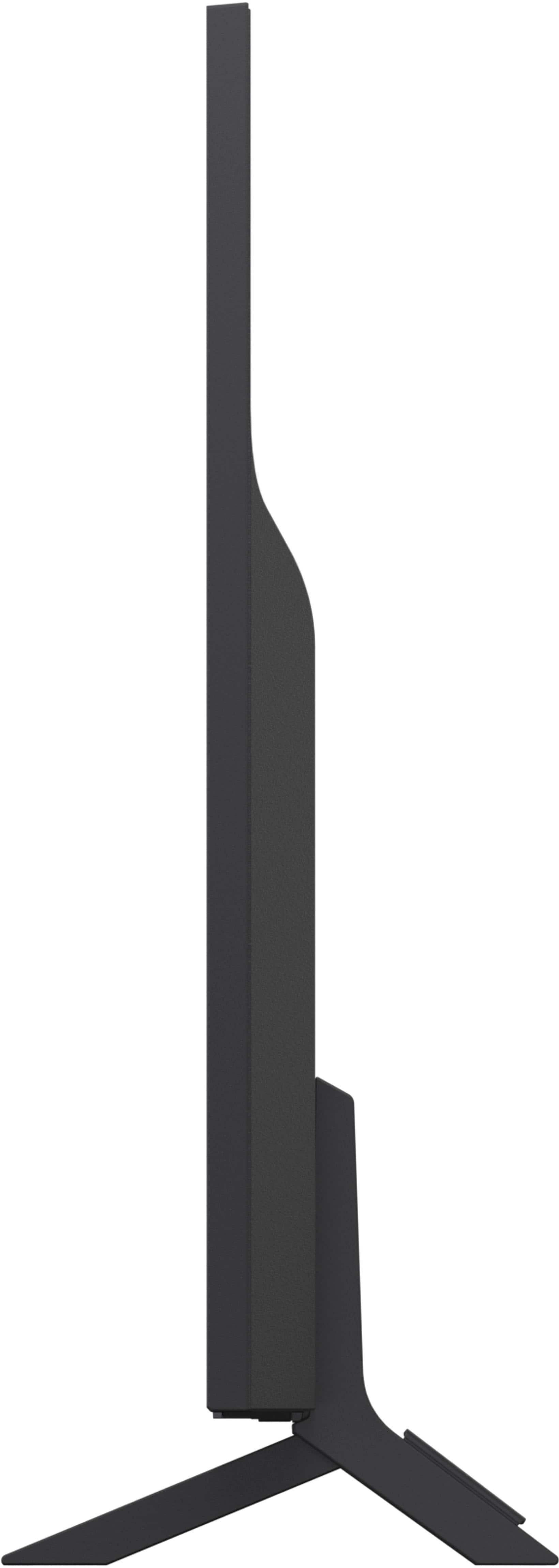
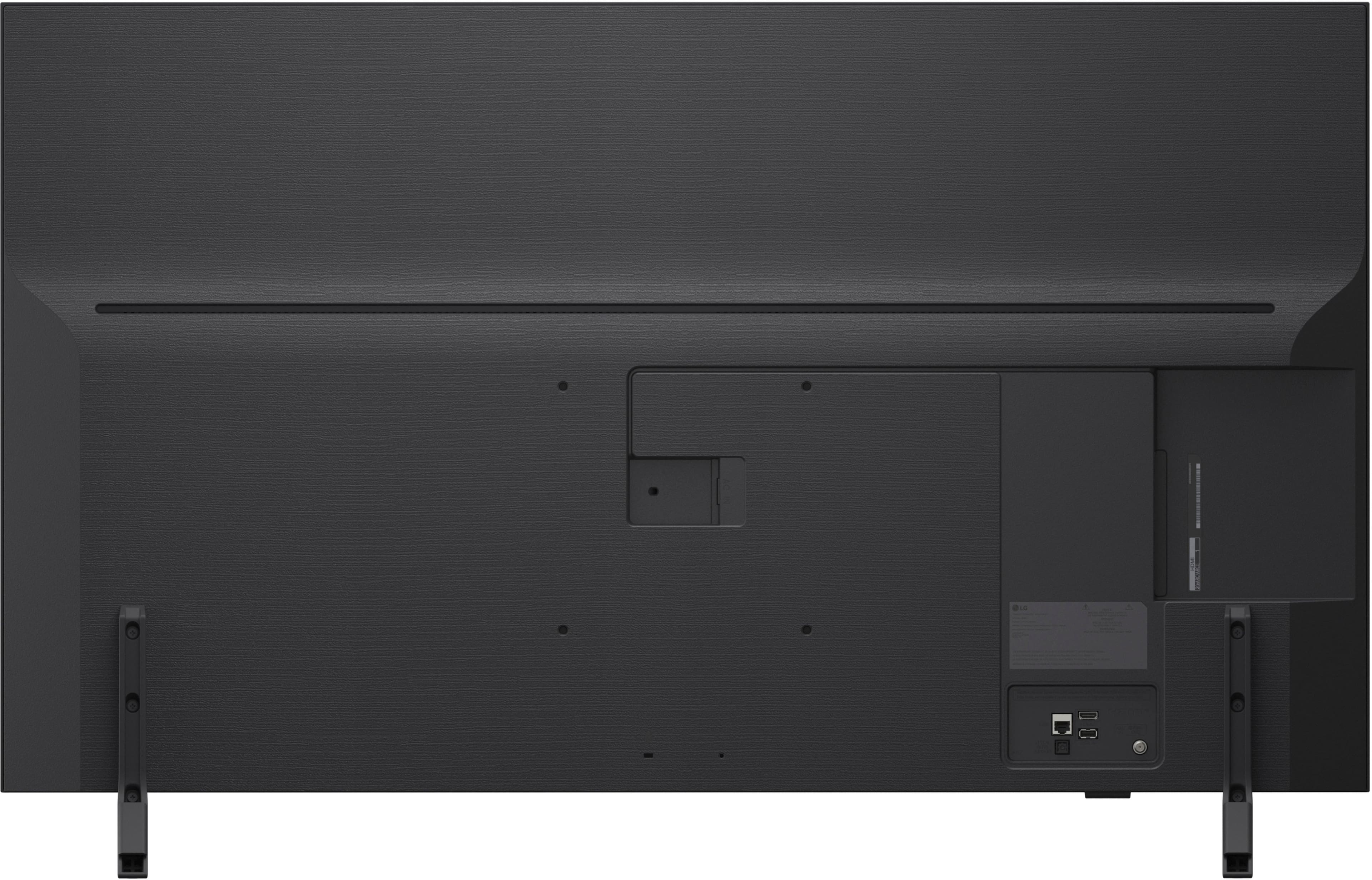
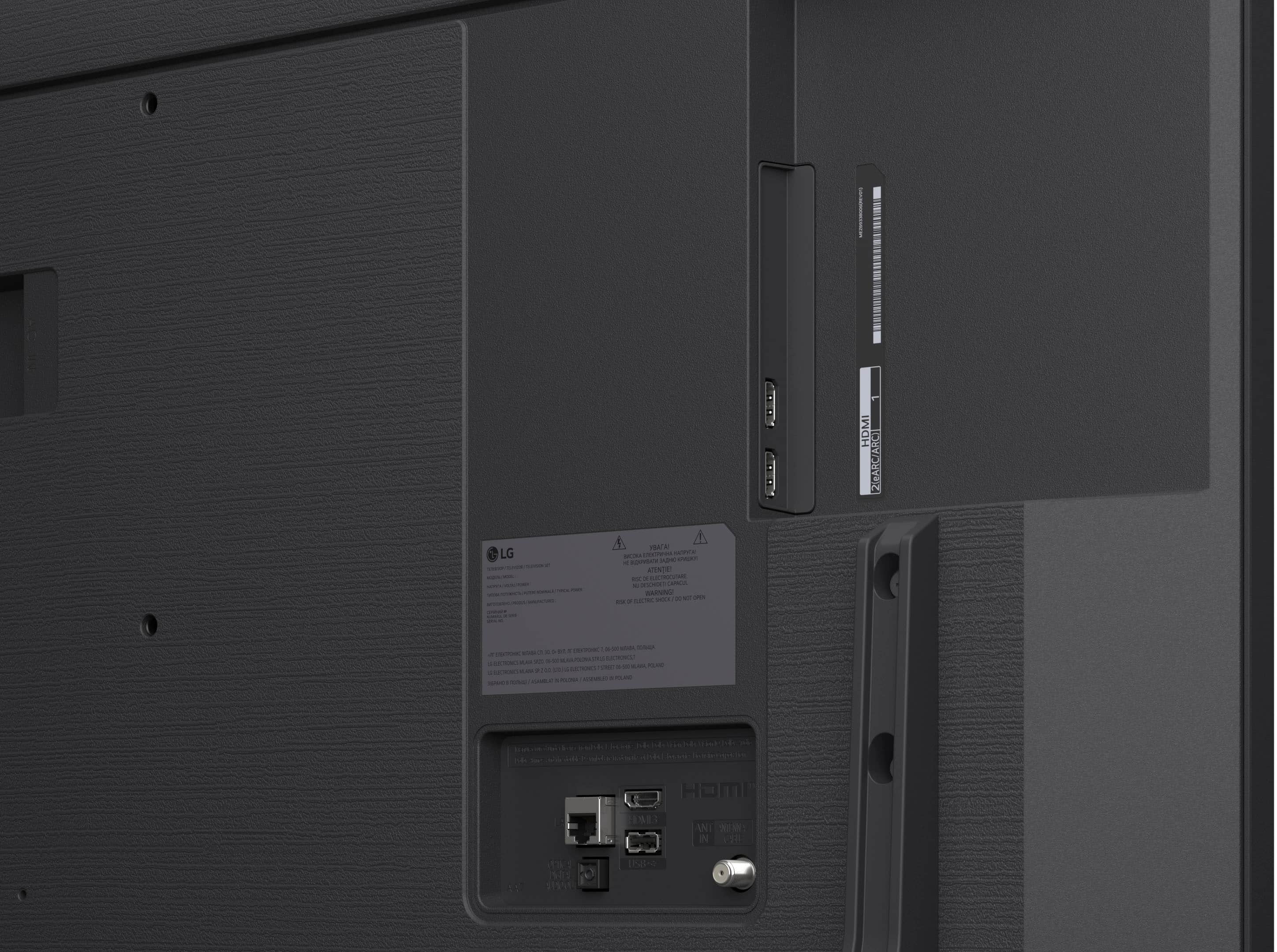
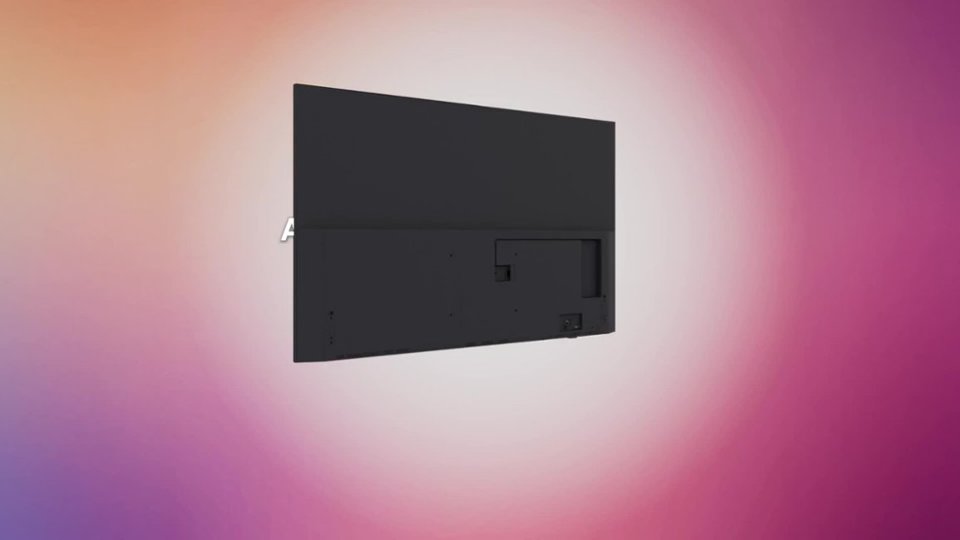
    • Answer Yes, it is compatible with a 200mm x 200mm VESA wall mount standard.
    This question and answer was generated by AI based on customer and product data.
  • QuestionCan I mirror content from my phone to this TV?

    • Answer Yes, you can mirror content using Apple AirPlay 2 and Google Cast.
    This question and answer was generated by AI based on customer and product data.
  • QuestionWhat is the refresh rate?

    • Answer The refresh rate is 60Hz.
    This question and answer was generated by AI based on customer and product data.
  • QuestionWhat smart home platforms are compatible with this LG TV?

    • Answer This LG TV is compatible with ThinQ, Google Assistant, Amazon Alexa, Matter, and Apple HomeKit.
    This question and answer was generated by AI based on customer and product data.
  • QuestionWhat type of processor does this LG TV use?

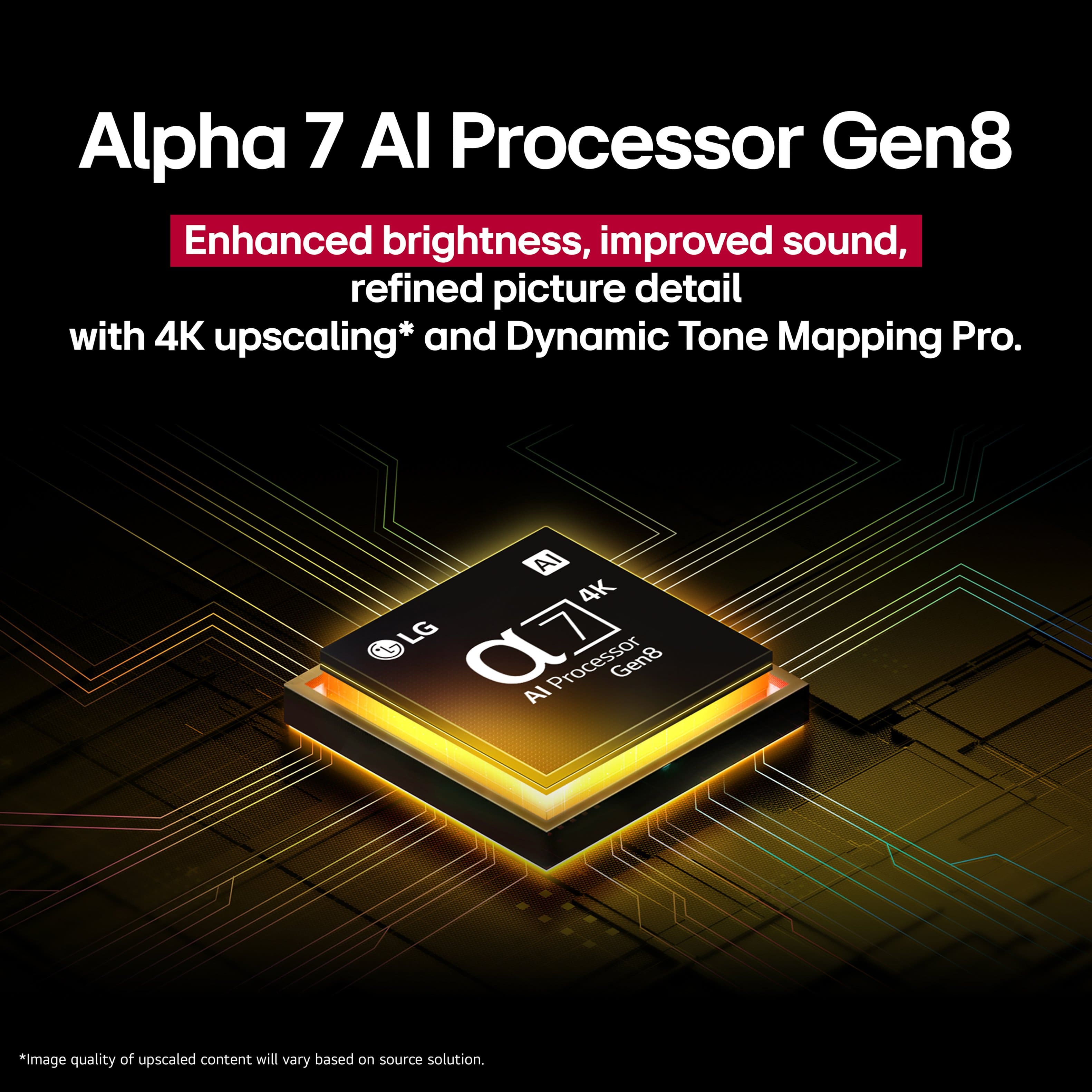
    • Answer It uses the Alpha 7 AI Processor Gen8.
    This question and answer was generated by AI based on customer and product data.

  • QuestionHow does the Personalized Picture & Sound Wizard work?

    • Answer It uses AI to analyze your favorite images and sound clips to create personalized picture and audio experiences.
    This question and answer was generated by AI based on customer and product data.

  • QuestionDoes this TV support HDR?

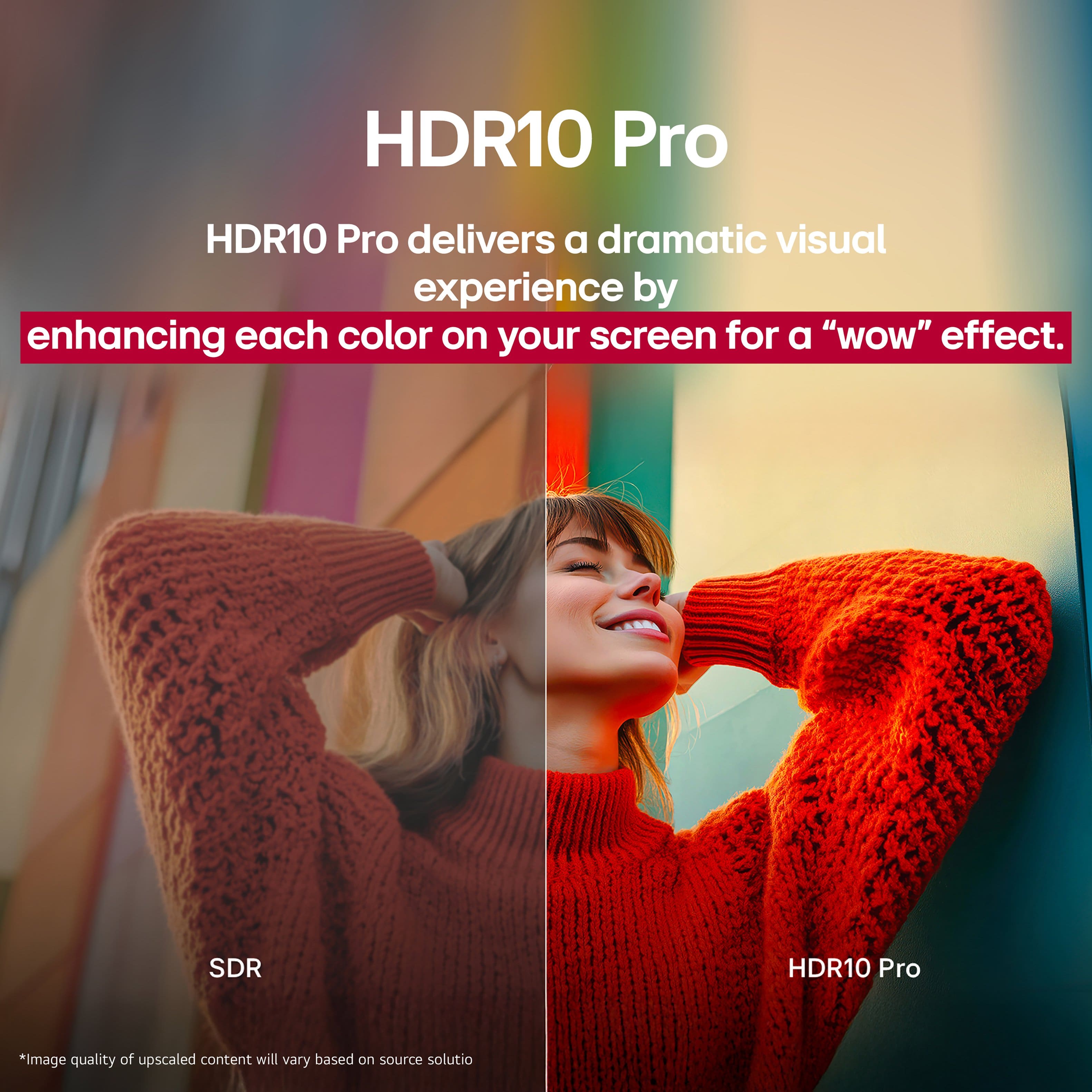
    • Answer Yes, it supports HDR10 Pro.
    This question and answer was generated by AI based on customer and product data.
  • QuestionIs this a pro idiom tv?

    Asked by Hospitality.

    • Answer Hi, there! Thanks for reaching out about the LG TV (50QNED82AUA). This model is part of the consumer QNED lineup and is not a Pro:Idiom–enabled TV. You can explore the full feature list and support details here: https://www.bestbuy.com/product/lg-50-class-82a-series-qned-ai-4k-uhd-smart-webos-tv-2025/JJ8VPZTT3G. If you need further assistance, feel free to email us at lgdigitalcare@lg.sprinklrsupport.com. - Avril

      Answered by LG Digital Customer Care

  • QuestionIs this tv compatible with the streaming service YouTube tv?

    Asked by Anonymous.

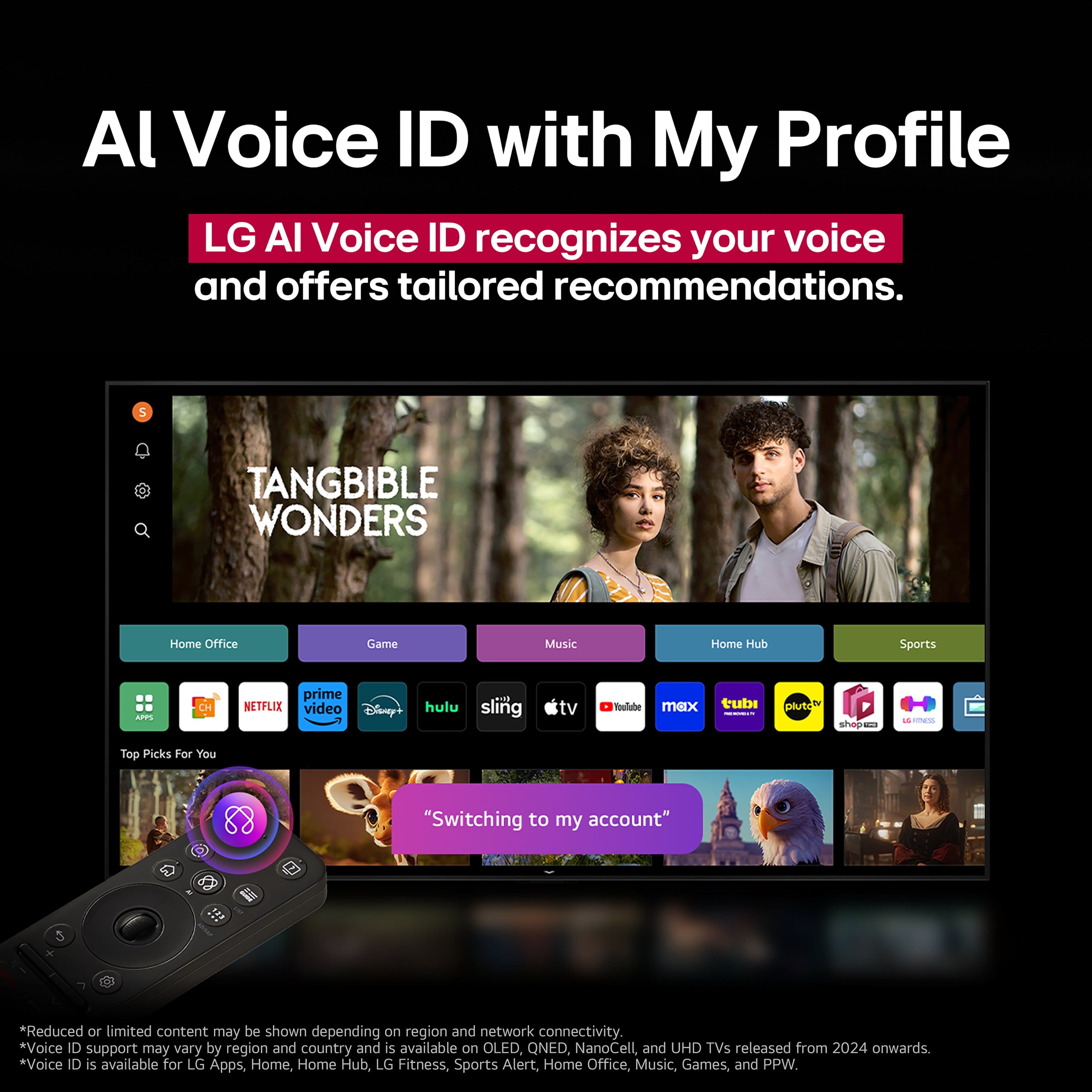
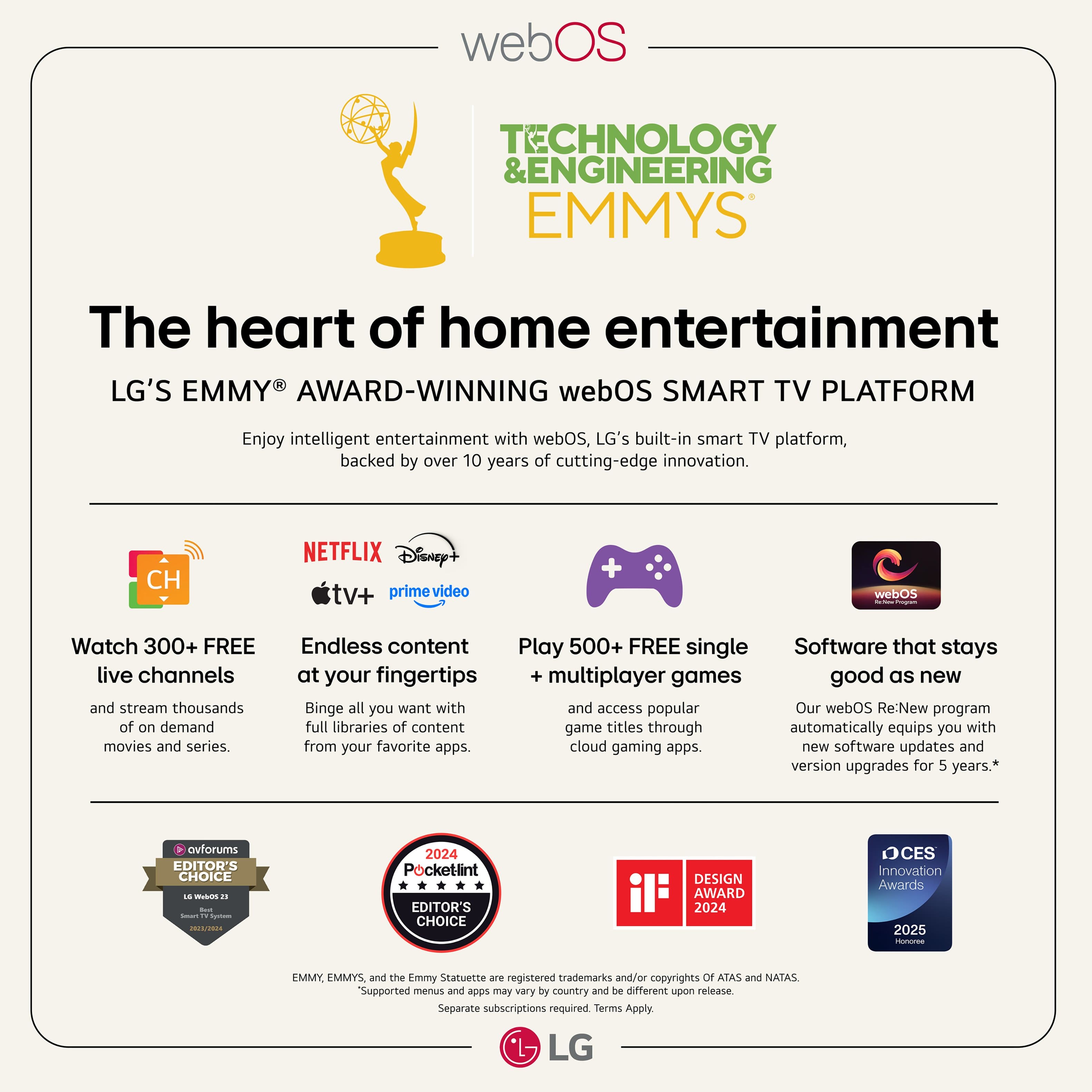
    • Answer Hi there. We understand your inquiry regarding the compatibility of the 50QNED82AUA with the YouTube TV streaming service. We are pleased to confirm that this model is fully compatible with YouTube TV. Because this television features our advanced webOS 25 operating system and includes a dedicated App Store, you can easily download the YouTube TV application directly to your unit. https://www.bestbuy.com/product/lg-50-class-82a-series-qned-ai-4k-uhd-smart-webos-tv-2025/JJ8VPZTT3G If you have any further questions about its features or need assistance navigating the App Store to set up your services, please contact us on lgdigitalcare@lg.sprinklrsupport.com, and our team will be more than happy to assist you. —Renzo

      Answered by LG Digital Customer Care

  • QuestionHow do I obtain a user manual?

    Asked by Anonymous.

    • Answer in the TV or use the AutoChat feature

      Answered by TracyC

  • QuestionCan I use streaming services without a cable connection?

    Asked by carajo.

    • Answer Yes

      Answered by TracyC

  • QuestionDoes this TV have the cloud gaming feature?

    Asked by John.

    • Answer Hello there, John. Thank you for sharing your experience with us. We understand your inquiry regarding the cloud gaming features for the LG 50" Class QNED82 Series 4K Smart TV, model 50QNED82AUA. We are happy to inform you that this unit does support cloud gaming through its integrated Game Service. Since this model runs on the advanced webOS 25 operating system, you can easily access various cloud gaming applications such as NVIDIA GeForce NOW and other popular platforms directly from the Home Screen or the Game Quick Card. This allows you to enjoy a wide variety of high-quality games using just a compatible controller, without the requirement of a dedicated gaming console. We have also included features like the α7 AI Processor 4K Gen8, Game Optimizer, and Auto Low Latency Mode (ALLM) to help ensure your gameplay remains smooth, responsive, and visually stunning. We want to make sure you get the most out of your new TV and its smart entertainment capabilities. https://www.bestbuy.com/product/lg-50-class-82a-series-qned-ai-4k-uhd-smart-webos-tv-2025/JJ8VPZTT3G If you have any further questions about its features or how to connect your gaming accessories, please contact us on lgdigitalcare@lg.sprinklrsupport.com, and our team will be more than happy to assist you further via private message. —Renzo

      Answered by LG Digital Customer Care

  • QuestionI want to add wireless speakers, is this tv able to use Bluetooth?

    Asked by Anonymous.

    • Answer Hello there. Thank you for sharing your experience with us. We understand your inquiry regarding the Bluetooth capabilities of the 50QNED82AUA. Yes, this unit is able to use Bluetooth as it features Bluetooth Support (v 5.0) and is Bluetooth Surround Ready. Your feedback is important, and we'd like to assist you further. https://www.bestbuy.com/product/lg-50-class-82a-series-qned-ai-4k-uhd-smart-webos-tv-2025/JJ8VPZTT3G If you have any further questions about its features, please contact us on lgdigitalcare@lg.sprinklrsupport.com, and our team will be more than happy to assist you. —Renzo

      Answered by LG Digital Customer Care

  • QuestionDoes it work with Amazon firestick?

    Asked by Bbxtr.

    • Answer You don't need the Firestick Amazon Prime is a loaded app. But if you want to you can.

      Answered by TracyC

  • QuestionDoes this support utube tv and does it have an app store?

    Asked by Anonymous.

    • Answer It does have an app store, but not sure what utube tv is

      Answered by ShirleyKC

  • QuestionIs this tv compatable with the Spectrum app?

    Asked by Joe.

    • Answer Hello there, Joe. We understand your inquiry regarding the 50QNED82AUA. Yes, this TV is compatible with the Spectrum TV app. Since this model runs webOS 25, you can download and install the Spectrum TV app directly from the LG Content Store (or "Apps" section) on the Home screen. https://www.bestbuy.com/product/lg-50-class-82a-series-qned-ai-4k-uhd-smart-webos-tv-2025/JJ8VPZTT3G If you have any further questions about its features, please contact us on lgdigitalcare@lg.sprinklrsupport.com, and our team will be more than happy to assist you. —Renzo

      Answered by LG Digital Customer Care









