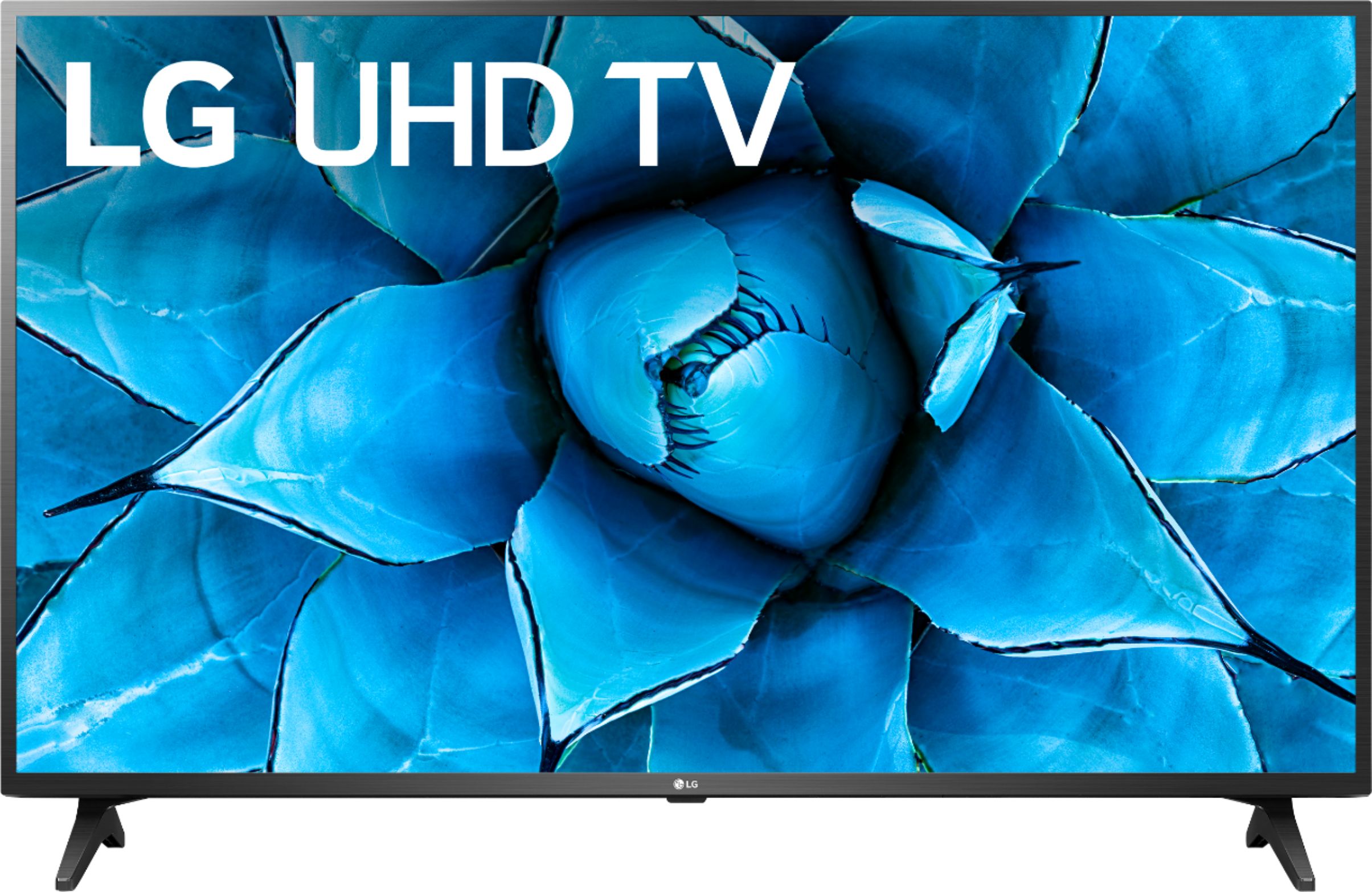
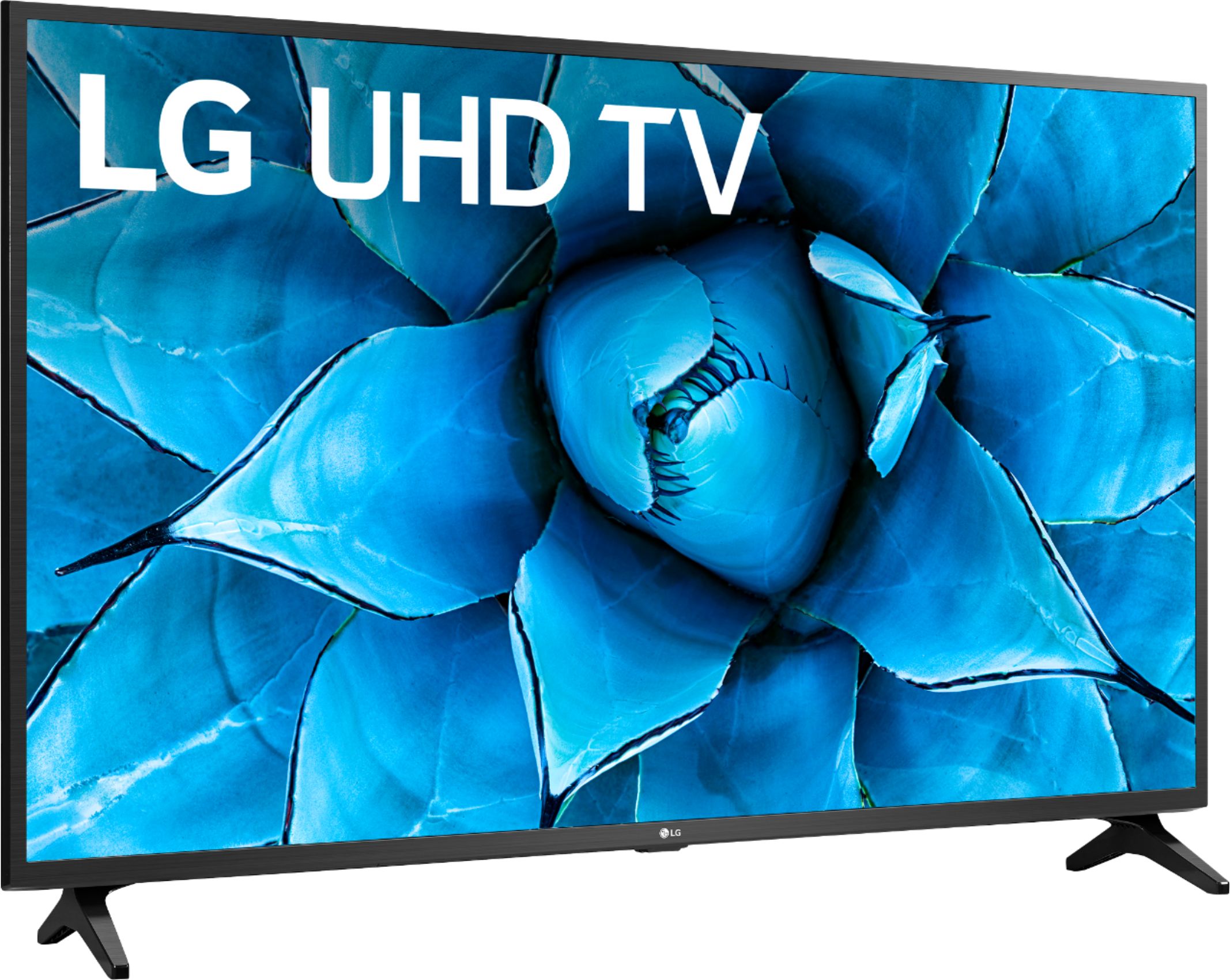
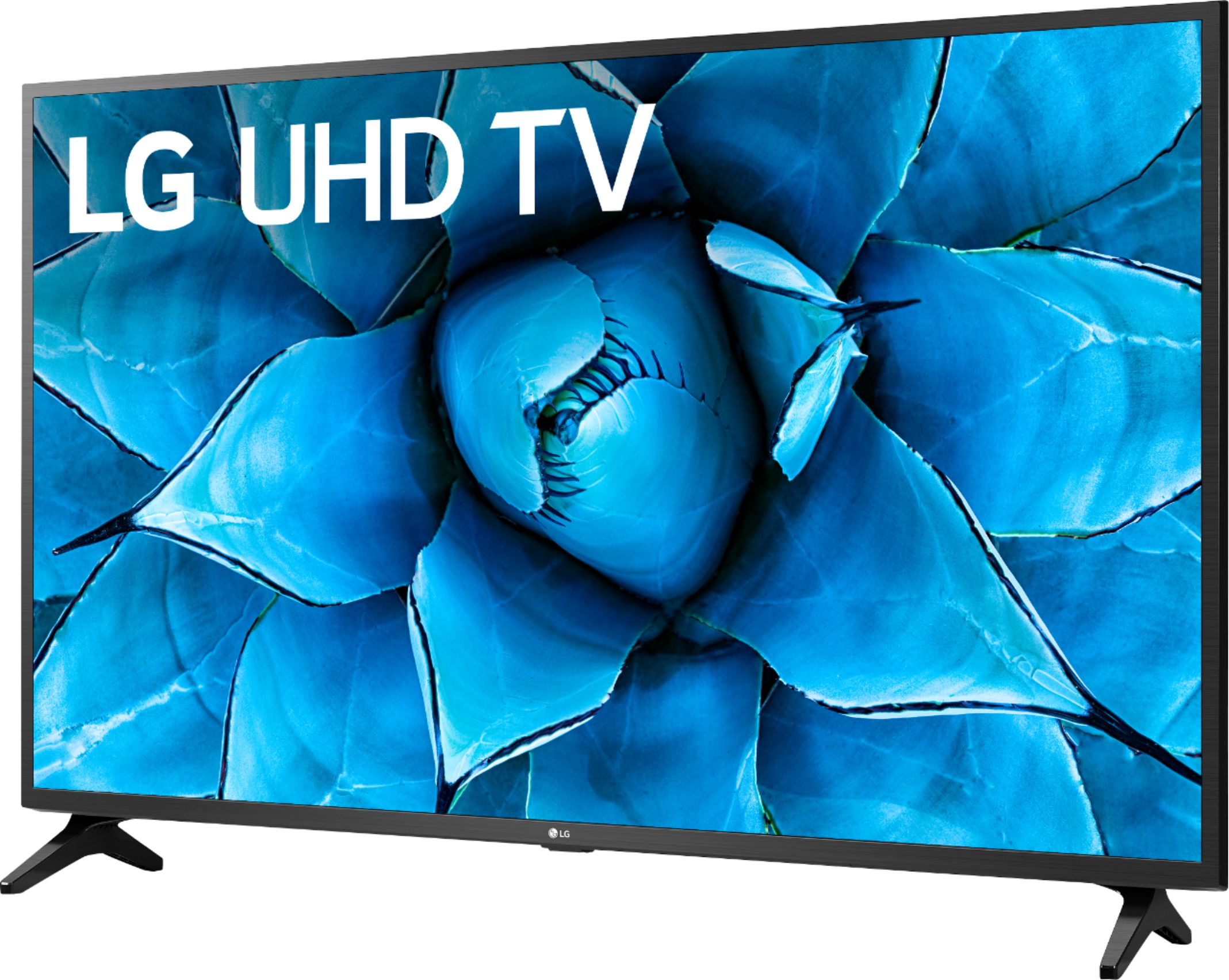
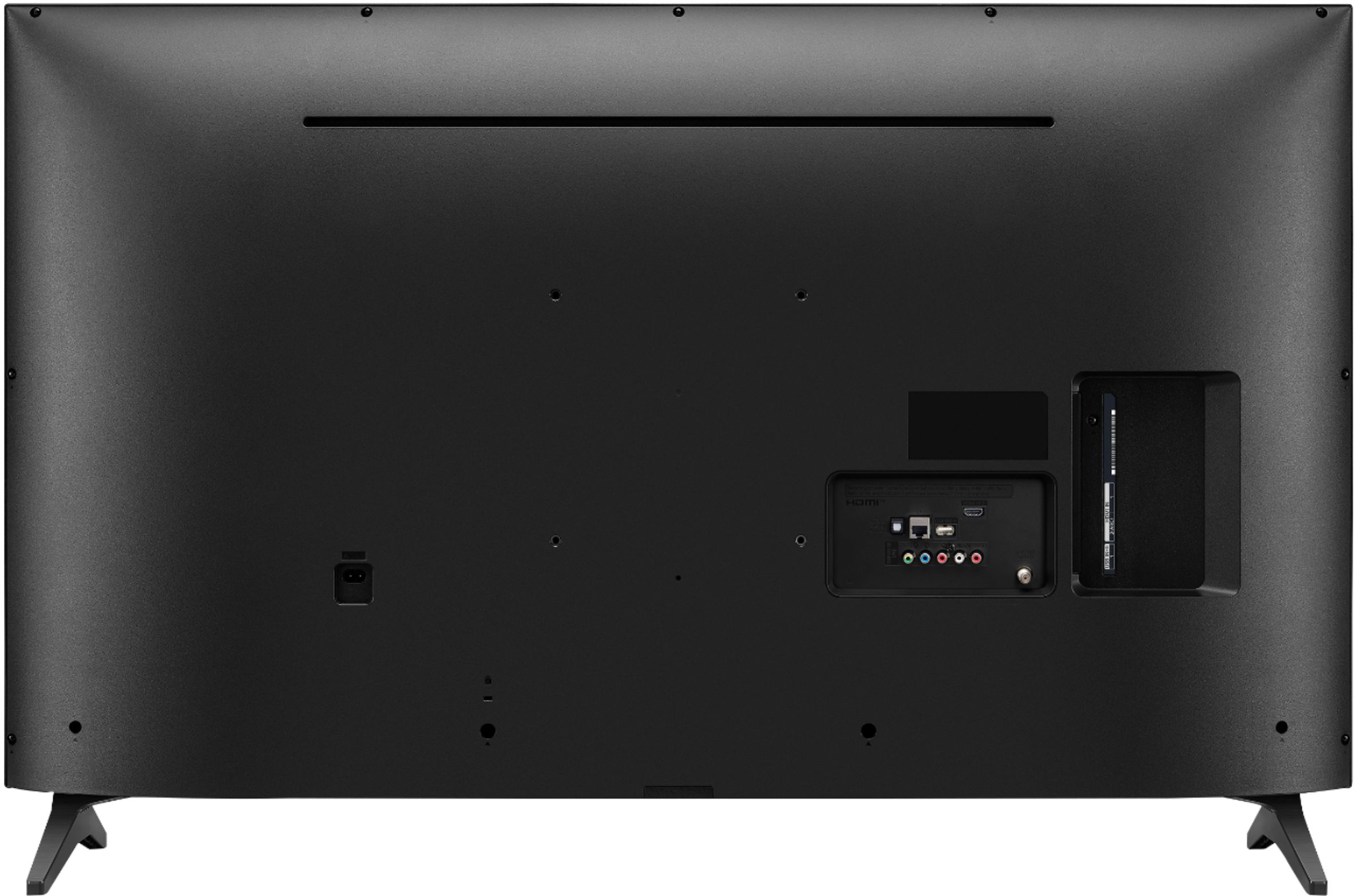
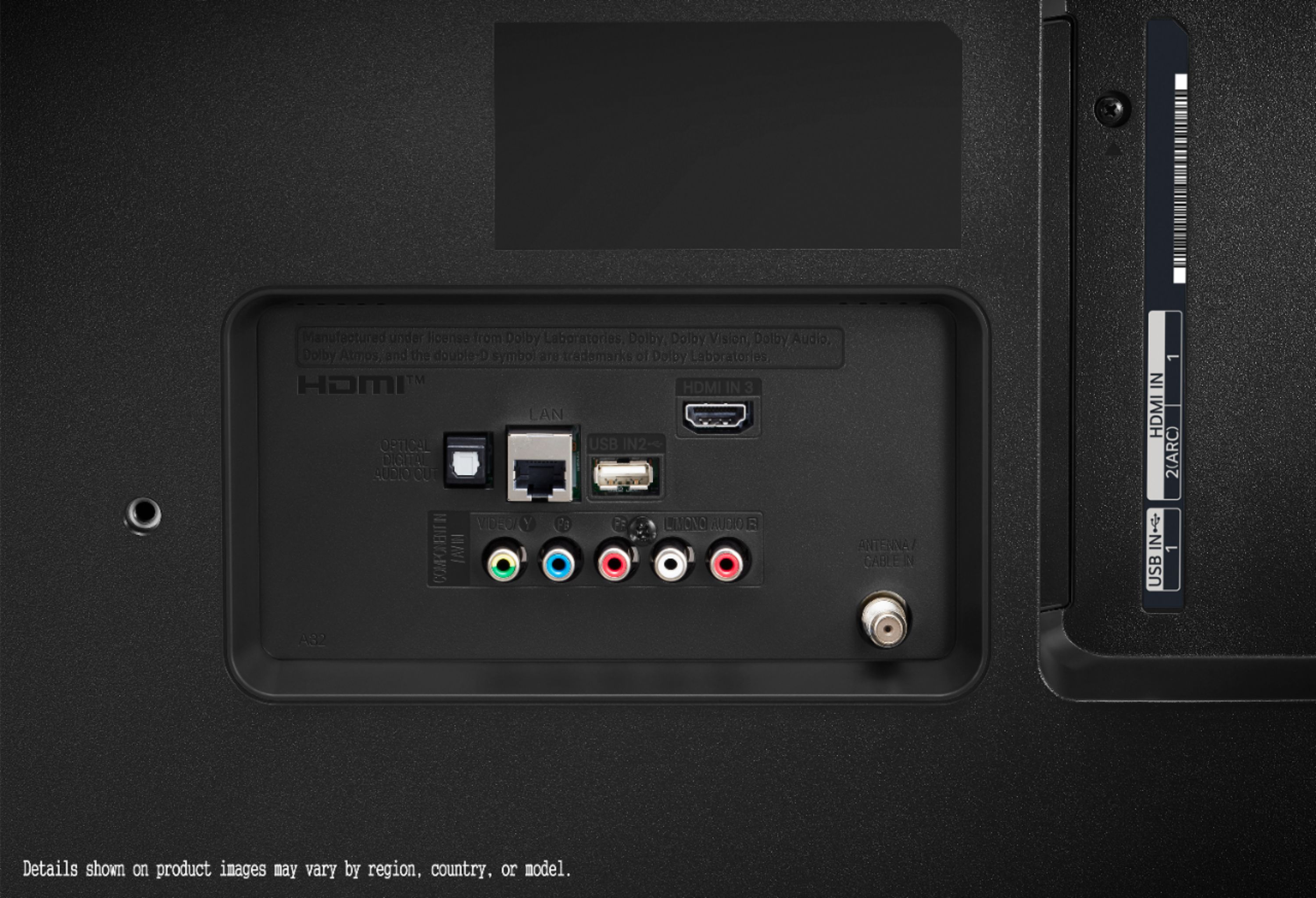
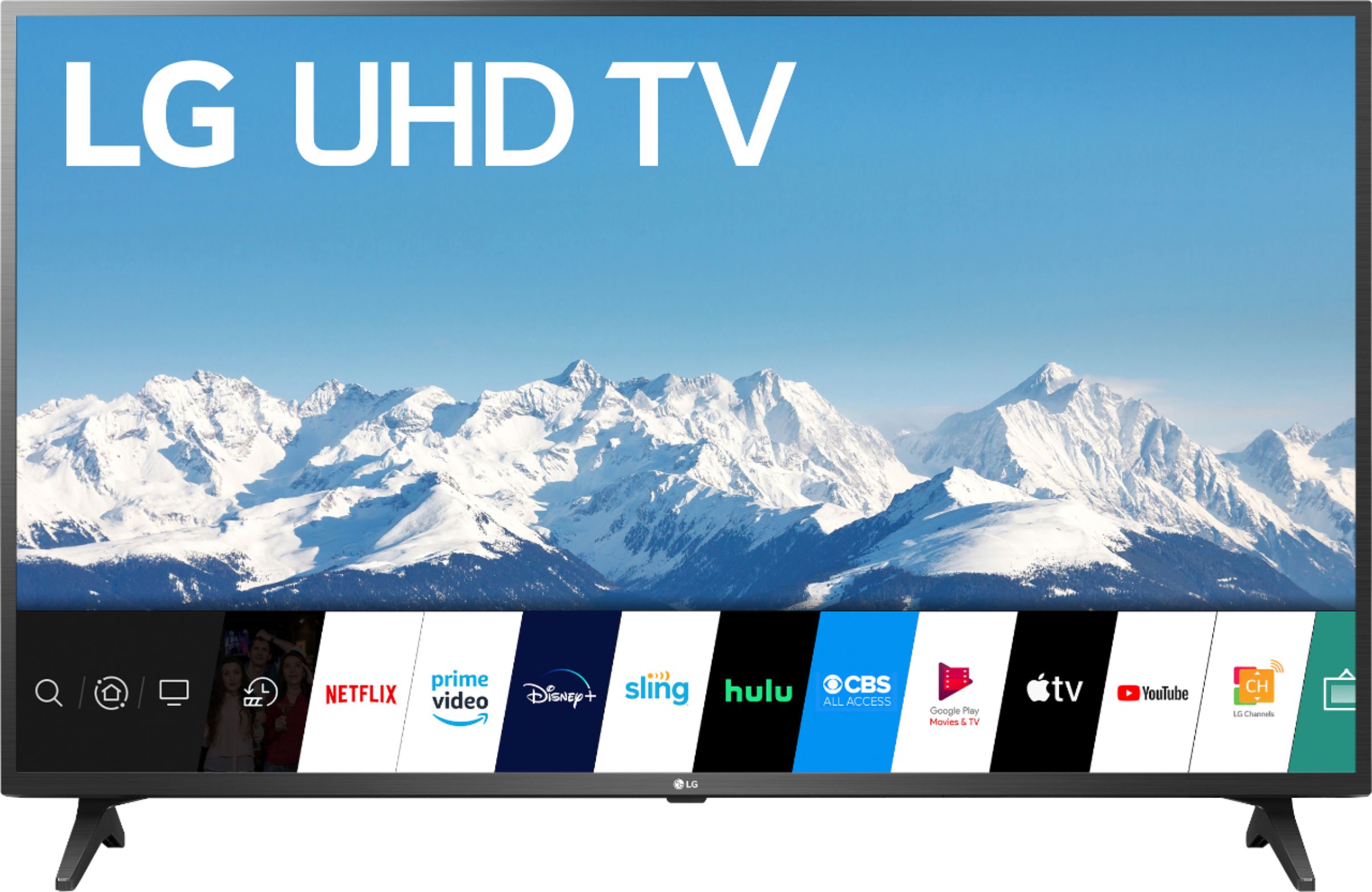
A:AnswerThe LG 50 inch Class 4K Smart UHD TV with AI ThinQ® (49.5'' Diag), Model # 50UN7300PUF has an Ethernet Port in addition to the built-in Wi-Fi...^IFV
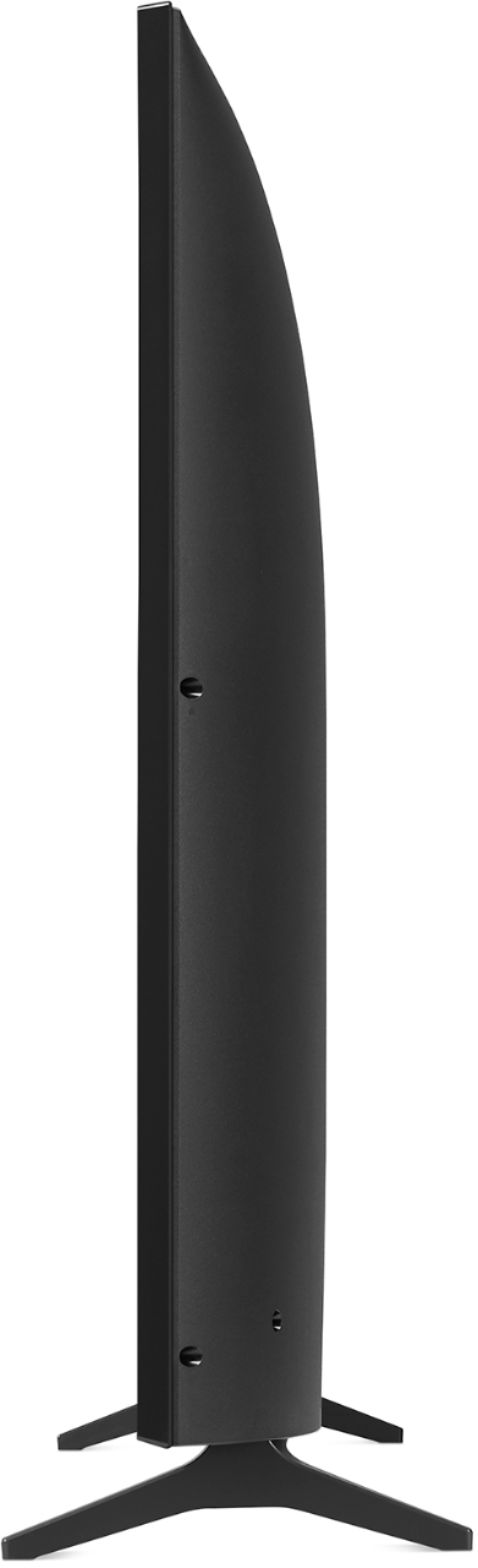
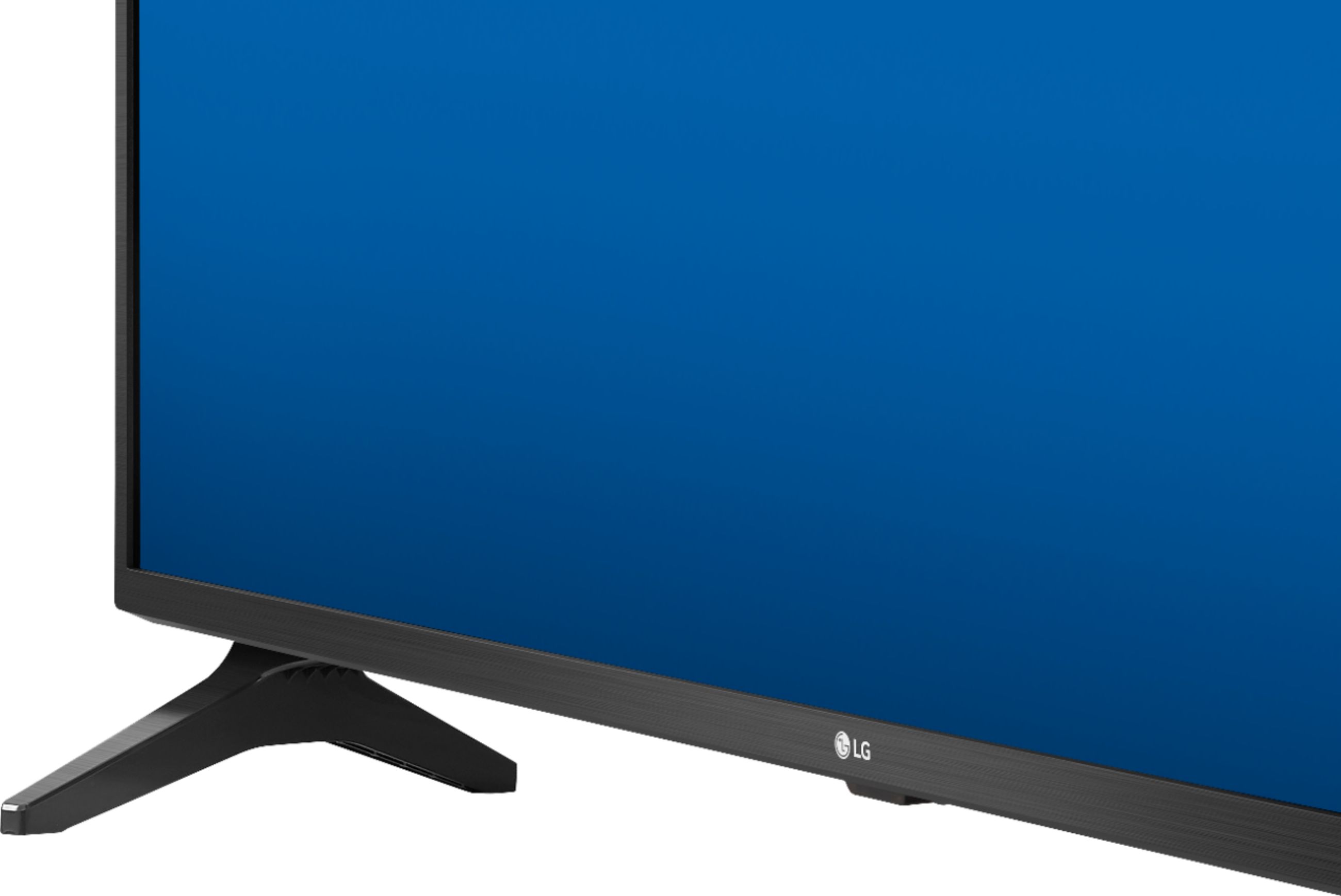
A:AnswerThe stand legs for the LG 50 inch Class 4K Smart UHD TV with AI ThinQ® (49.5'' Diag), Model # 50UN7300PUF will keep the TV sturdy and the TV will not fall over. LG has used stand legs for our TVs for over six years now. If you have concerns about children climbig on the TV, you can secure the TV with Safety Straps or Anti-Tip Straps that can be attached to the VESA Wall Mount bolt hole in the back of the TV and secured to your wall to prevent the TV from being pulled down...^IFV
A:AnswerThe LG 50 inch Class 4K Smart UHD TV with AI ThinQ® (49.5'' Diag), Model # 50UN7300PUF, has an F-Type, 75-Ohm, coaxial connector in the back that you can connect an internal or external antenna to. Free broadcast TV offers noticeably higher visual quality than expensive cable. But they both operate at a 1080p resolution. Free TV isn’t just PBS and local news. Most of the major television channels (especially sports channels) simultaneously broadcast on OTA and cable TV. The obvious difference between cable and OTA TV is channel-density. Cable TV is comprised of a few thousand channels, while OTA TV only broadcasts (at max) 69 channels for each locality. This difference in channel-density is the big reason why cable doesn’t look as good as OTA TV. Most OTA channels (55 of the 69) sit comfortably on the 470 to 806 MHz UHF spectrum. This spectrum is divided for each channel, so each one has its own 6 MHz band. But 6 MHz isn’t nearly enough bandwidth for HD TV transmissions. So, broadcasters compress their video (reduce the file size) using the lightweight MPEG-2 codec, which leads to only a tiny loss in visual quality. Cable TV occupies the 54 to 1000 MHz frequency range, with a big emphasis on the 750 MHz and 860 MHz bands. This giant frequency range (with a focus on high bands) translates to a lot of bandwidth. he problem is the extra bandwidth is only used to host more channels. While OTA TV places just one channel on each 6 MHz band, cable companies use aggressive compression algorithms (like MPEG-4) to shove around 20 channels on each 6 MHz band. As you’d expect, this aggressive compression leads to a dramatic loss in quality. It’s kind of like shoving 20 movies on a single DVD. You probably already know this, but OTA TV is just a local radio transmission that you pick up with a receiver. And while radio signals can technically travel forever, their intensity degrades over time. This degradation can lead to some quality loss, but if you have a correctly set up antenna (and maybe a signal amplifier to boot), the quality loss will hardly be noticeable. Cable TV, though, isn’t exactly a local operation. It starts with the TV networks, which transmit their programs to local cable companies via satellite. (If you see a plot of land full of satellite dishes, it’s probably operated by your local cable company.) The cable companies then compress these video signals and send them through the city via a network of coaxial cables. These video signals degrade as they travel through town, so they’re boosted by amplifiers along the way. Then, when the signal finally reaches your home, it has to be decoded by your TV. As you can imagine, each step in this messy process leads to quality loss. When paired with the aggressive compression used by cable companies, it’s a wonder cable TV looks good at all...^IFV
A:AnswerOpen the browser and to hbo there and sign in and watch. It's basically like having a huge smartphone. I use the browser to access email and Best Buy and even Philo TV.
A:AnswerThe Screen Share feature on the LG 50 inch Class 4K Smart UHD TV with AI ThinQ® (49.5'' Diag), Model # 50UN7300PUF allows you to display your smartphone's screen on the TV. To set up Screen Sharing on the TV, you need to select the Screen Share option from the home menu. You will then need to enable Screen Share on your smartphone, or whatever name it is called on your phone so you can select the TV from a list of available devices to request a connection. After the connection is established, your smartphone's screen will be displayed on the TV. However, Google decided to not allow Miracast or anything but Chromecast on your Google Pixel 2 XL and because the TV does not support Chromecast, you will not be able to use the Screen Share feature with your phone. You can contact Google or visit the Chromecast Help community to see if there is a workaround for this...^IFV
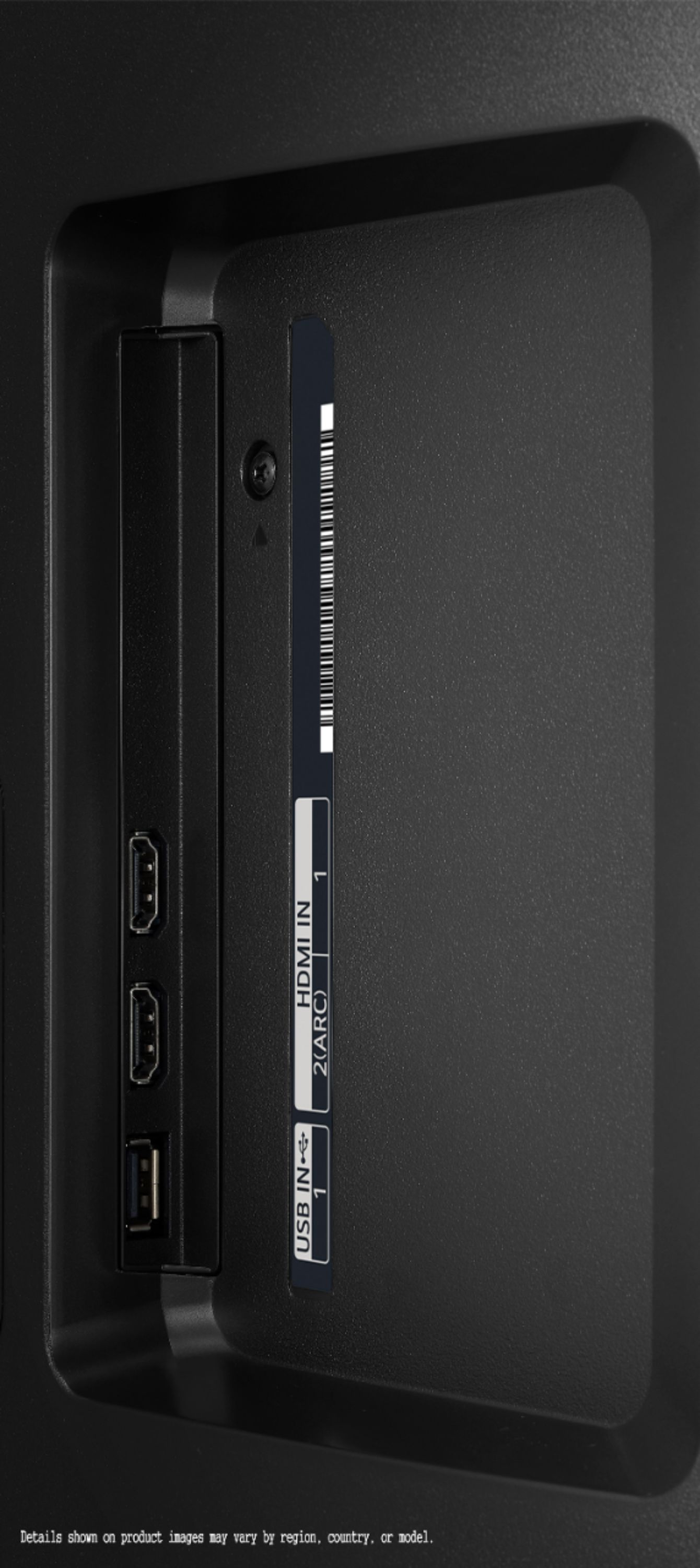
A:AnswerAll the HDMI ports on the LG 50 inch Class 4K Smart UHD TV with AI ThinQ® (49.5'' Diag), Model # 50UN7300PUF are HDMI 2.0 ports and they are all HDCP 2.2 compliant. You can plug an Amazon Firestick into any of the HDMI ports on the TV...^IFV
A:AnswerHDR stands for High Dynamic Range. TVs that support HDR can usually offer brighter highlights and a wider range of color detail, for a punchier image overall. Nearly all mid range and high-end TVs have HDR...^IFV
A:AnswerHi Gordon. If you scroll down further to Specifications on the product page for the LG 50 inch Class 4K Smart UHD TV with AI ThinQ® (49.5'' Diag), Model # 50UN7300PUF, you will find the dimensions for the TV listed under 'Dimensions': Product Height With Stand - 28.3", Product Width - 44.5", Product Depth With Stand - 9.3", Product Height Without Stand - 26.1", Product Depth Without Stand - 3.4"...^IFV
A:AnswerHi Wally. Regrettably, we are not familiar with what "spikers" are and will need some clarification. Did you mean "speakers"?. The LG 50 inch Class 4K Smart UHD TV with AI ThinQ® (49.5'' Diag), Model # 50UN7300PUF has a built-in 20W 2.0 Channel Speaker System...^IFV
A:AnswerThe W x H x D dimensions for the LG 55 inch Class 4K Smart UHD TV with AI ThinQ® (54.6'' Diag), Model # 55UN7300PUF are listed under its 'Specifications' on its product page on the Best Buy site. They are listed as 49" x 30.8" x 9.3" with the stand and as 49" x 28.6" x 3.4" without the stand...^IFV
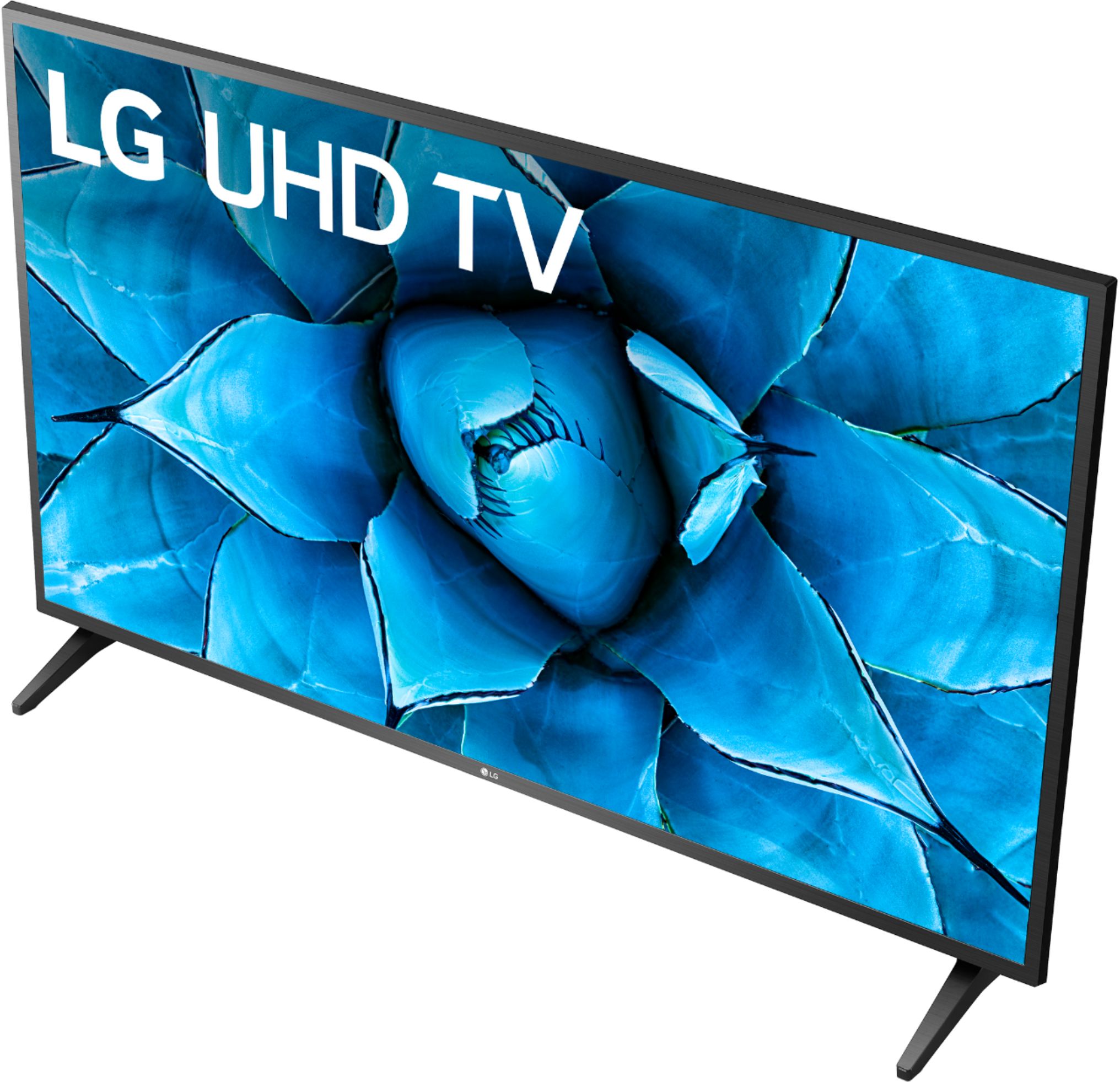
A:AnswerThe LG 50 inch Class 4K Smart UHD TV with AI ThinQ® (49.5'' Diag), Model # 50UN7300PUF has a weight of 24.9 lbs without the stand legs and a weight of 25.4 lbs with them...^IFV
A:AnswerThe LG 50 inch Class 4K Smart UHD TV with AI ThinQ® (49.5'' Diag), Model # 50UN7300PUF does not require Chromecast to stream content from a laptop. The Content Share function allows you to enjoy. videos, music and photos saved on your PC. If you have Windows 7 or later installed on your PC, you can play music, video, photos, etc. on your TV without needing to install a separate program. Connect the TV and your PC to the same network then right-click the music/video/photo file you wish to play then select the TV using the "Play To" feature built into the Windows 7 or later operating system to play the file. You can use LG's SmartShare PC Software to connect the music / videos / photos saved on the PC to your home network and play them on your TV. You can download and install the SmartShare PC Software from the LG website (www.lg.com)...^IFV