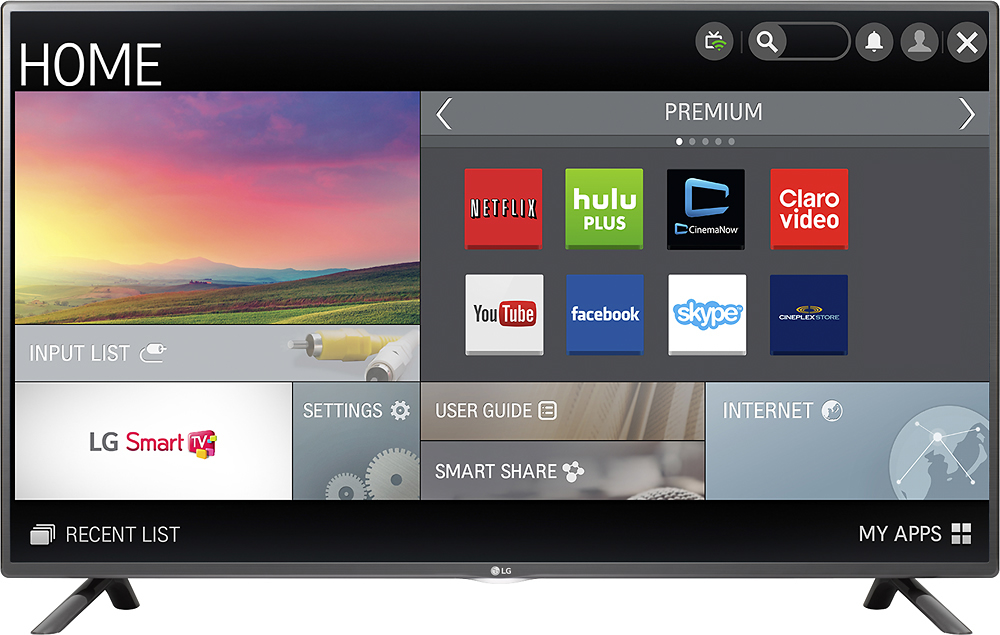
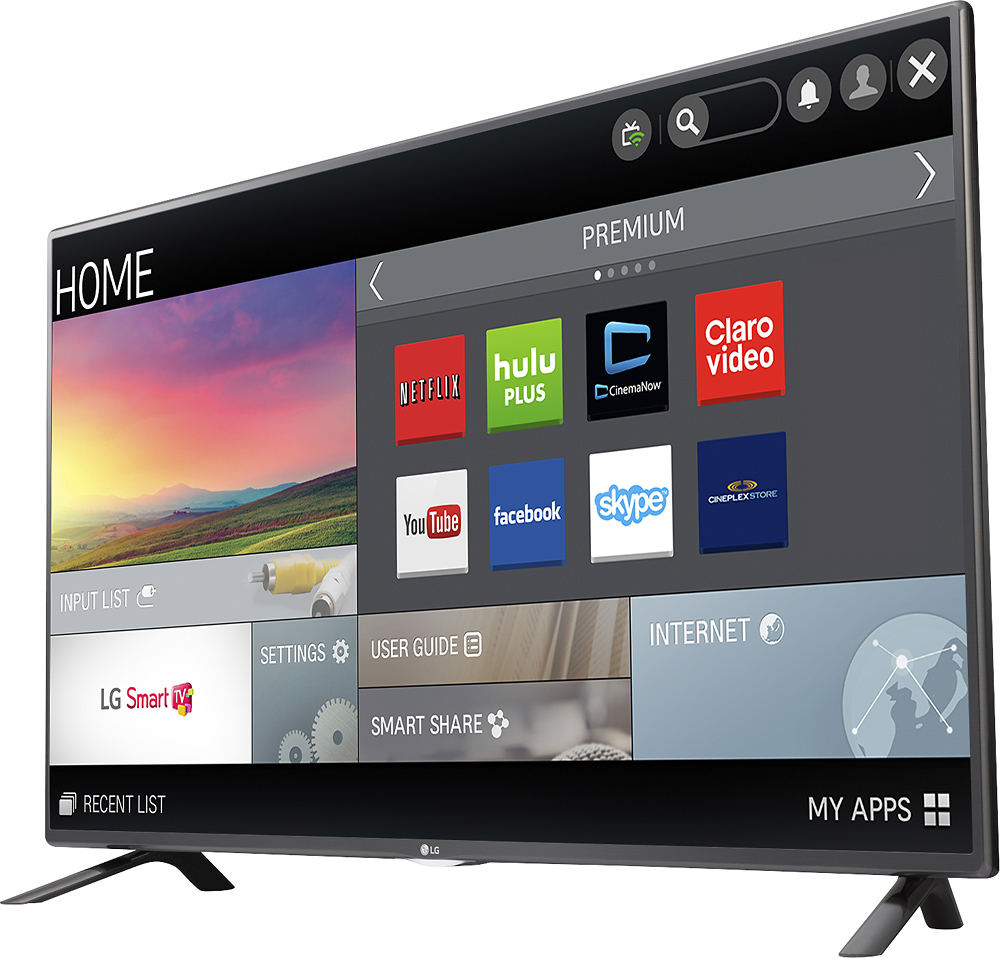
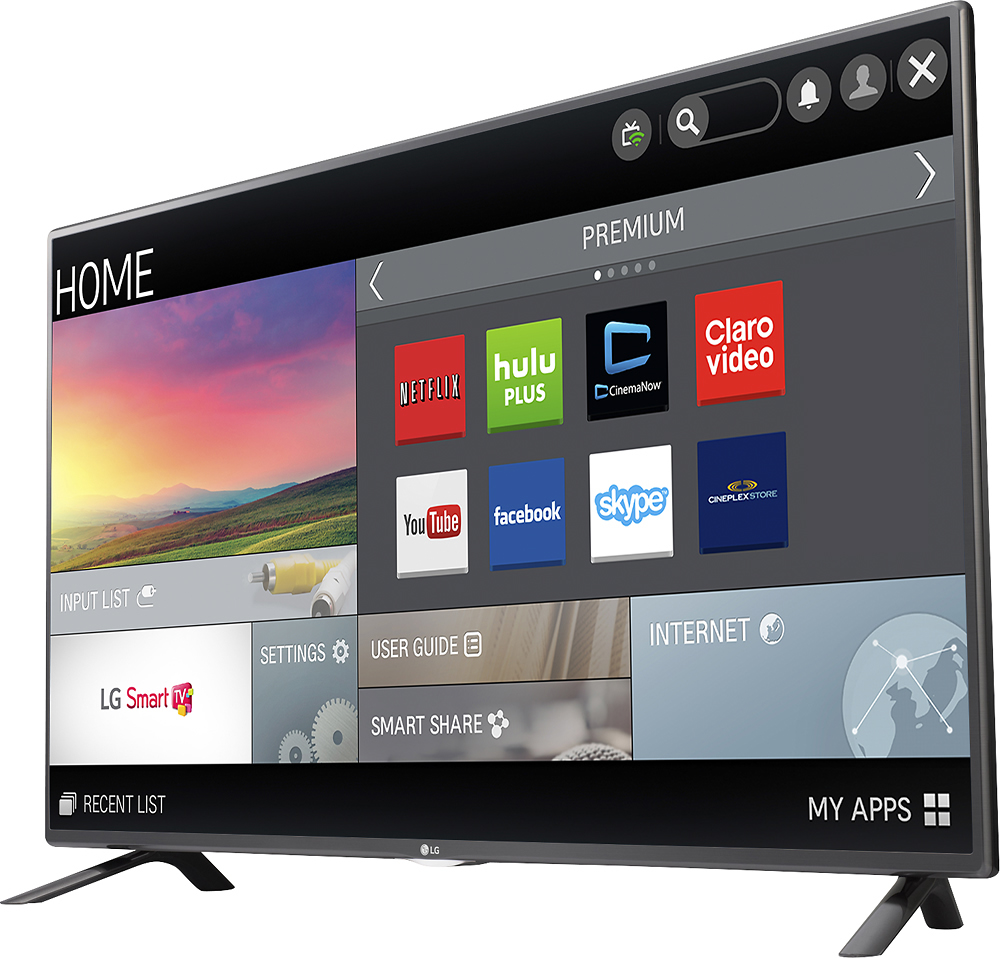
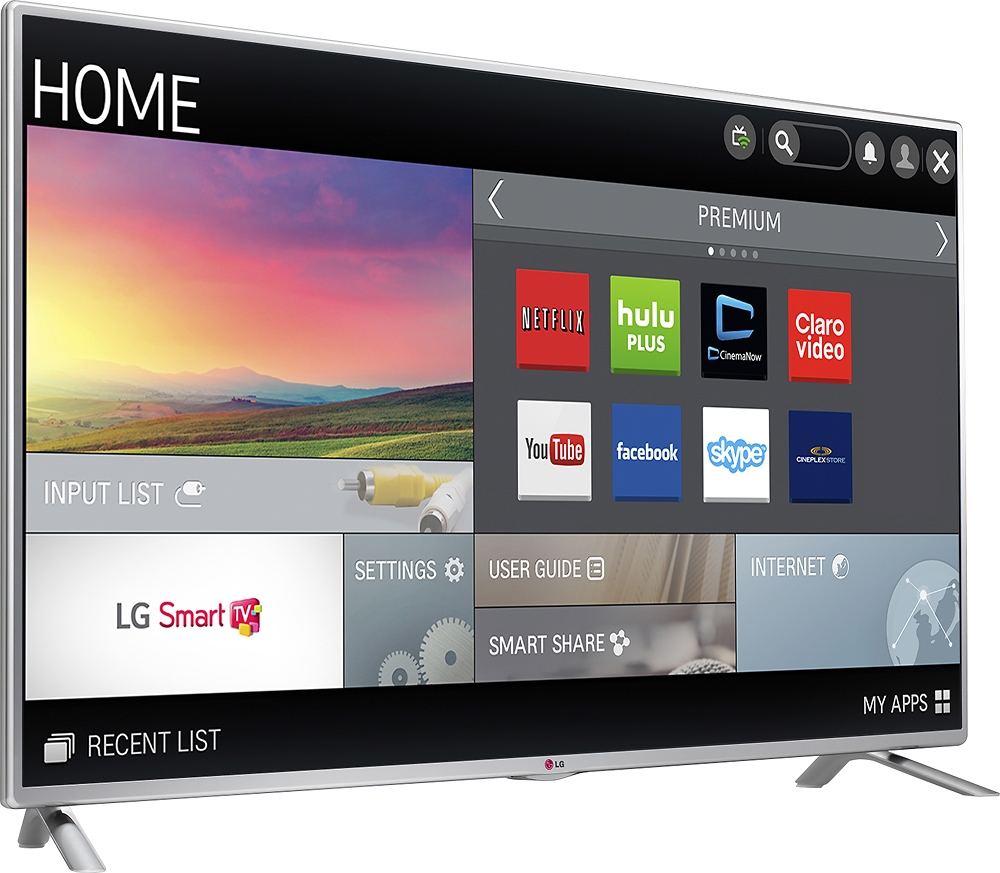
A:Answer From time to time, LG will update the firmware on the LG - 55 Class (54.6 Diag.) - LED - 1080p - Smart - HDTV - Black, Model # 55LF6100. You can always update the latest upgrades on the TV. First, make sure that you're connected to the internet, then press the HOME button on your remote control > SETTINGS > toggle over to SUPPORT and then SOFTWARE UPDATES. If you click on that and a new version of the firmware updates is available, it will automatically download. You will notice a check box for Automatic Updates. It is recommended that you check that box so that whenever new versions of the firmware are available, they will be automatically downloaded. The LG Content Store is your portal to limitless premium content and apps. This is easily accessed by pressing the HOME button on your remote and navigating to the LG Content Tile on your launcher. You will find tabs on the right-hand of the screen that give you access to all the apps. Some apps are free and some are paid, there will be a description of each app and you will be asked to confirm your selection...^IFV