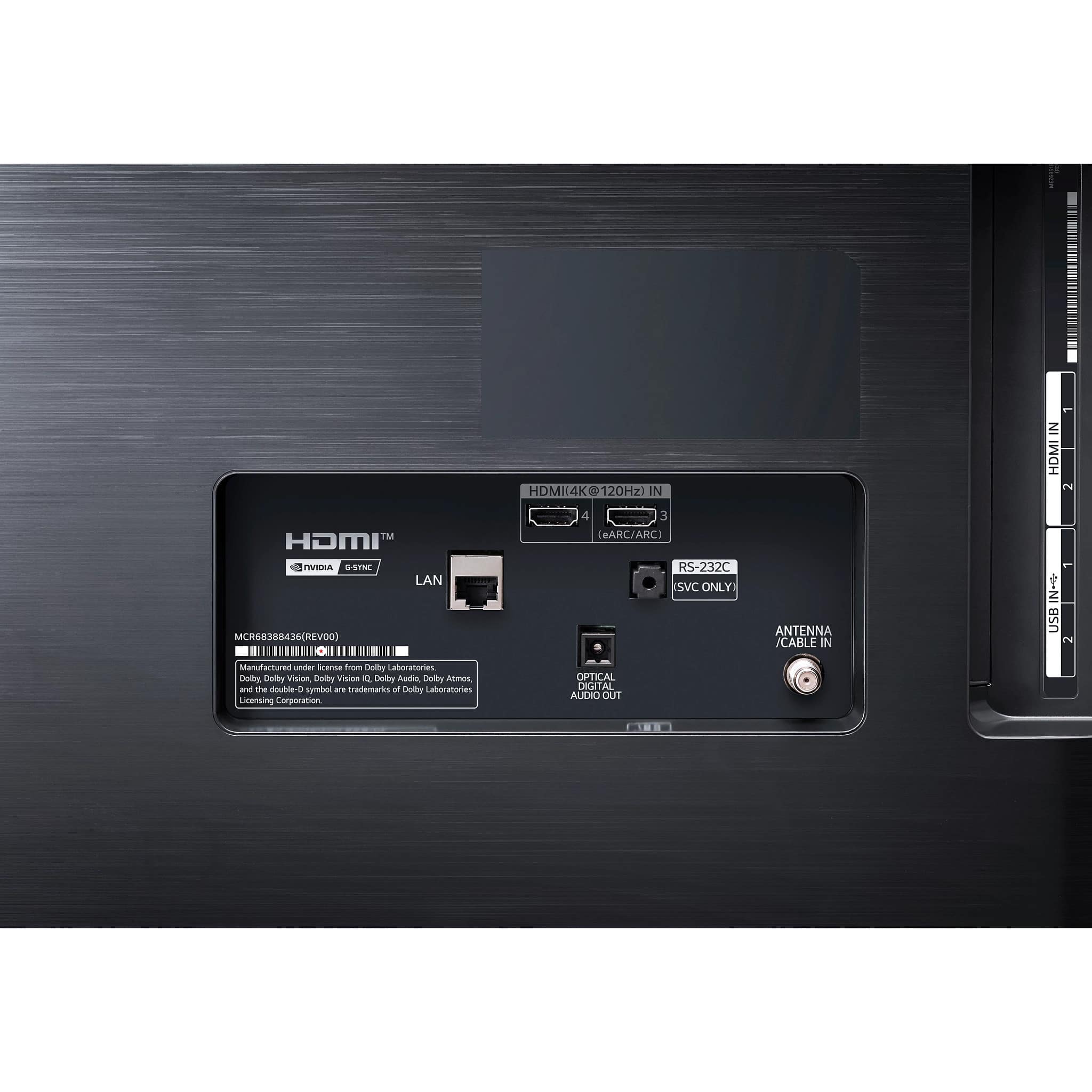
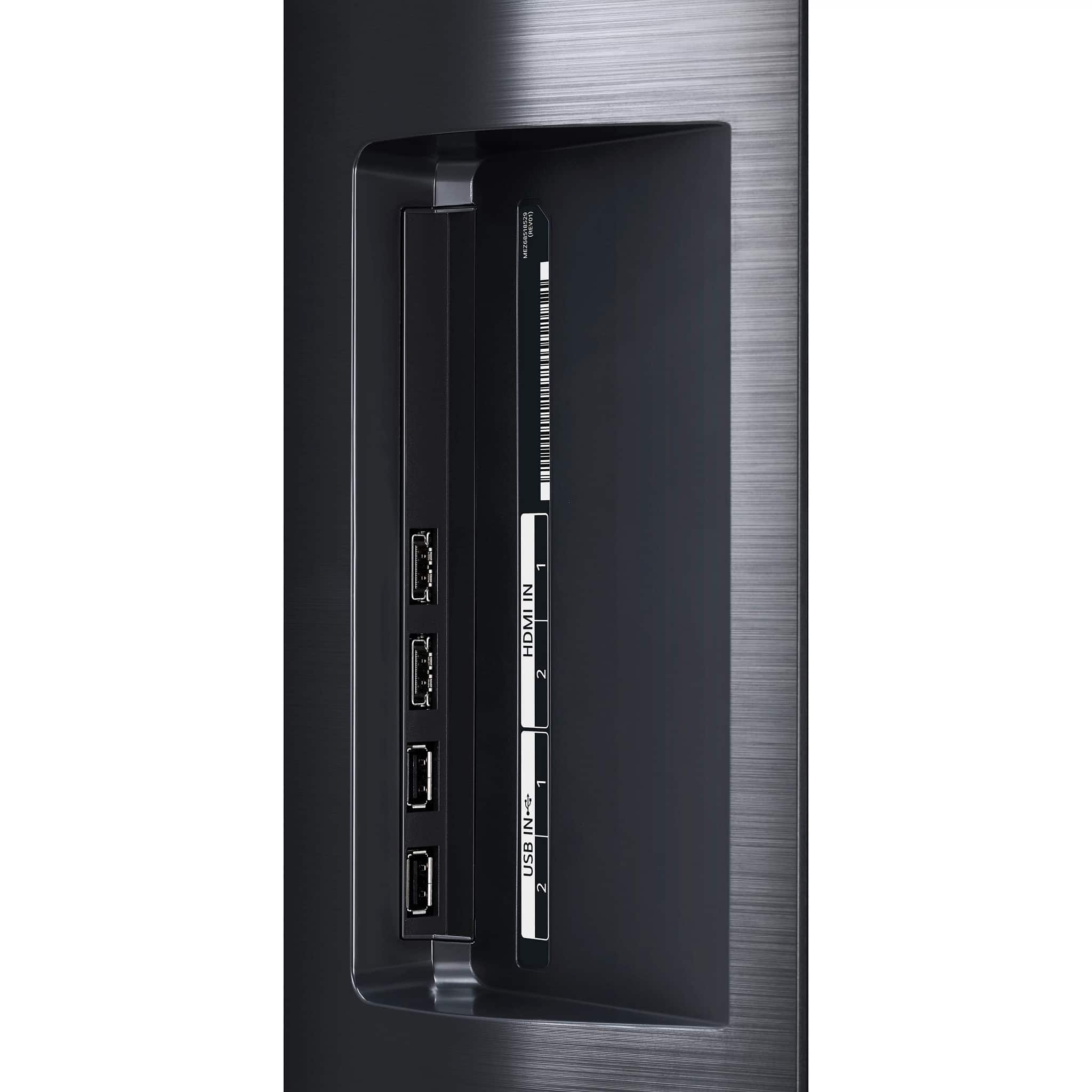
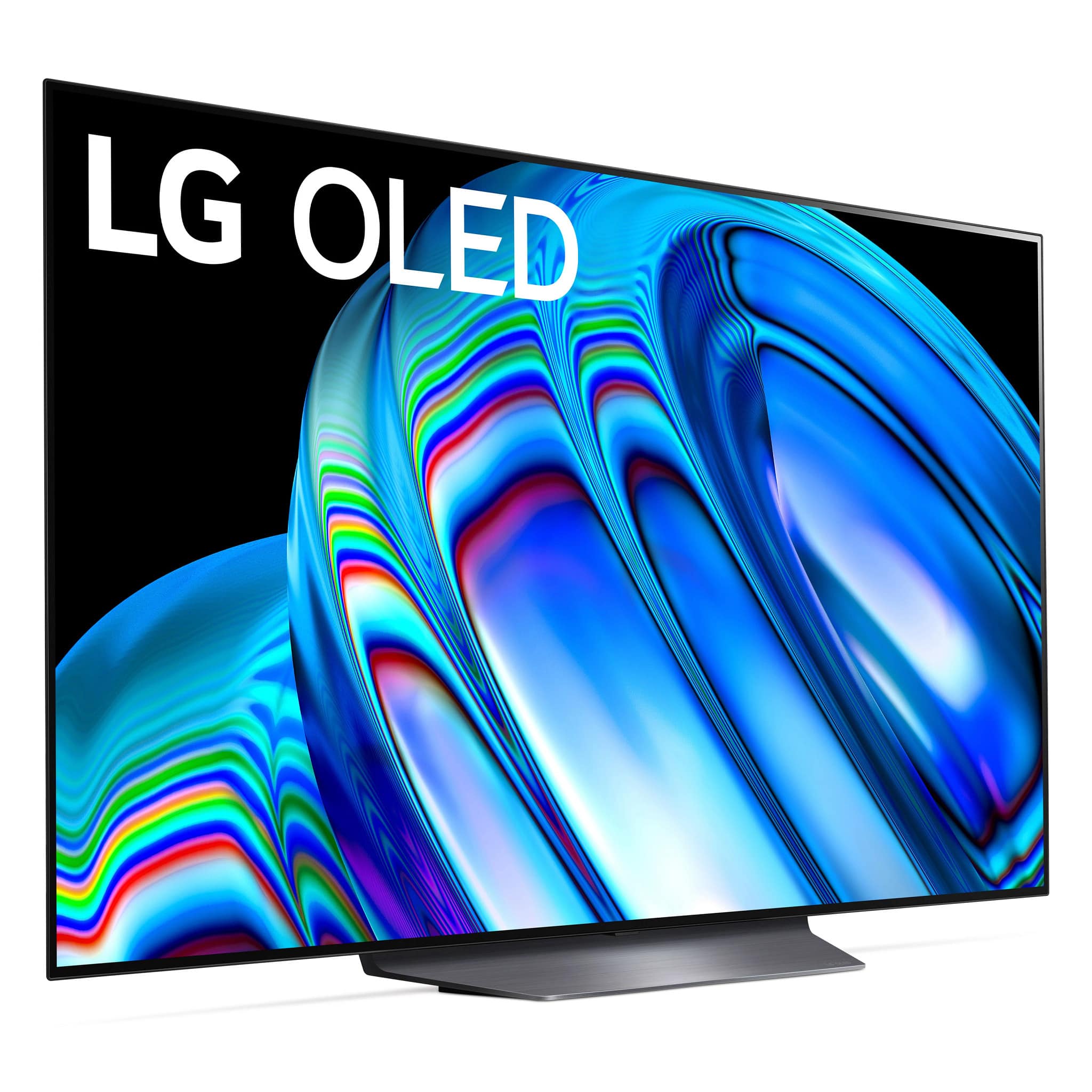
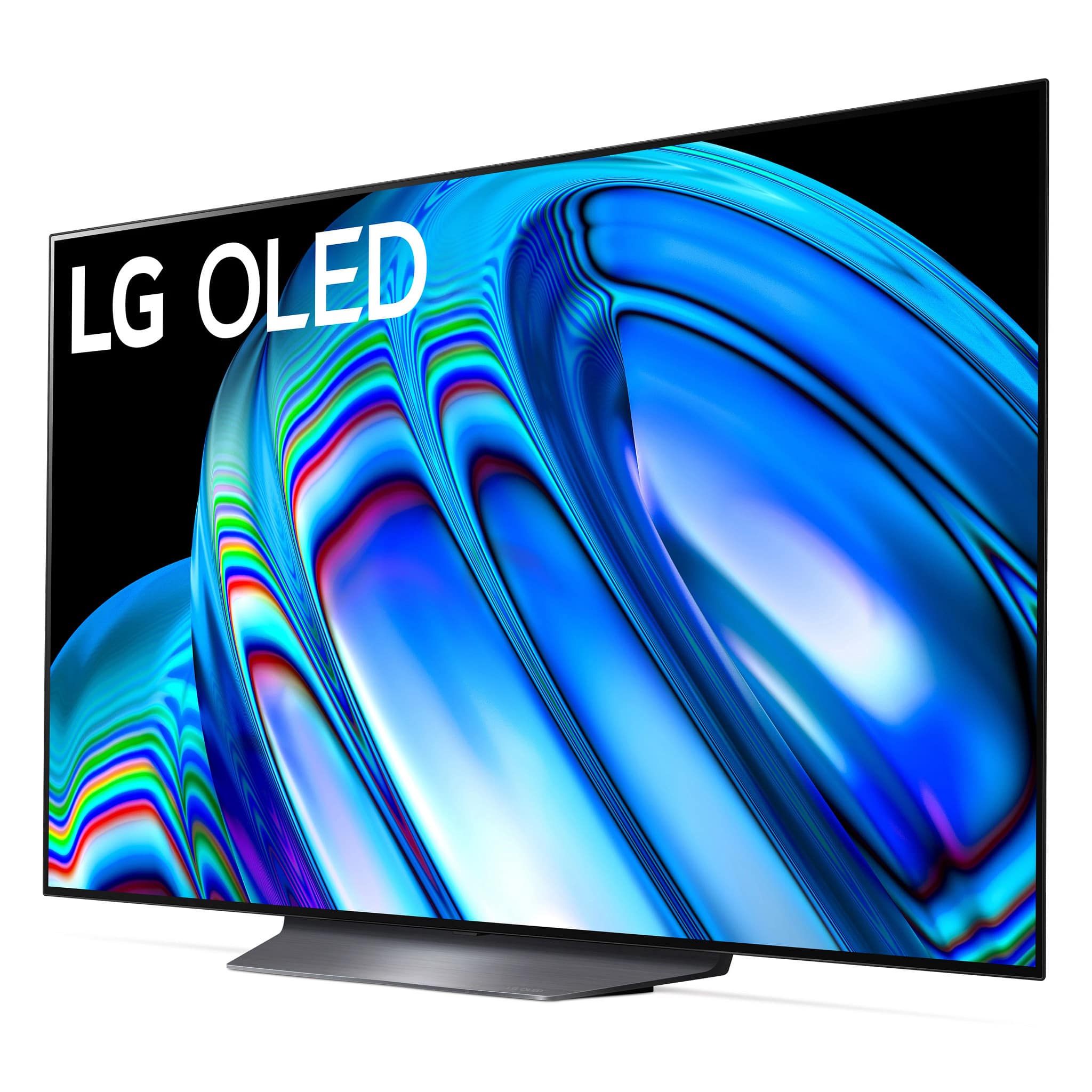
A:Answer Hi, For the Xbox Series X/Series S, head to Settings > General > TV and Display options > 4K TV details to check which features the TV is compatible with (given its LG, that's likely all of them). Head to Refresh Rate setting in the Display column and change it to 120Hz if you intend to play compatible 120Hz games.^Vanessa