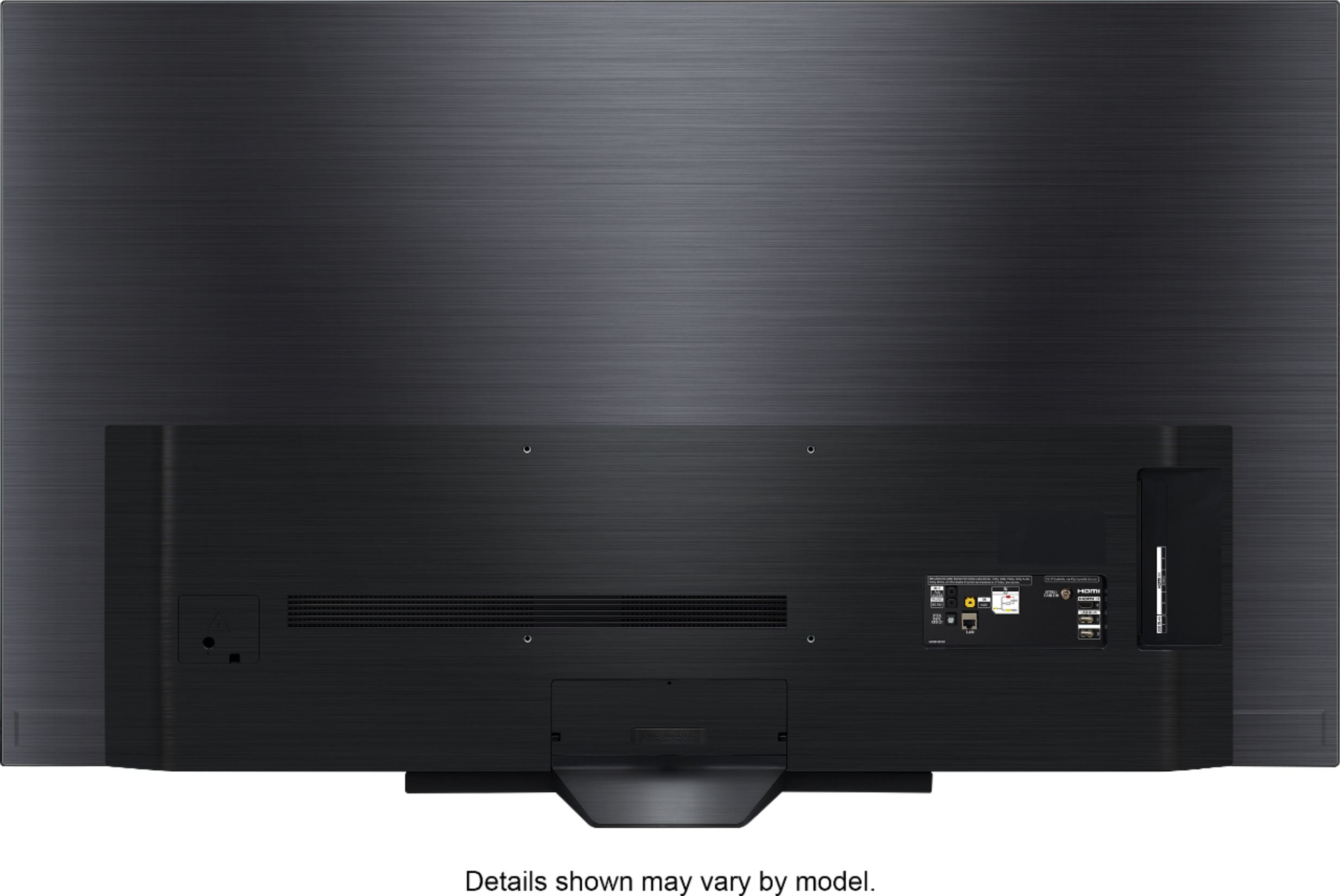
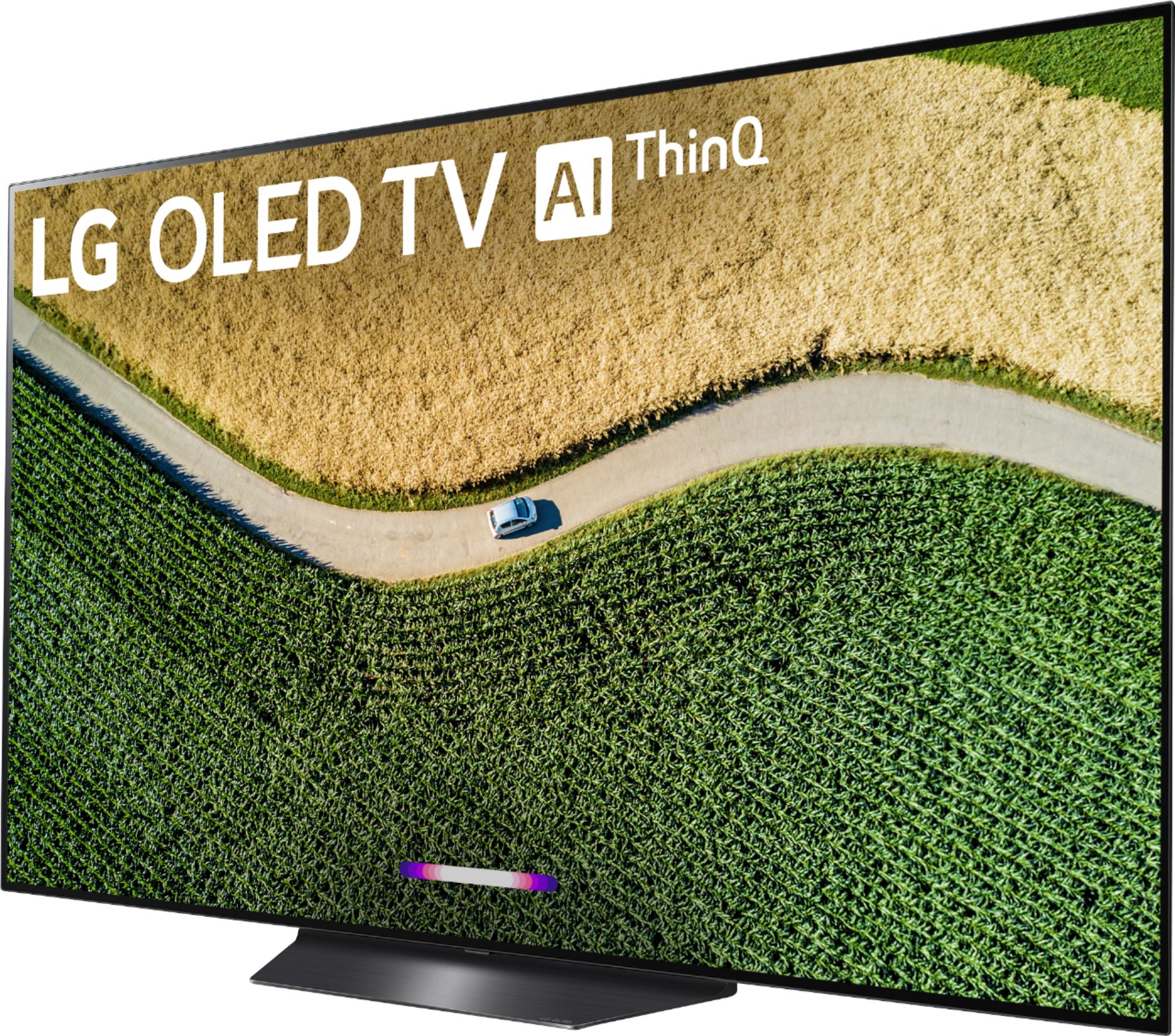
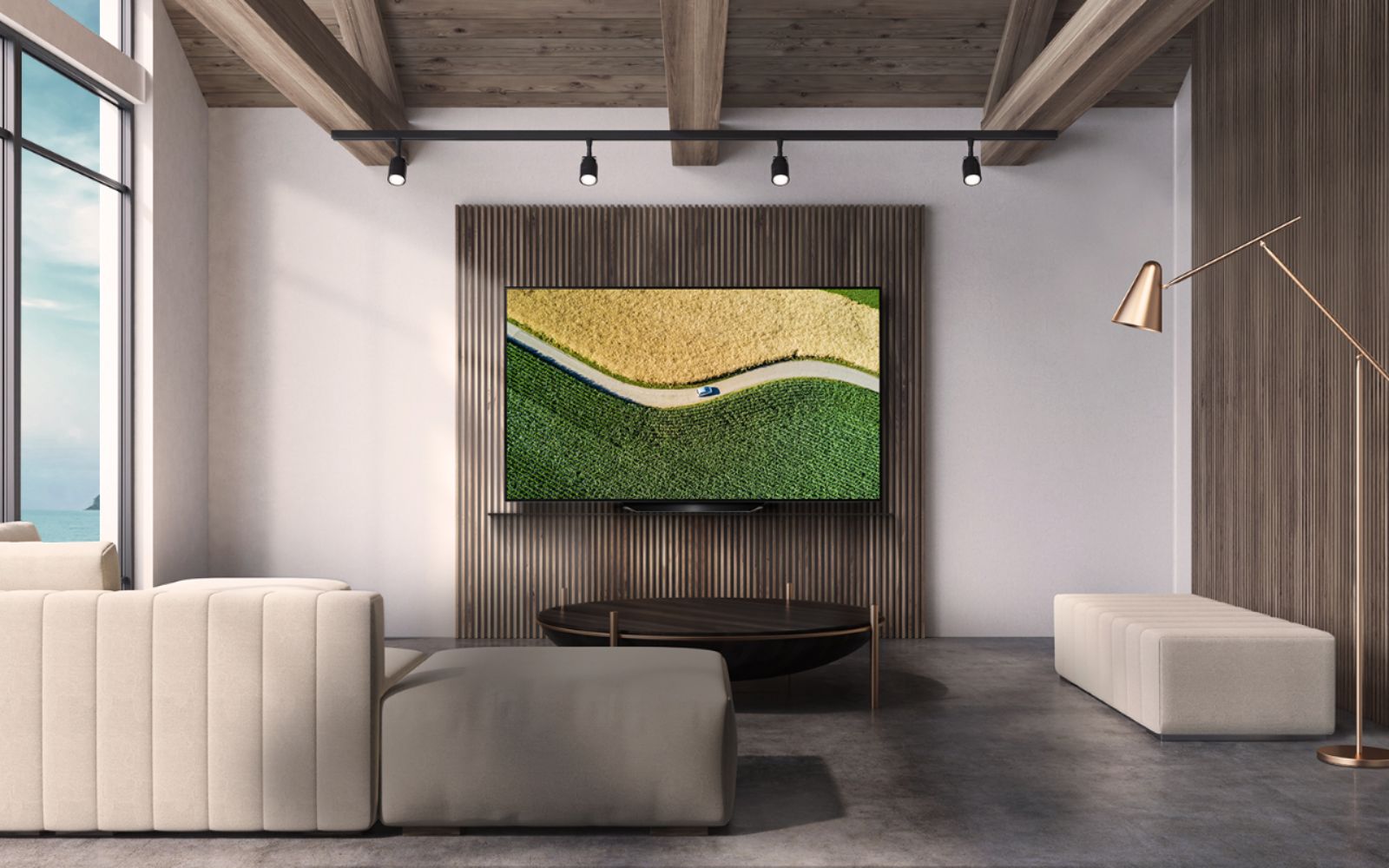
A:AnswerThe only Full Motion Wall Mount that we have that is compatible with the LG B9 55 inch Class 4K Smart OLED TV w/AI ThinQ® (54.6'' Diag), Model # OLED55B9PUA is the LG EZ Slim Wall Mount for 2019 LG OLED, NanoCell and UHD TVs, Model # OLW480B. That will extend out 6.77" (172mm) away from the wall. You can inquire with the Best Buy Sales Associates if they carry a compatible wall mount that suits your needs...^IFV
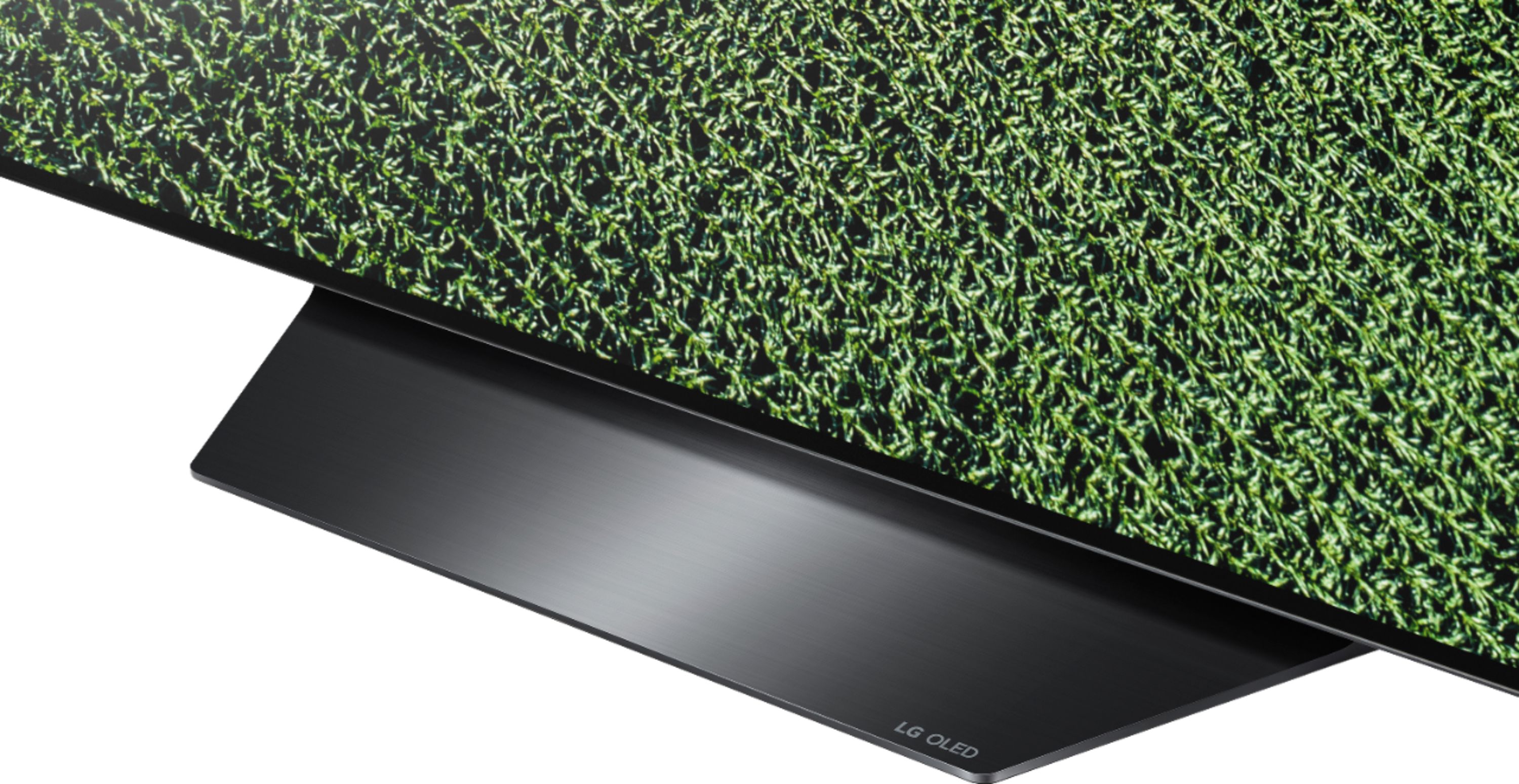
A:AnswerI bought the wall model so I had to buy a stand also. Have a store employee show you where the 55 inch TV stands are in the store. The stand was $169 but worth every penny! Don’t get a cheap stand as it will not hold the weight of the TV!
A:AnswerRoughly somewhere in between 530-605 cd/m2 based on how much or how little of the screen is brightly lit. You could get a panel that is slightly brighter or dimmer than that. There's a couple of things to also consider. That is with HDR mode on, and that is when you have your television OLED panel set to max brightness. And usually that only happens if its in gaming mode.
This television works best in low-light environments. If this thing is sitting in a living room with huge bay-windows letting the sun in, then the HDR is not going to impress you much. But if you are watching movies or playing games at night, and you turn off most of your lights in the room, the dark areas on screen will be so dark, that it will make a great contrast between the pixels that are at peak brightness. I think it achieves this effect rather well.
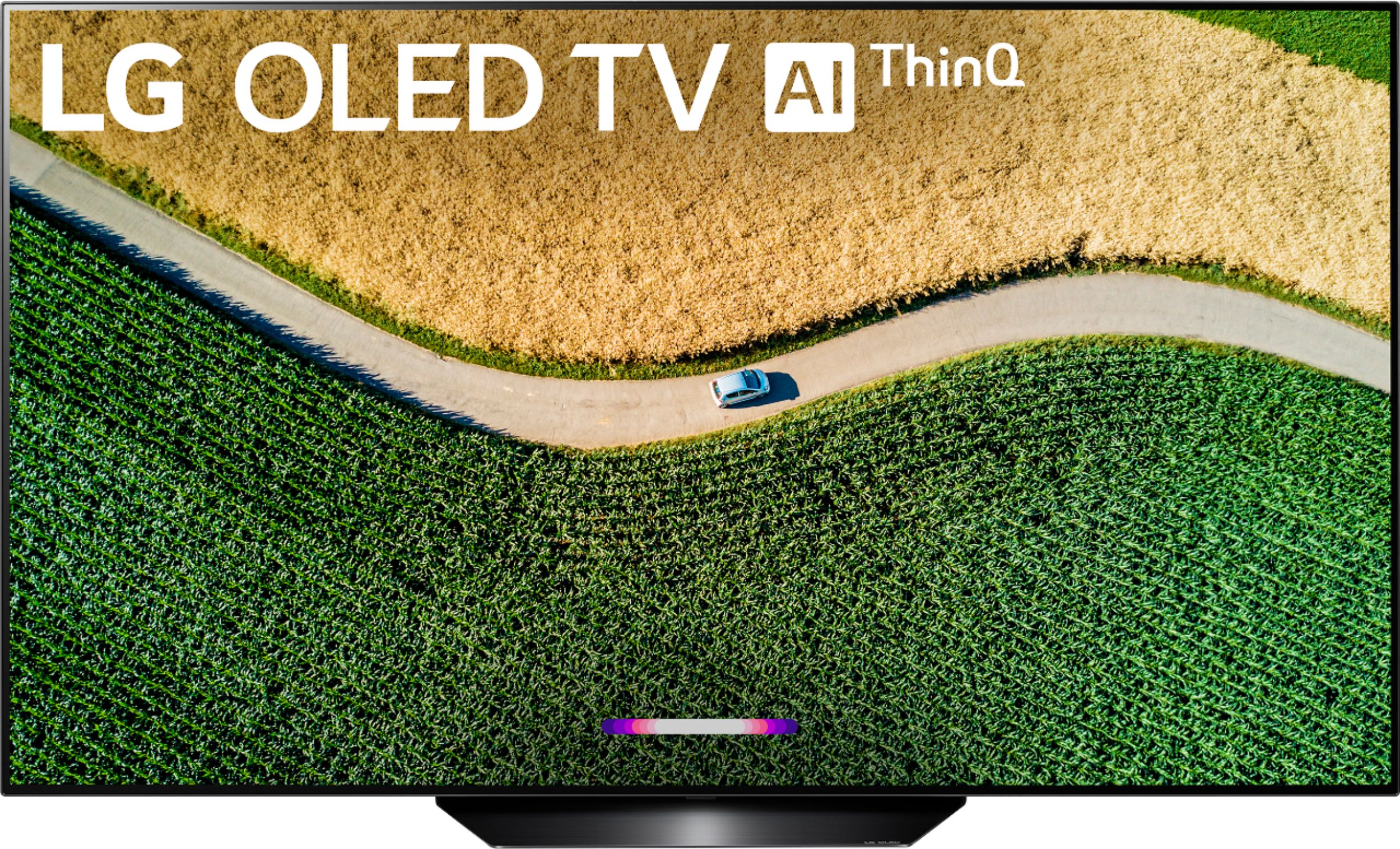
A:AnswerThe Apple TV app was launched on Feb. 3, 2020 for compatible 2019 LG Smart TVsand it can be easily accessed from the LG Home launcher on the LG B9 55 inch Class 4K Smart OLED TV w/AI ThinQ® (54.6'' Diag), Model # OLED55B9PUA. It is listed with all the other Premium Content Providers apps that come presinstalled on the TV...^IFV
A:AnswerAppleTV app is on this television. Firmware updates may be required. And there is an LG app store in which you could find the Apple TV app if you don't see it from the webOS home menu.
HBO Max, on the other hand, is not there. They have not developed an HBO Max app for webOS. The only way would be if you could mirror your Android phone onto the LG OLED tv, or if you stream video from HBO Max running in your web browser that supports chromecasting to the television. The only other way is if you had a Youtube TV subscription, and have added HBO Max on top of that Youtube TV subscription. Who knows if the app will ever be developed for the webOS platform, its not as common as other SmartTV platforms.
A:AnswerYes, this model has voice assistant built in for Amazon Alexa. Please visit https://www.lg.com/us/support/product/lg-OLED55B9PUA.AUS for additional information. You can also contact us by direct message via Twitter (@LGUSSupport) or Facebook Messenger (https://www.facebook.com/LGUSA/). Thank you. ^DLIs
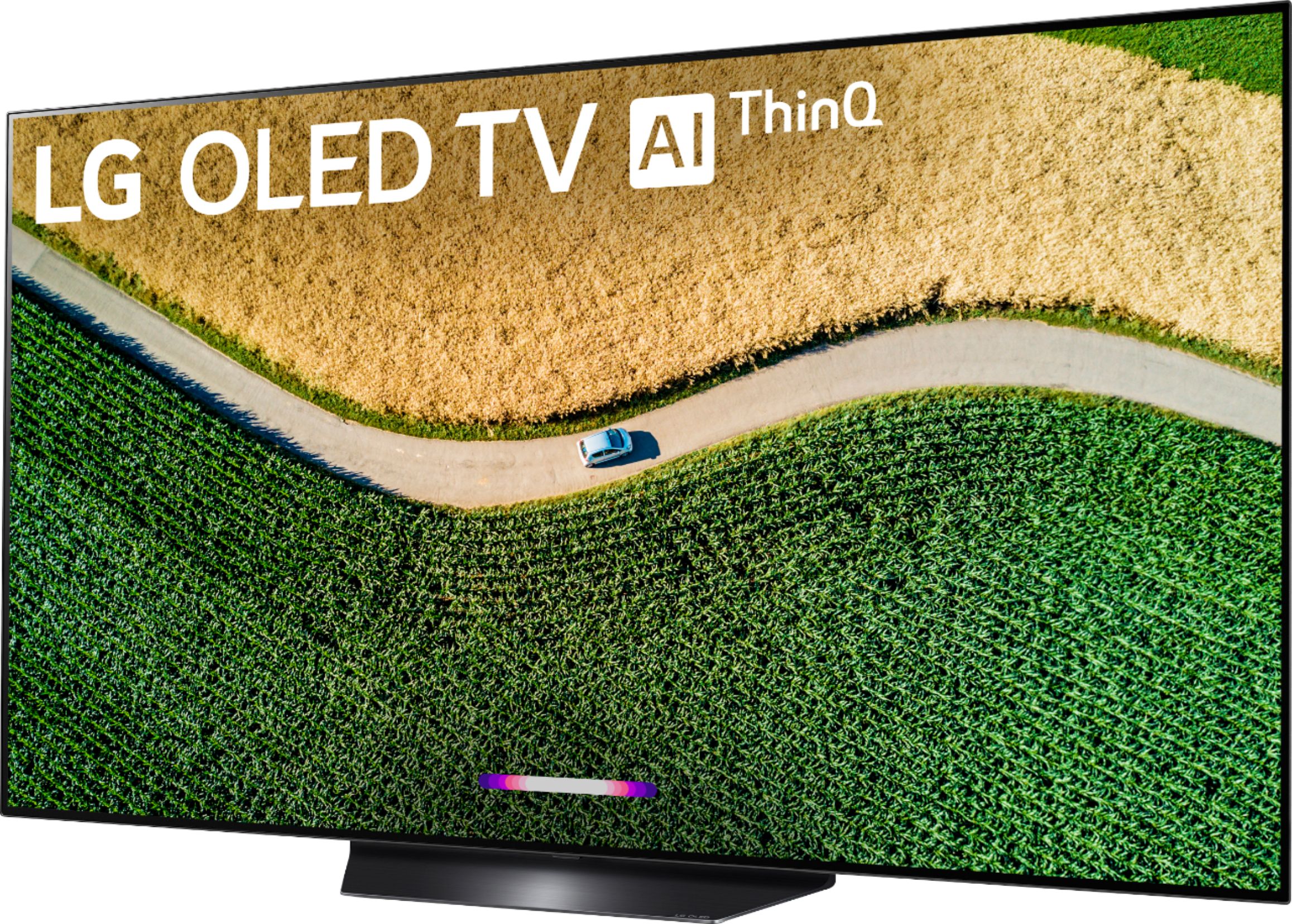
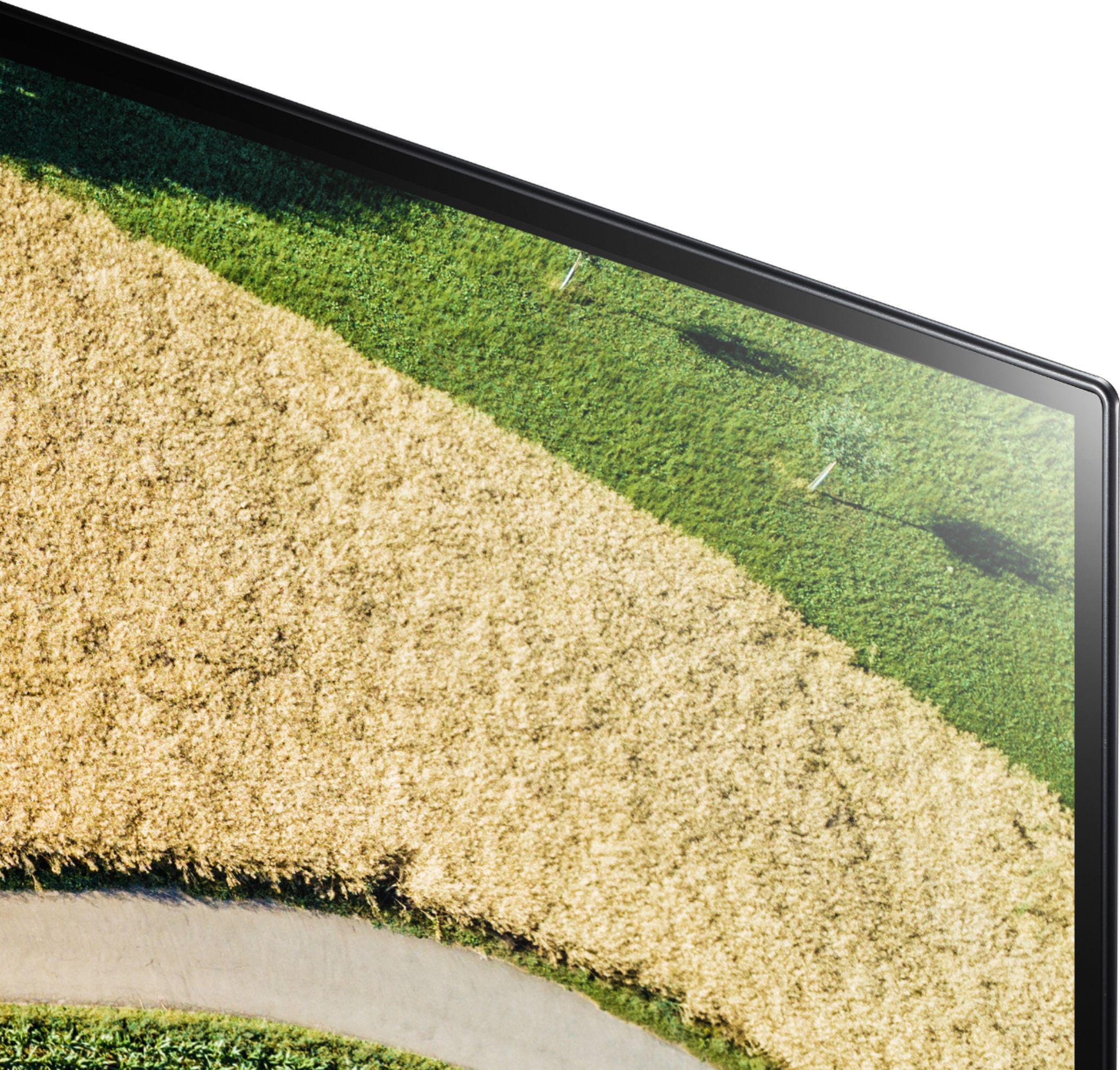
A:AnswerThe screen for the LG B9 55 inch Class 4K Smart OLED TV w/AI ThinQ® (54.6'' Diag), Model # OLED55B9PUA is glossy (it is glass) but it diminishes reflections by preventing them from scattering across the screen. You may notice a purple tint that is due to the anti-reflective coating found on some high-end TVs...^IFV
A:AnswerThe diagonal measurement of a TV's screen is what is given as the screen size. The LG B9 55 inch Class 4K Smart OLED TV w/AI ThinQ® (54.6'' Diag), Model # OLED55B9PUA is a 55" as indicated in the title...^IFV
A:AnswerManual says use only water, moist, but not wet, soft cloth as needed. I haven't needed to do anything other than this. Screen is glass so pressing on screen is to be avoided.