










Black Friday is hereShop new DoorbustersShop now

Main Content

Questions & Answers

Your price for this item is $1,234.99
Clearance
The comparable value price is $1,299.99
Page Showing 1-20 of 63 questions
  • QuestionWhat is the estimated annual electricity use for this TV?

    • Answer The estimated annual electricity use for this TV is 211 kilowatt hours.
    This question and answer was generated by AI based on customer and product data.
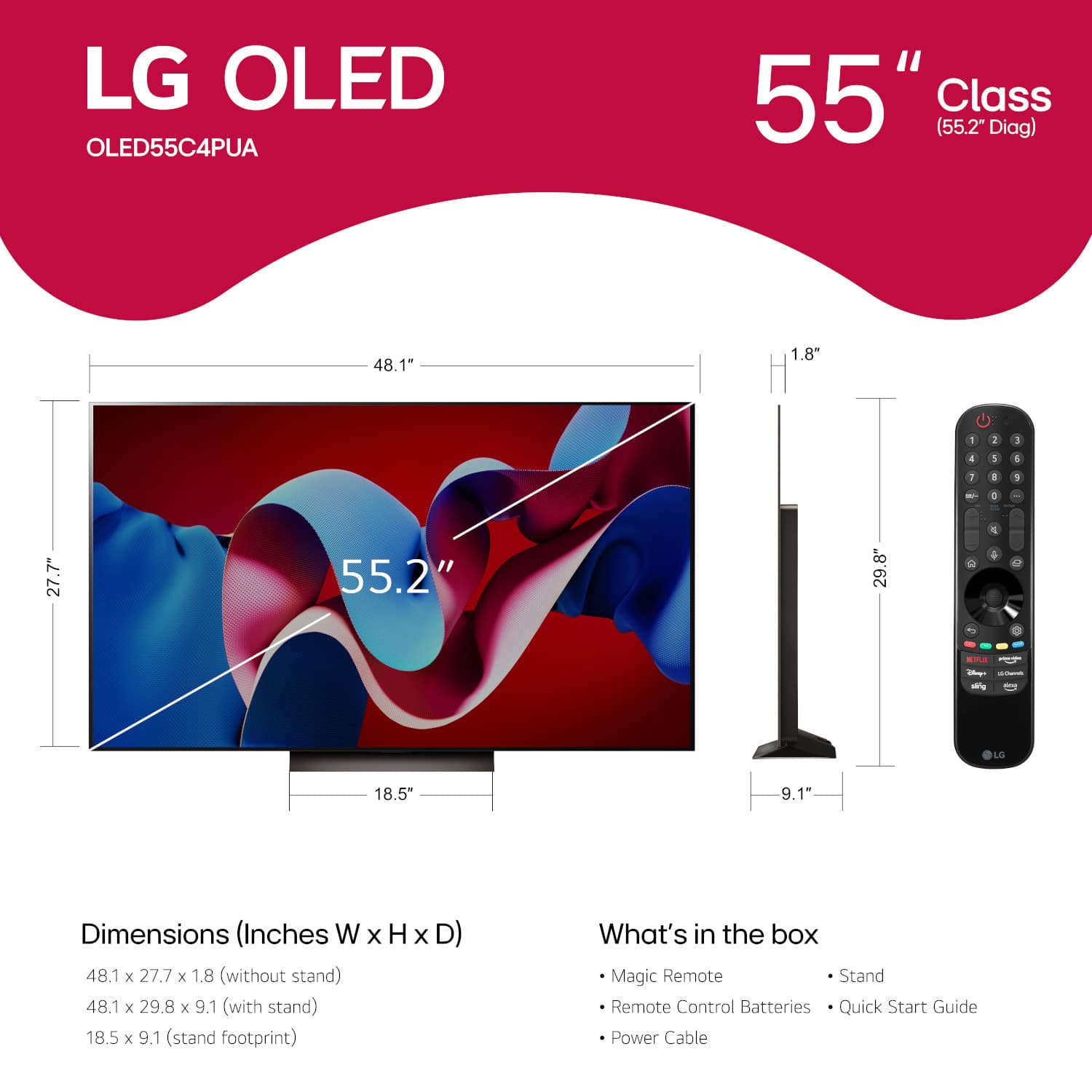
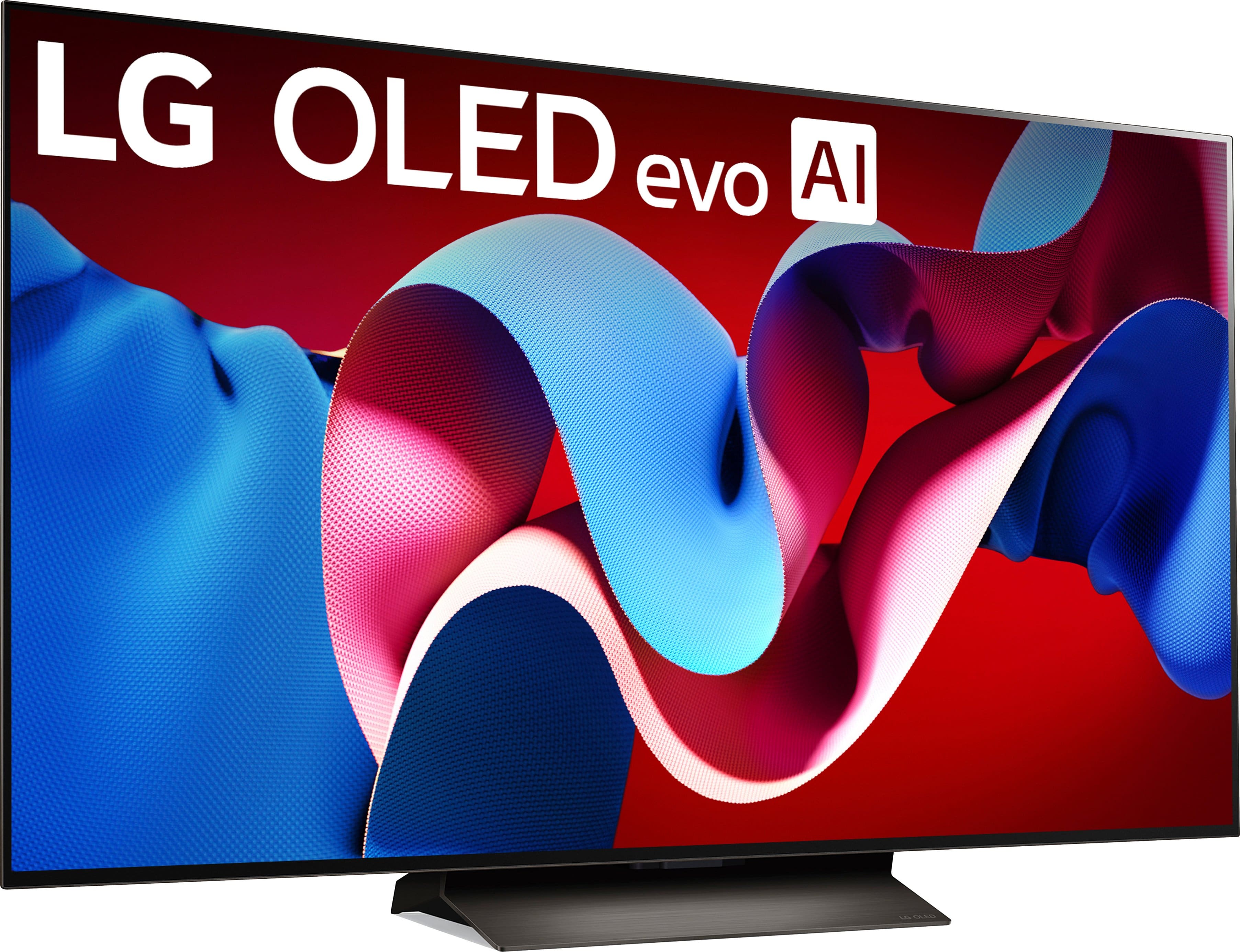
  • QuestionDoes this TV include a stand?

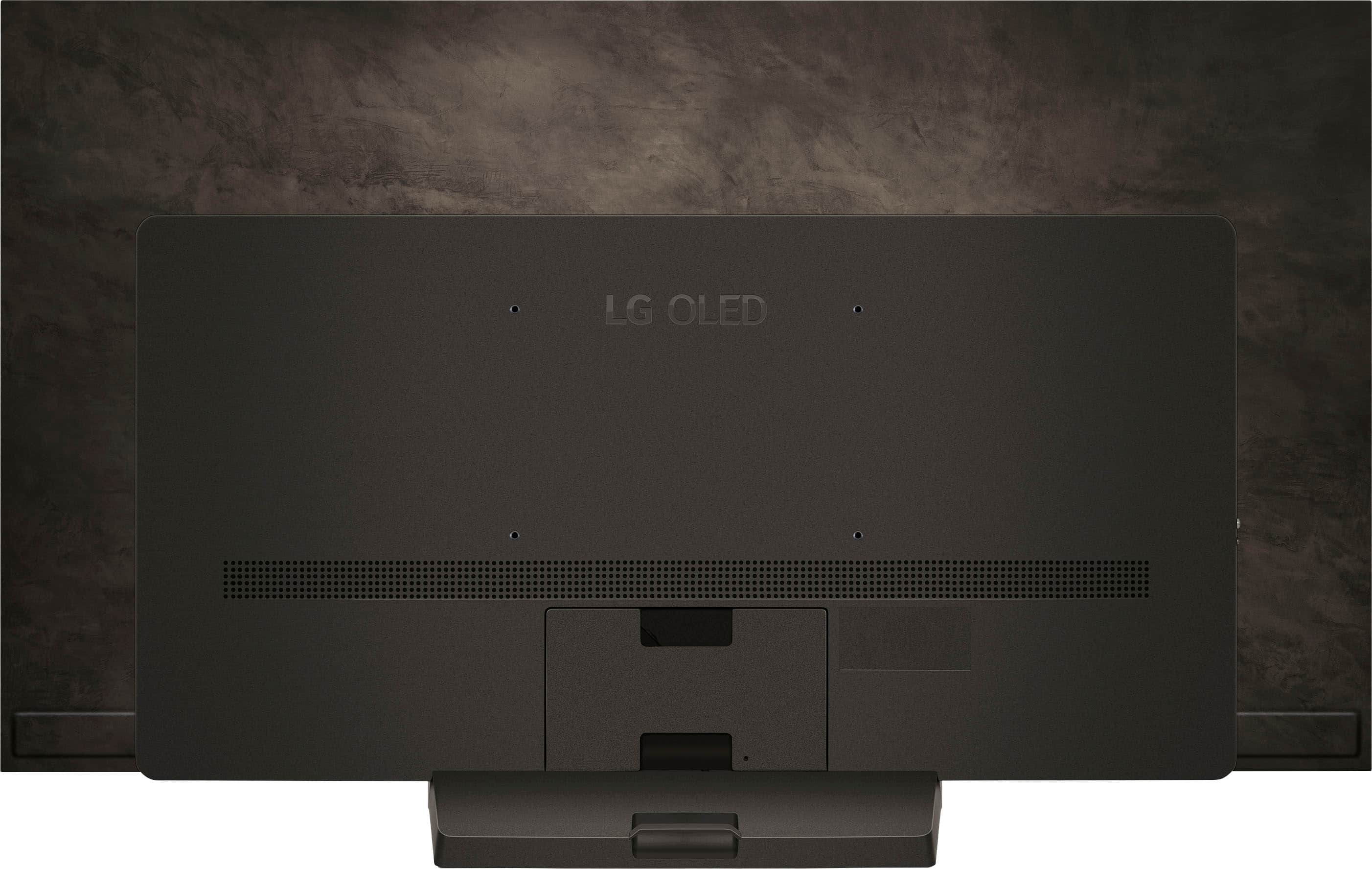
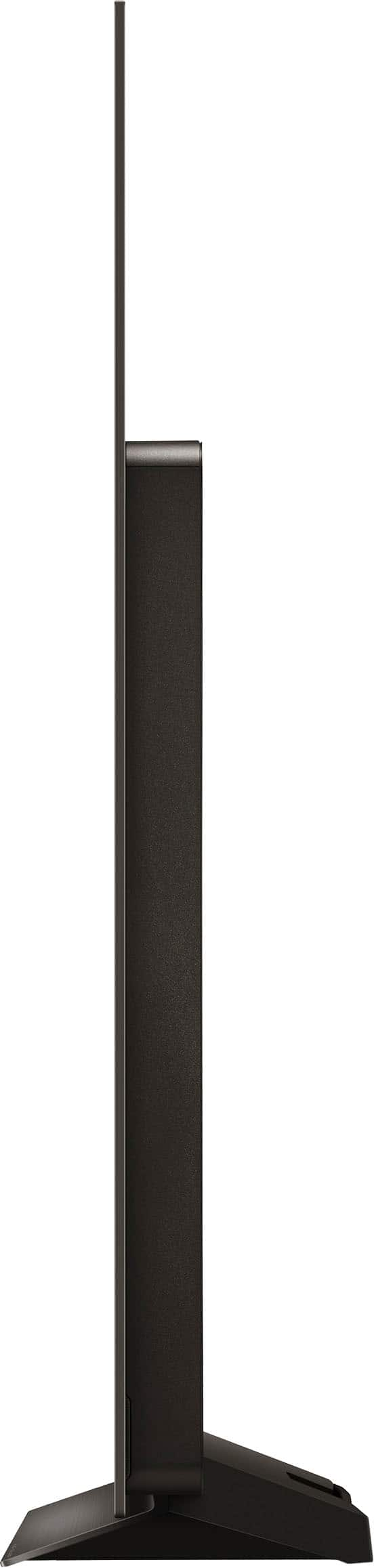
    • Answer Yes, this LG TV comes with a stand.
    This question and answer was generated by AI based on customer and product data.
  • QuestionHow many HDMI inputs does this TV have?

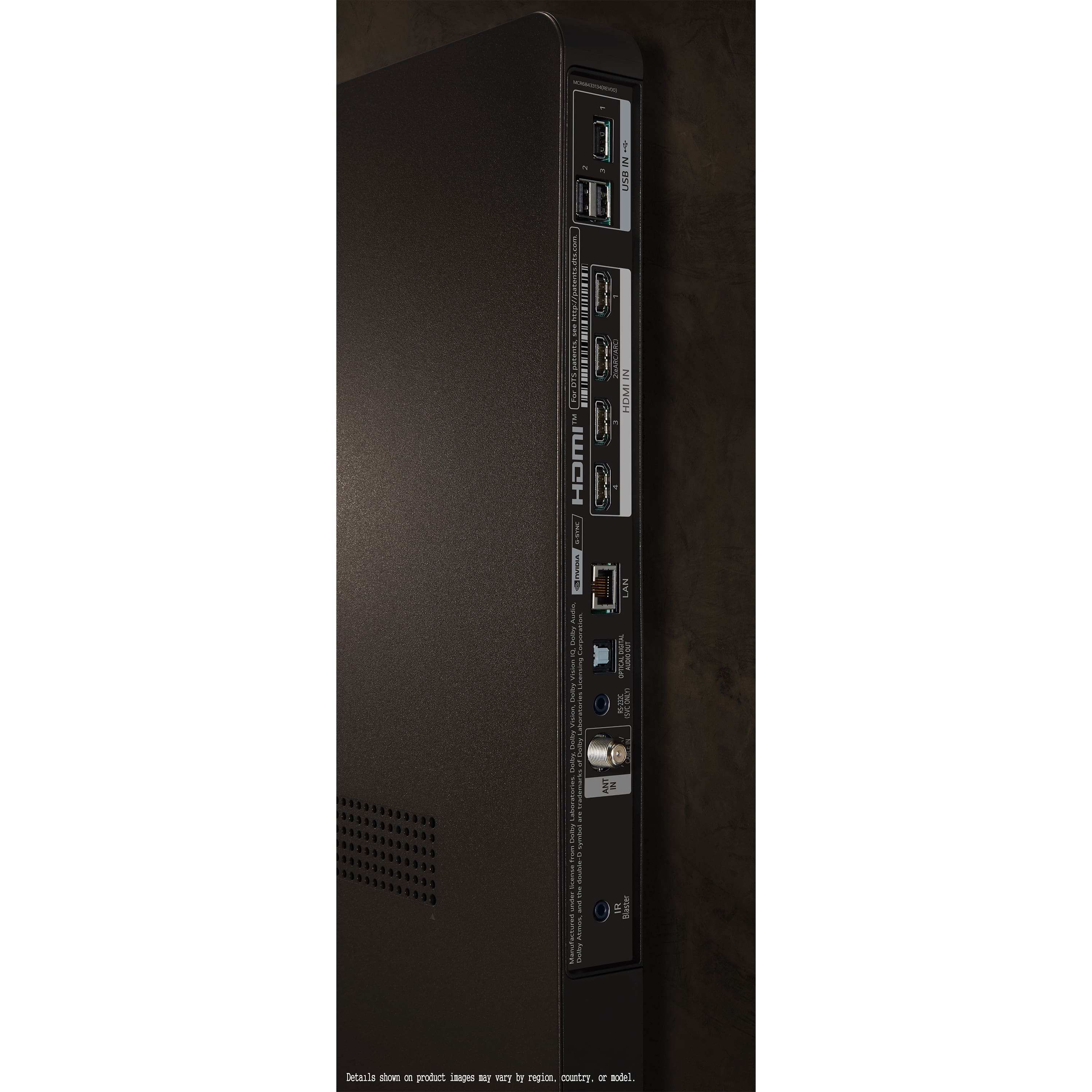
    • Answer This LG TV has a total of 4 HDMI inputs.
    This question and answer was generated by AI based on customer and product data.
  • QuestionWhat type of display panel does this LG TV use?

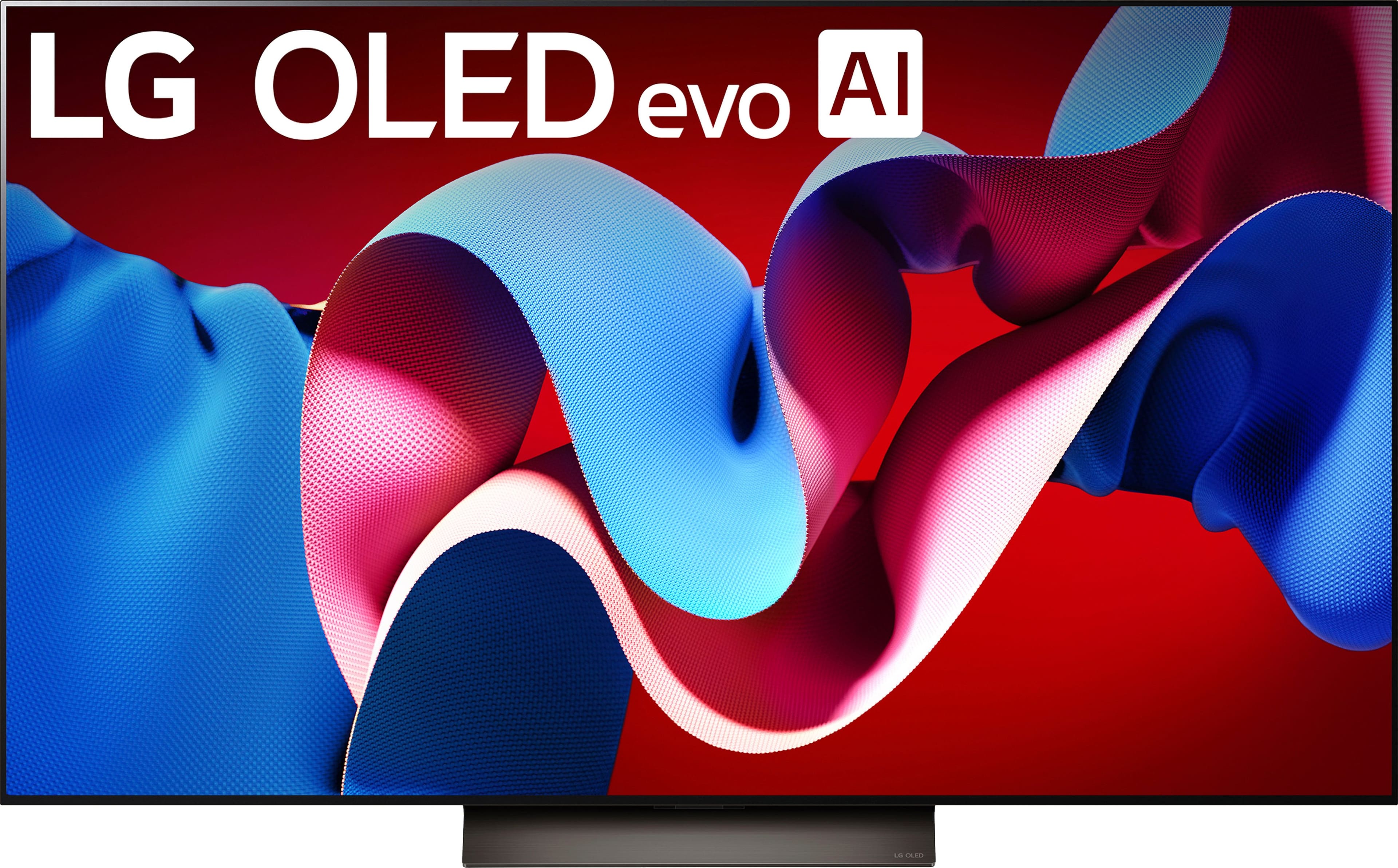
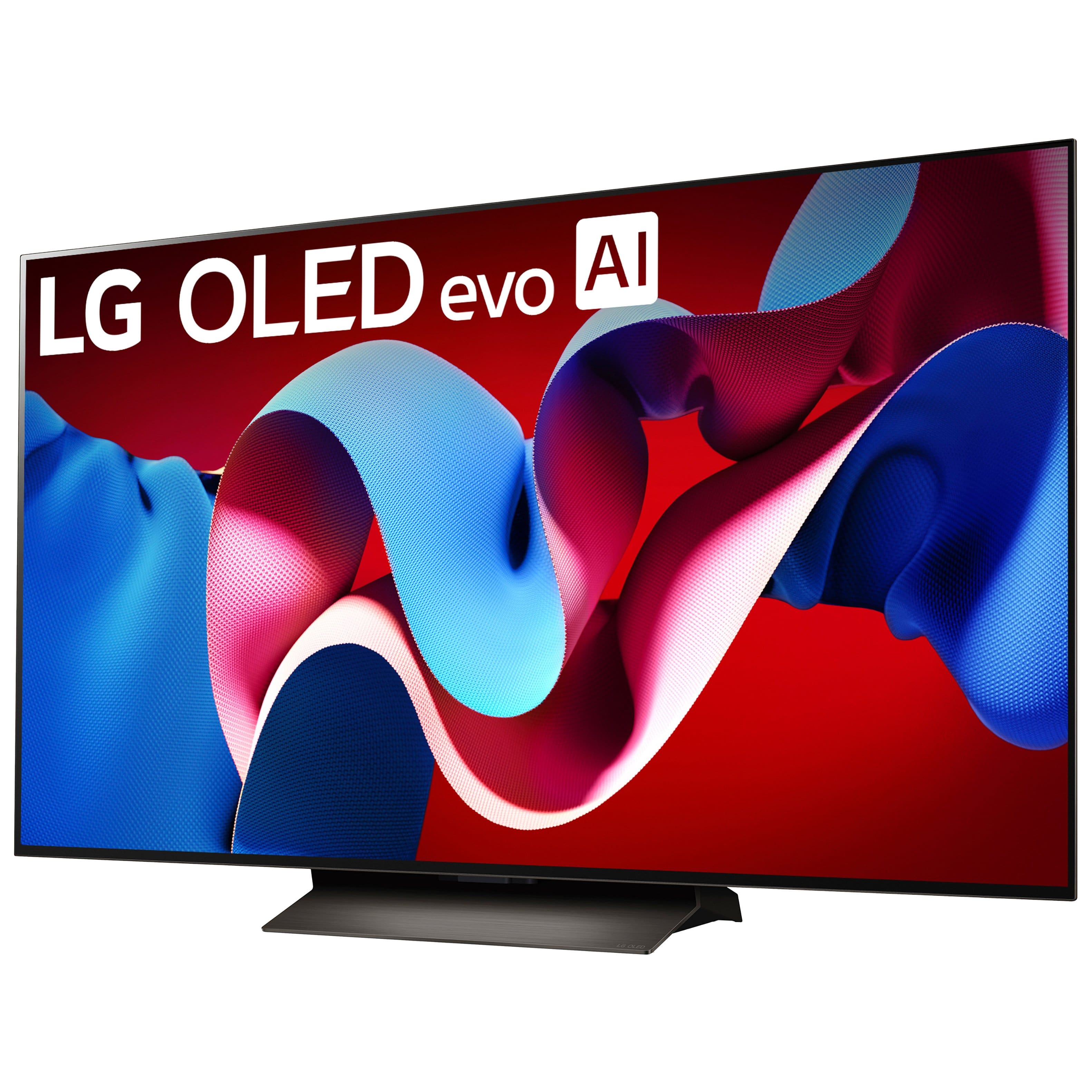
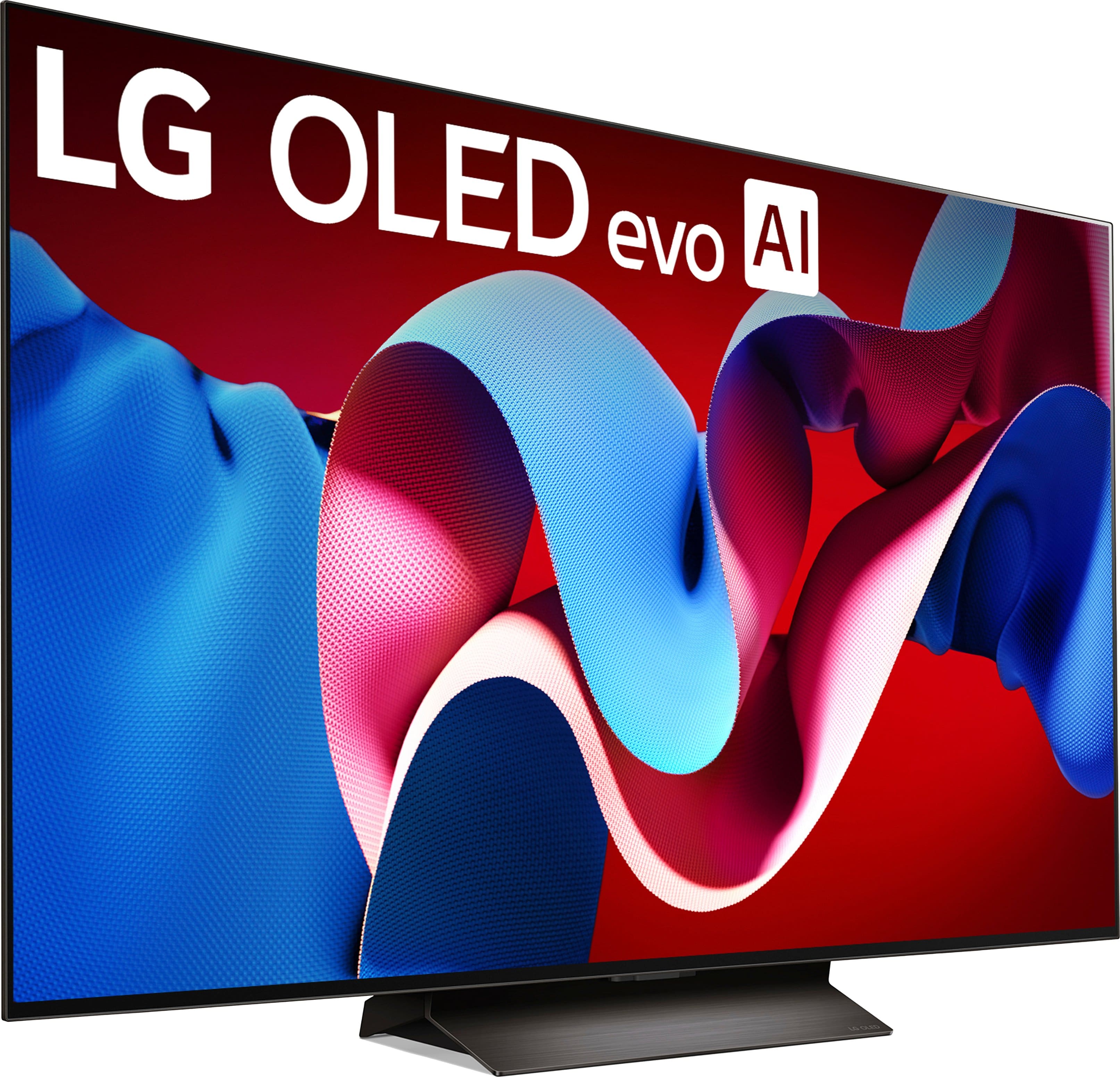
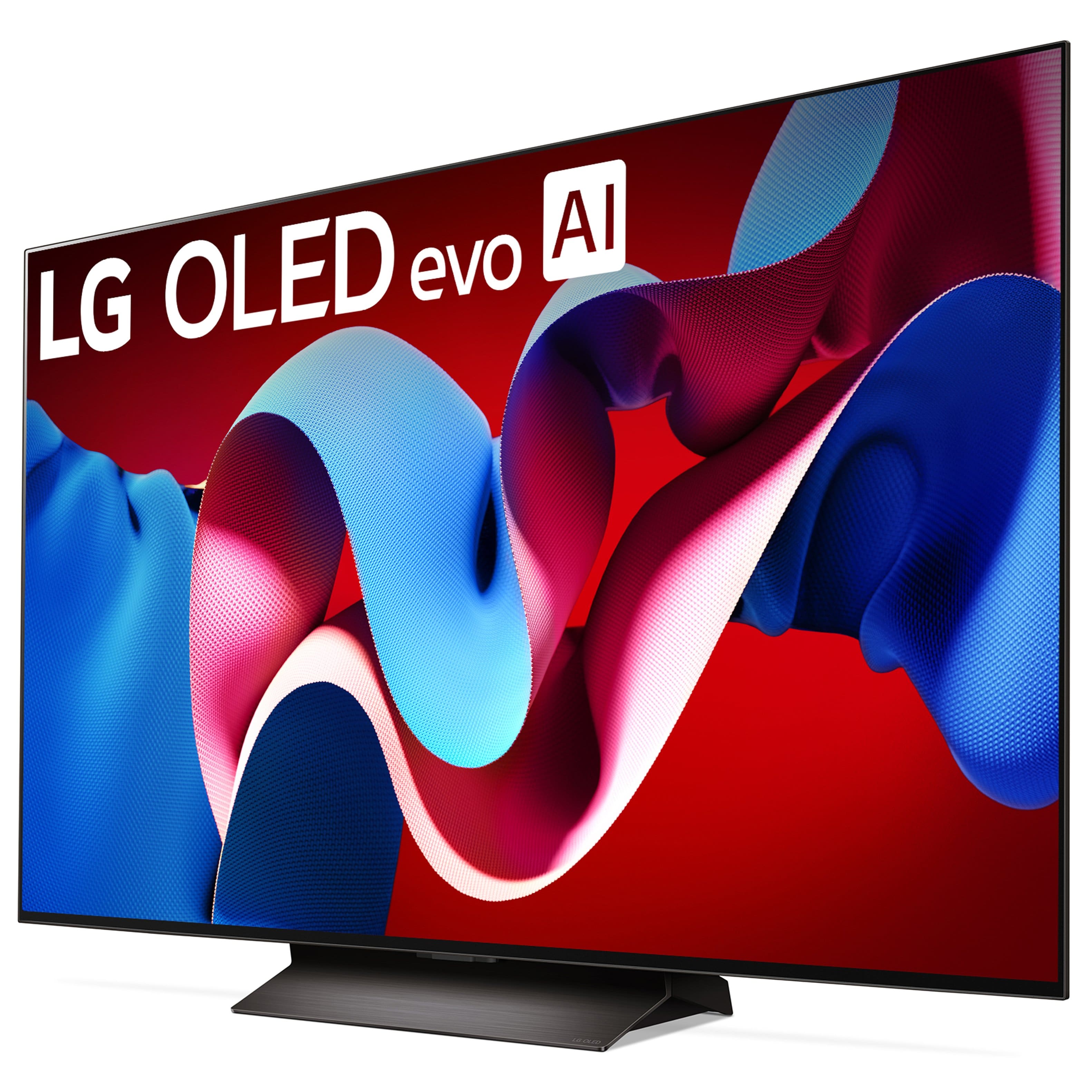
    • Answer This LG TV uses an OLED evo display panel.
    This question and answer was generated by AI based on customer and product data.
  • QuestionWhat is the resolution of this TV?

    • Answer This LG TV has a 4K (2160p) resolution.
    This question and answer was generated by AI based on customer and product data.
  • QuestionDoes this TV support Dolby Atmos?

    • Answer Yes, this LG TV supports Dolby Atmos for an immersive audio experience.
    This question and answer was generated by AI based on customer and product data.
  • QuestionWhat are the Audio specifications? (no. of speakers, speaker type (technology), output power)

    Asked by GBrook.

    • Answer Hi there! Thanks for reaching out. The LG OLED55C4PUA is equipped with a premium audio system designed to enhance your viewing experience. This model includes a 2.2 channel speaker system with four speakers and two subwoofers. The speakers utilize Dolby Atmos technology, providing immersive sound quality. The total output power is 40 watts (20W + 20W), ensuring clear and powerful audio to complement the stunning visuals. If you have any further questions or need assistance, please feel free to send us a private message on social media @LGUSSupport. We're here to help! —Renzo

      Answered by LG Digital Customer Care

  • Questionwhat the vesa for the lg 55" oled set

    Asked by Anonymous.

    • Answer The 55-inch Class LG OLED evo C4 4K Smart TV 2024, Model # OLED55C4PUA, has a 300 x 200 mm VESA Mount Pattern...^Ivan.

      Answered by LG Digital Customer Care

  • QuestionWhat is the heat rating? Can this be mounted above a fireplace

    Asked by Cramer.

    • Answer Hello there! Thank you for reaching out about the LG OLED TV model OLED55C4PUA. We understand you're curious about its heat rating and mounting options. The heat rating for this model is not specified in traditional terms since OLED TVs are designed to operate within a safe temperature range. However, it's important to ensure that the ambient temperature around the TV remains between 32°F to 104°F (0°C to 40°C). As for mounting above a fireplace, it's generally not recommended to place a TV in direct proximity to a heat source. If you do choose to mount it above a fireplace, ensure there's adequate space between the TV and the fireplace to prevent overheating. Additionally, consider using a mantel or heat shield to protect the TV from heat exposure. If you have any further questions or need additional assistance, feel free to send us a private message on Social Media @LGUSSupport. We're here to help! —Renzo

      Answered by LG Digital Customer Care

  • QuestionIs there any glare problems?

    Asked by BET1.

    • Answer Hello, BET1. Glare and reflection are not the same but they are related. The 55-inch Class LG OLED evo C4 4K Smart TV 2024, Model # OLED55C4PUA does not have glare, but it does have outstanding reflection handling, and its glossy screen finish significantly reduces the intensity of indirect reflections and does a fantastic job of reducing the intensity of direct reflections...^Ivan.

      Answered by LG Digital Customer Care

  • QuestionCan any models display art like the Samsung Frame? If so, which ones and are they compatible with art designed for the Frame (High-resolution jpg files - 3840 x 2160 pixels, 16:9 ratio)? 4K?

    Asked by Kokopuff.

    • Answer Hi there! Thank you for your question regarding the LG OLED55C4PUA. While LG doesn't have a dedicated "Frame" model like Samsung, many of our OLED TVs, including the OLED55C4PUA, can display high-resolution images in 4K (3840 x 2160) through the Gallery Mode. This feature allows you to showcase artwork or personal photos in stunning detail. You can upload your own high-resolution JPG files in the 16:9 ratio, similar to the art designed for the Samsung Frame. If you have any further questions or need assistance with setup, please send us a private message on Social Media @LGUSSupport, and our team will be happy to help! —Avril

      Answered by LG Digital Customer Care

  • QuestionIf the price of the television drops to lower than I paid, is bestbuy still price matching? If so, how I can obtain this service? Thanks

    Asked by JB607.

    • Answer Yes, Absolutely

      Answered by MichaelC

  • QuestionDoes this TV have airplay?

    Asked by Craig.

    • Answer Not specifically but it has blue tooth and casting capability . Airplay is specific to only apple devices. LG uses its own OS with Alexa so I assume it's built off Linux you might need an app to make it airplay compatible. The only apple device I got is an iPad I can try and let you know.

      Answered by GreenArrow

  • Questionwould i still want a sound bar with this tv or is it good enough without

    Asked by watcher.

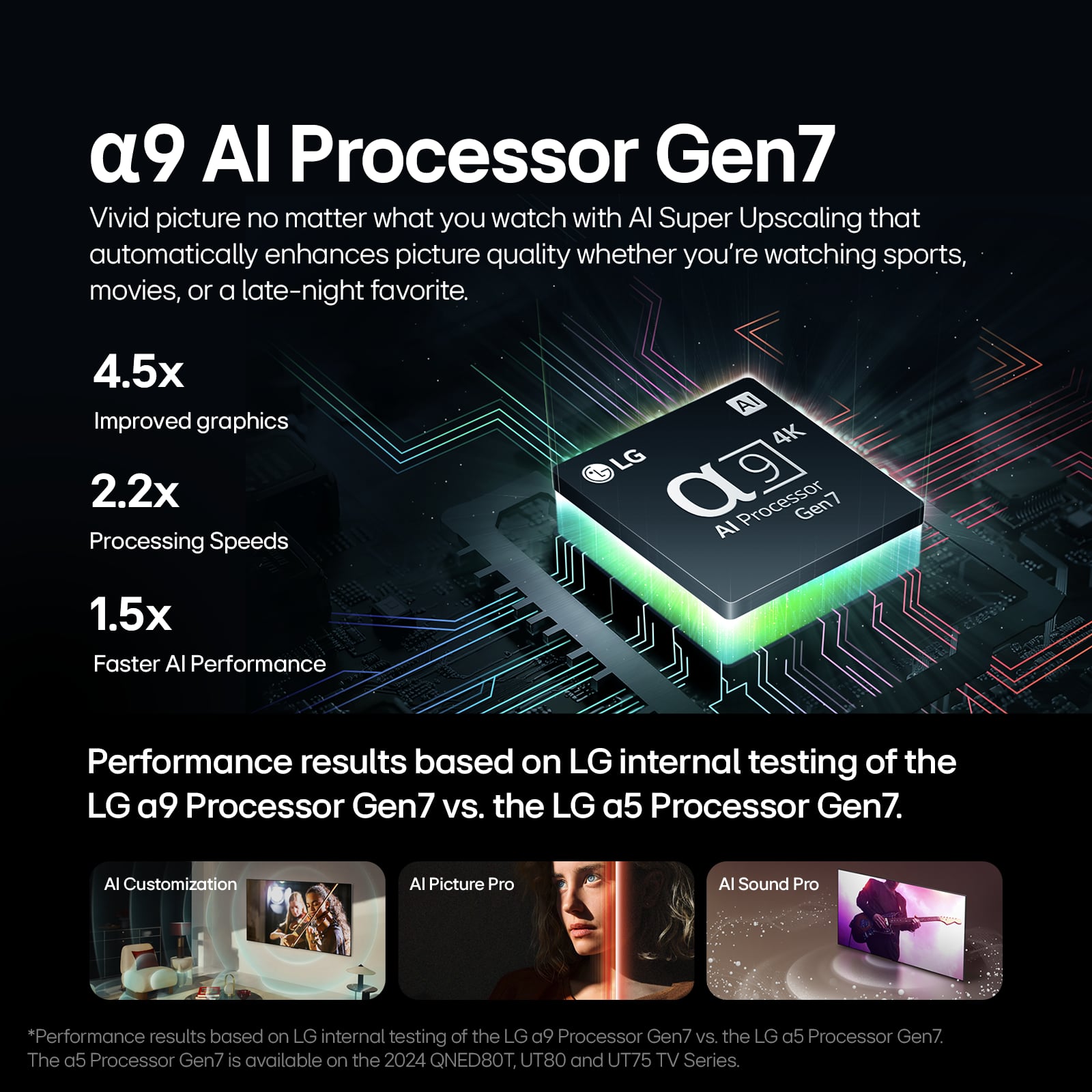
    • Answer Hi there, thank you for your question! The LG OLED55C4PUA is equipped with impressive built-in audio features, including Dolby Atmos, AI Sound Pro with Virtual 9.1.2 up-mix, and Clear Voice Pro, which deliver immersive sound, enhanced clarity for dialogue, and virtual surround sound effects. For many users, this audio system provides excellent sound quality without the immediate need for additional equipment. However, if you’re looking for a more powerful, cinematic audio experience or deeper bass, a soundbar could be a great addition. Pairing the TV with an LG soundbar using LG Sound Sync or Bluetooth would enhance the overall experience, especially for movies or gaming. https://www.lg.com/us/tvs/lg-oled55c4pua-oled-4k-tv#pdp_specs If you’d like personalized recommendations based on your room setup or preferences, feel free to reach out to us on social media @LGUSSupport, and our team will be happy to assist you further! We appreciate your interest in LG! —Renzo

      Answered by LG Digital Customer Care

  • QuestionCan you specifically lower the blue light in settings?

    Asked by khalil.

    • Answer Yes there is a blue light filter in settings.

      Answered by ErikB

  • QuestionDoes the LG 55” class C4 series OLED cover 4k uhd smart web os tv oled55cpua sku578051 work well with Verizon fios cable box

    Asked by Anonymous.

    • Answer Hello there, thank you for reaching out with your question! We're happy to help. The LG OLED55C4PUA works very well with most cable boxes, including Verizon Fios. Since the TV has multiple HDMI inputs, all you need to do is connect your Verizon Fios cable box to one of the HDMI ports (preferably HDMI 1 for the best performance, as it supports 4K HDR). This will allow you to enjoy 4K resolution, HDR, and a smooth viewing experience. To ensure optimal performance, the TV supports HDMI features such as eARC (for high-quality audio) and 4K resolution at 120Hz, making it a great match for high-definition cable services like Verizon Fios. https://www.lg.com/us/tvs/lg-oled55c4pua-oled-4k-tv#pdp_specs Should you need further assistance with setup or troubleshooting, please feel free to reach out to us on social media @LGUSSupport. We appreciate your time. —Renzo

      Answered by LG Digital Customer Care

  • QuestionWill this TV handle the Amazon fire stick.

    Asked by Billy.

    • Answer Hello there. Thank you for your question about the LG OLED55C4PUA. We understand how important it is to know if your new TV will work with your streaming devices. The LG OLED55C4PUA is fully compatible with the Amazon Fire Stick. You can connect it to the TV using one of the available HDMI ports. If you need help setting up your Fire Stick or have any other questions, please send us a private message on Social Media @LGUSSupport. Our team will be happy to guide you through the setup or assist with any other concerns you may have. We appreciate your choice in LG and are here to support you! —Renzo

      Answered by LG Digital Customer Care

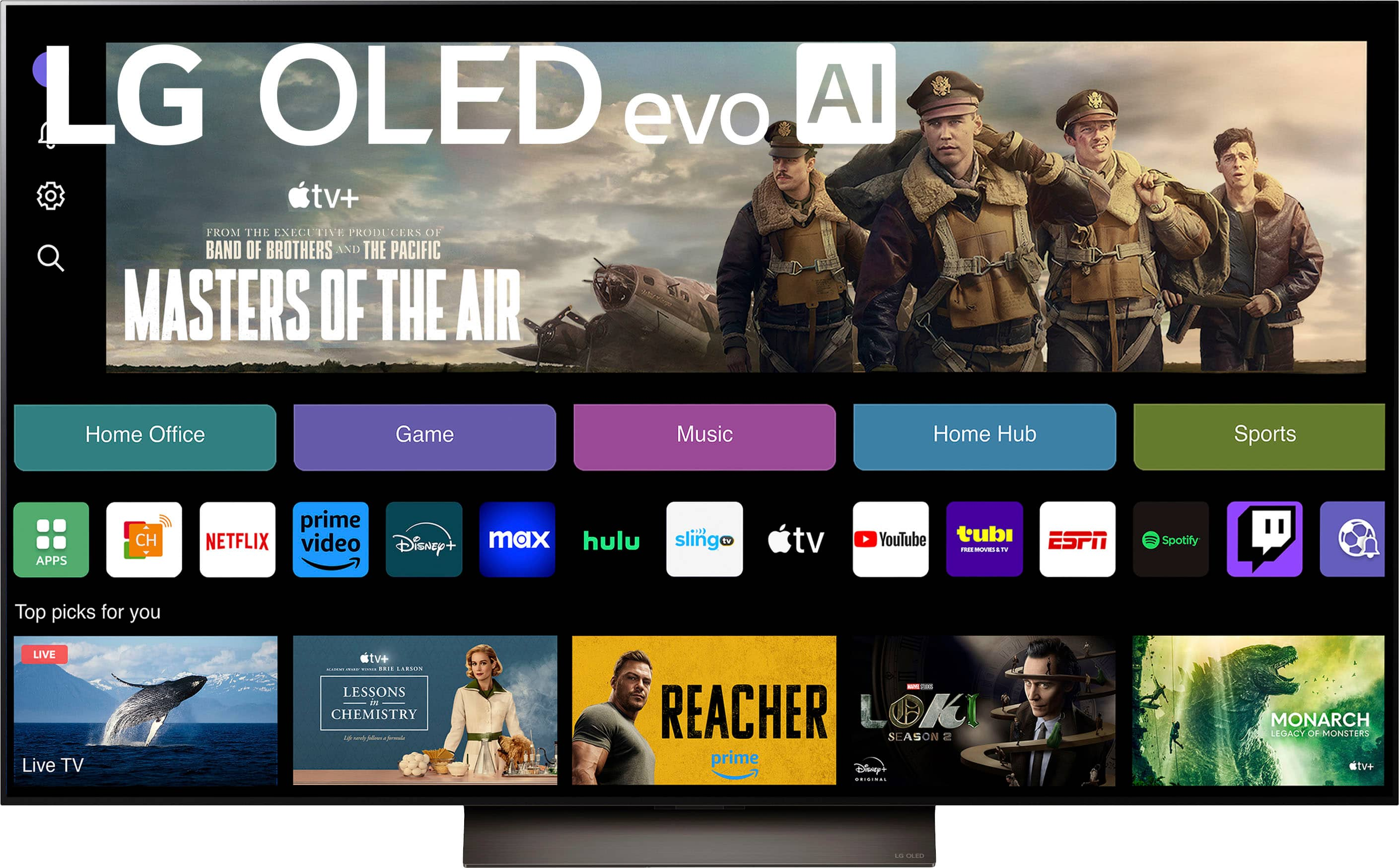
  • QuestionIf there is a streaming channel that is not in the "Included" list, can you add new channels?

    Asked by DavidW.

    • Answer Yes, you can add whatever streaming apps you like.

      Answered by RebeccaNYC

  • QuestionI have a LG C3 55 inch TV. Someone took my HDMI cable that came with the TV. Can you tell me if there’s a special HDMI cable that came with the TV or a 4K HDMI cable? Thanks

    Asked by KitchenaidDishwasher.

    • Answer Hi there, Minfi! Thank you for reaching out about your OLED55C4PUA (LG C3 55-inch TV). We’d be glad to help clarify—this model does not come with an HDMI cable included in the package. For optimal viewing, we recommend using a high-speed HDMI cable rated for 4K at 60Hz or higher, especially if you’re streaming UHD content or gaming. You may access this link for more information, go to "All Specs": https://www.lg.com/us/tvs/lg-oled55c4pua-oled-4k-tv. If you have more questions or need further assistance, feel free to send us a message at @LGUSSupport. We’re here to help you get the best experience from your LG TV! —Avril

      Answered by LG Digital Customer Care

  • Questioncon you connect blue tooth head phones to the TV

    Asked by ric.

    • Answer Hello there, Ric! Thank you for your question about the OLED55C4PUA TV. Yes, you can connect Bluetooth headphones to this model. To do so, go to the TV's settings menu, select "Sound," and then choose "Bluetooth Audio." From there, you can pair your Bluetooth headphones for a wireless audio experience. If you have any further questions or need assistance with the pairing process, please send us a private message on Social Media @LGUSSupport. We're here to help, and we appreciate your patience! —Avril

      Answered by LG Digital Customer Care






