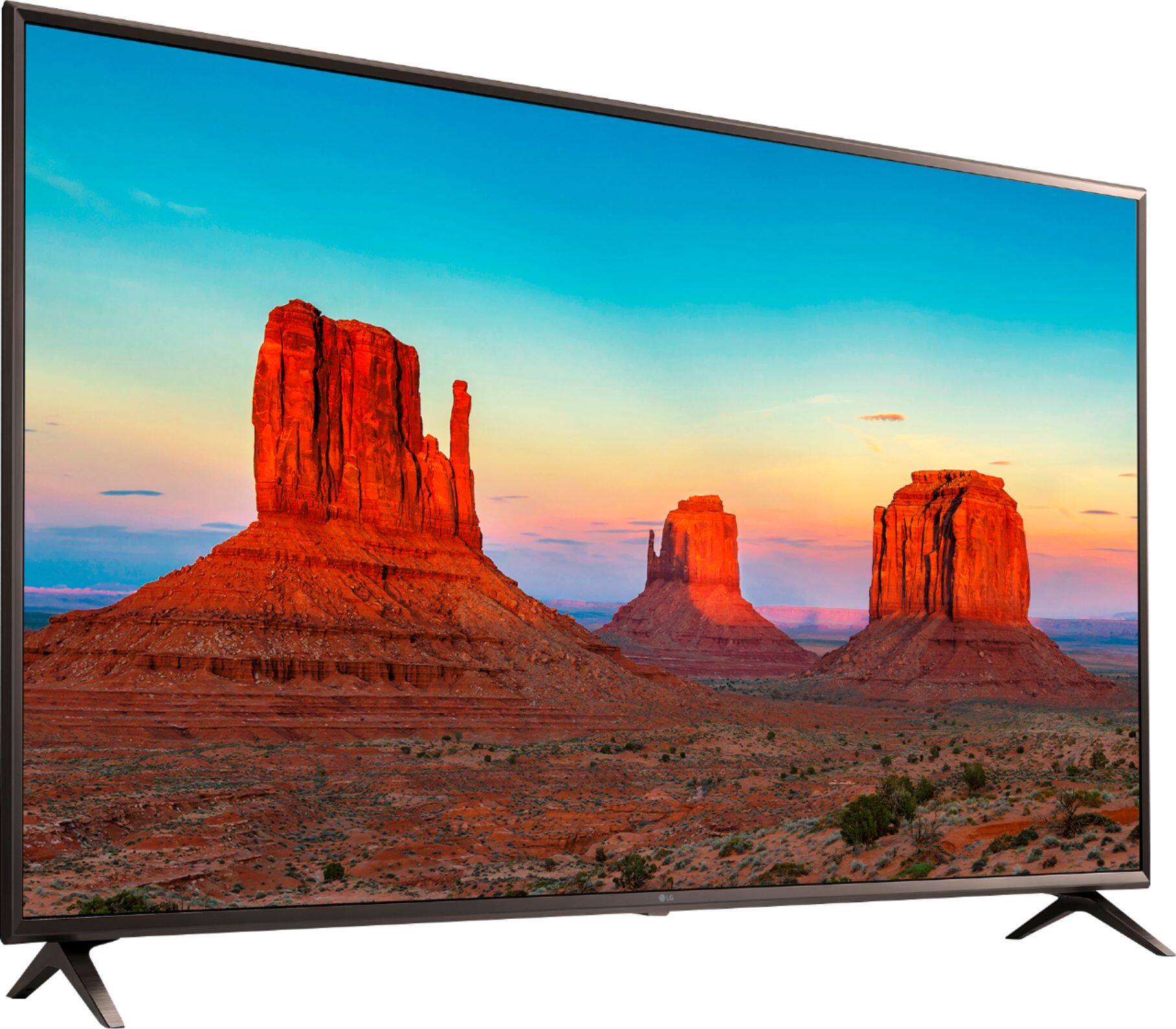
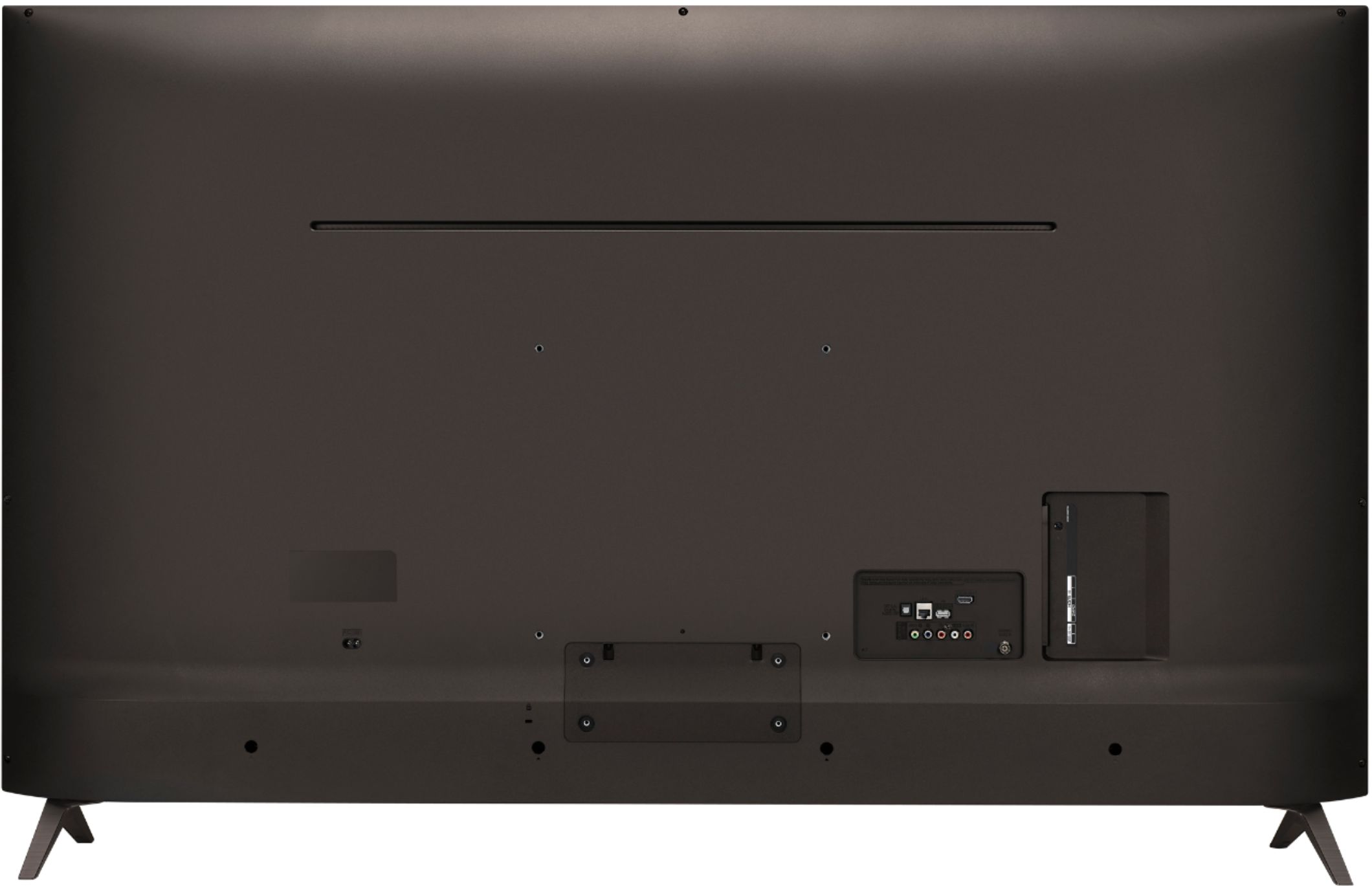
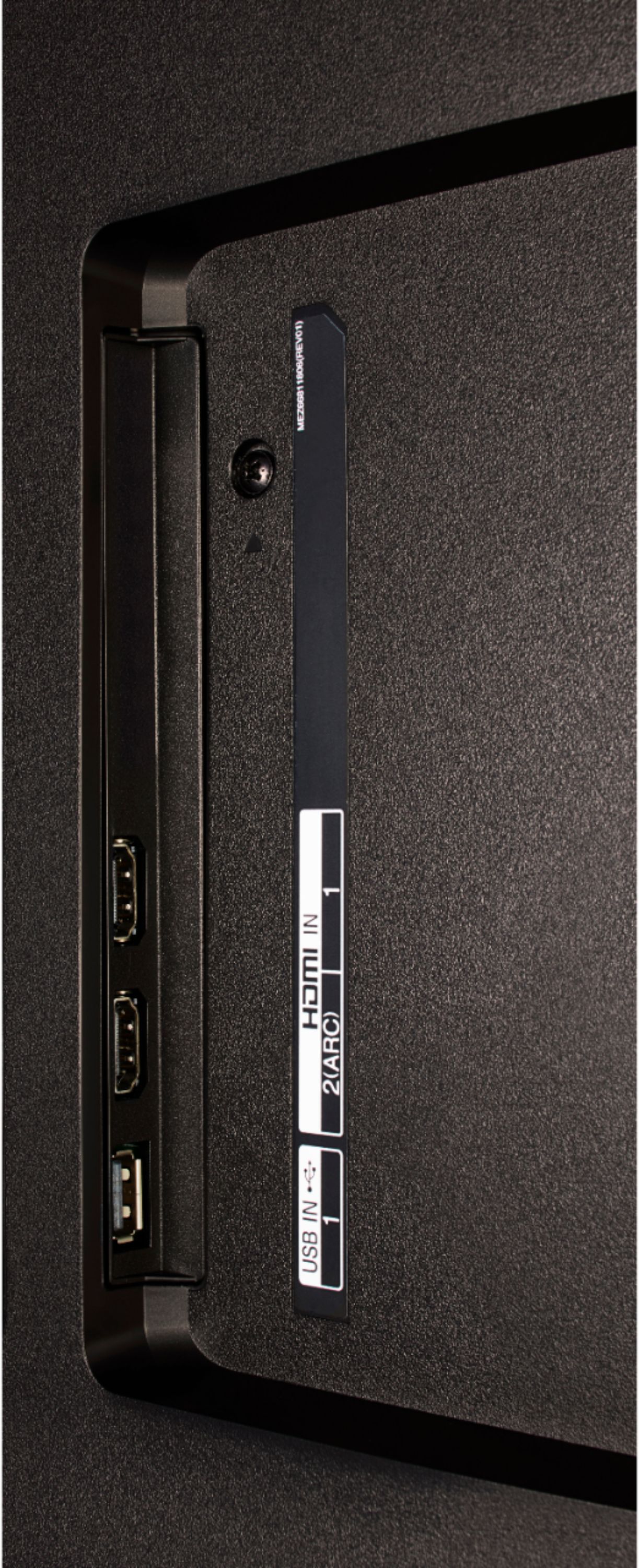
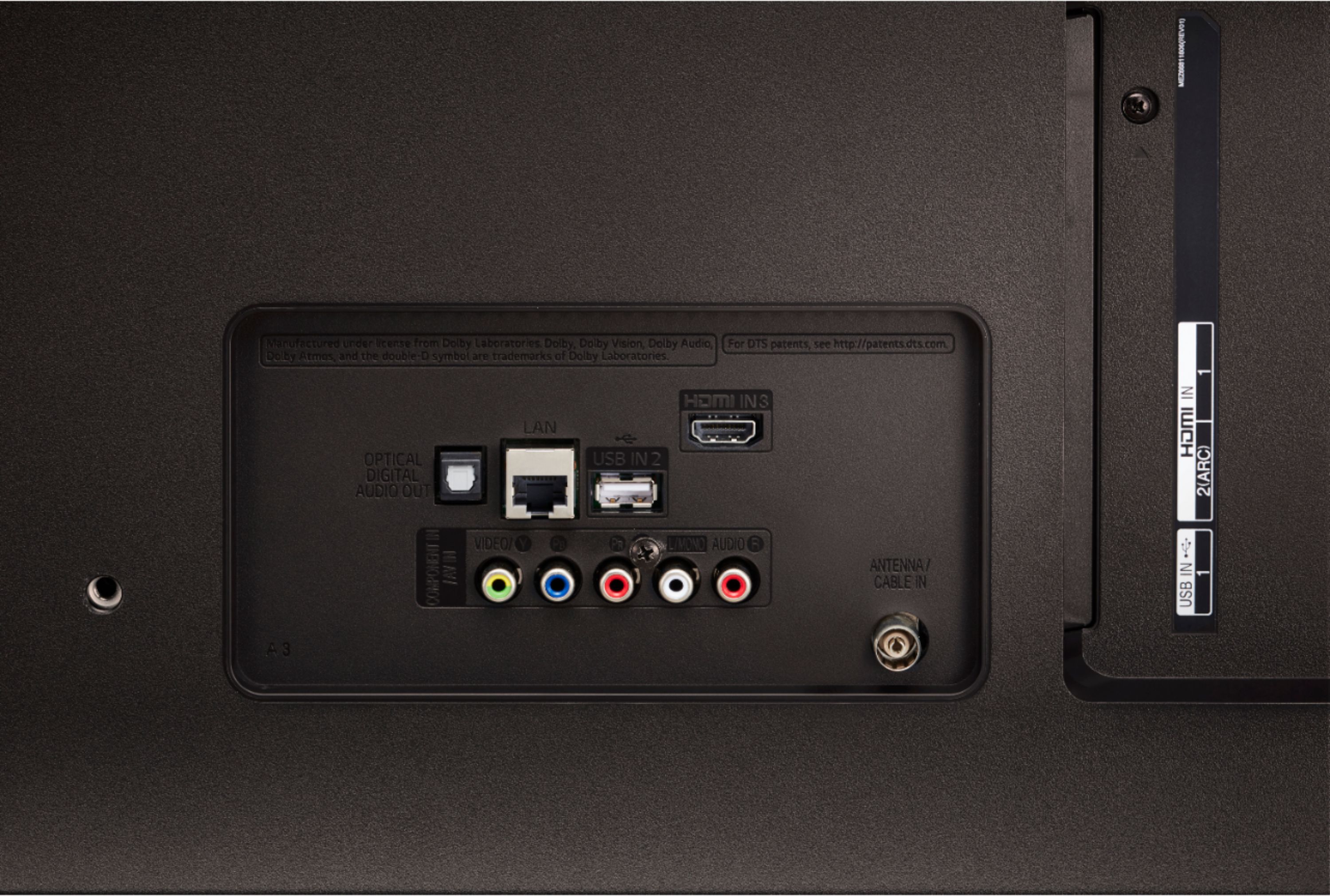
A:AnswerYes. Honestly this tv has its highest score (8.0) on rtings.com. Plenty of options to share a screen with a laptop.
https://www.lg.com/hk_en/support/product-help/CT20136005-1436490235851-connecting-external-devices
A quick read to explain in length if you need more information.
A:AnswerAny wireless keyboard/mouse should work without any issues if there is a dongle that you can plug in via a USB port on the tv. I use a Rii i8+ that has a small touchpad above the keyboard and the tv uses all the inputs from it flawlessly.
A:AnswerThe 55UK6300PUE supports HDCP 2.2 through all of its HDMI ports. We would be happy to look into the problem you are experiencing. Please take a moment, at your convenience, to contact us directly via Twitter @LGUSSupport or Facebook https://www.facebook.com/LGUSA/ or you can give us a call at 800-243-0000. ^CP
A:AnswerInformation regarding adjusting the audio settings on your 55UK6300 can be found in the User Guide under Tour List of Settings>Sound https://www.lg.com/us/support-product/lg-55UK6300PUE#manuals ^CP
A:AnswerHi Steve. To find the TruMotion setting in the settings menu for the LG UK6300PUE 4K HDR Smart LED UHD TV w/ AI ThinQ® - 55" Class (54.6" Diag), Model # 55UK6300PUE, press the Home button on the remote, then on the TV, navigate to Settings > Advanced Settings > Picture > Picture Mode Settings > Picture Options, then scroll down to TruMotion...^IFV
A:AnswerYou can find information regarding connecting a bluetooth headset to the 55UK6300 in the User Guide under Tour List of Settings>Sound>Sound Out. https://www.lg.com/us/support-product/lg-55UK6300PUE#manuals ^CP