Questions & Answers
- Model:
- 55NANO75UPA
- |
- SKU:
- 6453630
Highly rated by customers for: Picture Quality, Ease of use, Color
Page Showing 21-34 of 34 questions
Q: QuestionIs this TV have Bluetooth to connect to Bluetooth speakers?
Asked by CRUZER.
- A:Answer Model 55NANO75UPA has Bluetooth connectivity, version 5.0. ^Daphane
Answered by LG Digital Customer Care

Q: QuestionHow are viewing angles on this TV??
Asked by Cracken.
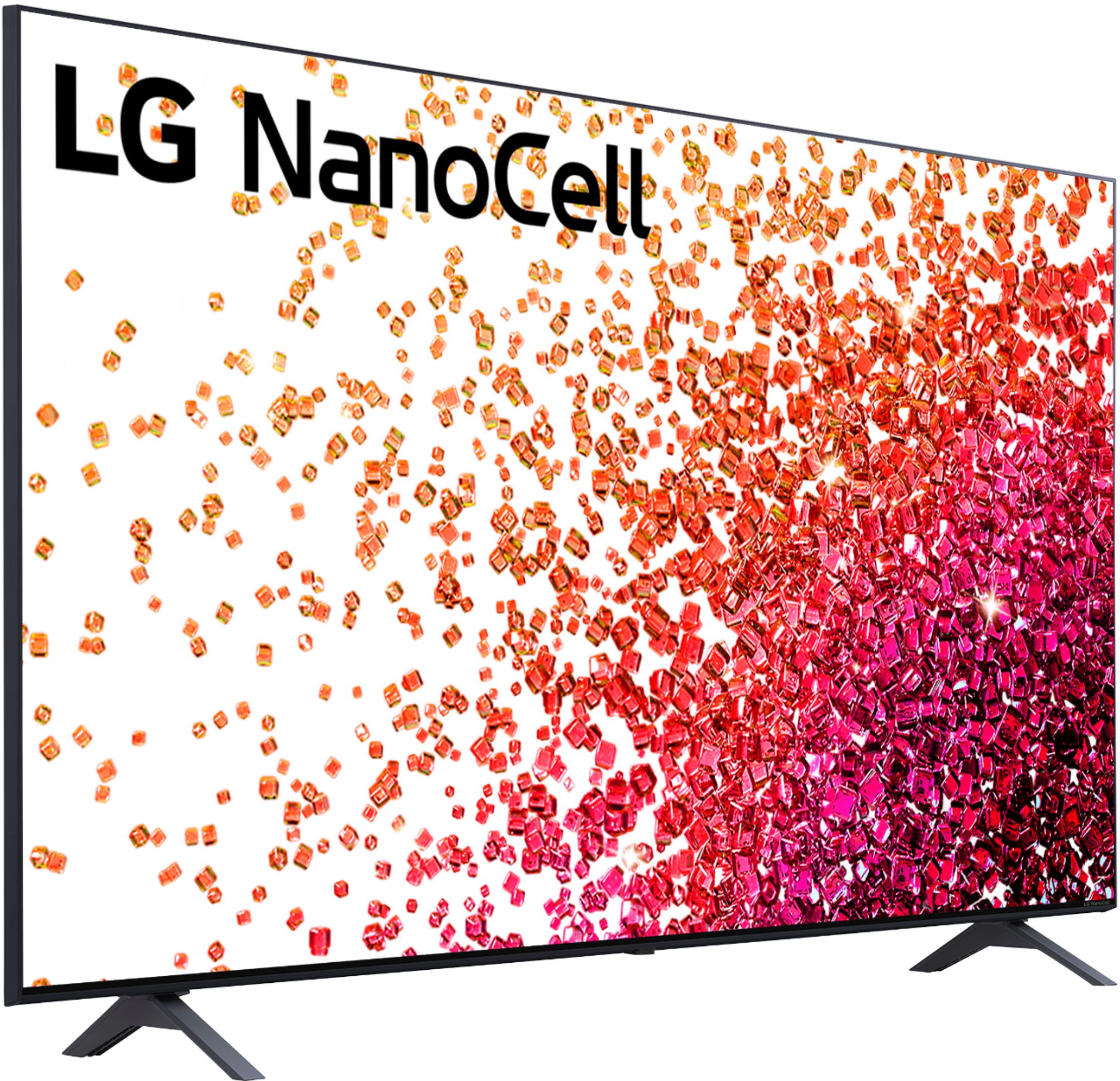
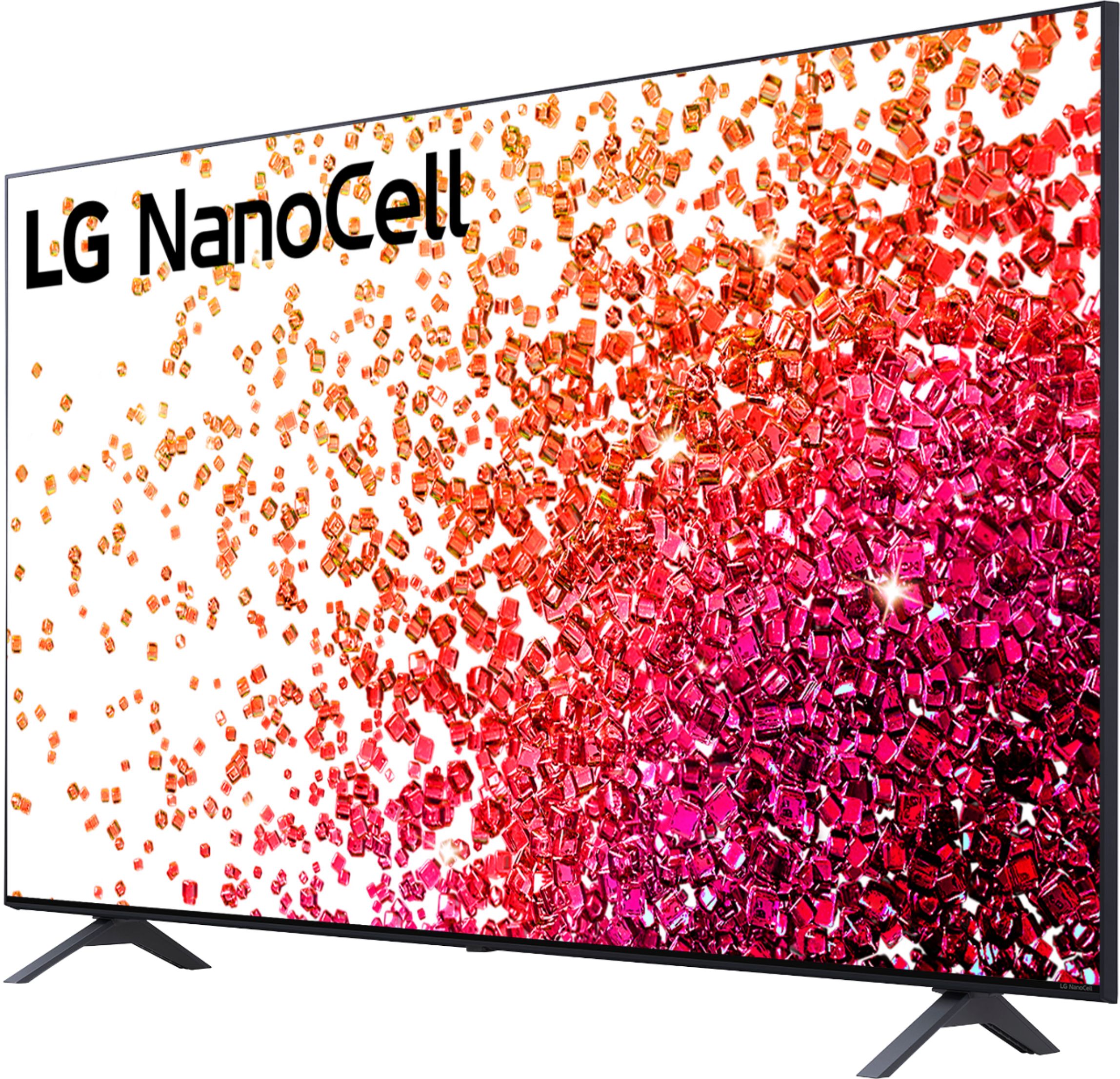
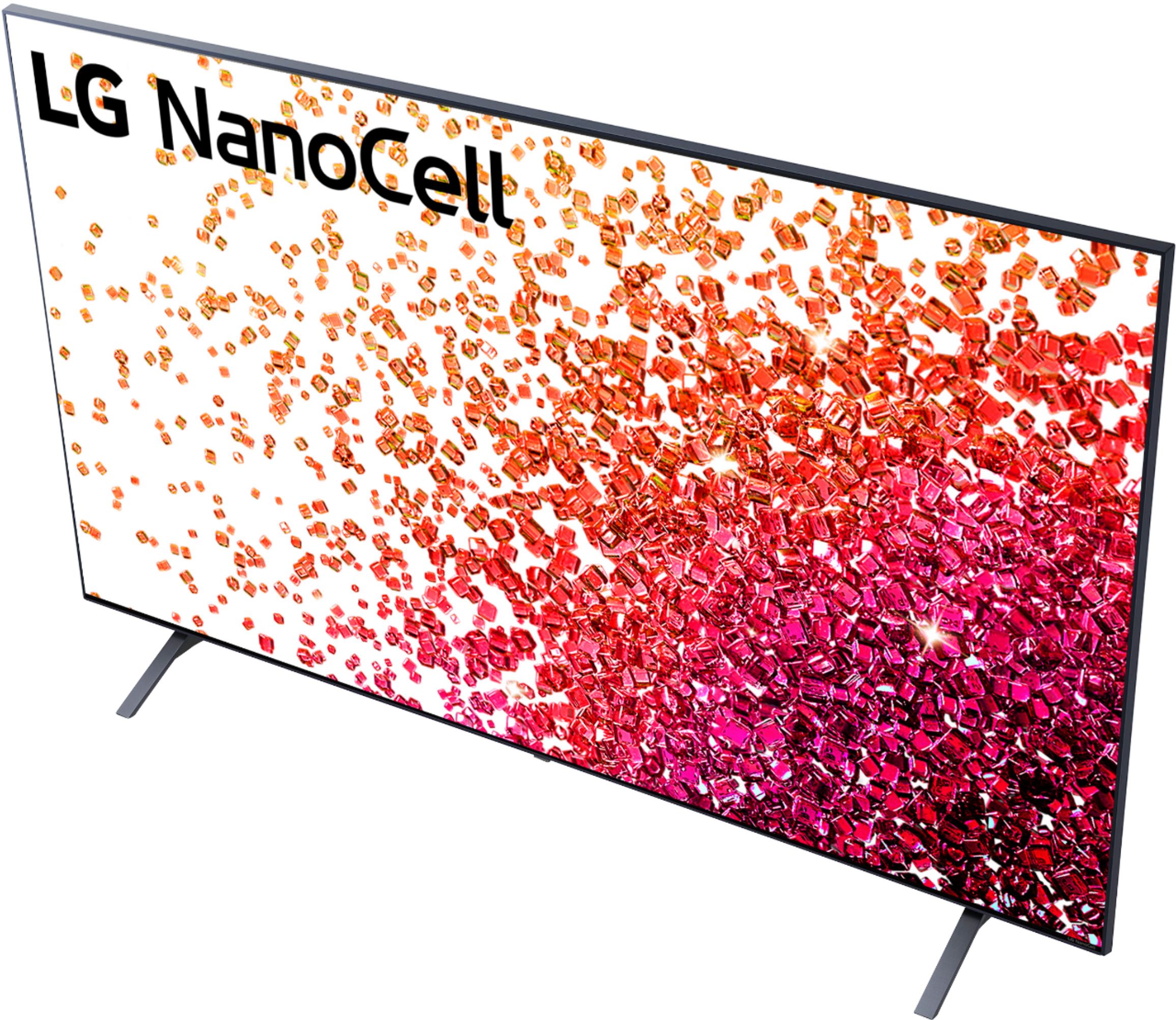
- A:Answer This TV has a wide viewing angle, 178˚ x 178˚ (horizontal x vertical). ^Daphane
Answered by LG Digital Customer Care

Q: QuestionCan you get funimation in this tv?
Asked by Jo.
- A:Answer Yes, Funimation app is in the LG Content Store (App Store). For a complete listing of available apps, please visit: https://us.lgappstv.com/main/tvapp. Here you can verify compatibility of various apps for your specific model. ^Daphane
Answered by LG Digital Customer Care

Q: QuestionDoes the lg tv's have the Roku app installed
Asked by RGd1.
- A:Answer No it has Webios
Answered by Asbennett307
Q: QuestionDoes it stream like toshiba fire tv? Does it have Bluetooth?
Asked by Anonymous.
- A:Answer Hello, yes it has Bluetooth.^Venette
Answered by LG Digital Customer Care

Q: QuestionIs there a film to remove from the front screen? I didn’t want to start trying to peel back something I shouldn’t
Asked by PlanoBuyer.
- A:Answer Unfortunately, the owner's manual does not offer any guidance for this issue. You can try our support team via private message on Facebook @LGUSSupport use #VOC in your first message to our social media support team. You can also try the forums on https://www.facebook.com/LGUSA; they are a great resource for getting help from other LG customers. Thank you. ^Daphane
Answered by LG Digital Customer Care

Q: QuestionDoes the LG nano cell 75 series smart web OS 55 inch TV have a built in antenna
Asked by Poppy.
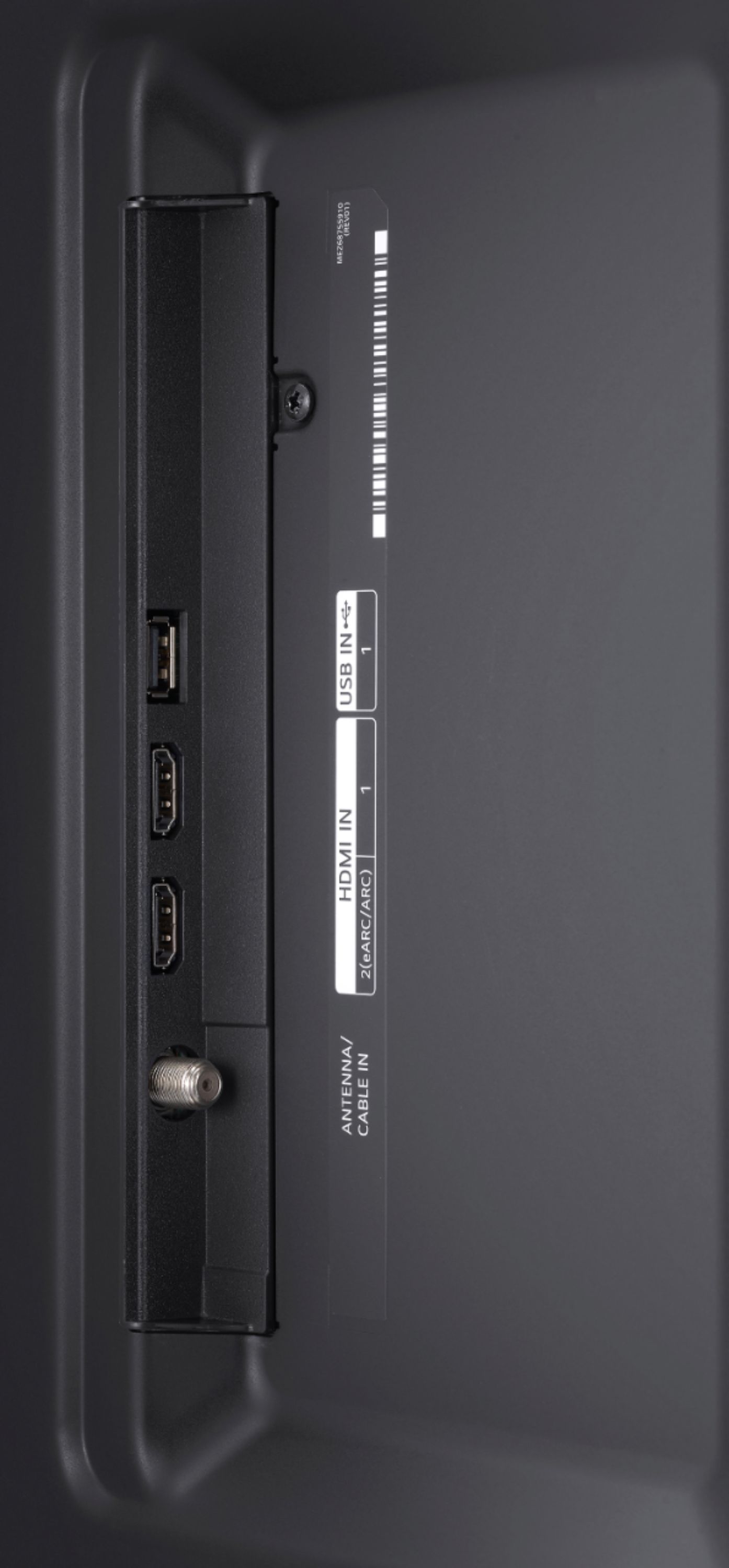
- A:Answer Model 55NANO75UPA has built in tuners ATSC and Clear QAM. ATSC is used to receive digital channels over the air. QAM is used to receive digital channels from a cable TV provider without use of a cable box. ^Daphane
Answered by LG Digital Customer Care

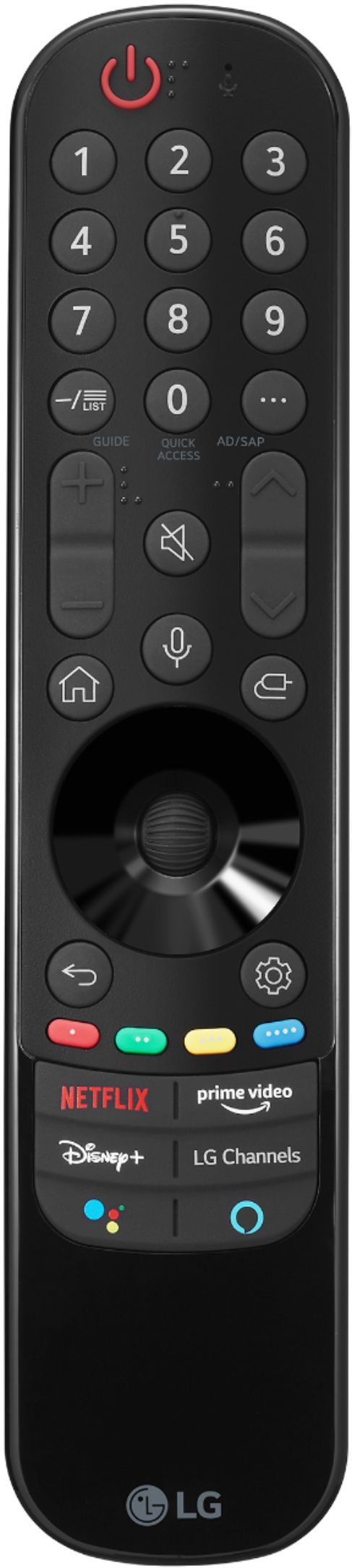
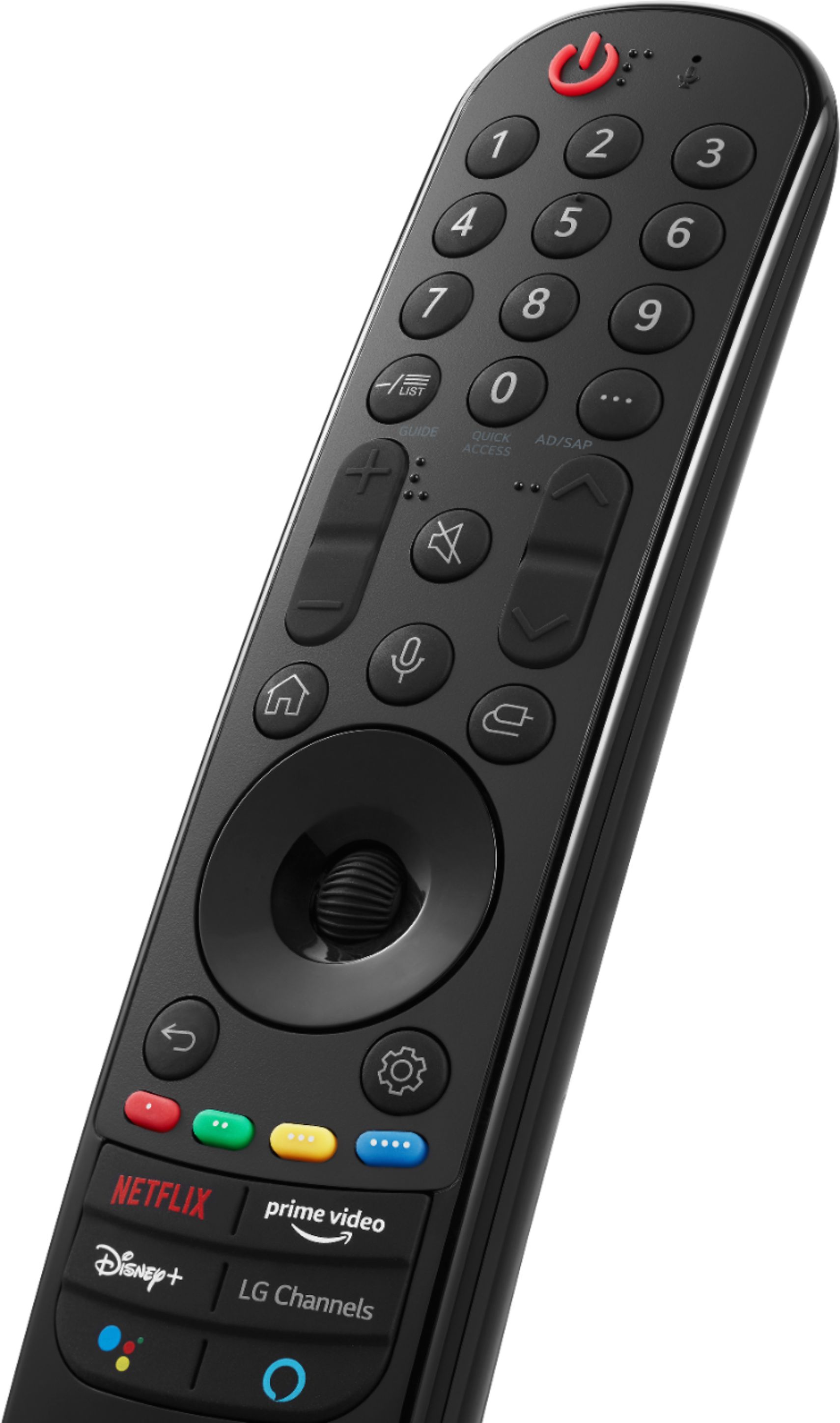
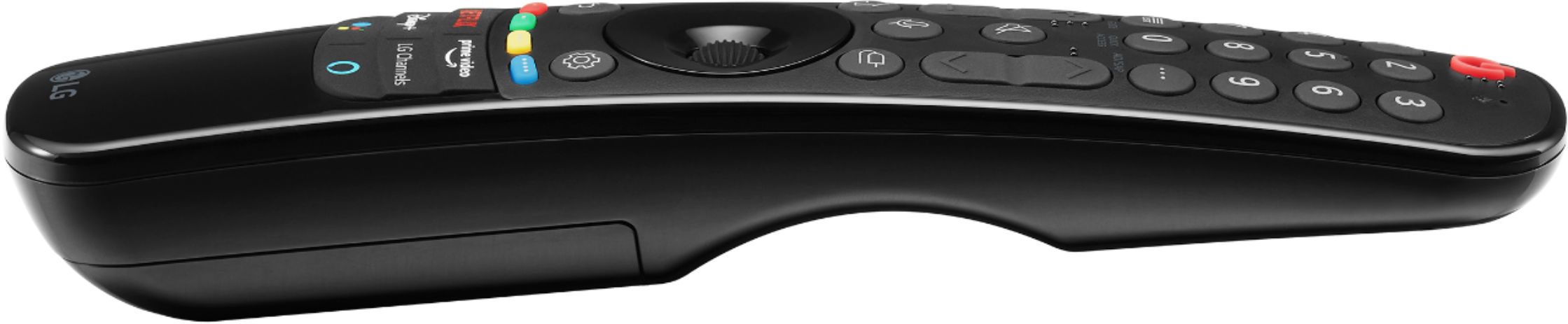
Q: QuestionCan the remote be configured to another mode instead of magic mode?
Asked by Art.
- A:Answer I'm sure.
Answered by Dstone148
Q: Questionwhat is the length and width of this unit?.....know the screen size
Asked by Anonymous.
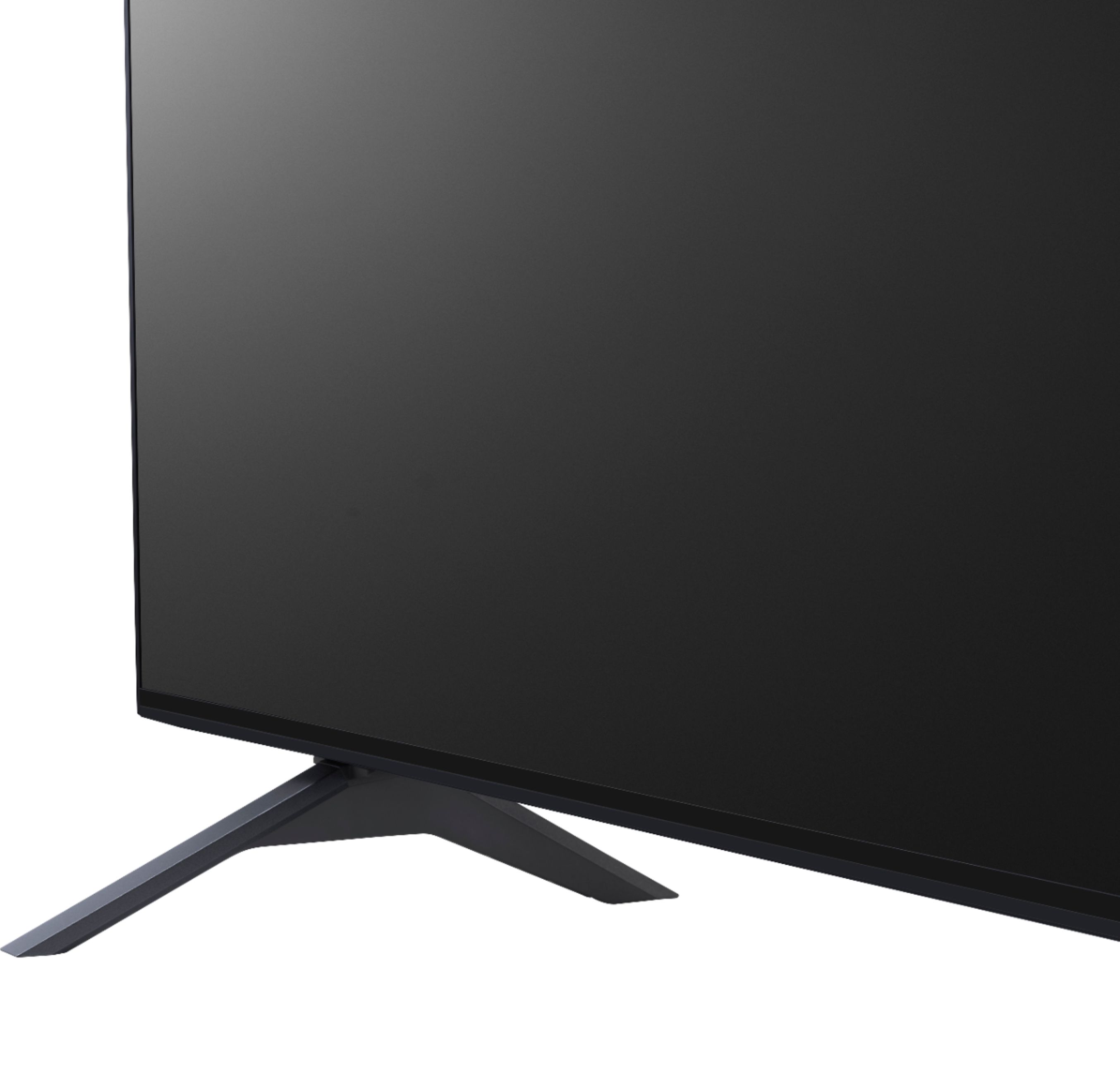
- A:Answer The TV dimensions with the stand are 48.6"W x 30.5"H x 9.1"D and without the stand are 48.6"W x 28.1"H x 2.3"D. ^Daphane
Answered by LG Digital Customer Care

Q: Question1.HOW DO I ACCESS THE ART FEATURE? DOES LG OFFER STOCK ART AT NO COST??? IS A SUBSCRIPTION NECESSARY TO VIEW ART FRAMES???WHERE IS ALL THIS INFORMATION AND SUPPORT???
Asked by FRAMEartfeature.
- A:Answer This TV does not have Gallery Mode which is a feature that allows turning your TV into a canvas for displaying paintings and other art. This feature is available on 90 Series NANO. There is not charge for the art work. ^Daphane
Answered by LG Digital Customer Care

Q: QuestionThe remote lacks a pause button. So how do you pause/fast forward/rewind the TV?
Asked by Scrubbly.
- A:Answer You just push the scroll button in the middle, instead of rolling it.
Answered by Oldman
Q: QuestionWho can teach me how to use the remote? Just installed this. Have no idea what I can do on it.
Asked by SweetPe.
- A:Answer Please see the link from the support page User Guide for Using the Remote, http://kr.eguide.lgappstv.com/manual//w21/global/Apps/w6.0_u09/u_enga/control.html?iFrameLink=../../../Contents/control/remotemagicusing_u_01/enga/w60__control__remotemagicusing_u_01__enga.html. If you have further questions or concerns, please reach out to our Support team via private message on Facebook @LGUSSupport use #VOC in your first message to our social media support team. Please be sure to provide your contact information, model/serial numbers and date of purchase. ^Daphane
Answered by LG Digital Customer Care

Q: Questioncan i download the chosen app on this tv
Asked by tom65.
- A:Answer Simply move the cursor to the app you want and select it (hit the round button in the center of the remote. It may come back and say there is an update, do you want to install it? move the cursor to yes and select it again. You may have to have activated (joined) the app to login in one time, then you are on your way.


Answered by Unkie
Page 2, Showing 21-34 of 34 questions
Top Rated
- $329.99$329.99The price was $469.99
- $299.99$299.99The price was $349.99
- $149.00$149.00The price was $399.00
- $139.99$139.99The price was $149.99
- $121.99$121.99The price was $129.99
- $59.99$59.99The price was $99.00
- $279.99$279.99The price was $329.99