




Questions & Answers
- Model:
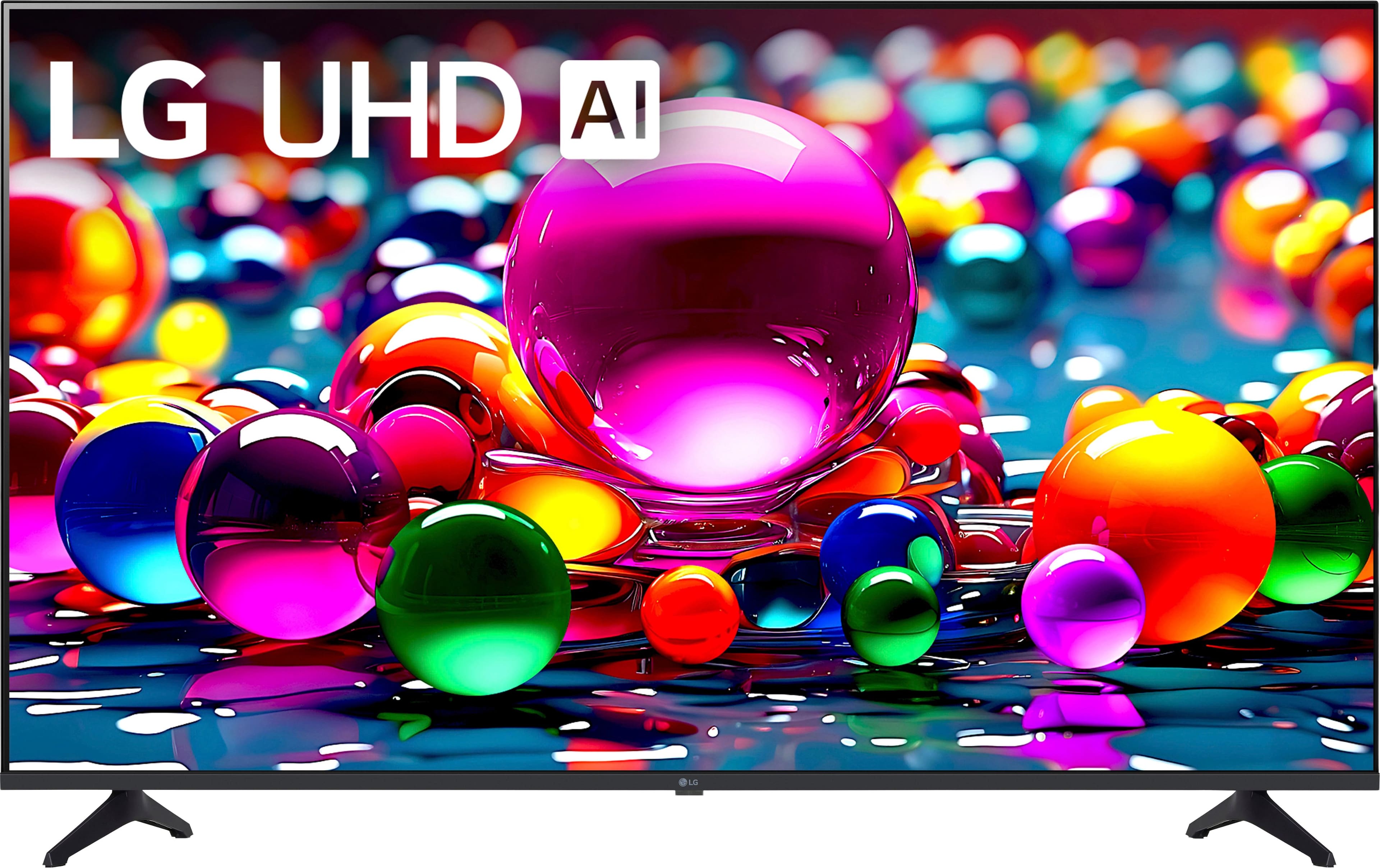
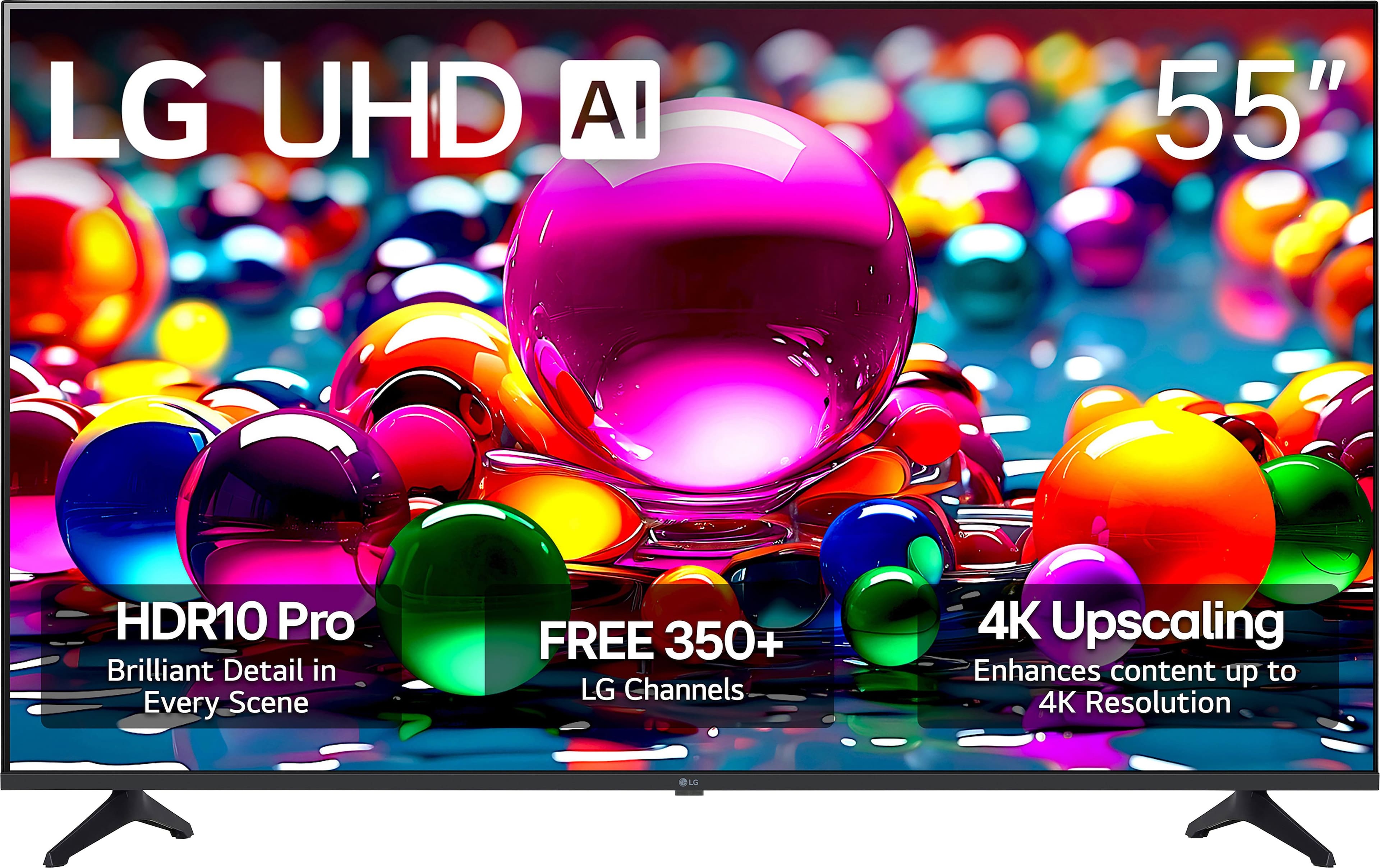
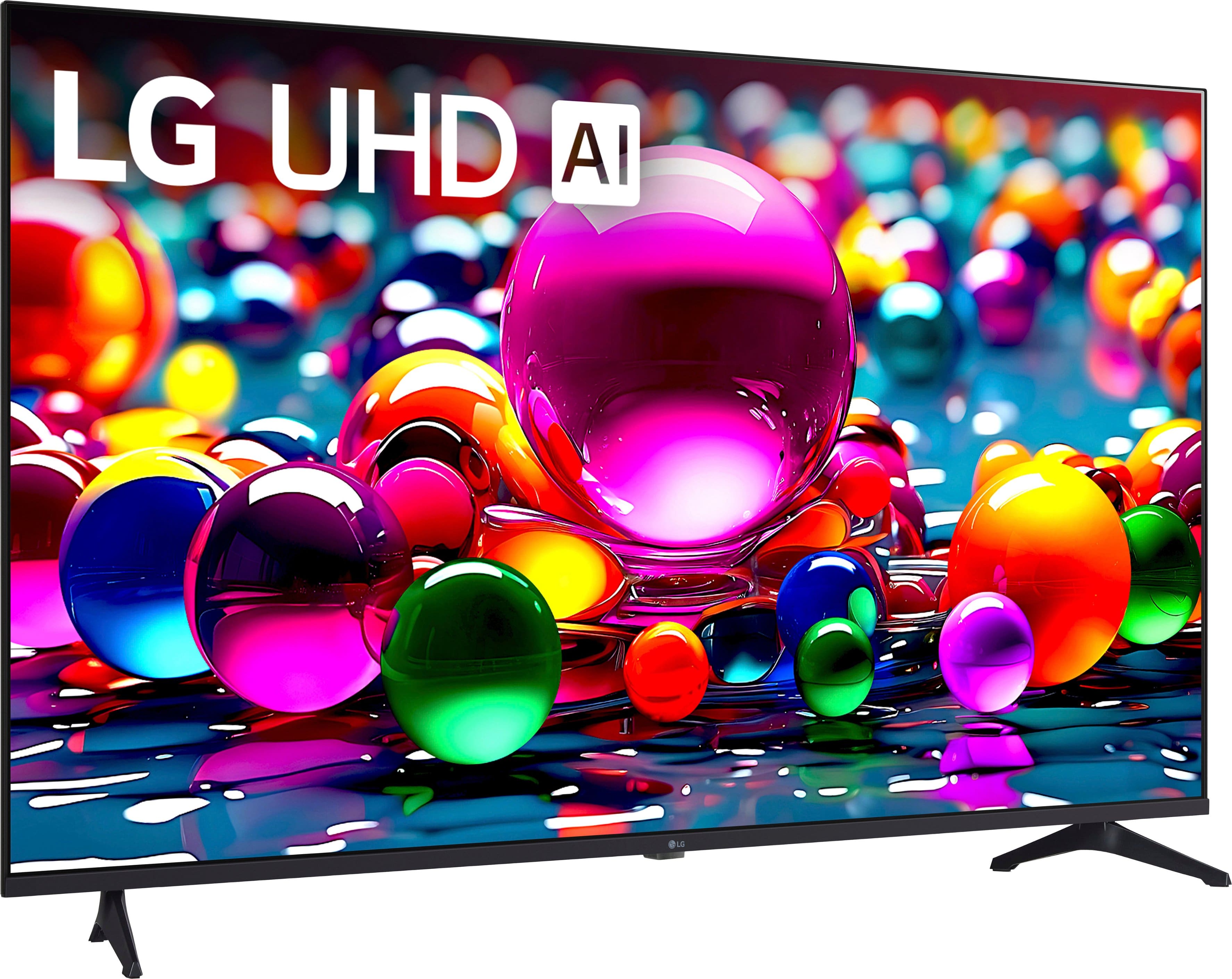
- 55UA7700PUB
- |
- SKU:
- 6621807
Highly rated by customers for: Picture Quality, Setup Ease, Size
$279.99$279.99
Save $20
The comparable value is Comp. Value: $299.99
Page Showing 1-20 of 71 questions
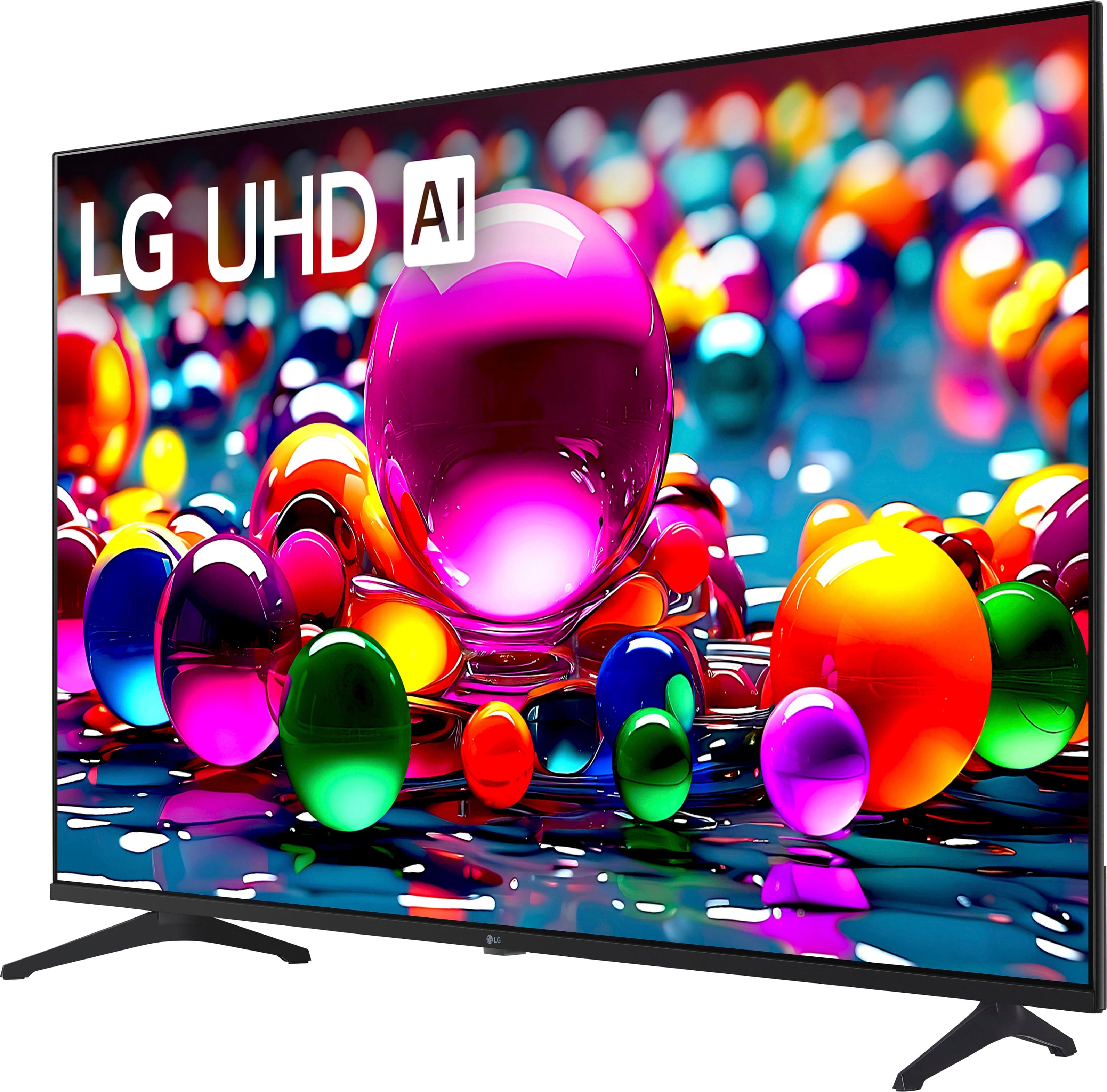
Q: QuestionWhat kind of operating system does this TV use?
- A:Answer This TV uses the webOS smart platform.
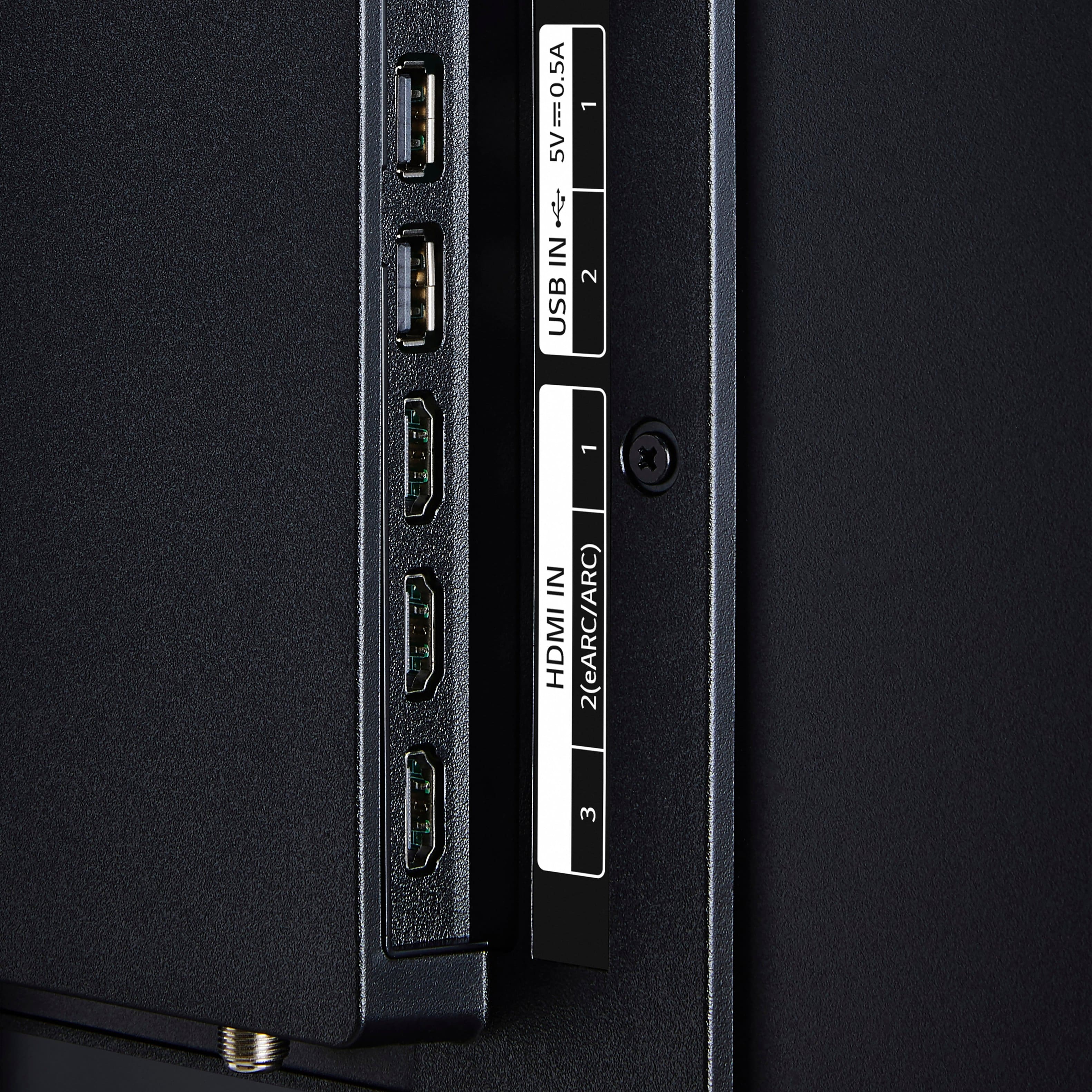
This question and answer was generated by AI based on customer and product data.Q: QuestionHow many HDMI inputs does this TV have?
- A:Answer This TV has a total of three HDMI inputs.
This question and answer was generated by AI based on customer and product data.Q: QuestionAre software updates available for this TV?
- A:Answer Yes, this TV has software updates and feature refreshes for up to 5 years with LG’s Re:New Program.
This question and answer was generated by AI based on customer and product data.Q: QuestionIs the screen mirroring feature available on this TV?
- A:Answer Yes, screen mirroring is available on this TV.
This question and answer was generated by AI based on customer and product data.Q: QuestionCan I share content from my mobile to this TV?
- A:Answer Yes, you can share content from your mobile to this TV.
This question and answer was generated by AI based on customer and product data.Q: QuestionDoes this TV have built-in speakers?
- A:Answer Yes, this TV has built-in speakers.
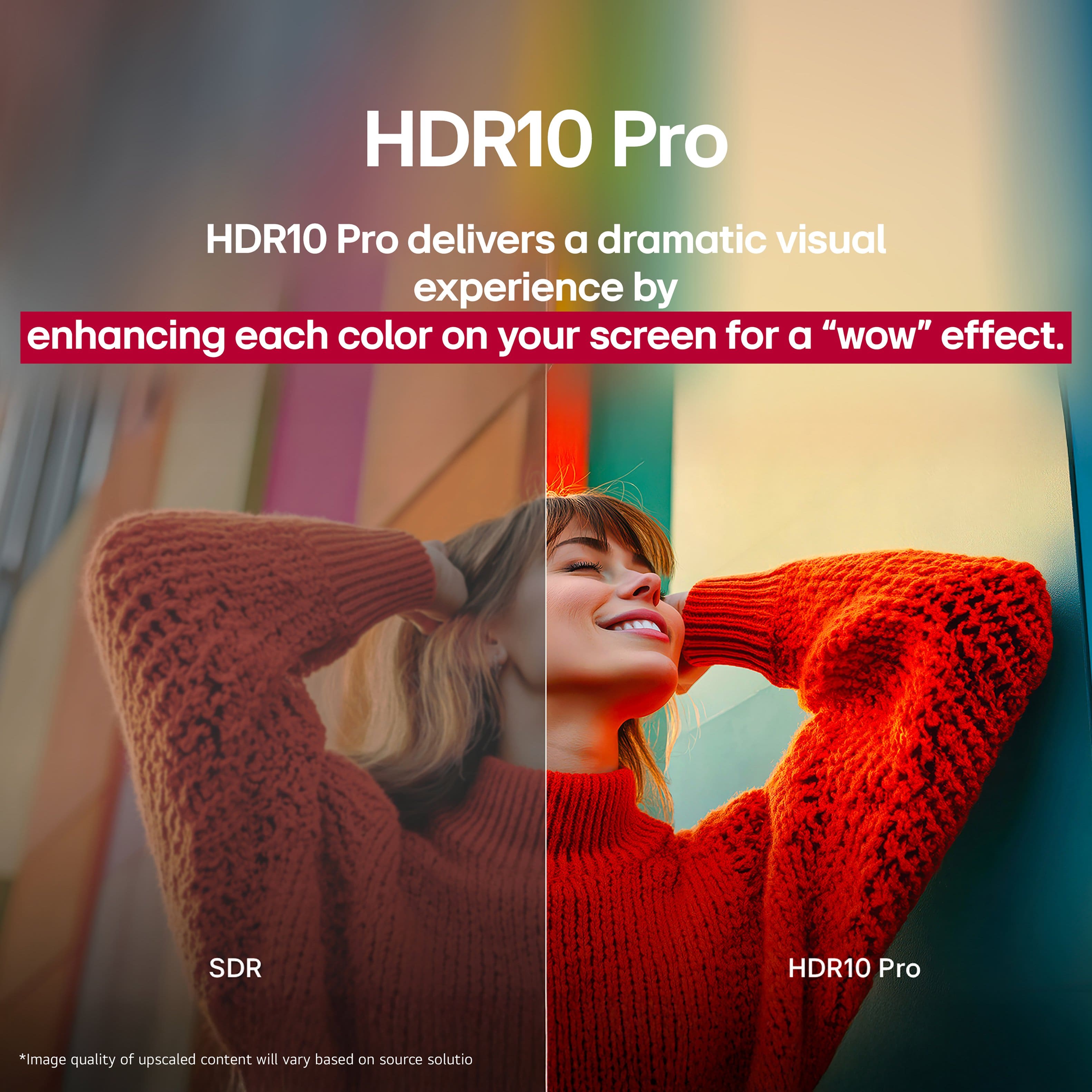
This question and answer was generated by AI based on customer and product data.Q: QuestionDoes this TV support HDR?
- A:Answer Yes, this TV supports High Dynamic Range (HDR).
This question and answer was generated by AI based on customer and product data.Q: QuestionI have a couple of questions. 1) does this tv pause, rewind, and fast forward? 2) can we watch from our cable box and only stream when we go to that part of the menu? 3) will the tv guide show us what is available on our DVR instead of a weird guide?
Asked by AngieB.
- A:Answer The LG 55” Class UT75 Series LED 4K UHD Smart webOS TV (2024), Model # 55UT7570PUB, has preinstalled apps, and if you are streaming from the preinstalled apps on the TV or compatible apps that you download and install on the TV, the TV supports virtual fast forward, rewind and pause functions, which are also supported when streaming from apps on your cable set-top box. These virtual functionalities are compatible with various streaming services. However, the specific features may vary depending on the apps used. We are unclear about what a "weird guide" is, but the TV has a 'Viewing Guide' that allows you to view programs and the schedule of each program, when you select Live TV with the input button. You can view information on the channel and broadcaster. Program information is not displayed for channels with no provided broadcast information. After connecting the Set-Top Box, you can view programs and the schedule of the Set-Top Box. Your DVR has a TV guide feature. Many DVRs, especially those that support over-the-air (OTA) channels, come with a built-in channel guide that allows you to view and record shows, which is different from the TV's TV guide, but you may still be able to see your DVR's built-in TV guide feature on the TV...^Ivan.
Answered by LG Digital Customer Care
Q: Questiondoes this tv come with magic remote
Asked by Anonymous.
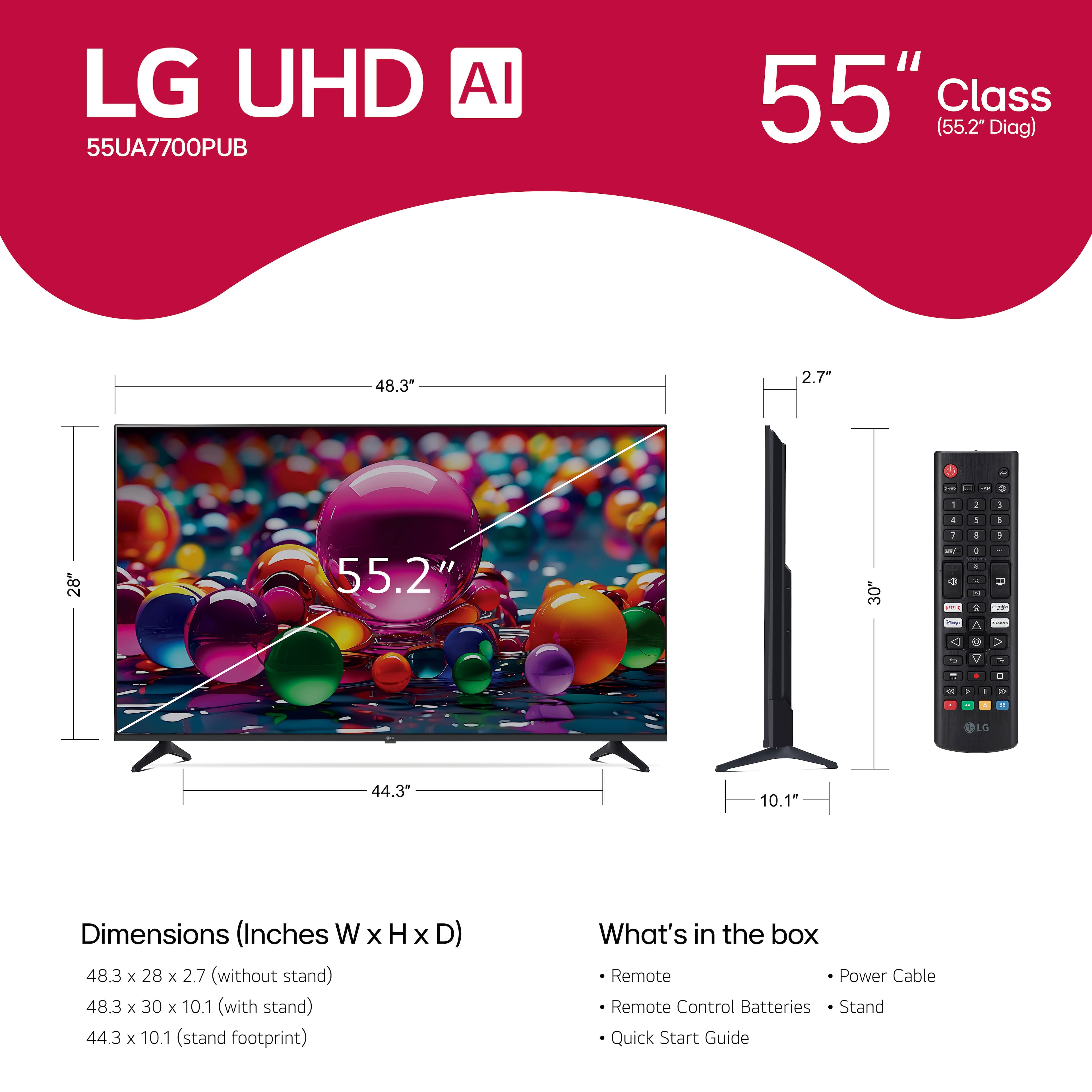
- A:Answer An LG Magic Remote is not included with the LG 55” Class UA77 Series LED AI 4K UHD Smart webOS TV (2025) Model # 55UA7700PUB. The TV comes with an included standard remote and the LG Magic Remote, Model # MR25GA must be purchased separately...^Ivan.
Answered by LG Digital Customer Care
Q: QuestionWhat is the warranty on a LG 55 TV?
Asked by Memo.
- A:Answer Hello there, Memo. We understand your inquiry about the warranty for the 55UA7700PUB unit. This TV carries a Limited Warranty that includes 1 Year Parts & Labor. https://www.bestbuy.com/product/lg-55-class-ua77-series-led-ai-4k-uhd-smart-webos-tv-2025/JJ8VPZT6FH If you have any further questions about its features or the details of the warranty, please send us a private message on Social Media @LGUSSupport, and our team will be more than happy to assist you. —Renzo
Answered by LG Digital Customer Care
Q: QuestionHow to stop random devices from trying to connect to the tv?
Asked by Tiggy.
- A:Answer Hi there, Tiggy. Thank you for reaching out to us regarding the LG 55UA7700PUB. We understand your inquiry about preventing random devices from attempting to connect to your TV. To resolve this, we recommend adjusting your connection settings; specifically, you can go to the AirPlay and HomeKit settings or Screen Share options to change the access requirement to "Require Code" or limit it to known devices. Your feedback is important, and we'd like to assist you further. https://www.bestbuy.com/product/lg-55-class-ua77-series-led-ai-4k-uhd-smart-webos-tv-2025/JJ8VPZT6FH If you have any further questions about its features, please send us a private message on Social Media @LGUSSupport, and our team will be more than
Answered by LG Digital Customer Care
Q: QuestionWhat is manufacturer warranty for this tv?
Asked by Anonymous.
- A:Answer The LG 55” Class UA77 Series LED AI 4K UHD Smart webOS TV (2025), Model # 55UA7700PUB, has a Limited Manufacturer's Warranty of One (1) year from date or original retail purchase for Parts and Labor (internal/functional parts only)...^Ivan.
Answered by LG Digital Customer Care
Q: QuestionDoes this TV have an IPS screen?
Asked by Anonymous.
- A:Answer Hi there. Thank you for sharing your experience with us. We understand your inquiry regarding the screen technology of the LG 55" Class UA77 Series LED AI 4K UHD Smart webOS TV (55UA7700PUB). LG uses various panel technologies, including IPS, VA, and ADS, across our TV lineup, and the specific panel type can sometimes vary within the same series depending on the size and production. Because of this variation, the detailed product specifications, while confirming the unit has a 4K UHD LED Display with Direct Backlighting, do not explicitly state whether this particular unit is equipped with an IPS panel. https://www.bestbuy.com/product/lg-55-class-ua77-series-led-ai-4k-uhd-smart-webos-tv-2025/JJ8VPZT6FH Your feedback is important, and we would like to assist you further in confirming the specific features of the television you are interested in. If you have any further questions about its features, please send us a private message on Social Media @LGUSSupport, and our team will be more than happy to assist you. —Renzo
Answered by LG Digital Customer Care
Q: QuestionCan I can with my iphone with google cast? What's the difference betwen chromcast (this is what i've used in the past) and google cast?
Asked by Anonymous.
- A:Answer Hello there. Thank you for sharing your inquiry with us. We understand your question about using your iPhone with casting and the difference between Chromecast and Google Cast for your 55UA7700PUB TV. To directly answer your questions: Casting with iPhone: Your LG 55UA7700PUB TV supports Apple AirPlay 2, which is the primary and easiest way to share content from an iPhone or other Apple devices to your TV. Since your TV also has Google Cast built-in, you can use this feature to cast from most Cast-enabled apps on your iPhone (like Netflix, YouTube, or Spotify) by tapping the Cast icon within the app. Chromecast vs. Google Cast: Google Cast is the name of the software protocol (the technology) that enables one device (like your phone) to send content to a receiver device (like your LG TV). Chromecast is the name of the physical streaming hardware device (the dongle) made by Google. Since your TV has Google Cast built-in, it means the TV can act as the receiver without needing to plug in the separate Chromecast hardware dongle. https://www.bestbuy.com/product/lg-55-class-ua77-series-led-ai-4k-uhd-smart-webos-tv-2025/JJ8VPZT6FH If you have any further questions about its features or need a step-by-step guide on how to use AirPlay 2, please send us a private message on Social Media @LGUSSupport, and our team will be more than happy to assist you. —Renzo
Answered by LG Digital Customer Care
Q: QuestionDoes it come with HDMI cord ? And does it come with a tv stand
Asked by Jonsnow.
- A:Answer No cord, Yes stand for on a table or install in the wall.
Answered by RussellK
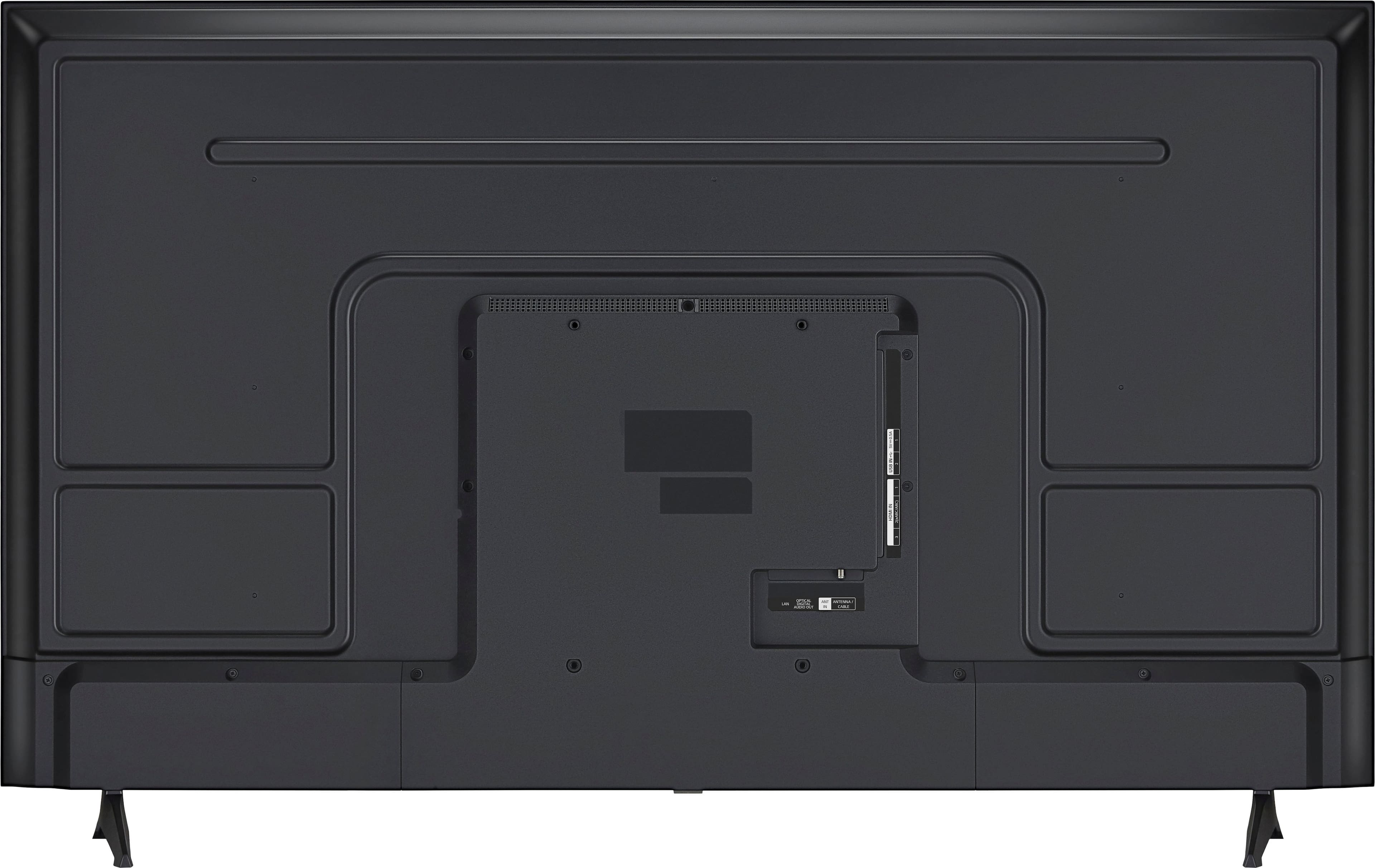
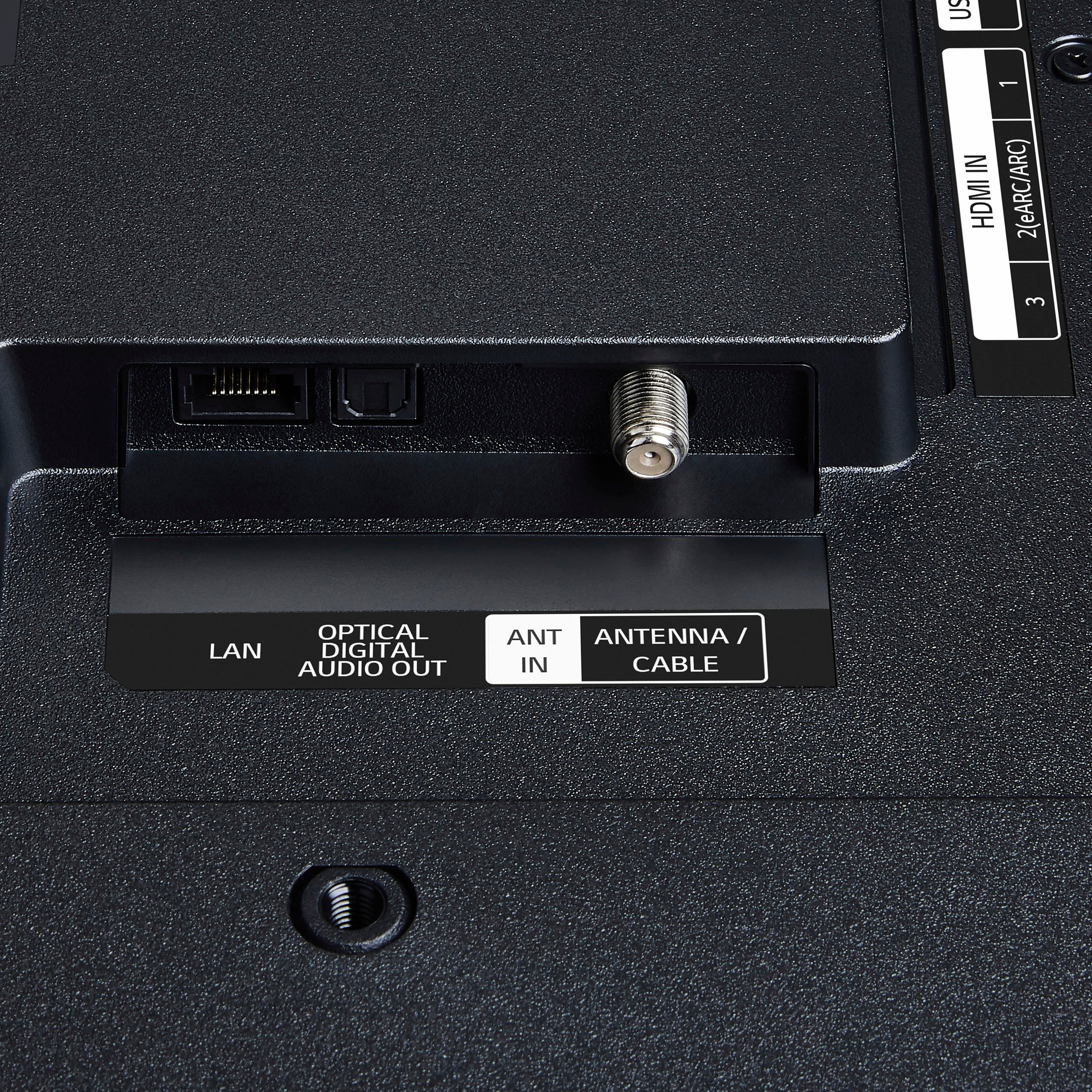
Q: QuestionDoes this TV have digital ooptical audio output?
Asked by Bonnie.
- A:Answer The LG 55” Class UA77 Series LED AI 4K UHD Smart webOS TV (2025), Model # 55UA7700PUB, has an Optical Digital Audio Output on the back...^Ivan.
Answered by LG Digital Customer Care
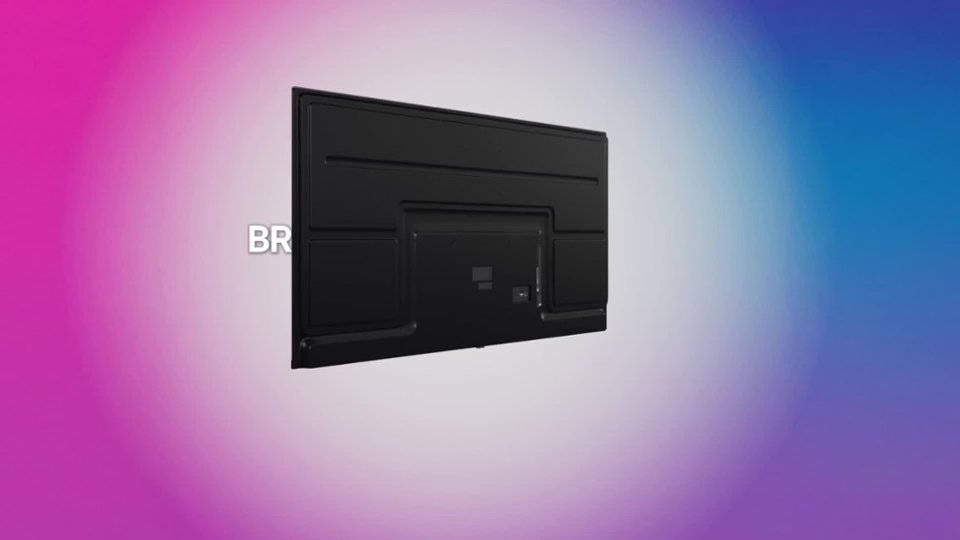
Q: QuestionDoes it have mounting holes on back of tv, plan on mounting it to a wall mount will be outside under a covered deck?
Asked by ddog.
- A:Answer The LG 55” Class UA77 Series LED AI 4K UHD Smart webOS TV (2025), Model # 55UA7700PUB, has a 200 x 300 VESA Mount Pattern...^Ivan.
Answered by LG Digital Customer Care
Q: QuestionDoes this TV have blue tooth capability?
Asked by Tiger.
- A:Answer The LG 55” Class UA77 Series LED AI 4K UHD Smart webOS TV (2025), Model # 55UA7700PUB, is a Bluetooth-enabled TV (Bluetooth® ver. 5.1)...^Ivan.
Answered by LG Digital Customer Care
Q: QuestionCan I turn TV off and on manually without the remote control??
Asked by LiedTo.
- A:Answer The LG 55” Class UA77 Series LED AI 4K UHD Smart webOS TV (2025), Model # 55UA7700PUB, features a physical button located directly underneath the LG logo on the bottom bezel of the TV that allows you to turn it on or off manually...^Ivan.
Answered by LG Digital Customer Care
Q: QuestionThere is a line on my tv screen. I have unplugged everything checked for updates. It’s still there. What should I do?
Asked by Karen.
- A:Answer Check to see if the line appears in the settings menu for the LG 55” Class UA77 Series LED AI 4K UHD Smart webOS TV (2025), Model # 55UA7700PUB. If the line appears in the settings menu, the issue is likely a loose internal cable, a faulty circuit board, or physical damage to the panel. If the lines disappear in the menu, the issue is likely a bad cable or an external device. By unplugging the TV, you performed a Power Reset that effectively drains residual power, which clears temporary glitches. If you have other HDMI cables you can try, switch the cables out to see if that resolves the issue, or test your external devices (cable box, gaming console, streaming stick) on a different TV if possible, to ensure they aren't sending a corrupted signal...^Ivan.
Answered by LG Digital Customer Care
Most-viewed items
- $449.99$449.99The price was $899.99
- $329.99$329.99The price was $469.99
- $449.99$449.99The price was $649.99
- $1,249.00$1,249.00The price was $2,699.99
- $329.99$329.99The price was $489.99
- $269.99$269.99The price was $479.99
- $2,199.99$2,199.99The price was $3,699.99
- $599.99$599.99The price was $1,199.99
- $1,399.99$1,399.99The price was $2,499.99
- $729.99$729.99The price was $899.99
- $399.99$399.99The price was $699.99
- $149.99$149.99The price was $199.99
- $209.99$209.99The price was $349.99
- $599.99$599.99The price was $899.99
- $599.99$599.99The price was $999.99
- $179.99$179.99The price was $299.99
- $119.99$119.99The price was $169.99