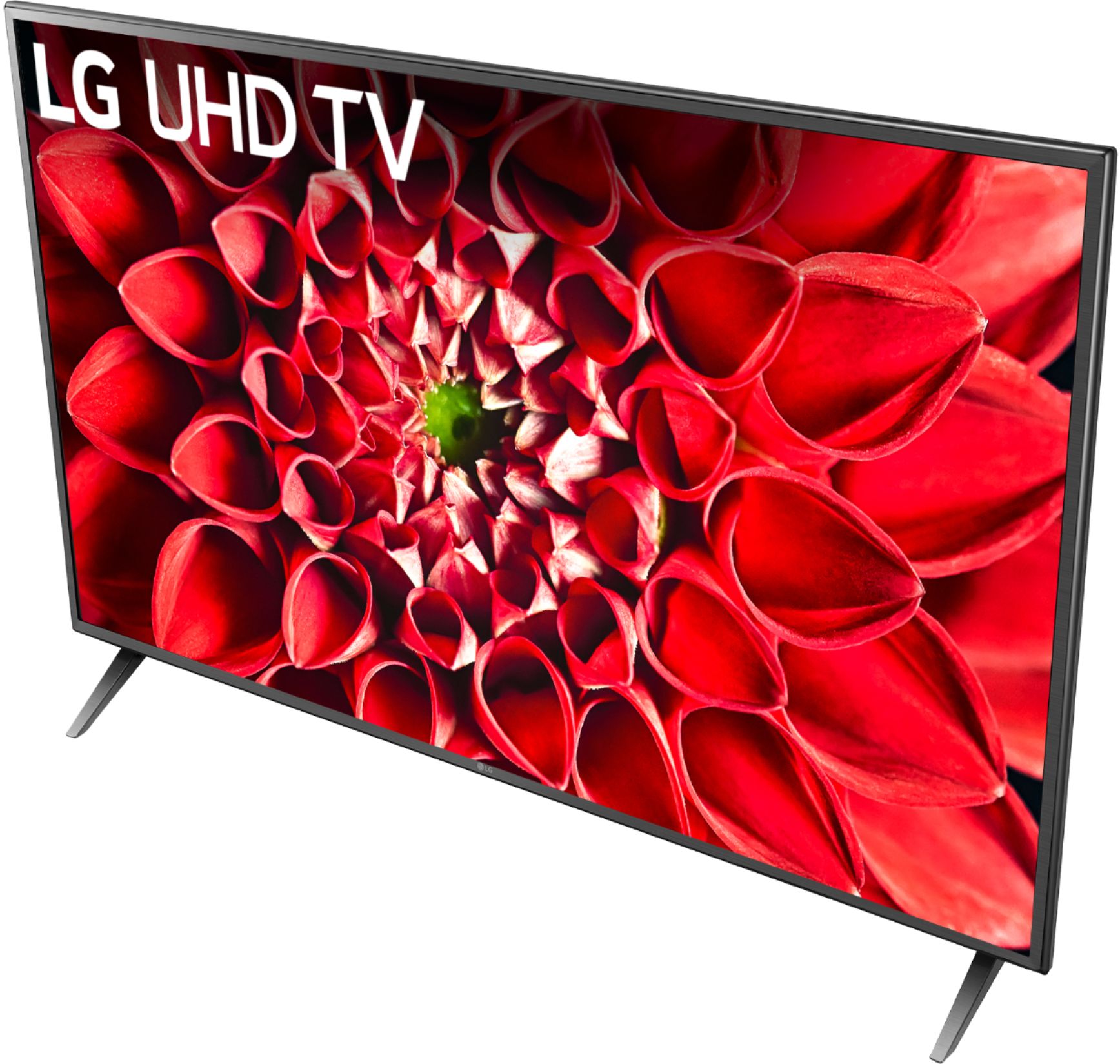
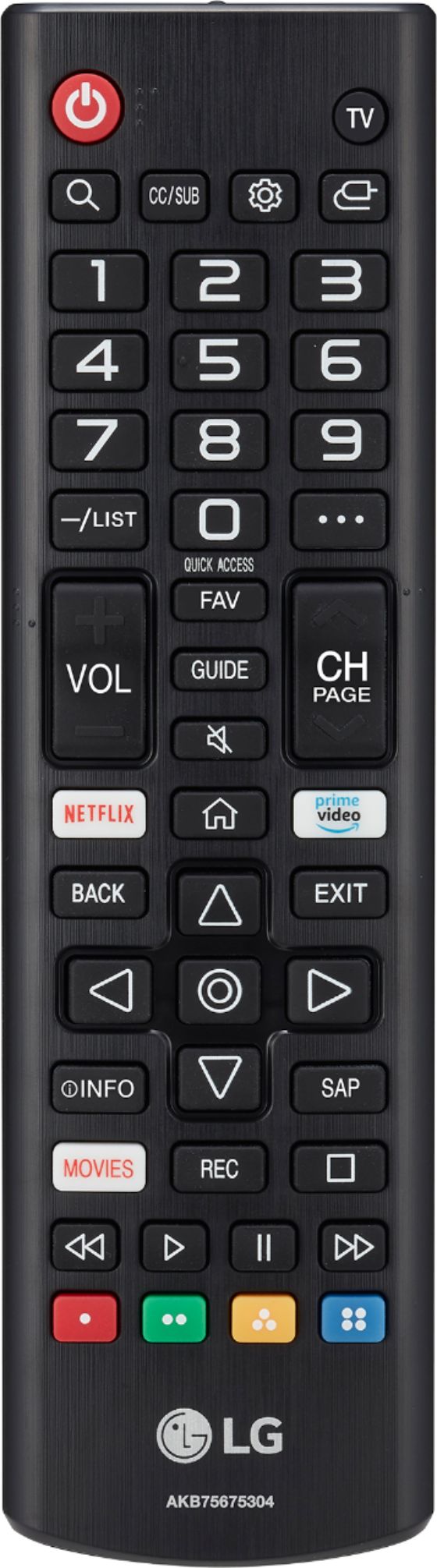
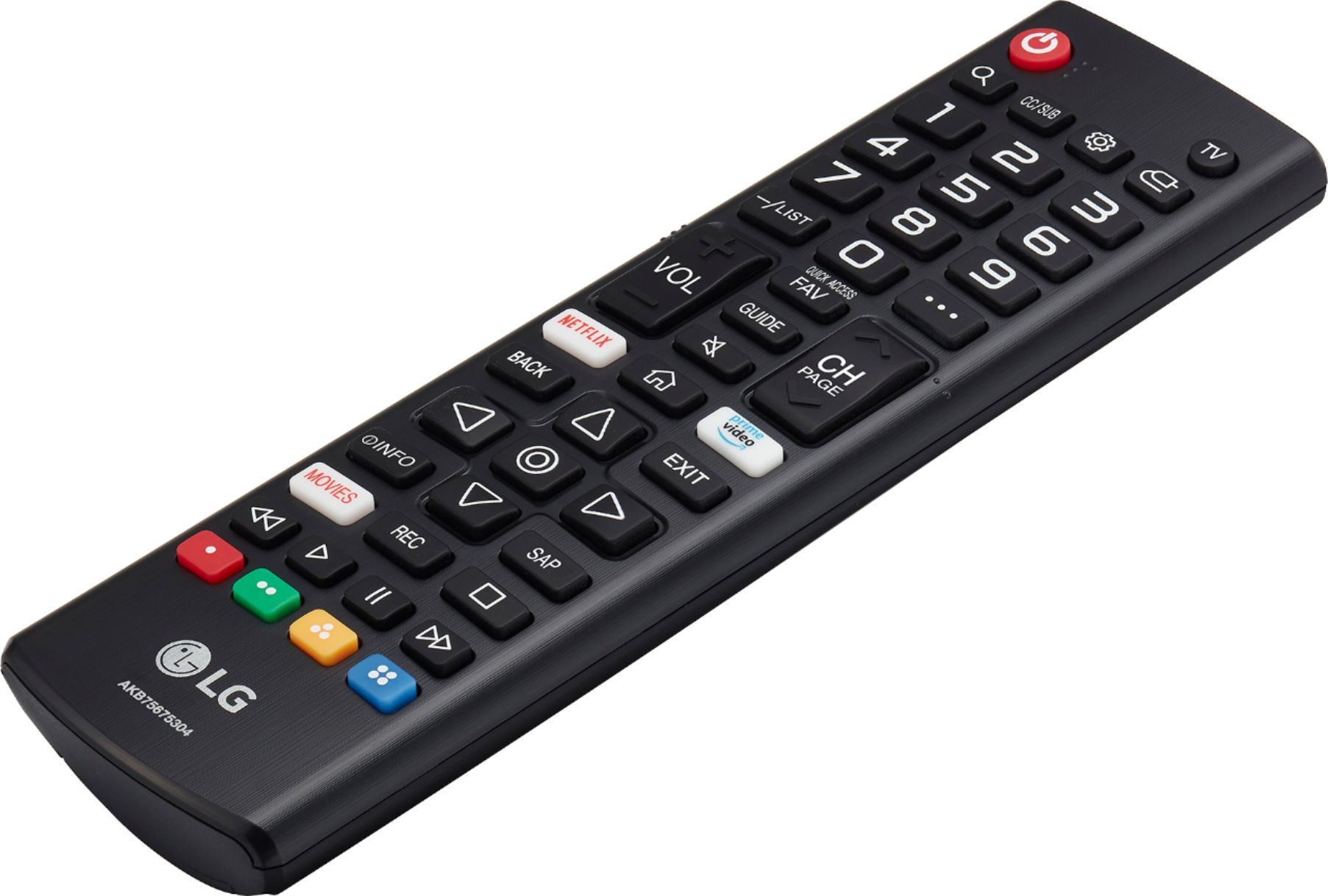
A:AnswerThis TV has a webOS platform. Our webOS platform offers over 600 apps including streaming content and games - including over 180 free streaming channels via the LG Channels (on select models). Additional charges apply for some streaming services. For a complete listing of available apps, please visit: https://us.lgappstv.com/main/tvapp. You will need to connect a 3rd party device to access ROKU programming. ^Daphane
A:AnswerHBO Max is not currently available on LG’s webOS platform. However, we are continually working to add the latest streaming applications, such as HBO, but cannot provide a concrete timeline at this time. In the meantime, our webOS platform offers over 600 apps including streaming content and games - including over 180 free streaming channels via the LG Channels app (on select models). Also, you can access much of the HBO content through the Amazon Prime, YouTube TV or Apple TV+ apps that are available on our platform. For a complete listing of available apps, please visit: https://us.lgappstv.com/main/tvapp. ^Daphane
A:AnswerPlease seek recommendations/opinions at https://lgcommunity.us.com. The LG Community Forum is a great resource for getting help from other LG customers. ^Daphane
A:AnswerJust bought a new LG OLED, set up the sling app, works fine for the first time. As soon as I turn the tv off and back on, sling app stop streaming content. The only way to fix it was re-initial the tv to factory default setting and re-activate. Which mean all my other settings are reset as well. Google the issue turn up that LG webOS has been having problem with Sling for over a year and never solved. If sling is critical to you, don’t buy an LG tv.
A:AnswerI imagine it varies based on what phone you have. I have an iPhone, so I use Apple AirPlay. You set it all up on your phone, meaning, if you’re on YouTube, for instance, you will start playing a video, then press one of the buttons in the upper right side of the screen to cast to your TV.
A:Answerwhile it doesn't have the app for Acorn TV, it does have a web browser and am able to bring it up and can view that way. It does have BritBox app available.
A:AnswerBasically, just about any HDMI Cable you can get your hands on will support 4K.
The thing is that while HDMI cables that could only provide 1080p were manufactured (2002 - 2009 HDMI Versions 1.0 - 1.3)...
ever since 2009 - 2010 when HDMI 1.4 with support for 4K video came out and became the default standard, pretty much all HDMI cables have followed this new standard and more recent standards which are faster and have other features, but for the most part, if your HDMI cable is less than 10 years old, it will support 4K resolution.
That being said, there are some differences between different versions. Version 1.4 HDMI cables support 4K at 24-30 Hz, while HDMI version 2.0 supports 4K at 60 Hz.
HDMI cables also have built in ethernet (if you have 2 devices that both support Ethernet through HDMI) which can carry internet and network data through the HDMI cable while also carrying video data silmutaneiouly.
When deciding what HDMI cable to buy, there are really only 3 choices as of 2021: HDMI 1.4, HDMI 2.0, and HDMI 2.1.
(You can ignore any marketing terms, such as "High Speed", "Turbo", "Ultra Fast", etc. only the version number is important.)
These are the basic differences between them:
HDMI 1.4 -
- 4K video at 24 Hz (Half 4K up to 30 Hz)
- 8 channels of HD Audio and an audio return channel
(Audio return channel allows the TV to send sound back to the video source device's speakers.)
HDMI 2.0 -
- 4K video at 60 Hz
- HDR (High Dynamic Range) Video
- UHD 3D Video
- 32 channels of audio at 1532kHz
HDMI 2.1 -
- 10K video at 120 Hz
- HDR (High Dynamic Range) Video
- UHD 3D Video
- 32 channels of audio at 1532kHz
This may be a little late, but I think it will answer this question for people who find this page through Google.