A:AnswerMany times picture quality troubles can be resolved with a few tweaks to the settings. We have a help library article that recommends the settings for getting the best picture settings: https://www.lg.com/us/support/product-help/CT10000018-20150577528034-menu-settings If you're in need of some guidance with using your TV, please head to our support page at @LGUSSupport on Twitter or you can give us a call at 800-243-0000 so a specialist can help out. ^CP
A:AnswerDon't buy it piece of junk. I bought on 8-17-19 and I always have to reset the Dish, Amazon, Netflix and pretty much ever app on the tv. Well today 10-1-19 half of the sreen has green lines going across it. Thought it was a good deal. But apparently not a good deal. Last day to return was 9-1-19 of course. Now I have to deal with LG to get it repaired. Will make that phone call in the morning. Tried to load a picture of the messed up screen from my iphone and got error message "unable to parse the image." How ironic? Good luck with your TV shopping.
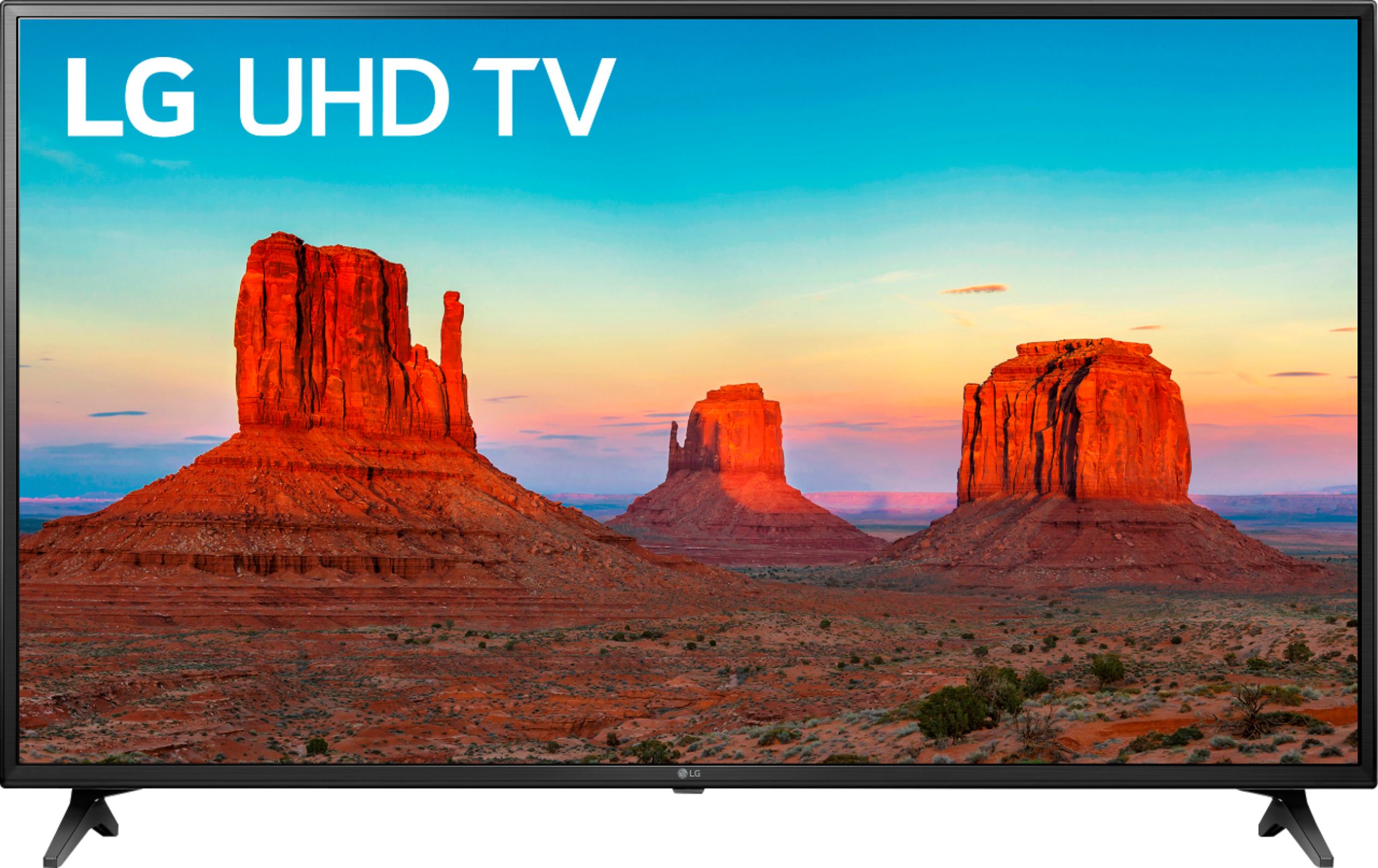
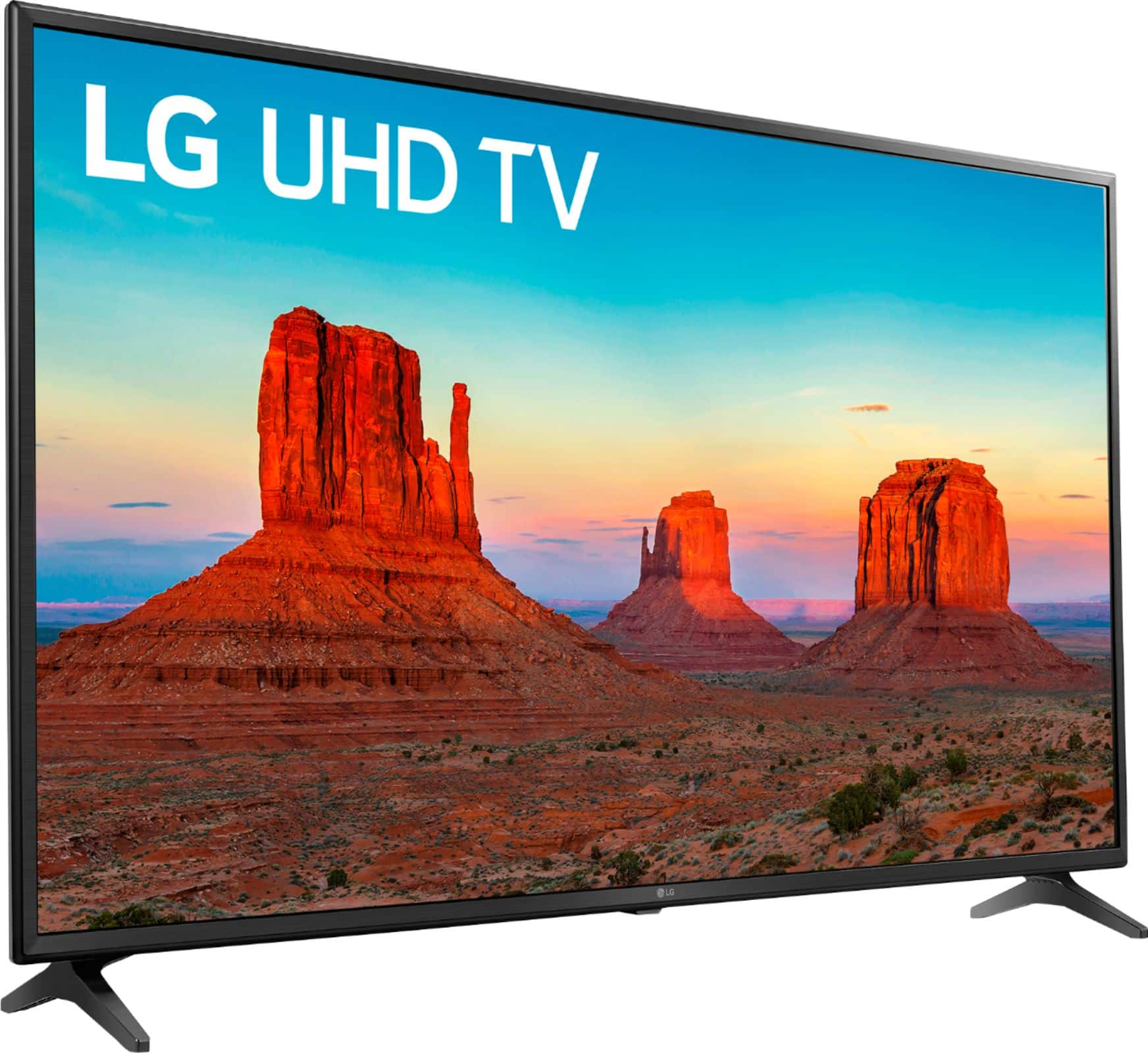
A:AnswerThe LG UK6090PUA 4K HDR Smart LED UHD TV - 60'' Class (59.5'' Diag), Model # 60UK6090PUA and the LG 60 inch Class 4K Smart UHD TV (59.5'' Diag), Model # 60UM6900PUA have the same specifications and features but the 60UK6090PUA is a 2018 model & the 60UM6900PUA is a 2019 model. They do not have the same pricing structure being that they are not from the same year...^IFV
A:AnswerSimply click the home button on your remote and go to the app area if it isn’t already pre installed pressing the house shapes button on the remote should bring up the menu that shows what apps are downloaded.