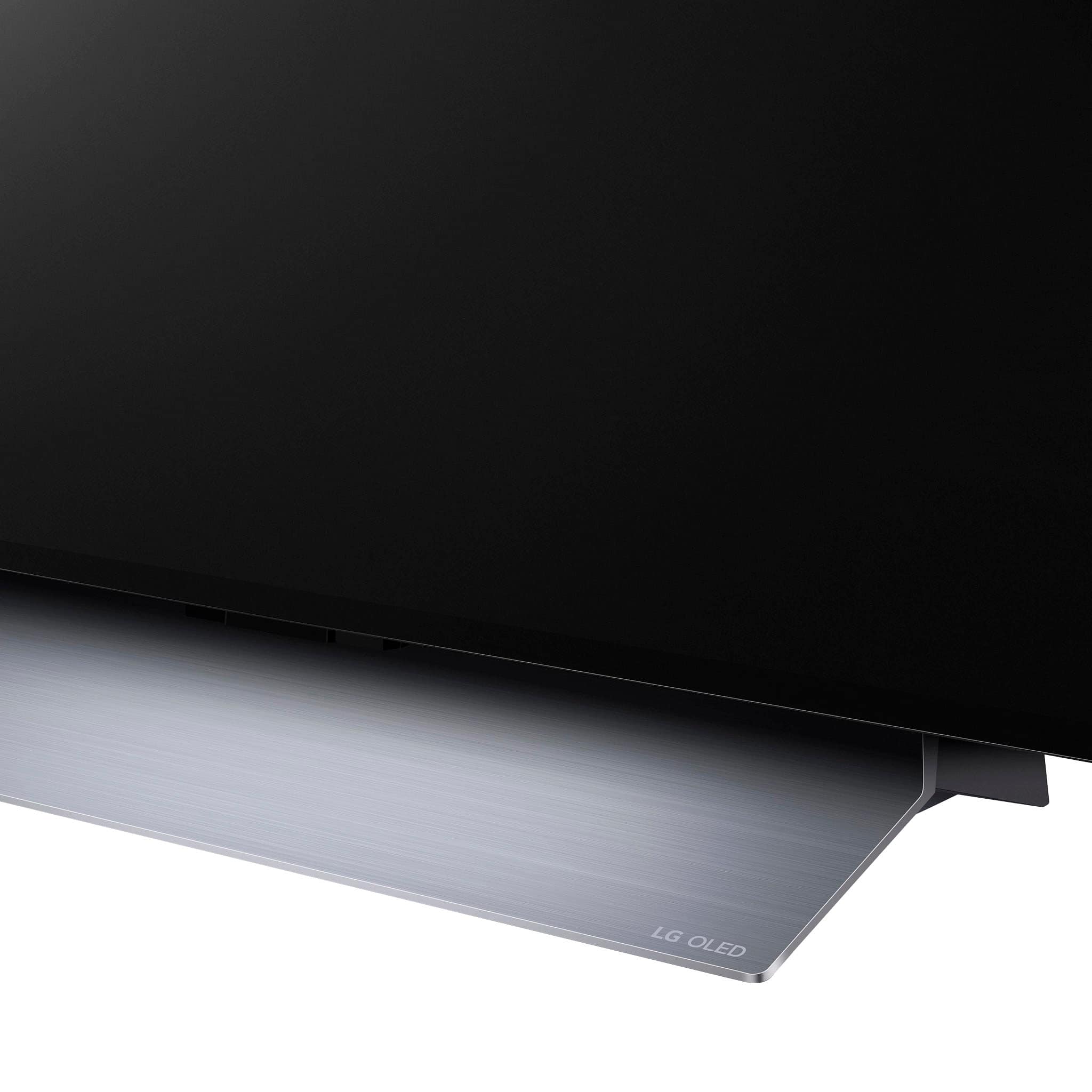
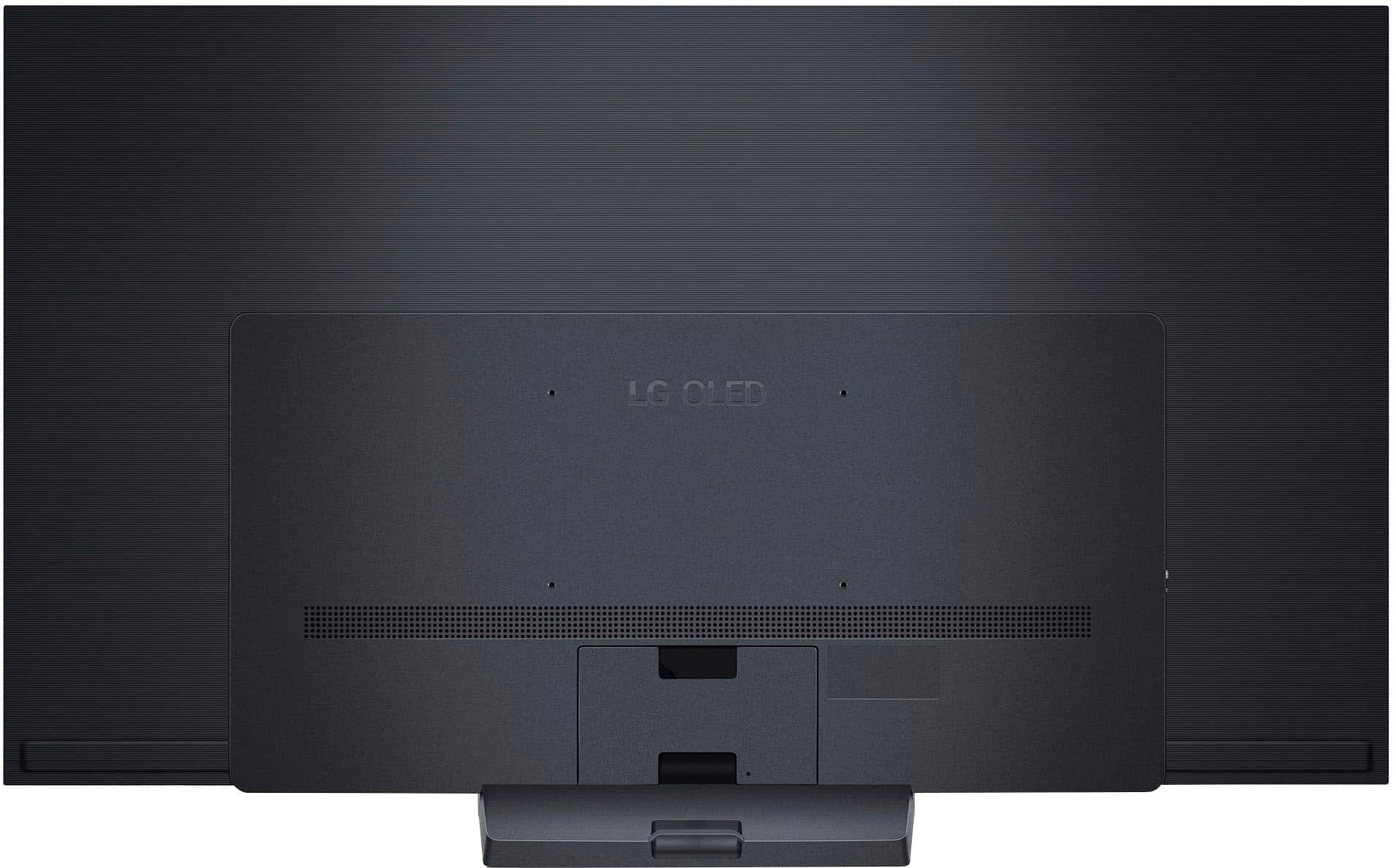
A:AnswerProduct Height With Stand
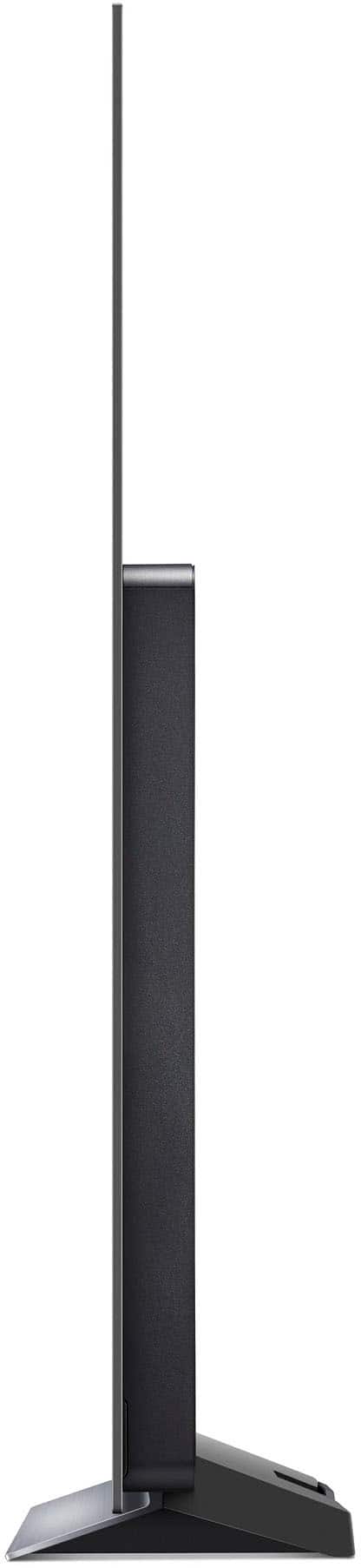
34.6 inches
Product Width
56.7 inches
Product Depth With Stand
9.1 inches
Product Height Without Stand
32.5 inches
Product Depth Without Stand
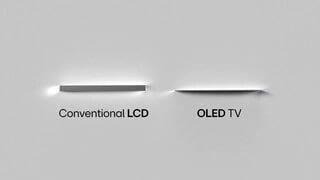
1.8 inches
Product Weight With Stand
40.8 pounds
Product Weight Without Stand
36.6 pounds
Stand Width
18.5 inches
Stand Depth
9.1 inches
A:AnswerTech was here today and put in a new main board
TV seems to be working ok. There was a loose screw under the board - maybe the problem...not 100% sure I'm satisfied, but, the TV is working for now
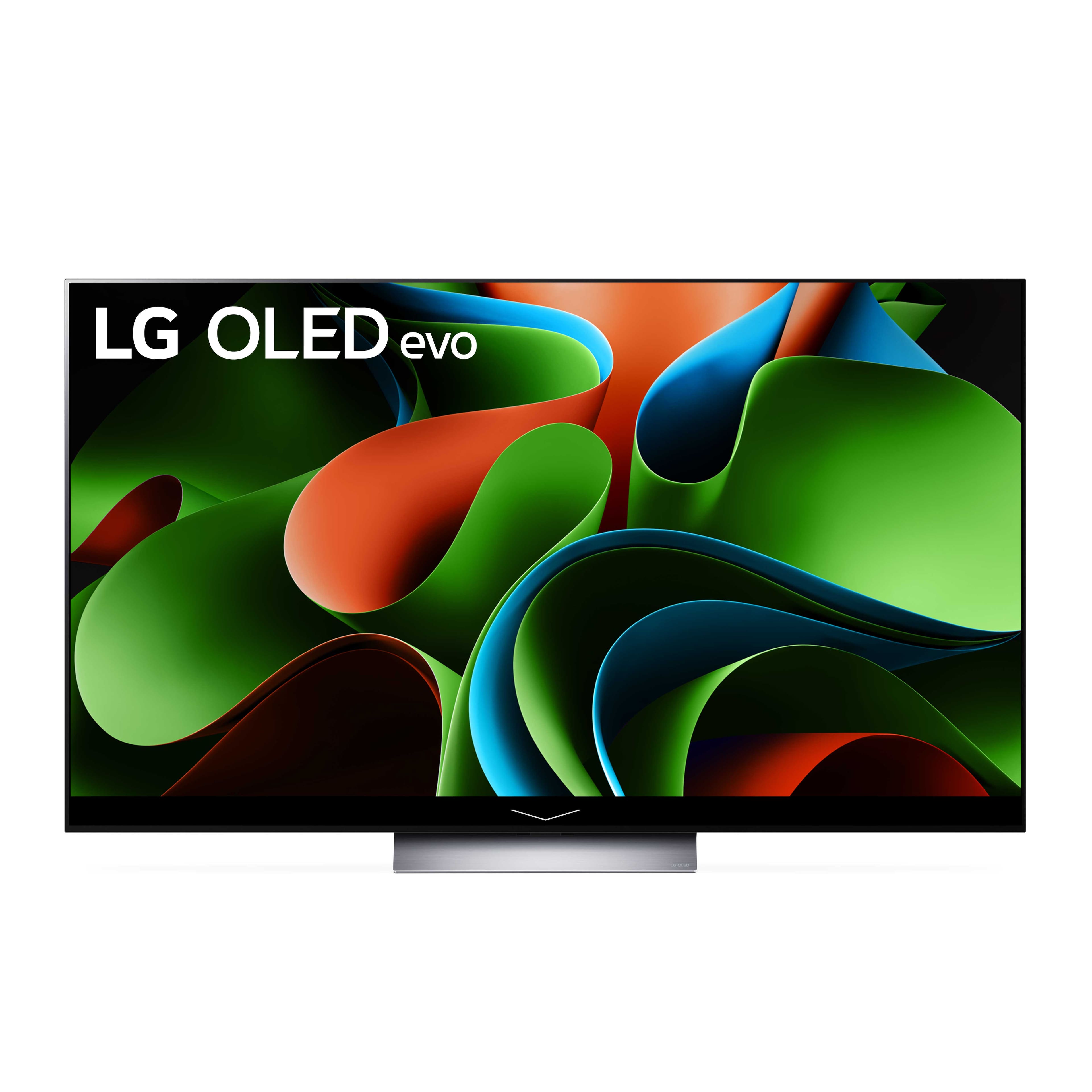
A:AnswerAs indicated on its product detail page on Best Buy, the LG 65" Class C3 Series OLED evo 4K UHD Smart webOS TV (2023), Model # OLED65C3PUA, is sold and shipped by BrandsMartUSA, who is a Best Buy market place seller partner, so you can post a review on the Best Buy website for items purchased through their third-party marketplace partners.
To leave a review on Best Buy, you will need to log in to your account, go to your Order History or Purchases, find the Marketplace TV, and click on the Write a Review link next to the item.
Keep in mind that the "Write a review" button typically appears 24 to 48 hours after your order has been delivered. All reviews must focus on the product, seller, or service and follow Best Buy Reviews guidelines...^Ivan.
A:AnswerI am experiencing the same issue and my
LG TV is kess than 2 years old.
Try unplugging the TV and plugging back in.
There is additional resetting instructions if you google it.
Didn't work for me unfortunately and I suspect
I have a defective power board .
$1722.00 down the drain!
.
A:AnswerIt's not so much an issue with LG as it is with the settings you have disabled. There are many features available that are automatically enabled or that you can turn on to ensure the screen has automatic dimming, as well as screensavers that activate when you're not using the TV. These features help prevent static images from being displayed for too long.
For example, the screensaver is always moving, and you can customize it. If you disable the turn-off features and leave a still image on the screen for too long, all OLEDs can experience burn-in. The technology has improved in recent LG TVs; you just need to research which settings can help prevent burn-in, and you'll find guides to assist you. Additionally, there are several AI features, such as the dimming function I mentioned, that can help with this issue.
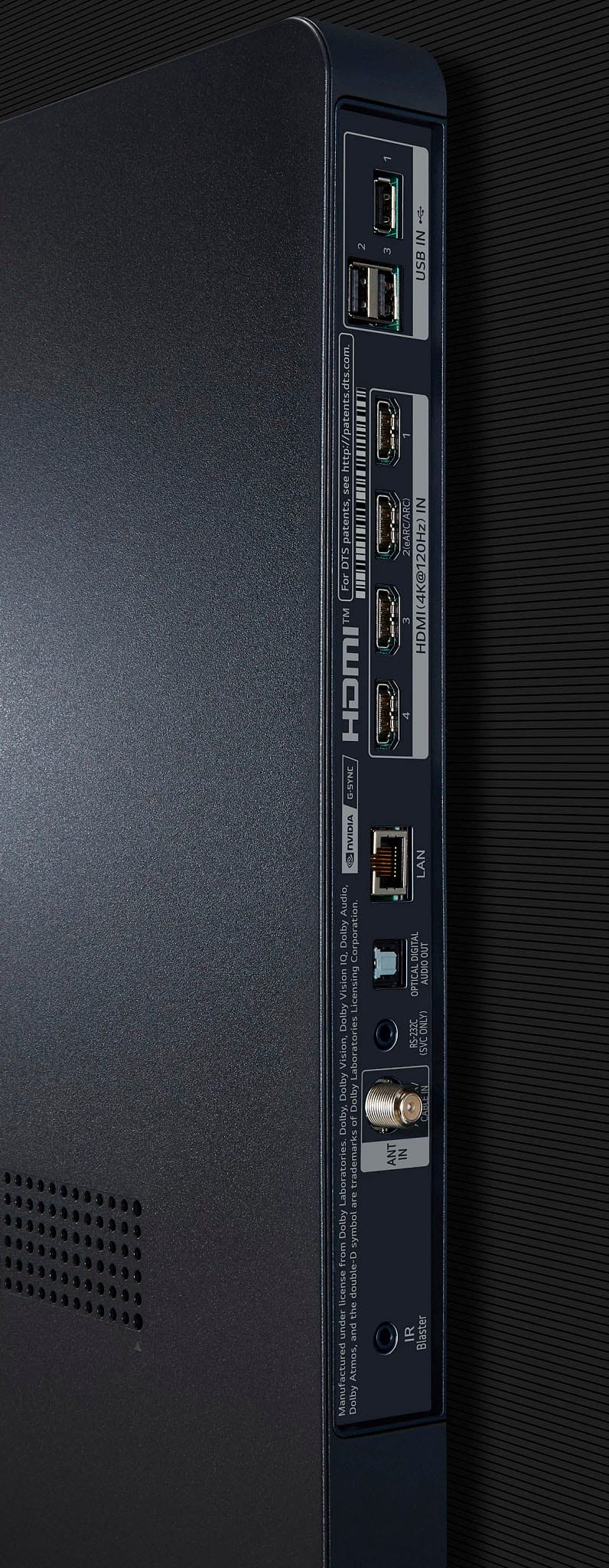
A:AnswerHey there! We have a few suggestions you can try to see if it helps with the audio delay. Ensure that your LG TV has eARC enabled in your settings:
1. Open the [Settings] menu on your LG TV
2. Select [Sound] then [Sound Out] in the Settings menu
3. Select [HDMI ARC] in the [Sound Out Menu]
You can also try another HDMI cable to rule out a cable-related cause. If you still need help with your sound delay, please reach out to us on social media @LGUSSupport. We'll be happy to continue helping out! *Joseph
A:AnswerHello there. Thank you for your interest in the LG OLED65C3PUA TV. Yes, this model does support WiFi Direct functionality. WiFi Direct allows the TV to connect directly to other WiFi Direct-enabled devices without needing a traditional WiFi network router.
If you have any more questions about features or settings on the OLED65C3PUA TV, feel free to reach out to us via private message on Social Media @LGUSSupport. We're here to assist you further. Thank you for choosing LG. —Renzo
A:AnswerThank you for reaching us regarding LG Smart webOS TV. Yes, the LG OLED65C3PUA is compatible with Fure TV. You can download its owner's manual through this link for more information: https://www.lg.com/us/support/product/lg-OLED65C3PUA.AUS For additional assistance, please reach out to us on social media @LGUSSupport so we can help you further. ^Cris
A:AnswerHello there! Thank you for reaching out with your inquiry about the OLED65C3PUA model. We understand the excitement of setting up dual co-op gaming with multiple consoles. While the OLED65C3PUA supports multiple HDMI inputs for connecting different devices simultaneously, splitting the screen between two independent consoles directly on the TV isn't a feature it currently offers.
For your setup, we recommend using an HDMI splitter or a gaming monitor that supports picture-in-picture (PiP) functionality, which allows you to display content from two different HDMI sources side by side on the same screen.
If you have any more questions or need further assistance with your setup, please send us a private message on Social Media @LGUSSupport, and our team will be happy to help explore solutions tailored to your needs. We appreciate your interest in LG products and your patience. —Renzo