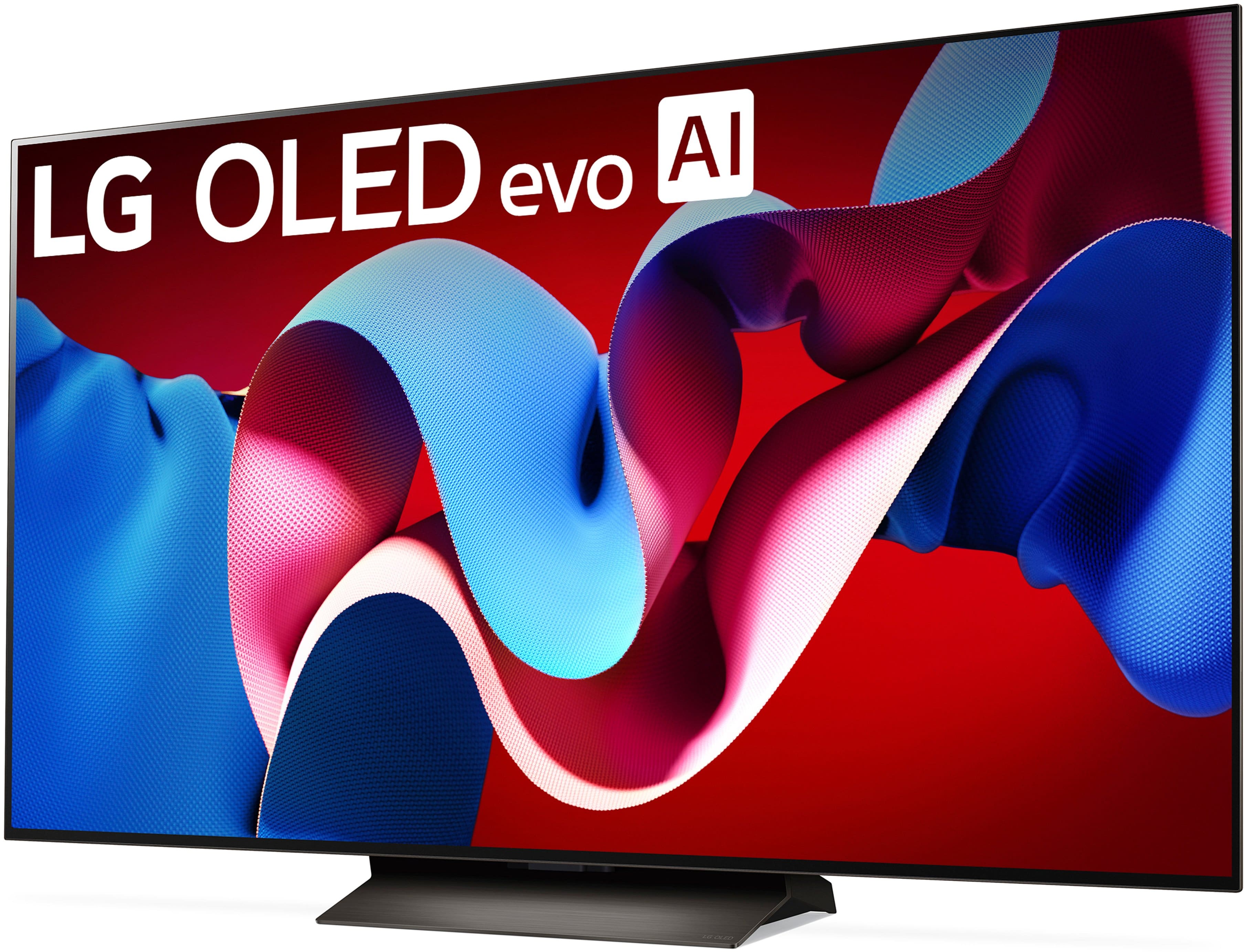
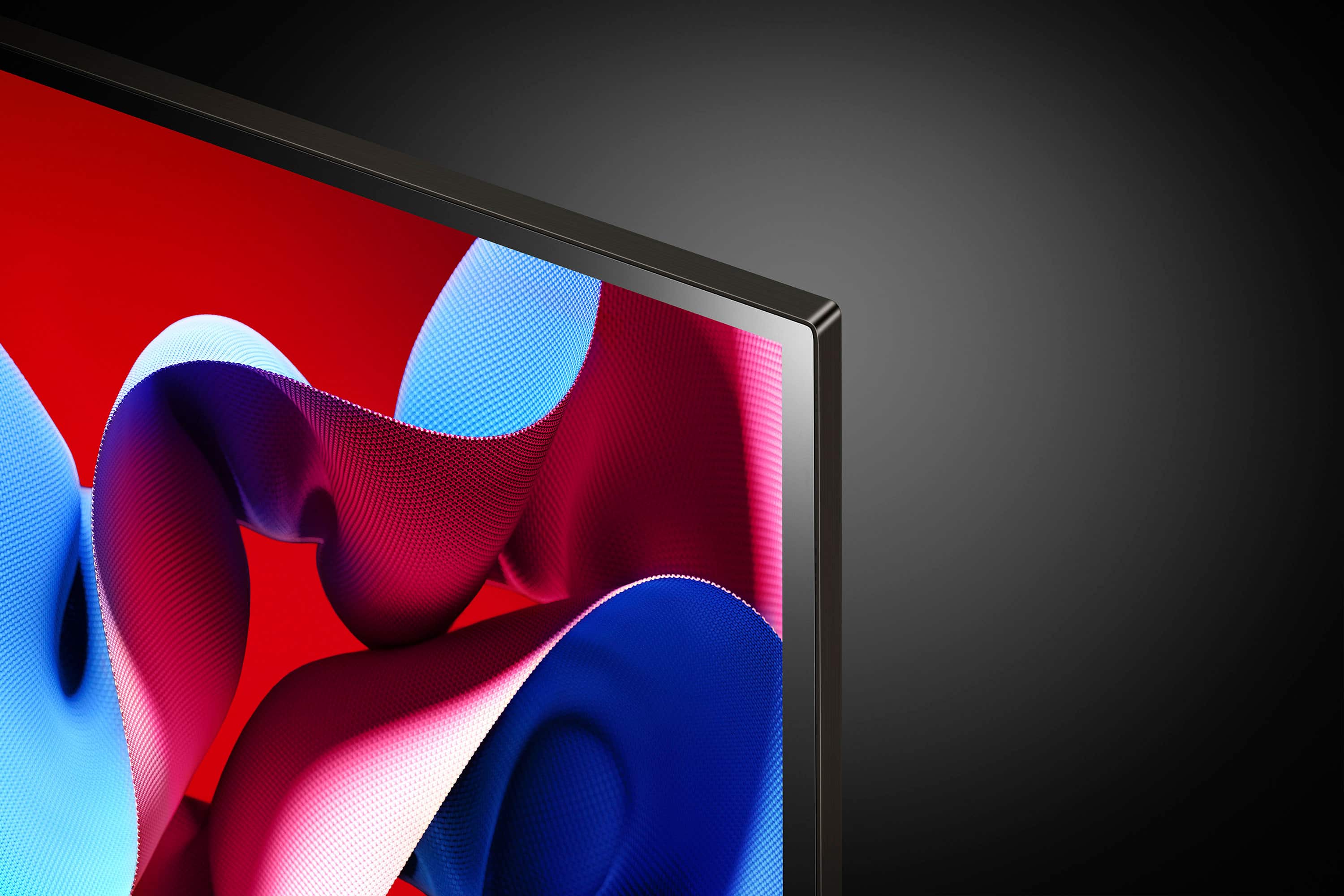
A:AnswerHello there! Thank you for your question regarding the LG model # OLED65C4PUA. We understand your interest in accessing Paramount Plus on your new TV.
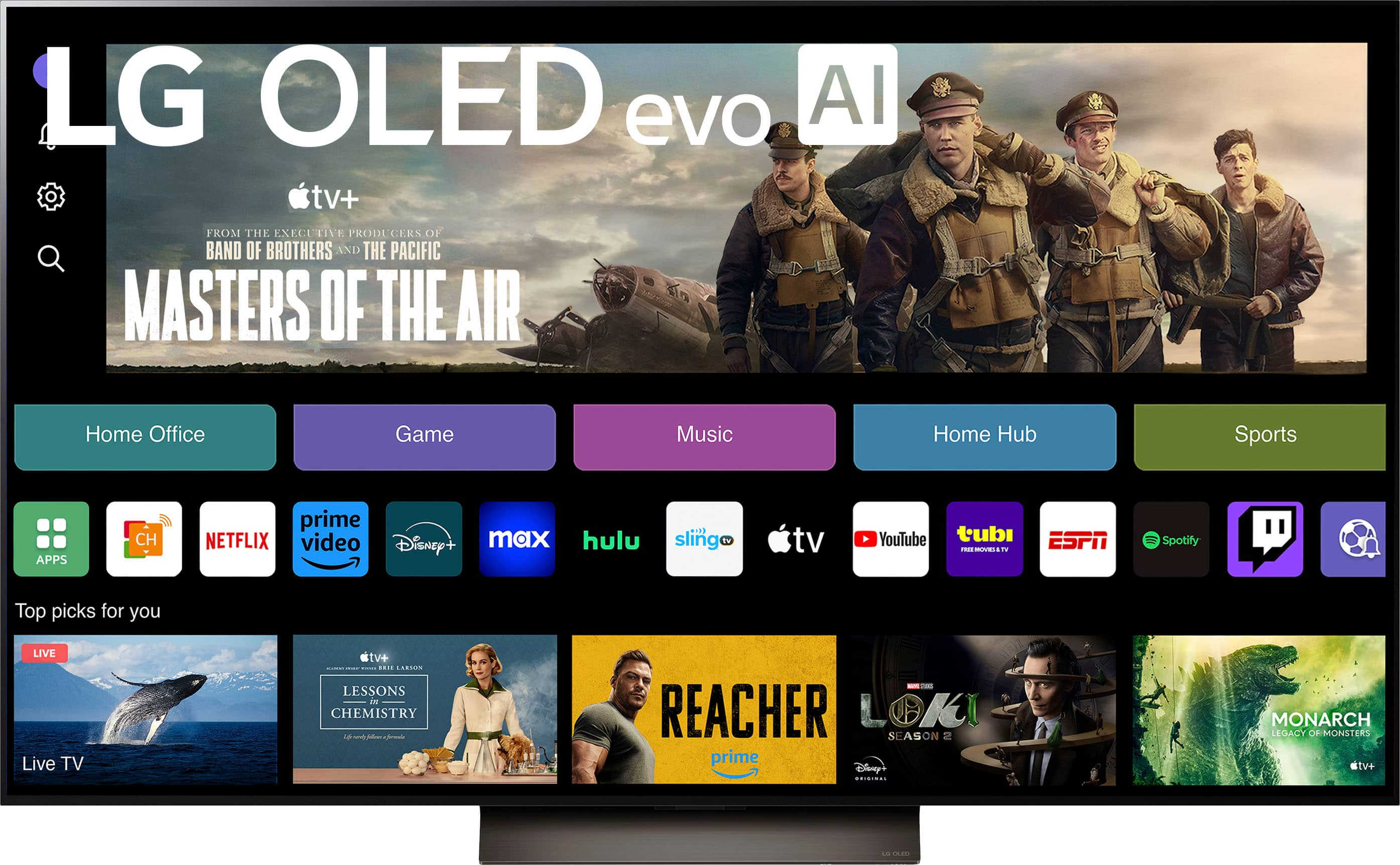
The LG OLED65C4PUA comes with webOS, which supports a wide range of popular streaming apps. While Paramount Plus is not specifically listed under the official content partners provided on the product page, it is available for download via the LG Content Store. You can easily search for the Paramount Plus app there and install it to enjoy your favorite content.
https://www.lg.com/us/tvs/lg-oled65c4pua-oled-4k-tv#pdp_specs
If you have any further questions or need assistance with the setup, please send us a private message on Social Media @LGUSSupport, and our team will be happy to assist you.
We appreciate your patience.
—Renzo
A:AnswerHello, Lucky.
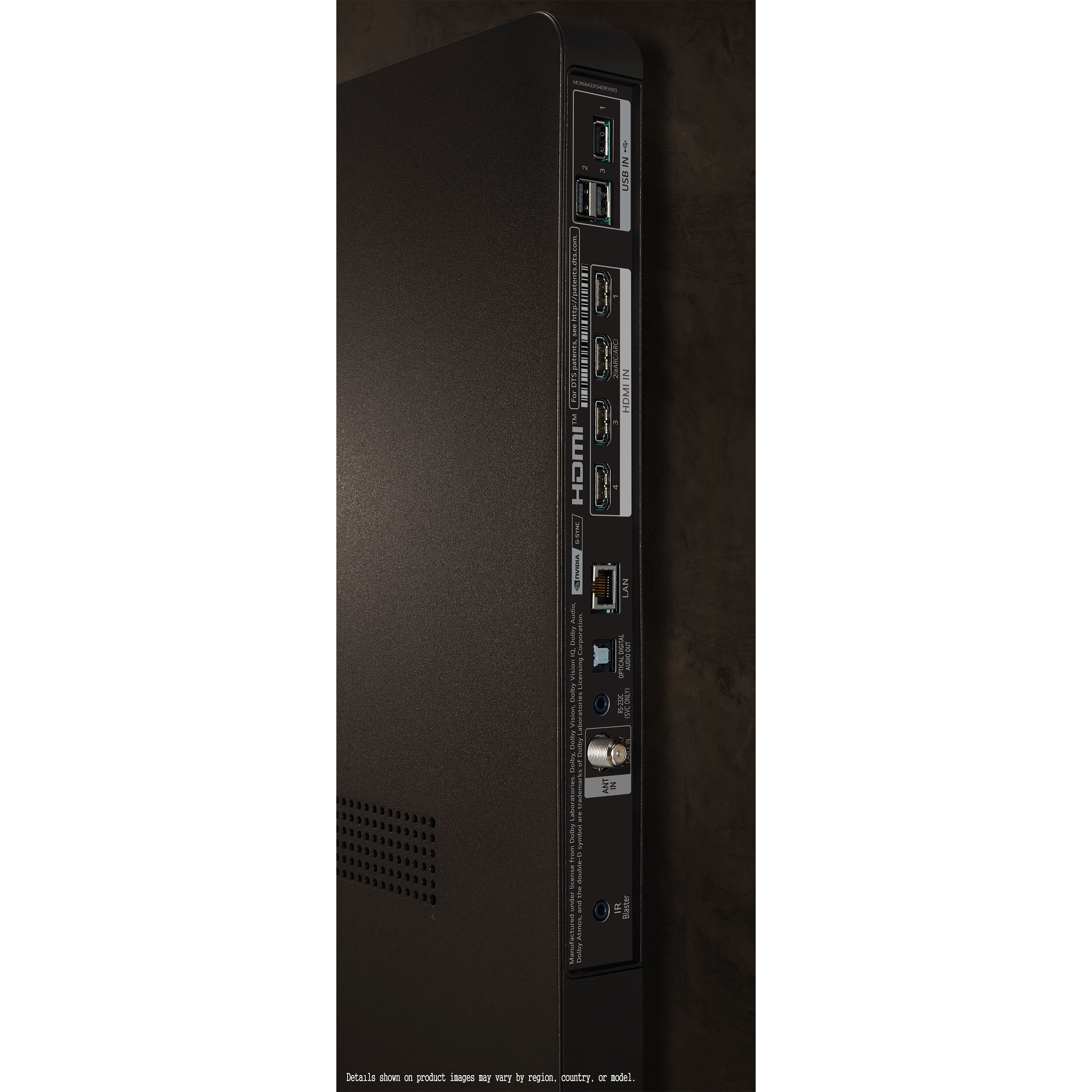
Like all other current TVs, the 65-inch Class LG OLED evo C4 4K Smart TV 2024, Model # OLED65C4PUA, has an Optical Digital Audio Output that can be connected to a soundbar's Optical Digital Audio Input with an optical cable...^Ivan.
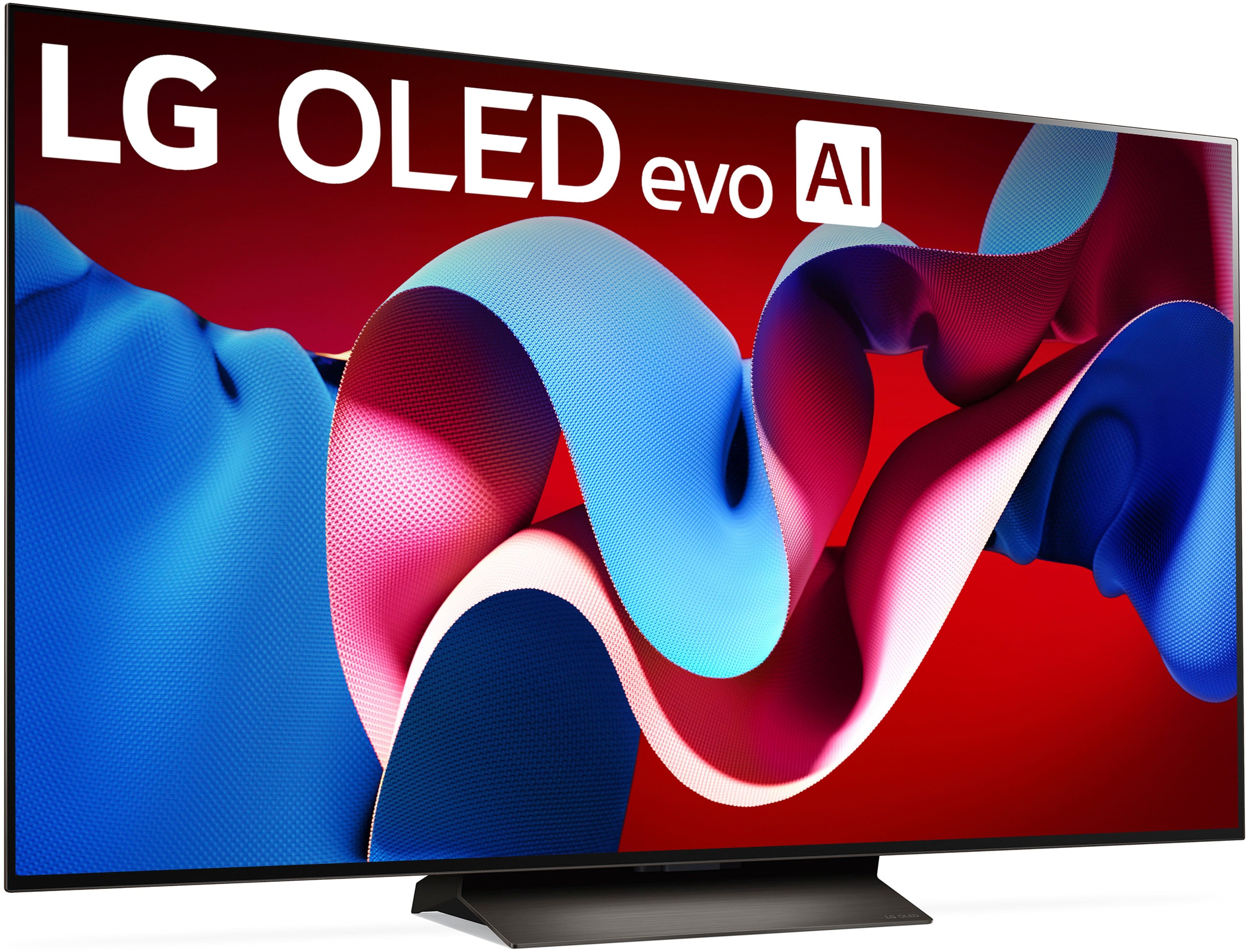
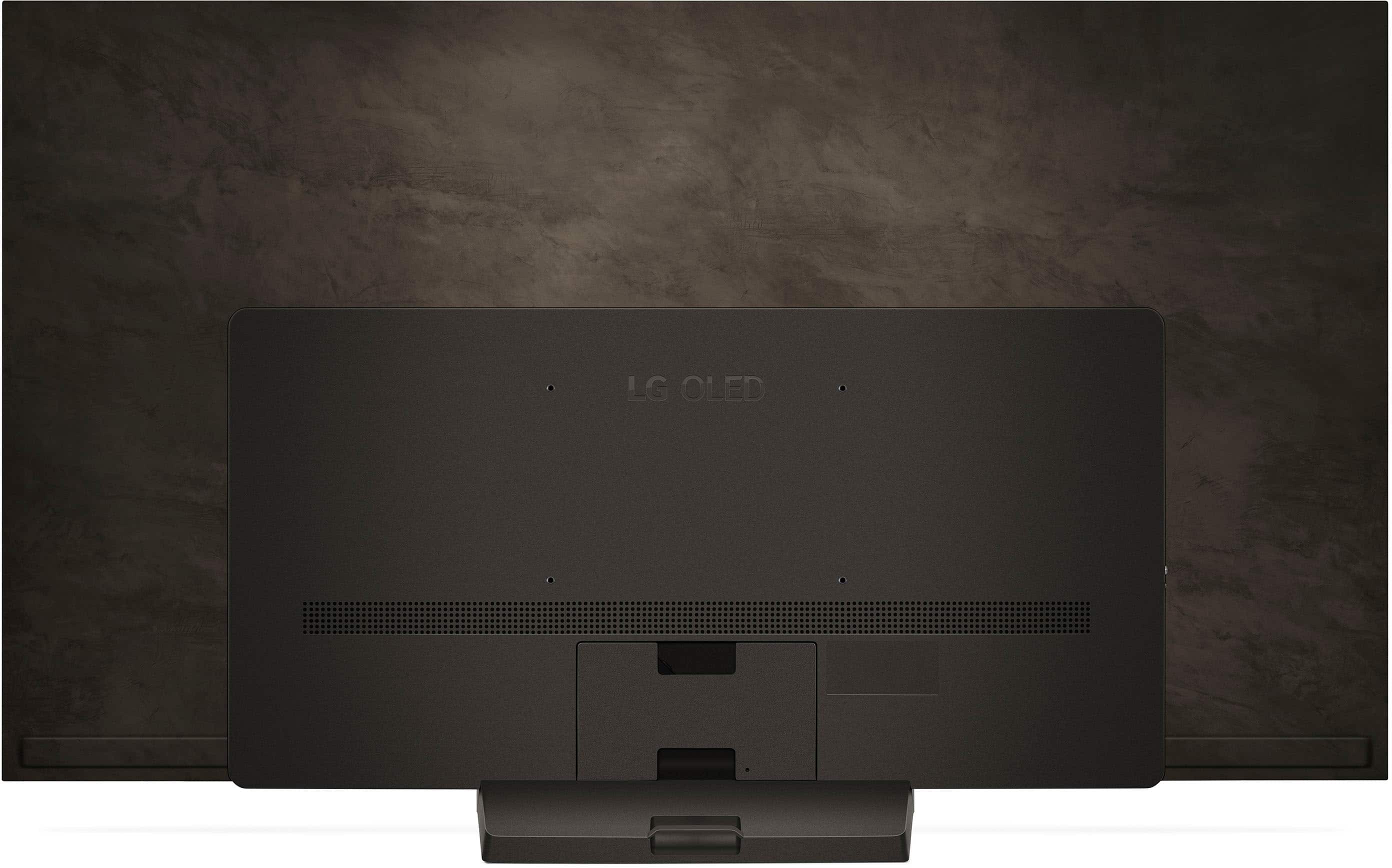
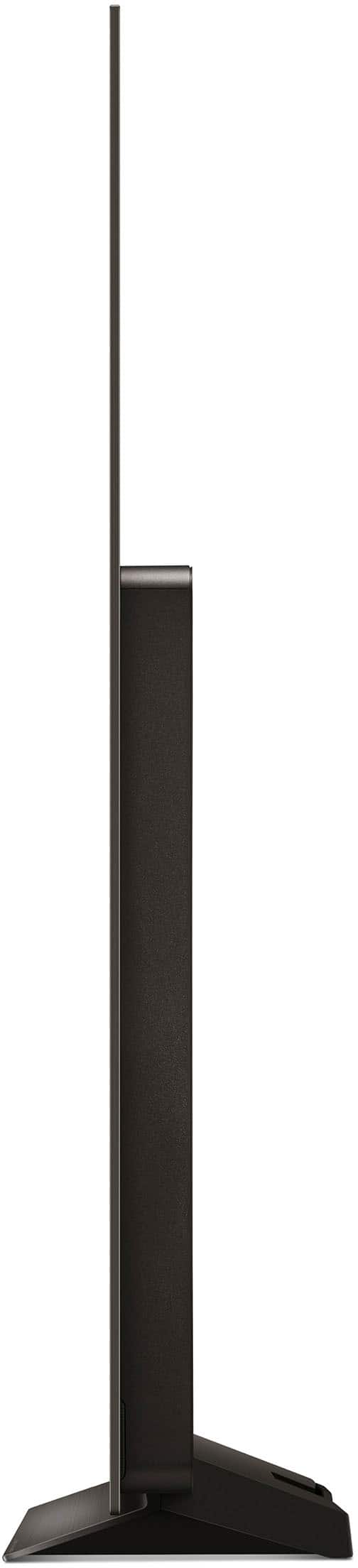
A:AnswerHi there! Thank you for your question about the LG OLED65C4PUA TV. The base of this model does not swivel; it is designed for fixed placement. However, the TV’s slim profile and high-quality display can be easily viewed from various angles, and it’s compatible with VESA wall mounts if you prefer to mount it for more flexible viewing options.
If you need assistance with installation or have further questions, please send us a private message on Social Media @LGUSSupport or call us at 1-800-243-0000. We’re here to help!
We appreciate your time and feedback!
—Avril
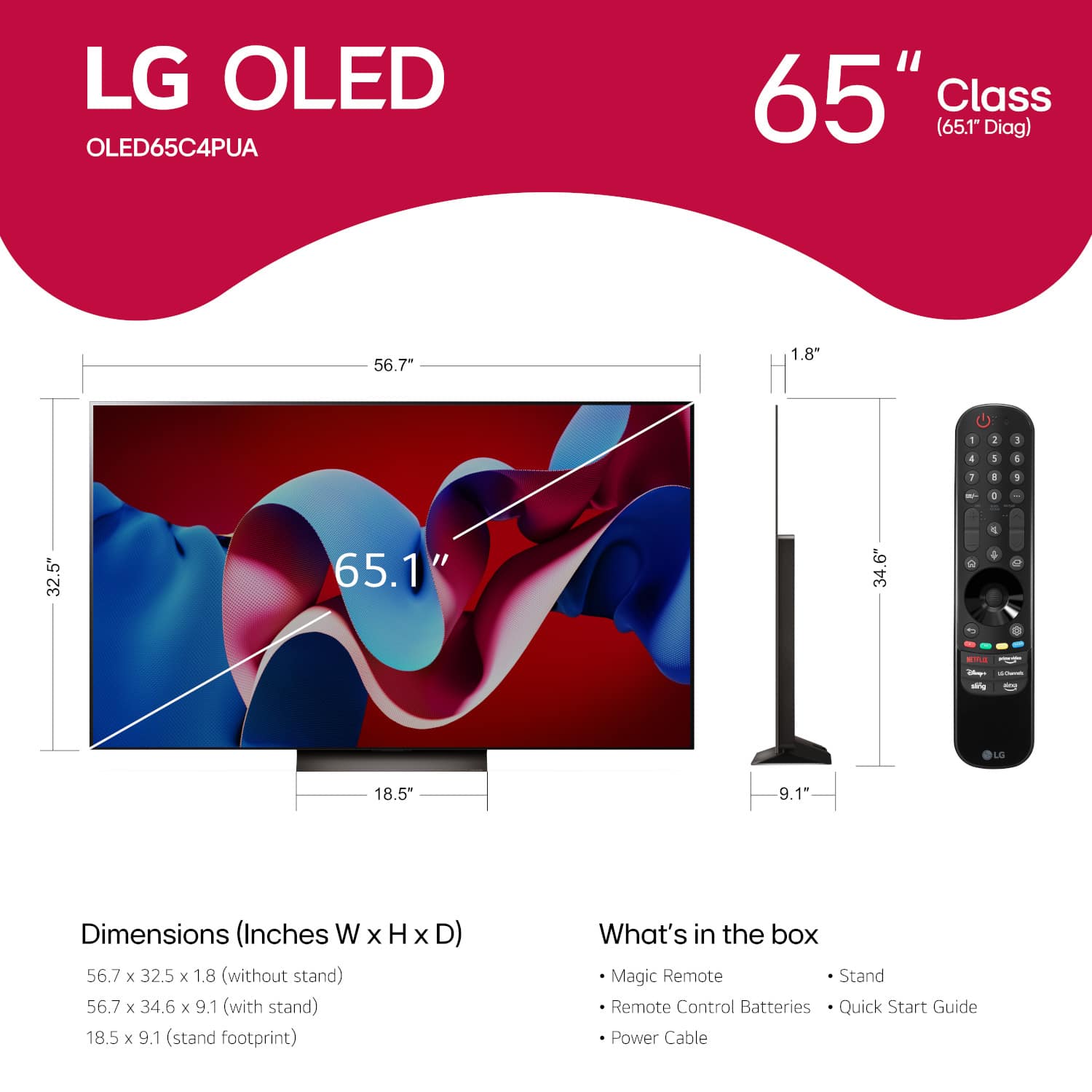
A:AnswerThe LG C4 65-inch Class OLED evo AI 4K Smart TV 2024, Model # OLED65C4PUA, is a VESA-compliant display with a 300 x 200 mm VESA Mount Pattern...^Ivan.
A:AnswerDo you by any chance have a game console connected to it? For example I can turn on my PS5 from ita controller and the TV will turn on shortly thereafter as well.
A:AnswerAs with any other current TV, the LG 65" Class C4 Series OLED evo 4K UHD Smart webOS TV (2024), Model # OLED65C4PUA, can be used as a dumb TV by disconnecting it from the internet. This can be done by skipping the initial internet connection during setup or by disabling smart features.
It will still function without an internet connection, but its capabilities will be significantly limited.
It has an F-Type, 75-Ohm, Coaxial connector on the back labeled 'Antenna/Cable In' to which you can connect an in-door or outdoor antenna to for OTA (Over-the-Air) TV programming, or to cable service or a satellite service.
You can connect a DVD or Blu-ray player, and watch movies and shows from physical media without any internet access or connect devices like gaming consoles, USB drives, or laptops to the TV, allowing you to play games or view media files stored on these devices.
It has a built-in Media Player that that can play local files from USB drives or other connected devices, enabling offline viewing of videos, music, and photos.
Without an internet connection, you will not be able to access popular streaming services like Netflix, Hulu, or Amazon Prime Video. These services require an active internet connection to function, but you can use external media streaming devices like Roku, Apple TV etc., and without internet access, you won't be able to download firmware updates or new app installations, which can limit the functionality and security of your smart TV.
The TV has a Power Consumption of 145.3 W, an Estimated Annual Power consumption of 269 kWh, and a Standby Power Consumption of less than 0.5 W.
The maximum Power Consumption will depend on the TV's settings...^Ivan.