Questions & Answers
- Model:
- OLED65C5PUA
- |
- SKU:
- 12067938
Q: QuestionIs this TV functioning also in Europe (220 V compatible? Thanks
Asked by Ben.
- A:Answer The LG 65" Class C5 Series OLED evo AI 4K UHD Smart webOS TV (2025), Model # OLED65C5PUA, is not a dual voltage TV or what is now referred to as a "free voltage" TV. It has a power requirement of 120 V, 50~60 Hz. But it also has a built-in ATSC and QAM tuner, neither of which are compatible with the TV Broadcast systems used in Europe. While DVB-T is the standard used in many European countries, such as Italy, Ireland, and the UK, not all European countries use DVB-T for terrestrial TV broadcasts, and there are variations in the systems used. Some countries have adopted different standards, such as ATSC in North America and ISDB in Japan, which do not use DVB-T...^Ivan.
Answered by LG Digital Customer Care
Q: QuestionDoes this model support spectrum streaming and is the app installed
Asked by Doc8.
- A:Answer The Spectrum TV app is not preinstalled on the LG 65" Class C5 Series OLED evo AI 4K UHD Smart webOS TV (2025), Model # OLED65C5PUA, but it is compatible with the LG webOS 25 TV Platform that the TV runs on, so it can be downloaded and installed on the TV through the LG Content Store (App Store) feature on the TV's home screen...^Ivan.
Answered by LG Digital Customer Care
Q: QuestionWhy are reviews allowed to contain false information? Two of the reviews state this TV no longer has Dolby Vision and gave the TV a decreased rating when this is not true. This TV no longer has DTS passthrough but it still has Dolby Vision.
Asked by Sam.
- A:Answer Thank you for pointing that out, Sam! Dolby Vision® is still supported on the 65" Class C5 Series OLED evo AI 4K UHD Smart webOS TV (2025), Model # OLED65C5PUA and after removing DTS audio support in the past and reintroducing it with its 2023 models, LG is once again dropping DTS support from its 2025 TVs, including the LG G5 OLED TV. This means that these TVs no longer support the DTS:X format. For our 2023 and 2024 TVs, DTS support included both DTS:X (in DTS-HD MA) decoding for internal speakers and DTS passthrough via HDMI. However, there was no support for DTS:X IMAX Enhanced (DTS:X Profile 2), which prevented Disney+ from delivering DTS:X audio. With the removal of DTS audio support, LG's 2025 TVs will once again support only Dolby audio formats. However, Google recently demonstrated Eclipsa Audio running on an LG TV...^Ivan.
Answered by LG Digital Customer Care
Q: QuestionDoes this model have HDMI 2.1?
Asked by tbow.
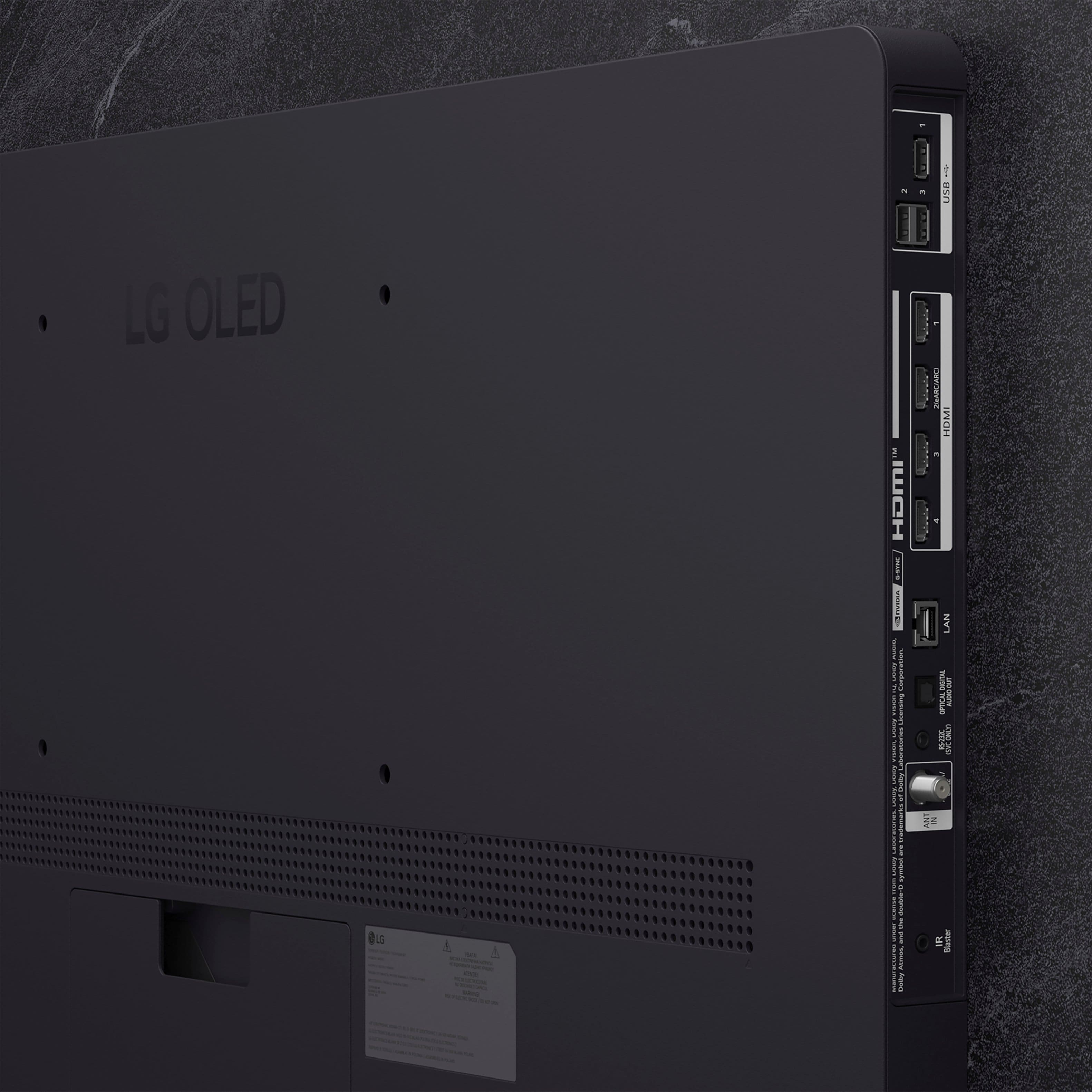
- A:Answer Hello there. Thank you for sharing your experience with us. We understand your inquiry regarding the OLED65C5PUA 65″ Class C5 Series OLED evo AI 4K UHD Smart webOS TV (2025). You asked if this model features HDMI 2.1 ports. Yes, the OLED65C5PUA is equipped with four HDMI 2.1 inputs, allowing you to connect multiple high-bandwidth devices—such as next-gen gaming consoles, 4K/120Hz PCs, or ARC/eARC soundbars—while taking full advantage of gaming features like 4K at 120 Hz, ALLM, VRR, and G-Sync/FreeSync support. As a first troubleshooting step, if you’re experiencing issues with HDMI connectivity (for instance, no signal or intermittent video), please ensure you’re using a Premium High Speed or Ultra High Speed HDMI cable rated for 48 Gbps. Disconnect the HDMI cable, power off both TV and source device, reconnect the cable firmly into the HDMI 2.1 port (labeled “HDMI 1 (eARC/ARC)” or “HDMI 2/3/4 (4K@120Hz)”), then power both devices back on. Navigate to Settings → All Settings → General → Additional Settings → External Device Manager → Device Connection Manager, and make sure the HDMI ultra-high speed mode is enabled for 4K120 content. https://www.bestbuy.com/site/lg-65-class-c5-series-oled-evo-ai-4k-uhd-smart-webos-tv-2025/6621824.p?skuId=6621824 If your HDMI device still doesn’t appear correctly—such as missing 4K/120Hz resolution or no audio via eARC—please send us a private message on Social Media @LGUSSupport. Our team will be happy to guide you through additional troubleshooting or schedule a service check if necessary. We appreciate your patience and are committed to helping you get the best performance from your OLED65C5PUA. —Renzo
Answered by LG Digital Customer Care
Q: QuestionIs the screen curved?
Asked by MD.
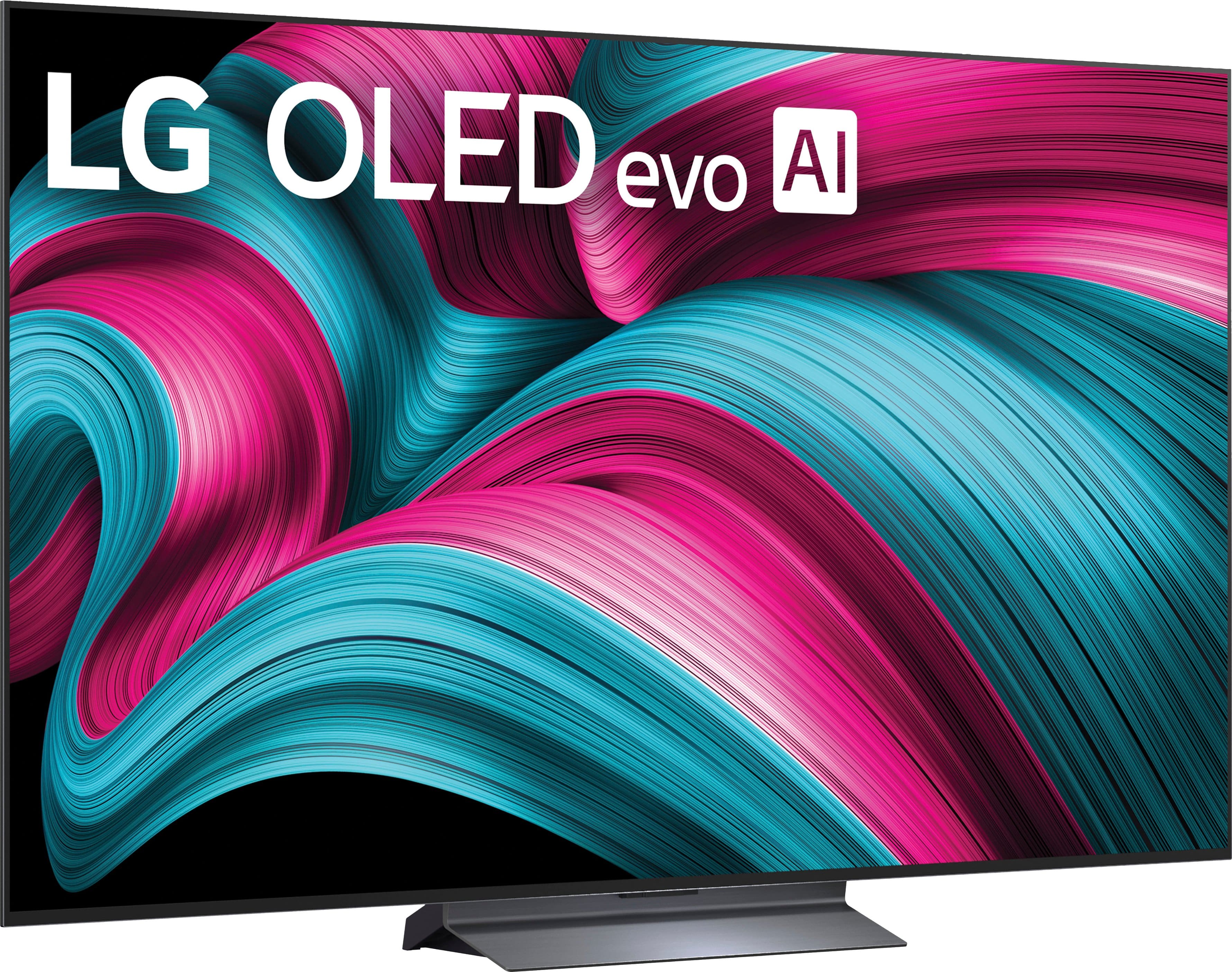
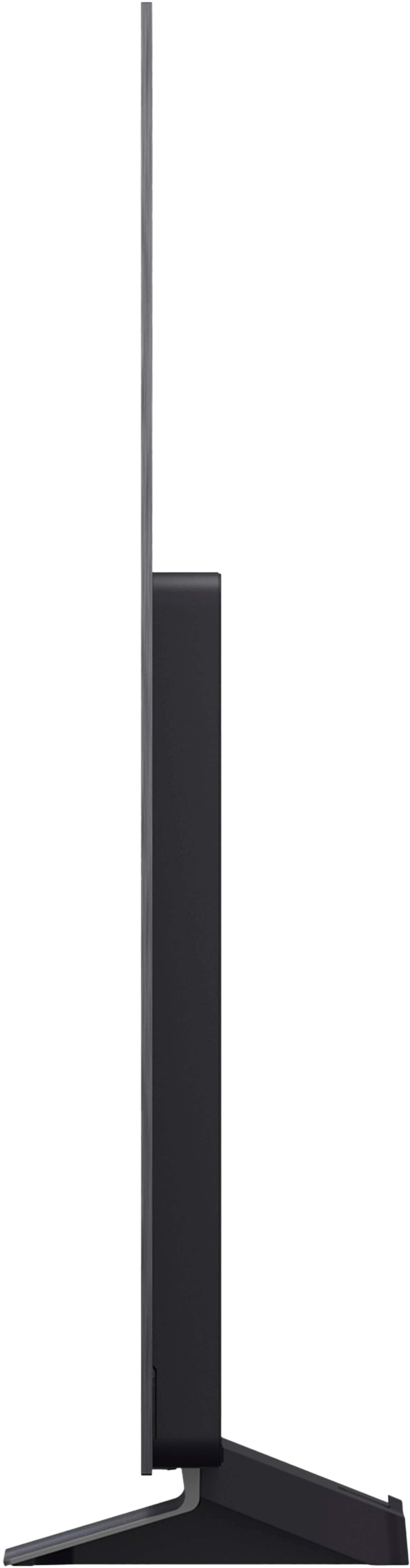
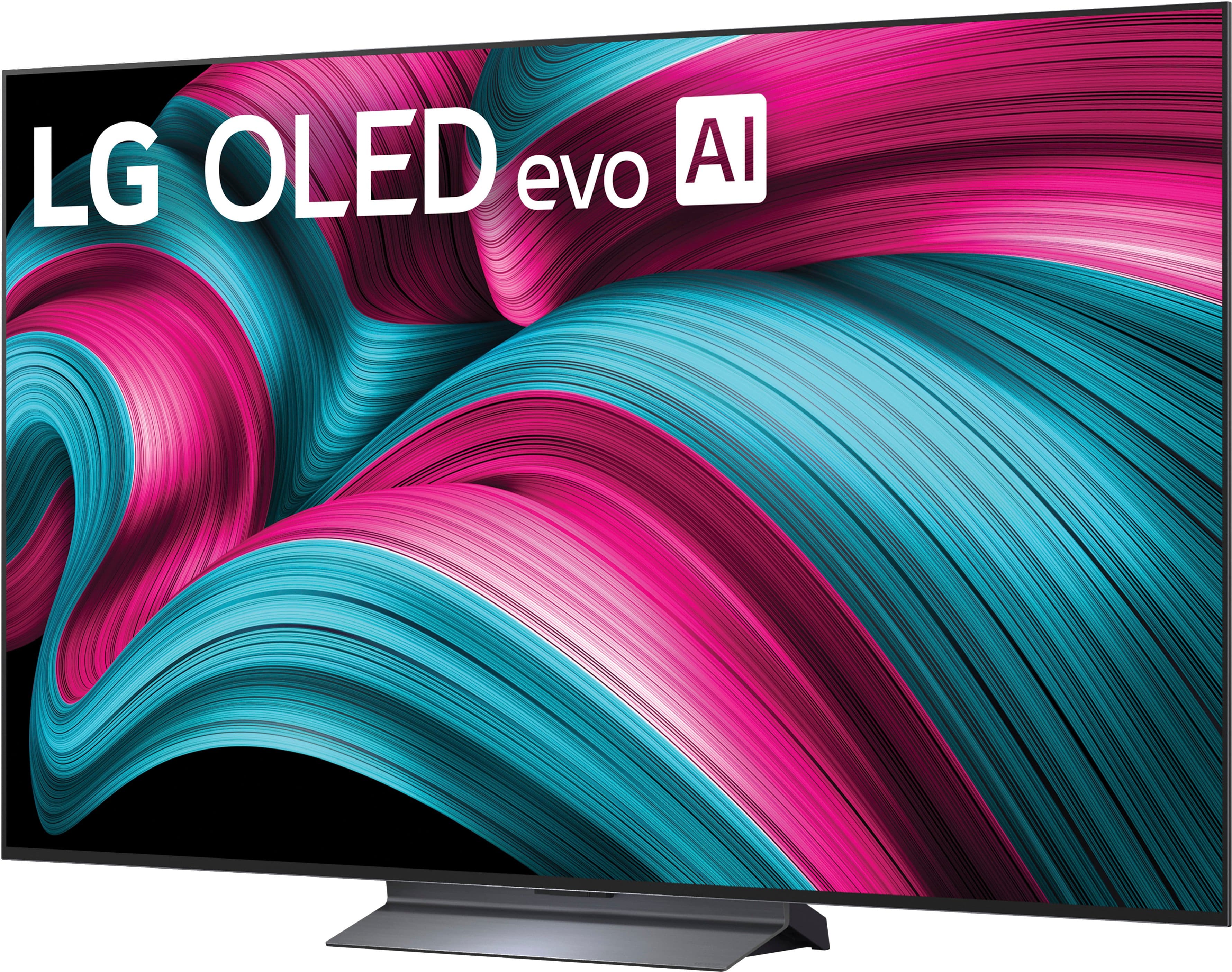
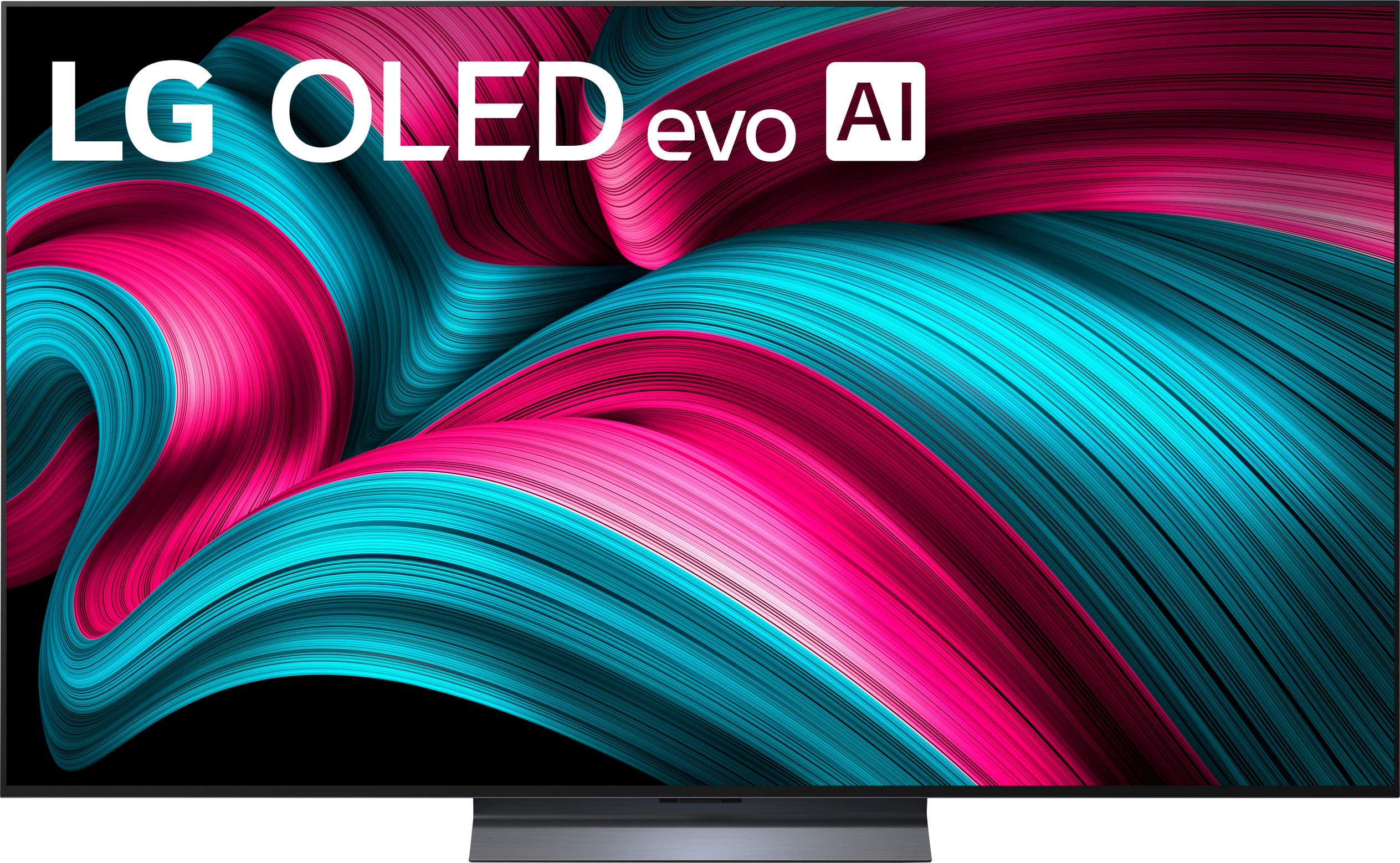
- A:Answer The screen for the LG 65" Class C5 Series OLED evo AI 4K UHD Smart webOS TV (2025) Model # OLED65C5PUA is not curved. It is flat. LG stopped producing standard, fixed-curve OLED TVs around 2016–2017, shifting toward flat panels for its main lineups. We only offer curved screens for specialized, motorized gaming screens like the LG OLED Flex, which can bend on command, and some OLED gaming monitors. LG has not stopped making curved OLED monitors; in fact, we continue to release them, and remain a market leader in curved OLED, including the OLED Flex and UltraGear™ gaming models...^Ivan.
Answered by LG Digital Customer Care
Q: QuestionCan I connect a Bose Soundbar and if so which port?
Asked by Anonymous.
- A:Answer Yes. Connect to either an optical port OR HDMI/ACR
Answered by Flyboy6257
Q: QuestionCan you attach a Roku Stick device to the tv
Asked by Red.
- A:Answer Yes. I'm doing so, and it works great. I actually chose this tv because it also had a number of USB ports. Very helpful if you are plugging in a lot of items.
Answered by GarrickD
Q: QuestionDo the voice controls on the LG OLED TV only activate when a button is pressed on the remote or does it listen to everything said? Concerns about privacy. I do not want a TV that listens to every word spoken in the room.
Asked by private1010.
- A:Answer To issue voice commands on the LG 65" Class C5 Series OLED evo AI 4K UHD Smart webOS TV (2025), Model # OLED65C5PUA, you have to press and hold the AI Voice Recognition (the Microphone function) for voice commands and searches, then issue the voice commands while pressing and holding it...^Ivan.
Answered by LG Digital Customer Care
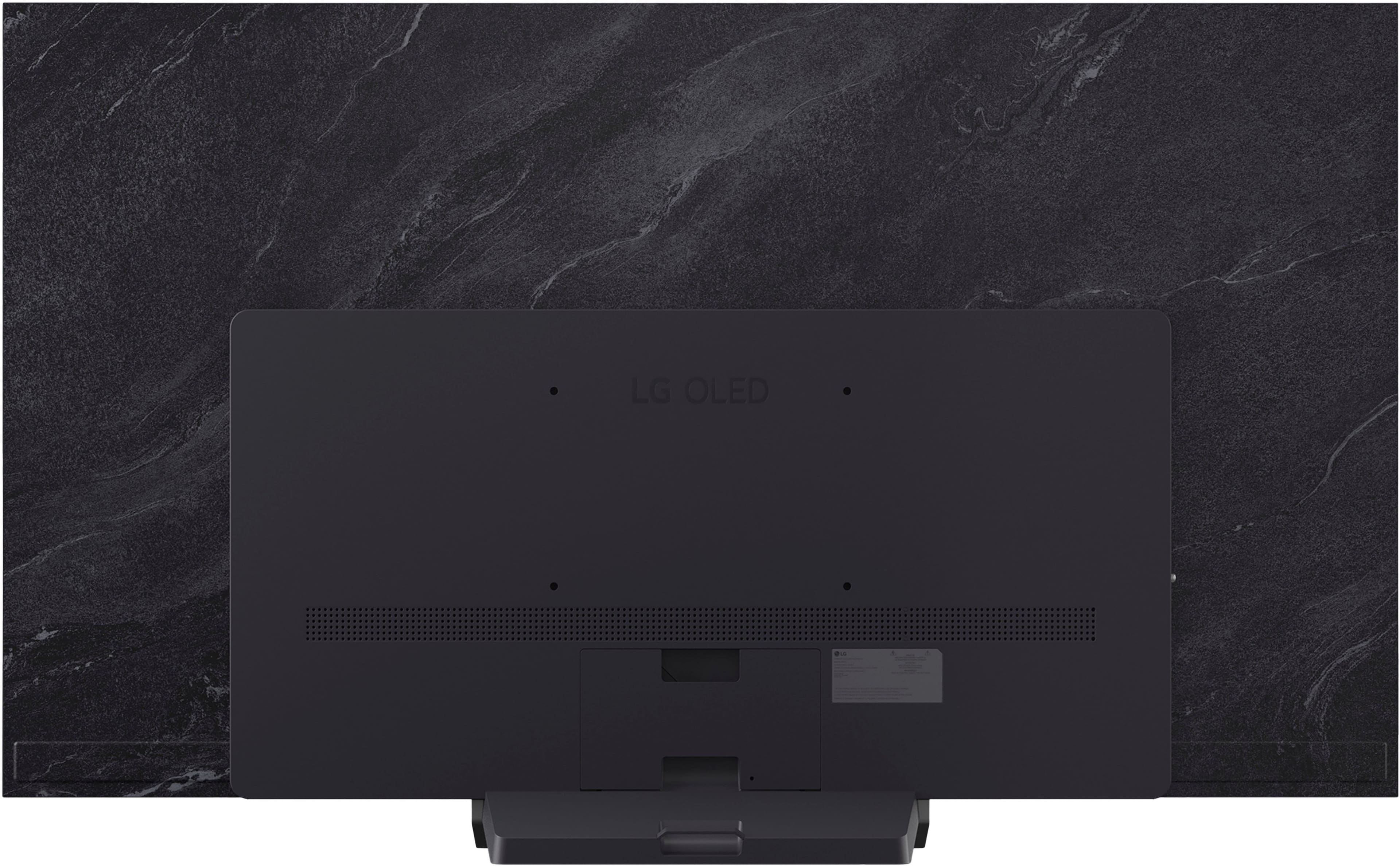
Q: QuestionCan I get a drawing of the back of the tv showing dimensions of where the mounting holes are
Asked by Anonymous.
- A:Answer Regrettably, we cannot share CAD drawings showing the VESA mount holes on the back of the 65" Class C5 Series OLED evo AI 4K UHD Smart webOS TV (2025), Model # OLED65C5PUA, or a way to share them publicly. If you need the measurements for how far from the sides and the top and bottom of the TV's panels they are, we would be more than happy to provide you those measurements...^Ivan.
Answered by LG Digital Customer Care
Q: QuestionWhere are the hdmi inputs located?
Asked by Lanski.
- A:Answer All the back TV
Answered by SanjoyC
Q: QuestionWhat is the internal memory
Asked by Potatohead.
- A:Answer LG does not prominently disclose the exact internal memory for the LG 65" Class C5 Series OLED evo AI 4K UHD Smart webOS TV (2025), Model # OLED65C5PUA, nor for other LG TVs in marketing materials, but you can find it directly in the TV settings. Users can view total and available internal memory by navigating to Settings > General > Devices > TV Management > TV Information ..^Ivan.
Answered by LG Digital Customer Care
Q: QuestionCan I use my vizio sound bar and speaker with this TV
Asked by LadyG.
- A:Answer Regardless of brand or manufacturer, soundbars are generally compatible with any TV, provided they share a common connection method such as HDMI ARC/eARC, Optical (TOSLINK), or Bluetooth. While you do not need to match brands for basic audio functionality, using the same brand can offer easier setup and exclusive features like synchronized audio. The LG - 65" Class C5 Series OLED evo AI 4K UHD Smart webOS TV (2025), Model # OLED65C5PUA, is a Bluetooth-enabled TV, so if your soundbar supports Bluetooth, you can pair it with the TV. HDMI 2 on the TV is an HDMI eARC port, so you can connect that to an HDMI ARC/eARC port on a soundbar that has such ports, or connect the TV's Optical Digital Audio Output to an Optical Digital Audio Input on a soundbar...^Ivan.
Answered by LG Digital Customer Care
Q: QuestionI have an older LG OLED television that has permanently burnt-in [ad] icon on the screen due to Hulu's yellow disclaimer. I want to ensure that this model isn't subject to the same problem as the older TV.
Asked by Skeeter.
- A:Answer It's my understanding the risk of burn-in is still present, but running Pixel Refresh on a regular basis can help prevent it (google for a recommended schedule based on your usage).
Answered by Josh
Q: QuestionI purchased this tv for 1399.99 1/17/2026 it's1188.99 NOW .BEST BUY TOLD ME they woul not price match?
Asked by skypilot.
- A:Answer You are past Best Buy's price match policy for a price match on the LG - 65" Class C5 Series OLED evo AI 4K UHD Smart webOS TV (2025), Model # OLED65C5PUA. Best Buy allows price matching after a purchase within the 15-day return and exchange period for standard customers, or up to 60 days for My Best Buy Plus/Total members. You can request a price adjustment if the price drops on Best Buy’s site or at a competitor. If the price drops on Best Buy's own website within your return window, they will match it...^Ivan.
Answered by LG Digital Customer Care
Q: QuestionWhat is the box size of this tv?
Asked by Paul.
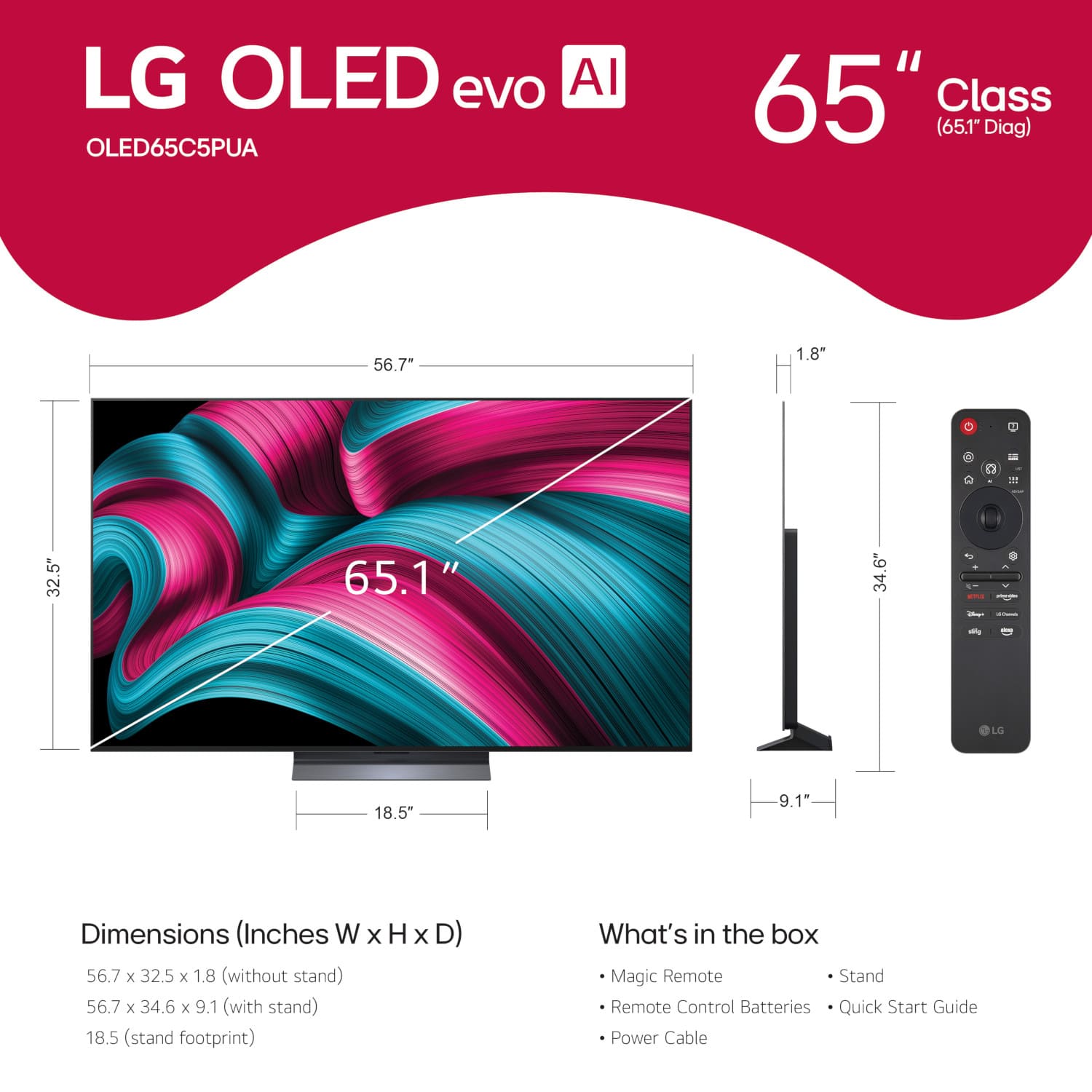
- A:Answer Hi there, Paul. We understand your inquiry regarding the box size for model OLED65C5PUA. The packaging dimensions for this TV are 62.75" x 37.1" x 7.6". Your feedback is important, and we'd like to assist you further. https://www.bestbuy.com/product/lg-65-class-c5-series-oled-evo-ai-4k-uhd-smart-webos-tv-2025/JJ8VPZTRG6 If you have any further questions about its features, please contact us on [email protected], and our team will be more than happy to assist you. —Renzo
Answered by LG Digital Customer Care
Q: QuestionLooking for a new TV. Which Tv is better? The OLED or the QNED? I like the color on both but not sure which is the better one.
Asked by Mickey.
- A:Answer LG OLED TVs are the company’s flagship, premium TV lineup, known for self-lit pixels that deliver perfect black levels, high contrast, and vibrant colors. The G-series (e.g., G5) is considered the top-tier, brightest model, while the C-series (e.g., C6) serves as the main high-performance, versatile option. LG OLED TVs are generally considered better for picture quality, offering superior contrast, perfect blacks, and faster response times, making them ideal for movies and gaming. LG QNED TVs are better for bright rooms, offering higher peak brightness, vibrant colors, and lower prices...^Ivan.
Answered by LG Digital Customer Care
Q: QuestionWhat typed of HDMI does this tv need?
Asked by Sue.
- A:Answer Please pardon us, but we will need some clarification on your inquiry. Are you asking what type of ports the LG - 65" Class C5 Series OLED evo AI 4K UHD Smart webOS TV (2025), Model # OLED65C5PUA has, or are you asking what type of HDMI cable is best for the TV? All four of the HDMI ports on the TV are HDMI 2.1 ports (HDMI 2 is an HDMI eARC port). If you are asking what type of HDMI cable to use with the TV, use a certified cable with the HDMI logo. If you do not use a certified HDMI cable, the screen may not display, or a connection error may occur. The recommended HDMI cable type is an Ultra High Speed HDMI®/™ cable (3 m (9.84 feet) or less)...^Ivan.
Answered by LG Digital Customer Care
Q: QuestionDoes thie OLED65C5PUA have a wake timer? And does it have a sleep timer ?
Asked by Bearcats.
- A:Answer What you are referring to as a wake time is what is referred to as a Power On Timer on LG Smart TVs. The LG - 65" Class C5 Series OLED evo AI 4K UHD Smart webOS TV (2025), Model # OLED65C5PUA, has a Sleep Timer, a Power On Timer, and a Power Off Timer. When enabled, the Power On Timer will turn the TV on at your set time. The Time setting sets the time at which to turn on the power. The Timer Repeat sets the day of the week, or you can set the option to None to operate the feature only once. The Input sets an external input to display when the power is turned on. The Timer Channel sets a channel to display when the power is turned on. This option can be set only when the input is set to TV. The Volume sets the audio volume to use when the power is turned on. If you do not press any button for 4 hours after the device is turned on by using the Power On Timer, the TV will turn off automatically. To ensure the product does not automatically turn off, set Auto Power Off after 4 Hours to Off. To use Power On Timer/Power Off Timer, set the time correctly. The TV's time is automatically set to the time of the digital broadcasting information sent from the broadcasting station or the time sent from the server, but you can set the time and date manually if the automatically set current time is incorrect. If you set the time manually with the antenna connected, schedule information, program guide, etc., may not function correctly...^Ivan.
Answered by LG Digital Customer Care
Q: Questionhow does the remote work
Asked by marc.
- A:Answer The LG Magic Remote, Model # MR25GA, is the remote that comes with the LG - 65" Class C5 Series OLED evo AI 4K UHD Smart webOS TV (2025), Model: OLED65C5PUA. To see how the remote works, you would need to review its manual, which can be found on its support page on the company site at https://www.lg.com/us/support/product/lg-MR25GA.AUS?tab=1 ...^Ivan.
Answered by LG Digital Customer Care


. Independently Tested for Quality and Workmanship CheckPlus: 100 % Color Volume to DCI-P3 oi PSSEANE Intertek [www.IntertekCheck.com](http://www.IntertekCheck.com). 100% Color Fidelity and '100% Color Volume to DCI-P3' applies to 2025 OLED TVs. *LG OLED Display is verified by UL for Perfect Color measured to IDMS 11.5 Ring-light Reflection standards. *100% Color Volume is defined as the performance of display which is equal or greater than the size of DCI-P3 standard color volume as verified independently by Intertek. *The LG OLED Panel is certified by Intertek for 100% Color Fidelity, measured to IDMS 11.5 Ring-light Reflection standards.](https://pisces.bbystatic.com/image2/BestBuy_US/images/products/3661ed5e-8d92-47a9-baef-65aa6eb5dcb9.jpg;maxHeight=54;maxWidth=54;format=webp)