Black Friday is hereShop new DoorbustersShop now

Main Content

Questions & Answers

Your price for this item is $349.99
Clearance
The comparable value price is $499.99
Page Showing 21-40 of 41 questions
  • QuestionWhat does it mean when the white power indicator light at the bottom of a Sony tv turns red, and shuts off the tv?

    Asked by Pat.

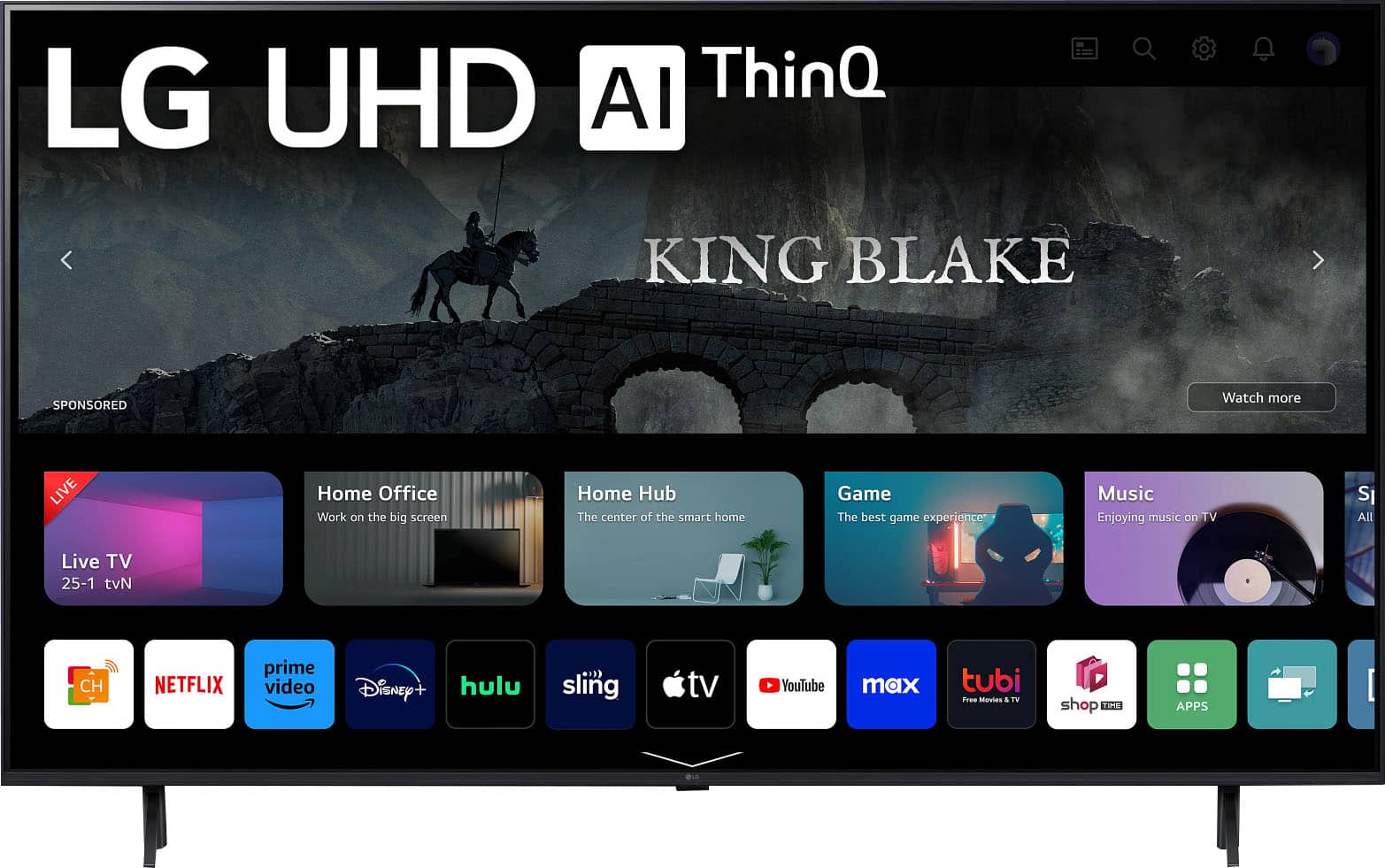
    • Answer Thank you for your interest in the LG Smart webOS TV (65UR9000PUA) model. If the white power indicator light on your Sony TV turns red and the TV shuts off, it usually points to a power system or internal issue. Here’s what it means and how to fix it: Meaning of the Red Indicator Light • Solid Red Light: The TV is in standby mode, which is normal when it's off but still plugged in. • Blinking Red Light: This indicates an error. The blink count can help identify the specific problem, which might need servicing. Troubleshooting Steps 1. Power Reset: Unplug the TV from the outlet, wait 2 minutes, then plug it back in. This can fix minor issues. 2. Check Connections: Make sure all cables, especially the power cord, are securely connected. If using a power strip, ensure it’s working properly. 3. Disconnect External Devices: Remove all devices connected to the TV (like HDMI devices) and turn it on again. If it starts, reconnect devices one at a time to find any faulty ones. 4. Factory Reset: If the problem continues, a factory reset may be needed. This usually involves holding a specific button on the remote while turning on the TV. You can download its owner's manual through this link for more information: https://www.lg.com/us/support/product/lg-65UR9000PUA.AUS. For additional assistance, please reach out to us on social media @LGUSSupport so we can help you further. ^Cris
      Answered by LG Digital Customer Care

  • QuestionHow much does this product weigh

    Asked by Rob.

    • Answer Thank you for your interest in the LG Smart webOS (65UR9000PUA) model. The LG 65UR9000PUA TV weighs 52 pounds (23.6 kg) without the stand and 68.1 pounds (30.9 kg) with the packaging. You can download its owner's manual through this link for more information: https://www.lg.com/us/support/product/lg-65UR9000PUA.AUS. ^Cris

      Answered by LG Digital Customer Care

  • QuestionCan we use this tv in 220 to 240 power?

    Asked by Yao.

    • Answer Thank you for your interest in the LG Smart webOS 23 (65UR9000PUA) model. The LG 65UR9000PUA is designed to operate on a power supply of 120V. It does not support a power supply of 220V to 240V. You can download its owner's manual through this link for more information: https://www.lg.com/us/support/product/lg-65UR9000PUA.AUS. ^Cris

      Answered by LG Digital Customer Care

  • QuestionIs crunchyroll able to be installed on this tv?

    Asked by Anonymous.

    • Answer Thank you for your interest in the LG 65 Inch Class UR9000 series LED 4K UHD Smart webOS 23 w/ ThinQ AI TV (65UR9000PUA) model. No, the LG 65UR9000PUA TV does not natively support the Crunchyroll app due to its operating system (webOS) limitations. You can download its owner's manual through this link for more information: https://www.lg.com/us/support/product/lg-65UR9000PUA.AUS. ^Cris

      Answered by LG Digital Customer Care

  • QuestionCan the TV be connected to 240v power to be used in Africa, specifically Nigeria

    Asked by Hafi.

    • Answer Thank you for your interest in the LG 65 Inch Class UR9000 series LED 4K UHD Smart webOS 23 w/ ThinQ AI TV (65UR9000PUA) model. The LG 65UR9000PUA TV has a power supply that supports a voltage range of 100-240V and a frequency of 50/60Hz. You can download its owner's manual through this link for more information: https://www.lg.com/us/support/product/lg-65UR9000PUA.AUS. ^Cris

      Answered by LG Digital Customer Care

  • QuestionHello, Does this model support Miracast? Can I use this TV as a 2bd monitor from Windows wirelessly?

    Asked by TVPersonNY.

    • Answer Supports mirroring

      Answered by NathanH

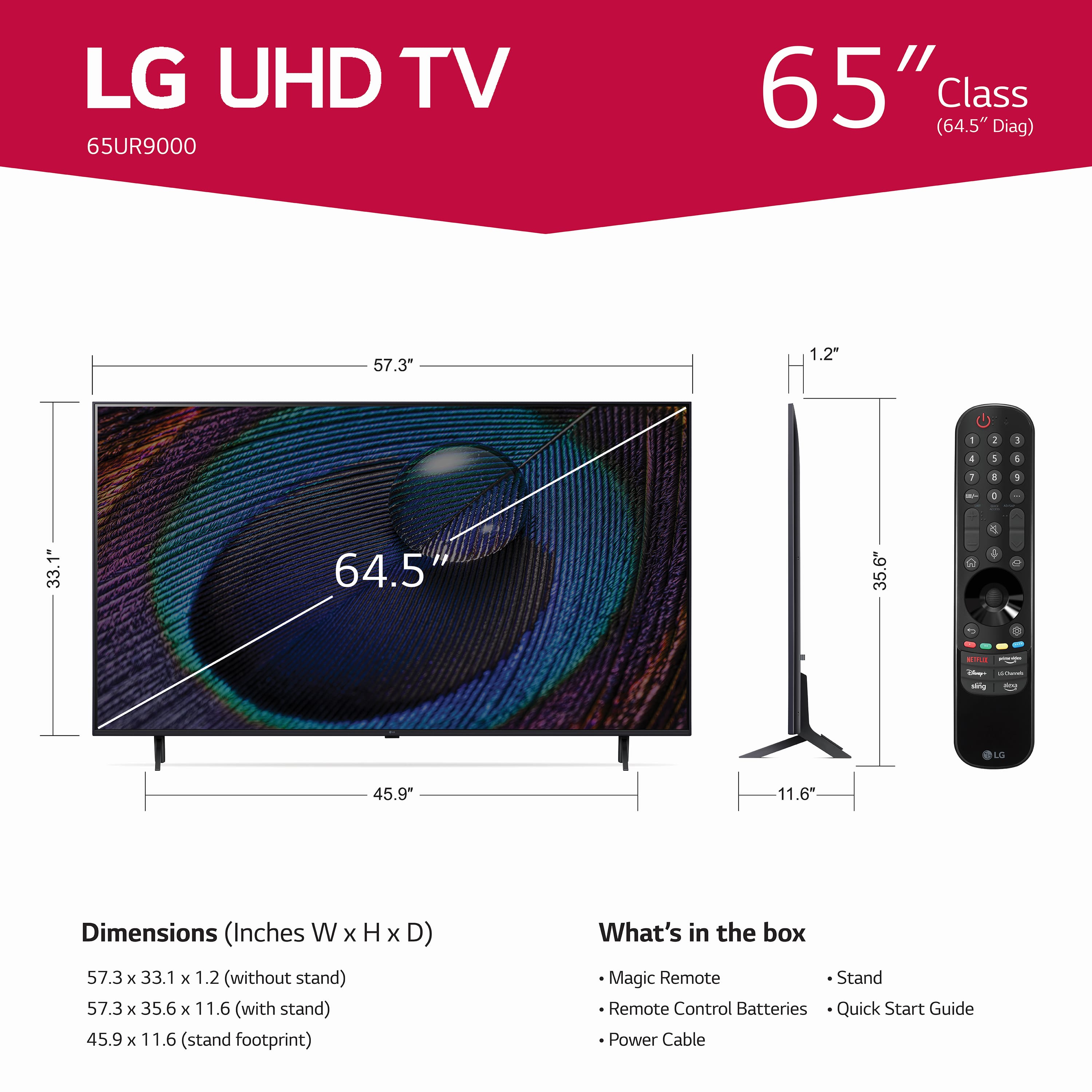
  • Questiondimension

    Asked by Anonymous.

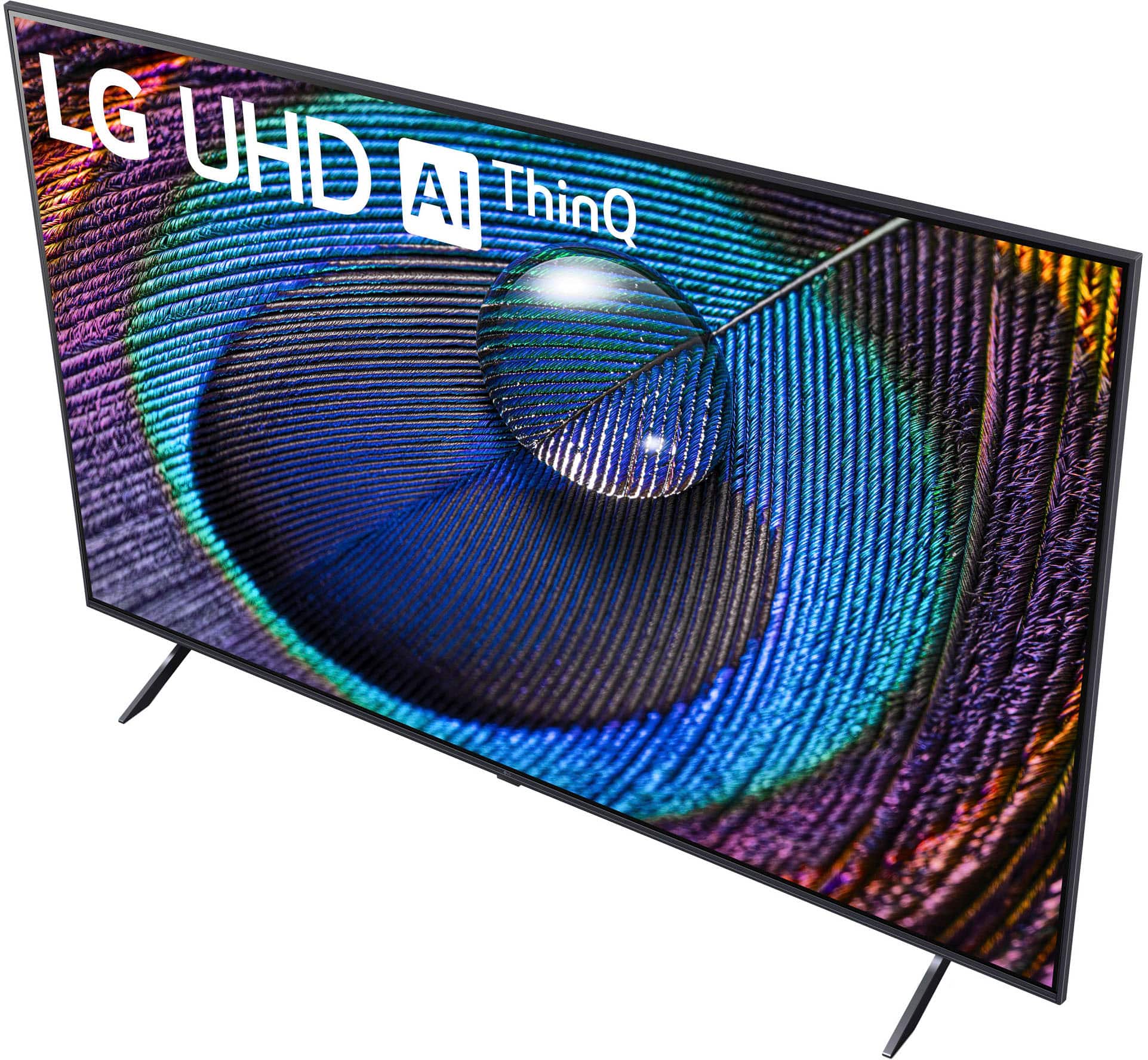
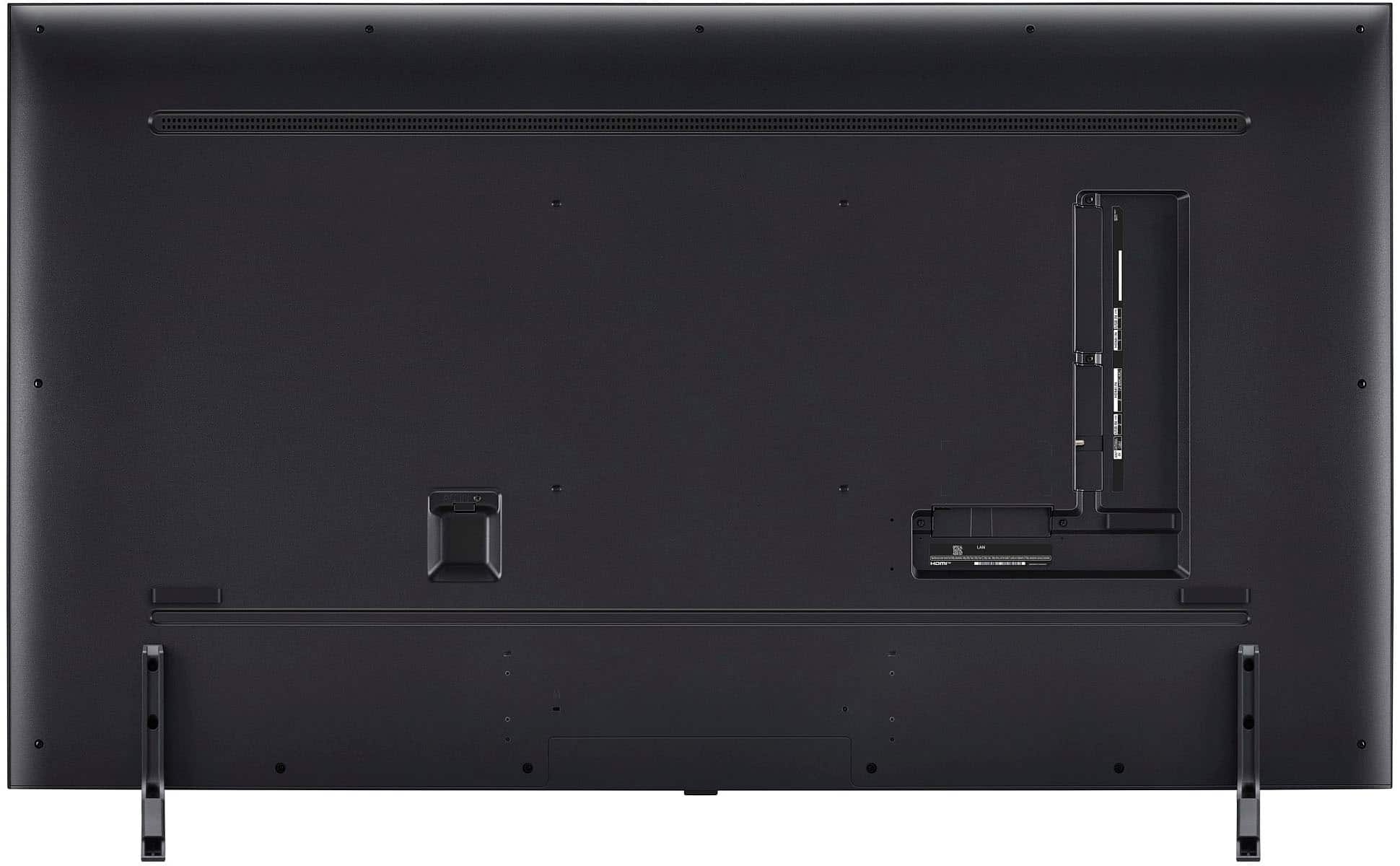
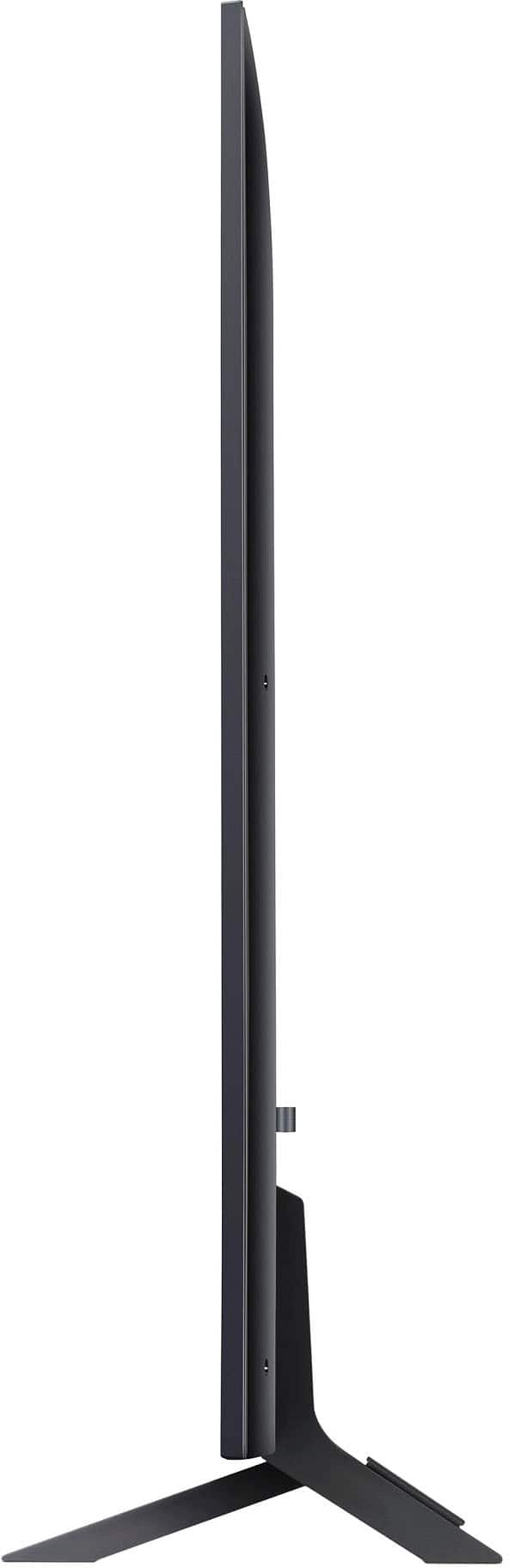
    • Answer Thank you for your interest in the LG 65 Inch Class UR9000 series LED 4K UHD Smart webOS 23 w/ ThinQ AI TV (65UR9000PUA) model. Here are the TV dimensions: Packaging dimensions: 65.4" x 38.2" x 6.8" TV dimensions with stand: 57.3" x 35.6" x 11.6" TV dimensions without stand: 57.3" x 33.1" x 1.2" For further details, we recommend consulting the Owner's Manual, which you can download from our website: https://www.lg.com/us/support/product/lg-65UR9000PUA.AUS. Again, thanks! ^Cris

      Answered by LG Digital Customer Care

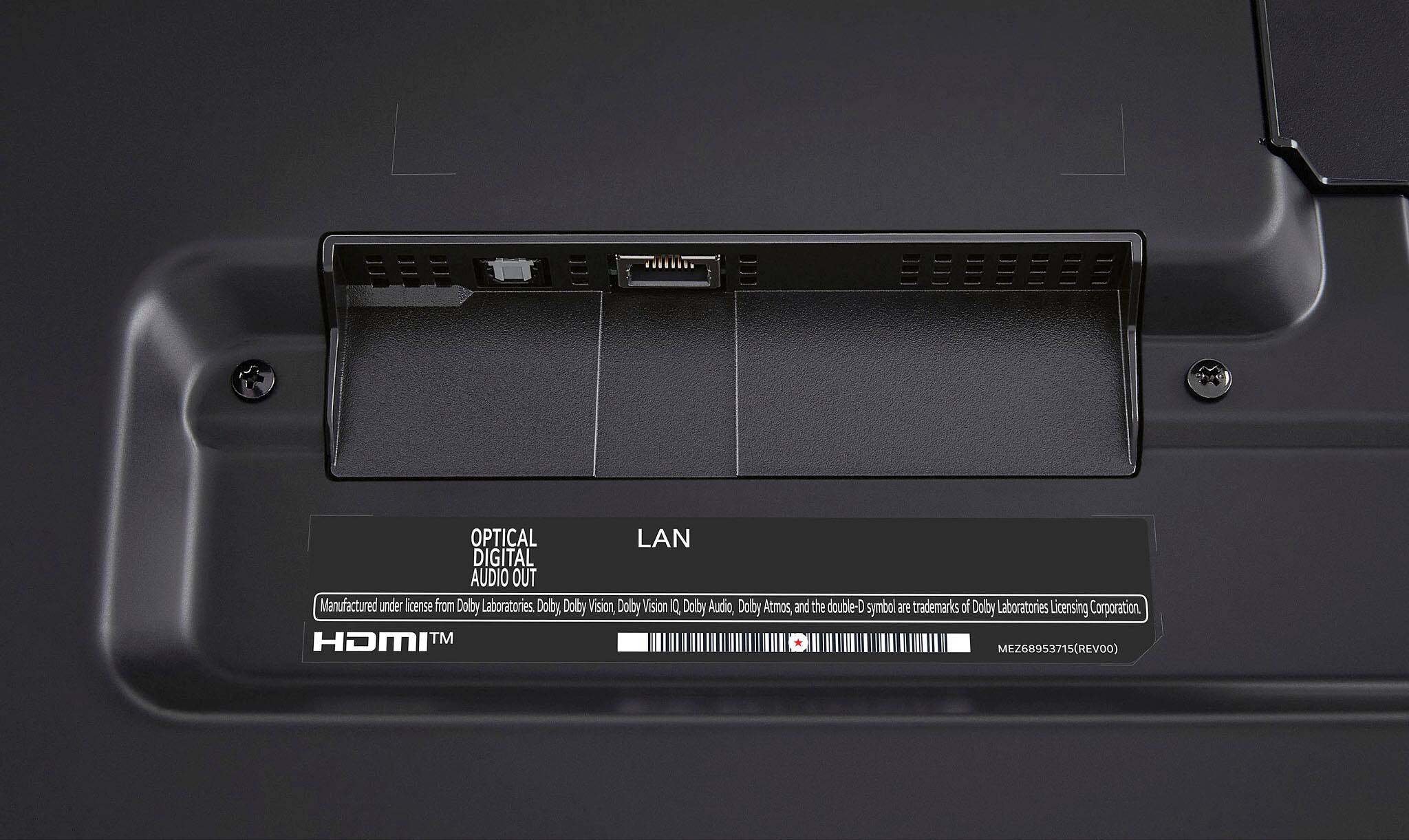
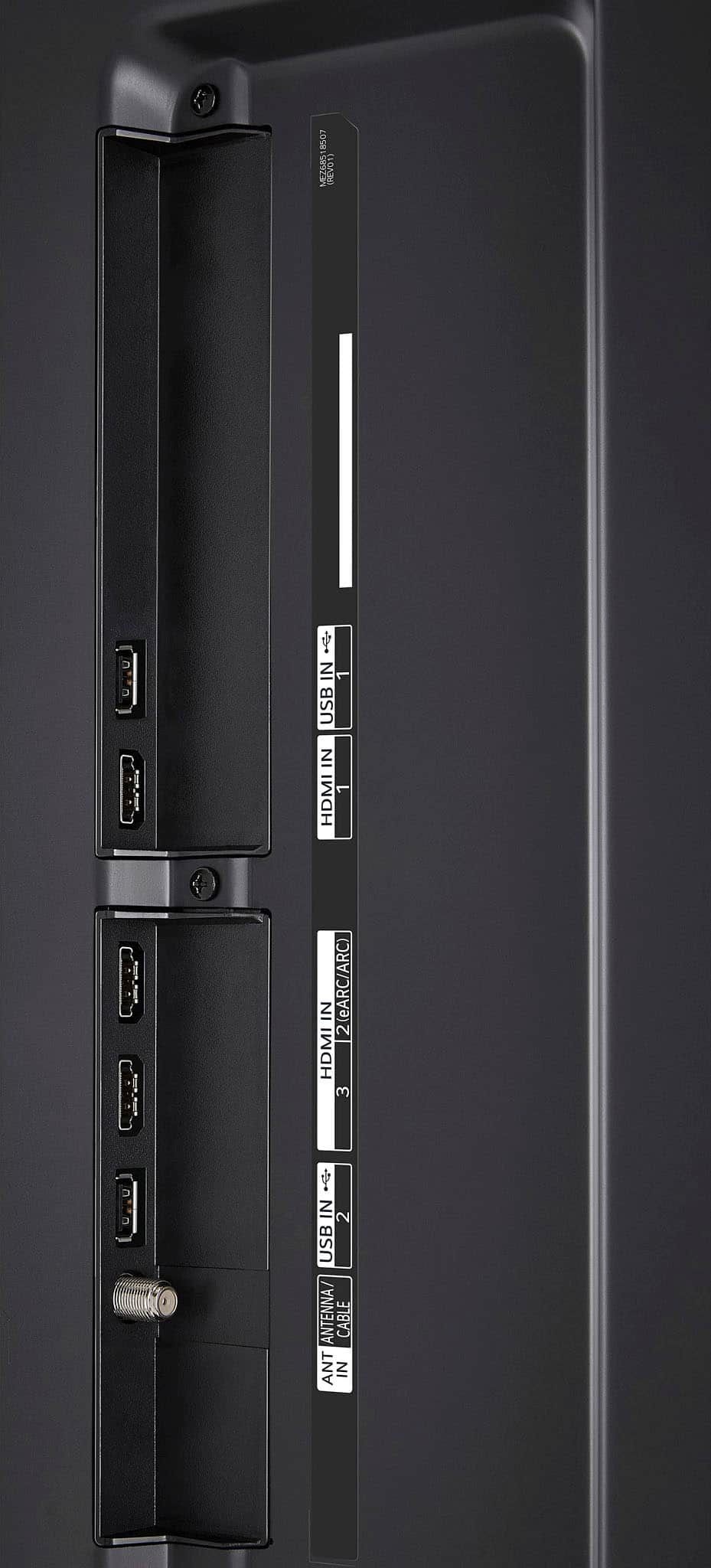
  • Questionhow many hdmis on lg 65ur9000

    Asked by rich.

    • Answer 4

      Answered by Brucifer

  • QuestionCan I watch using my cable box through the HDMI ports?

    Asked by HDMICableBox.

    • Answer Yes

      Answered by Brucifer

  • QuestionI just setup the tv and wasn’t sure if there is a protective film on the screen that needs to be peeled off. Is there one? There were no tabs to start to peel one off, but it does appear to have a film over the screen.

    Asked by KS.

    • Answer Lg oled protective film safe from liquids

      Answered by Anonymous

  • QuestionDoes this TV come with manufacturer's warranty? If yes. what is the duration.

    Asked by Dowsky.

    • Answer Yes it comes with a one warranty!

      Answered by AntonioP

  • QuestionI just purchased this TV but have not even opened the box yet. This TV does have stands (does not have to be mounted)?

    Asked by zlon.

    • Answer yes it does come with a stand and it needs to be mounted

      Answered by AntonioP

  • QuestionCan I sync my wireless headphones to this tv?

    Asked by Anonymous.

    • Answer The bluetooth feature let you connect the wireless headphones to the TV

      Answered by AntonioP

  • QuestionWhy is the 65” unit so much less expensive than other same size LG televisions

    Asked by Metoo.

    • Answer PUCTURE, PICTURE AND PICTURE... Mini led is the least you should get... having a lower model, extra brightness doesnt help

      Answered by Brucifer

  • QuestionIs this tv 5g compatible?

    Asked by Jane.

    • Answer No its not

      Answered by D2886

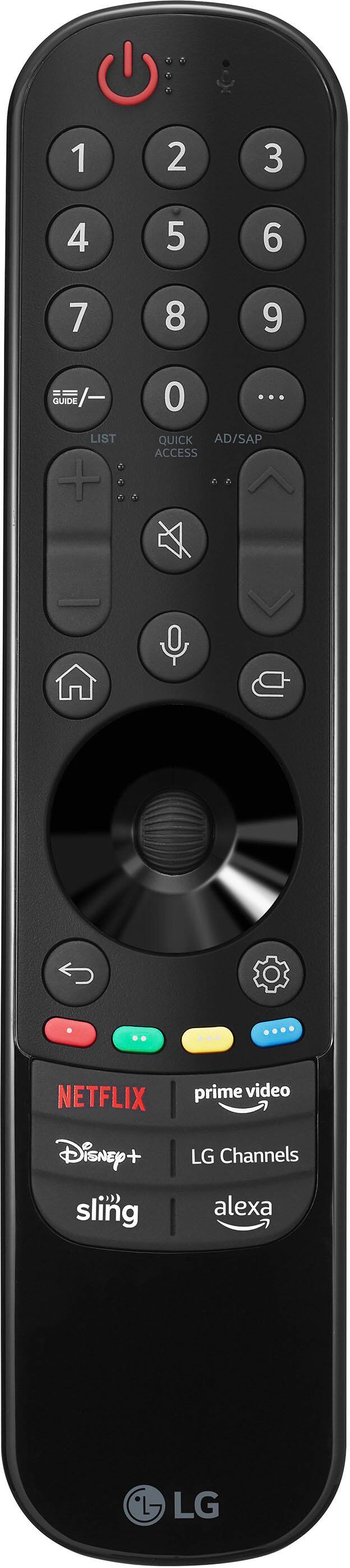
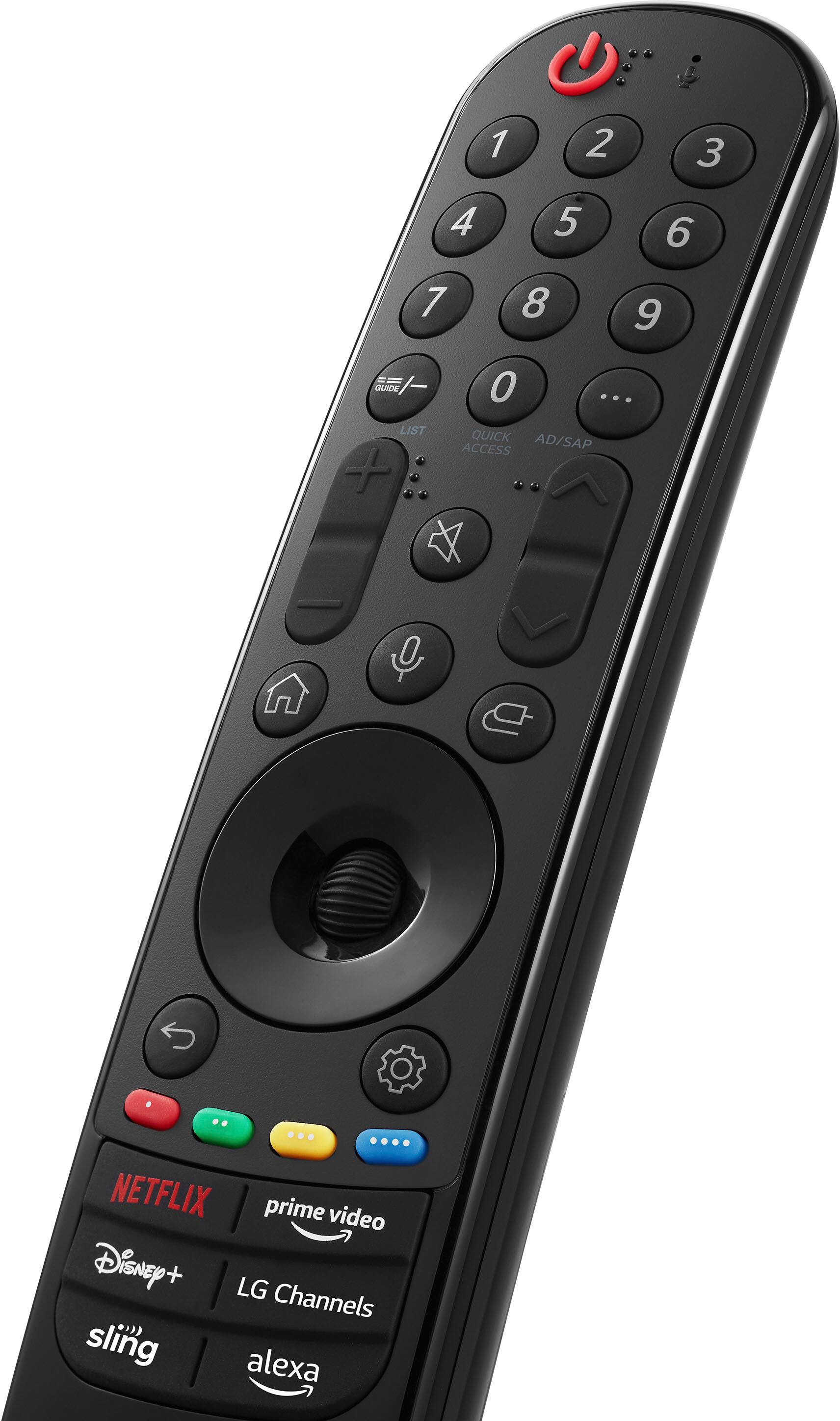
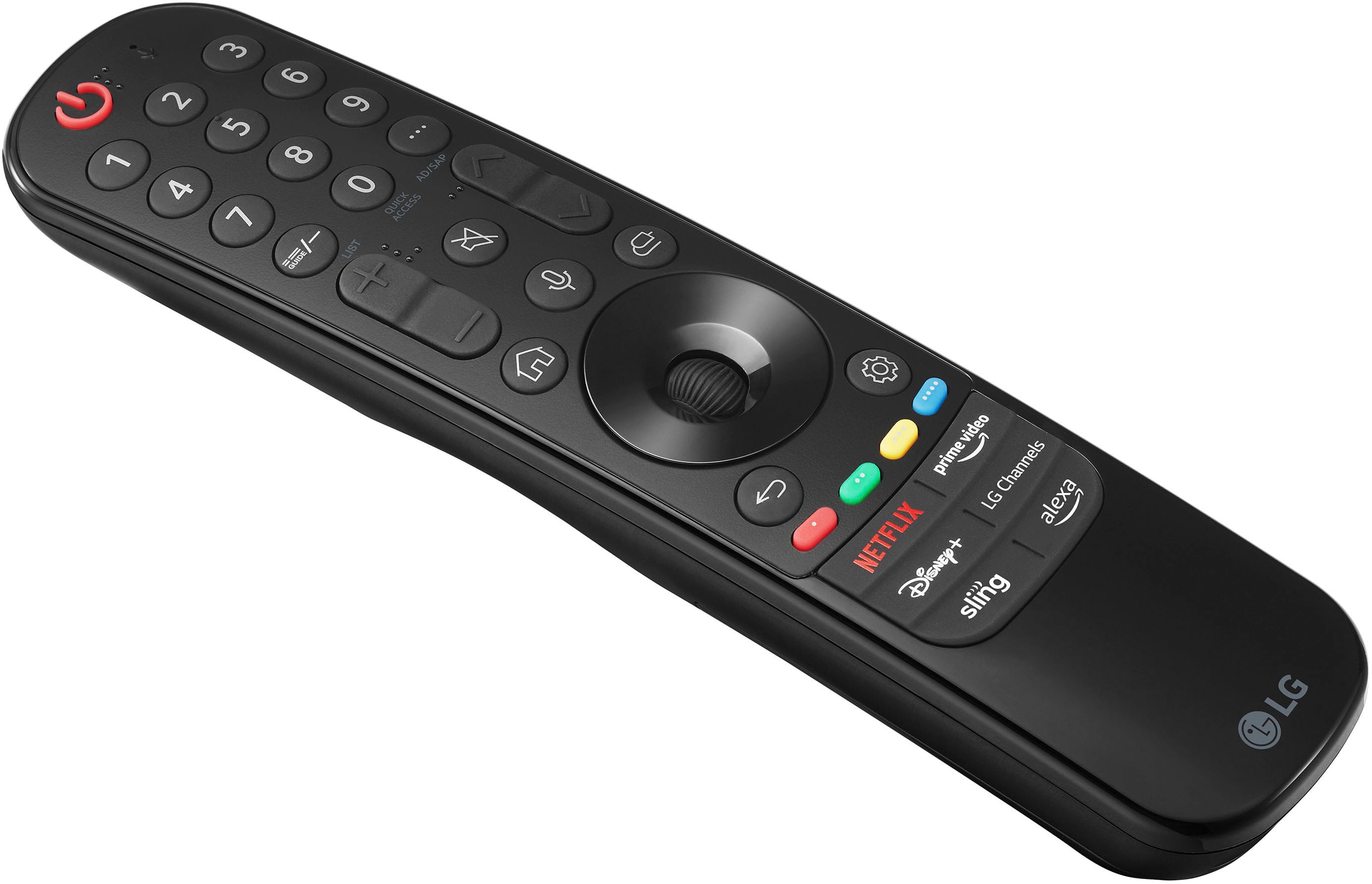
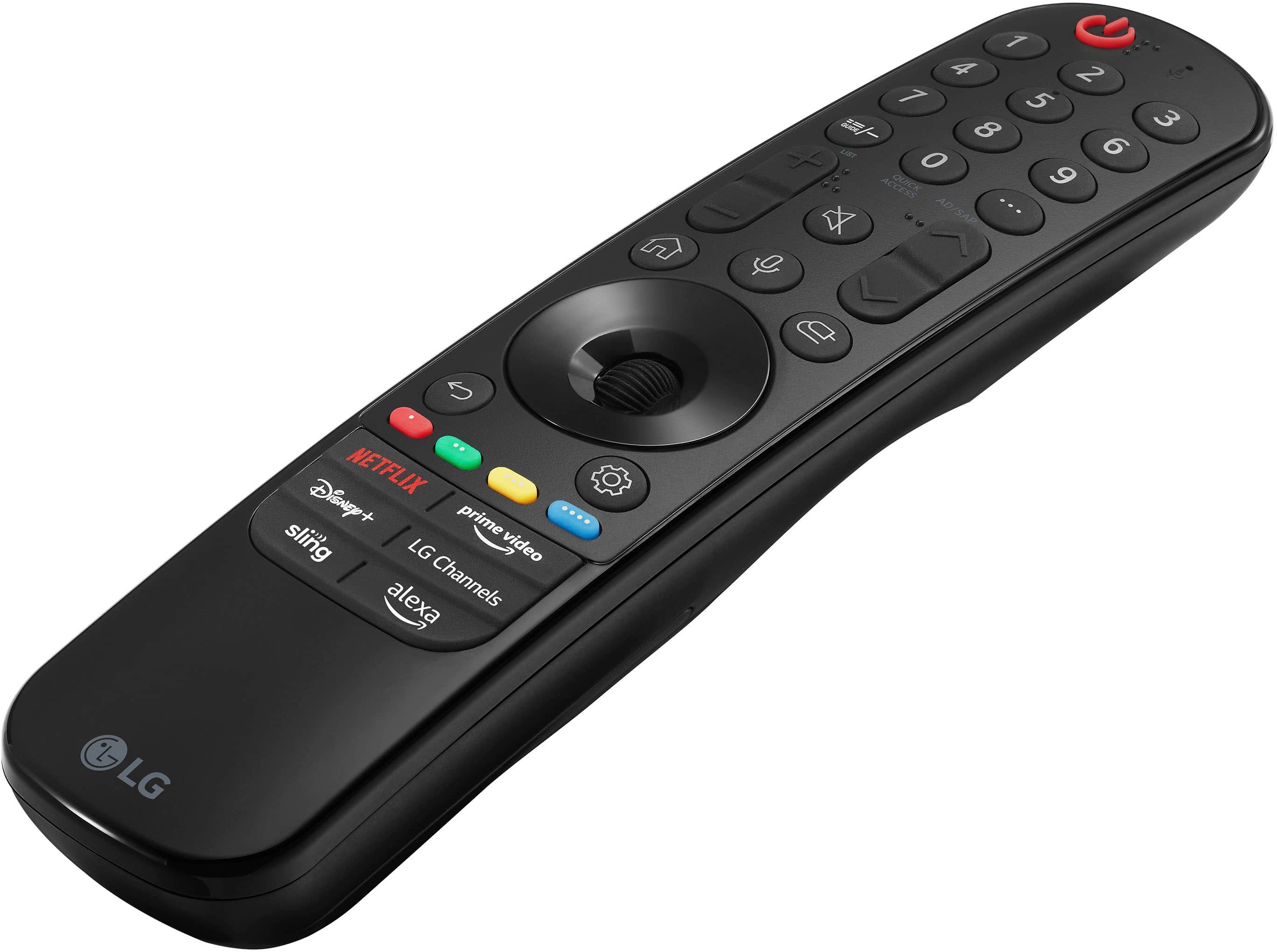
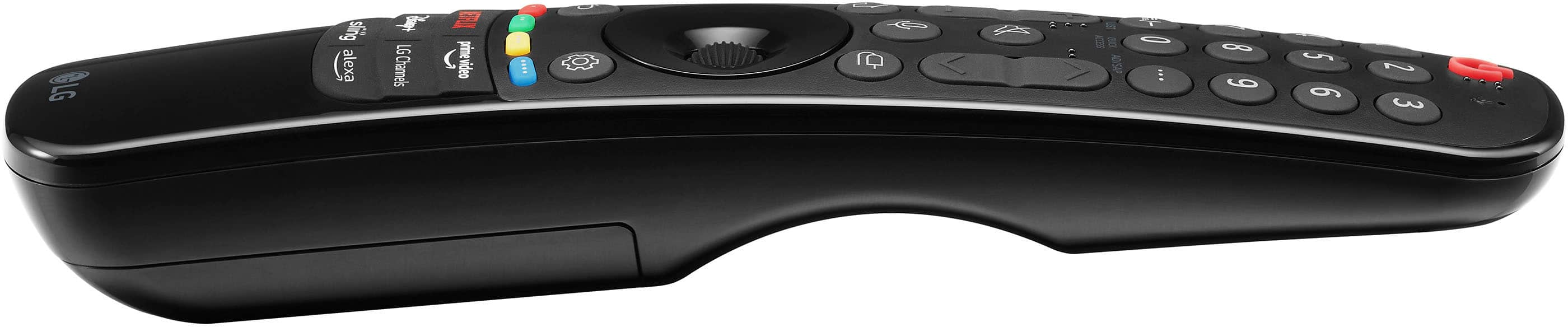
  • QuestionDoes this TV come with a voice controlled remote or do you have to buy a separate remote for Alexa?

    Asked by Anonymous.

    • Answer Hi there! Thank you for your question about the LG 65UR9000PUA TV. This model comes with a voice-controlled remote that is compatible with Alexa, so you do not need to purchase a separate remote for that functionality. If you have more questions or need further assistance, please send us a private message on Social Media @LGUSSupport. We’re here to help! —Avril

      Answered by LG Digital Customer Care

  • QuestionDoes the UR 9000 have the magic remote? LG 65 inch

    Asked by Anonymous.

    • Answer yes

      Answered by Anonymous

  • QuestionWhat is the life expectancy of this tv?

    Asked by Kathy.

    • Answer Hi there, Kathy! Thank you for your inquiry about the 65UR9000PUA TV. The life expectancy of this model can vary based on usage and environmental factors, but on average, you can expect it to last around 7 to 10 years with regular use. Factors such as brightness settings, usage patterns, and proper care can influence its longevity. If you have any further questions or need assistance, please feel free to send us a private message on Social Media @LGUSSupport. Our team is here to help! Thank you for choosing LG! —Avril

      Answered by LG Digital Customer Care

  • QuestionCan you control back round sound in tv ?

    Asked by 20131.

    • Answer Hey there. Yes! ~Anthony

      Answered by LG Digital Customer Care

  • QuestionAre you able to download more apps? Like crunchyroll and Vix?

    Asked by Lou.

    • Answer Hello there. Thank you for sharing your experience with the LG 65UR9000PUA. We understand that having access to a wide range of apps, such as Crunchyroll and Vix, is essential for your viewing needs. To download additional apps, ensure your TV is connected to the internet and navigate to the LG Content Store. From there, search for the desired app, select it, and follow the on-screen instructions to download and install. If you encounter any difficulties, please send us a private message on Social Media @LGUSSupport, and our team will gladly assist you further. Your feedback is invaluable to us as we continue to enhance your viewing experience. Thank you for choosing LG. —Renzo

      Answered by LG Digital Customer Care