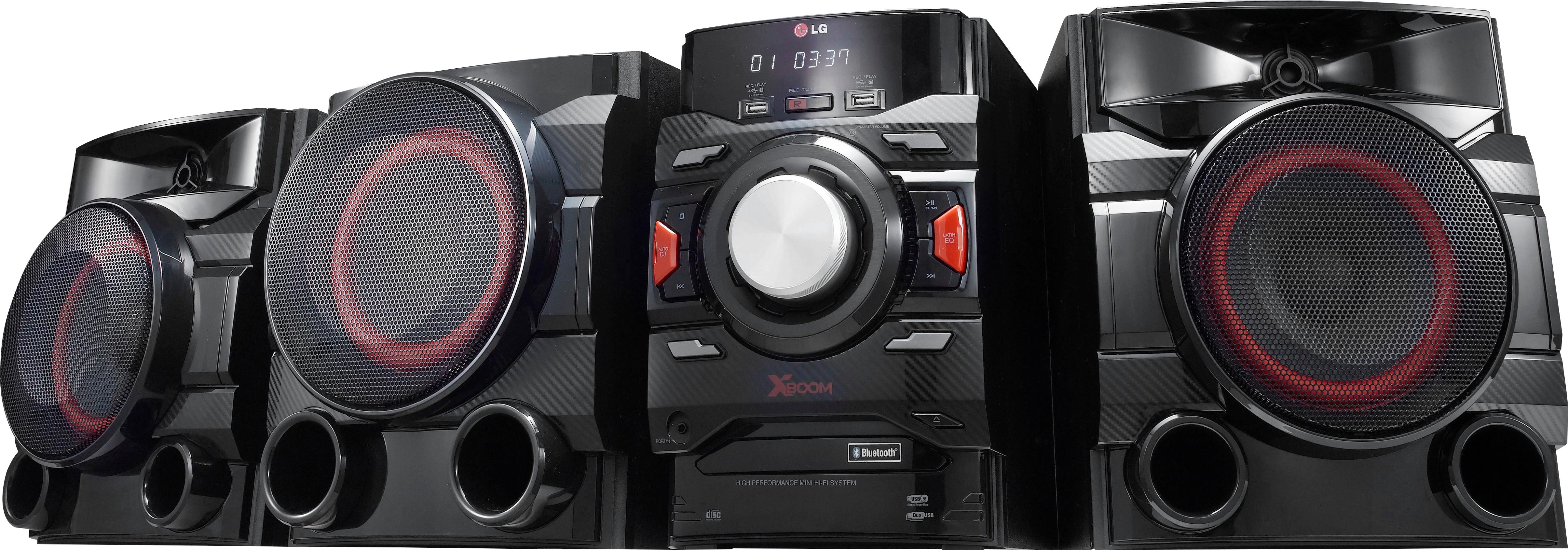
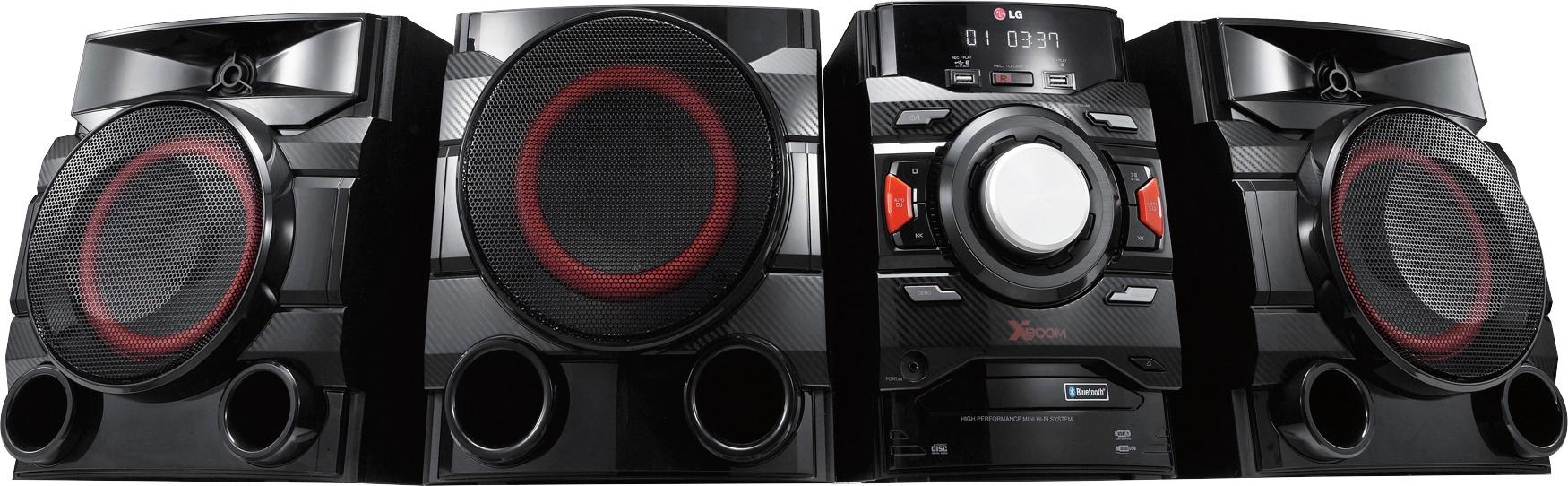
A:AnswerIf all speakers are connected properly, the subwoofer should be working. Please contact LG Customer Support so that we can better investigate your issues and assist you towards a resolution. You can contact our Customer Support by any of the below options:
Phone: 1-800-243-0000
Live Chat: https://www.lg.com/us/support/chatbot
Email: https://www.lg.com/us/support/email-appointment
Facebook Messenger: https://www.facebook.com/LGUSA/
Twitter: @LGUSSupport
The LG Community Forum is also a great resource for getting help from other LG customers: https://lgcommunity.us.com/
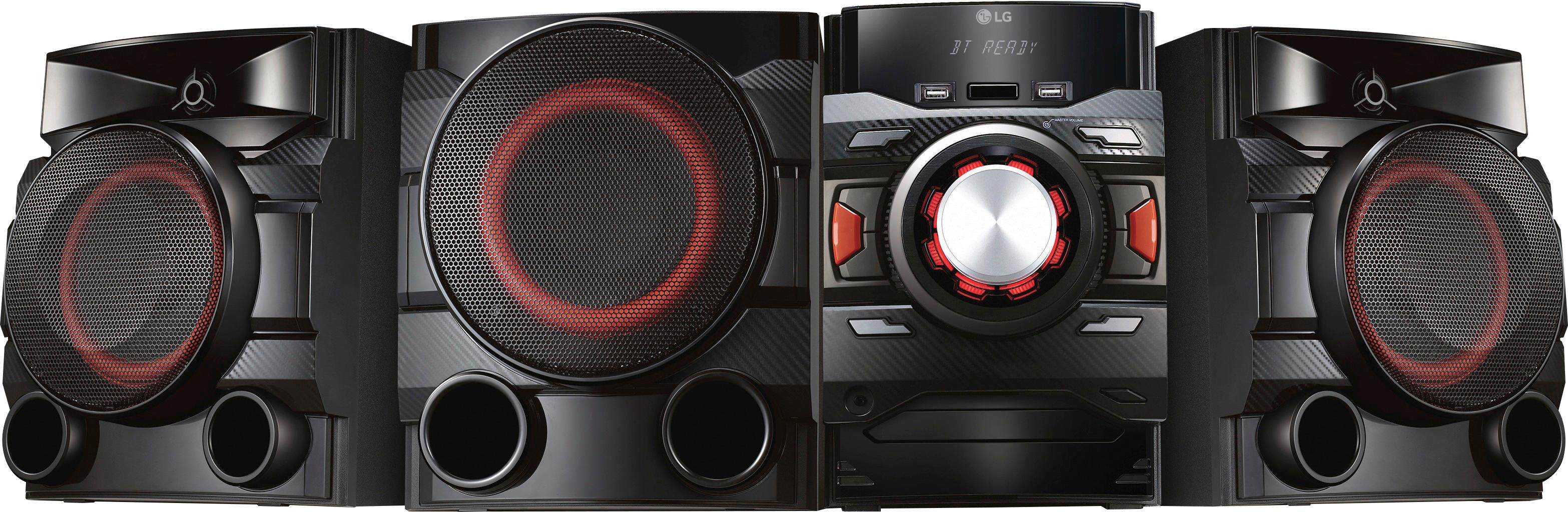
A:AnswerThe following are the USB requirements: USB Flash Drive that support USB2.0 or USB1.1, Sampling frequency : within 32 to 48 kHz (MP3), within 32 to 48 kHz (WMA), Bit rate : within 32 to 320 kbps (MP3), 40 to 192 kbps (WMA), Maximum files : Data CD : 999 / USB : 2000, Maximum folders : Data CD : 99 / USB : 200, File extensions : “.mp3”/“.wma”, Certain MP3/WMA files may not be played depending on the type or format of the file. Devices which require additional program installation when you have connected it to a computer, are not supported. Using NTFS file system is not supported.(Only FAT(16/32) file system is supported.) This unit recognizes up to 2000 files. If you have concerns or questions, you can contact our Customer Support by any of the below options:
Phone: 1-800-243-0000
LiveChat: https://www.lg.com/us/support/chatbot
Email: https://www.lg.com/us/support/email-appointment
Facebook Messenger: https://www.facebook.com/LGUSA/
Twitter: @LGUSSupport
The LG Community Forum is also a great resource for getting help from other LG customers: https://lgcommunity.us.com/
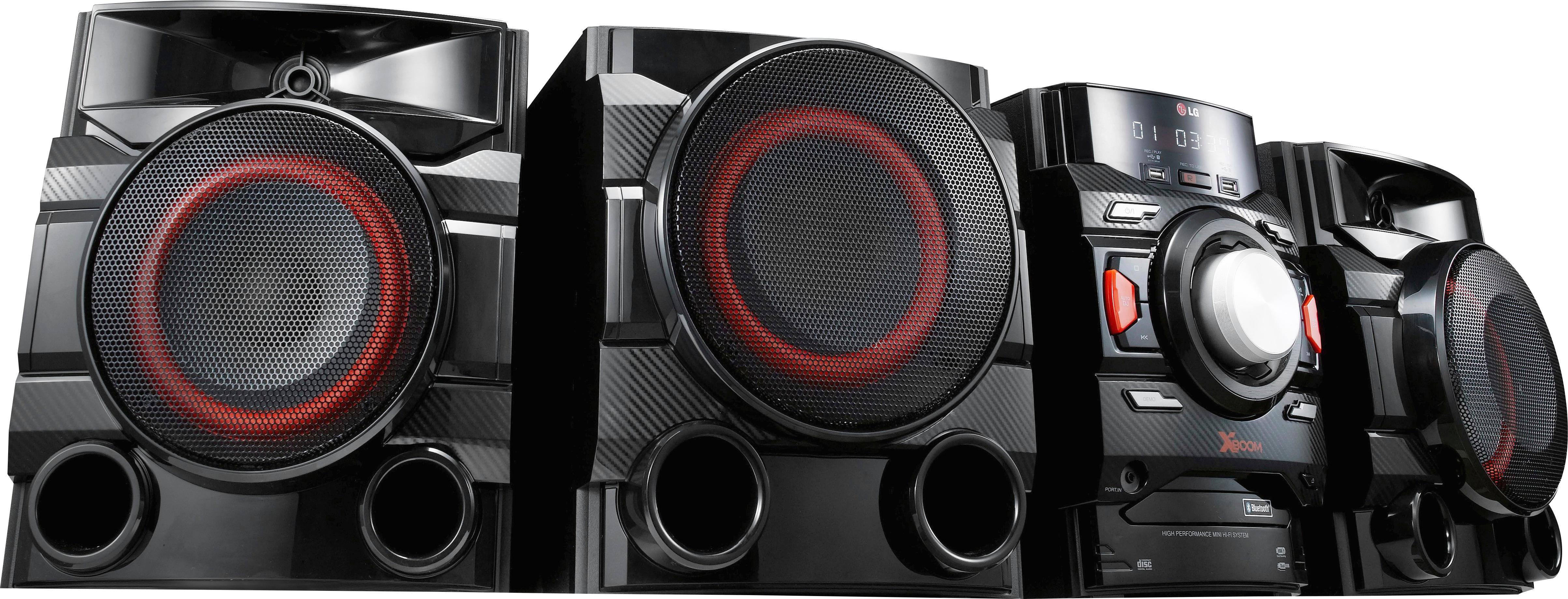
A:AnswerThe LG 700W 2.1ch Mini Shelf System with Built-in Subwoofer and Bluetooth®, Model # CM4550 has an AUX IN (L/R) port that you can use to connect to a TV, but how you connect it will depend on what type of audio outputs you have on your TV. If you have an older TV that features Analog Stereo RCA (Red/White) Output Ports (Red/White), then you can simply connect those to the AUX IN ports on the CM4550. ^CP
A:AnswerAre you sure you have a strong wifi and bluetooth connection? Having a weak signal or if it is cutting out would cause the problems you raised. Also check all of your connections to the system to be sure they are transmitting properly. Plug the system to different wall sockets to see if that helps.
A:AnswerWe hate to hear that, but would love to be able to help. We would be happy to see what's going on. Drop us a line on Twitter at @LGUSSupport or on Facebook https://www.facebook.com/LGUSA/ so we can get more info and see what we can do. ^CP
A:AnswerIt sounds like we'll need to walk through some troubleshooting for your audio system. Please head over to our support team via @LGUSSupport on Twitter or you can give us a call at 800-243-0000 so that we can dig into this a little more for you. ^CP
A:AnswerThe CM4550 adds more equalizer settings and weighs a little more than the CM4590. The CM4590 is the newer model. If you are in need of any assistance, have additional questions, or would just like to see our helpful tips, check us out on Twitter @LGUSSupport Facebook https://www.facebook.com/LGUSA/ ^CP
A:AnswerWe would be more than happy to look into this issue for you. Our support team is available via Twitter @LGUSSupport, Facebook https://www.facebook.com/LGUSA/ or you can give us a call at 800-243-0000. ^CP
A:AnswerIt sounds like we'll need to walk through some troubleshooting for your audio system. Please head over to our support team via @LGUSSupport on Twitter or you can give us a call at 800-243-0000 so that we can dig into this a little more for you. ^CP
A:AnswerYour TV may not have audio out via the composite cables. We would recommend reaching out to your TV's manufacturer directly to verify this. ^CP