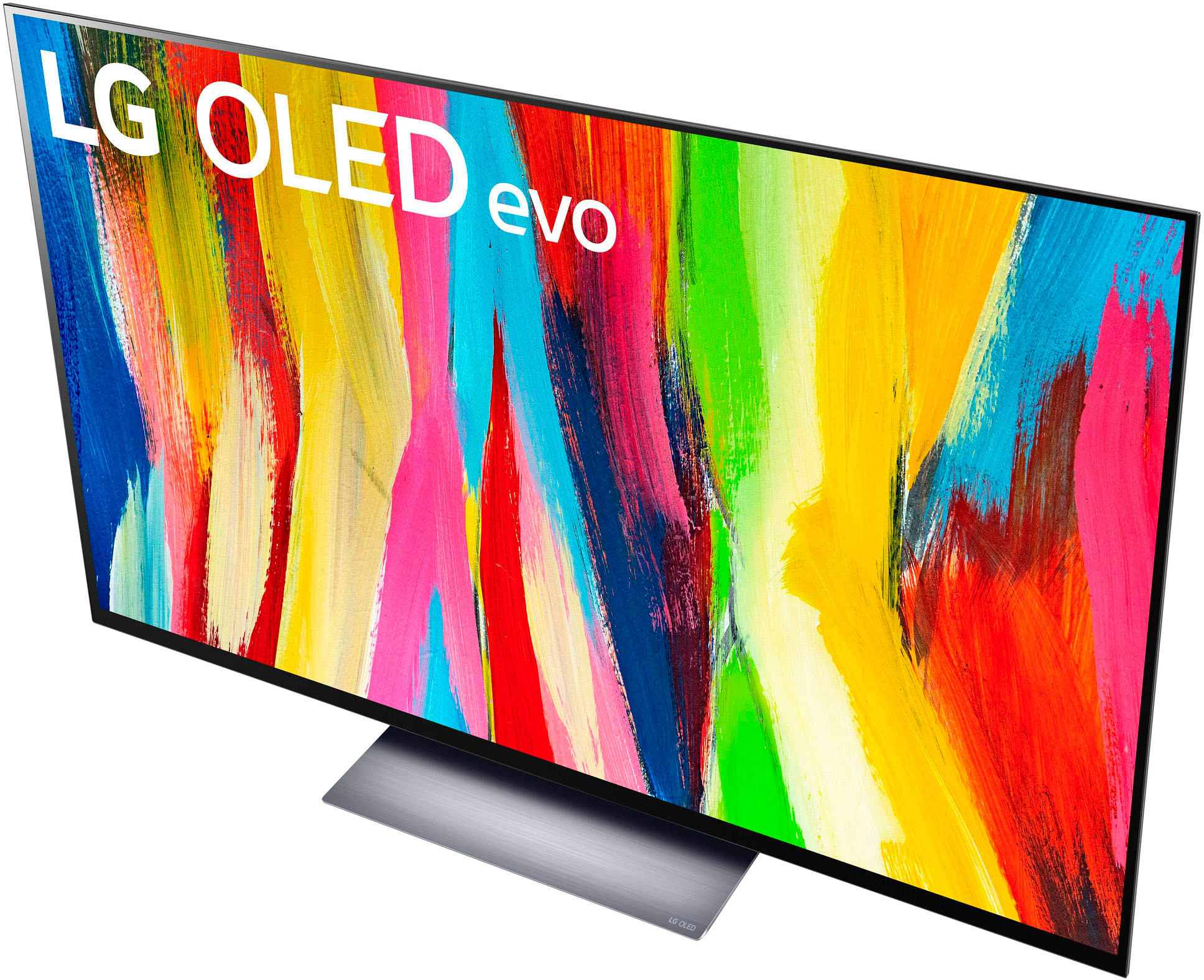
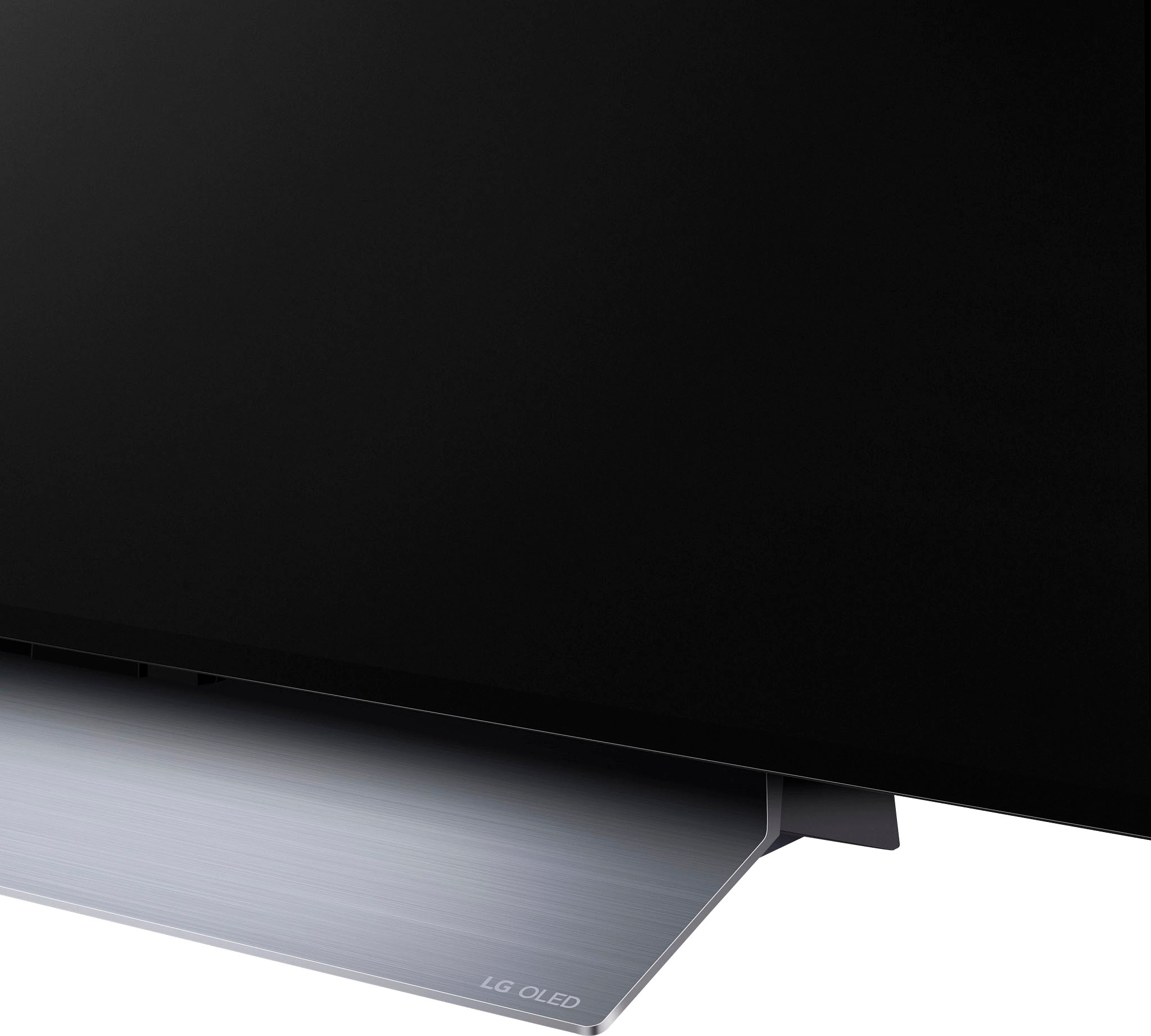
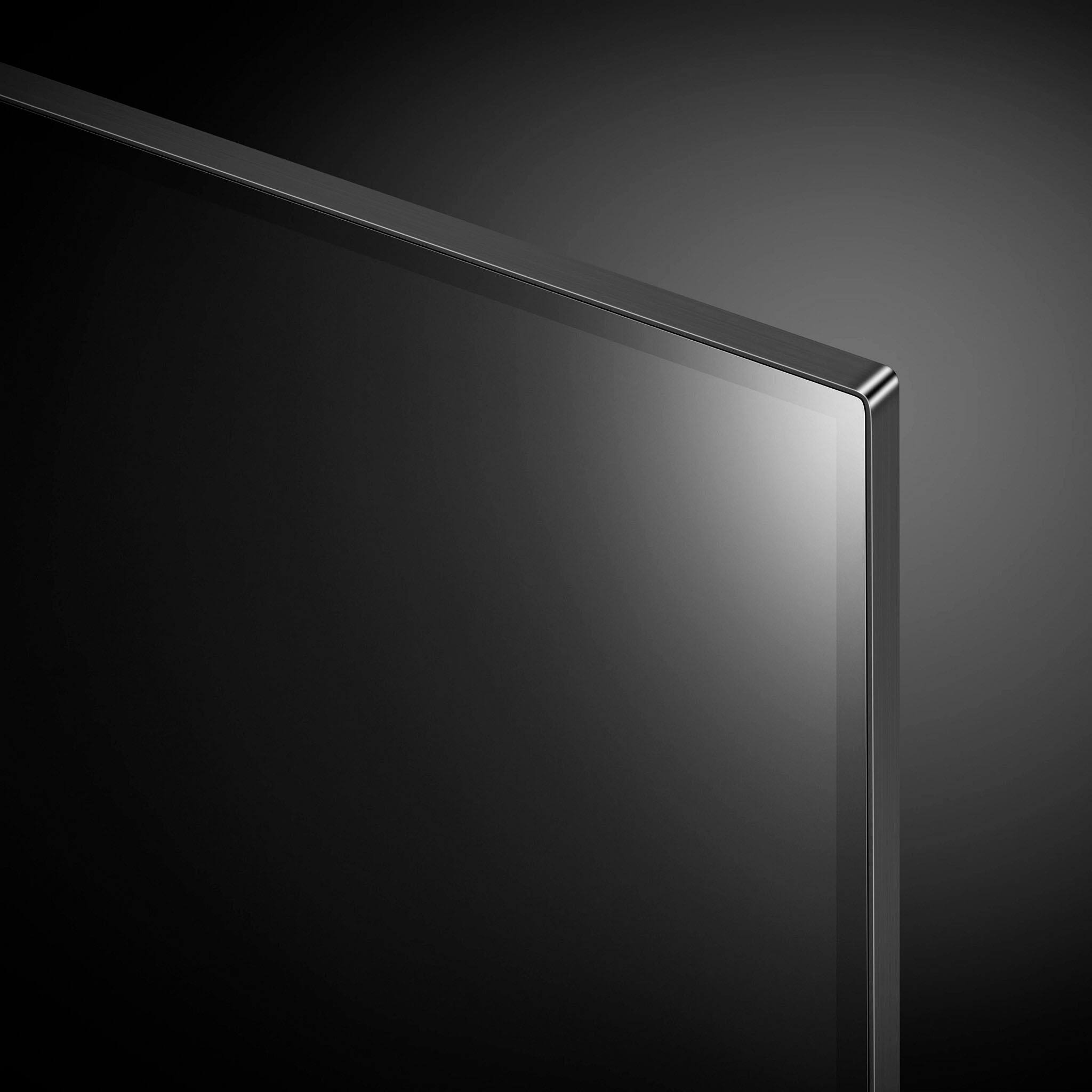
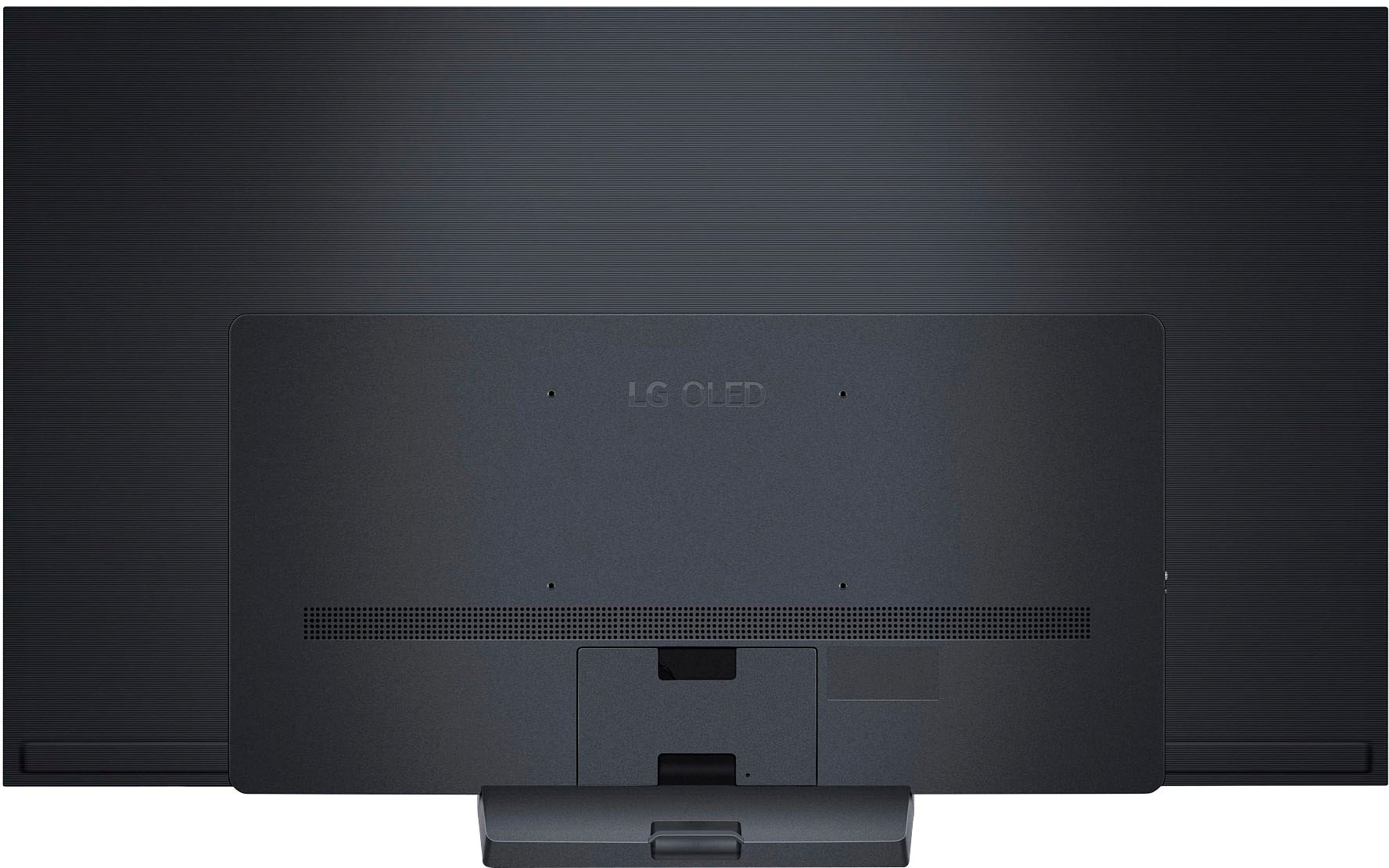
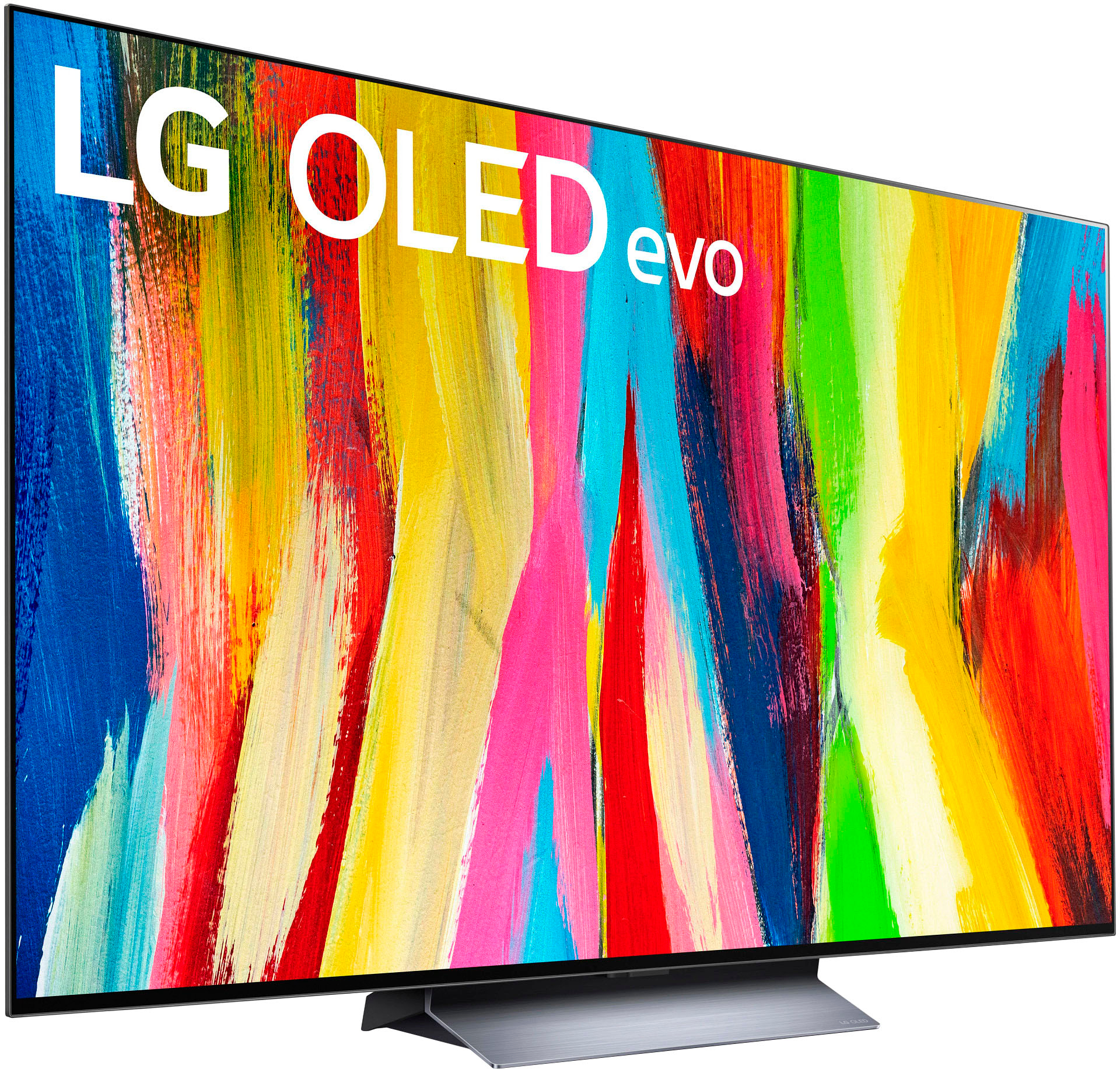
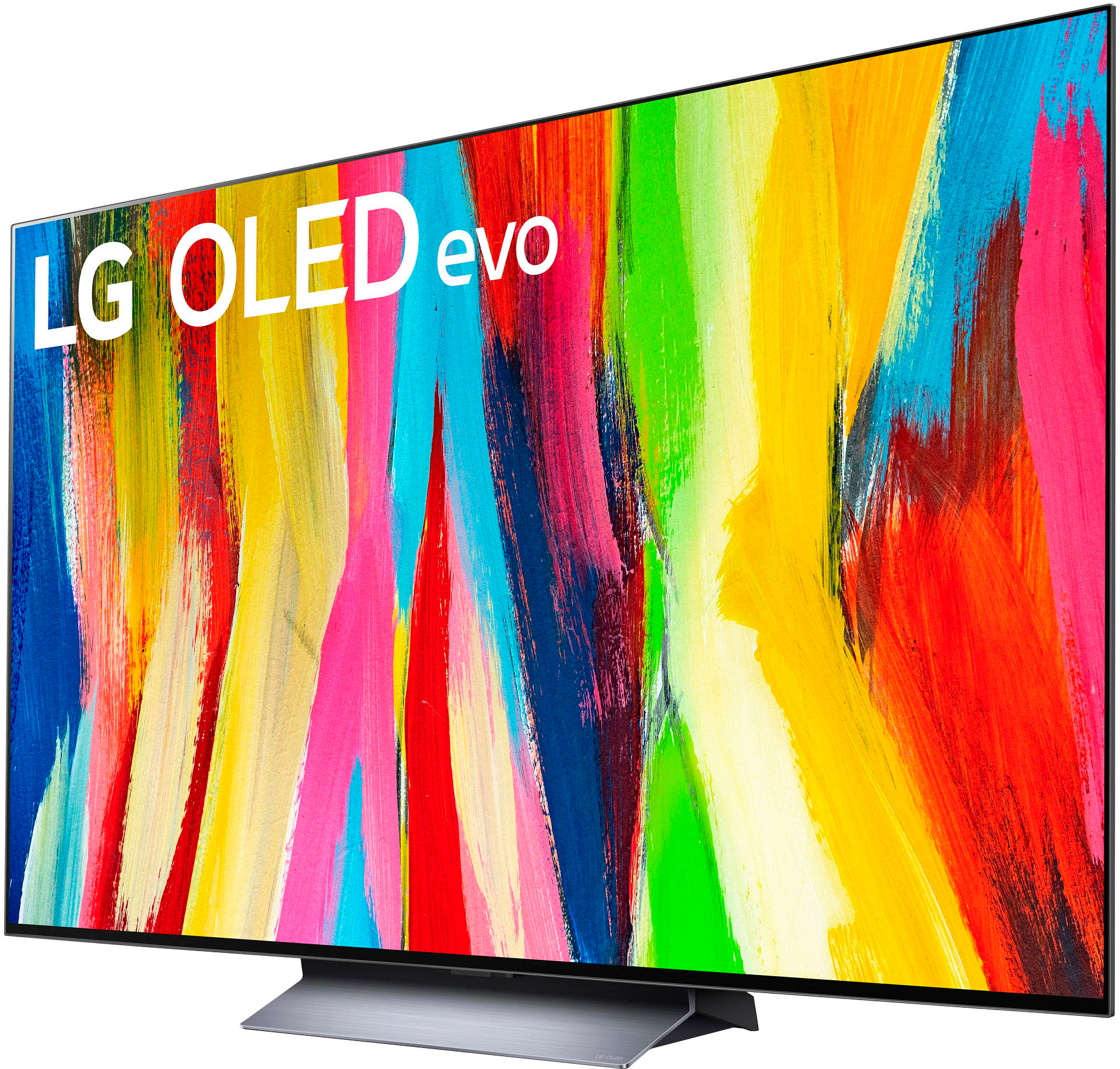
A:AnswerHi, this comes with owners manual. Here's the link that you can download user manual and owner's manual https://www.lg.com/us/support/product/lg-OLED77C2PUA.AUS. ^Vanessa
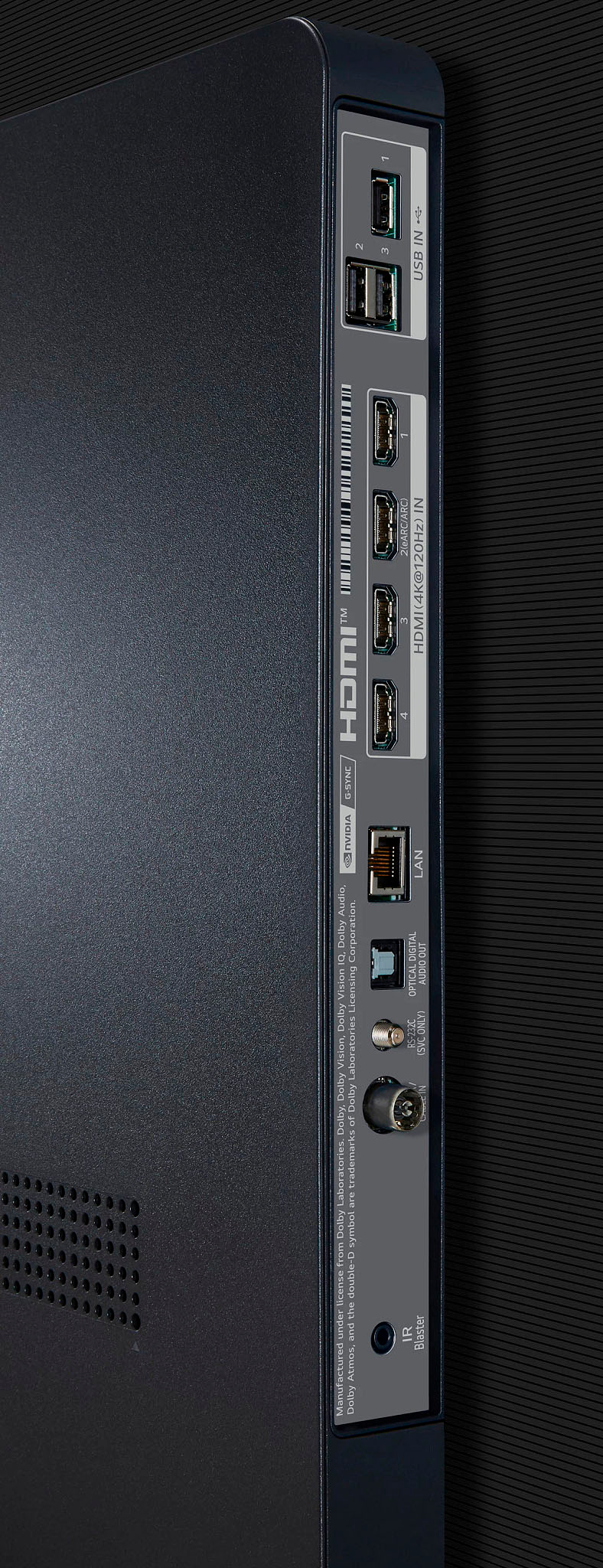
A:Answeryes, you can screen share or use the TV itself as a monitor with the right cables but to answer your question yes, you can project your computer screen image onto the TV
A:AnswerLet us help you with that! Please send us a private message on Facebook or Twitter using @LGUSSupport and include #VOC, your contact info and we can expedite a resolution for you. Thank you. ^Venette
A:AnswerIt depends on the tv mount more than on the tv. I have this tv mounted over a fireplace with a tv mount into stone but the screws of the mount still needed to be screwed into the studs behind the stone. Hopefully you have studs behind your bricks.
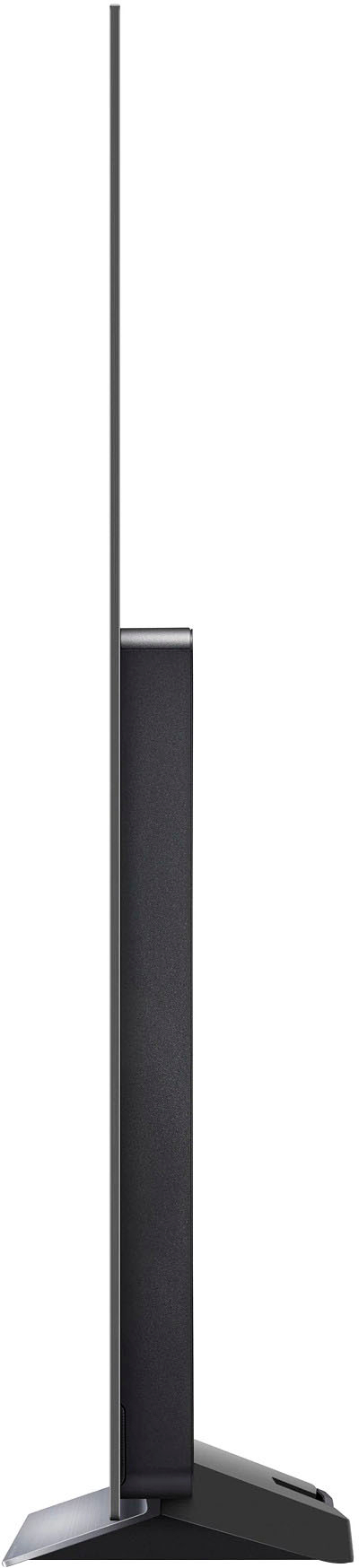
I also have a mantle above the fireplace which keeps the heat off the tv. Heat can damage or degrade an OLED tv. You need to use a tv mount rated for the size and weight of the tv you want to mount. I will say this tv weighs about the same as the 65 in OLED it replaced…it’s very light for a 77 in OLED tv.
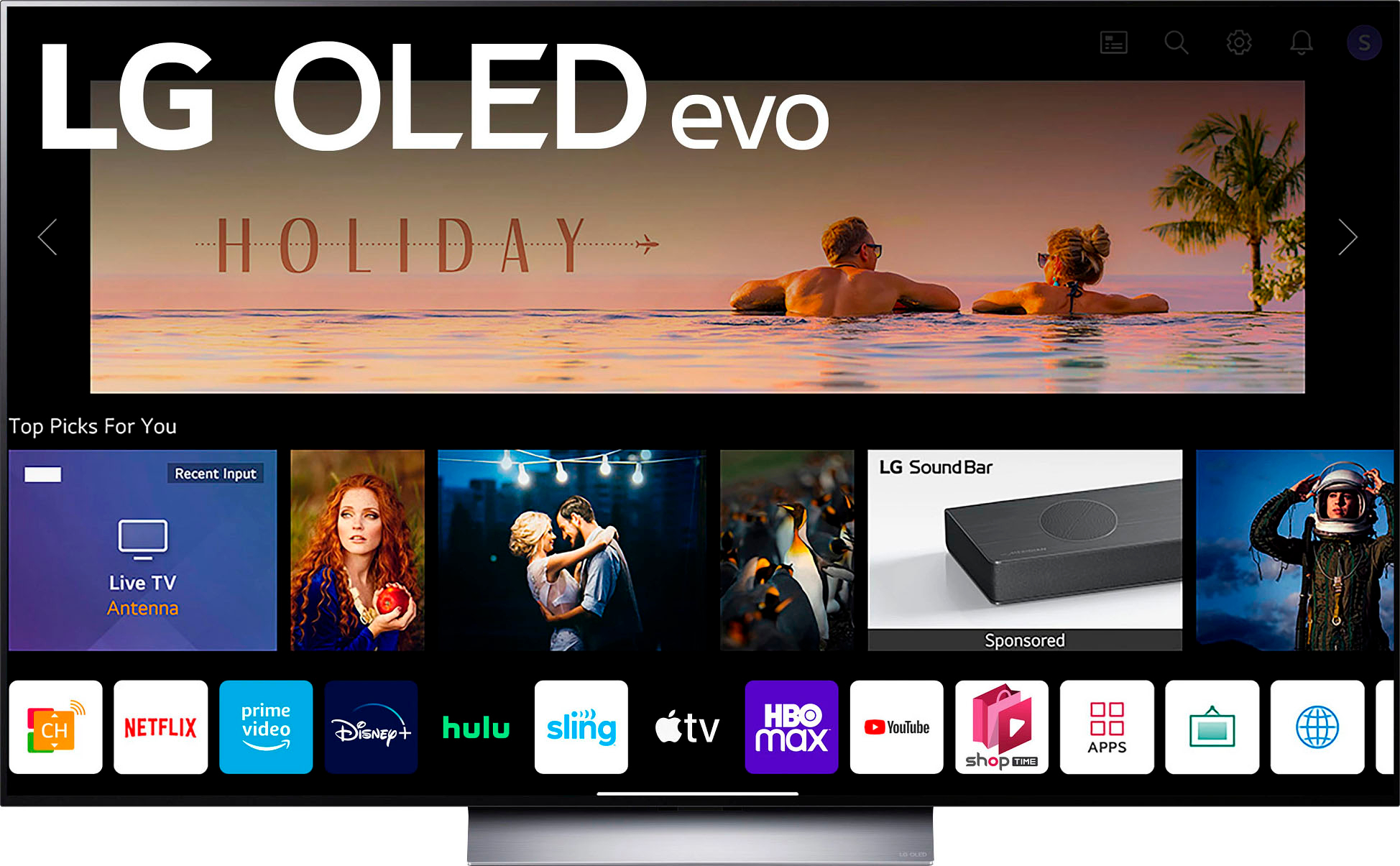
A:AnswerHaven’t watched any live sports yet so I’m not sure about motion blur. Built in apps like Hulu work great. I have noticed Tv performance is snappier than my last LG TV.