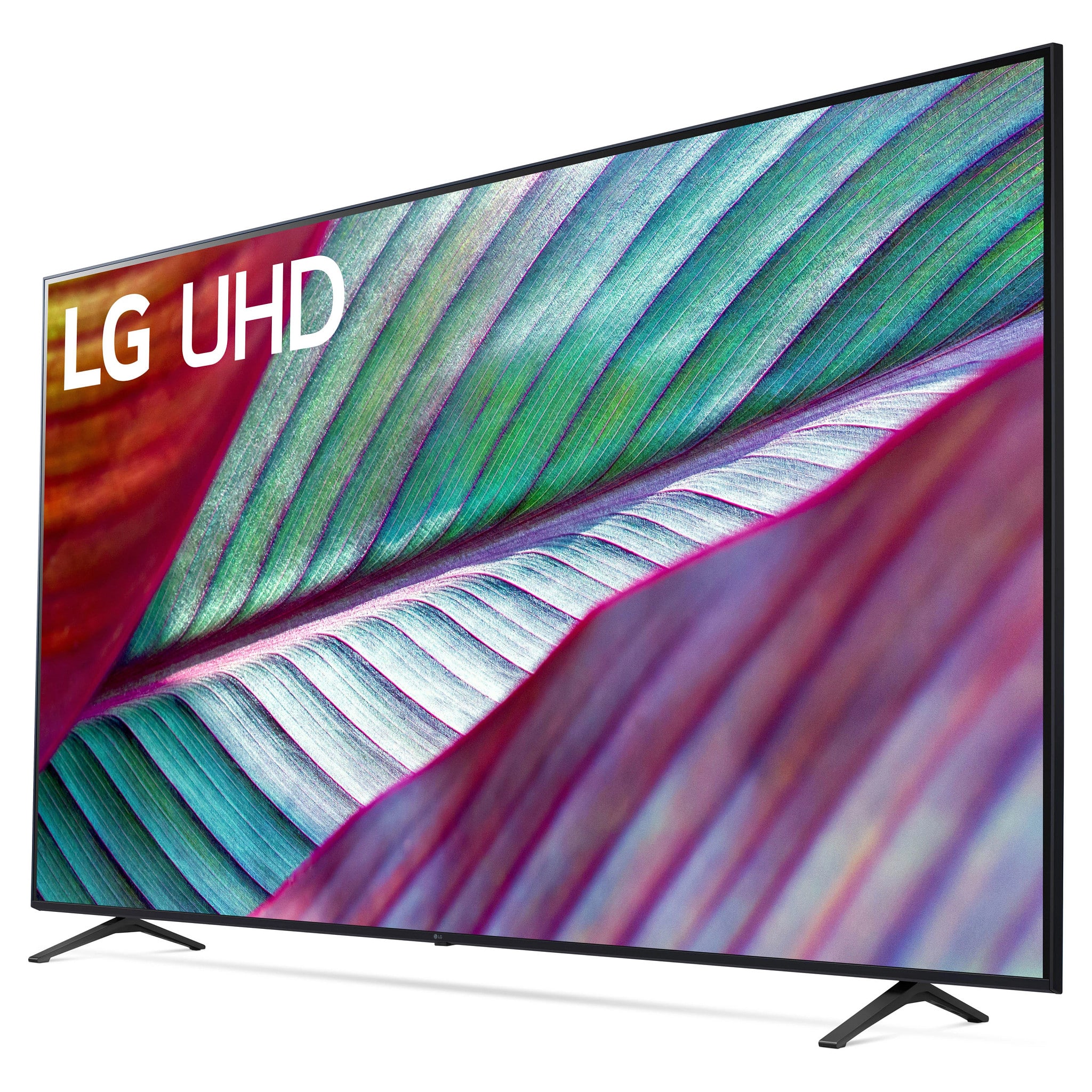
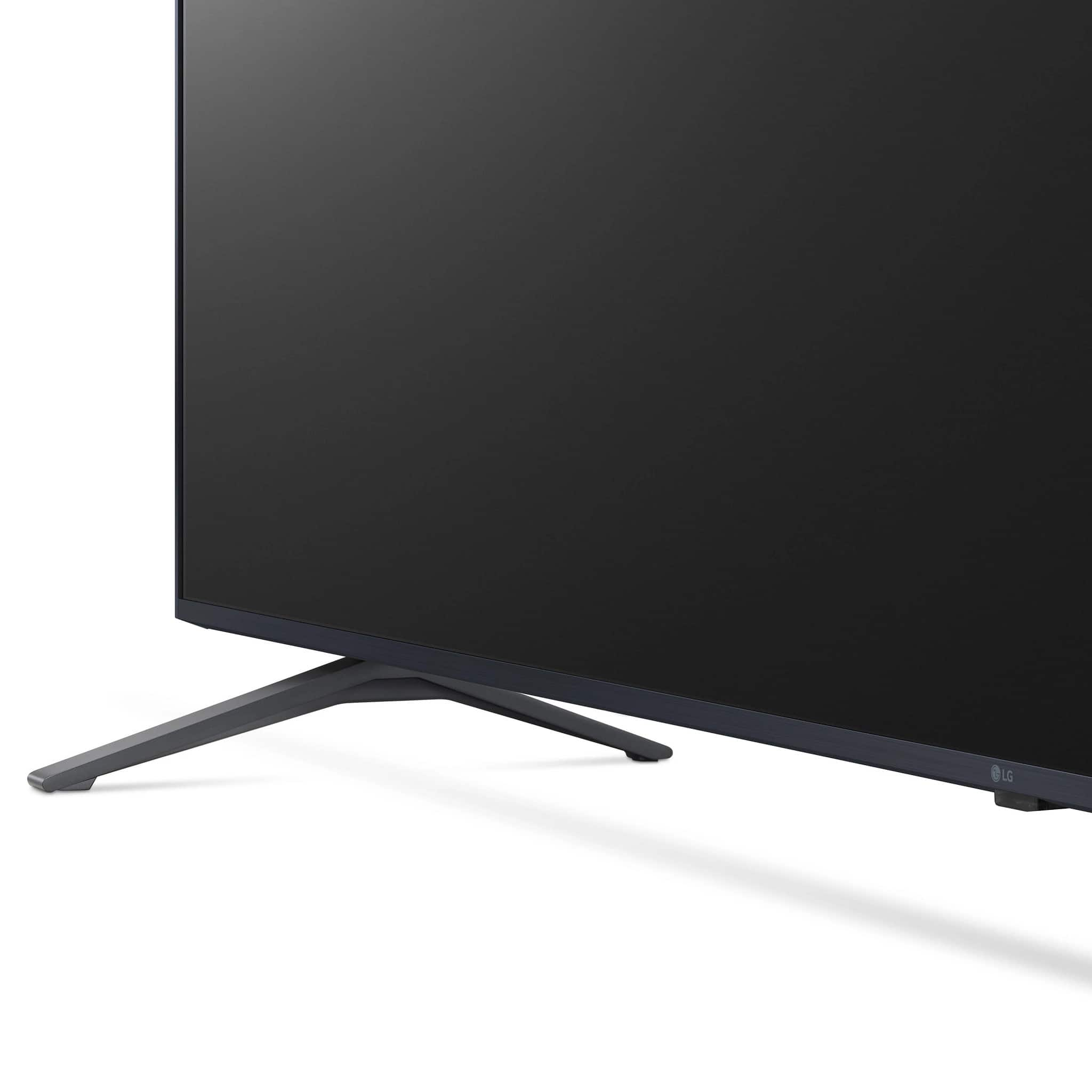
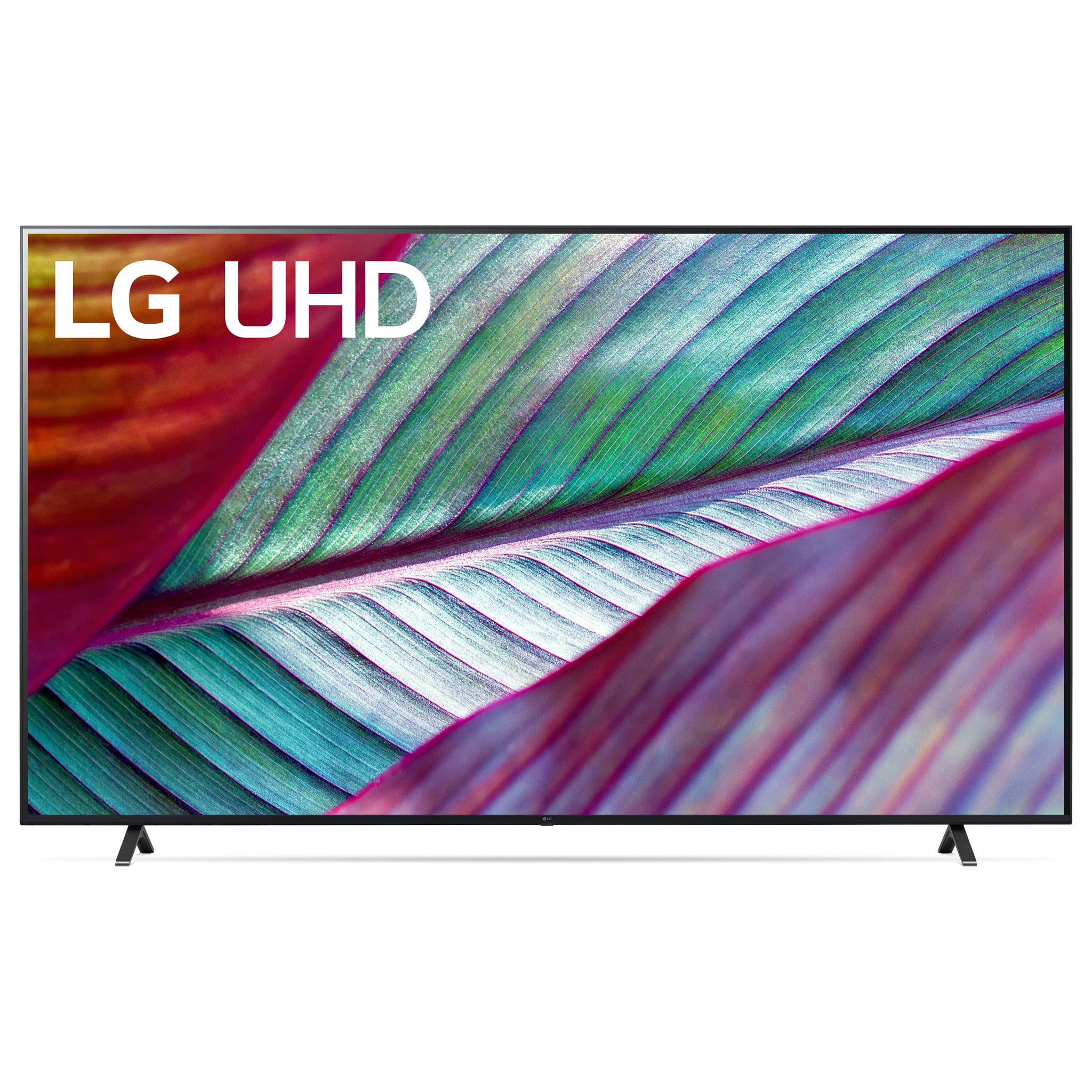
Questions & Answers
- Model:
- 86UR7800PUA
- |
- SKU:
- 6553099
Q: QuestionWhat is the difference between LG - 86” Class UR7800 and LG 86" UR8000
Asked by Aggie.
- A:Answer Thank you for your interest in the LG 86UR7800PUA.AUS model. The LG 86” Class UR7800 and LG 86" UR8000 are both entry-level 4K TVs from LG's 2023 lineup. The UR8000 offers a touch more than the UR7800, with a more powerful Alpha 7 processing core and a 120Hz refresh rate for the 86" model, while the UR7800 has a 60Hz refresh rate. You can download its owner's manual through this link for more information: https://www.lg.com/us/support/product/lg-86UR7800PUA.AUS. ^Cris
Answered by LG Digital Customer Care

Q: QuestionDoes this have Dolby Vision or Dolby Atmos?
Asked by rob1261.
- A:Answer Thank you for your interest in the LG 86UR7800PUA.AUS model. The LG 86UR7800PUA does not have Dolby Vision or Dolby Atmos. Dolby Vision is a technology that enhances the picture quality of a TV, while Dolby Atmos provides a more immersive sound experience. TVs with Dolby Vision and Dolby Atmos are usually marketed as such, and the LG 86UR7800PUA does not appear to have these features based on the available information. You can download its owner's manual through this link for more information: https://www.lg.com/us/support/product/lg-86UR7800PUA.AUS. ^Cris
Answered by LG Digital Customer Care

Q: QuestionIs the MLB At Bat app available either to download or already available on the apps? I have other brands of televisions but can't watch MLB app games unless I run my game system.
Asked by Ryan.
- A:Answer No
Answered by user708578
Q: QuestionWill an LG Magic Remote work with this Model? If so, can you specify the proper remote?
Asked by wiredsol.
- A:Answer Yes
Answered by WestleyG
Q: QuestionCan you browes the internet with this tv ?
Asked by Toby.
- A:Answer Thank you for your interest in the LG 86UR7800PUA.AUS model Yes, you can browse the internet with the LG 86UR7800PUA TV. The LG UR7800 series LED 4K UHD Smart webOS TV, which includes the 86UR7800PUA model, features a built-in web browser that allows you to access the internet directly from your TV. ou can download its owner's manual through this link for more information: https://www.lg.com/us/support/product/lg-86UR7800PUA.AUS. ^Cris
Answered by LG Digital Customer Care

Q: QuestionWhat is the refresh rate on gaming mode
Asked by Gaming.
- A:Answer Thank you for your interest in the LG Smart webOS TV (86UR7800PUA) model. The LG 86UR7800PUA TV has a native refresh rate of 50Hz. You can download its owner's manual through this link for more information: https://www.lg.com/us/support/product/lg-86UR7800PUA.AUS. ^Cris
Answered by LG Digital Customer Care

Q: QuestionIs the power rated 120v - 220v ?
Asked by AmaahS.
- A:Answer Thank you for your interest in the LG Smart webOS TV (86UR7800PUA) model. The LG 86UR7800PUA TV has a power rating of 120V AC and 50/60Hz. It is not dual voltage and does not support 220V power input. You can download its owner's manual through this link for more information: https://www.lg.com/us/support/product/lg-86UR7800PUA.AUS. ^Cris
Answered by LG Digital Customer Care

Q: QuestionCan I merge 4 tvs to use as one screen ?
Asked by cable.
- A:Answer Thank you for your interest in the LG 86UR7800PUA.AUS model. The LG 86UR7800PUA TV does not natively support merging four TVs to function as one screen. You can download its owner's manual through this link for more information: https://www.lg.com/us/support/product/lg-86UR7800PUA.AUS. ^Cris
Answered by LG Digital Customer Care

Q: QuestionHow much those this tv weight
Asked by Kenneth.
- A:Answer just under 100# without the legs just over with the legs
Answered by PatrickH
Q: QuestionWhat is the minimum width stand that would work for the legs? The sides hanging off is okay, but I don't see the measurement between the TV legs.
Asked by Shannonigans.
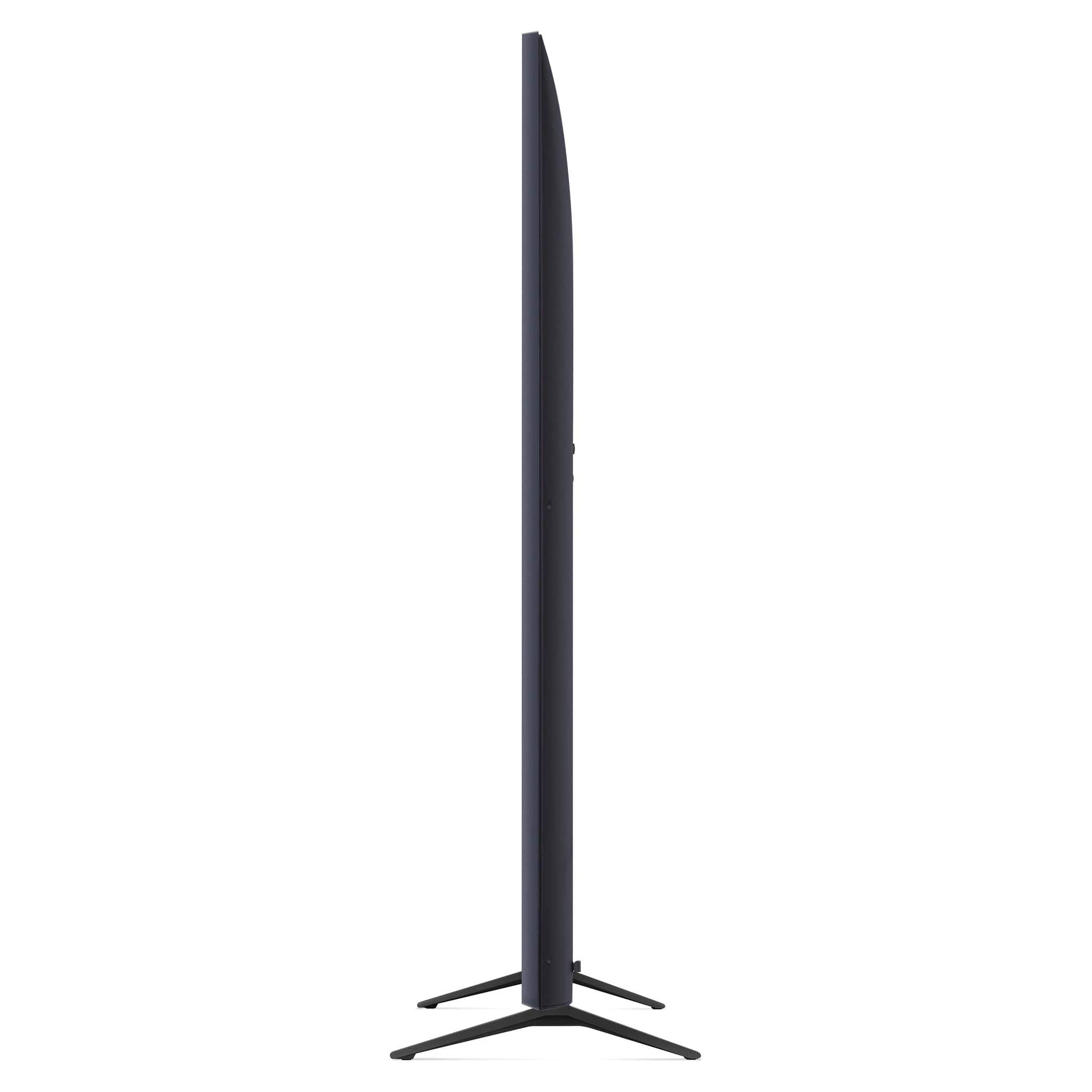
- A:Answer Thank you for your interest in the LG 86UR7800PUA.AUS model. To find the right stand for an LG 86UR7800PUA TV, we just need to check the TV dimensions and the recommended minimum stand width. The TV with stand is 75.9" wide and 60.3" is the minimum stand width needed. No need to worry about the sides hanging off the stand. You can download its owner's manual through this link for more information: https://www.lg.com/us/support/product/lg-86UR7800PUA.AUS. ^Cris
Answered by LG Digital Customer Care

Q: QuestionHello please i want to know if i have insurance on this item
Asked by Olaimad.
- A:Answer No
Answered by RupinderK
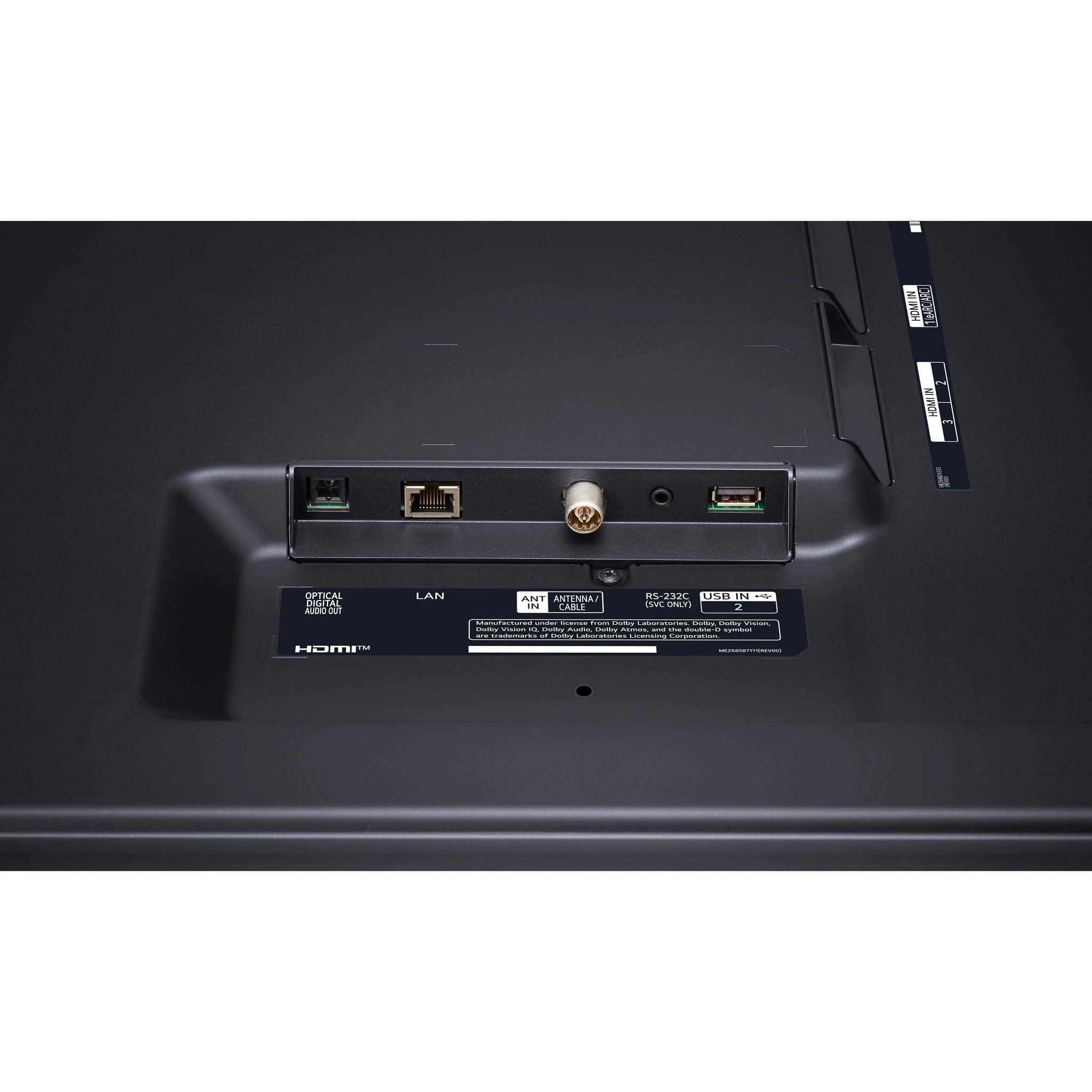
Q: QuestionDoes this tv require a digital tuner or is it built in? For an antenna.
Asked by Bgdady79.
- A:Answer Hi, there. We appreciate your interest in the LG TV (86UR7800PUA) model. This unit has a built-in digital tuner that allows you to connect an antenna and receive over-the-air channels without needing an external digital tuner box. The TV's specifications mention it has an "Antenna Cable" input, indicating it can directly receive digital broadcast signals from an antenna. You can check this link https://www.lg.com/ca_en/tv-soundbars/4k-uhd-tvs/86ur7800pua/. For more questions, please reach out to us on social media @LGUSSupport. ^Juvy
Answered by LG Digital Customer Care

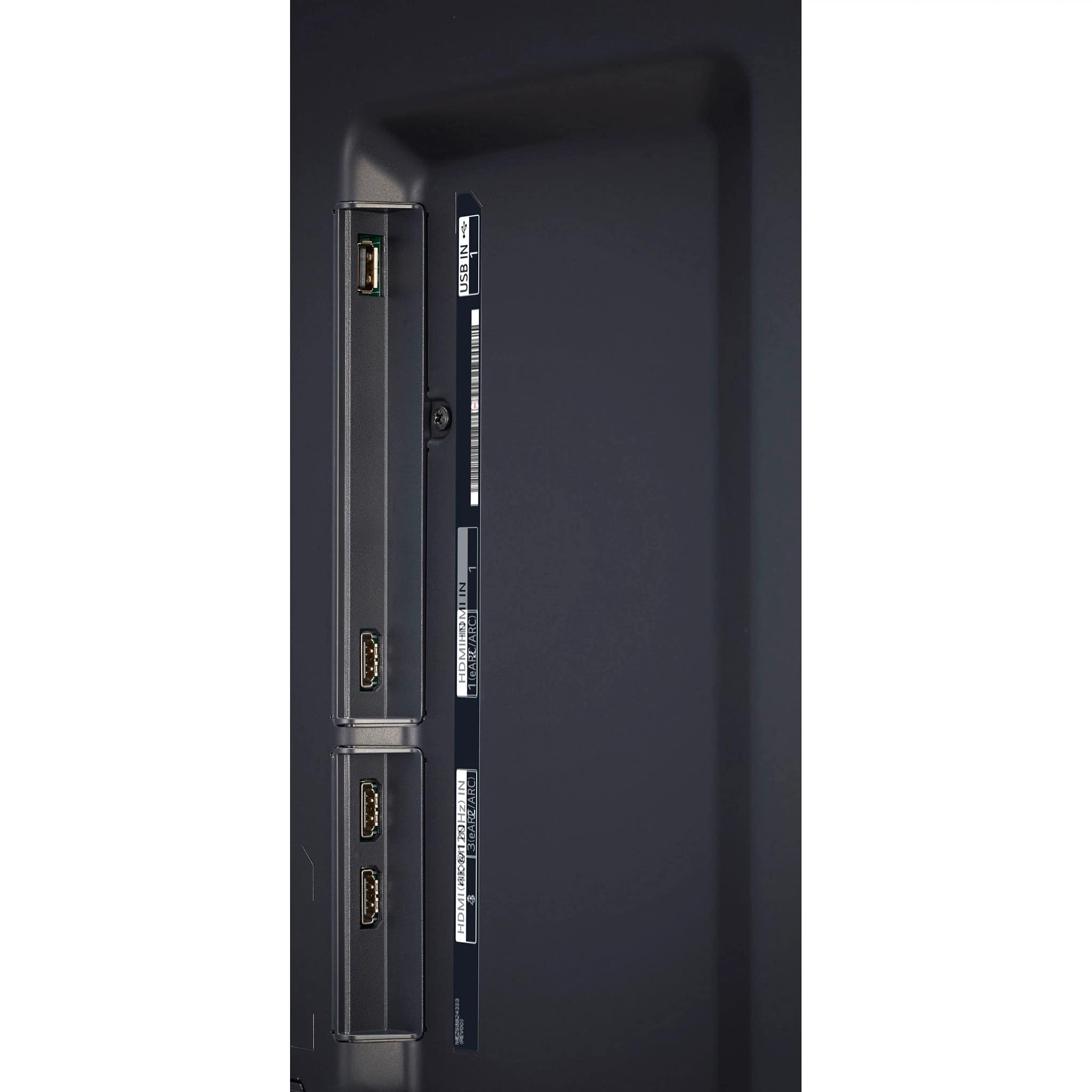
Q: QuestionDoes this TV have HDMI ARC (Audio Return Channel)? I'm looking to send audio to Sonos and this is required. Thanks.
Asked by SteveK.
- A:Answer It does, yes.
Answered by TROCK
Q: QuestionCan you connect a computer to this TV and use it as a monitor?
Asked by TimB.
- A:Answer Yes
Answered by VanessaT
Q: QuestionCan this TV be set up to display a configured web address automatically when it powers on?
Asked by Pat.
- A:Answer Yes
Answered by RupinderK
Q: QuestionCan this TV be used for a conference room, booting directly into HDMI input rather than the dashboard?
Asked by BigAl480.
- A:Answer Hey Nick! Absolutely, the LG 86UR7800PUA can be configured to boot directly into an HDMI input instead of the dashboard. This function, often termed "Power On Input" or "Startup Input," is accessible in the TV settings. By adjusting this setting, you can dictate which input the TV switches to upon powering on. Here's how to set it up: Turn on the TV, navigate to the "General" or "System" settings, find the "Power On Input" or similar option, select the desired HDMI input, save your changes, and exit the menu. Once done, the TV will boot straight into the chosen HDMI input whenever it's turned on, perfect for conference room setups where immediate content display is needed. For further details on this TV model, you can download the Owner's Manual from this link: https://www.lg.com/us/support/product/lg-86UR7800PUA.AUS ^Jolly
Answered by LG Digital Customer Care

Q: QuestionI just bought this TV about 2 days ago brand new, my question is when I unboxed the TV & carefully removed each plastic cover but I couldn’t tell if the TV screen had a screen protector that needs to be peeled off or what ?
Asked by Jay.
- A:Answer no, i thought same. just the plastic "bag" and then the trim protectors
Answered by RicJ
Top Rated
- 3-Day Deal$219.99Your price for this item is $219.99
- 3-Day Deal$949.99Your price for this item is $949.99
- $299.99Your price for this item is $299.99$449.99The comparable value for this item is $449.99
- $329.99Your price for this item is $329.99$469.99The comparable value for this item is $469.99
- 3-Day Deal$149.99Your price for this item is $149.99
- 3-Day Deal$249.99Your price for this item is $249.99
- $469.99Your price for this item is $469.99$899.99The comparable value for this item is $899.99
- 3-Day Deal$999.99Your price for this item is $999.99
- $179.99Your price for this item is $179.99$299.99The comparable value for this item is $299.99
- 3-Day Deal$1,399.99Your price for this item is $1,399.99
- 3-Day Deal$549.99Your price for this item is $549.99
- $199.99Your price for this item is $199.99$349.99The comparable value for this item is $349.99
- 3-Day Deal$449.99Your price for this item is $449.99
- $119.99Your price for this item is $119.99$149.99The comparable value for this item is $149.99
- 3-Day Deal$49.99Your price for this item is $49.99
- 3-Day Deal$129.99Your price for this item is $129.99
- 3-Day Deal$399.99Your price for this item is $399.99
- $259.99Your price for this item is $259.99$399.99The comparable value for this item is $399.99
- $399.99Your price for this item is $399.99$569.99The comparable value for this item is $569.99
- $349.99Your price for this item is $349.99$499.99The comparable value for this item is $499.99