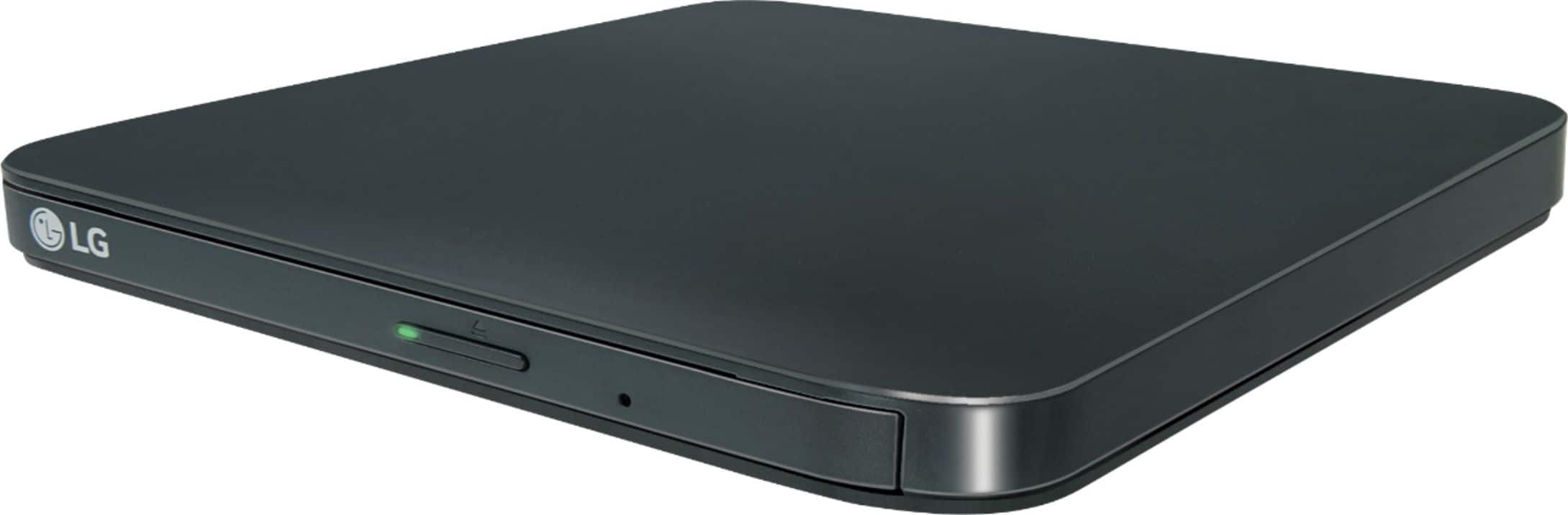
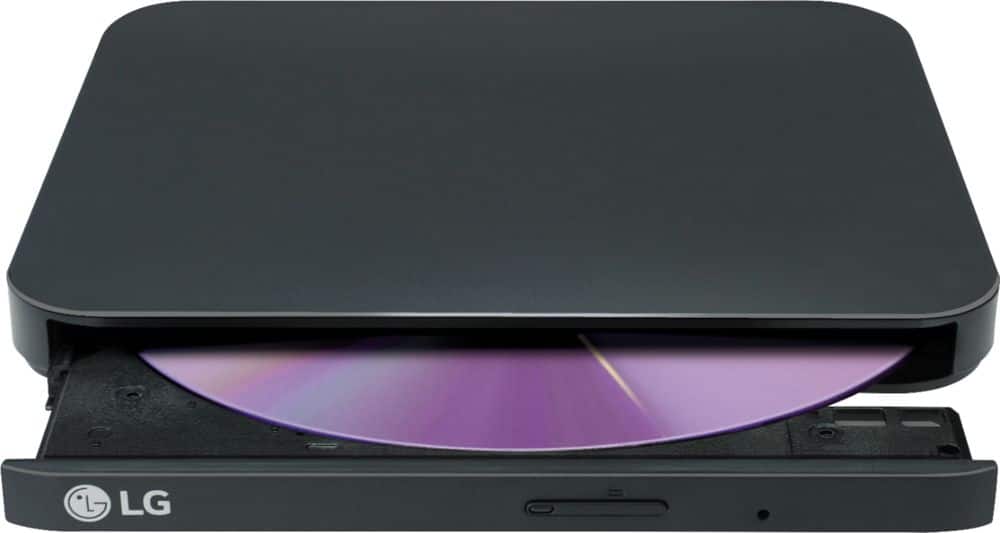
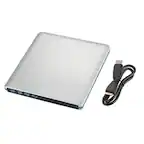
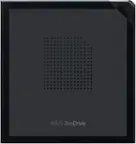
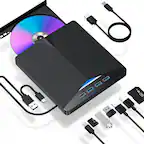
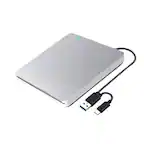
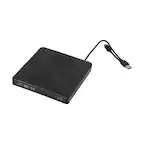
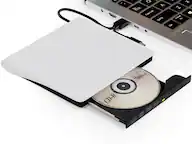
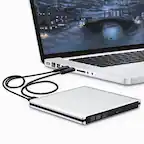
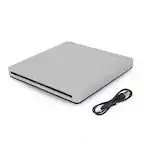
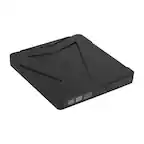
A:AnswerYes. It comes with a cable with a standard USB 2.0/3.0 type A plug. I have it plugged in a USB 3.0 port on my laptop. It will not plug into a USB C type C port without an adapter.
A:AnswerThe LG Slim Portable DVD Writer DVD Disc Playback & DVD M-DISC™ Support, Model # SP80NB80 has a 'TV Connectivity' function that allows you to enjoy videos, pictures and music when you connect this drive to the TV via USB...^IFV
A:AnswerHI Edie. The whole concept about Chromebooks is built around being able to store things in the cloud and you may be able to use the LG Slim Portable DVD Writer DVD Disc Playback & DVD M-DISC™ Support, Model # SP80NB80 with it but it may have some limitations so you will want to check with your Chromebooks manufacturer first. Some Chrome books can read CD, CD-RW, DVD, DVD-RW discs. The Chrome OS can read files from any of the above-mentioned discs if they are written in data or media format. You may be able to copy files off optical media to your drive as long as they are actual media files, not CD music or DVD videos. You can also play media files directly from a disk. However, there are serious limitations to what an external DVD drive for Chromebook can do, since the system was created to function primarily online. There is no way to write files to an optical disk for Chromebook. USB devices, including external DVD drives, function as read-only. You can read the information on a disk as long as it’s in an accepted format, but you cannot write information to it. You can’t play music CDs or DVD videos with a Chromebook DVD drive because Chrome OS does not support optical disks to let you play music or movies. The primary reason for this is that Chrome OS doesn’t come with codecs. Codecs are necessary to compress and decompress large files like DVD videos. If you want to play DVDs on your Chromebook, you’ll need to install Linux. Even though you can’t play content directly from CDs or DVDs, there is a way to play music and movies on your Chromebook. Google has confirmed that you can play music files, like mp3s, and converted video files, like mp4s. So to watch movies, you first need to convert your files into a supported type...^IFV
A:AnswerYes, you can download and install programs onto your laptop from a disc inserted into the LG - 8x External USB Double-Layer DVD±RW/CD-RW Drive, Model # SP80NB80...^IFV
A:AnswerWhat type of blank CDs did you attempt to burn with the LG - 8x External USB Double-Layer DVD±RW/CD-RW Drive - Black, Model # SPNB80 and where are the files that you are trying to burn stored. Did you select the correct disc format? The SP80NB80 will write to CD-R and CD-RW discs. Regrettably, we do not have enough information about how you are trying to burn the CDs with the SP80NB80 or what format your files are in. Please contact our Support Center at (800) 243-0000 for assistance...^IFV
A:AnswerI saw your message. So I plugged the drive into my USB 3.0 port of my 2014 Windows 10 laptop. I then inserted a copy of Superman Returns. Next I double clicked the DVD drive icon and it played automatically via VLC which I have setup to be my default video player. I didn't install any of the software that came with the drive yet. I first wanted to see if I could replicate the same problem you are having.
A:AnswerWorks with my 2018 Mac Mini (converted USB A to C via dock). Shows up as an optical drive in the OS without any additional drivers or effort. Plug n play.
A:AnswerThe LG Slim Portable DVD Writer DVD Disc Playback & DVD M-DISC™ Support, Model # SP80NB80 is compatible with the Windows 10, Windows 8.1, Windows 8, Windows 7, Windows Vista, Windows XP, and Mac OS X operating systems. The drive is a Plug-and-Play device so if your computer supports Plug-and-Play, it will use generic drivers to control the device and provide full functionality. ^CP
A:AnswerMacOS 11 (Big Sur) does not recognize this drive. LG customer support just told me this model has "no Mac compatibility," despite multiple instances of MacOS logo on the box. The tech said they have a Big Sur-compatible model, but I didn't bother finding out which one.
A:AnswerThe LG - 8x External USB Double-Layer DVD±RW/CD-RW Drive - Black, Model # SP80NB80 will read DVD-ROM DVD-R, DVD-R DL, DVD-RW, DVD-RAM (Ver. 2.2), DVD+R, M-Disc (DVD+R SL), DVD+R DL, DVD+RW, CD-R, CD-RW, CD-ROM, and CD-DA(DAE) discs, and it will write to DVD-R DL, DVD-RW, DVD-RAM (Ver. 2.2), DVD+R, M-Disc (DVD+R SL), DVD+R DL, DVD+RW, CD-R, CD-RW discs. You can use it to transfer files on compatible discs to folders or files in your connected PC/Laptop...