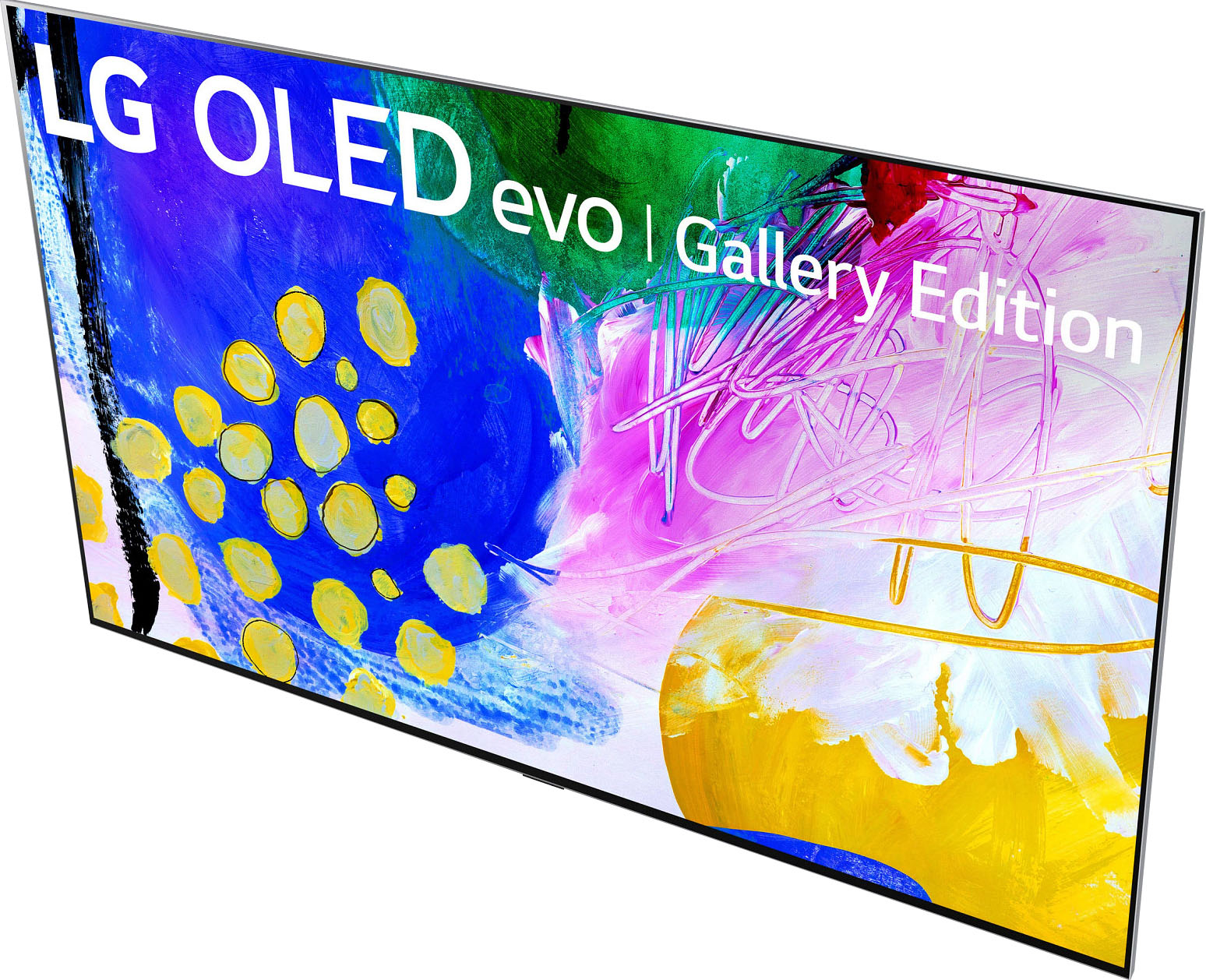
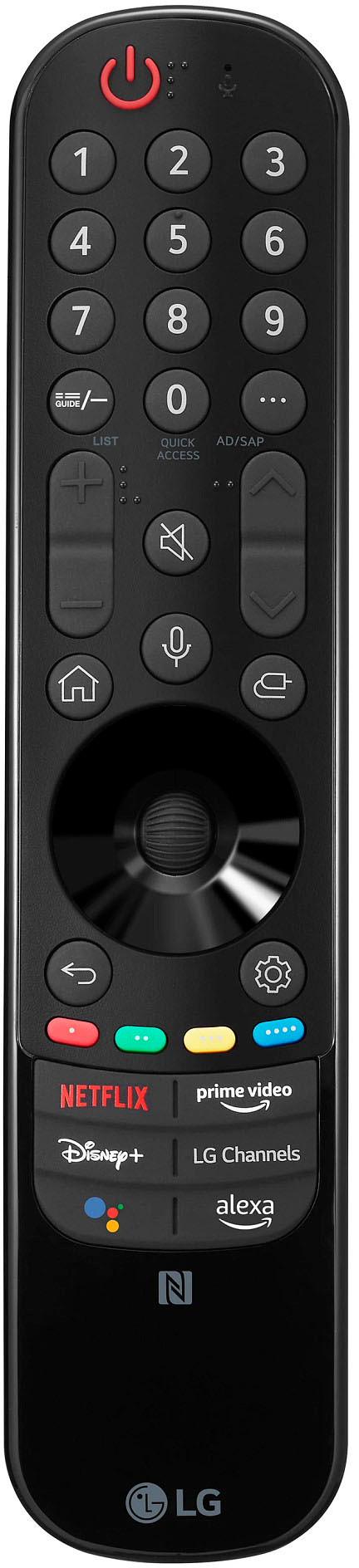
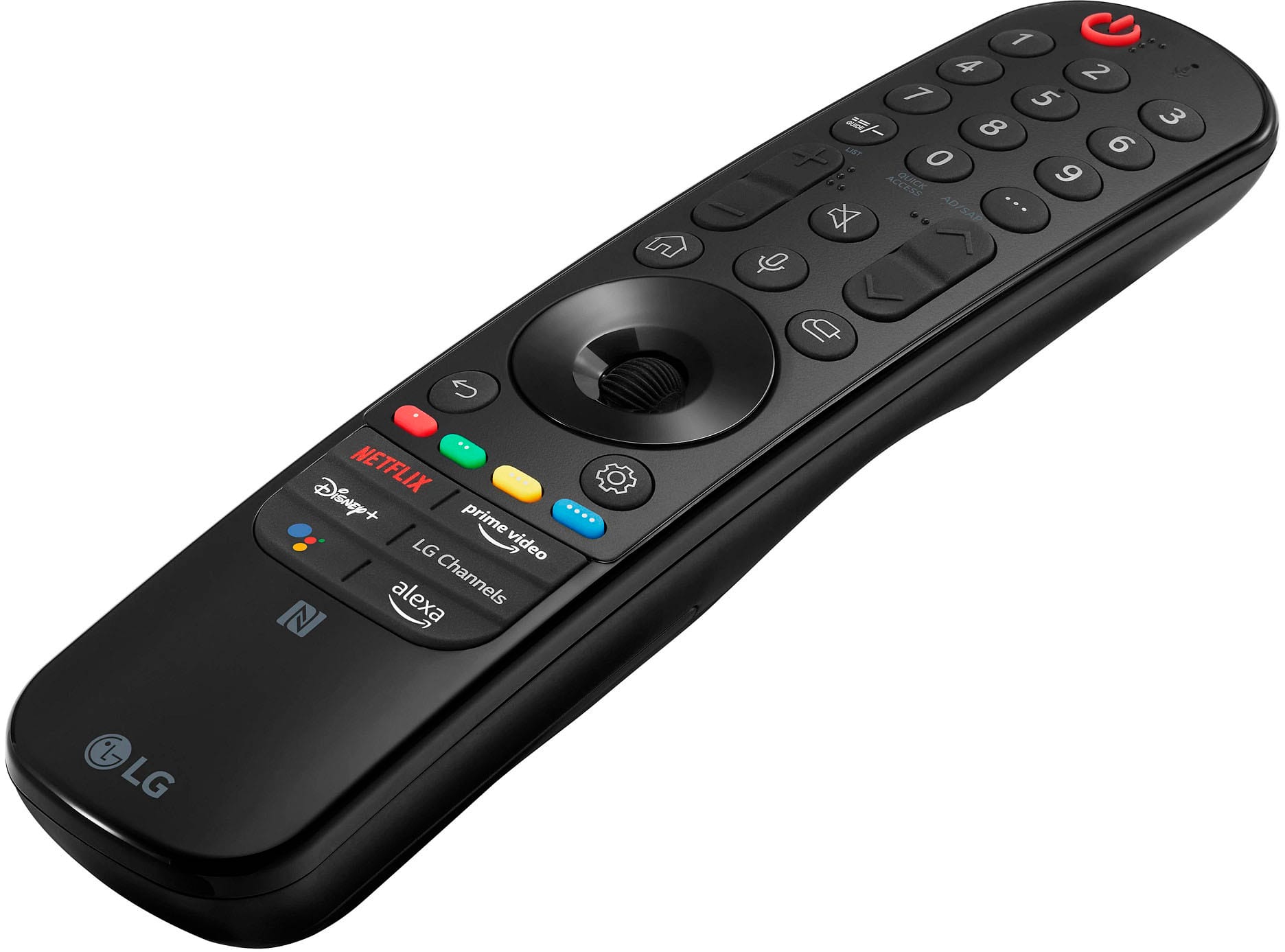
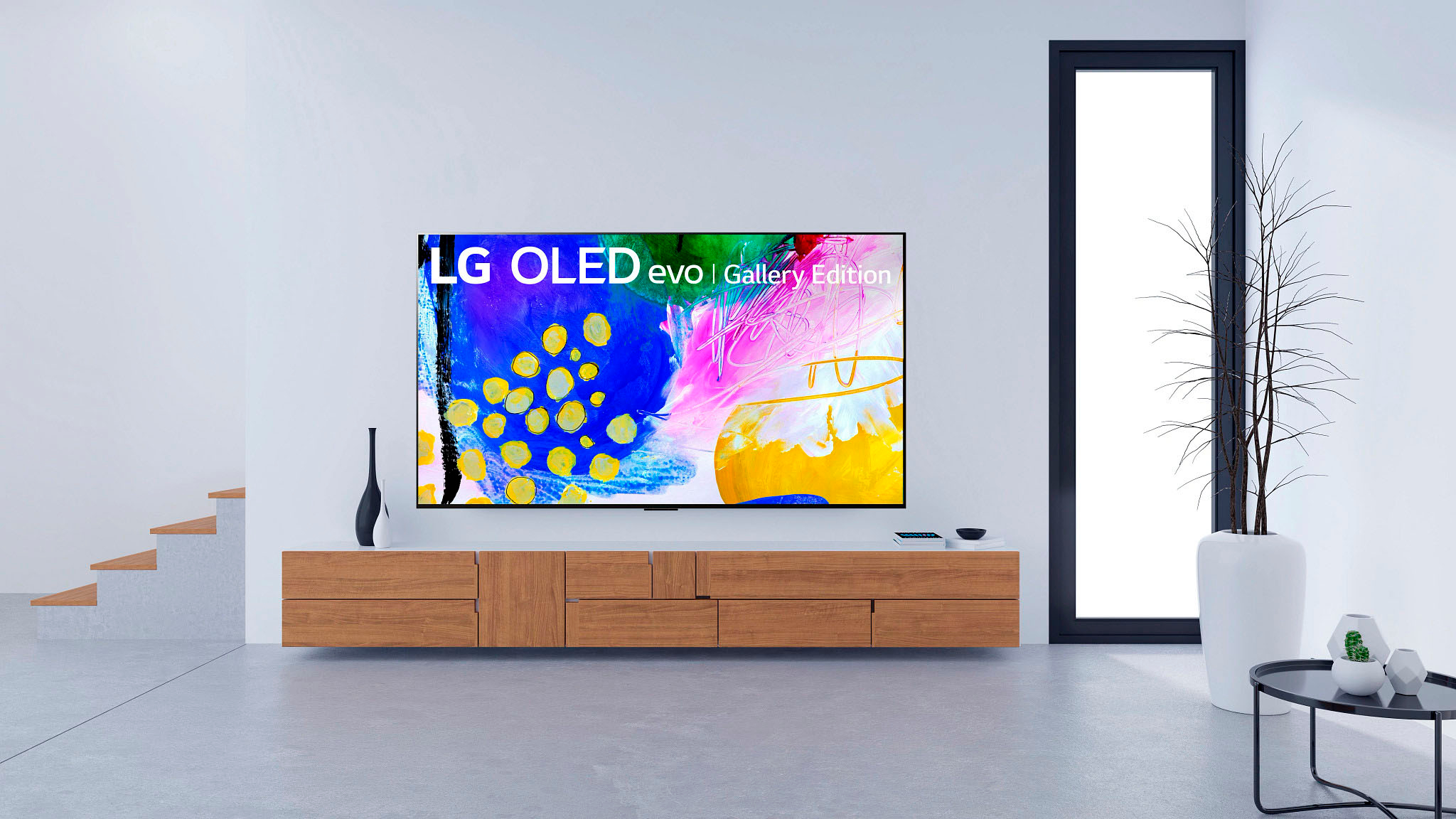
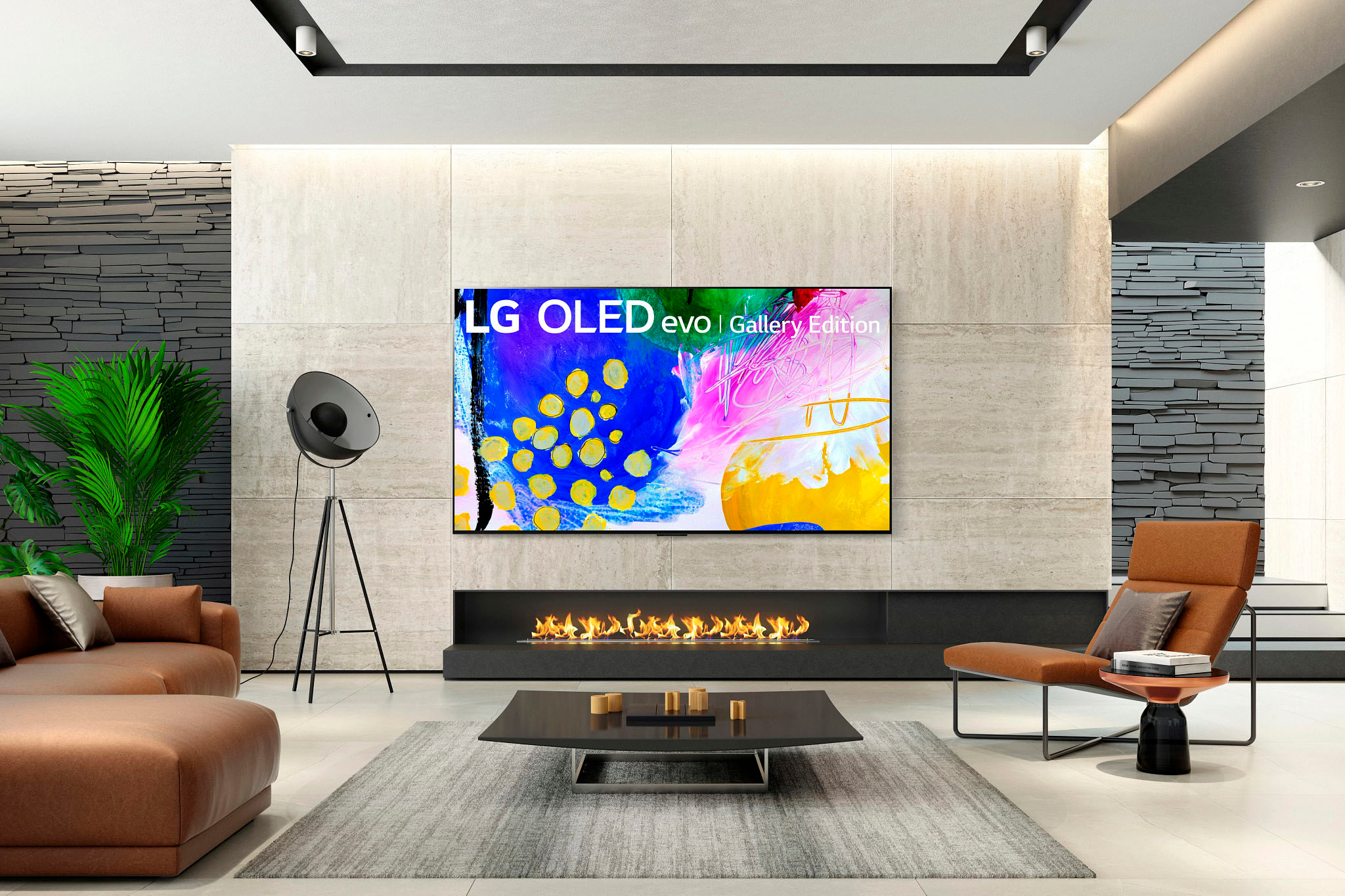
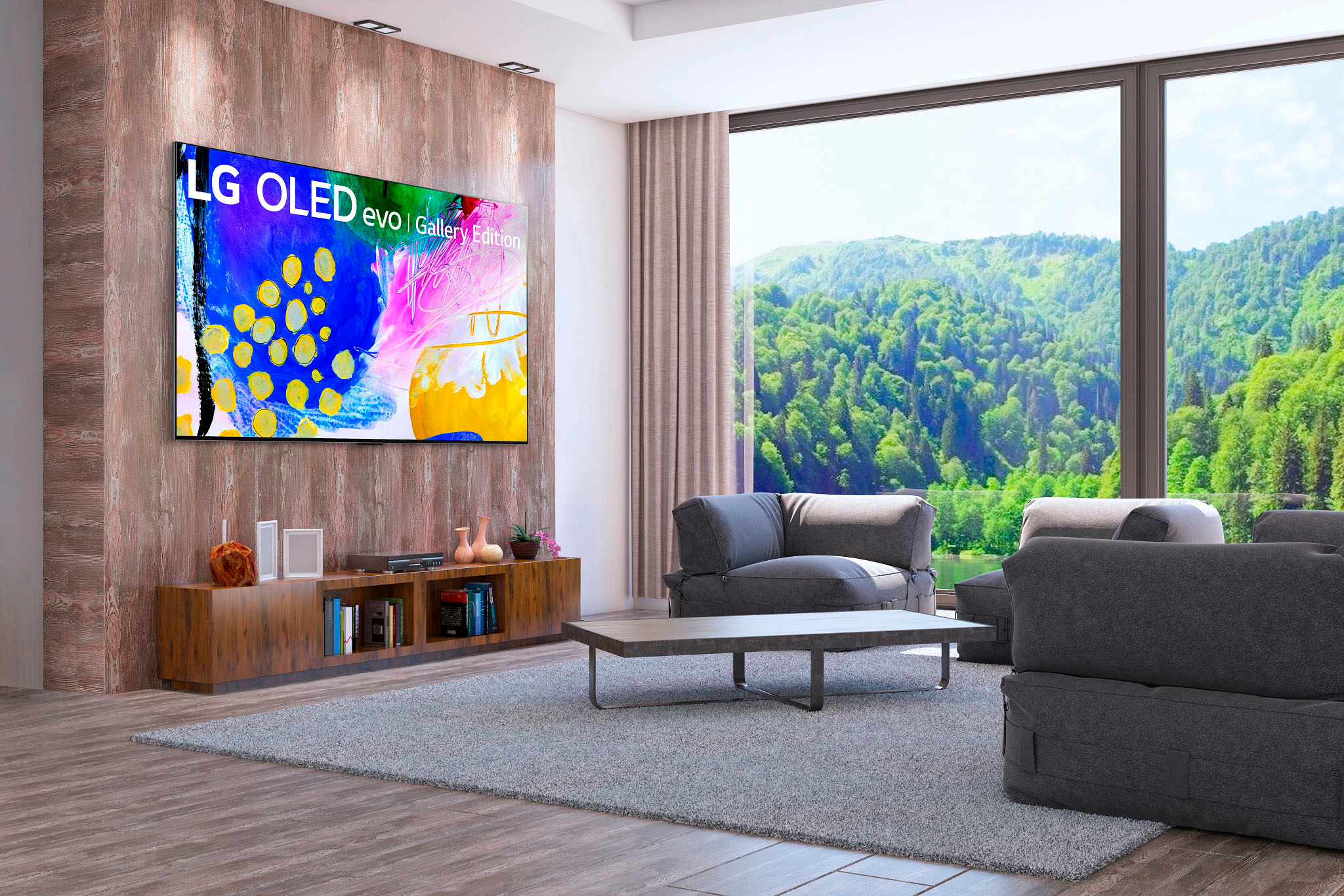
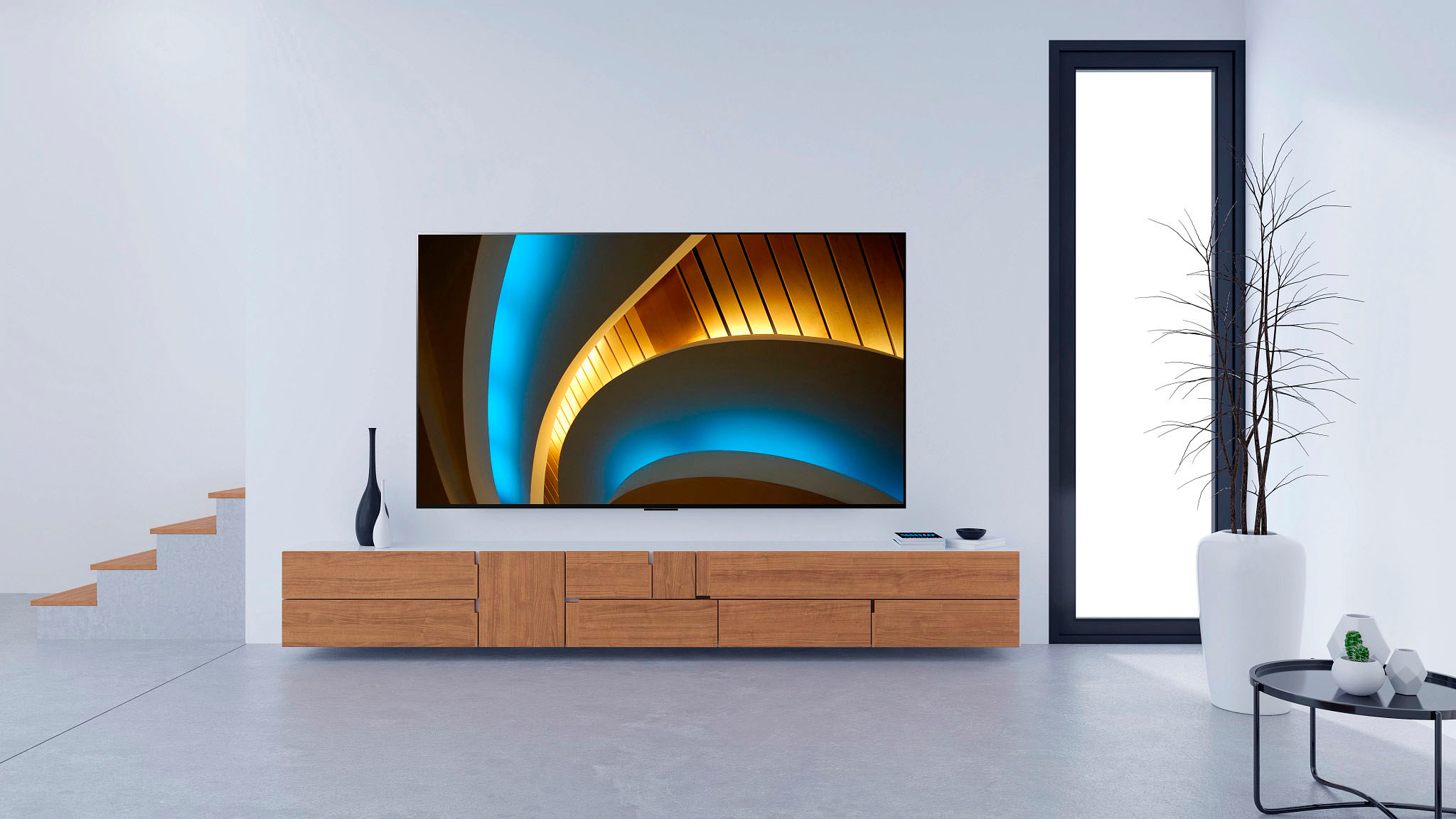
A:AnswerHi! Yes, this option is available from Best Buy's Geek Squad. Once you add the TV (model OLED97G2PUA) to your cart, this will be available under additional options. Alternatively, you can check out the following link: shorturl.at/yBJP7. ^Chris
A:AnswerHi there. Thank you for sharing your experience with your LG OLED TV model OLED97G2PUA. We understand your inquiry about reflections when viewing in a room with light. OLED panels use a glossy finish, which can reflect ambient light or objects in the room; however, the G2 series incorporates an anti-reflective coating that significantly reduces the intensity of direct reflections, making it perform well even in brighter environments. That said, in very bright conditions or when strong light sources (like windows or overhead lights) fall directly on the screen, you may still notice faint reflections or glare, especially during darker scenes.
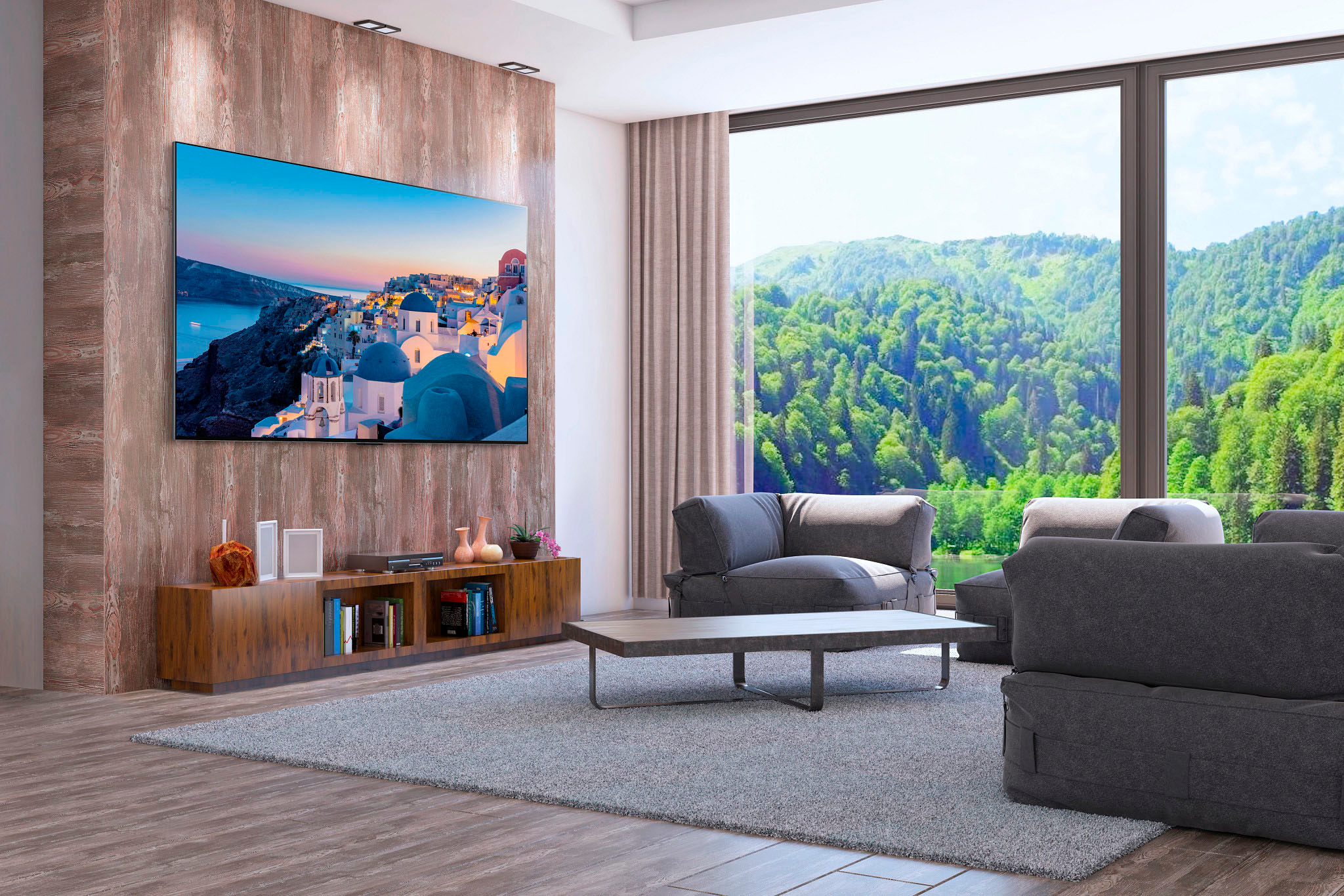
To optimize viewing, we recommend positioning the TV so that no direct light shines onto the screen (for example, avoid placing it directly opposite a window) and consider using soft ambient or bias lighting to reduce contrast between screen brightness and surroundings. Adjusting the picture settings—such as slightly increasing OLED brightness or black level settings when in a brighter room—can help maintain visibility of dark details without overly amplifying reflections. If room lighting is particularly intense, using curtains or blinds during peak daylight can further minimize reflections and improve overall picture contrast.
https://www.bestbuy.com/site/lg-97-class-g2-series-oled-evo-4k-uhd-smart-webos-tv-with-gallery-design-2022/6519621.p?skuId=6519621
If you’d like personalized guidance for your room setup or have additional questions about optimizing your viewing environment, please send us a private message on Social Media @LGUSSupport with details about your room layout and lighting conditions (photos can be helpful). Our team will be more than happy to explore solutions tailored to your space. We appreciate your patience. —Renzo
A:AnswerThank you for your interest in the LG Smart webOS TV. To safely install a wall mount for a large TV like the LG OLED97G2PUA, follow these steps:
•Check the weight capacity of the wall mount to make sure it can support your TV.
•Locate and screw the mount into studs for maximum stability.
•Use a level to ensure the mount is straight.
•If needed, consider adding additional support by reinforcing the wall or consulting a professional for expert advice.
If problem persist, please reach out to us on social media @LGUSSupport so we can help you further. ^Cris
A:AnswerHi, there! To check our affiliated stores that have the Gallery Floor Stand of the LG 97" Class G2 Series OLED Evo 4K UHD Smart WebOS TV with Gallery Design (OLED97G2PUA) in stock, please visit this link and click the "Where to Buy" tab: https://www.lg.com/us/tv-audio-video-accessories/lg-fs21gb-tv-stand
A:AnswerHi there. Stand Width (Optional stand, sold separately):65.3"--G97 and part number is SQ-G2DT97. While for the G2 83 inch Stand Width 19.7" Sold separately . ^Vanessa