Questions & Answers
- Model:
- FH6
- |
- SKU:
- 5560900
Highly rated by customers for: Sound Quality, Bluetooth, Volume
Page Showing 41-53 of 53 questions
Q: QuestionWhy I can’t not input my tv
Asked by Tho.
- A:Answer It is not possible to route TV audio to the speaker unless the TV supports Bluetooth.
Answered by CommunityAnswer
Q: QuestionI lost my remote for this speaker. I am having trouble finding a part number, and I can not find the remote anywhere. Does anyone know where I can get one?
Asked by volk1234.
- A:Answer I have called Lg and all their authorized parts dealers. No one is able to look up the part number for the remote, or order it. I have been looking for two months, ordering and sending back remotes. Lg part AKB74955322 is the closest there is. There is one button on the original remote that has * instead of PTY. All the functions seem to work with the AKB74955322 remote. Attached is a picture of the AKB74955322 remote.
Answered by volk1234
Q: QuestionIf I buy two of these can I use them as speakers for my LG tv?
Asked by Hurley09.
- A:Answer Hi Hurley09. If your LG TV supports Bluetooth, then it can be paired with the LG 600W LOUDR Speaker System with Bluetooth Connectivity, Model # FH6 so you can stream audio to the speaker via Bluetooth. The only other connection on the speaker is the AUX IN (L/R) that can be connected to either the headphone jack of an LG that has a headphone jack on it or an older LG TV that has L/R analog RCA stereo audio ports on it. You can only connect one speaker to that type of port and the TV may not allow multi-pairing via Bluetooth so you would only be able to connect one speaker via Bluetooth...^IFV
Answered by LG Digital Customer Care

Q: QuestionIf it has no tweeters or midranges how does the sounds like for treble
Asked by Anonymous.
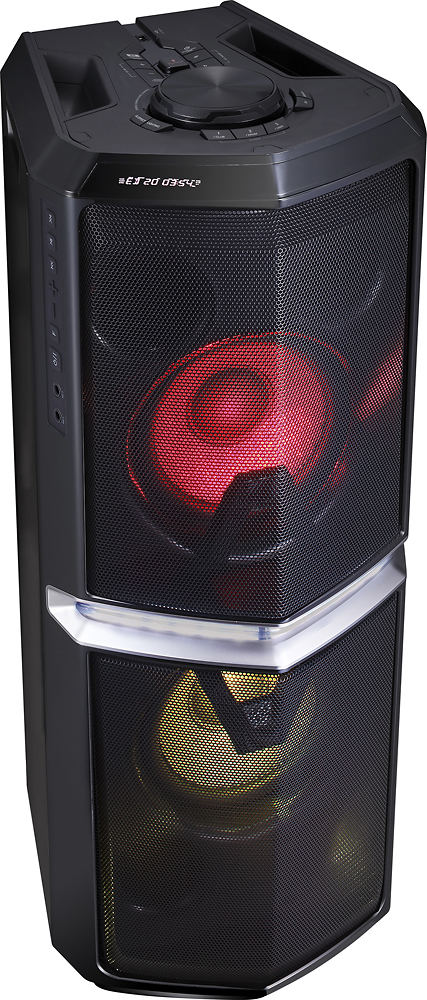
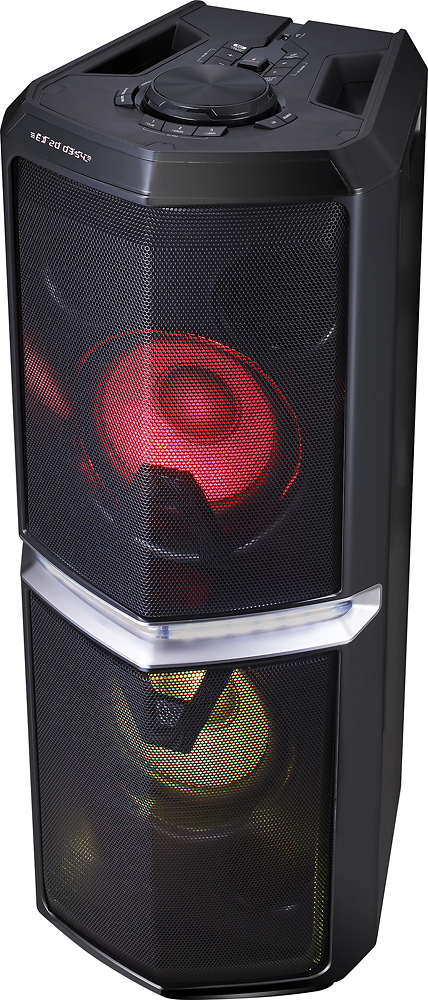
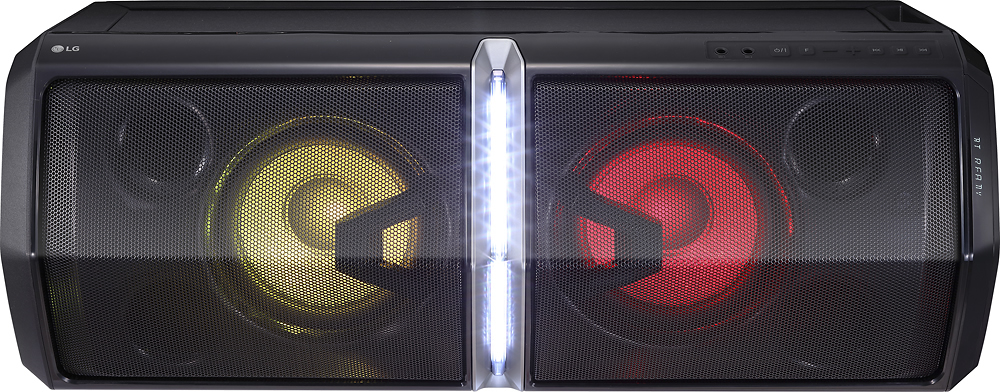
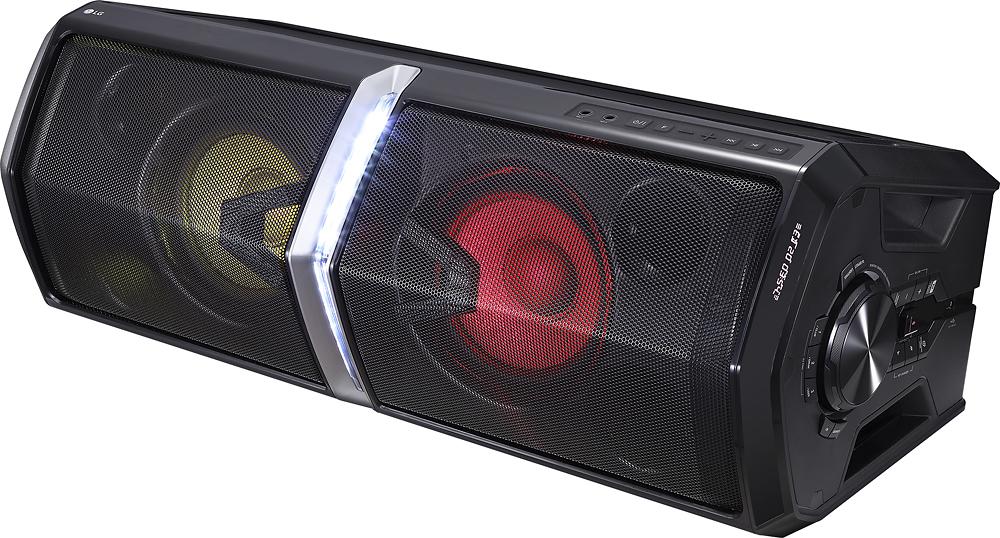
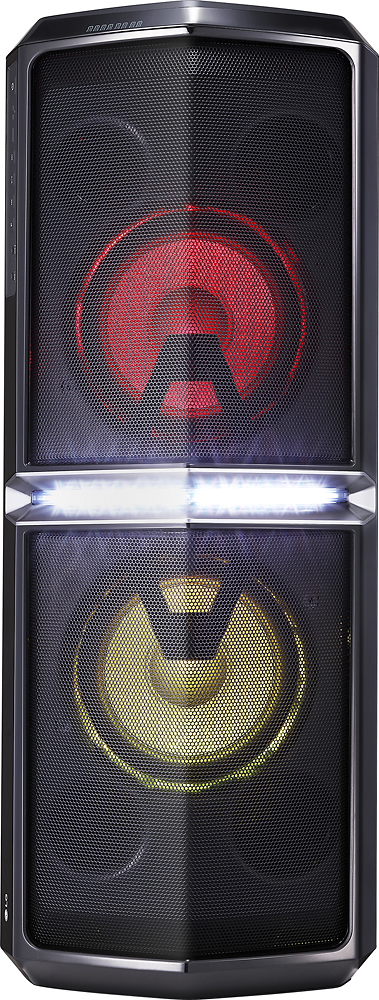
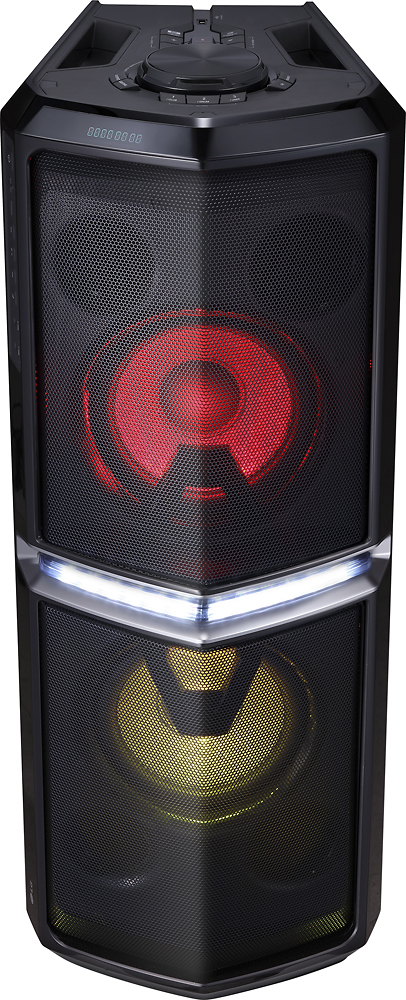
- A:Answer This unit is a 2 way design. It has two tweeters and two woofers.
Answered by MIXMASTERICE
Q: QuestionCan I plug an iPod into it for some of my older playlists and will I lose volume because its hooked with a wire??
Asked by Brian.
- A:Answer I also tested with wire for some reason Bluetooth connection has a better quality sound.
Answered by Kikoman
Q: QuestionIt will work off of laptop or iphone for PANDORA?
Asked by Tina.
- A:Answer Yes it will. Since it connects via bluetooth, it will work for any bluetooth audio output you have. We use it for Pandora off of our iPhones and iPad for working out and parties. Our Chromebook has also played on it via bluetooth as well.
Answered by vtrider001
Q: QuestionWill this work with TV remote for volume? Also will it work so tv speakers are working up front and this speaker in rear?
Asked by danodanna.
- A:Answer No and No.
Answered by MIXMASTERICE
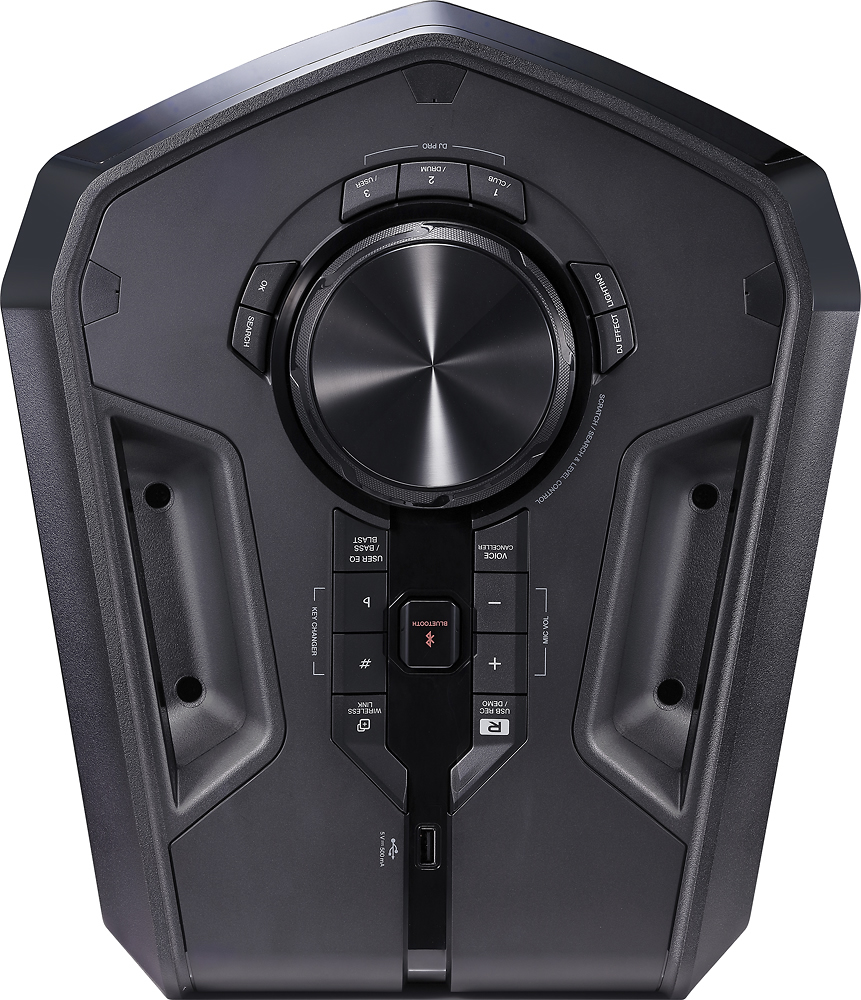
Q: Questionwhere to find the echo setting for microphone ?thank you
Asked by Anonymous.
- A:Answer We do not list an echo as a setting available for the microphone. ^CP
Answered by LG Digital Customer Care

Q: QuestionDoes this LG FH6 system come with a remote?
Asked by Smiley1.
- A:Answer Yes
Answered by smileylee
Q: QuestionHow large and heavy is the actual unit
Asked by Romeo.
- A:Answer This unit is decently heavy. Has 2 handles and my wife was able to carry it but did mention it is pretty heavy.
Answered by RickJ
Q: QuestionCan i link two fh6 wireless speakers together . If so how do u do it
Asked by Tony.
- A:Answer Yes, two speakers can be linked. For instructions on how to do this please refer to page 38 of the owner's manual https://www.lg.com/us/support-product/lg-FH6 ^CP
Answered by LG Digital Customer Care

Q: QuestionHi,I purchase one few months that is hooked to the TV using the AUX port on the back of the speaker. If i buy another one, will i need to hook the second speaker to the TV same way as first one for audio? or With Wireless link both will play audio? Thnx
Asked by Harry.
- A:Answer Both will play.
Answered by Dan04457
Q: Questionis there any echo or reverb controls for the mics that i plug in, or how do i get echo to work over a mic
Asked by davet.
- A:Answer We do not list an echo as a setting available for the microphone. If you are in need of any assistance, have additional questions, or would just like to see our helpful tips, check us out on Twitter @LGUSSupport or you can give us a call at 800-243-0000. ^CP
Answered by LG Digital Customer Care

Page 3, Showing 41-53 of 53 questions