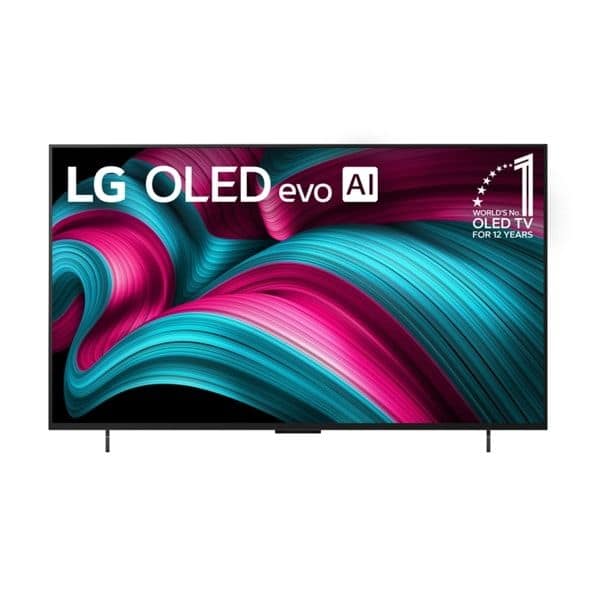
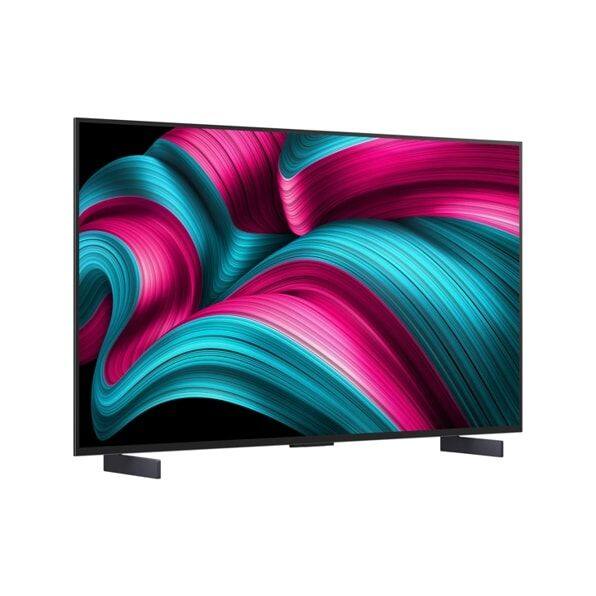
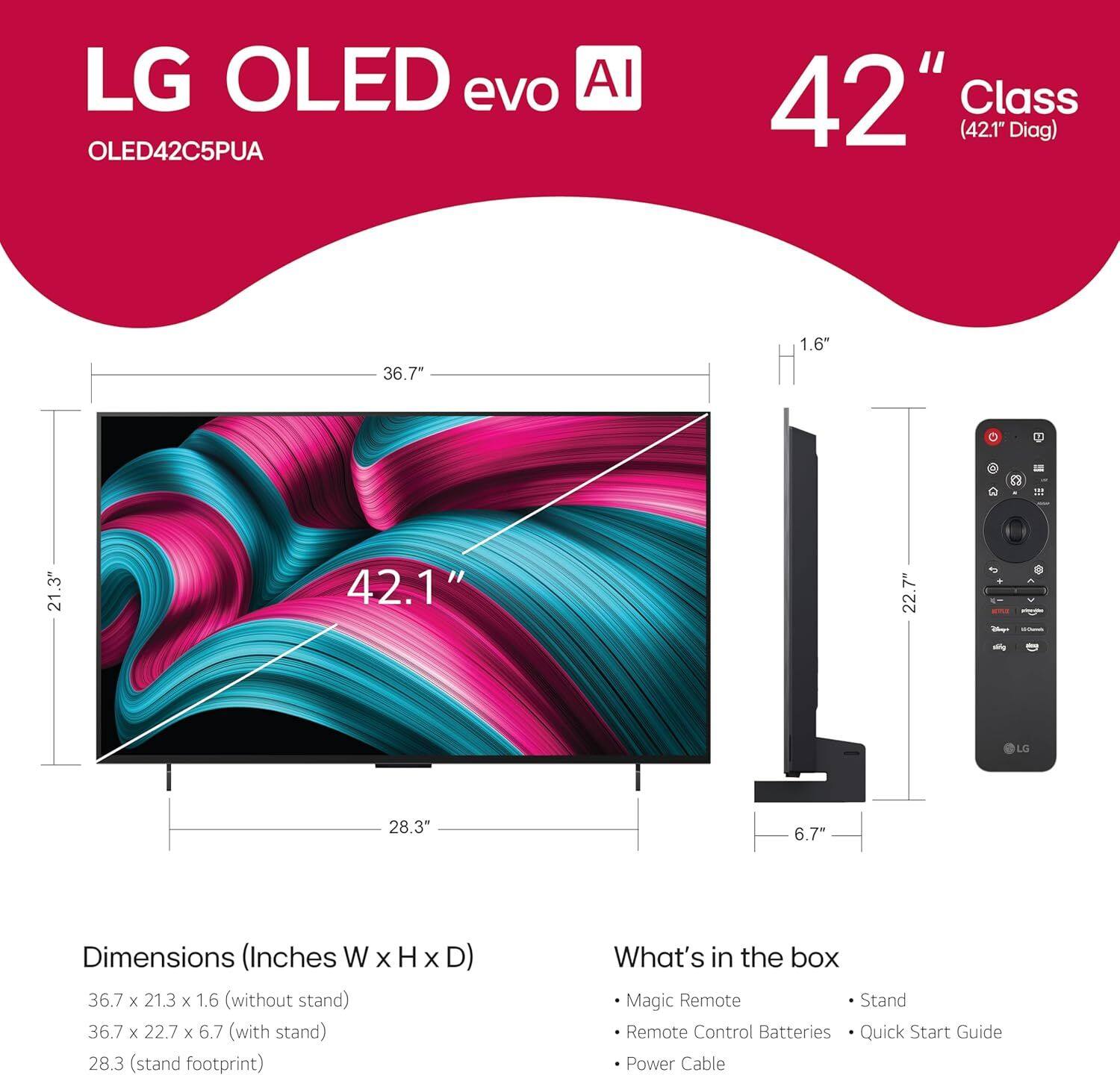
A:AnswerHi there, Kim. Thank you for sharing your question with us. We understand your inquiry regarding the OLED42C5PUA TV. To answer your question directly, Firefox is not available for download on this unit. However, you can easily connect to the internet and stream or browse websites using the TV's built-in Web Browser. To access it, simply press the Home button on your remote and select the Web Browser app. Your feedback is important, and we'd like to assist you further.
LG TV - How to Use the Web Browser - https://www.lg.com/us/support/help-library/lg-tv-how-to-use-the-web-browser--20153257222107
If you have any further questions about its features, please contact us on [email protected], and our team will be more than happy to assist you. —Renzo
A:AnswerHi there. We understand your inquiry about connecting the LG OLED evo C5 4K Smart TV, Model #OLED42C5PUA, to a Samsung Sound Tower.
The LG OLED TV, Model #OLED42C5PUA, is designed with multiple connection options and should be able to connect to a Samsung Sound Tower. You have a few options to establish this connection:
HDMI eARC (Recommended): Connect an HDMI cable from the Sound Tower's HDMI Out (or TV ARC/eARC) port to the TV's HDMI 2 port, which supports eARC (Enhanced Audio Return Channel).
Bluetooth: Use the TV's built-in Bluetooth (v 5.3) to connect wirelessly.
Optical Digital Audio Out: Use an optical cable to connect the TV's SPDIF (Optical Digital Audio Out) port to the Sound Tower.
https://www.bestbuy.com/product/lg-oled42c5pua-42-4k-oled-ultra-hd-smart-tv-with-a9-ai-super-upscaling-2025/JJ8VPZWHL9
We can guide you step-by-step through the connection process using the TV's sound settings. Please contact us on [email protected], and our team will be more than happy to assist you.
—Renzo