Save up to 50% on 3-Day Sale deals.Ends 12/7.Shop now

Skip to content
Gift Ideas
Main Content

Questions & Answers

Your price for this item is $949.99
Clearance
The comparable value price is $999.99
Page Showing 41-60 of 121 questions
  • QuestionCan this be wall mounted?

    Asked by Anonymous.

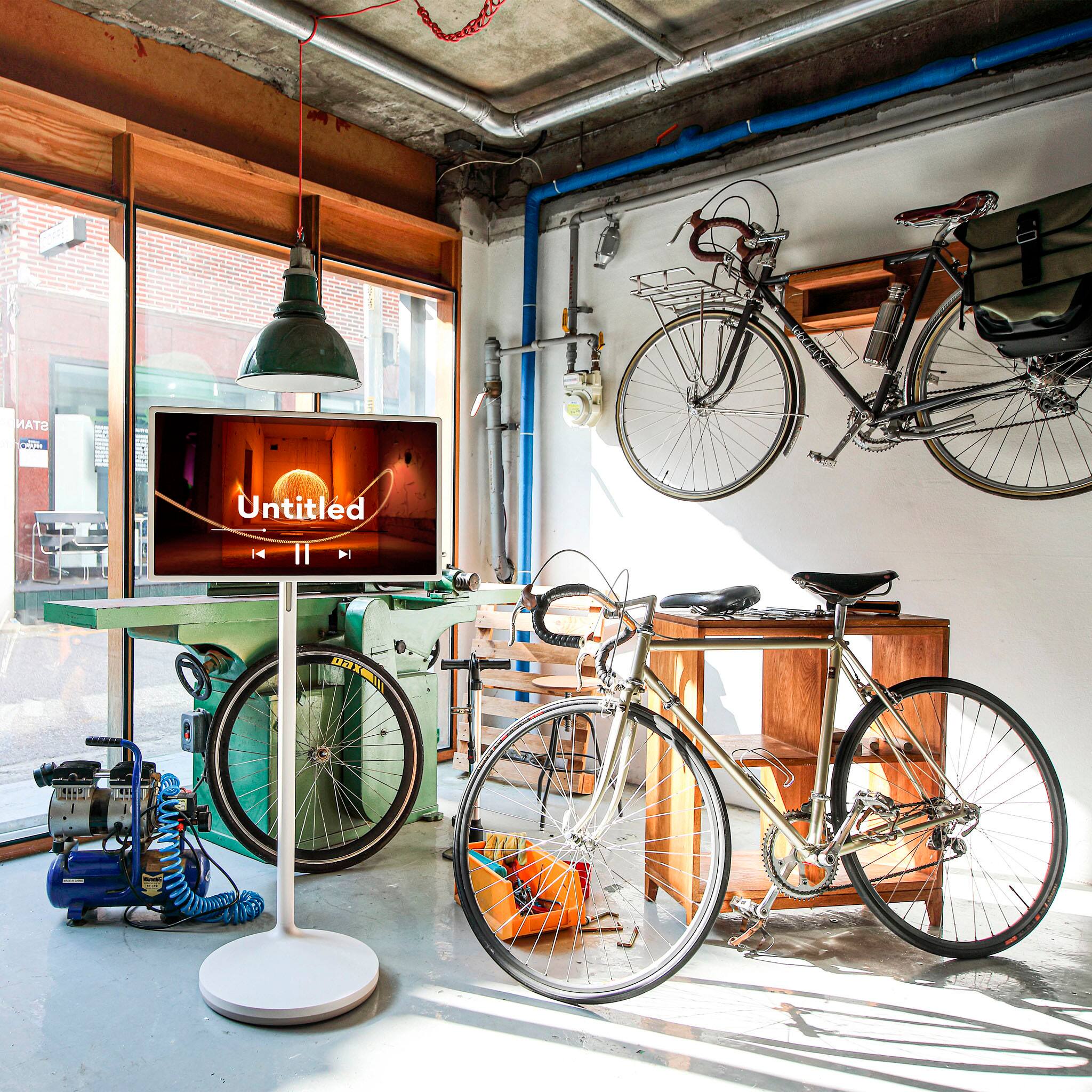
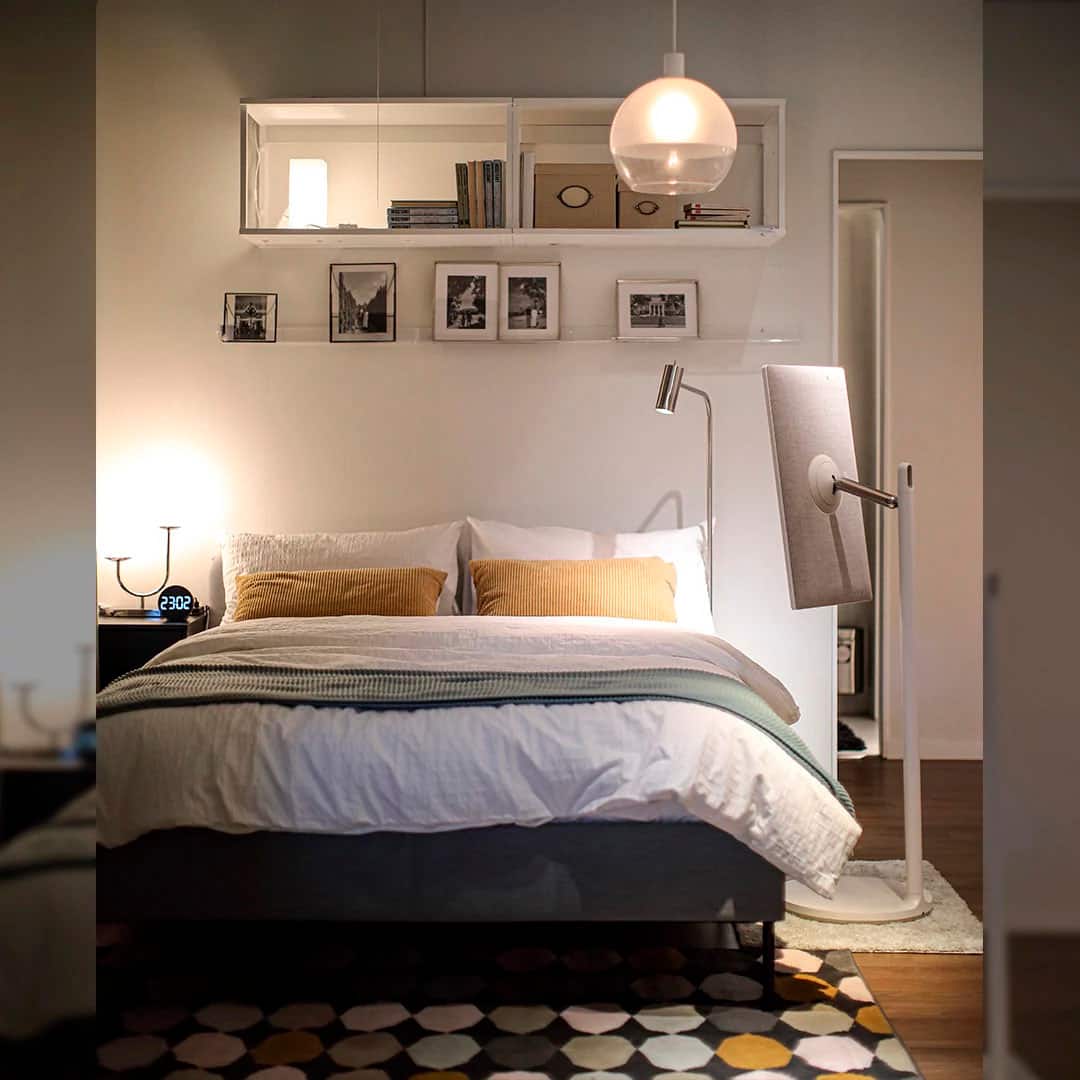
    • Answer Yes but not being wallmounted is the whole point of the tv. Rolling it around

      Answered by AngelaP

  • QuestionI didn't receive the user manual and controller?

    Asked by Nick0801D.

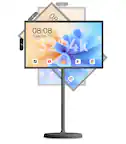
    • Answer Hi there, Nick. Thank you for choosing the LG 27ART10AKPL Lifestyle Screen! We understand how important it is to have all the necessary accessories included with your purchase. This model should come with a remote control, remote control batteries, power cable, quick start guide, and an e-manual. If any of these items are missing, we recommend reaching out to the BestBuy directly where you purchased the product or contacting us directly for assistance. https://www.bestbuy.com/site/lg-stanbyme-27-class-led-full-hd-smart-webos-touch-screen-2022/6525168.p?skuId=6525168 Please send us a private message on social media @LGUSSupport, and we’ll be happy to help resolve this for you. —Renzo

      Answered by LG Digital Customer Care

  • QuestionDid anyone use this to travel to events? I want to know what you used to put it in to travel.

    Asked by NIV2024.

    • Answer Hello there, thank you for reaching out! We understand that you're interested in traveling with your LG 27ART10AKPL lifestyle screen to events. This model is portable but does come with a size and weight that may require extra care when traveling. Based on your needs, many users recommend using a padded carrying case or a large travel bag with sturdy protection to secure the display during transit. Be sure to choose one that can accommodate the screen's dimensions (24.4" x 14.2" x 1.2" without the stand) and provides sufficient cushioning to protect it from bumps or drops. Additionally, if you're using the stand, consider removing it before traveling to reduce the overall size and weight of the package. https://www.lg.com/us/lifestyle-products/lg-27art10akpl-lifestyle-screen#pdp_specs Please send us a private message on Social Media @LGUSSupport if you'd like more specific recommendations on cases or other accessories. We’re here to assist you and explore any further solutions. We appreciate your patience! —Renzo

      Answered by LG Digital Customer Care

  • QuestionCan it be used while plugged in and battery charging? Can it be used if the battery is dead and you directly plug in to wall?

    Asked by Z.

    • Answer Yes

      Answered by AngelaP

  • QuestionDoes it have a virtual keyboard and Internet browser?

    Asked by john2286.

    • Answer Hi there, John. Thank you for your question about the 27ART10AKPL Lifestyle Screen. We understand that having access to a virtual keyboard and internet browser can significantly enhance your experience. The 27ART10AKPL does indeed feature a full web browser as part of its webOS 6.0 operating system, giving you access to browse the internet with ease. As for the virtual keyboard, while it doesn’t specifically mention a built-in virtual keyboard in the specs, webOS typically includes an on-screen keyboard that allows you to type and navigate through web pages and apps. Additionally, you can enjoy other smart features like streaming apps (Netflix, Prime Video, YouTube) and more, directly from the device. If you need assistance on how to access these features or have further questions, please feel free to send us a private message on Social Media @LGUSSupport. We're here to help! —Renzo
      Answered by LG Digital Customer Care

  • Question2 Questions. 1. is this a touchscreen? Reading the reviews, some say it does not have this capability. 2 Is the brightness adjustable?

    Asked by Mimi.

    • Answer Hi there, Mimi! Thank you for your questions about the 27ART10AKPL monitor. To address your first question, yes, this model features an intuitive touch display that allows you to take full control with the tap of a finger. As for your second question, the brightness is indeed adjustable! You can easily modify the brightness settings through the on-screen display menu to suit your preferences. You may access this link related to your concern: https://www.lg.com/us/support/help-library/lg-monitor-how-to-adjust-screen-brightness--20153186700654. If you have any further questions or need assistance with settings, please feel free to reach out via private message at @LGUSSupport. We’re here to help! —Avril

      Answered by LG Digital Customer Care

  • QuestionCan I use this TV to pick up Apple TV directly or will I be required to have an Apple TV device (with power cord) attached?

    Asked by LarryA.

    • Answer Hi there! Thank you for your question about the 27ART10AKPL TV. This model is compatible with Apple TV, but you will need to have the Apple TV device connected separately to enjoy its features. The TV does not have built-in Apple TV functionality, so a separate device with a power cord is required. If you have any further questions or need assistance, please feel free to send us a private message on Social Media @LGUSSupport—we’re here to help! —Avril

      Answered by LG Digital Customer Care

  • QuestionHow can we set it up if the remote is missing, we are stuck at the very first page where the screens prompts two options of either set up with mobile or thru the device. It seems like we cannot connect it to the LG thinkQ app either.

    Asked by Chris.

    • Answer Hi there, Chris! Thank you for your question about setting up the 27ART10AKPL without a remote. To proceed, try connecting via the LG ThinQ app by ensuring both your device and the unit are on the same Wi-Fi network. If this doesn't work, check for physical buttons on the unit to navigate manually, or consider ordering a replacement remote. If you need further assistance, feel free to send us a message on social media at @LGUSSupport, and we’ll be happy to help! —Avril

      Answered by LG Digital Customer Care

  • QuestionI am in emergency mode and cannot get out of it. Isn't there any tips on how to get out of emergency mode. I have tried for 2 weeks. Can you please help me out?

    Asked by Jan.

    • Answer Hello there. We understand how challenging it can be to deal with Emergency Mode on your LG 27ART10AKPL. Let's try to get this resolved for you. Here are a few steps to help you exit Emergency Mode: Restart the Monitor: Completely power off your monitor and unplug it from the power source. Wait a few minutes before plugging it back in and powering it on. Check for Software Update: If the monitor is still in Emergency Mode, try connecting it to a PC or another device to see if any firmware updates are available that could reset the issue. Perform a Factory Reset: If the menu is accessible, go to the Settings. Find the General tab and look for Factory Reset. Select it to reset the monitor to its original settings. Use LG's ThinQ App: If this monitor is compatible with the LG ThinQ app, try connecting through the app and navigating to the settings to check for any emergency mode exits or reset options. If these steps don't help, please send us a private message on Social Media @LGUSSupport, and our team will work with you directly to resolve this issue. —Renzo

      Answered by LG Digital Customer Care

  • QuestionCan this be used with the Cox Contour app? We have Wi-Fi available so we may be able to use this even if the answer is negative

    Asked by Calvin.

    • Answer Hi, Calvin! Thank you for your question about the LG 27ART10AKPL TV. While this model does not natively support the Cox Contour app, you can still use it with your Wi-Fi connection by utilizing streaming devices or external media players that support the app. Connecting a device like a Roku, Amazon Fire Stick, or Apple TV to your TV will allow you to access the Cox Contour app and enjoy your content. If you need further assistance with setup or have any additional questions, please send us a private message on Social Media @LGUSSupport or call us at 1-800-243-0000. We’re here to help! We appreciate your time and feedback! —Avril

      Answered by LG Digital Customer Care

  • QuestionCan I buy this product in the US and use it in Korea?

    Asked by JJJ.

    • Answer Hi there, the LG Model 27ART10AKPL is a product that might have specifications suited for a particular region. To determine if you can buy this product in the US and use it in Korea, consider the following factors: Voltage and Frequency: Ensure the product’s voltage and frequency specifications are compatible with the electrical standards in Korea. The US typically uses 120V/60Hz, while Korea uses 220V/60Hz. You may need a voltage converter if there is a difference. Plug Type: Check if the plug type is compatible with Korean outlets. You may need an adapter if the plug types differ. Warranty and Support: Verify if the product’s warranty and support services are valid internationally, as some products have region-specific warranties. Product Compliance: Ensure the product complies with Korean regulations and standards. For specific details on compatibility and to get accurate information, please send us a private message on social media @LGUSSupport, and we’ll be happy to assist further! —Renzo
      Answered by LG Digital Customer Care

  • QuestionI bought LG StandbyME from Korea. There seems to be a problem at the connection point between the power cord and the TV, the round input area where you plug in the power cord and make the 'tik' sound. Where can I get repairs done? I am in Connecticut.

    Asked by JHKIM.

    • Answer Hello there, thank you for reaching out about your LG StandbyME Model 27ART10AKPL. If you’re experiencing issues with the power connection point, here’s how you can get it repaired: Authorized LG Service Centers: Locate an LG authorized service center near you in Connecticut. You can find this information on the LG website under the “Support” section by entering your ZIP code. Contact LG Customer Service: For assistance in setting up a repair or finding a nearby service center, you can reach out to LG’s customer service. They can provide guidance on getting your product repaired. International Warranty: Since the product was purchased in Korea, ensure that your warranty covers international repairs. If not, inquire about repair options and any associated costs. For further assistance or if you need help finding a service center, please send us a private message on social media @LGUSSupport, and we’ll be happy to assist you! —Renzo
      Answered by LG Digital Customer Care

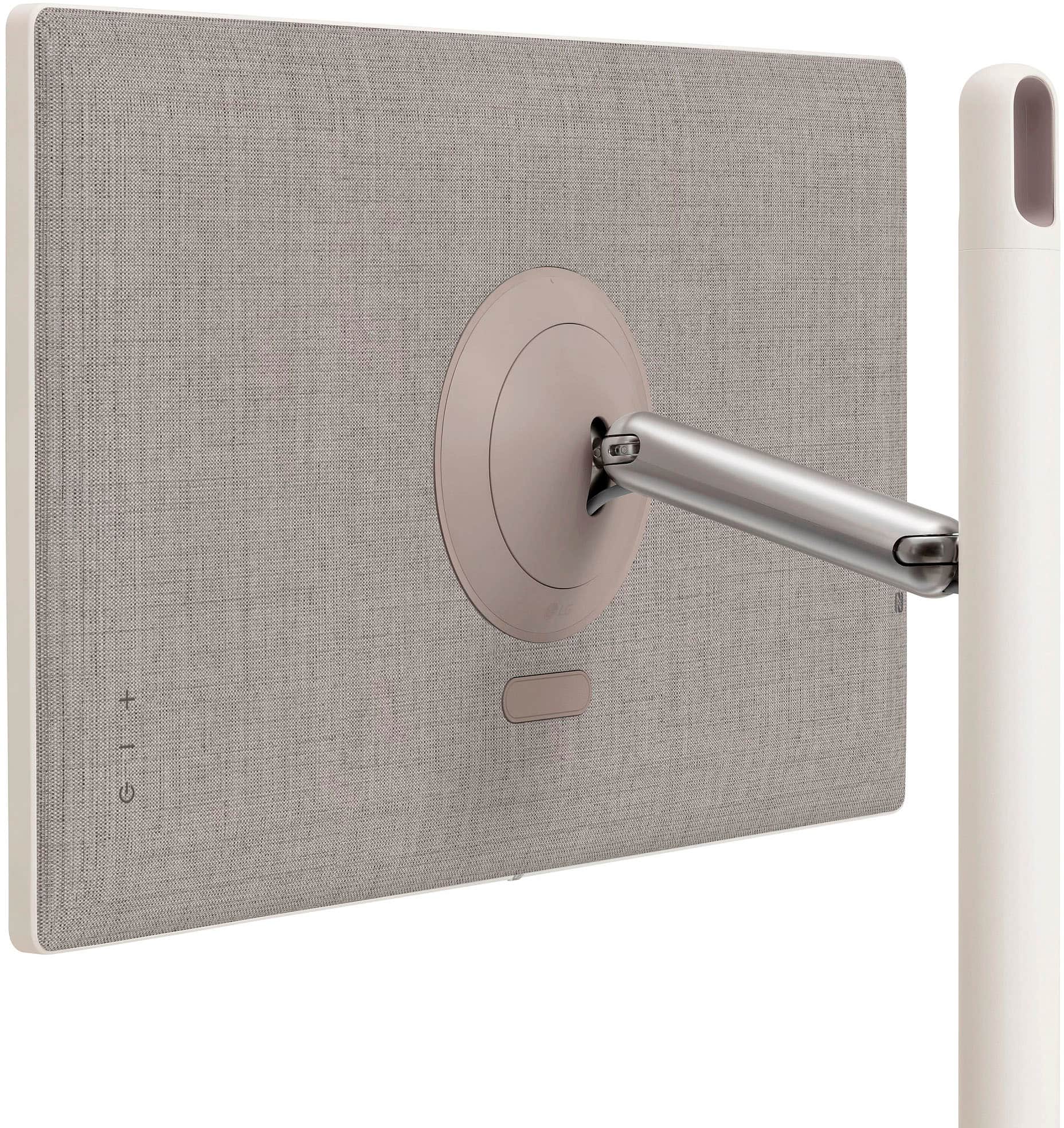
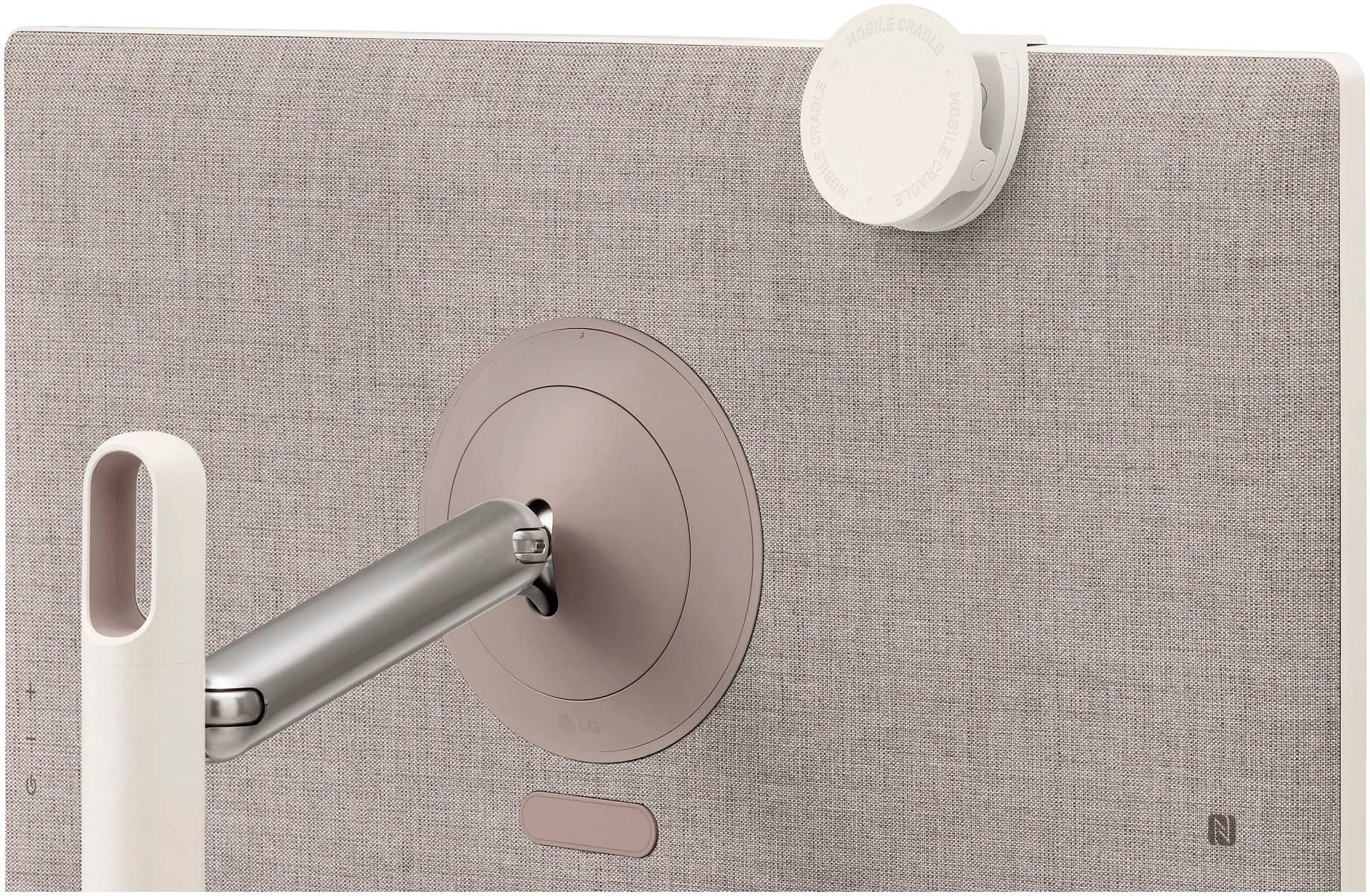
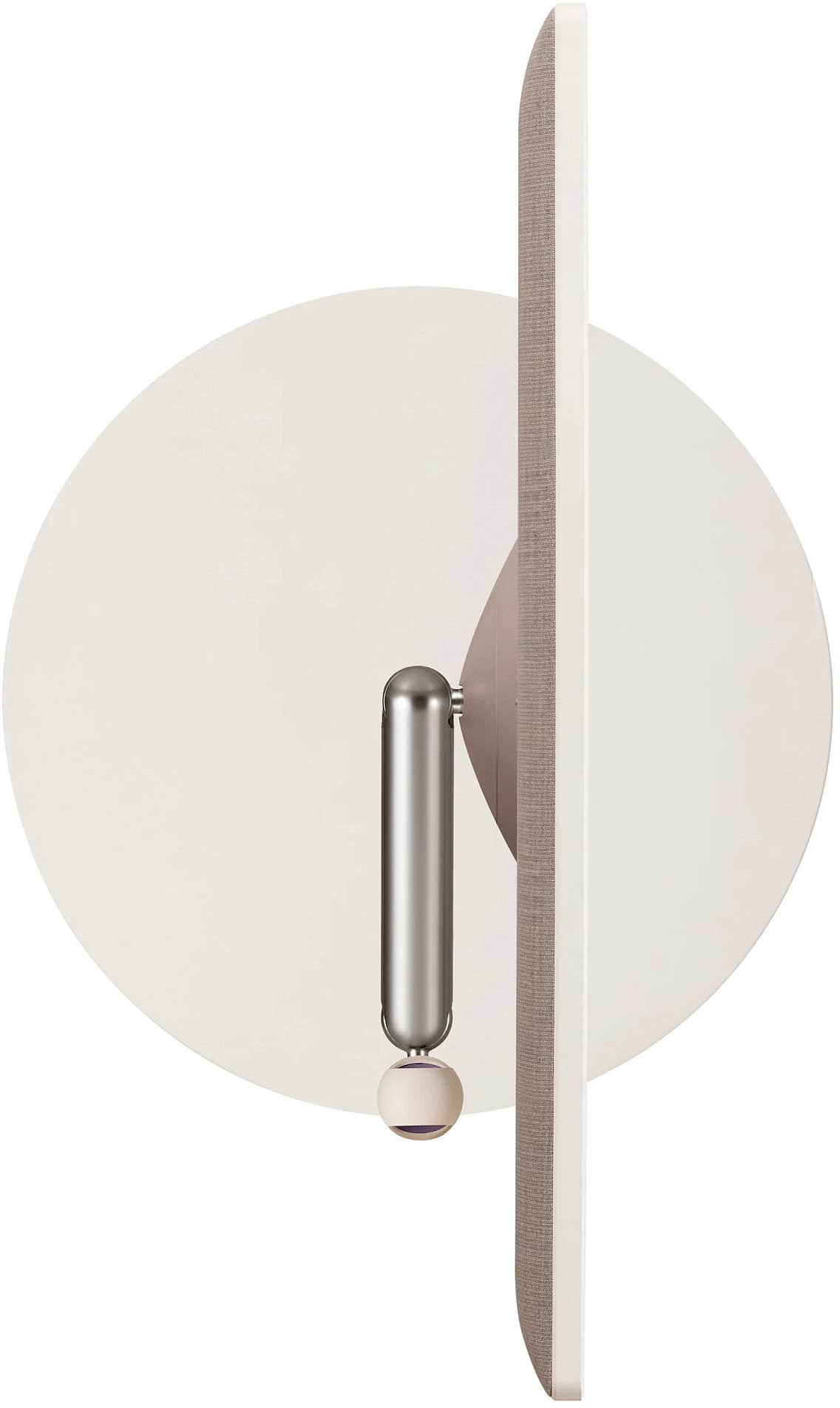
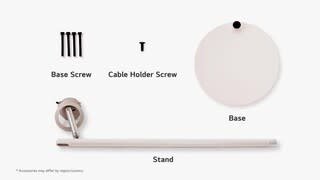
  • QuestionI bought an open box version and we are having trouble mounting the screen…is our silver mounting bracket oriented the wrong way? I feel like it is but I can’t figure out how to turn it.

    Asked by BeckyM.

    • Answer Hello there. Thank you for reaching out regarding your LG 27ART10AKPL TV. We understand that you're having trouble mounting the screen, especially with the silver mounting bracket. It's possible that the mounting bracket could be oriented incorrectly, which might be causing the difficulty you're experiencing. Here’s a step you can try to resolve the issue: Check the Orientation: Ensure that the bracket is positioned correctly, with the labeled "top" side facing upwards. The bracket should align with the mounting holes on the back of the TV. Reposition the Bracket: If you suspect the bracket is in the wrong position, try loosening the screws that attach it to the TV. Carefully rotate or flip the bracket to see if it aligns better with the mounting points. Consult the Manual: If available, refer to the user manual or installation guide for your specific model, as it may have detailed instructions and diagrams that can guide you through the process. If these steps don’t resolve the issue, or if you need more personalized guidance, please send us a private message on social media @LGUSSupport. We can provide additional support to ensure your TV is safely and securely mounted. We appreciate your patience and are here to help you every step of the way. —Renzo
      Answered by LG Digital Customer Care

  • QuestionCan you use a Roku streaming stick in this tv to stream channels ?

    Asked by Rokucapability.

    • Answer Hi there, Thank you for reaching out! We understand your interest in using a Roku Streaming Stick with the LG 27ART10AKPL TV. You’ll be happy to know that the LG 27ART10AKPL is equipped with HDMI ports, allowing you to easily connect a Roku Streaming Stick. Once connected, you can enjoy streaming your favorite channels and content seamlessly. If you encounter any issues or need further assistance with setup, feel free to send us a private message on social media @LGUSSupport. We’ll be glad to assist you! We appreciate your patience and thank you for choosing LG. —Renzo
      Answered by LG Digital Customer Care

  • QuestionDoes this device have a remote.

    Asked by Julie.

    • Answer Thank you for reaching us regarding LG Smart webOS. Yes, the LG 27ART10AKPL device does come with a remote control. You can download its owner's manual through this link for more information: https://www.lg.com/us/support/product/lg-27ART10AKPL.AUS. For additional assistance, please reach out to us on social media @LGUSSupport so we can help you further. ^Cris
      Answered by LG Digital Customer Care

  • QuestionDoes it support YouTube TV App?

    Asked by Matt.

    • Answer yes it does.

      Answered by DianaPrince

  • QuestionAm I able to connect this to my Apple Macbook Pro Laptop?

    Asked by Mtai.

    • Answer Thank you for reaching us regarding LG Smart webOS. Yes, you can connect the LG 27ART10AKPL to your Apple MacBook Pro. The monitor features HDMI inputs, which are compatible with most MacBook models. You can download its owner's manual through this link for more information: https://www.lg.com/us/support/product/lg-27ART10AKPL.AUS. For additional assistance, please reach out to us on social media @LGUSSupport so we can help you further. ^Cris

      Answered by LG Digital Customer Care

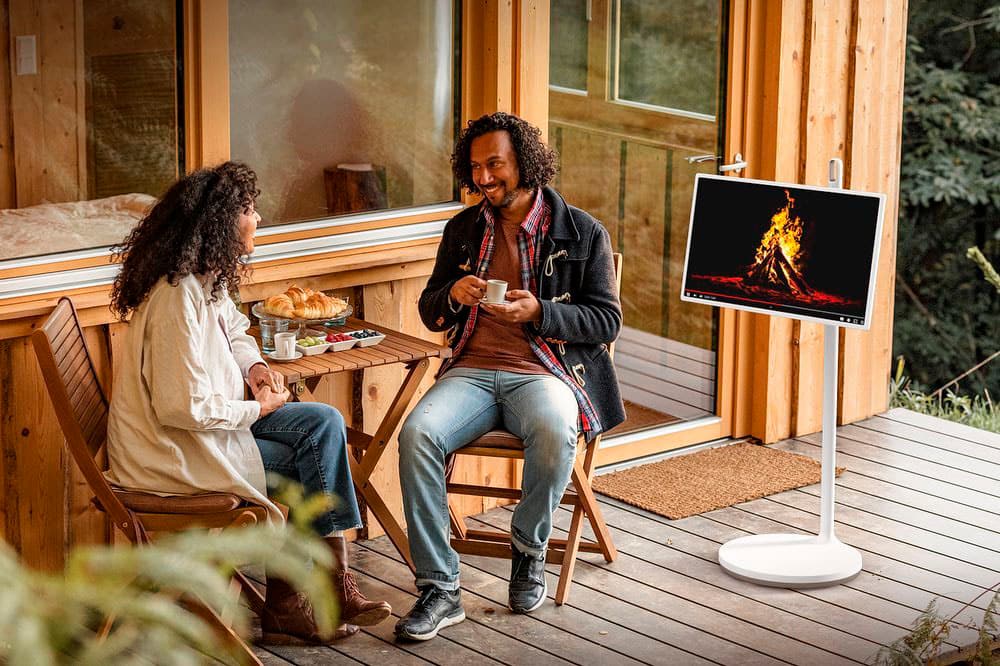
  • QuestionI’m curious if it’s suitable for using outside on the patio, should I be concerned about too much direct sunlight and possible overheating? Is the device compatible with android & IOS?

    Asked by DDFREAKINSWESOME.

    • Answer Hi there! Thank you for your questions about the LG 27ART10AKPL device. While it can be used outdoors on the patio, be cautious of direct sunlight, as it may cause overheating. For compatibility, this device is indeed compatible with both Android and iOS devices. If you have more questions or need further assistance, please send us a private message on Social Media @LGUSSupport. We’re here to help! —Avril

      Answered by LG Digital Customer Care

  • QuestionHow do you hookup to Xfinity cable box?

    Asked by Shiba.

    • Answer not sure if you can but you can Airplay or can download the Xfinity streaming live app and watch it because is what I do.

      Answered by DianaPrince

  • QuestionCan I hook my nintendo switch up to this devise?

    Asked by Shellp.

    • Answer Thank you for reaching us regarding LG Smart webOS. Yes, you can easily connect your Nintendo Switch to the LG 27ART10AKPL monitor. Here's how: •Open the back cover of the Nintendo Switch dock. •Connect the USB-C end of the Nintendo Switch AC adapter to the "AC ADAPTER" terminal on the dock and plug the other end into a wall outlet. •Connect one end of the HDMI cable to the "HDMI OUT" terminal on the dock. •Connect the other end of the HDMI cable to an available HDMI input port on the LG 27ART10AKPL monitor. •Close the back cover of the dock. •Detach the Joy-Con controllers from the Nintendo Switch console. •Insert the console into the dock with the screen facing forward. •Turn on the LG 27ART10AKPL monitor and select the HDMI input. •Your Nintendo Switch display should now appear on the monitor. You can download its owner's manual through this link for more information: https://www.lg.com/us/support/product/lg-27ART10AKPL.AUS. If problem persist, please reach out to us on social media @LGUSSupport so we can help you further. ^Cris

      Answered by LG Digital Customer Care