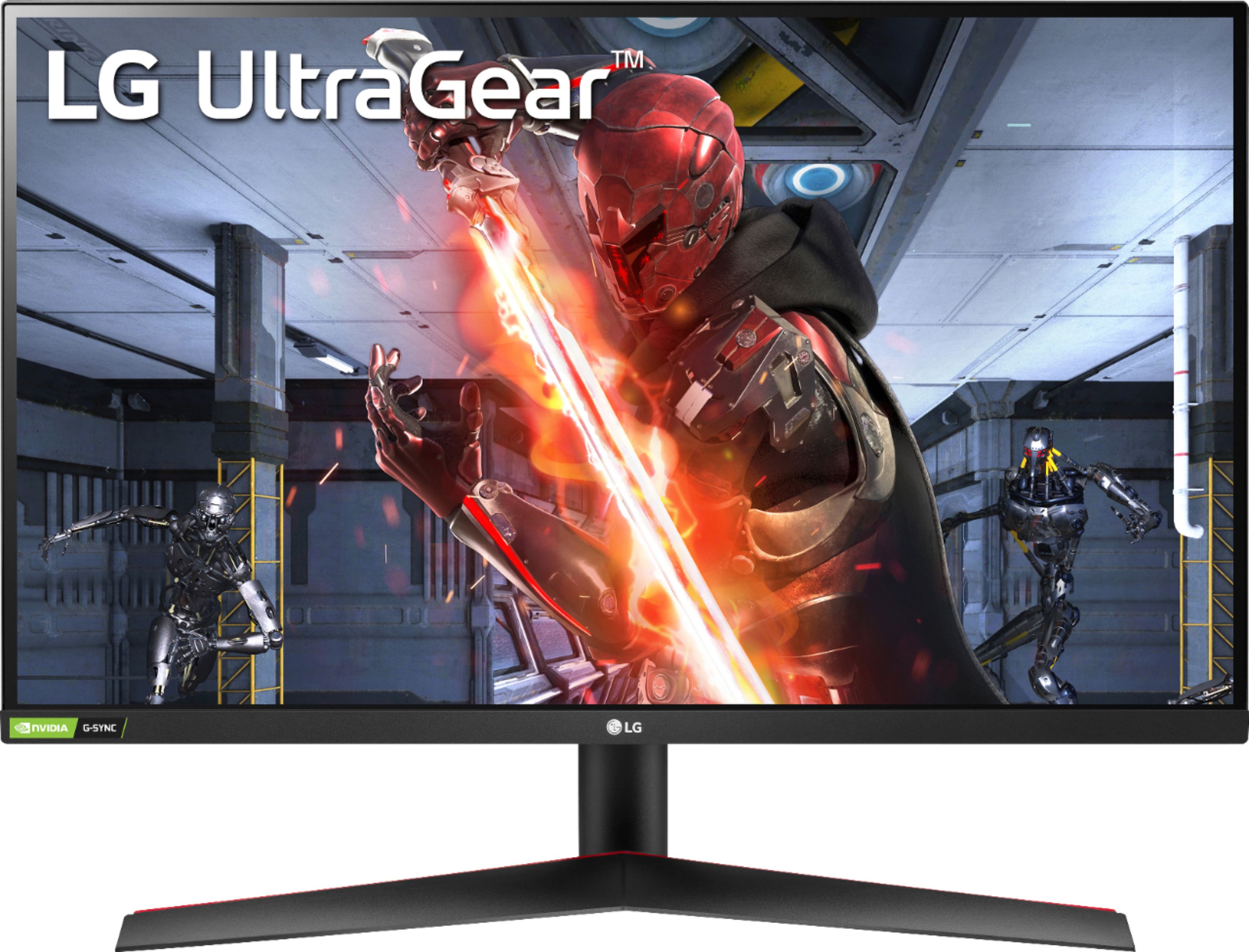
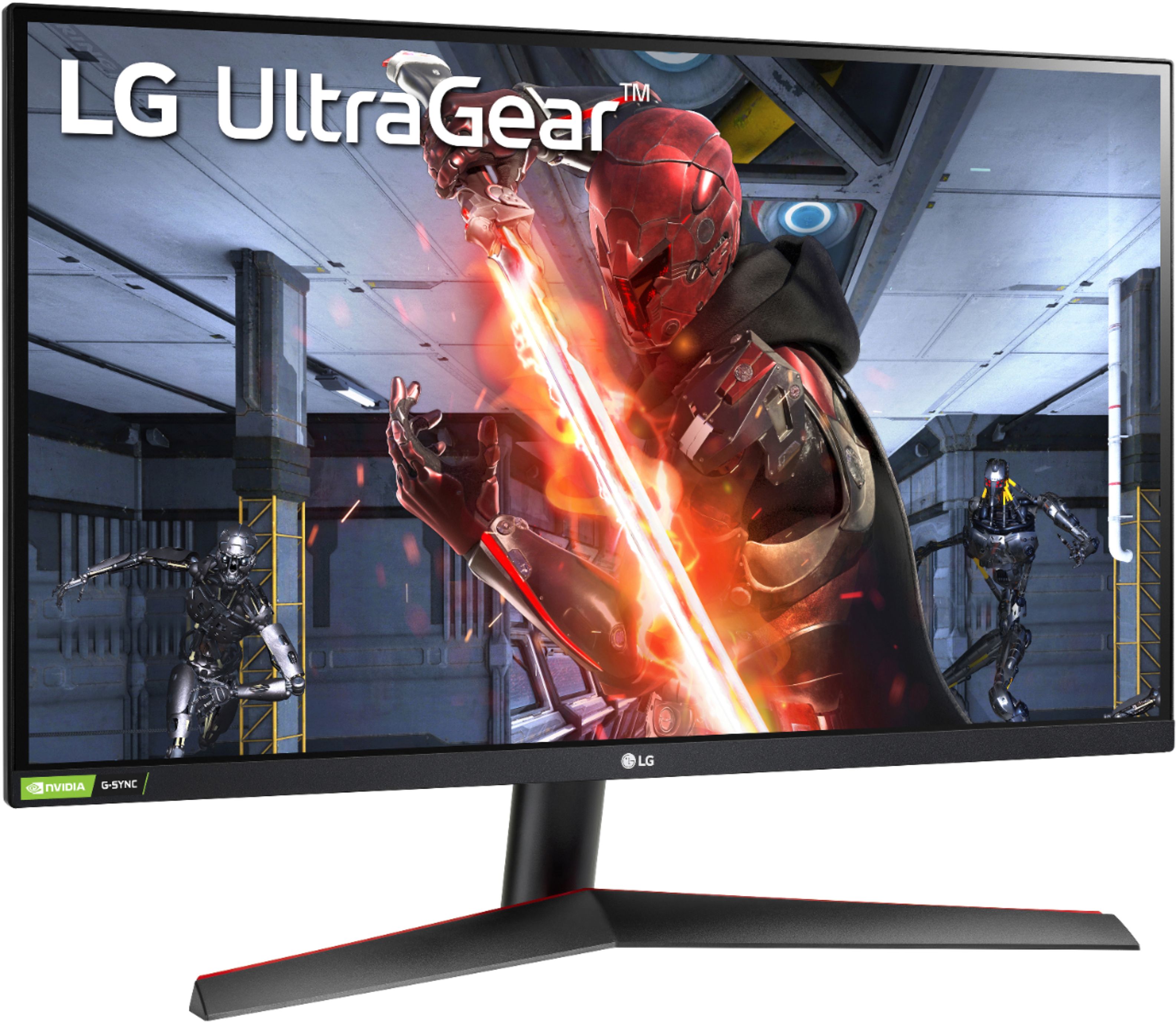
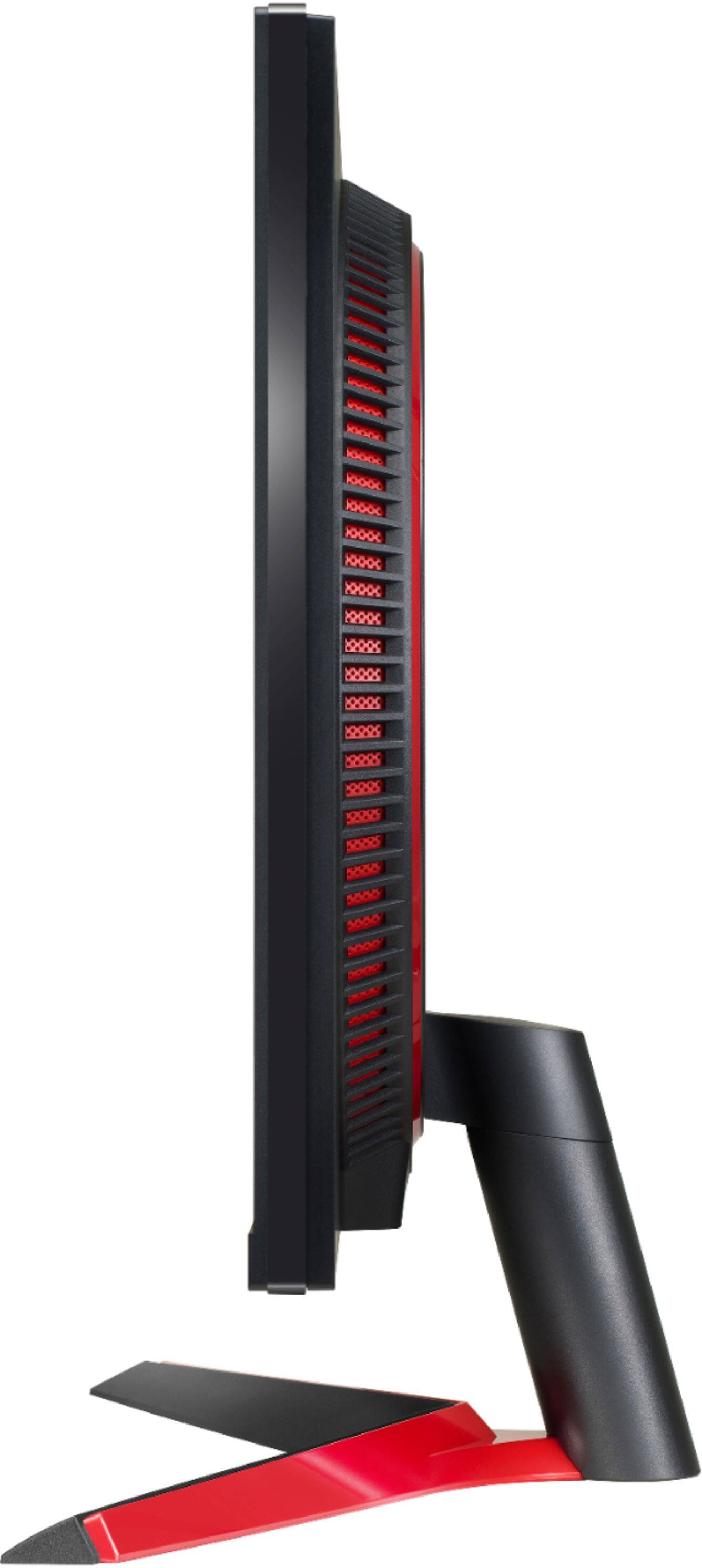
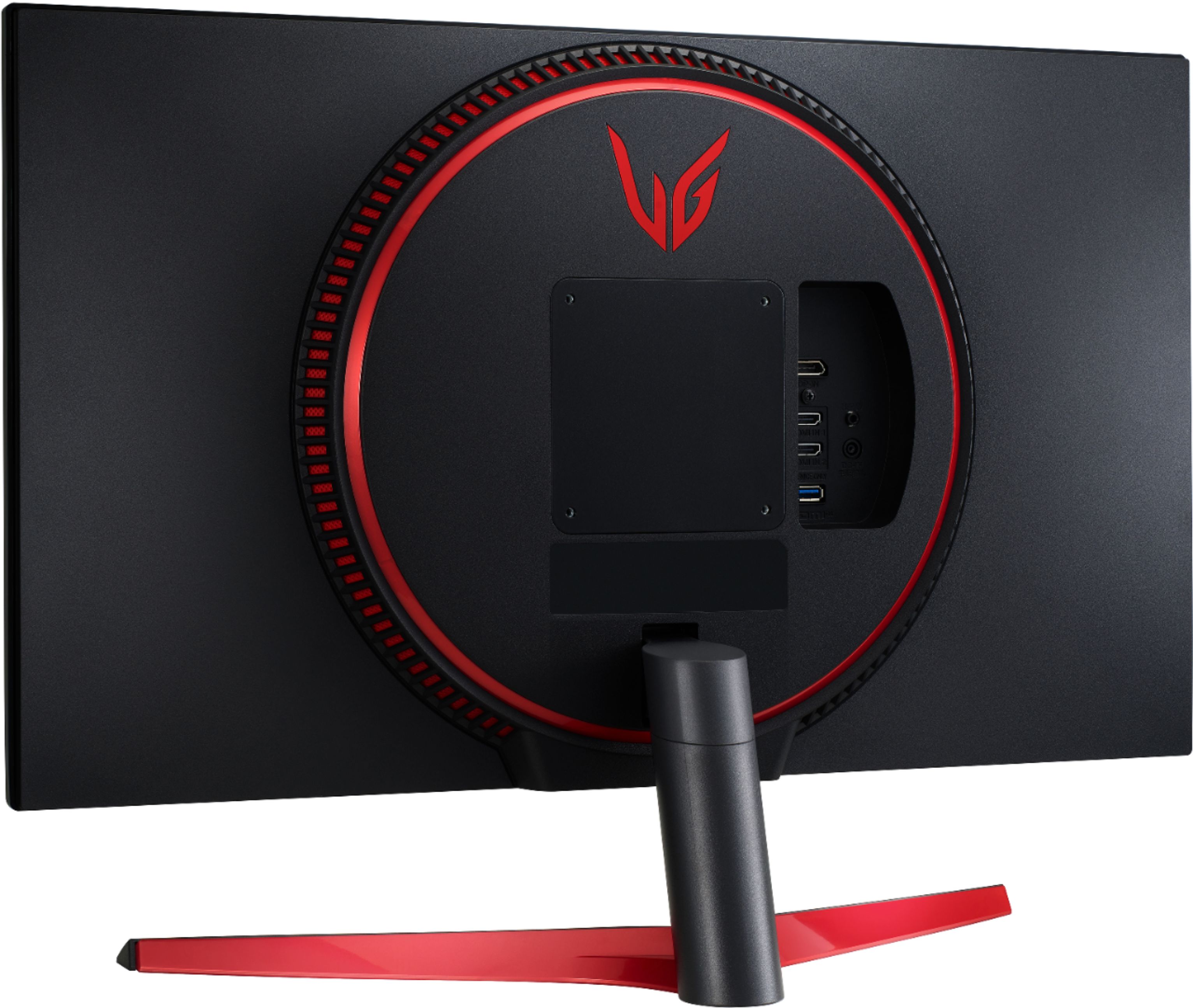
A:AnswerThis is a Plug and Play monitor and doesn't require drivers. For further assistance, please reach out to our support team via private message on Facebook @LGUSSupport and use #VOC in your first message to our social media support team or call at 800-243-0000. ^Daphane
A:AnswerI use it primarily for gaming but when editing videos and using photoshop it worked great! The colors were very good on it too so you won't have to worry about that
A:AnswerUnfortunately the PS4 is pretty much capped at 60fps no matter what you do. It's time to build you a computer! good luck getting a graphics card!
A:AnswerYou may have already solved this issue, but most monitors above 60hz are locked to 60hz out of the box. To fix this you need to open the monitor display settings in windows and set it to its max (or whatever you want your refresh rate to be at).
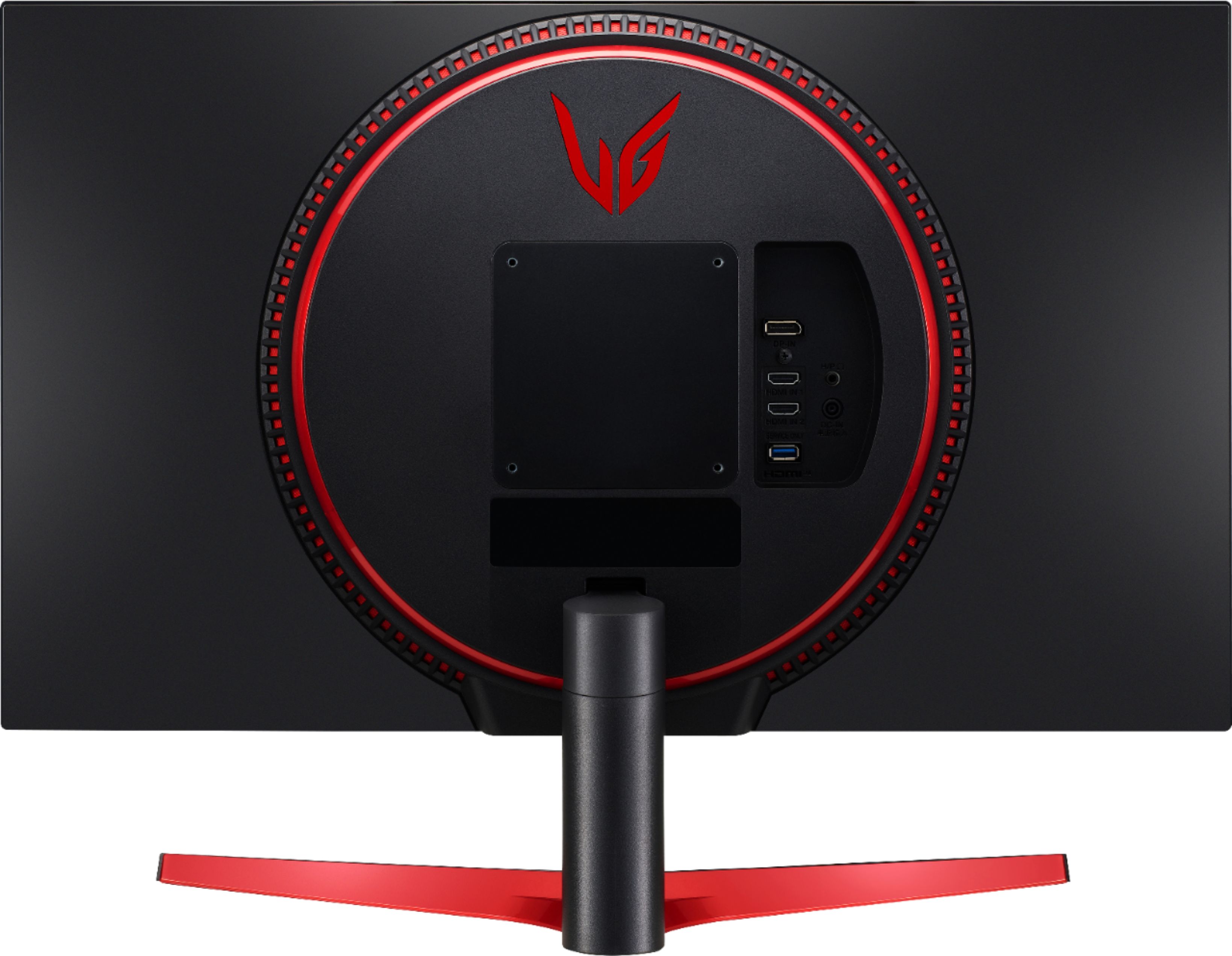
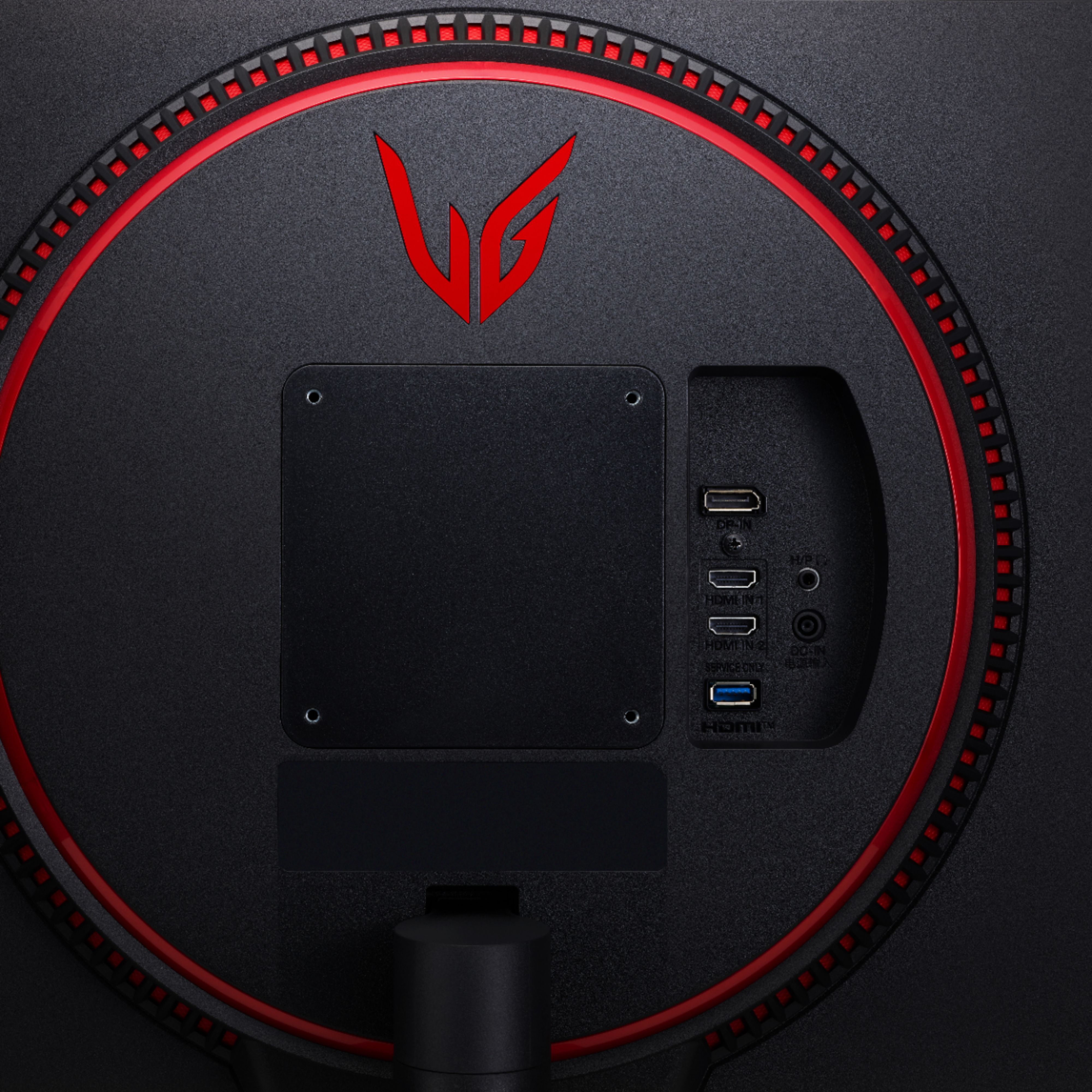
A:AnswerYes. The monitor has 1 Display Port v. 1.4 and 2 HDMI Ports v. 2.0. There is also a Headphone Out jack next to the Video Inputs on the back side of the monitor.