A:AnswerHi Jimmy. According to VESA, "Despite what you may read, there is no such thing as a DisplayPort 1.1 cable and DisplayPort 1.2 cable. A standard DisplayPort cable is designed to work with any DisplayPort Source device, such as a PC or laptop, and any DisplayPort monitor. This means that a standard DisplayPort cable will work with the very first DisplayPort systems and displays introduced around five years ago, and they will continue to work with the newest and future systems and displays that support multi-stream and display resolutions up to 4K (Ultra HD) at 60Hz. You can also use a standard DisplayPort cable between a PC and a multi-stream hub, or between daisy-chainable multi-stream monitors. You don’t need worry about getting a special cable to support certain DisplayPort capabilities. A standard DisplayPort cable, including the so-called DisplayPort 1.1 cables, will work for any DisplayPort configuration including the new capabilities enabled by DisplayPort 1.2, including 4K and multi-stream capabilities. All standard DisplayPort cables support RBR, HBR (High Bit Rate), and HBR2 (High Bit Rate 2), which can support 4K at 60Hz, or up to four 1080p displays using multi-stream."...^IFV
A:AnswerPlease contact Best Buy's customer service to inquire if they have an ETA for the LG UltraGear 27" IPS LED QHD FreeSync Monitor with HDR, Model # 27GL850 or if they can alert you when they have it back in stock...^IFV

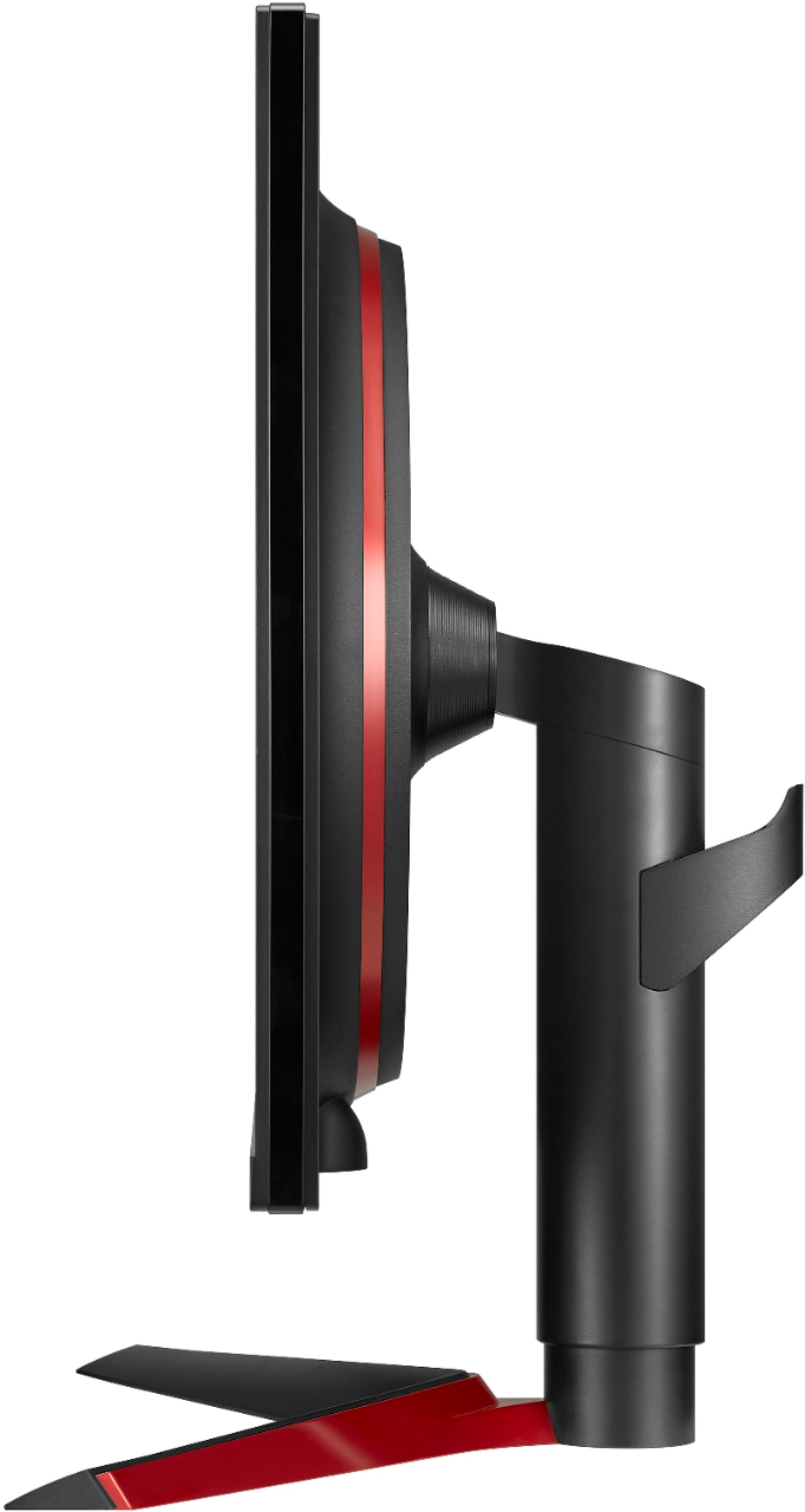
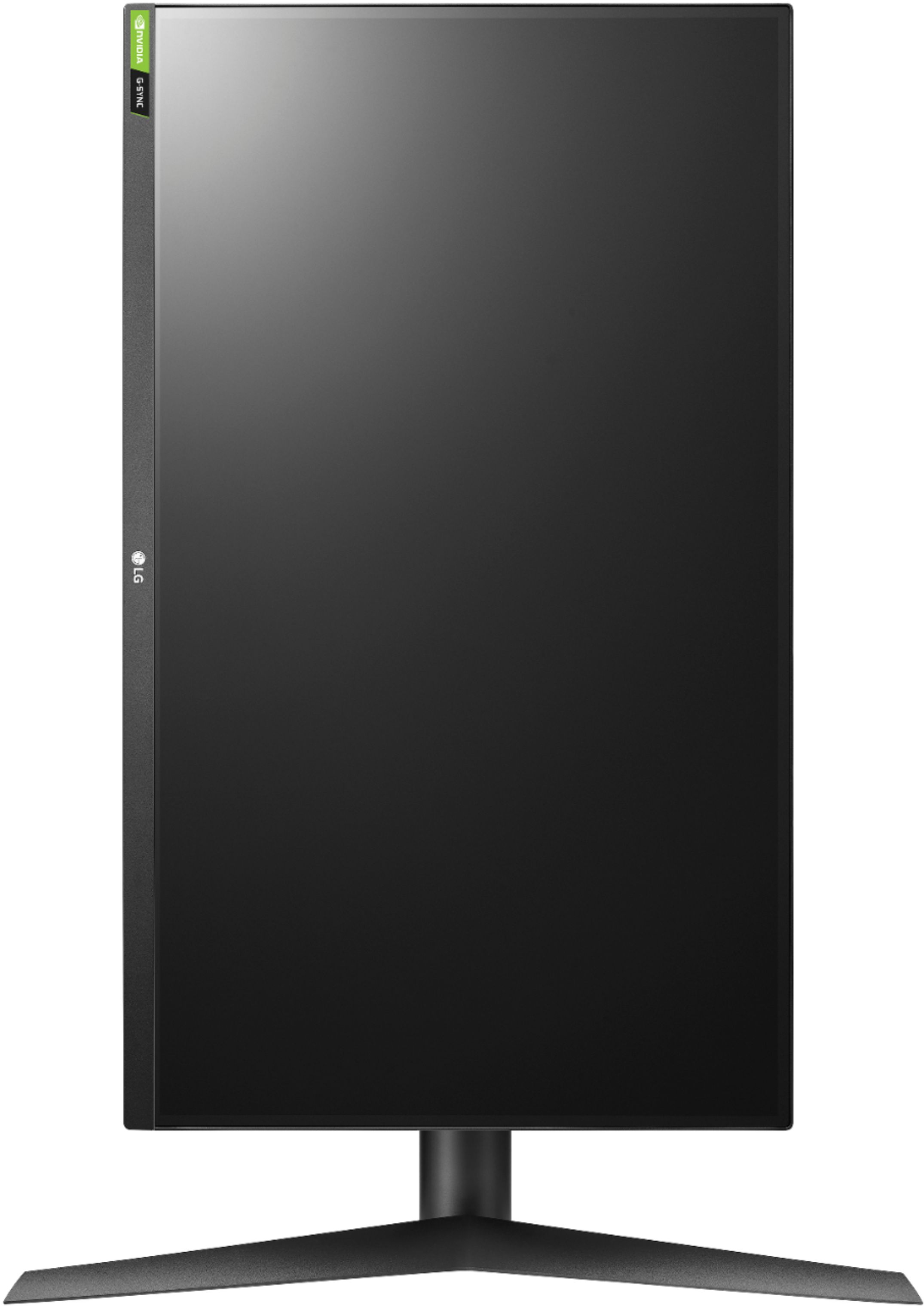
A:AnswerThis monitor meets the specifications for the wall mount plate or other compatible devices. The wall mount plate is sold separately. Wall Mount (mm) 100 x 100, Standard screw M4 x L10. Use the wall mounting bracket and screws that conform to VESA standards. Damage caused by the use or misuse of inappropriate components will not be covered by the product warranty. ^Daphane
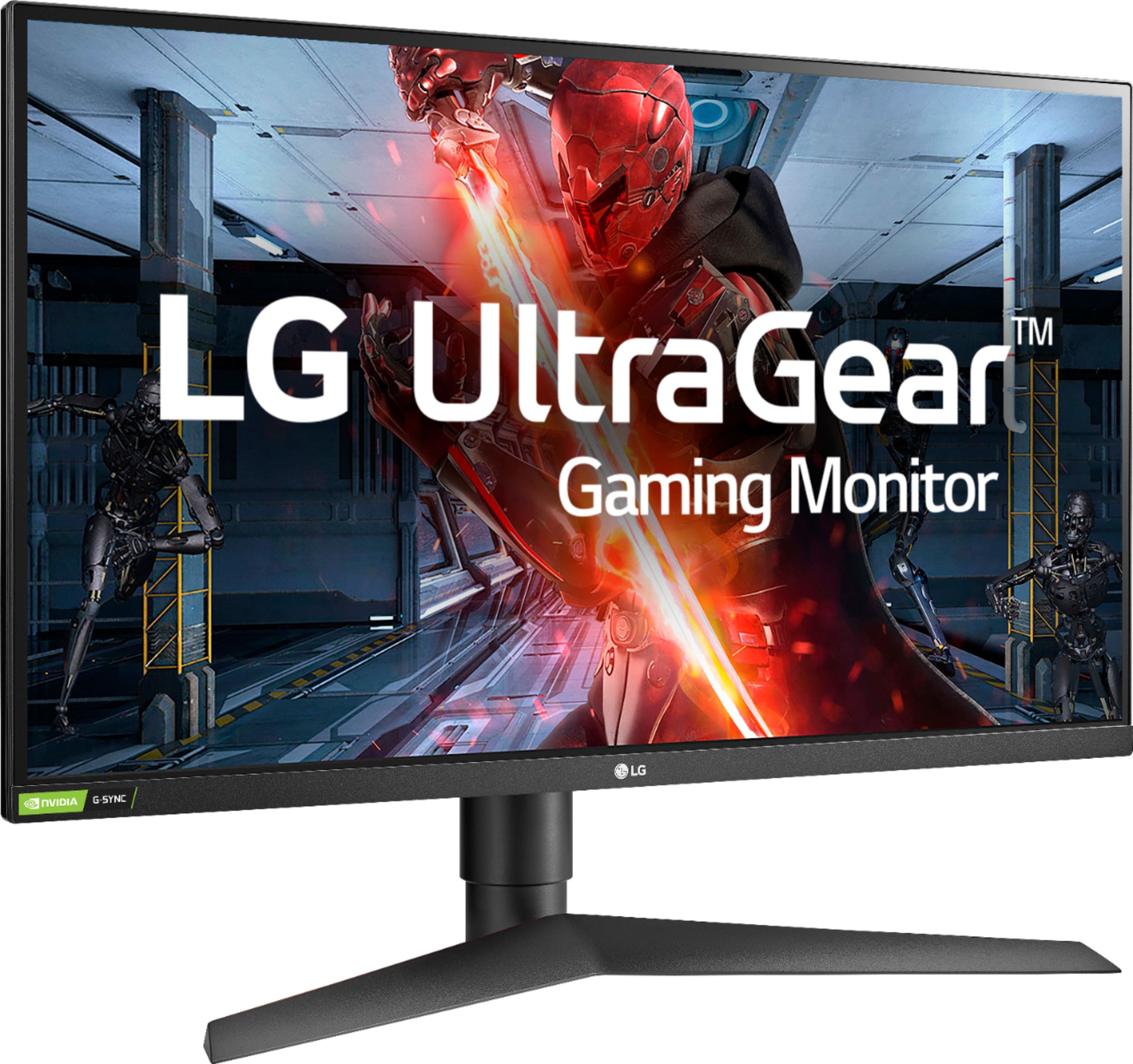
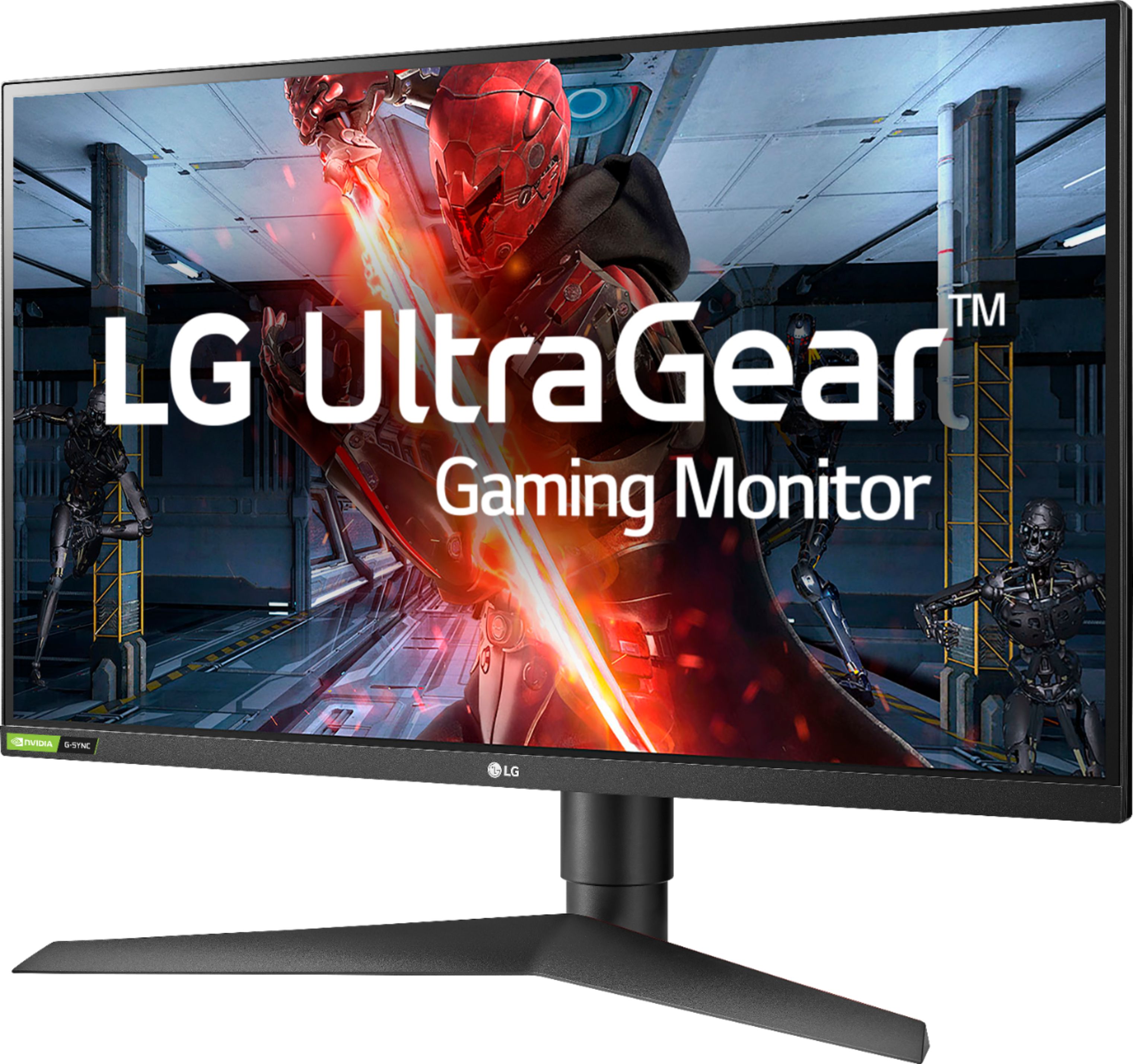
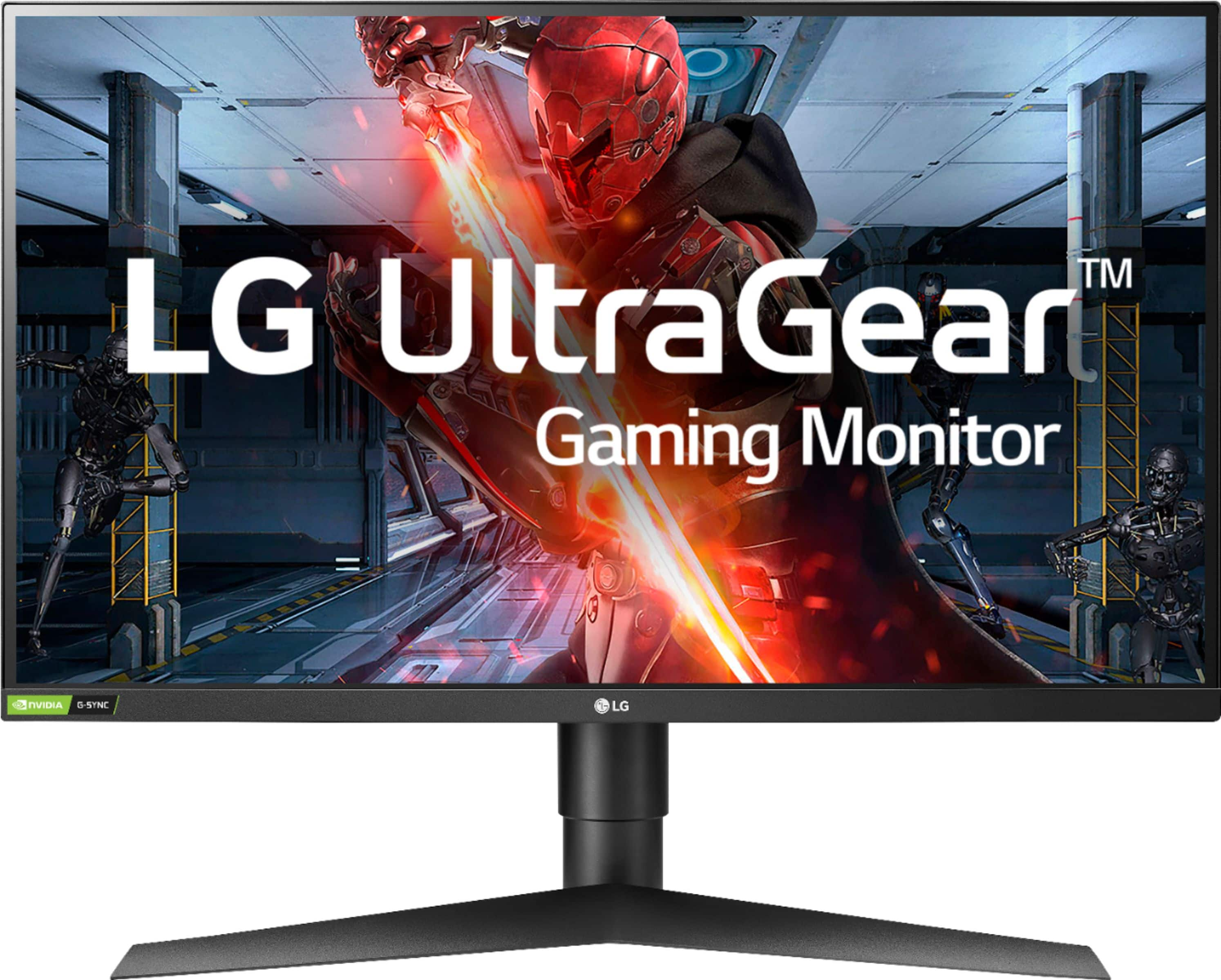
A:AnswerThe LG 27GL850 27'' UltraGear™ Nano IPS 1ms Gaming Monitor with G-Sync® Compatibility has a native refersh rate of 144Hz and a native resolution of 2560 x 1440. IT has 2 x HDMI ports and a DisplayPort for connectivity...^IFV
A:AnswerThe LG 27GL850 27'' UltraGear™ Nano IPS 1ms Gaming Monitor with G-Sync® Compatibility is an NVIDIA-tested and officially verified G-Sync® Compatible monitor which means that it will it will deliver a baseline VRR experience on GeForce GTX 10-Series, GeForce GTX 16-Series and GeForce RTX 20-Series graphics cards, and activate their VRR features automatically...^IFV
A:AnswerPlease contact the Best Buy Customer Service directly for inquiries about when the LG - UltraGear 27" IPS LED QHD FreeSync Monitor with HDR, Model # 27GL850-B will restock...^IFV
A:AnswerThese other answers are simply not true. This monitor does do 1440p 144hz over HDMi. Those other numbers are with Freesync on but if you disable Freesync you get the full 1440p 144hz over HDMI.
A:AnswerThe LG 27GL850 27'' UltraGear™ Nano IPS 1ms Gaming Monitor with G-Sync® Compatibility is a FreeSync™ monitor that is an NVIDIA-tested and officially verified G-Sync® Compatible monitor. That means it will work with FreeSync™ and as a “G-SYNC Compatible” monitor, it will deliver a baseline VRR experience on GeForce GTX 10-Series, GeForce GTX 16-Series, and GeForce RTX 20-Series graphics cards, and activate their VRR features automatically...^IFV
A:AnswerNot sure since I'm using a standard Windows PC if this is good for MacBook pro but this is a great gaming monitor and since if you not gettting it for gaming the color variants are pretty good I would say for photo editing in my opinion
A:AnswerThe LG 27GL850 27'' UltraGear™ Nano IPS 1ms Gaming Monitor with G-Sync® Compatibility does not have a remote control and it is not Alexa compatible...^IFV