A:AnswerFor daily videos and movies 1080 is great, I've been gamming at 2k 144hz it has some serious ghosting that maybe can be fixed but overall great monitor
A:AnswerI had the same problem if you turn the premium free sync off on the monitor settings and go to your Xbox settings, and go to video modes turn off allow 4K and turn off allow 50Hz. Turn on allow ycc 4:2:2 and it will work . I have two Xbox series x’s and I bought two of these monitors and I got 1440p at 120hz on both
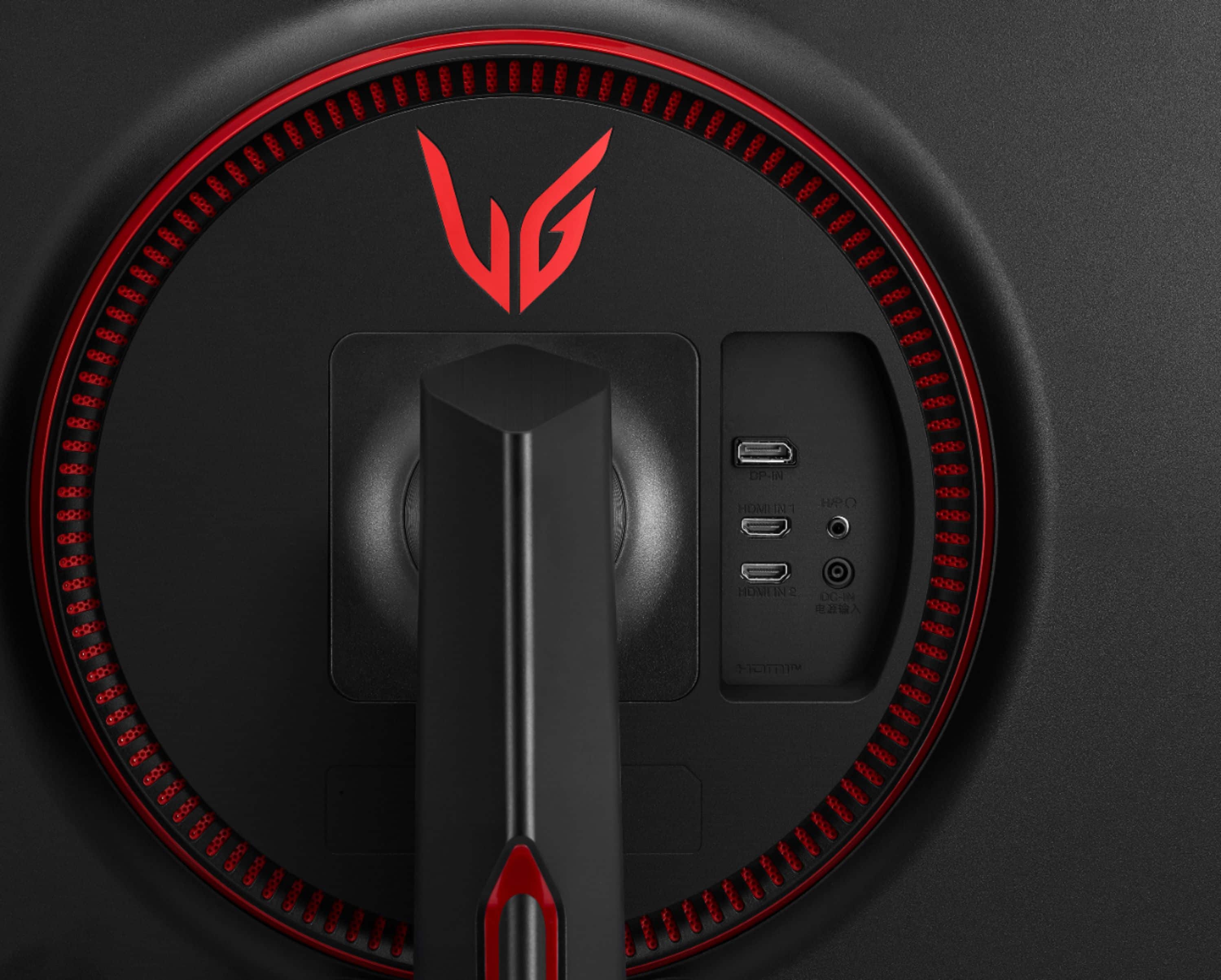
A:AnswerThis monitor offers a maximum resolution of 2560 x 1440 @ 144 Hz via HDMI/DP. The recommended resolution is 2560 x 1440 @ 100 Hz (HDMI) or 2560 x 1440 @ 144 Hz (DP). This monitor does not have HDMI 2.1 and will not support 4K@120Hz. ^Daphane
A:AnswerPlease seek recommendations/opinions at https://lgcommunity.us.com. The LG Community Forum is a great resource for getting help from other LG customers. ^Daphane
A:AnswerI would say that's it's better than good as it falls more towards the mid-grade gaming monitor arena. Plenty of on board settings that can assist you in getting your preferred output.
A:AnswerThis is a Plug and Play monitor and doesn't require drivers. If you are in need of assistance with using a monitor, give our computer specialists a call at 800-243-0000. ^Daphane
A:AnswerIt would be recommended to update the computer drivers. Also, we would need to know how you're connected to the monitor. Please contact LG Customer Support via Facebook Messenger (https://www.facebook.com/LGUSA/) for further assistance. ^ Jamal