A:AnswerHi Dave. What is listed as 'Reader Mode' in the specifications for the LG 34'' UltraGear™ 21:9 Curved WQHD Nano IPS 1ms 144Hz HDR Gaming Monitor with G-SYNC® Compatibility, Model # 34GN850-B on the LG site is a feature that reduces blue light emissions that can be harmful to your eyes. The monitor is also a Flicker Free monitor...^IFV
A:AnswerOur Ultra Gear Gaming monitors are positioned as gaming monitors and are created from the ground up to give gamers the edge, including verified NVIDIA® G-SYNC® compatibility. The 34'' UltraGear™ 21:9 Curved WQHD Nano IPS 1ms 144Hz HDR Gaming Monitor with G-SYNC® Compatibility, Model # 34GN850-B achieves 1ms GTG TN-level speeds and ultra-fast refresh rates, while mesmerizing with a rich, vivid picture, enhancing the intensity and purity of on-screen colors. An
ultra-fast speed of 160Hz (Overclock) allows gamers to see the next frame more quickly and makes image to appear smoother. The competitive gamers can response faster to opponents and aim at targets easily. This monitor is an NVIDIA-tested and officially verified G-SYNC® Compatible monitor, eliminating screen tearing and minimizing stutter for a smoother, faster gaming experience. With FreeSync™ Premium technology, gamers can experience seamless, fluid movement in hi-resolution and fast-paced games. It virtually eliminates screen tearing and stuttering. The monitor is color calibrated and covers 98% of the DCI-P3 Color Gamut. It has a minimum Contrast Ratio of 700:1 and atypical Contrast Ratio of 1000:1 a Minimum Brightness of 320 cd/m² and a Typical Brightness of 400 cd/m². It is a Flicker Safe monitor with a Reader mode that reduces the emission of blue light emissions that may be harmful to your eyes. How suitable it will be for video editing will depend on what your criteria is for video editing...^IFV
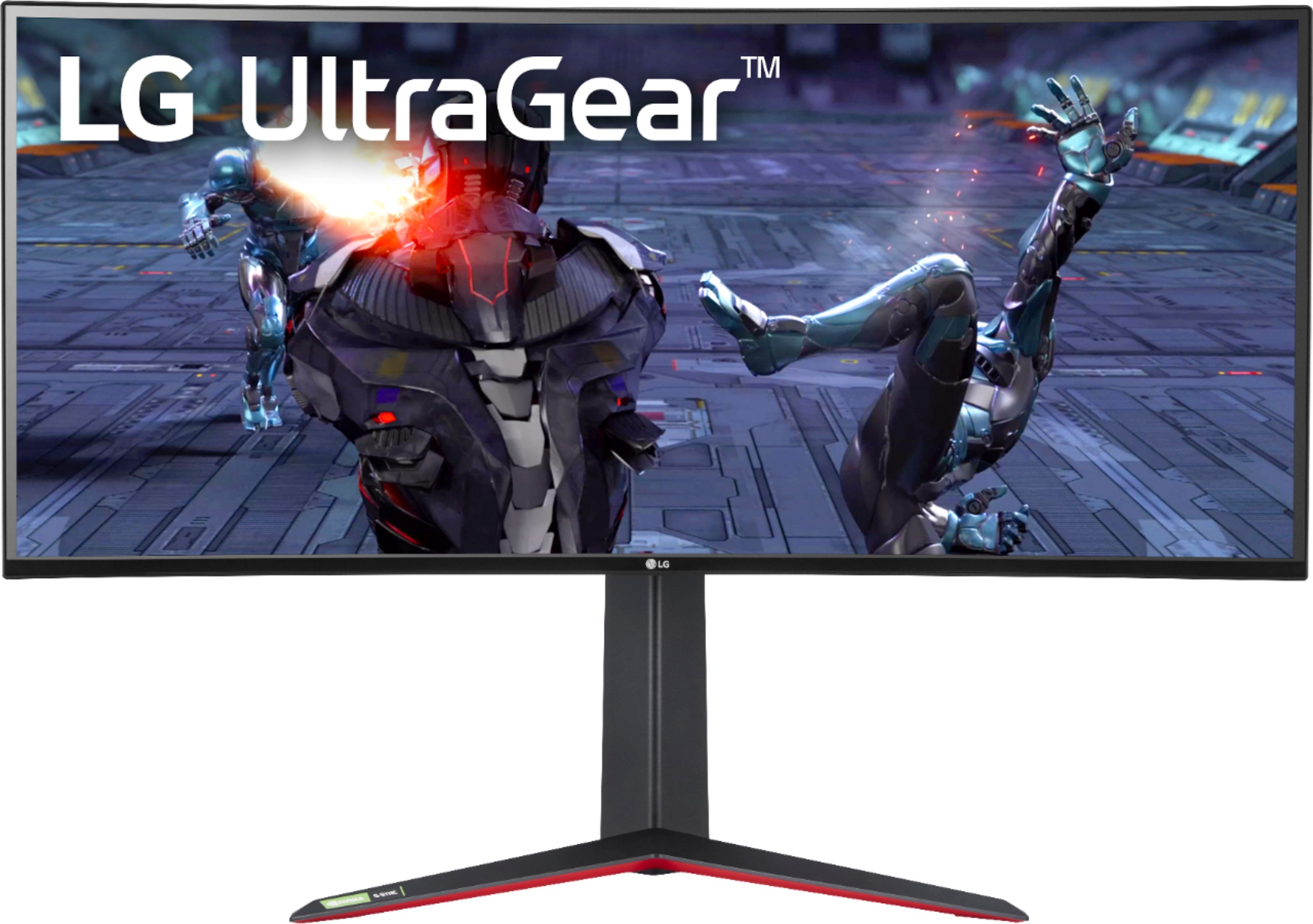
A:AnswerThe display comes with a fairly sizeable desk stand but that slots into a standard 100mm x 100mm VESA mount on the back of the display itself that you should be able to attach to any standard VESA mounting point. According to the official spec sheet (https://www.lg.com/us/monitors/lg-34gn850-b-gaming-monitor) the display without the stand weighs 12.1 lbs so make sure your alternate mount and anchor are able to handle that.
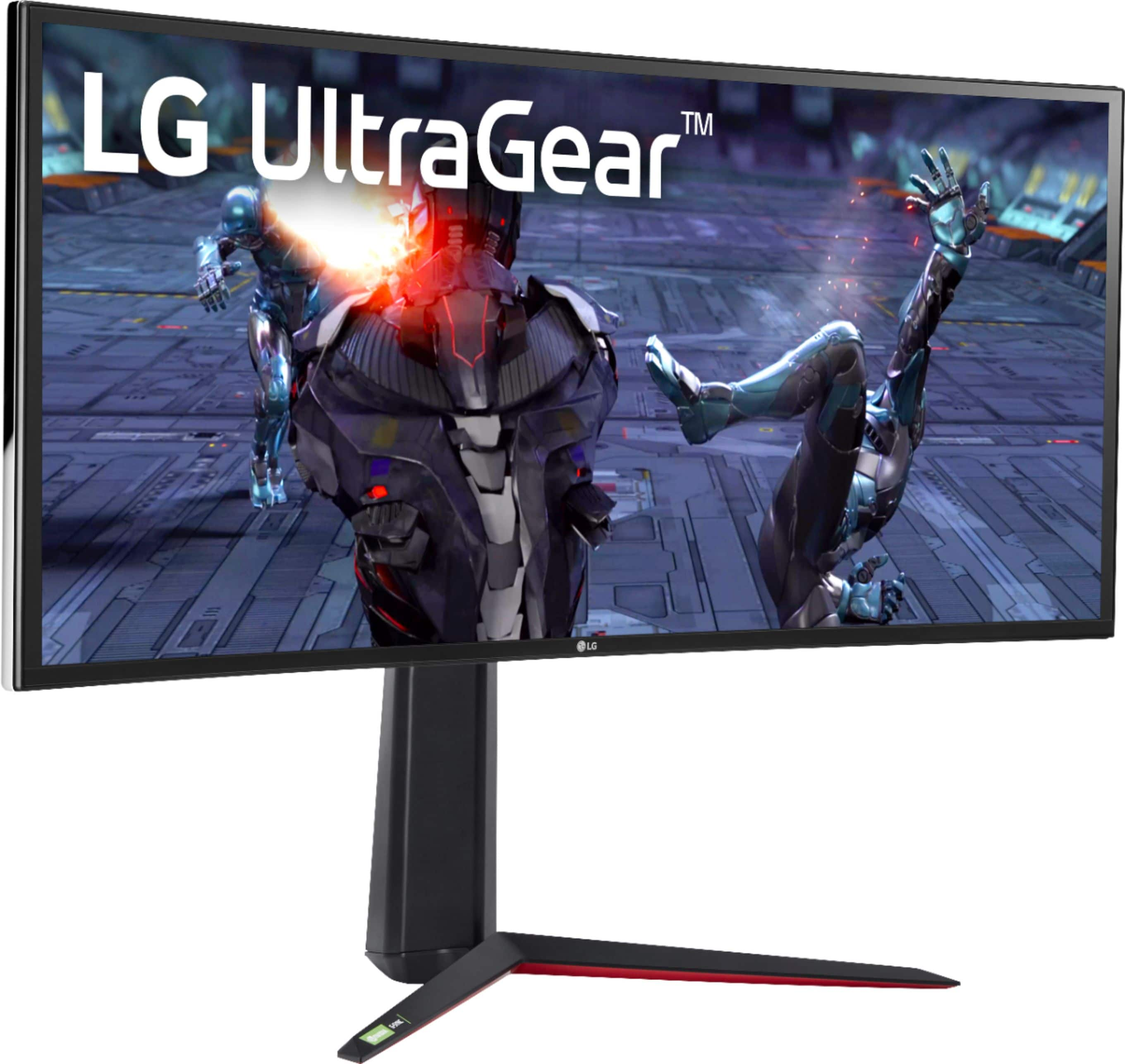
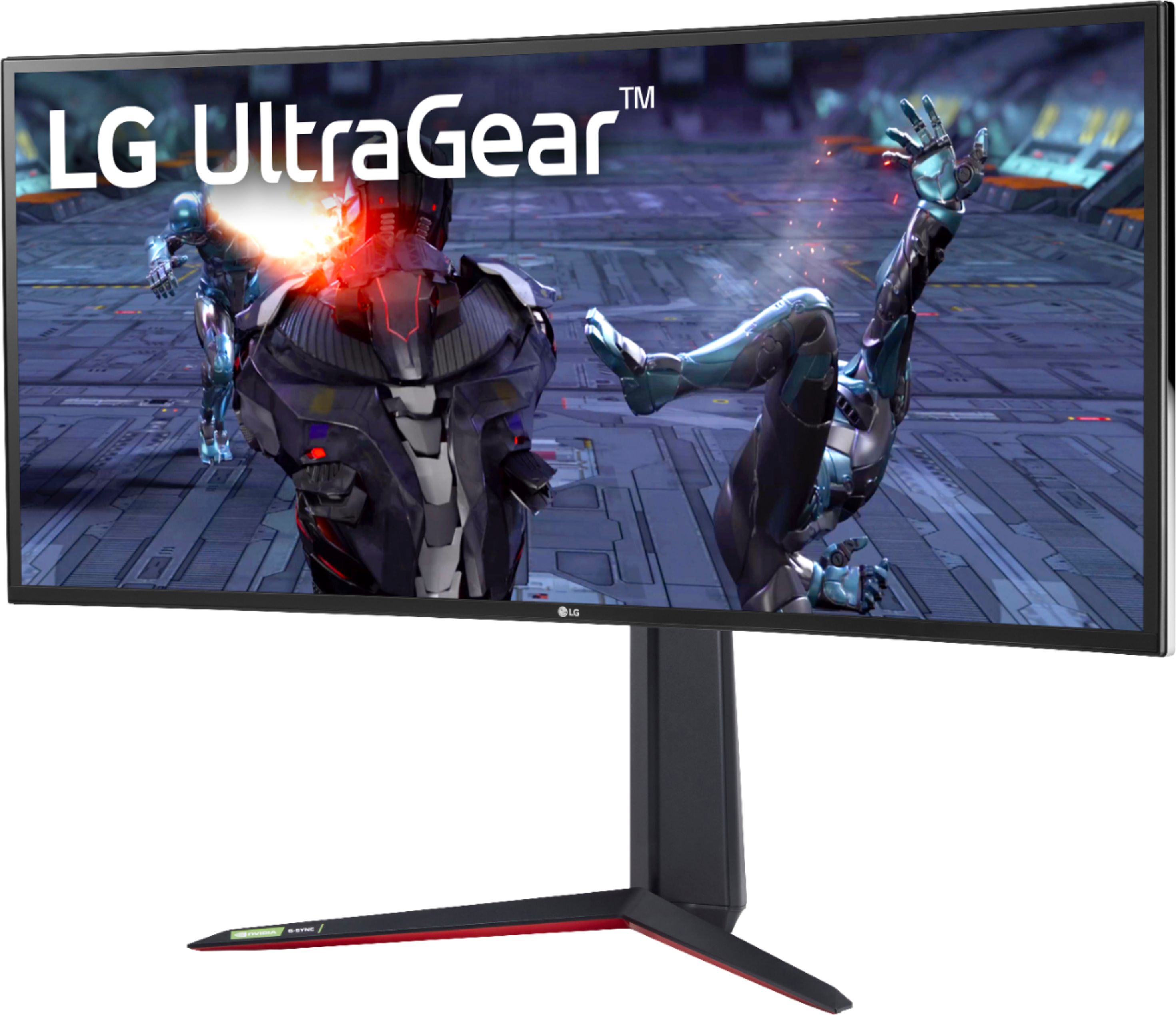
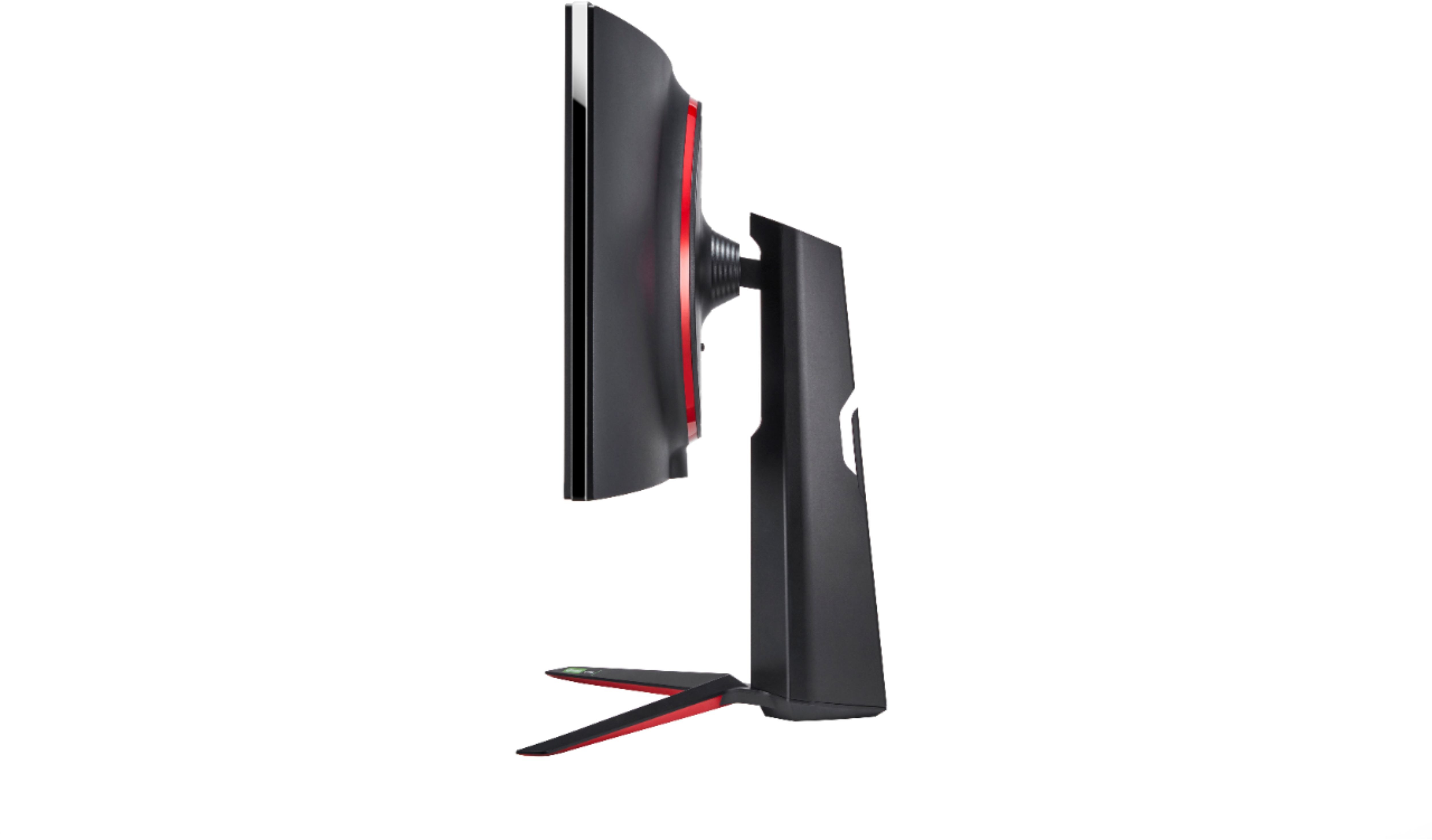
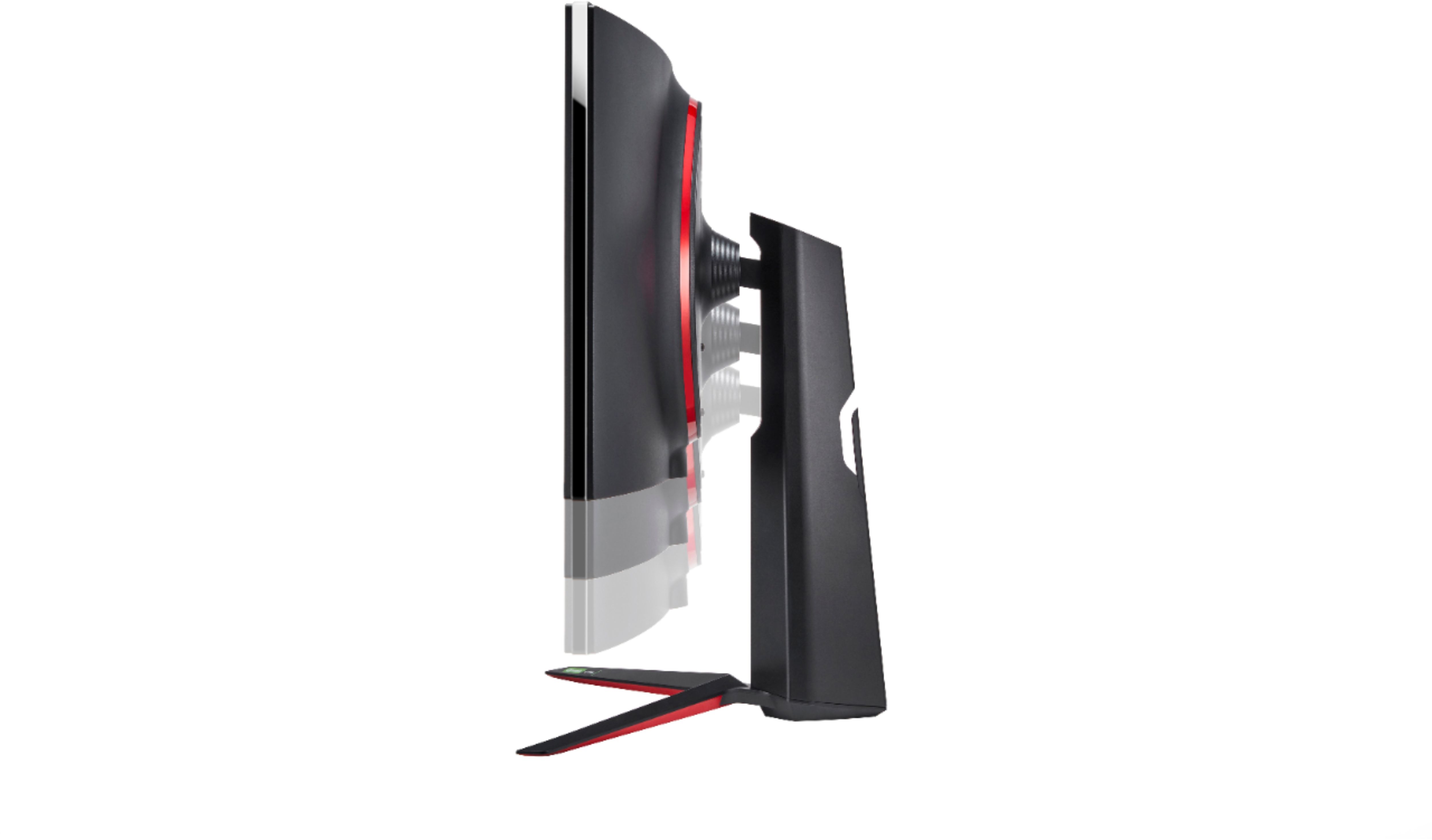
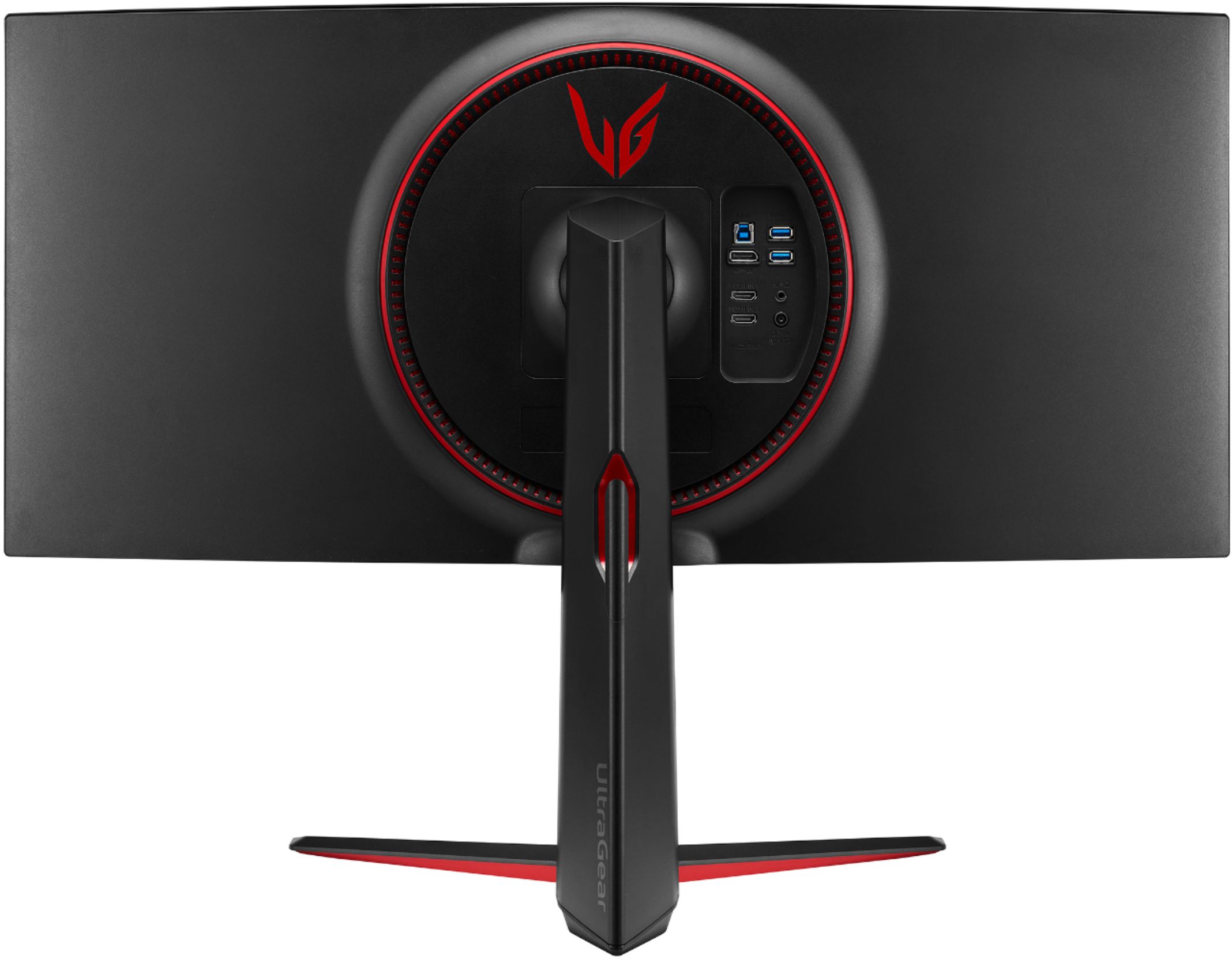
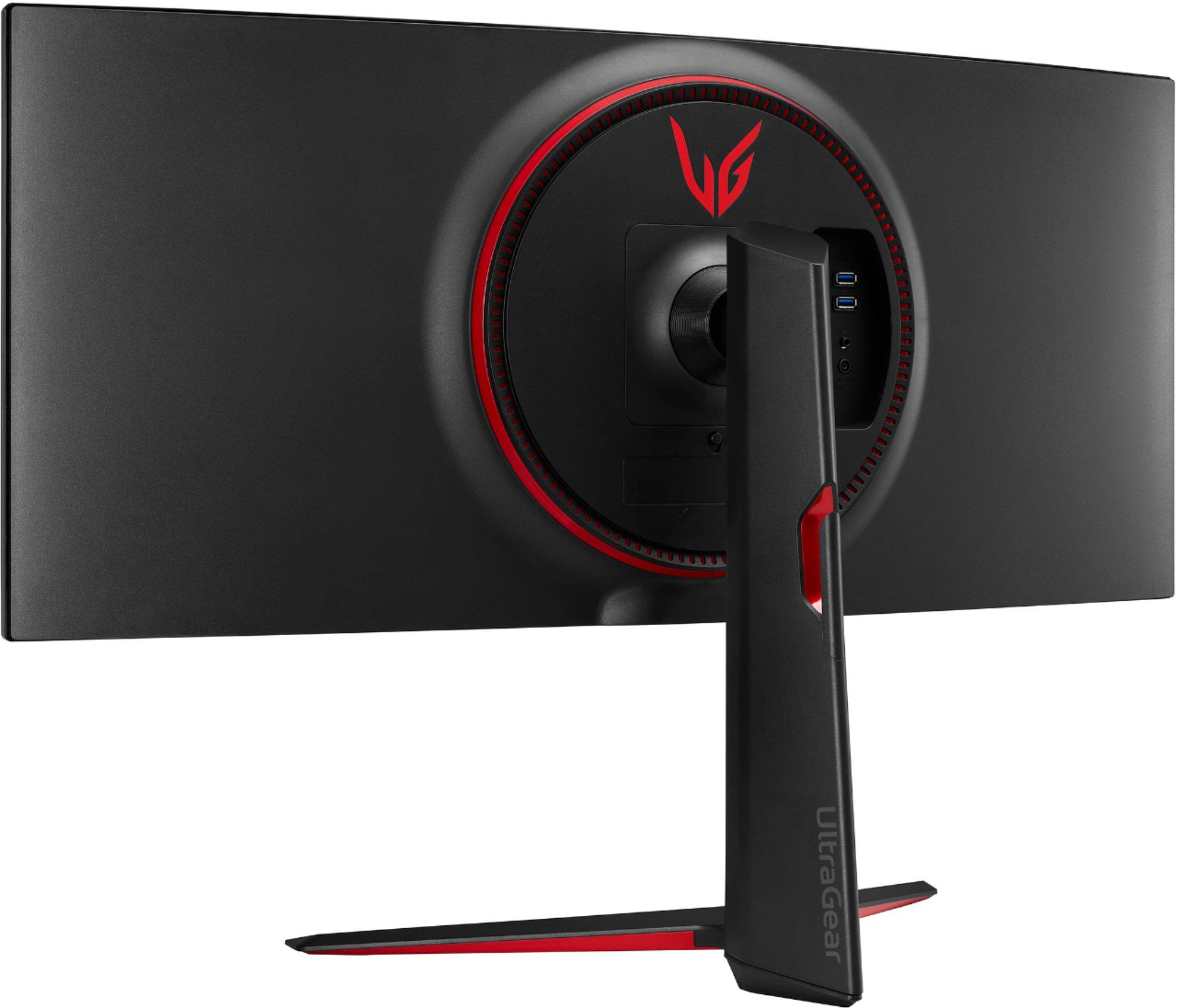
A:AnswerBest Buy uses the images from LG.com product page at https://www.lg.com/hk_en/monitor/lg-34GN850-B. Thank you for bringing this to our attention. I will escalate this to our product team to have the images updated or verify they are correct. ^Daphane
A:AnswerThis monitor offers a maximum resolution of DP:3440 x 1440 @ 160Hz (Overclock: On). The recommended resolution is DP:3440 x 1440 @ 144Hz or HDMI:3440 x 1440 @ 85Hz. This monitor does not have HDMI 2.1 and will not support 4K@120Hz. ^Daphane
A:AnswerThere is a joystick on the bottom bezel of the monitor that serves as a menu button. Move the joystick up/down and left/right to set the options. ^Daphane
A:AnswerI do not know an exact specification on the bezel. I am not sure about that, no guidance is offer in the manual for that. Please seek help on the LG Community Forum at https://lgcommunity.us.com. The LG Community Forum is a great resource for getting help from other LG customers. ^Daphane
A:AnswerWe are sorry for the delayed availability of products. We are working as quickly as possible to make our products available. Please consult directly with the store for more information. I cannot provide a concrete date as to when this unit will be available. We appreciate your commitment to the LG brand. Please bear with us as we navigate uncharted waters to resolve the delay. Again, we apologize for the delay and any inconvenience it has caused. ^Daphane
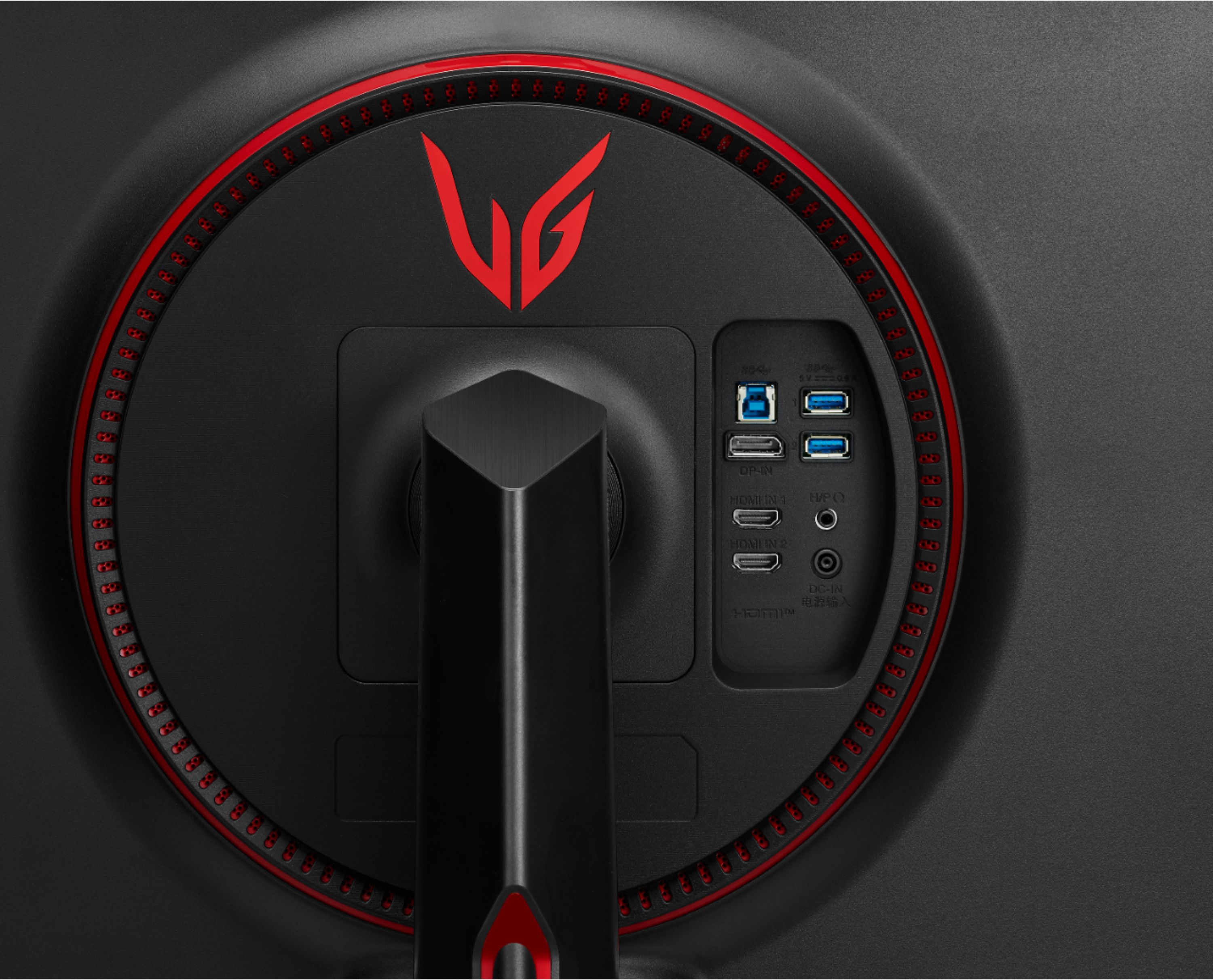
A:AnswerBased on the specifications this monitor has 2- HDMI inputs and 1- Display Port. ^Daphane https://www.lg.com/us/monitors/lg-34gn850-b-gaming-monitor
A:AnswerNot sure what your status is since it's been a month but here are thoughts/experience. Keep an eye out daily and early. They cannot seem to keep them in stock. I recently discovered this monitor (a couple of days before Halloween, Oct. 2020), and by Nov 1st they were gone. I stopped by the store and made inquiries about availability. I checked daily and two days later around 5:30 in the morning, I checked and they were available again! Right away I ordered one and opted for in-store pick-up.
Two suggestions:
1. Don't delay, order the minute it's available.
2. Purchase the Best Buy Warranty.
Good luck!
A:AnswerPlease contact Best Buy to inquire about how to set up a notification to alert you when a Best Buy near you, within a 25-mile radius, has the LG 34'' UltraGear™ 21:9 Curved WQHD Nano IPS 1ms 144Hz HDR Gaming Monitor with G-SYNC® Compatibility, Model # 34GN850-B in stock. The alerts can be through any of IFTTT's various methods that include sending a text message, email or push notification to your phone...^IFV
A:AnswerThe LG UltraGear™ 21:9 Curved WQHD 34" Nano IPS LED FreeSync and G-SYNC Compatible Monitor with HDR - Black, Model # 34GN850-B has a VESA Wall Mount Interface Pattern of 100 x 100 mm and the optional LG Wall Mount Plate, Model # LWS 149 fits where the stand fits on the back of the monitor so it does not interfere with the inputs...^IFV
A:AnswerYes, you will need to download the on screen multi software to use this feature.
Here is a great review of this monitor and it shows the multi screen feature.
https://www.youtube.com/watch?v=QJSkd4kk8mI
A:AnswerIt sounds like you peeled part of the matte anti-reflective coating on the LG 34'' UltraGear™ 21:9 Curved WQHD Nano IPS 1ms 144Hz HDR Gaming Monitor with G-SYNC® Compatibility, Model # 34GN850-B. The entire coating will have to be replaced and that will be best done by an LG Authorized Service Center...^IFV