Everything for Back to School — and then someShop now

Skip to contentGo to Product Search
Main Content

Questions & Answers

Page Showing 21-40 of 46 questions
  • QuestionWhat type of PC do I need to connect this monitor, or will just any PC work to get the best results?

    Asked by Yuli.

    • Answer Hello there, Yuli! Thank you for sharing your question to us about the LG Monitor (45GX90SA). It’s great that you’re checking what type of PC will help you get the best experience with the 45GX90SA‑B. This monitor can connect to a wide range of PCs, but to take full advantage of its performance—especially its high resolution and refresh capabilities—you’ll want a system with a strong graphics card, modern CPU, and ports that match the monitor’s inputs (such as HDMI or DisplayPort). You can explore the full feature list and support details here: https://www.bestbuy.com/product/lg-ultragear-45-oled-qhd-240hz-0-03ms-g-sync-freesync-premium-pro-smart-gaming-monitor-with-displayhdr-400-true-black/JJ8VPZWYXR. If you need further assistance, please feel free to email us at lgdigitalcare@lg.sprinklrsupport.com. - Avril

      Answered by LG Digital Customer Care

  • QuestionUpdating the firmware? Is this done through the webos menus? Or does that only update the webos software and not the monitor firmware.. kinda confused about this..

    Asked by snackdizzle.

    • Answer The firmware updates for the LG 45-inch UltraGear™ OLED WQHD 240Hz 0.03ms G-Sync Compatible 800R Curved Gaming Monitor with webOS, Model # 45GX90SA-B, delivered over-the-air (OTA) via webOS or through USB, update both the underlying monitor operating system and the hardware firmware...^Ivan.

      Answered by LG Digital Customer Care

  • QuestionIs this monitor able to be used with a dual monitor bracket?

    Asked by DiesleCheeks.
    • Answer No. This monitor is too big which is the only reason you need only one.
      Answered by Felix

  • QuestionHow does the KVM functionality work? I want to use USB-C for my work laptop and DP for my gaming PC. Also, does it come with a remote for the smart TV features?

    Asked by Jack.

    • Answer I know it comes with a remote like a roku remote

      Answered by BrettW

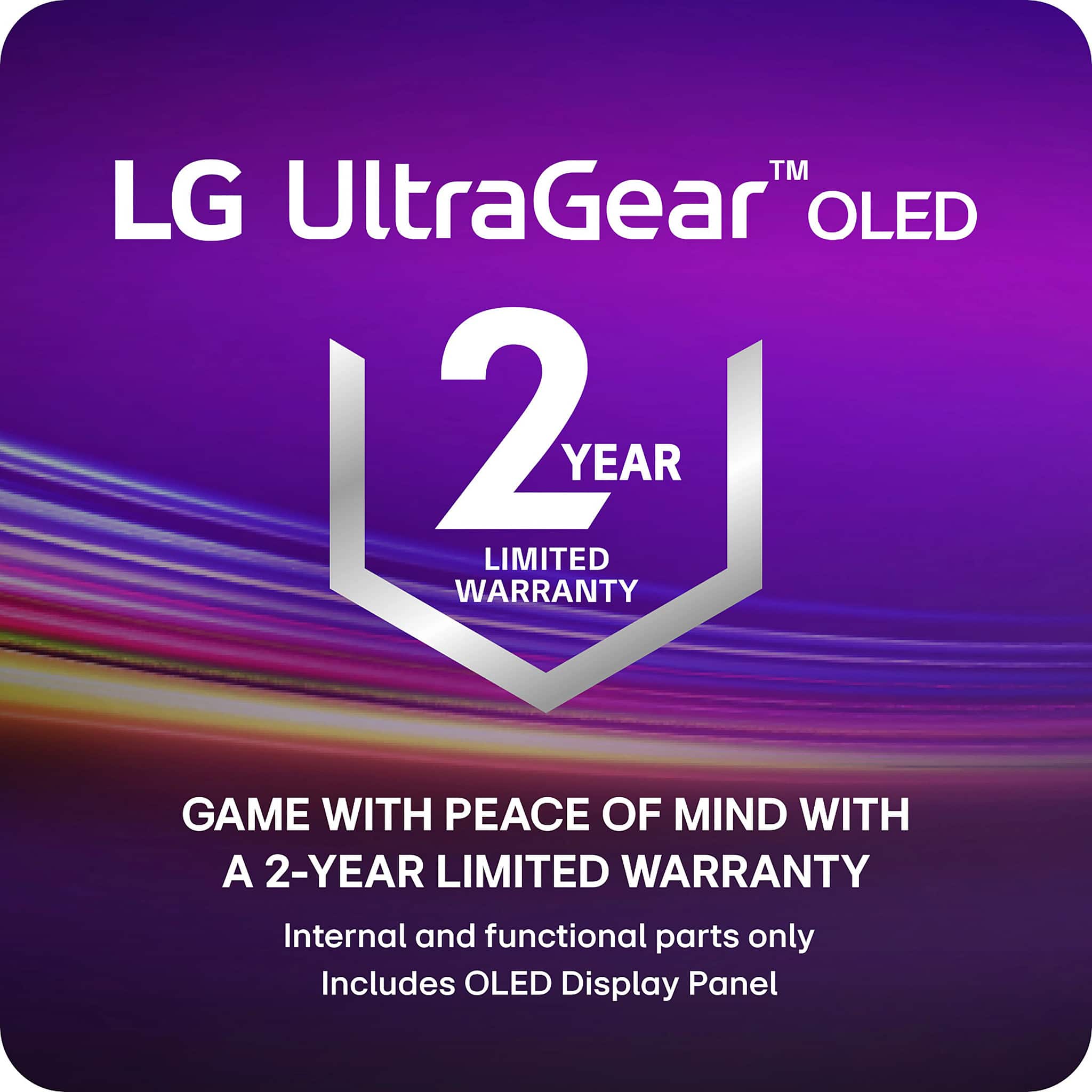
  • Questionif you don't want the 4 year warranty does the monitor have a manufactures warranty if you buy the open box version?

    Asked by buyer.

    • Answer Best Buy Open-box items are generally covered for the full manufacturer's warranty, and if not, Best Buy may provide support. However, this can vary by manufacturer and specific item. While many, especially Geek Squad Certified units, are treated as new, some manufacturers may not honor the warranty for a second owner, and LG may not cover open-box items if they consider you a second owner if you purchase the LG - UltraGear™ 45" OLED QHD 240Hz 0.03ms G-Sync/FreeSync™ Premium Pro Smart Gaming Monitor with DisplayHDR™ 400 TRUE - Black, Model # 45GX90SA-B, as an open-box item...^Ivan.

      Answered by LG Digital Customer Care

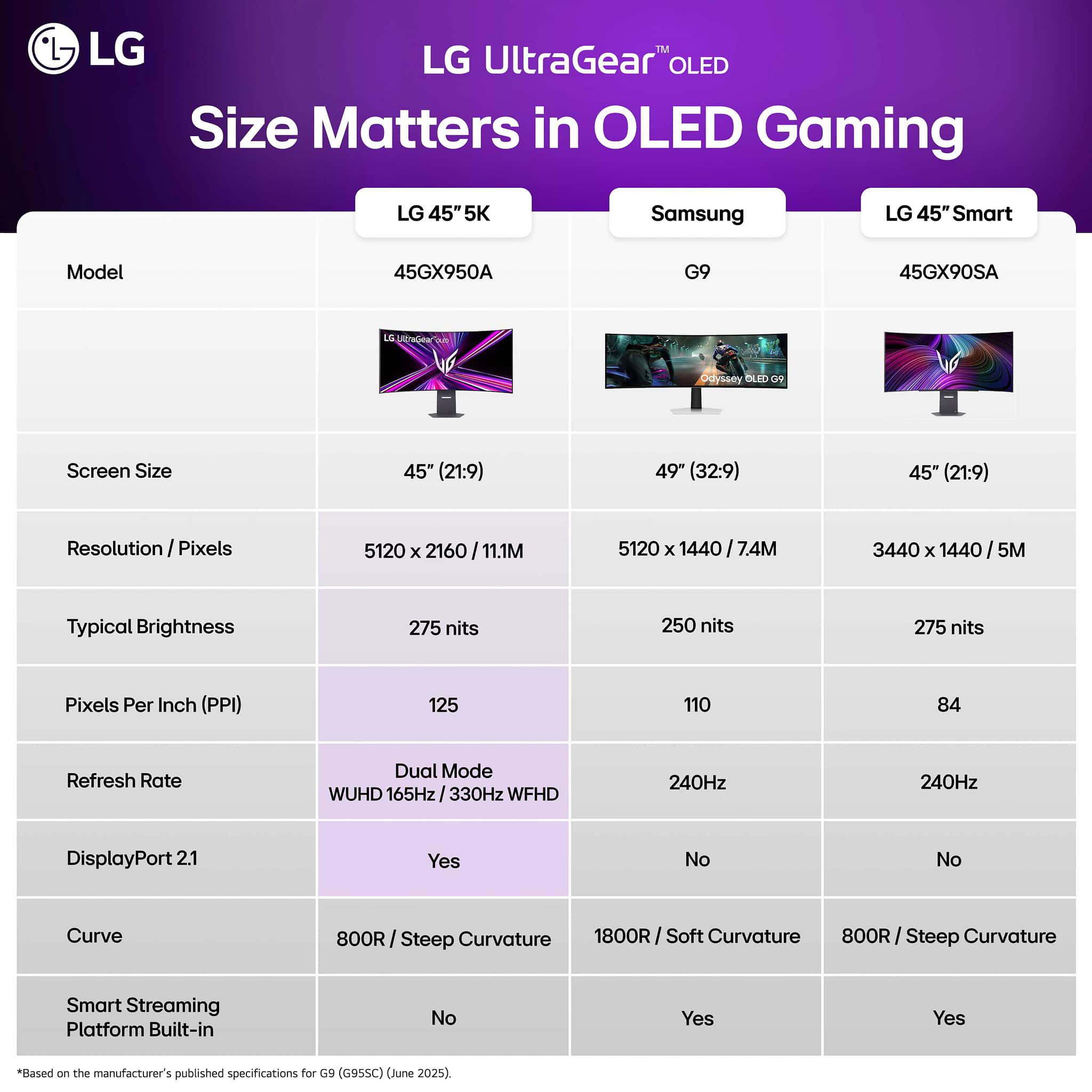
  • QuestionWhat are the main differences between this and the 6619492 monitor (4k version)? Is it mostly just resolution?

    Asked by jsnow.

    • Answer Yes resolution and bang for your buck!

      Answered by Jayba

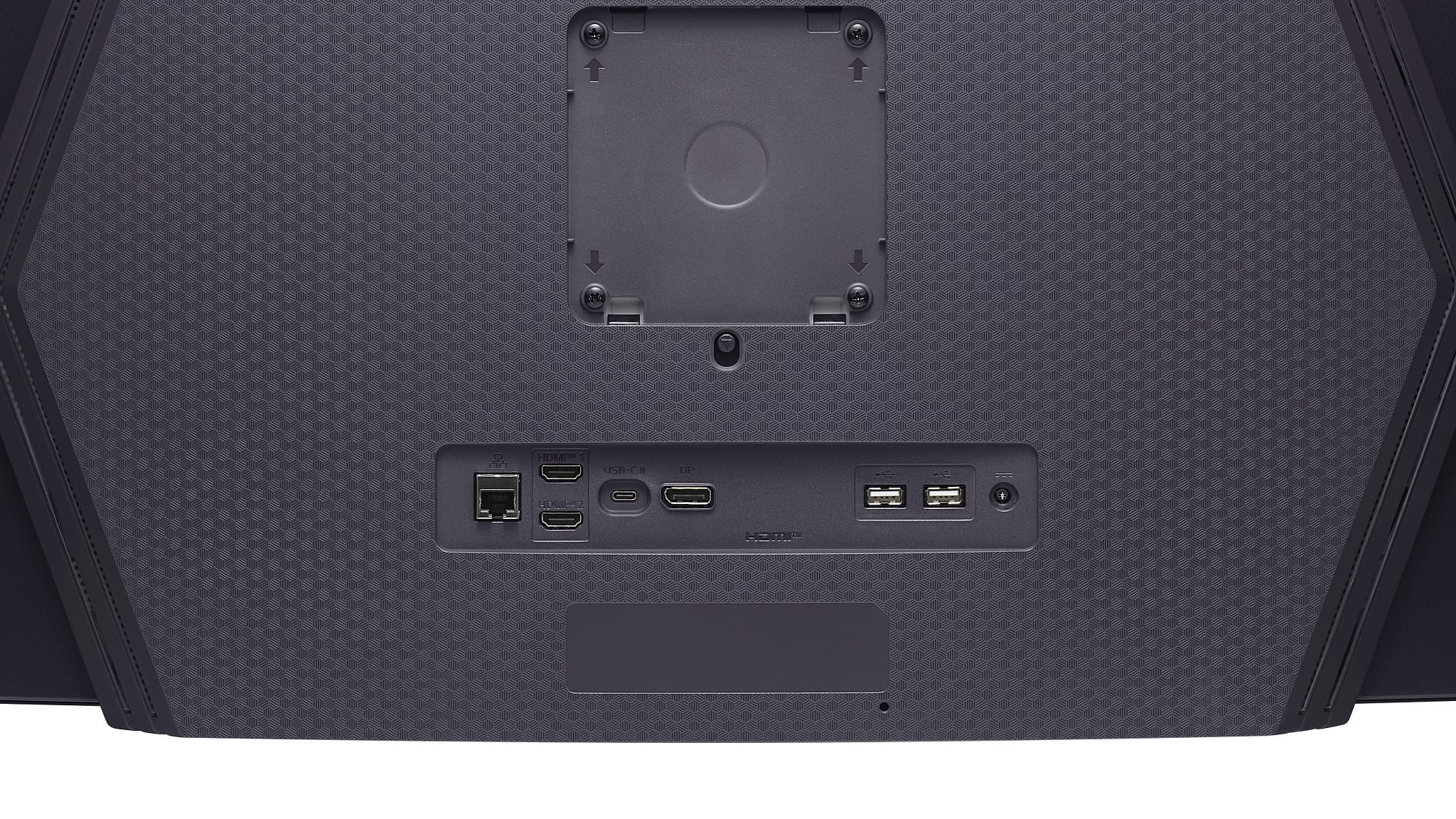
  • QuestionI need to put this monitor on the wall, is there a specific base for it?

    Asked by Anonymous.

    • Answer No issues mounting it to the wall

      Answered by Jayba

  • QuestionCan I connect my laptop too?

    Asked by Anonymous.

    • Answer Had no issues connecting my laptop for work

      Answered by Jayba

  • QuestionDoes this monitor have optical input for a sound bar

    Asked by Asia21.

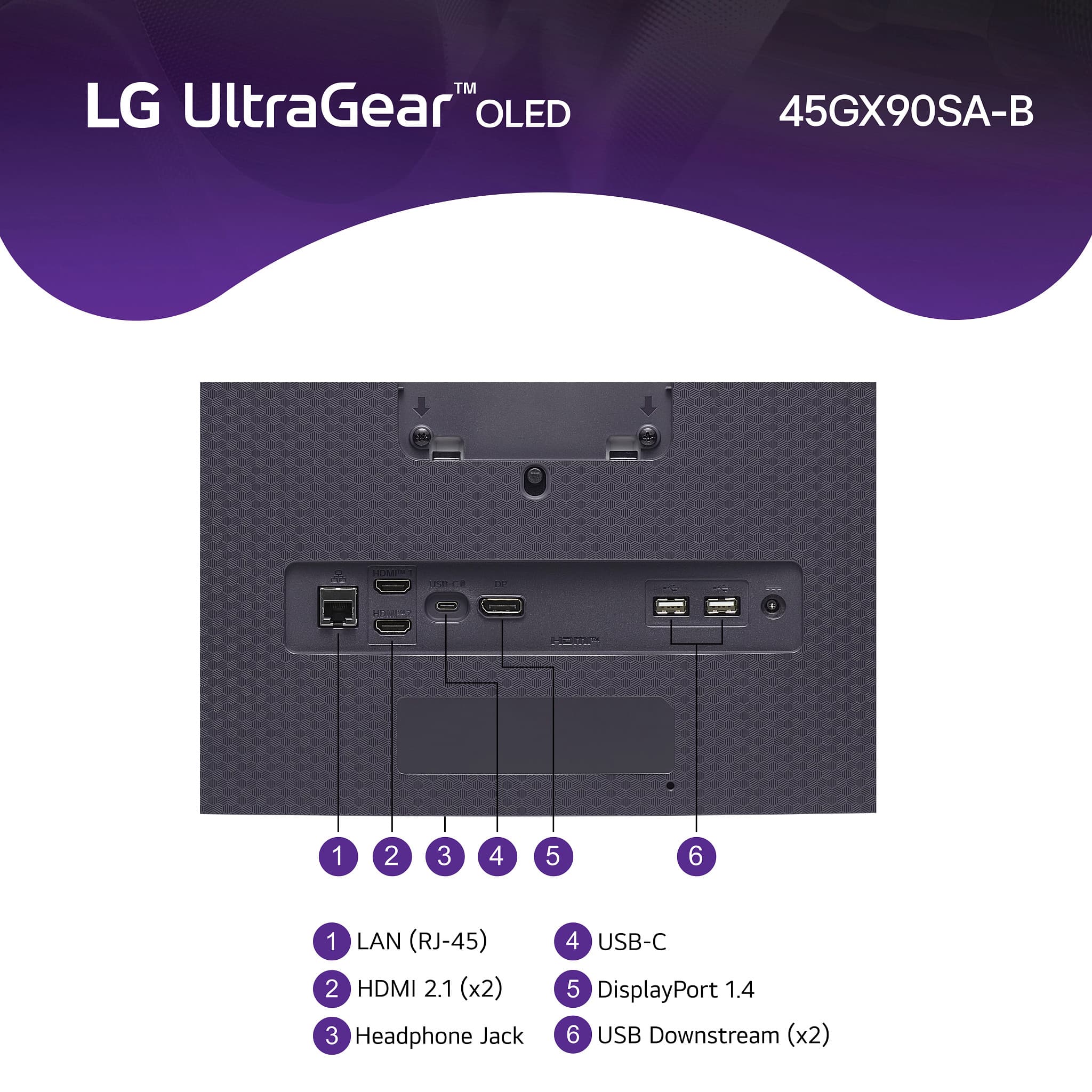
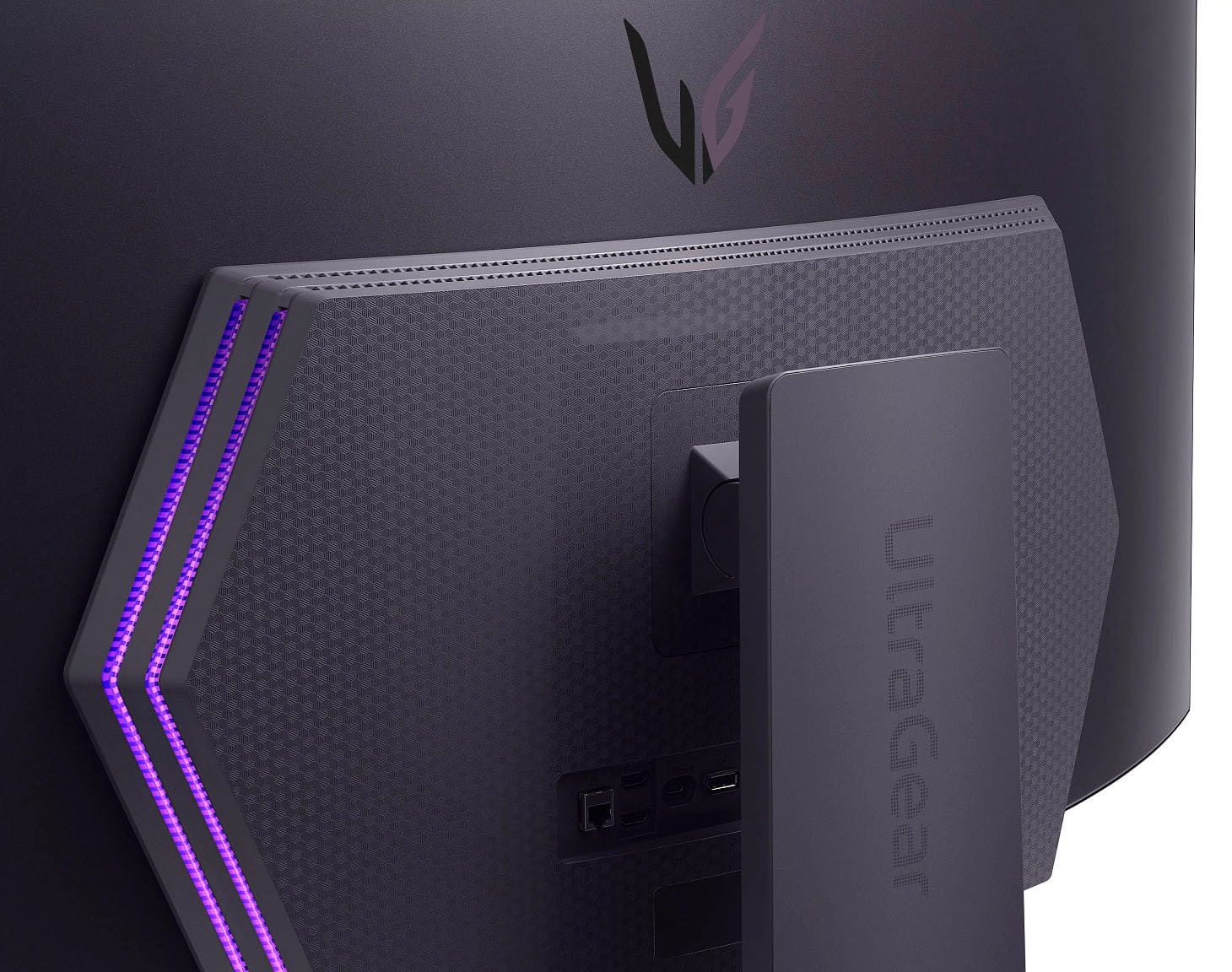
    • Answer Hello there, Asia. Thank you for sharing your experience with us. We understand your inquiry regarding the 45GX90SA-B and whether it includes an optical input for your sound bar. We understand how important it is to have the correct connectivity options to ensure your audio setup complements the high-quality visuals of your OLED monitor. Based on the official specifications for this unit, the monitor does not feature a dedicated optical (Toslink) port. However, we are happy to share that it offers several modern alternatives for your audio needs. The 45GX90SA-B is equipped with two HDMI 2.1 ports, a USB-C port with Power Delivery, and a 4-pole headphone out jack that supports both sound and a microphone. Additionally, as a Smart Monitor featuring webOS 24, this unit supports Bluetooth connectivity, which allows you to pair a compatible LG sound bar or other audio devices wirelessly. We understand you want to maximize your home entertainment or gaming experience, and utilizing the HDMI or Bluetooth features will help you achieve an integrated and immersive sound environment. We are committed to providing you with the technical details necessary to build your ideal setup with our LG UltraGear technology. https://www.bestbuy.com/product/lg-ultragear-45-oled-qhd-240hz-0-03ms-g-sync-freesync-premium-pro-smart-gaming-monitor-with-displayhdr-400-true-black/JJ8VPZWYXR If you have any further questions about its features, please contact us on lgdigitalcare@lg.sprinklrsupport.com, and our team will be more than happy to assist you. —Renzo

      Answered by LG Digital Customer Care

  • QuestionAs of December 29th how much long will this monitor be on sale

    Asked by Asia21.

    • Answer Hello there. Thank you for sharing your experience with us. We understand your inquiry regarding the sale duration for the 45GX90SA-B. To answer your question, as this unit is being sold through Best Buy, pricing and promotional periods are determined and managed directly by the retailer. We recommend contacting Best Buy customer support or checking their weekly advertisement to confirm the exact end date of this sale. https://www.bestbuy.com/product/lg-ultragear-45-oled-qhd-240hz-0-03ms-g-sync-freesync-premium-pro-smart-gaming-monitor-with-displayhdr-400-true-black/JJ8VPZWYXR If you have any further questions about its features, please contact us on lgdigitalcare@lg.sprinklrsupport.com, and our team will be more than happy to assist you. —Renzo

      Answered by LG Digital Customer Care

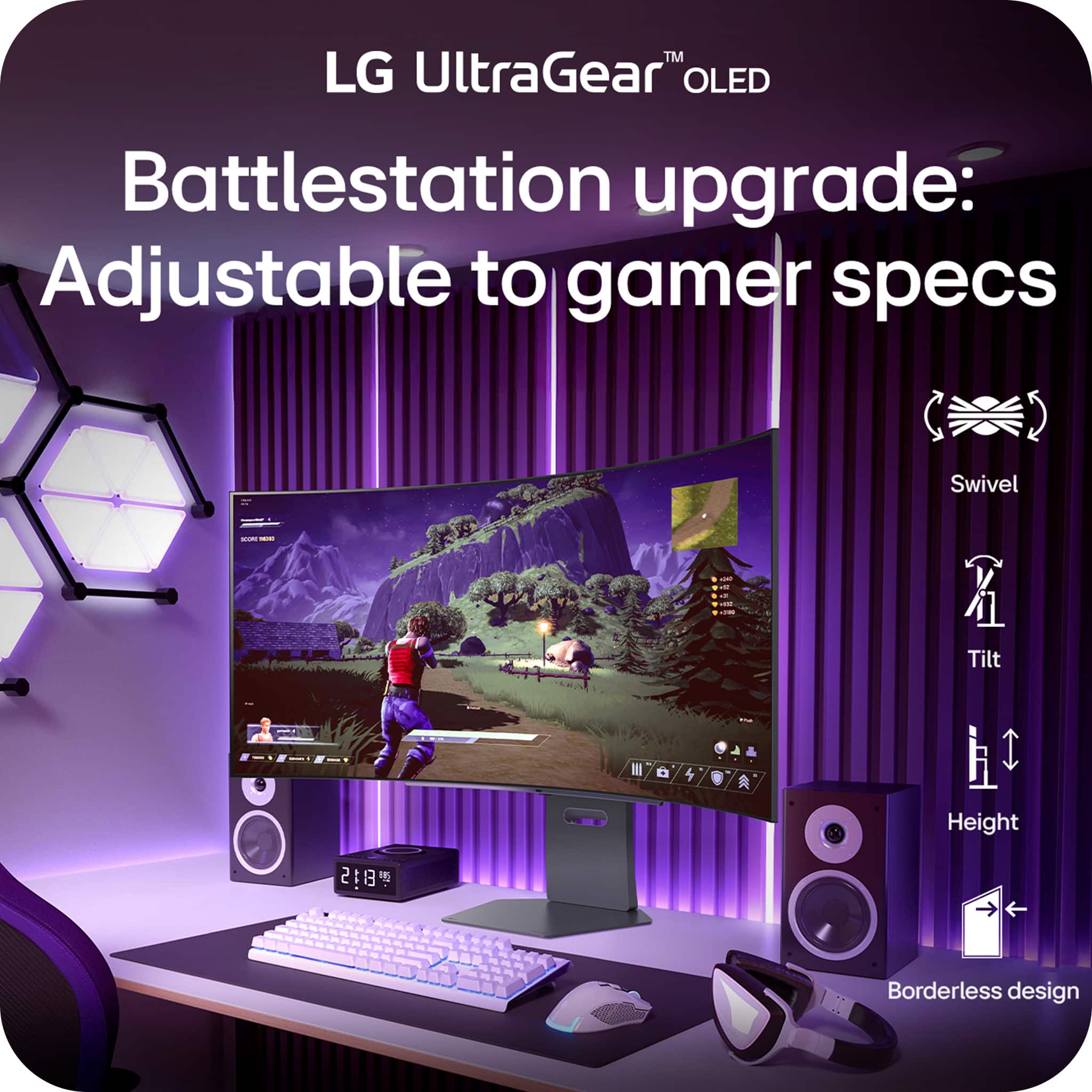
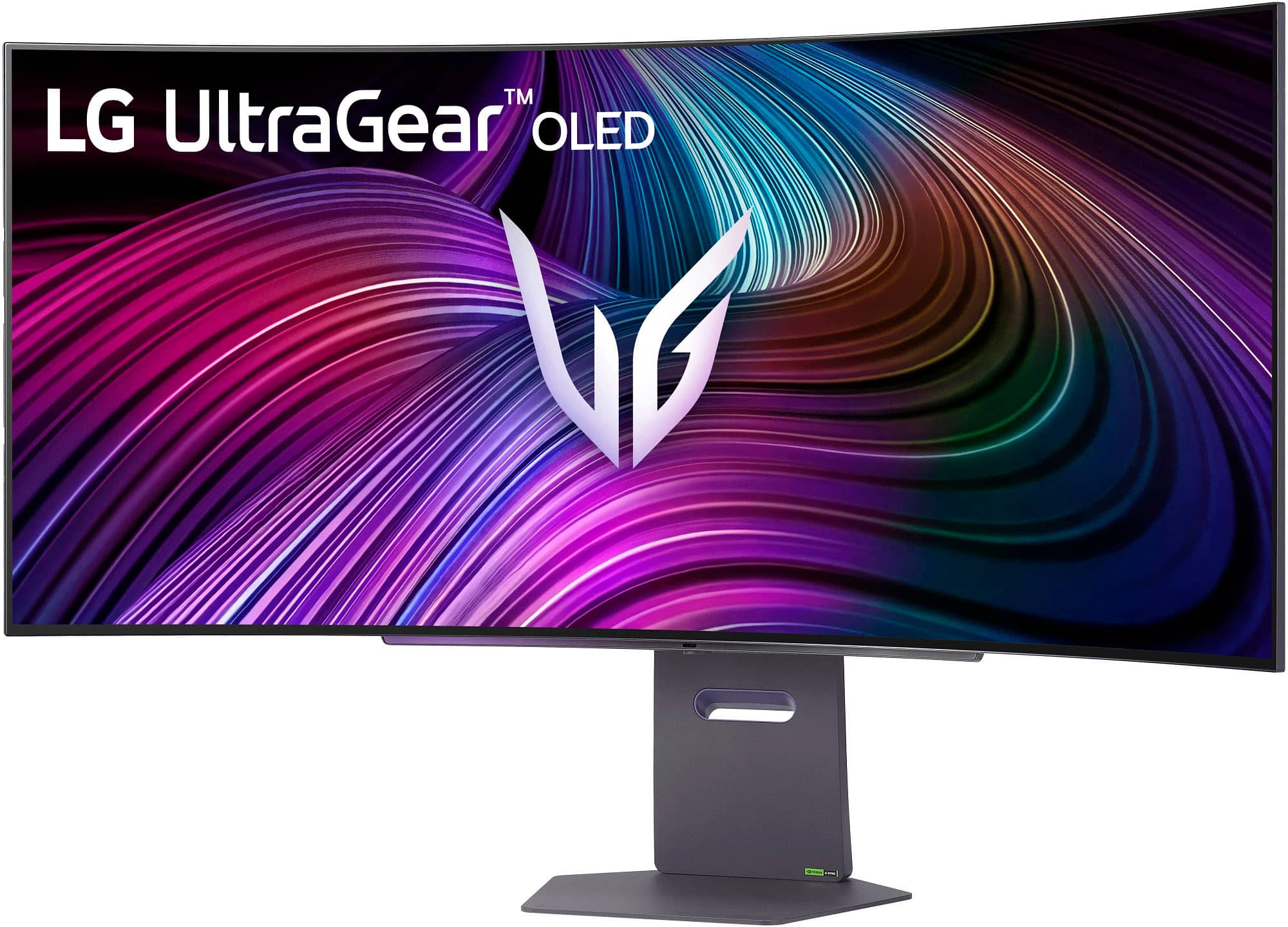
  • QuestionIs the monitor able to be adjusted further down? Or somewhere in the middle? Not too high up not too low?

    Asked by Olive.

    • Answer Yes you can adjust the vertical position of the monitor.

      Answered by Zach

  • Question49" monitor with webcam for conferencing?

    Asked by Trish.

    • Answer Hello there, Trish. Thank you for sharing your inquiry with us regarding your 45GX90SA-B UltraGear™ OLED monitor. We understand your inquiry about using a webcam for conferencing with this unit. Your 45GX90SA-B is a high-performance gaming monitor that is not equipped with a built-in webcam. However, we want to share that your monitor includes multiple USB Down-stream ports and a USB Type-C (Up-stream) port with 65W Power Delivery, which means you can easily connect and use a compatible external webcam for your conferencing needs. https://www.bestbuy.com/product/lg-ultragear-45-oled-qhd-240hz-0-03ms-g-sync-freesync-premium-pro-smart-gaming-monitor-with-displayhdr-400-true-black/JJ8VPZWYXR If you have any further questions about connecting external devices or using the Smart Monitor features for conferencing, please contact us on lgdigitalcare@lg.sprinklrsupport.com, and our team will be more than happy to assist you. —Renzo

      Answered by LG Digital Customer Care

  • QuestionCan i play my Ps5 pro in this monitor?

    Asked by Gamer.

    • Answer Monitor has display ports and HDMI ports

      Answered by LarryK

  • QuestionDoes this monitor support Xbox? Or does it stretch everything out?

    Asked by Bespoke.

    • Answer Yes, great optical view but it will shrink everything down a little bit just so you get that screen stretch

      Answered by CoachQuag

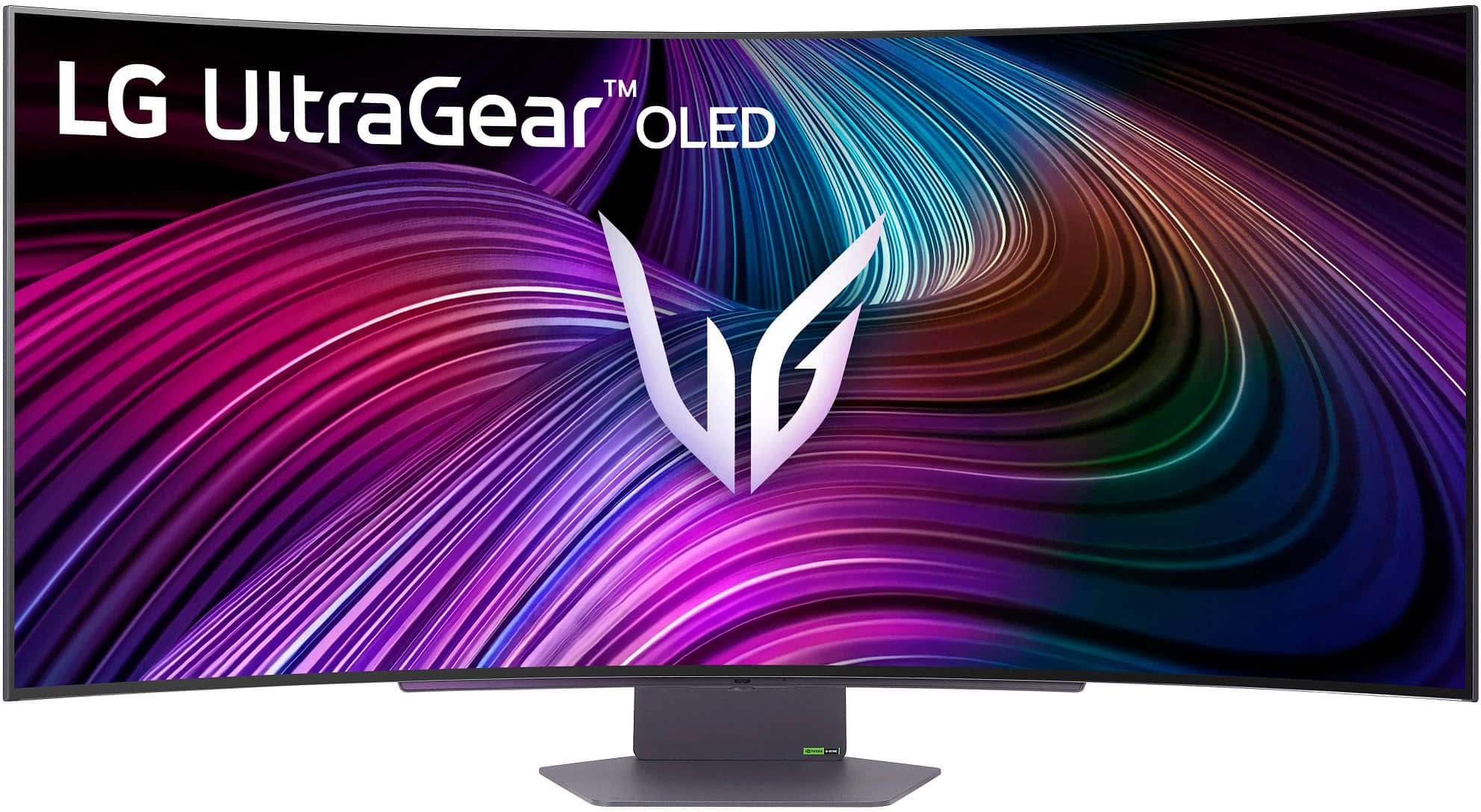
  • QuestionWhat are the dimensions of the monitor. Specifically the width?

    Asked by Samuel.

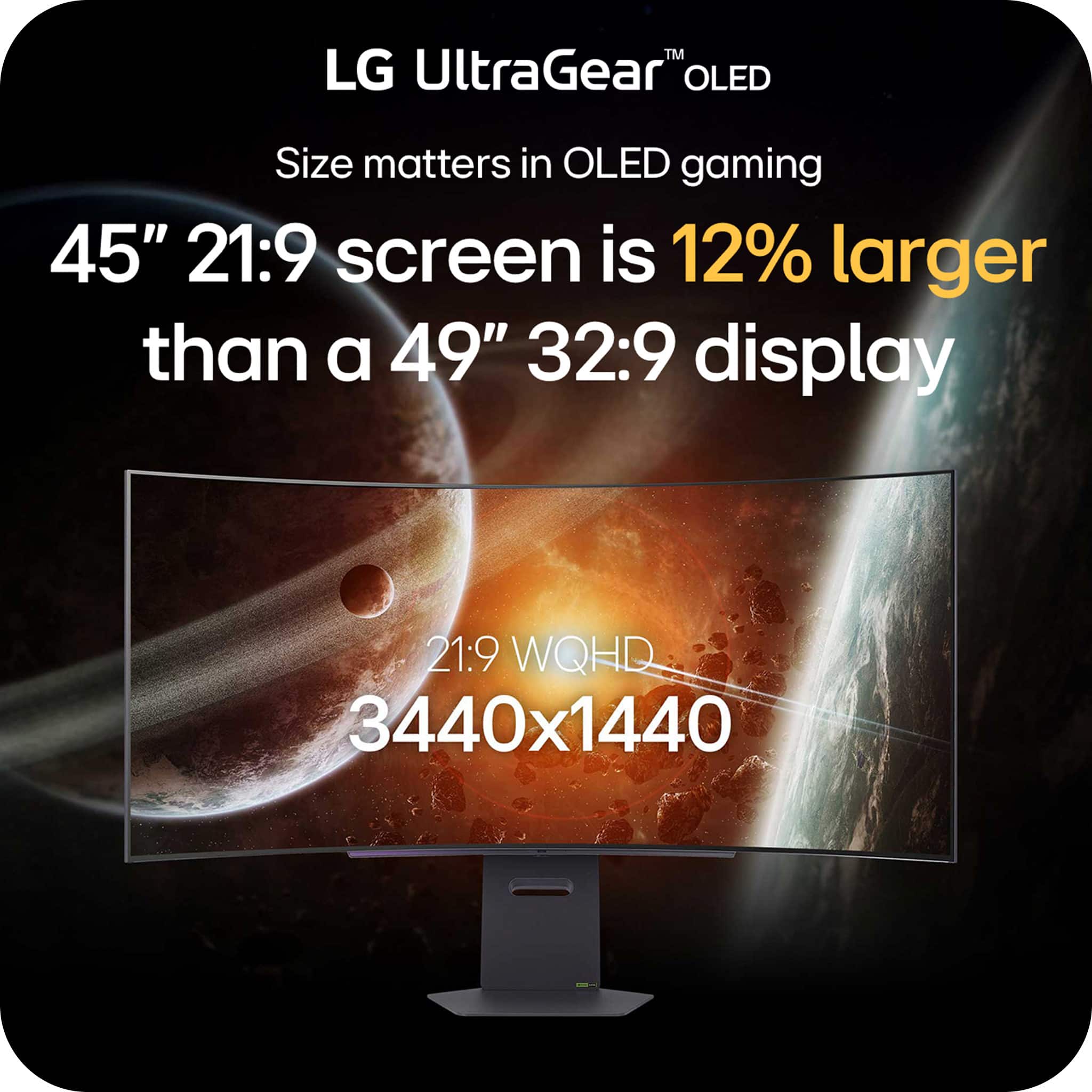
    • Answer Straight across from edge to edge 39 1/4

      Answered by LarryK

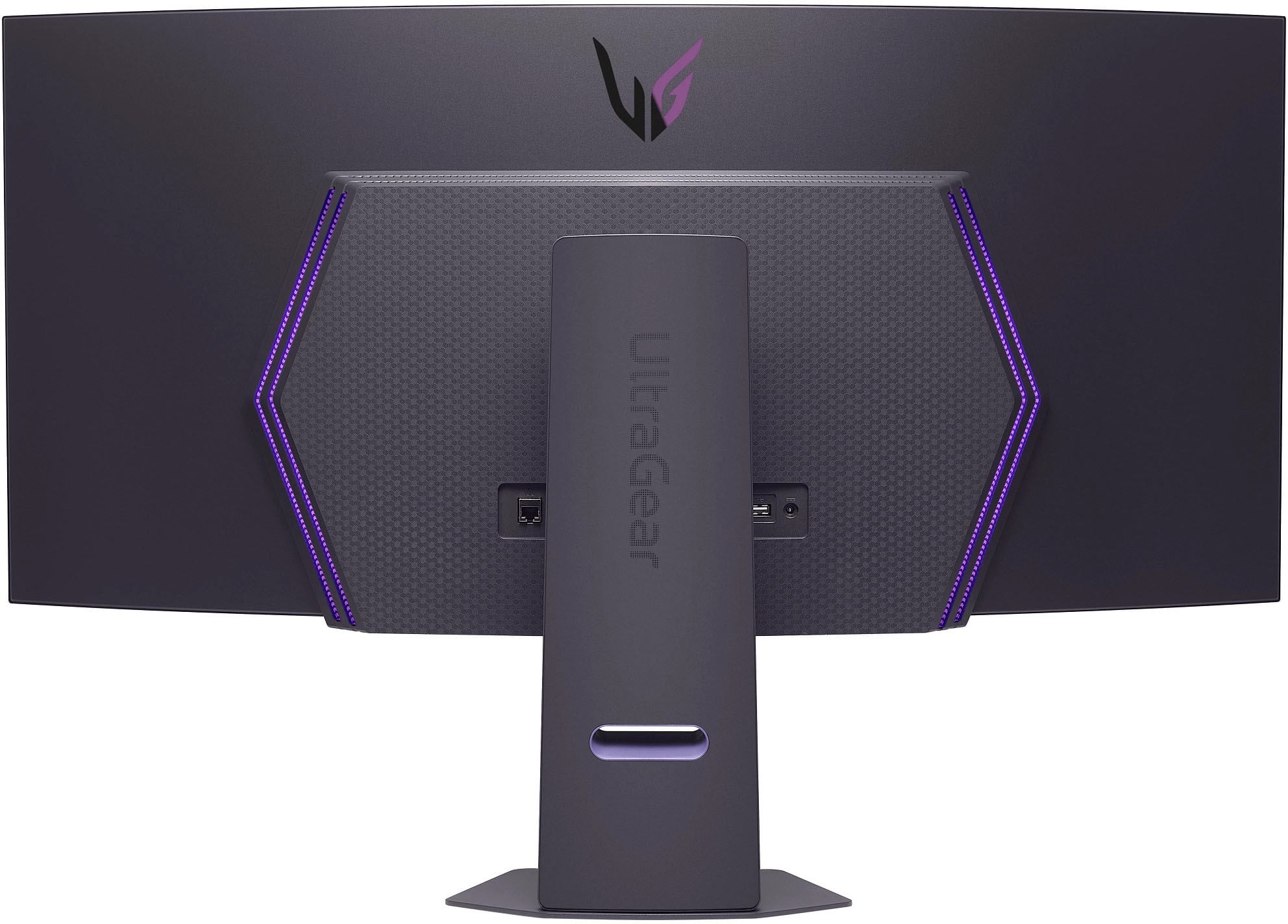
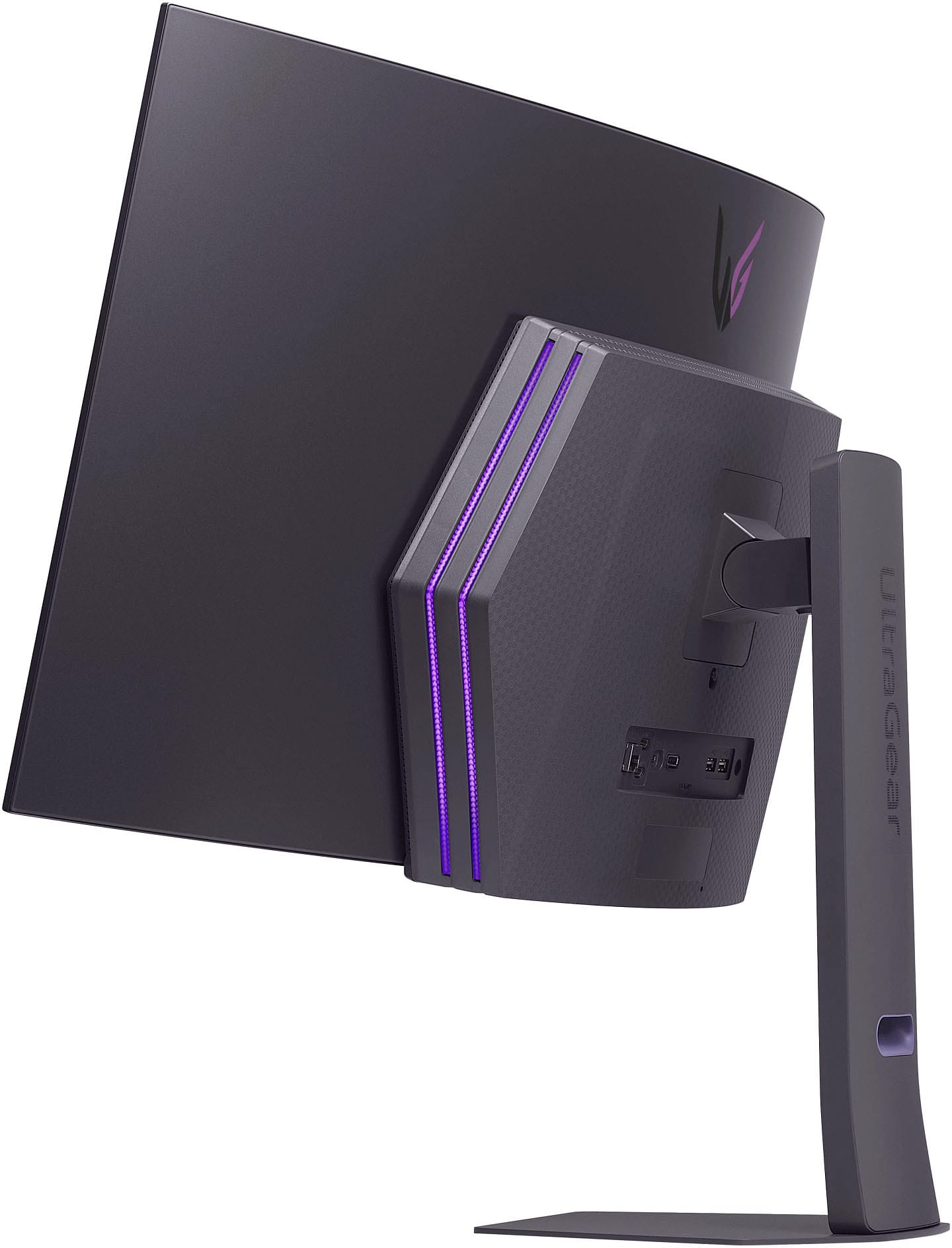
  • QuestionHow far from the wall does teh screen stick out if wall mounted?

    Asked by deleriousdi.

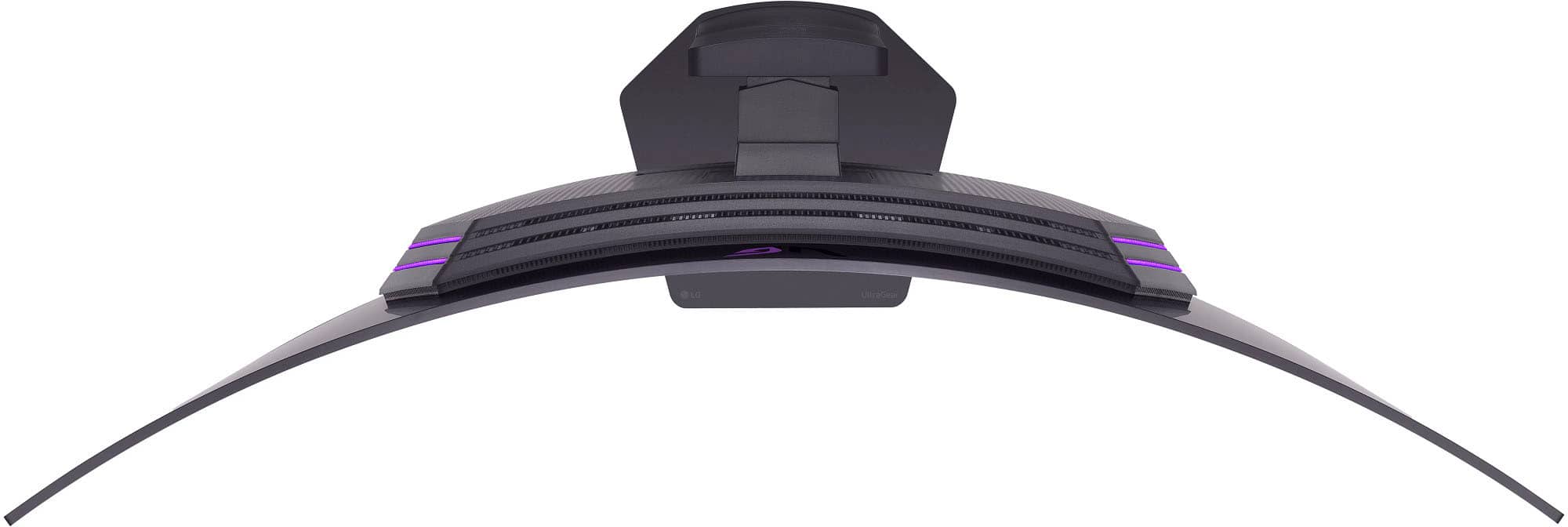
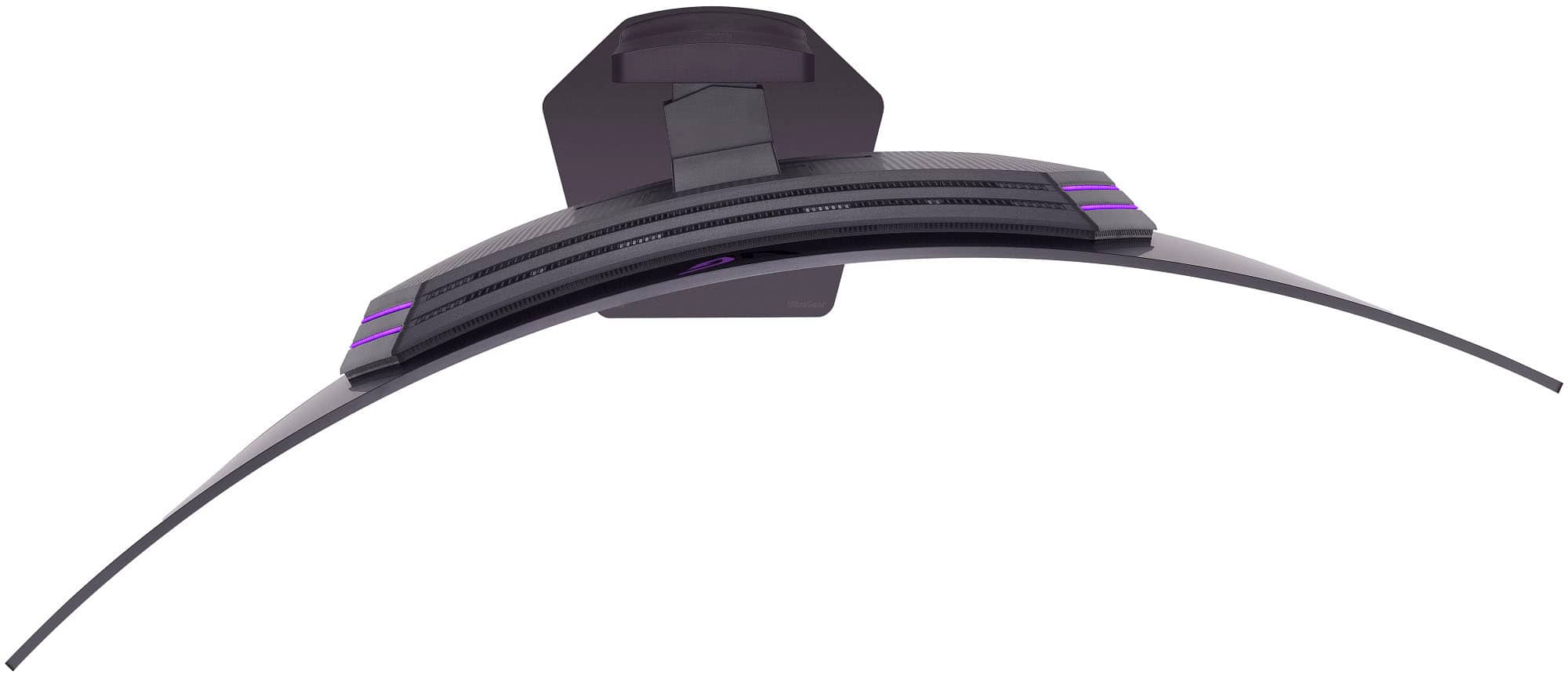
    • Answer The wall mount that you use to mount the LG 45-inch UltraGear™ OLED WQHD 240Hz 0.03ms G-Sync Compatible 800R Curved Gaming Monitor with webOS, Model # 45GX90SA-B, will determine how far from the wall the monitor will extend. The monitor has a depth of 8.6"...^Ivan.

      Answered by LG Digital Customer Care

  • QuestionHow do I remove the terrible data mining smart tv feature on the gaming monitor? It's crazy you guys charge 1700$ (which is 700$ more than the old model because you added "stupid tv" functionally) but you guys mine so much data and make so much money..

    Asked by Jordan.

    • Answer You do not have to agree to the Smart TV User Agreements on the LG 45 Inch UltraGear™ OLED WQHD 240Hz 0.03ms G-Sync Compatible 800R Curved Gaming Monitor with webOS, Model # 45GX90SA-B. If you do not agree to the terms, you will not be able to use the monitor's smart features or services...^Ivan.

      Answered by LG Digital Customer Care

  • QuestionCan you really not wall mount this monitor? Is it because of the curve?

    Asked by Anonymous.

    • Answer I was able to mount it to an externa table mount that I previously had for my monitor that I replaced this with. I can't see why you wouldn't be able to use a wall mount. It might must be troublesome to get it mounted because of how big it is.

      Answered by John

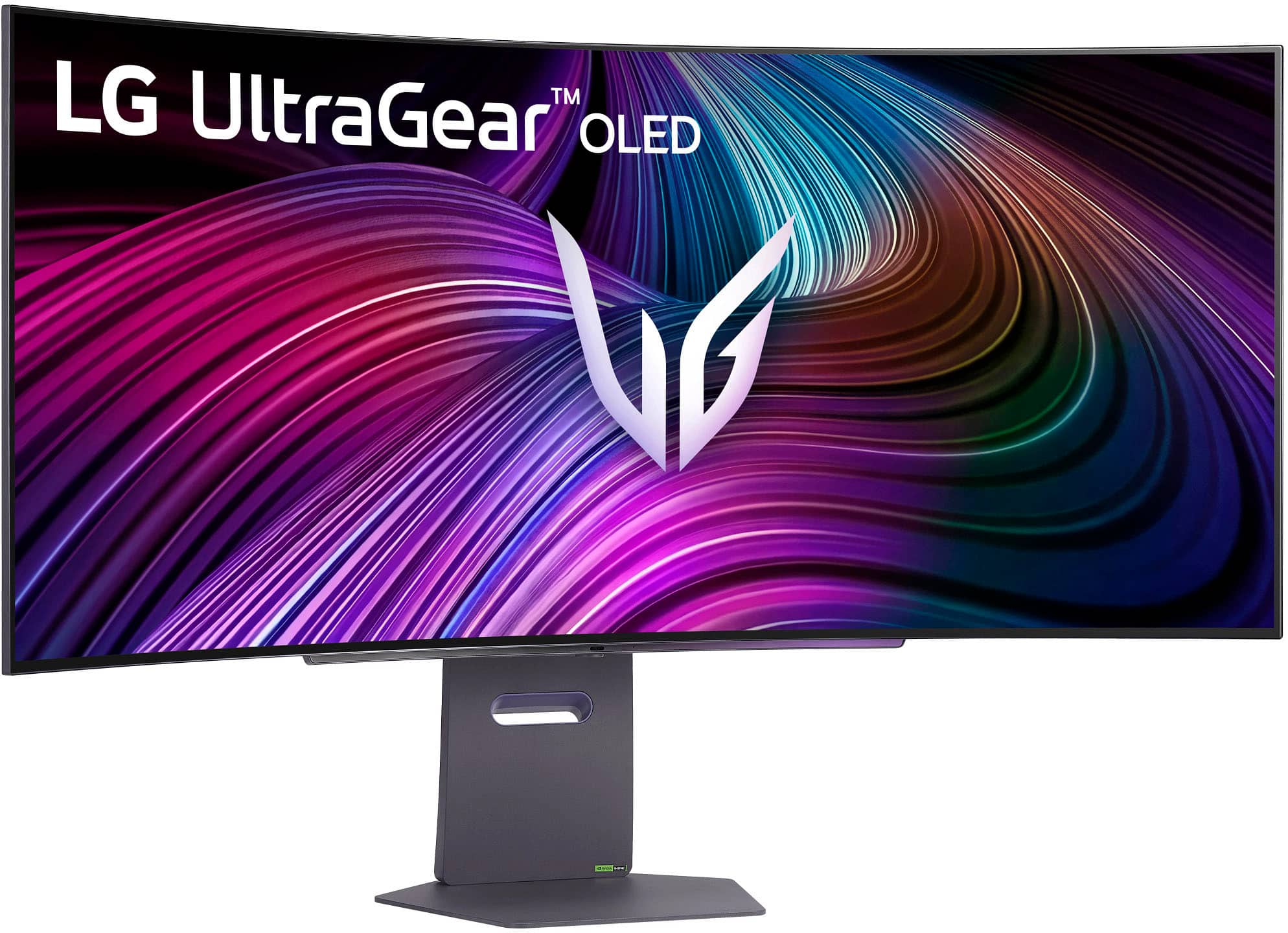
  • QuestionDoes this monitor stand have the ability to swivel?

    Asked by Sam.

    • Answer The stand for the LG 45 Inch UltraGear™ OLED WQHD 240Hz 0.03ms G-Sync Compatible 800R Curved Gaming Monitor with webOS and DisplayHDR™ TRUE BLACK 400, Model # 45GX90SA-B can be swiveled (Swivel (Angle) -10~10º)...^Ivan.

      Answered by LG Digital Customer Care

  • QuestionWhy am I not able to.power on my monitor? All I'm getting is a flashing red light... I've owned this for maybe 1 week!

    Asked by Brandon.

    • Answer Hi, there. Thank you for reaching out! We understand your concern about having your LG Monitor (45GX90SA) model not powering on after just one week. We aim to offer top-notch products and ensure a smooth experience. To start troubleshooting, try the following step: Unplug the monitor from the power source, wait for about 30 seconds, then plug it back in. After doing this, check if the red light still flashes or if the monitor powers on. For more help, visit https://www.lg.com/us/support/help-library/lg-monitor-troubleshooting-no-power--20150893043202. If that doesn't work, please send us a private message on social media @LGUSSupport, and our team will be more than happy to help resolve this issue. We’re here to make sure you get the most out of your monitor. ^Juvy

      Answered by LG Digital Customer Care