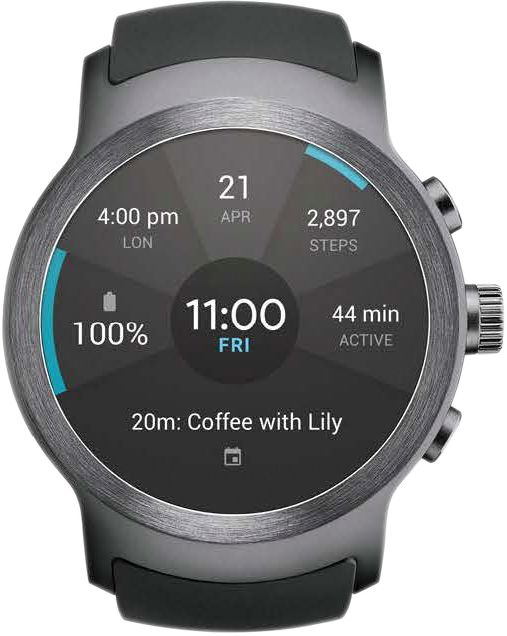
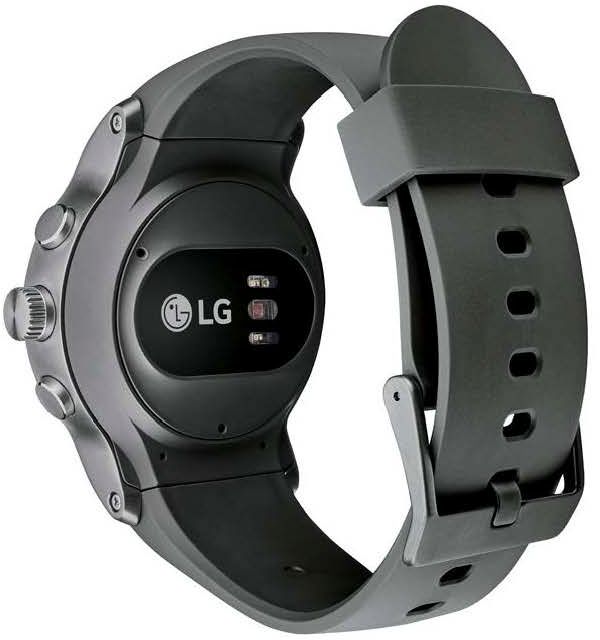
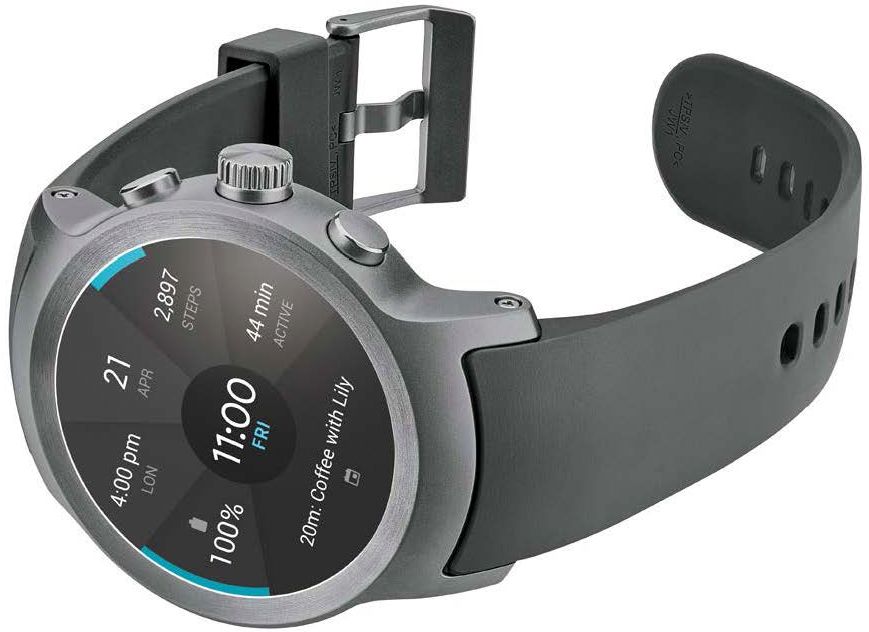
A:Answer After copying your companion device's Google accounts to the LG Watch Sport™ - AT&T, Model # W280A, you can download more apps from the Google Play™ Store. To use the same apps which are already installed on your companion device, download them again on your watch. You can download them easily via the 'Apps you've used' category on Google Play™. The apps on your device, and their functions, may vary according to country, region or hardware specifications. LG will not be responsible for any performance issues which arise from using applications developed by providers other than LG and will not be responsible for performance or incompatibility issues which arise from edited registry settings or modified operating system software. ^CP