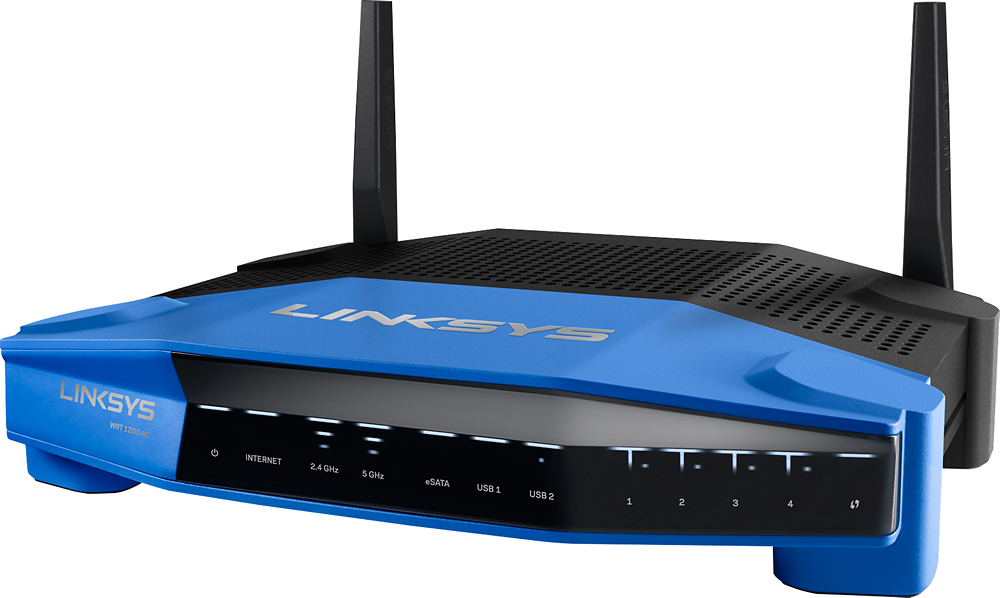
A:AnswerYou can ABSOLUTELY use the WRT1200AC with a Linux computer. The downside is that you will not be able to run the "easy config" program that is on the setup CD/DVD (if there is one). Instead you will, in typical Linux/Unix fashion, dig in and manually configure things. After powering up the router run an Ethernet cable from the Linux machine to one of the LAN ports of the WRT1200AC. I am sorry, but you may be out of luck if your Linux machine has ONLY WiFi connectivity. For a WiFi only machine you could try a USB to Ethernet adapter. I've had good luck with those (YMMV) and they are cheap. Power on the router. It may take 1 - 2 minutes to fully boot. Once the router is ready (see lights) and your Linux machine is physically cabled up to the router power cycle the Linux machine. Then use a browser to surf to 192.168.1.1 and you should get a login screen. Login to the router (un=admin/pw=admin). You are now presented with the first of many configuration screens. On your setup home page, tick the "I want to skip Setup and configure my router manually" option and click Next. AT A MINIMUM you want to 1) change the admin password of the router 2) change the SSIDs of your WiFi networks AND their passwords 3) get rid of any "guest access" WiFi networks because those guest networks are notoriously insecure. There are a ton of screens and configurations, but, hey, you are a Linux guy, so you can do this kinda thing ... see the manual (PDF) for all the details. In general RTFM. Once the configs are done power everything off (modem/router/CPU). Then cable the modem to the WAN port on the router. Then power the equipment up in this order = modem/router/computer. Do not power up the next piece of equipment up until the prior piece is "fully ready." This (proper) powering up can easily take several minutes. These are ALL computers (modem & router, too) and they are booting up. I don't know what Leon is talking about with "emulate your emulation" and "intranet" with relation to this router. The WRT1200AC is quite a decent router. Manual configs can be a pain, but keep at it and you will triumph! The FAQ page for this router can be easily found by putting the strings (with quote chars) that are after this sentence into Google. "Wireless Router Frequently Asked Questions" "Linksys WRT1200AC" site:linksys.com