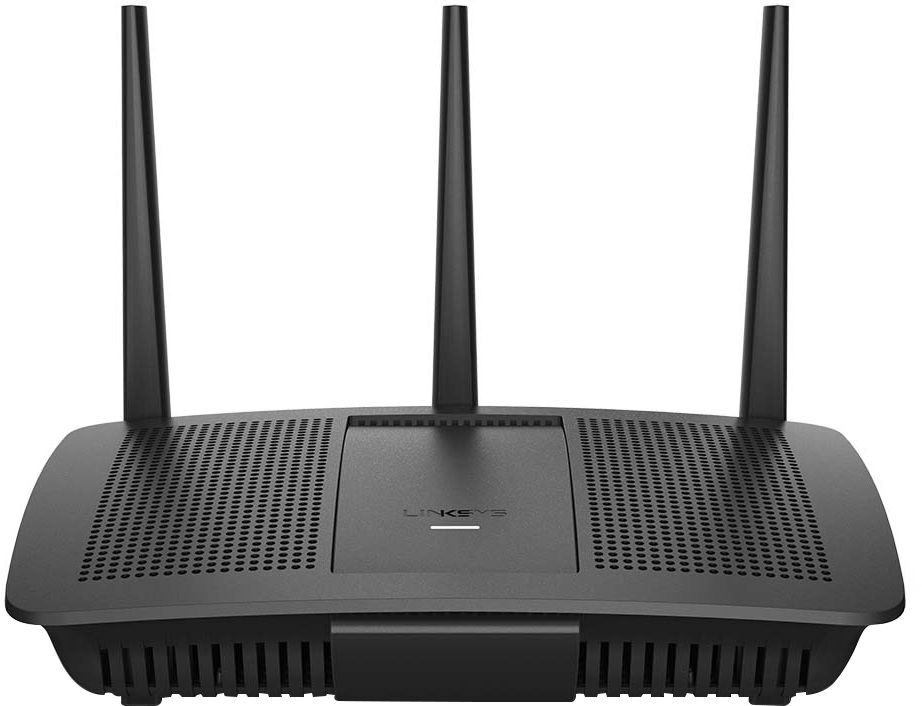
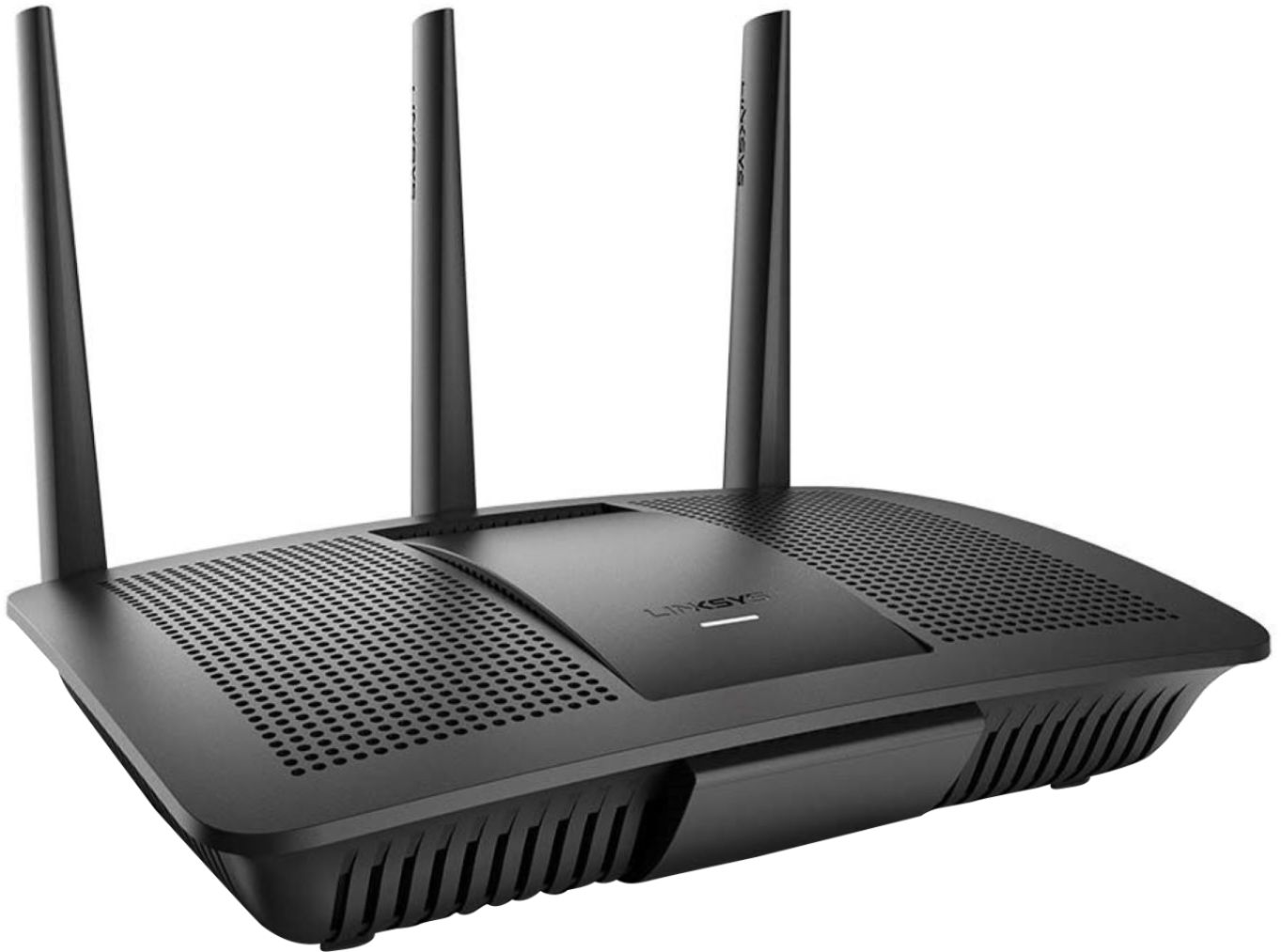
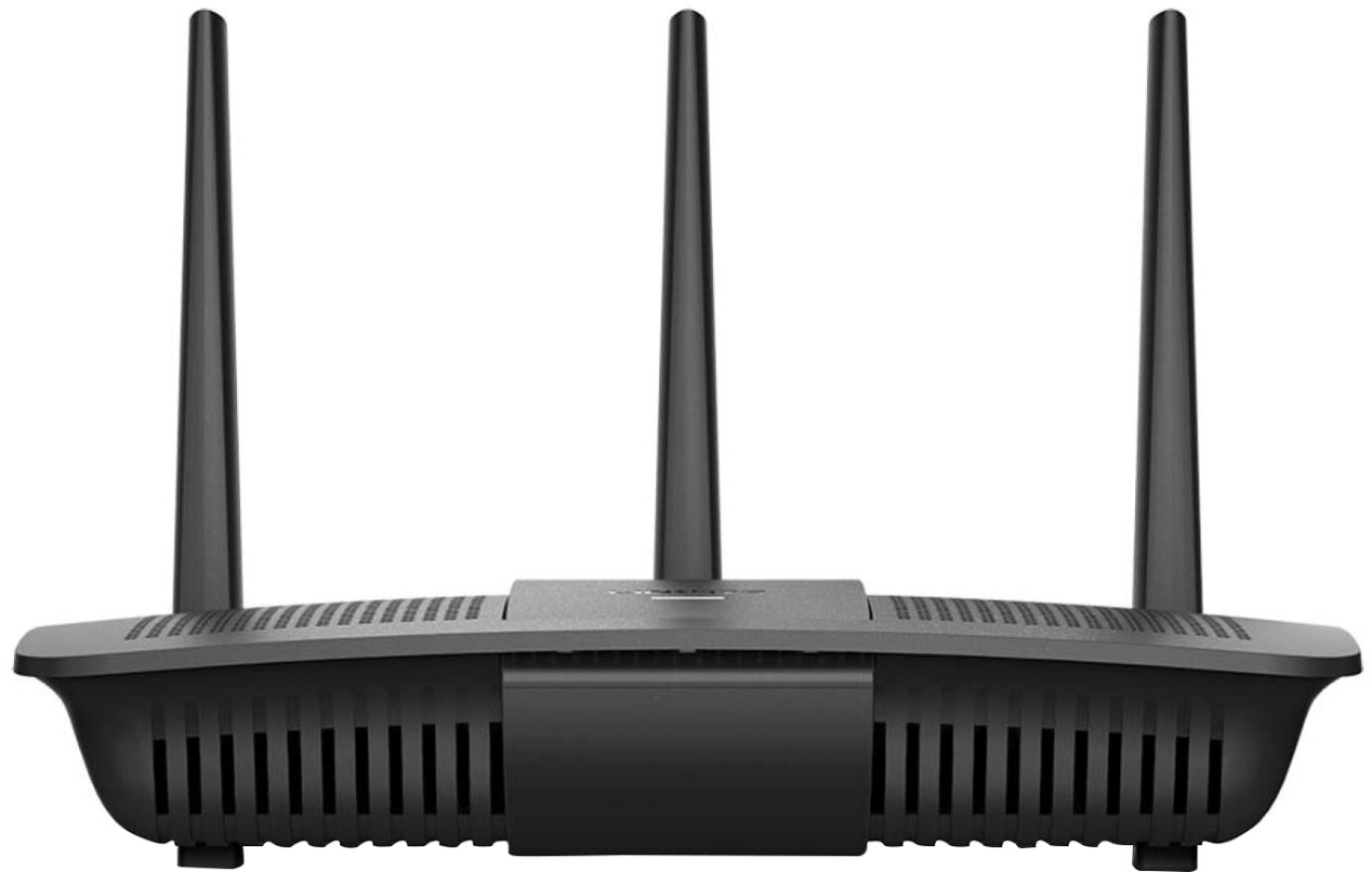
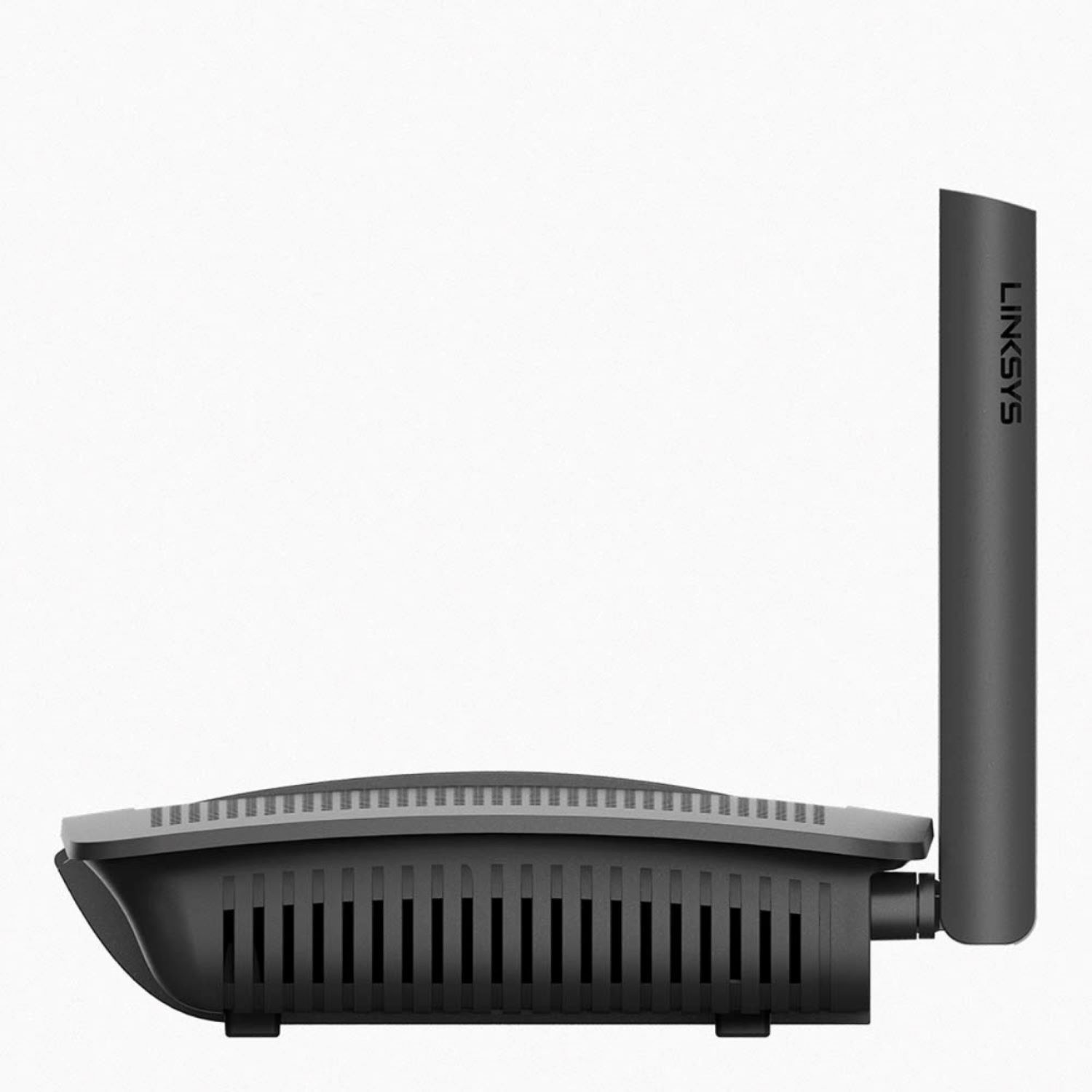
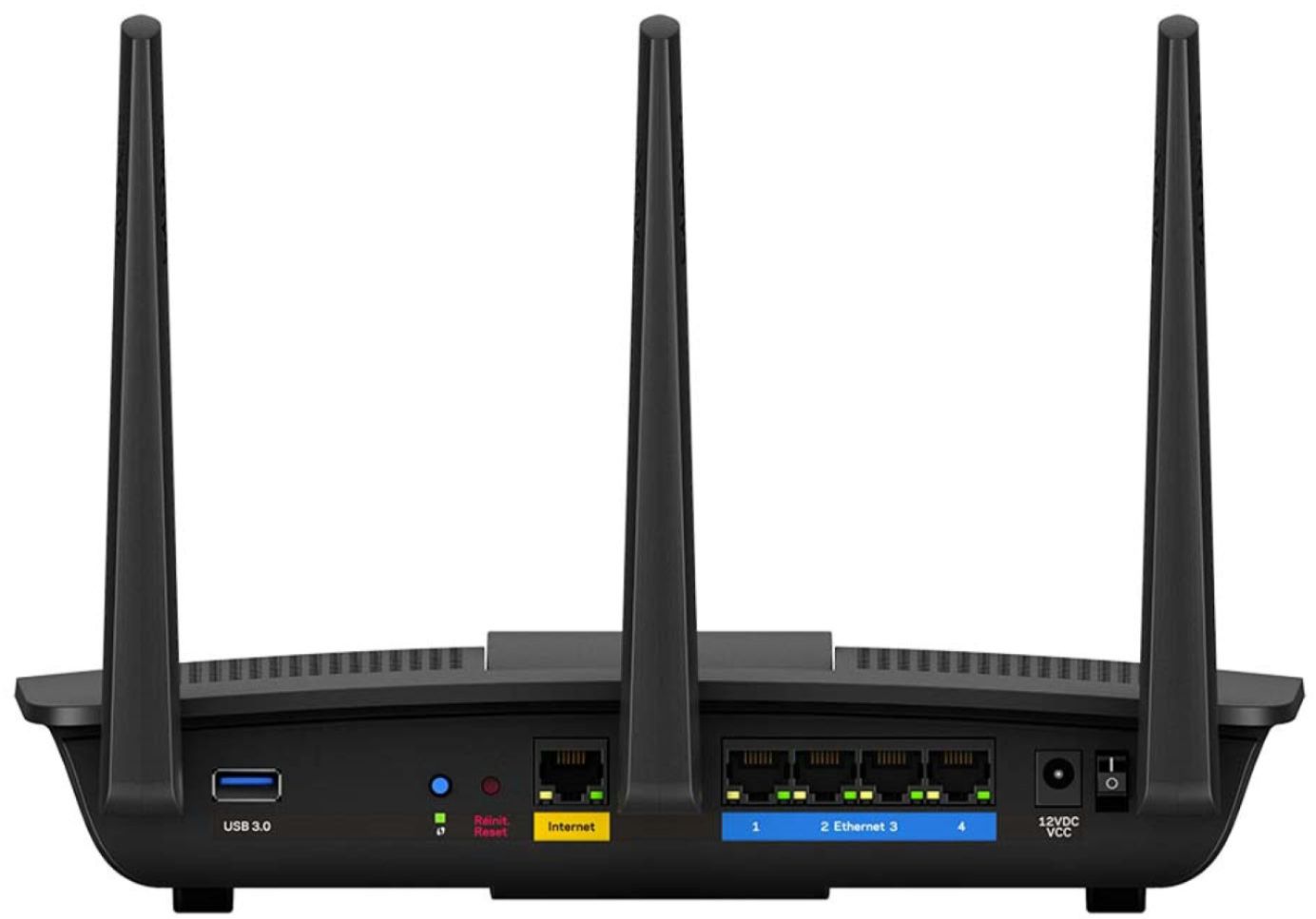
A:AnswerHi, YoYo. The Linksys EA7200 router offers two dedicated WiFi bands that deliver combined speeds of up to 1.7 Gbps (Up to 300 Mbps on the 2.4 GHz radio and Up to 1450 Mbps on the 5 GHz radio). Moreover, it can connect up to 15+ devices.
A:AnswerYes, the 2-in-1 AC1750 WiFi router and integrated DOCSIS® 3.0 cable modem. It is CableLabs® certified to work with all major cable Internet providers such as XFINITY® from Comcast. ANd as for simplicity? My sister installed one three weeks ago based on my recommendation. She is technology limited, but managed to set it up perfectly!
A:AnswerThis router will not go over 350Mbps throughput wired. I upgraded my internet yesterday to 3.1 docsis modem and 1G speed thru spectrum and I could not get more than 350Mbps wired. We thought it was issue with modem but after a few hours and switching router to an old router I had. Identified that this router will not go over 350Mbps. Once I swapped it out with my old router I was able to get 950Mbps. Very disappointed and surprised that this basic functionality was not tested. Will not recommend.
A:AnswerHello, Dana. Our Linksys EA7200 should work fine with most of the modem. However, we also suggest you contact the manufacturer of the modem or your Internet Service Provider for its compatibility.
A:AnswerHello, AlanJ. You can try relocating the Linksys EA7200. However, adding a range extender will help you extend the wireless network of your router, but you must consider physical obstruction as well.
A:AnswerYes, you can use this with any device. However for setup, it’s accessible via any website and the Linksys app can be downloaded to any iPhone or Android. Very easy.
A:AnswerPrimarily the default IP Address for Linksys routers are 192.168.1.1 or 192.168.1.2 and then from there you can search for the default username and password to properly configure your router. Hope this helps!
A:AnswerHi, Bob234. You can connect any wired or wireless device to the EA7200 router. You may just need to verify with the ring pro manufacturer in case there are any special requirements needed for the device to connect.