A:AnswerI'm sorry I do not have enough technical knowledge to answer your questions. I would suggest you call the manufacturer. They were very helpful and knowledgeable.
A:AnswerHi. This is not a supported feature. However, the router has a Parental Control feature that allows you to to block a device by a specific time or to restrict internet sites on specific devices for users within your network. Here's a reference: https://www.linksys.com/support-article?articleNum=140897
A:AnswerHi, ConcernedAnnoyedParent,
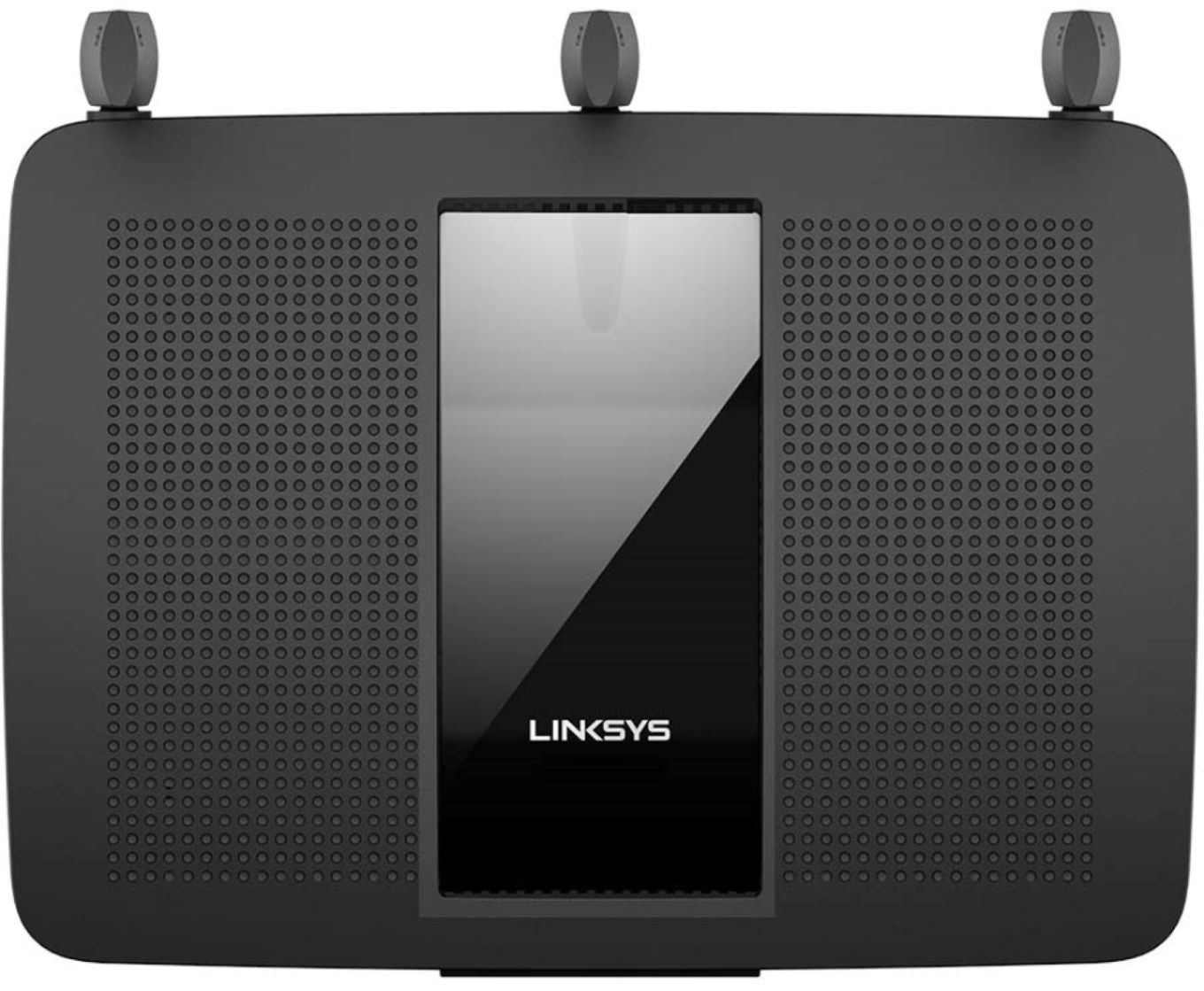
Yes. The Linksys EA7450 has the ability to block a device by a specific time or to restrict internet sites on specific devices for users within your network.
A:AnswerI was trying to do the same thing it says yes in the instruction manual and I got almost there but link system says no you need to get A booster or what not so I gave up On that part but Awesome router I love it
A:AnswerHi, Mike. This signifies internet issues with the router. Please check the connection behind the main modem to see if it is stable. With the link to this post and you contact details, please get in touch at LinksysCares@linksys.com so we can better assist forward.
A:AnswerHi Jonboi. The Linksys EA7450 router works with any wired and wireless devices. As long as your device can connect to the 2.4 or 5 GHz Wi-Fi radio, then it should work fine with this router.
A:AnswerI have Spectrum also it's much factor then there router for $5 a Month Just hook it to your modem with your et take cable And reset the modem Then turn the router on after the Modom resets Anytime you hook something different to the modem you have to reset it Good to go
A:AnswerHi, Dave. The Linksys EA7450 router only allows Virtual Private Network (VPN) tunnels using Internet Protocol Security (IPSec), Layer 2 Tunneling Protocol (L2TP) or Point-to-Point Tunneling Protocol (PPTP) to pass through the router.