A:AnswerIf you can’t get cable based internet service, I suggest a 4G LTE cellular data account and hotspot device with an external antenna. Many antenna types are available.
A:AnswerThis will only boost your signal in your home and not replace your router. If you have poor signal, this should help. Also should check the phone to ensure you're making your calls on wifi and not strictly 4G
A:AnswerSo are you using verizon as your internet source or just centrylink? If it's a slow speed issue in general (when you are close to the device giving internet and its still slow) then no this will not help, this is just an extender, it will not boost your internet to higher speeds, it puts internet on the other side of your house or in a "man-cave" outside of the house.
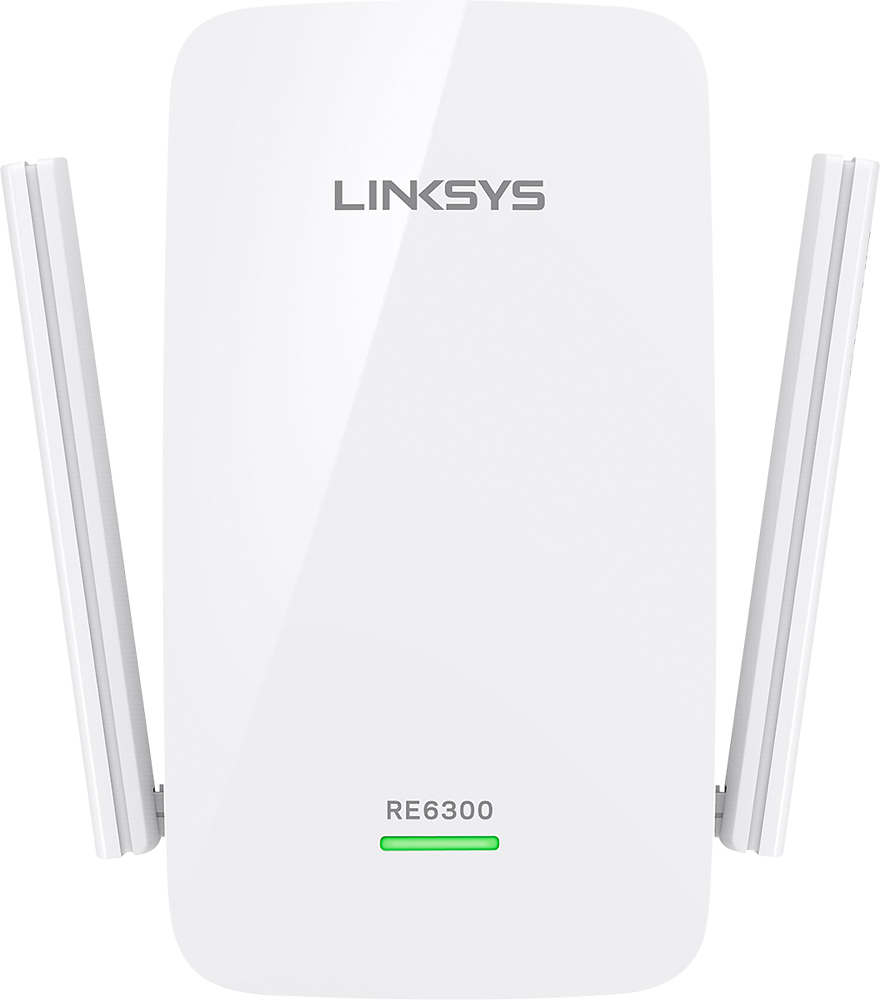
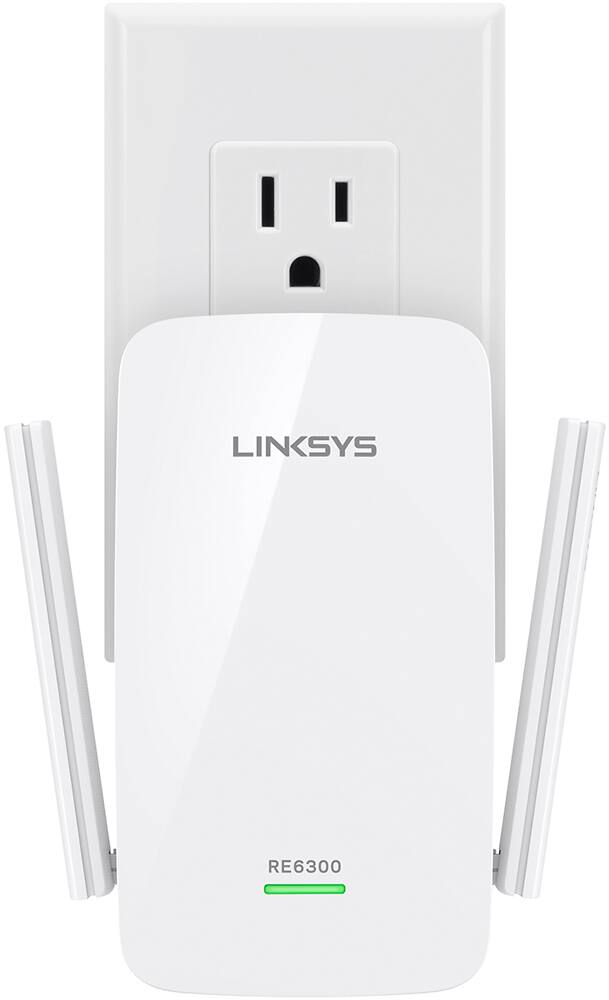
A:AnswerHi, Mike. The RE6300 Extender is a device that repeats the Wi-Fi signal from your router to extend its coverage. It functions as a bridge, capturing the wireless signal from your router and rebroadcasting it to areas in your house where the Wi-Fi is nonexistent or weak. To know more about the product, check out this link: https://www.linksys.com/us/p/P-RE6300/
A:AnswerBecause you're dealing with thick walls, your best bet is to use "power plug" wifi extenders. They will use the existing electricity cables in the building to extend the wifi.
A:AnswerYes. But for one to daisy chain off another I would recommend a different setup. Each one will feed off the main wifi. Might want to consider running Ethernet cables between floors. Usually easy to hide and to install. Install a port in a wall. If you have the money and bandwidth is an issue might want to check it out. You need about 6-7 mps for clean video. If your receiving 30 mps or above wireless you're doing great. 2 extenders will do the job. Recommend one on 1st floor and one on a wall between floors. Be creative!
A:AnswerJust need a Wi-Fi router no extra connections needed the TV if it is a Roku TV is already set up for wireless if the signal is weak connecting the extended to the wall outlet you should not need to connect anything else to the TV other than your cable box or satellite using an HDMI cable
A:AnswerIt will, I use one in my garage and my router is on the second floor. Try to place it right below the router if possible, or as close as you can get it, for optimal signal.
A:AnswerIts a very easy setup. 10min maximum to set this up. At least thats what it took me because I used my work cellphone which has a smaller screen than my iPhone 6 Plus. So it can be done from a computer, laptop, phone, tablet, etc.