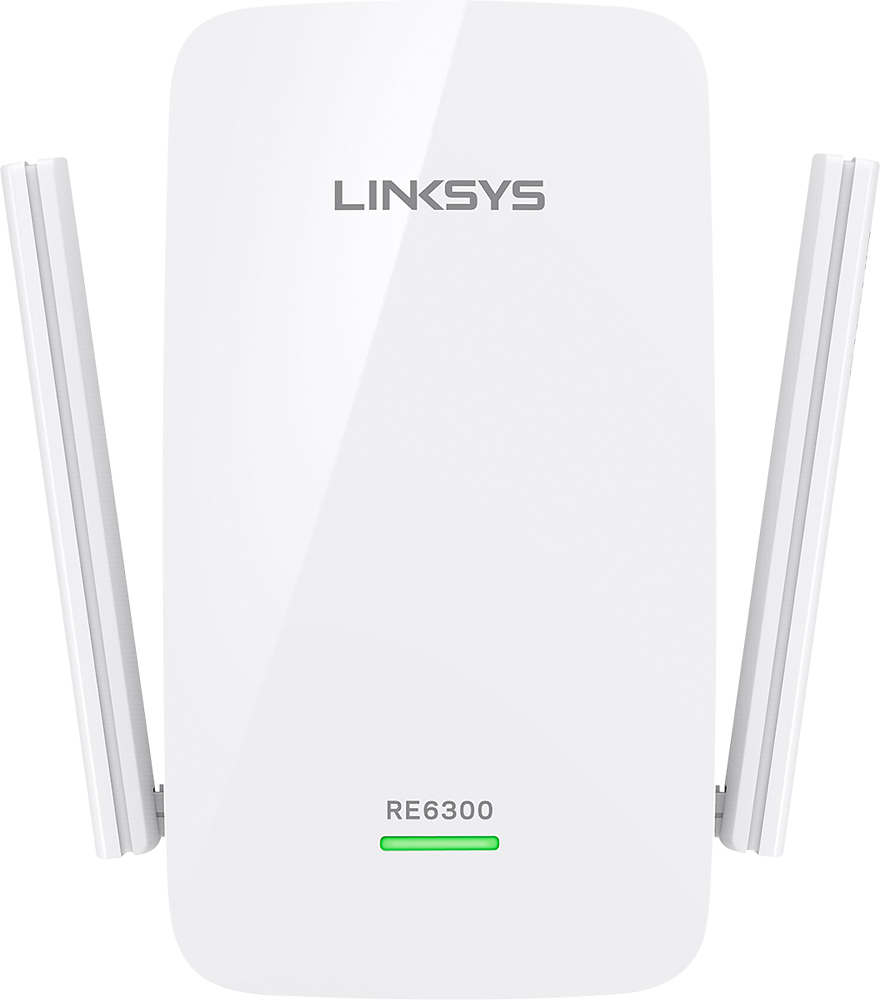
A:AnswerHi, Dave. Our range extenders work with most routers and gateways available in the market as long as properly configured regardless of their ISPs.
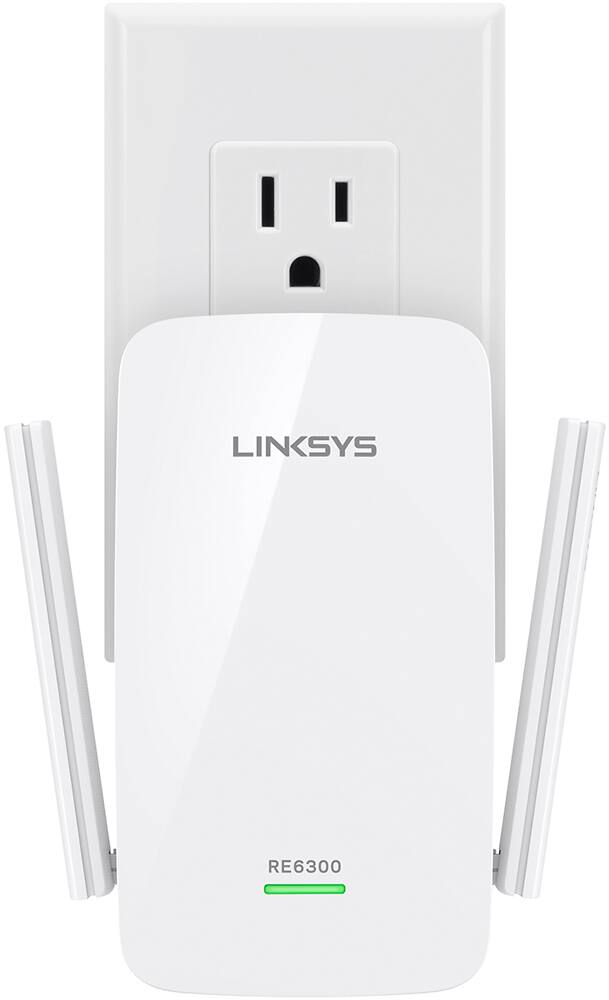
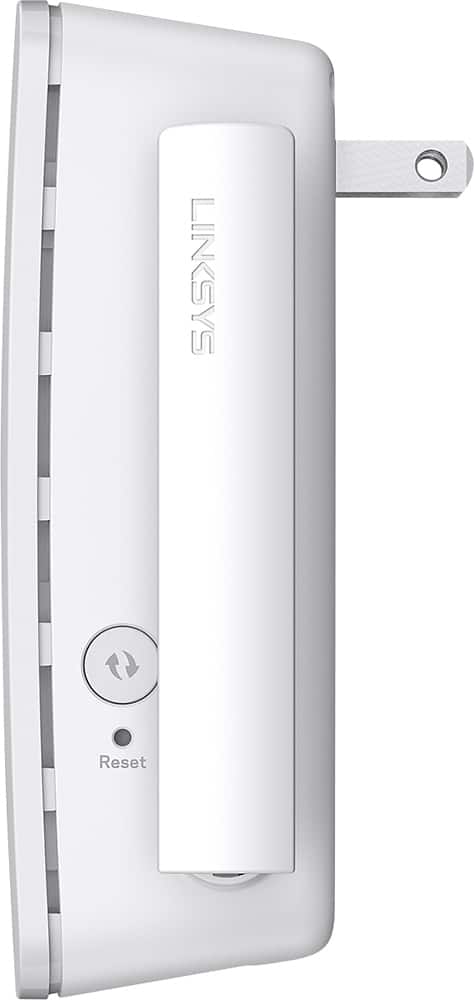
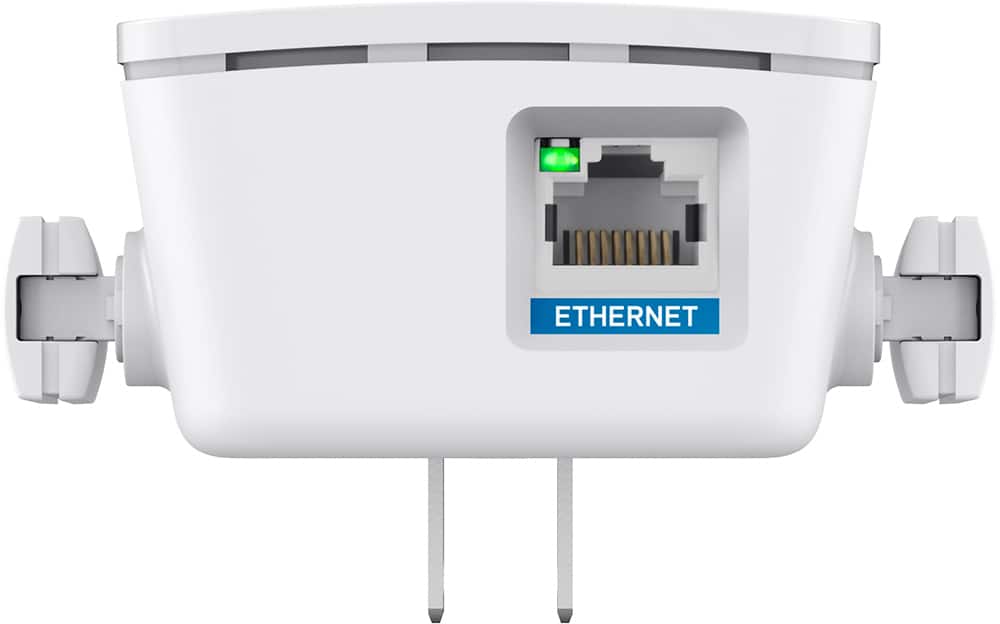
A:AnswerYou just need to plug it up near the router to get it started and press the WAP button on the extender to get it to connect to the router. Once it is connected to the router you can move it to where you need it. There is no monthly fee for this device. It has helped speed up the WiFi upstairs.
A:AnswerTry plugging it in somewhere halfway in between your modem and where you need the extended signal. Try different places till you get the signal you need. Take into account how many walls and floors it has to go through and locate it accordingly.
A:AnswerThe only way to find out is to get it and try it out. It probably will help. Everyones situation and amount of devices is different so its not a one size fits all. They have a few different ones that cover different square footage for homes but it seems to water down the signal on other devices we already have running sometimes. But that is not a deal breaker. I just manage the bandwidth available by turning off the wifi setting on other devices we aren't using at the same time. That's the same context as turning off the lights in rooms you aren't using to save energy or money on your electric bill. The more devices you have hooked to your internet including other phones the weaker your signal can be. Make sure your wifi is password protected to keep other people or neighbors from sharing your signal.
A:AnswerI was having that exact issue and tried this. It extends your network but can't make it more solid directly. My issue was actually my external line from the provider. Birds and Squirrels had deteriorated the coating so it was shorting. Now this expands the network fine. Just remember these some times reduce the speed of your main router.