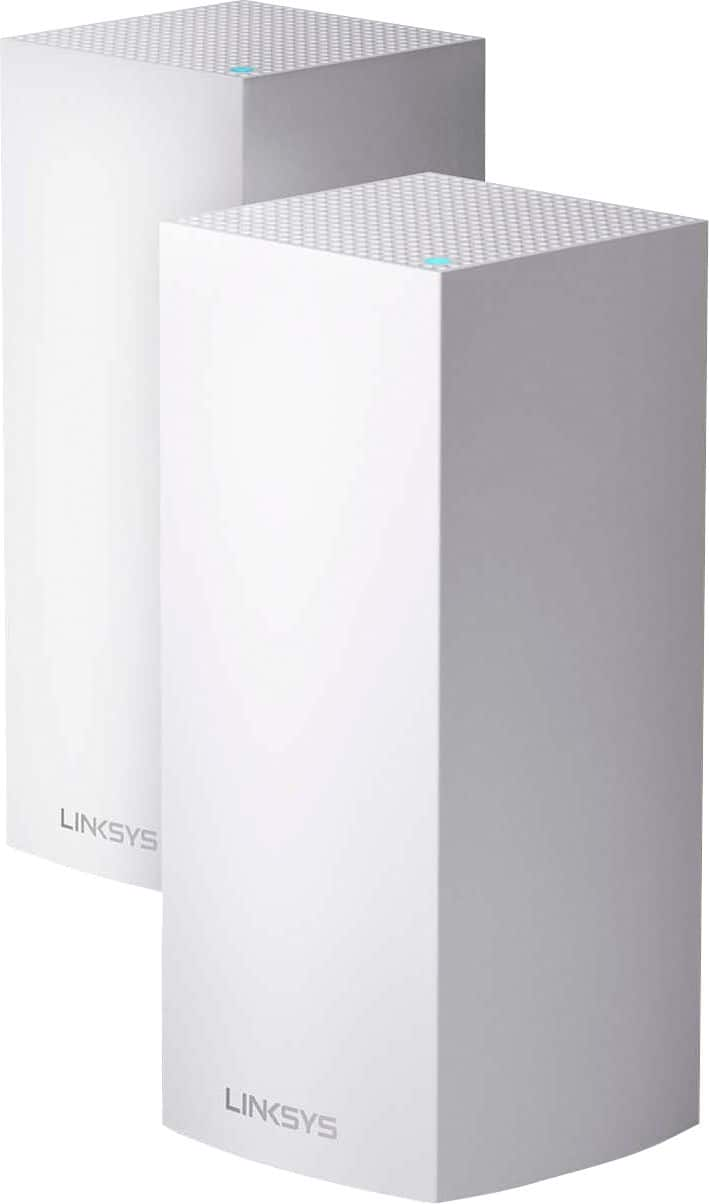
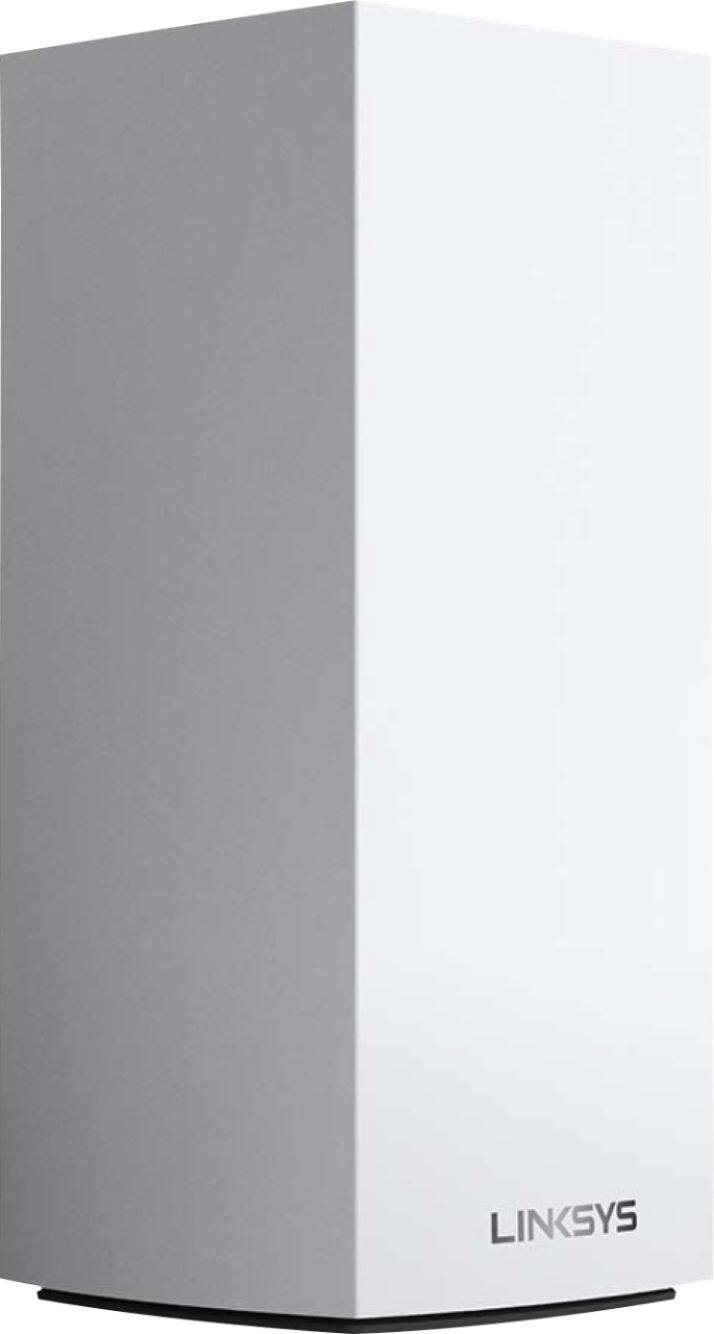
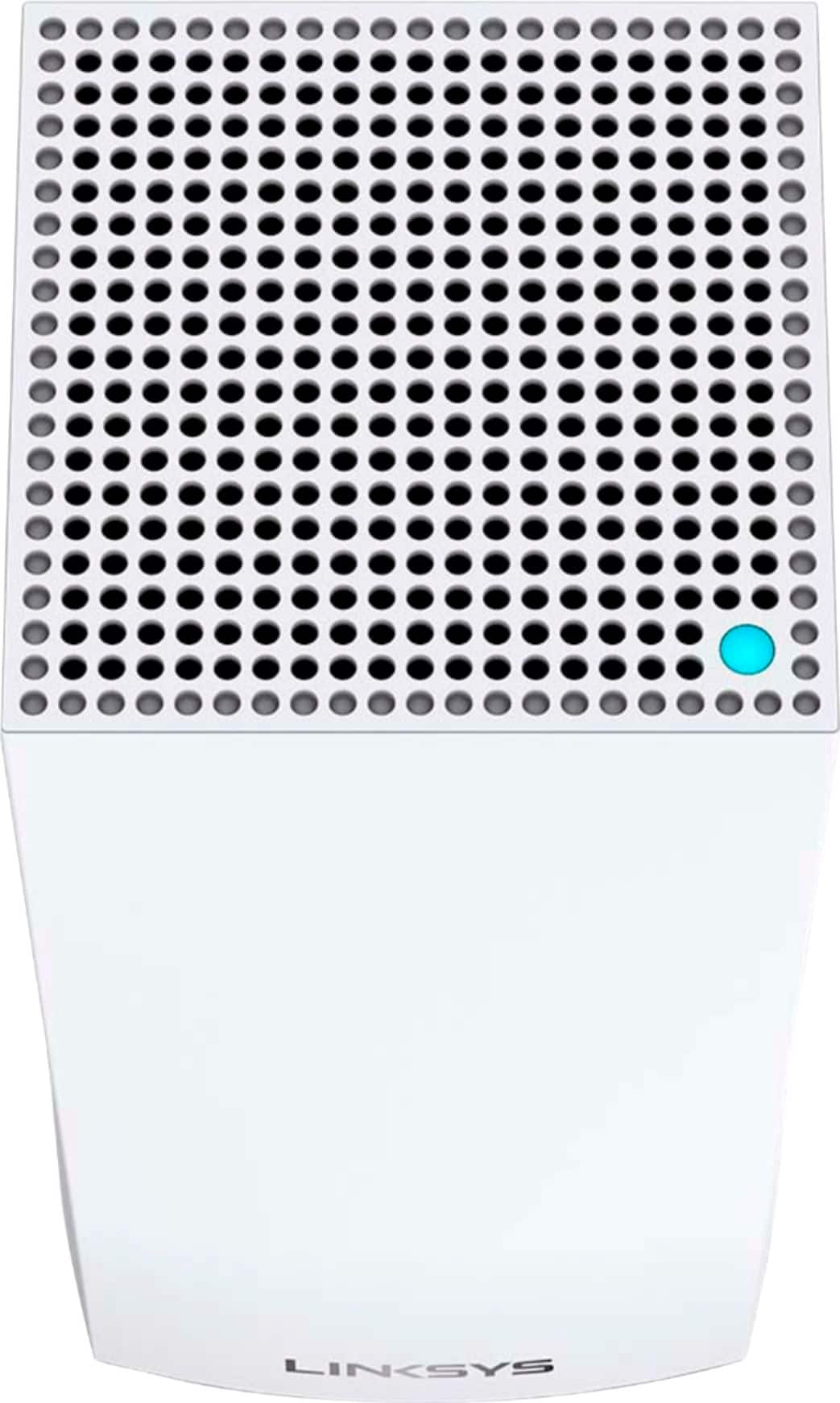
A:AnswerI run gigabit service, I have the newest iPhone which supports WiFi 6. WiFi is 600-740 which is great! Wired speed 880-900. However if your device is not AX compatible you will see an increase but not much. But it will handle all of your devices much more efficiently.
A:AnswerPlease do know that routers are independent of cable companies and their function is to transmit internet through WiFi from your cable company to all your devices . You can use this with any cable company that provides internet service. Like I use At&T fiber so I simply connect velop with At&T cable modem and disable WiFi on At&T modem and use Velop as my primary transmitter . In a nutshell This modem is compatible with all internet service providers.
A:AnswerWe're using the AX5300 in our home which is 2600 square feet and the two nodes provide near perfect Wi-Fi throughout the home. I would definitely recommend having at least two nodes, especially having one upstairs and one downstairs for maximum coverage. That said, at the moment both of our nodes are downstairs and we're having no issues at all.
A:AnswerI think so... I can't tell you for sure that if it will work for you, but I can tell you how mine works.
The main is attached to the modem in the front corner of our basement, and I have seven other hubs. (We really only need 5 hubs, but we bought two extras and decided to put them in far corners of the house just to get WiFi boosted outside.)
The furthest is more than 110 feet away in our pool house. The signal connecting them goes 28 feet through the utility room wall, basement bathroom, and basement bedroom, then 85 feet outside, and then through the pool house wall. The connection always had a yellow light (meaning weak), so WiFi would work, but it wasn't great in the pool house. (The weak signal is fine for some things, but it wasn't great for Netflix, etc. If you're using it for cameras or irrigation, the "weak signal" might be fine.)
To fix that, we added a hub in the basement window, which is 28 feet from the main and 85 feet from the pool house hub. Now, the pool house WiFi is perfect!
So, a 100 feet distance may work.
I haven't tested this, but, if you are able to run an electric line underground, you should be able to put a hub in the middle (between your main and the metal building) in a small doghouse or irrigation box or something that will keep it dry.
I don't think the metal wall will be an issue. The only place that I have an issue is going to a shed that has three sides of 14" poured cement walls underground. The fourth side is a regular wood wall (with door and windows) and diagonally faces the pool house and does pull a signal from that hub, but the signal from the basement window won't go to the shed even though it's less than 30 feet away. I'm not sure if the 14" of cement is the issue or the fact dirt/fill that is between the two, but I have a feeling that it's the cement.
I hope that helps!
A:AnswerHello, Johnny. If your existing network is Linksys Velop, then yes, you may add it to your current system, and we also encourage you to make the Linksys MX10600 as the main or parent node to optimize its features.
A:AnswerHi, Mhig. Our Linksys devices are compatible with major ISPs. Also, this device is compatible with the following Network Standards: 802.11a, 802.11b, 802.11g, WiFi 4 (802.11n), WiFi 5 (802.11ac), WiFi 6 (802.11ax).
A:AnswerI have AT&T Fiber with the AT&T router in bridge mode. I just installed the MX10 a few days ago and all my hardwired devices that I needed to be on the same network are achieving 900+ Mbps. It's awesome!! Expensive, but worth every penny as I feel this is an investment for at least a few years (until Wifi 7000). ;-)
A:AnswerThey are all the same. You just setup the first one as your router, and the others as nodes. But they are identical. I ordered a third separate router/node and set it up with my original 2. No problem.
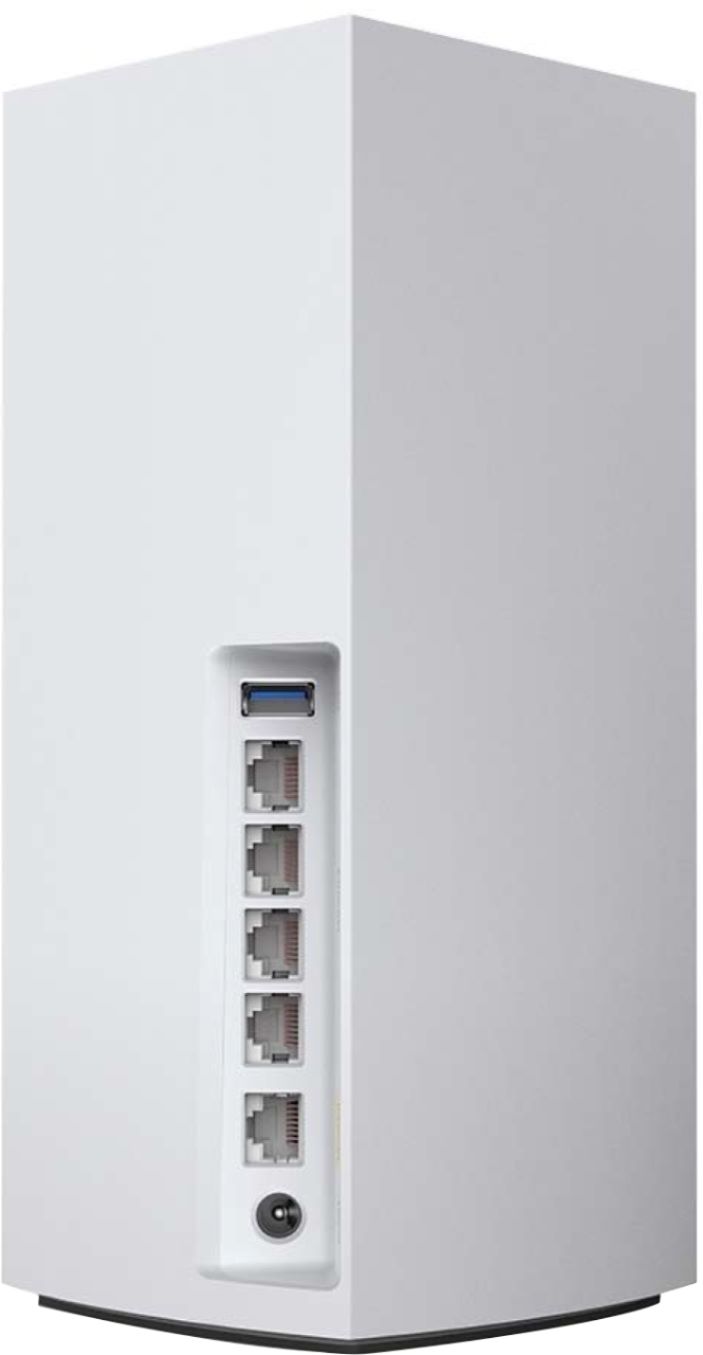
A:AnswerHi, Lou. For nodes with multiple ports, connect an Ethernet cable to the internet port of the child node and connect the other end of the cable to a LAN port on the parent node. Click here to learn more, https://www.linksys.com/us/support-article?articleNum=217442.
A:AnswerBest thing to do is call Linksys support open 24/7.
You can also purchase a Tri band node to pair with the WIFI 6 nodes.
Don’t believe any other brand will link up to these. Best to call Linksys.
A:AnswerHi, Mike. You can add the Velop MX10600 to your current Mesh system as it’s compatible to work with each other and a big help to extend or expand your network.
A:AnswerHi, ETP7. Using the Linksys Pro AX5300 as a child node will depend on your main system. Also, it is the device that's choosing which node/system to connect and the router cannot overrule that. For us to have a better understanding of your network setup, please email it at LinksysCares@linksys.com with the main system's make/model and the link to this post for our reference.