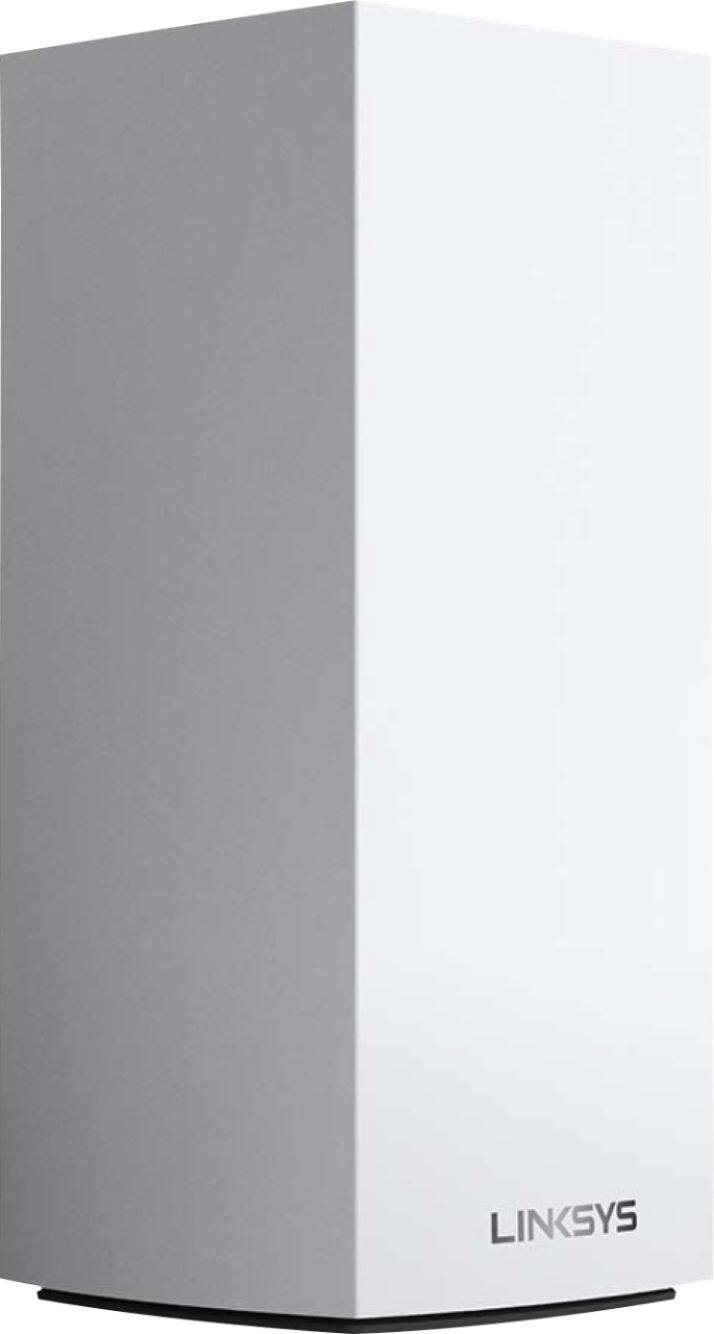
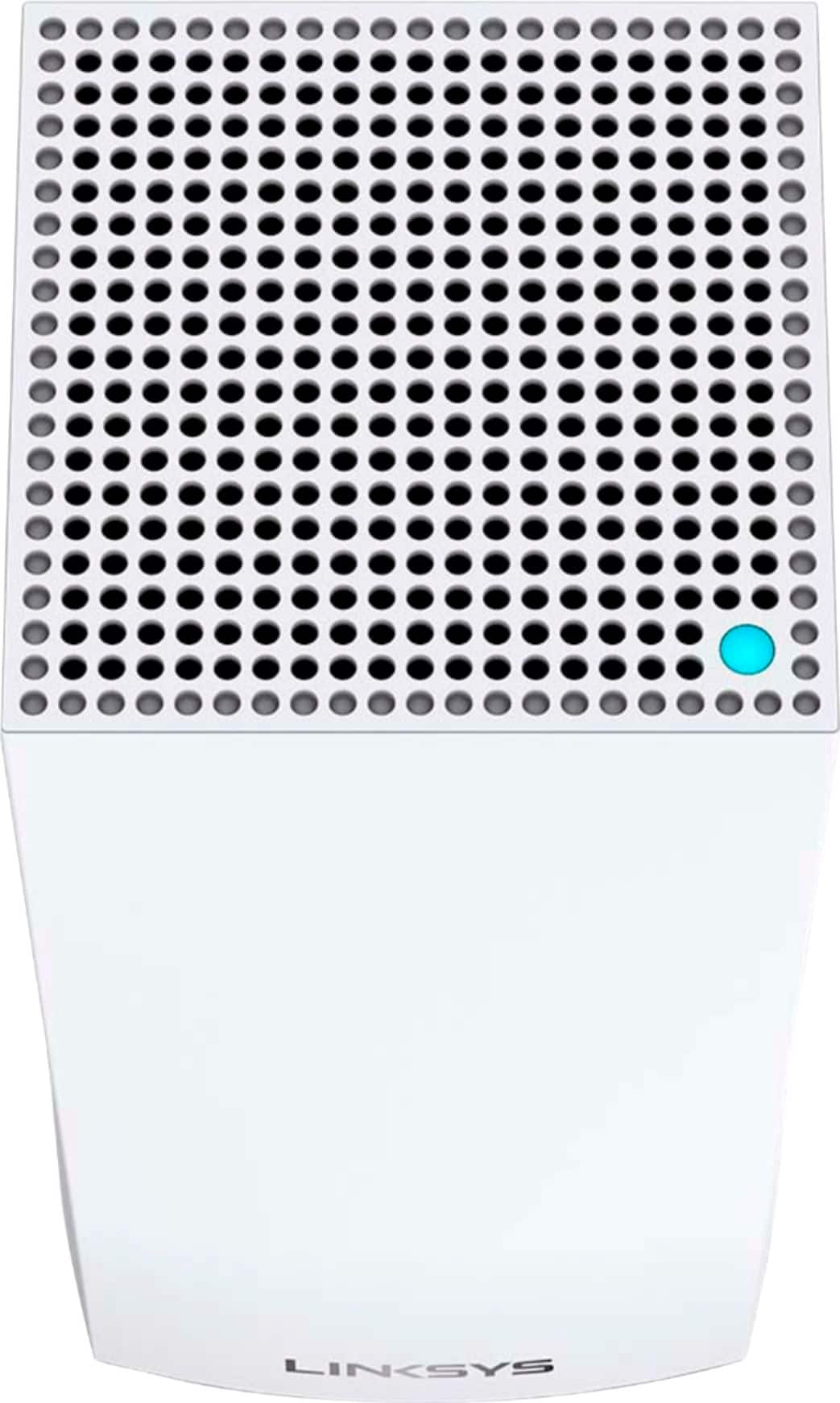
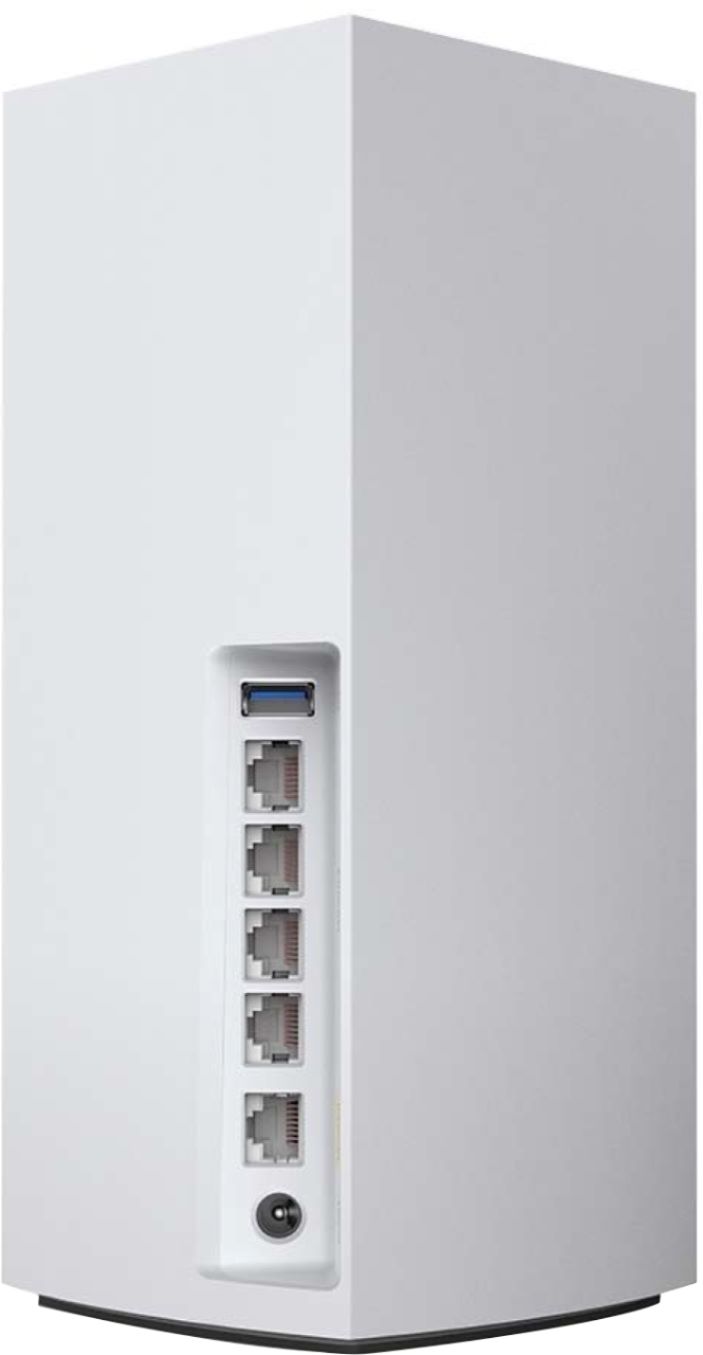
A:AnswerHi, Rob. The Linksys MX10600 can provide a coverage for homes up to 6000 square feet. As long as the nodes are properly placed and gets optimal signal from each other, they should provide ultra-fast, reliable Wi-Fi coverage for 4K streaming, gaming, and more. Also, shouldn't be an issue as well. For more details, please click here: https://www.linksys.com/us/support-article?articleNum=306850.
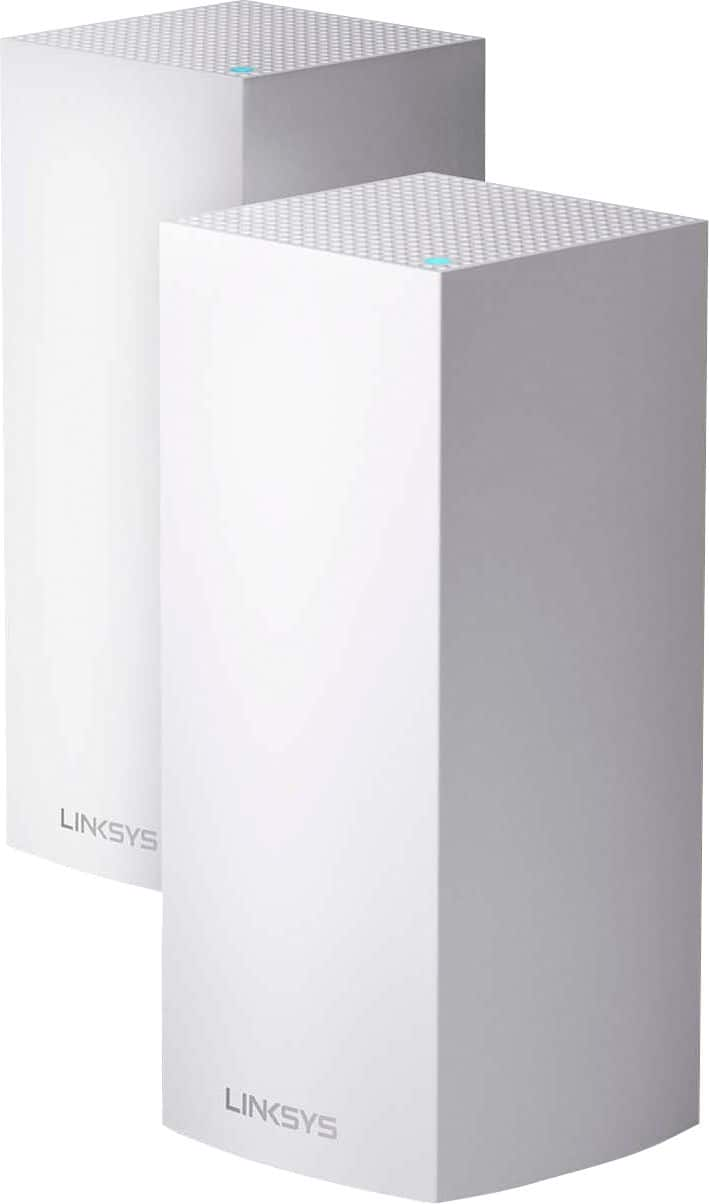
A:AnswerHi, zeke. The Linksys Velop MX5300 WiFi 6 System works with range extenders but, we suggest adding a Velop node to the system to extend the Wi-Fi coverage.
A:AnswerHi, 50IsNotEnough. The Linksys MX10600 can handle 100+ devices, so laptops, televisions, smart-home systems, and more can all operate simultaneously with ease.
A:AnswerYes. I have my upstairs also hardwired in along with 3 other AC nodes on the MX's. Use Node steering so your coverage never drops and your devices will always connect to the best node.
A:AnswerHello, Mickey. If you wish to connect an access point to the Linksys MX10600 for your business, then yes you. However, we would like to our Escalation Engineers check on your desired network connection by sharing it through email at [email protected] with your contact info and the link of this post, for our reference.
A:AnswerHi. Each node of the Velop MX10600 WiFi 6 Mesh system can provide a coverage of up to 3,000 sq ft but, we suggest that you confirm the compatibility of the Apple extenders with WiFi 6 routers.
A:AnswerIf you have just Ethernet connections to your current router, then it is probably not a modem/router, a cable modem will have a coax connection going in and an Ethernet connection going out. Also, based on a quick search, the Netgear AC1750 is just a router. The LINKSYS VELOP AX5300 TRI-BAND MESH is a router/Firewall, so you can replace your current Netgear AC1750 with the LINKSYS VELOP AX5300, and you should not need a separate modem or other device. Double check with your ISP but based on what you are saying about your current setup, they type of connection you have does not use/need a modem.
A:AnswerDon't recognize what an MR8300 is. Moving beyond the modem router aspect I have the Velop MX10 (WiFi6) two nodes that are hardwired between them with cat6 cable as well as an electricity source at each node. Sorry I can't be more helpful beyond this. My mesh setup is connected to a fiber optic feed from a fiber optic modem. This works great for me.
A:AnswerHi, rob. Please get in touch at [email protected] with your contact details and the link to this post so we can better assist forward on this matter.