A:AnswerThis product can be readily used with Comcast WiFi, which is what I have. I am 73 and usually able to install electronic products but in this case, my daughter installed it and I am glad that she did as she had to call Linksys Customer Service for advice. I probably would have gotten frustrated. Now that it is installed, it has greatly improved the distribution of WiFi throughout the house. Prior to installation, my living room and kitchen only received about 2 mps and the bedrooms about 25 mps. With this product we are getting an amazing 200 mps throughout the house. Our living space is 1,100 square feet.
A:AnswerYes, Octane. It is a primary requirement so the Mesh router can acquire internet connection. For more details, please get in touch at LinksysCares@linksys.com.
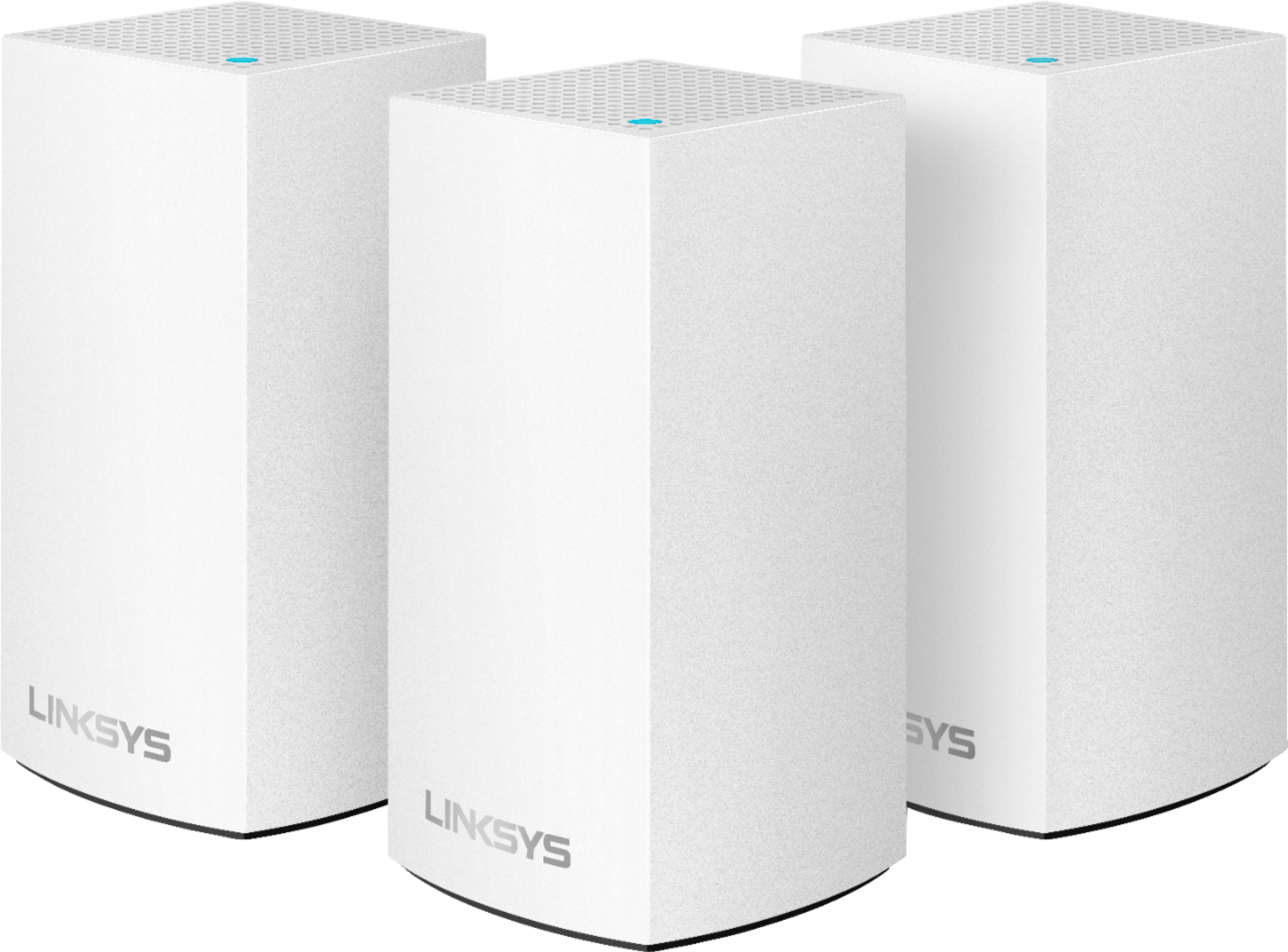
A:AnswerHi, NickT. Each node in the Velop wireless system provides a range of up to 2,000 square feet. The range can vary with the number and placement of nodes in the system. Also, the range specifications are based on performance test results under normal use case conditions. Actual ranges will vary depending on wireless obstructions, operating environments, and building material. You can use this as a Wireless Bridge while still using the Netgear, but some features of the Velop will not be usable. You can also use the Velop as your primary router.
A:AnswerDo not purchase! No one to contact for info on product!!! HAVE A IMAC THEY SAY THERE IS AN APP. AND THERE IS NOT AVO;;E AT THE MAC SITE! Will be returning to store! GOOD LUCK!
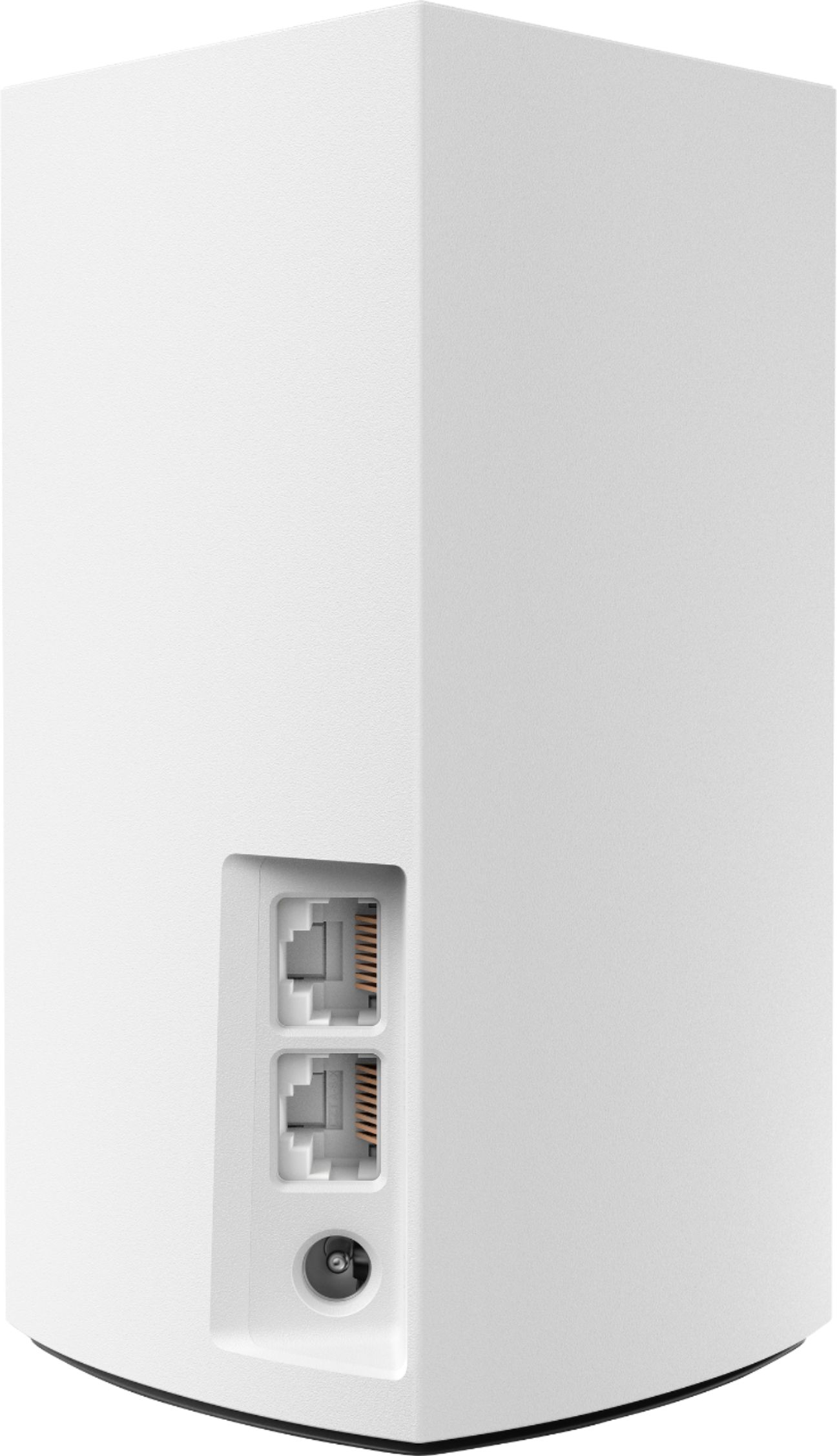
A:AnswerYes, Greg, you can use this Velop node to extend your current Wi-Fi connection to your patio. Connecting it through an Ethernet cable is a good idea, for this will help reduce wireless interference, since your house is made out of metal.
For further inquiries, shoot us an email at LinksysCares@linksys.com, with the link to this post for our reference.
A:AnswerThe node number just designates the square footage that the particular node should cover. I replaced several nodes & added coverage to a multilevel large house. You will need to download the Linksys App & follow the directions to add the node to the system.
A:AnswerHi, scribbles. The Linksys Velop WHW0101 Mesh WiFi System requires to be connected to a modem or modem-router with an active internet connection.
A:AnswerI have xfinity also. I paired it with the ARRIS - SURFboard 32 X 8 DOCSIS 3.0 Cable Modem. They act as the router for me. I have a three-level townhouse so I plugged one in on each level. It was expensive but works well and I avoid a monthly rental and will pay for itself after a year or so
A:AnswerI can’t imagine getting any better performance out of this device. I have 5 tv’s in 5 rooms, a desktop computer, a laptop, Alexa, Netflix, Amazon Fire Stick, 2 tablets and two phones running wireless, and no buffering.
A:AnswerMine is plugged into the top and I'm steady 900mbs +! But change your ethernet cable if your speeds are horrid. I got under 200mbs until a tech came out and realized the provided cable was trash and switched it out.