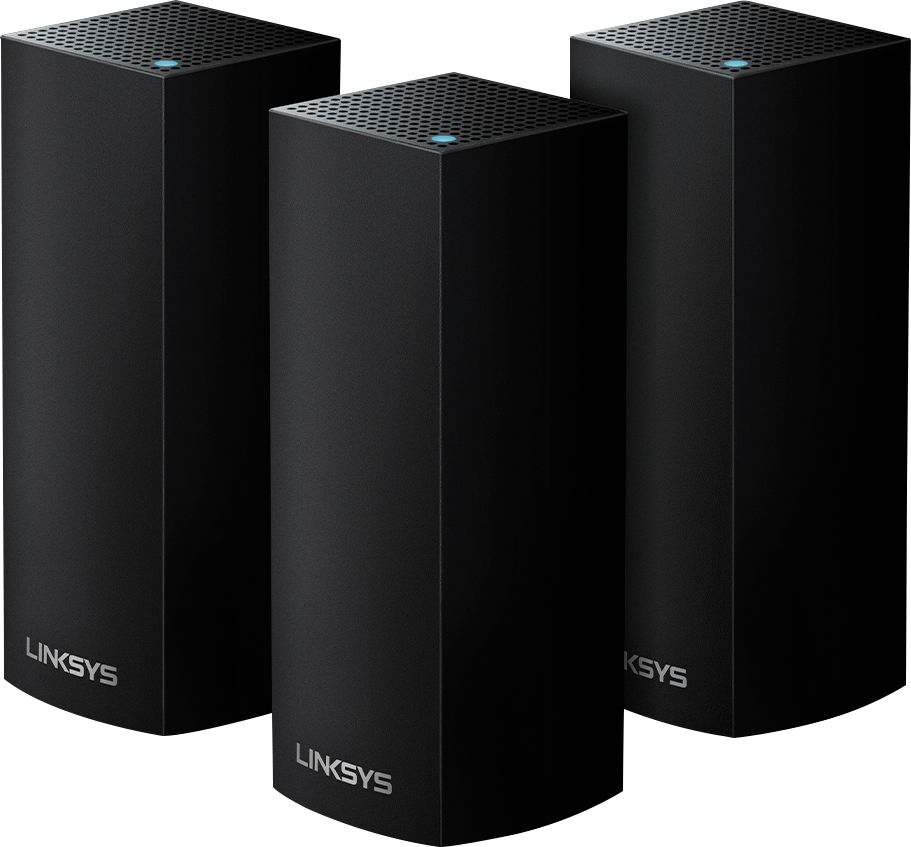
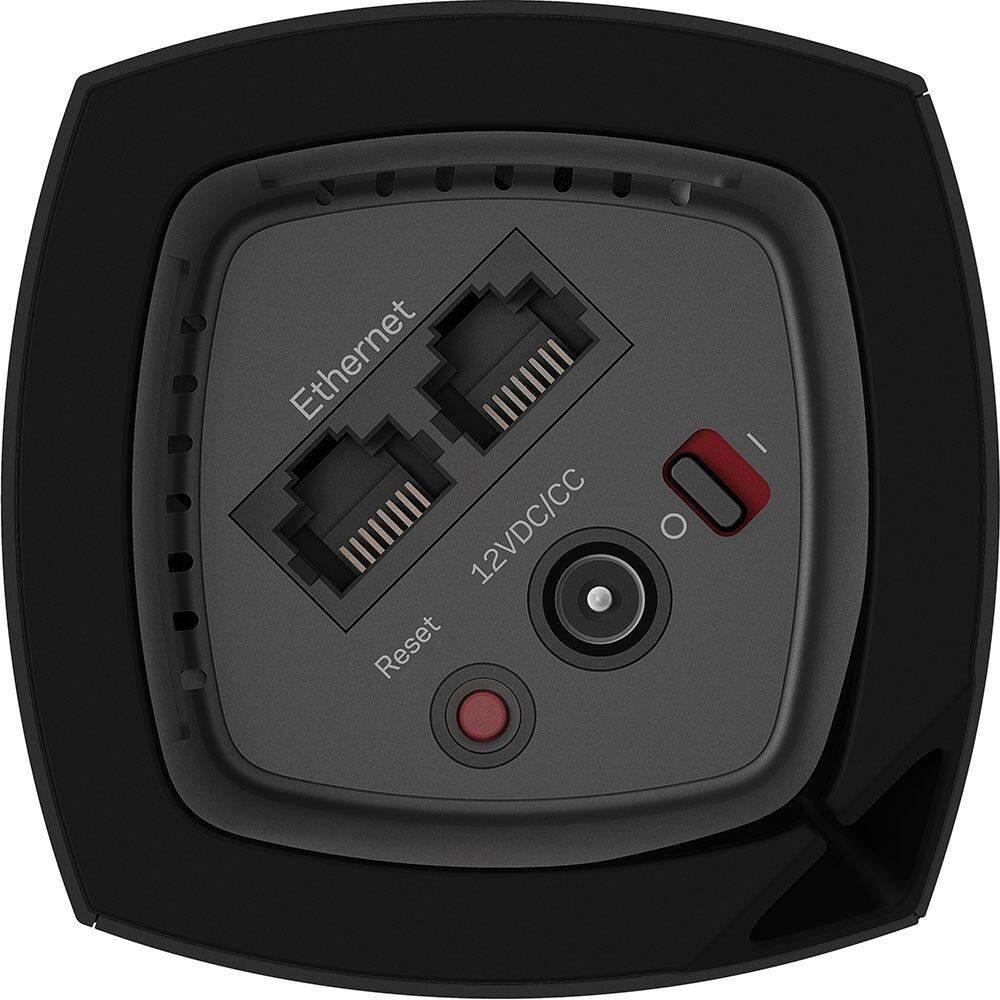
A:AnswerHi. You can set up each node to a different Internet Service Provider (ISP) but, if you only have one ISP, you only need to connect one node to the modem and add the other nodes to extend the network.
A:AnswerThey work together, so the signal is in and out all the time a the same speed using different frequencies between them meaning all the connections are equal. Old extenders just act as a meddle men, while all the mesh nodes are equal it that make sense.
A:AnswerDid you set up the first node (attached to your router before trying to set up other nodes? It’s best to do that first then put other nodes where you want them. Also when connecting each node from your Linksys app stay in room where node is located before moving to next room to set up next node.
A:AnswerHi, J. All the required accessories are included in the box. But, for the setup, you would need a modem or gateway with an active internet connection and the latest version of the Linksys app installed in an Android or iOS device.
A:AnswerYou are looking at a full system reset. I experienced this often enough that I'm calling it quits. Hold down the reset button on the button of the unit for 10 full seconds. You're now ready to start from scratch. Might wanna get used to this routine.
A:AnswerI use Frontier Communications service (Fiber Optic). There is a device (modem) outside the house, which converts the signal. I have the Linksys VELOP system connected directly to that device using Ethernet cable (Cat 6). The VELOP system is my router (WiFi). There is no need for a cable company router. Works great!
A:AnswerOur house is approximately 1000 feet per floor and we put the primary on the ground floor. With one upstairs and the other in the basement we have outstanding coverage.
A:AnswerI have the 2.4 Ghz working with Blink cameras and the Chamberlain garage opener. I haven’t had any problems with either and get incredible signal strength.
A:AnswerIn my experience, this has meant that, for whatever reason, the distance from the support nodes to the main node (one connected to ethernet) has become "unstable." To fix this, I've had to remove the node from the network, and re-install it, in the same place it was before. Happens every once in a great while, usually after a power outage. Hope this helps!
A:AnswerHi, Drew. For us to better assist with your inquiry, please drop us an email at LinksysCares@linksys.com along with your contact details and the link to this post for our reference. Let's continue from there.
A:AnswerI originally had 3 nodes, and just added 3 more. All 6 are working great. All you have to do is purchase the same model node you have now, and then use the App to add a new node. You do this for each new node individually, and they will become part of your current network. Hope this helps!
A:AnswerWith this router I wouldn't even attempt to try anything outside of their infrastructure. It has enough issues on it's own. Also, if you name them the same thing they are not the same network, they are competing. The one network feature doesn't mean it makes all networks one, it just makes your 2 and 5 ghz channels "meshed" together.