A:AnswerWe got the "3 -pack" of the dual - band system for our multi-story house and then purchased a plugin for the garage. One of the "boxes" acts as the router and the others carry the 'signal' Works great for us. Can't tell you anything about the Tri but had been told it was better for improved streaming and such. Would advise checking that whatever you add is compatible with what your already have.
A:AnswerNo, Kim. The Linksys Velop Mesh WiFi Extender is designed only to work with our Velop Mesh products. You may check the units found in this link instead that are tested to work with most routes available in the market: https://www.linksys.com/us/c/wireless-wi-fi-range-extenders/.
A:AnswerYes, it is. My nodes are at opposite ends of the house. The coverage is good but wanted to get better speed in the room that we sit in most and use the iPad. Speed increased with the plugin.
A:AnswerHi, Debvic727. Do you have a MR9600 Linksys router? Please know that the Velop plug-in extender is only interoperable with all other Velop products.
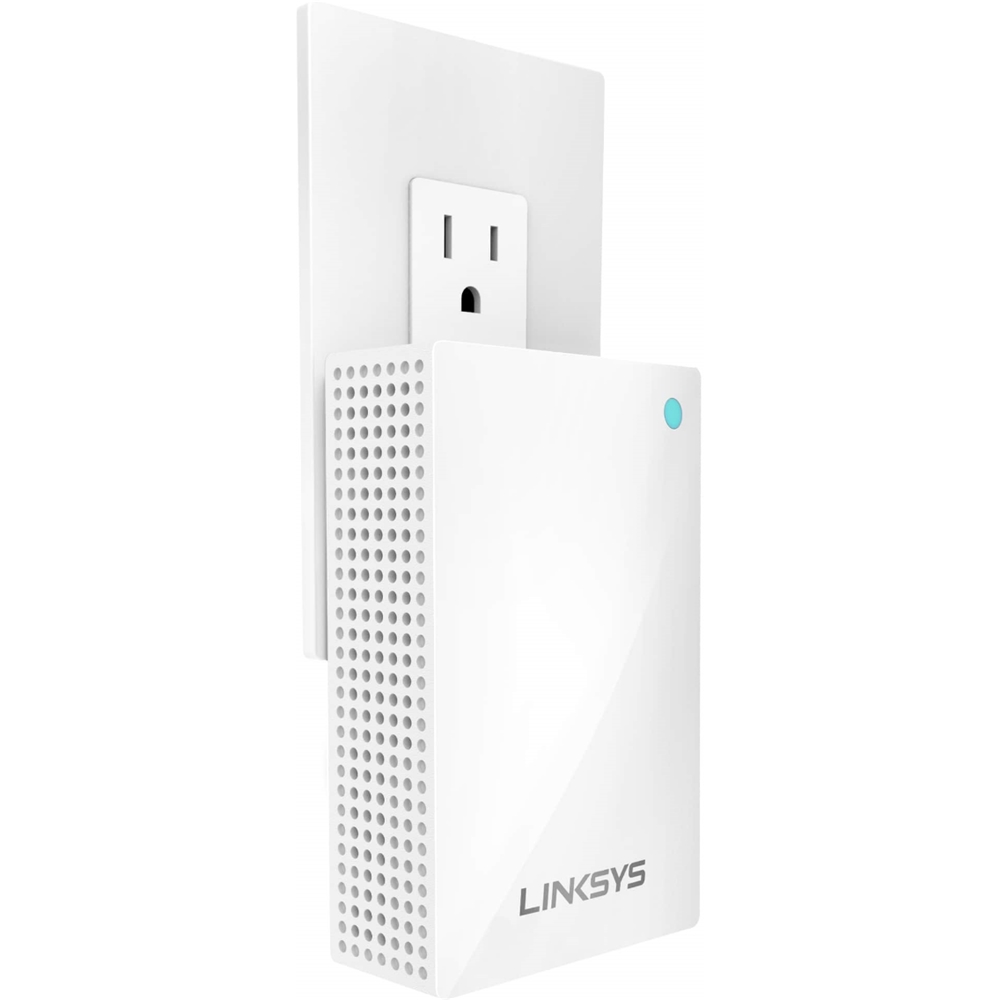
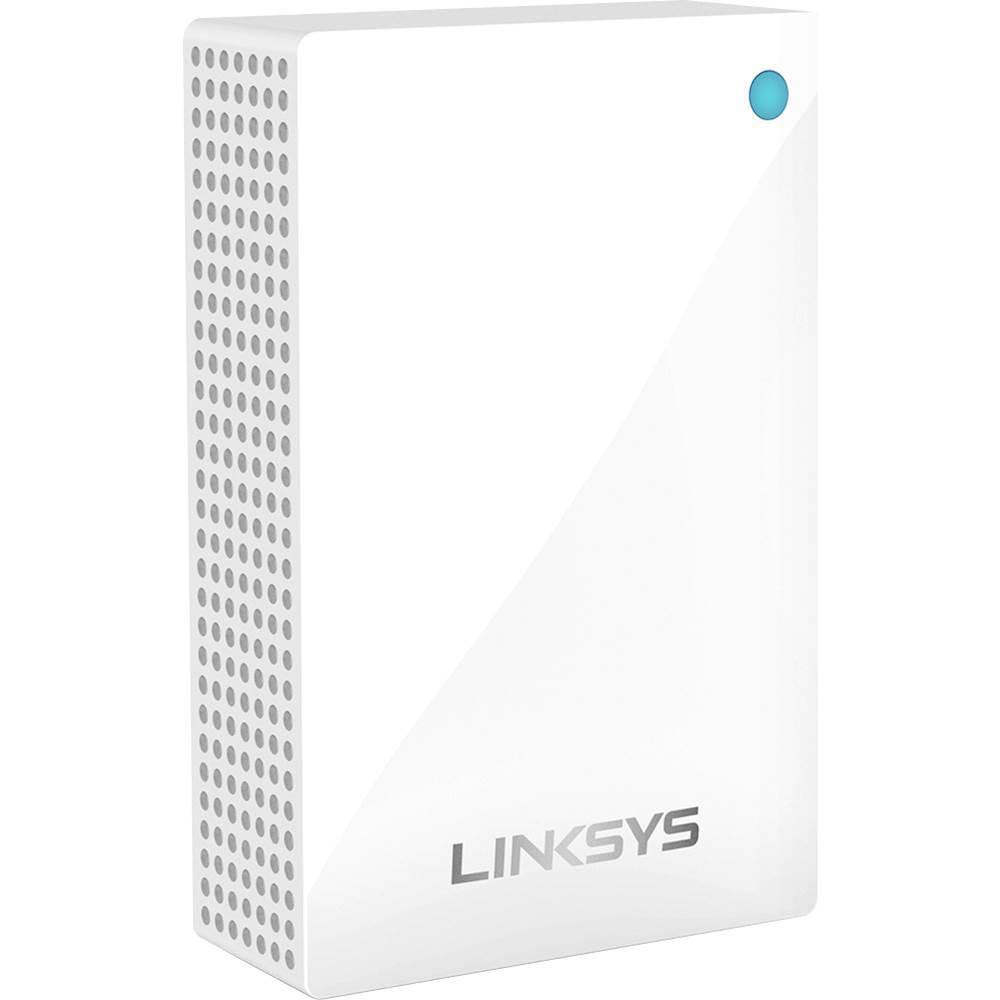
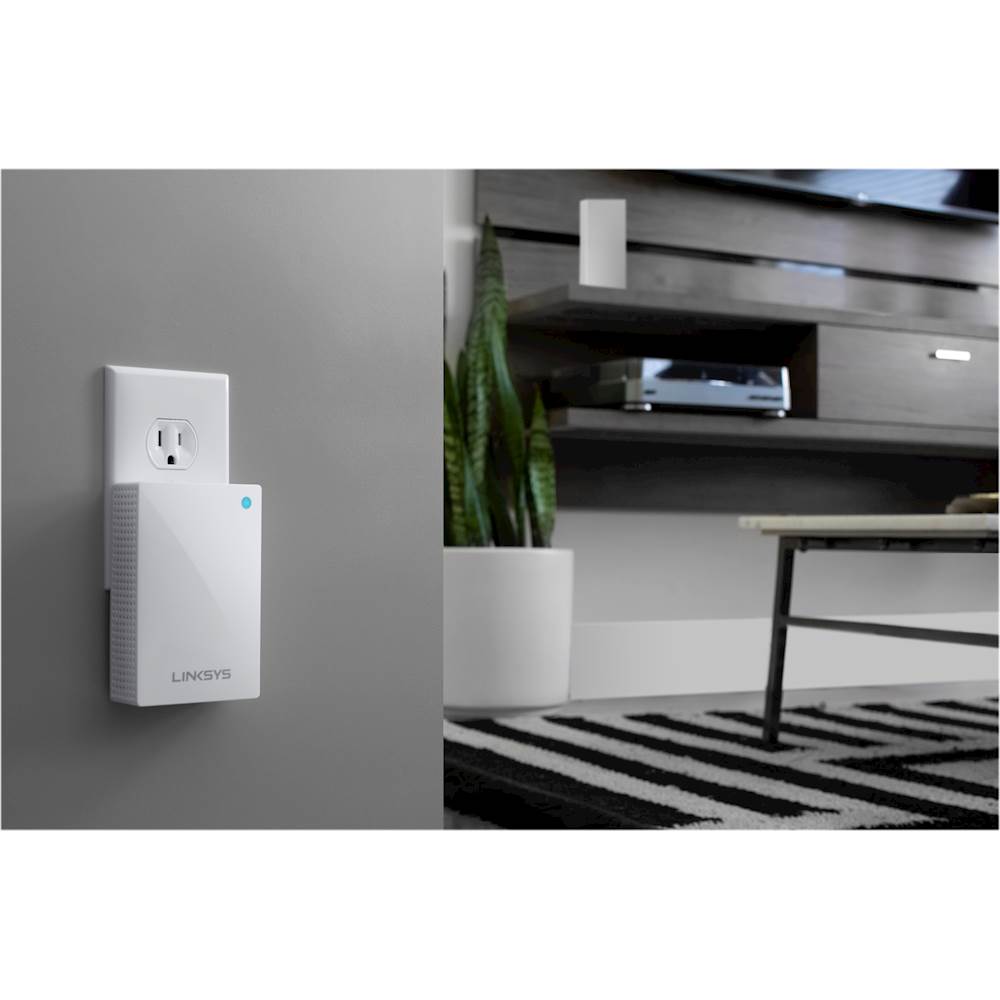
A:AnswerYes, LennyD. The Linksys Velop Mesh WiFi Extender allows you to place nodes near smart home devices and hard to reach places like garages and hallways. Conveniently place anywhere at your home and improve your Velop mesh Wi-Fi.
A:AnswerHi Rick. Let’s have our Support team help you isolate this. Please send us the following details at [email protected] for our reference:
-distance of your Linksys Mesh Range Extender from the main node
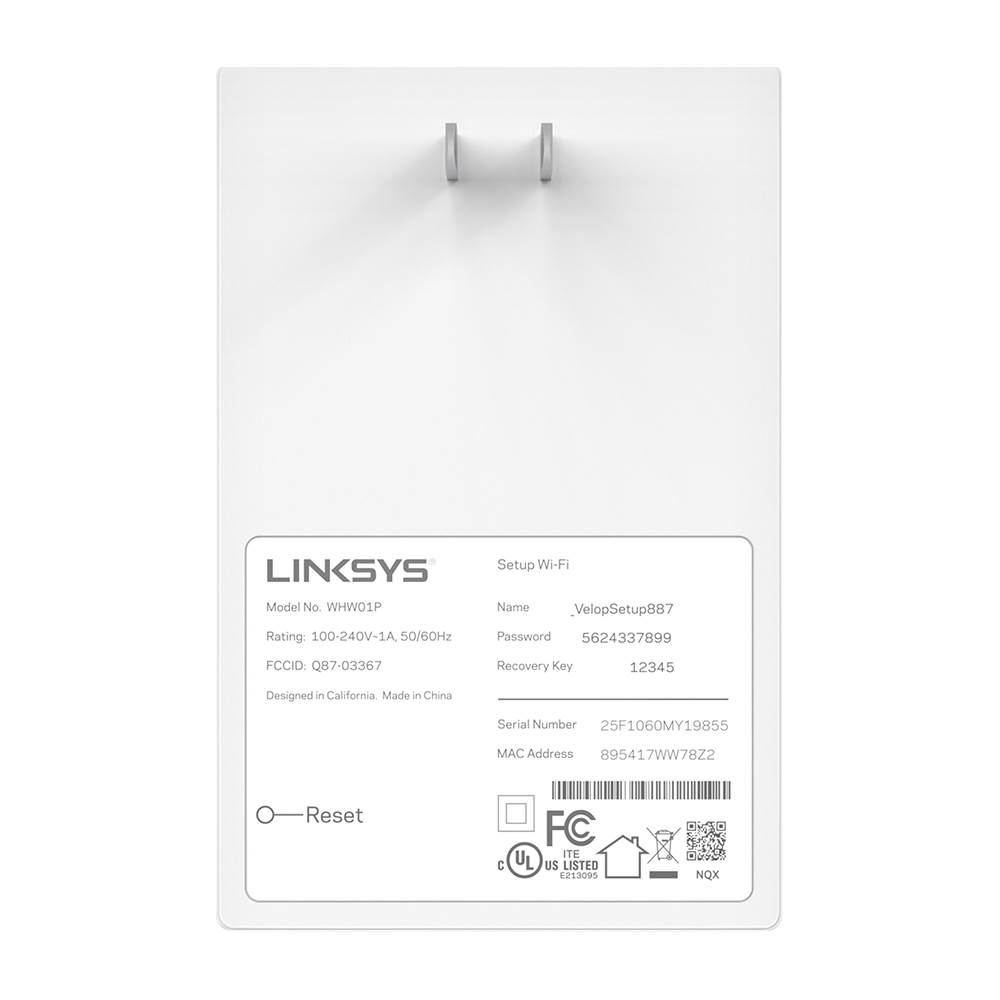
-photo of the info found at the back portion of the range extender
-link to this post