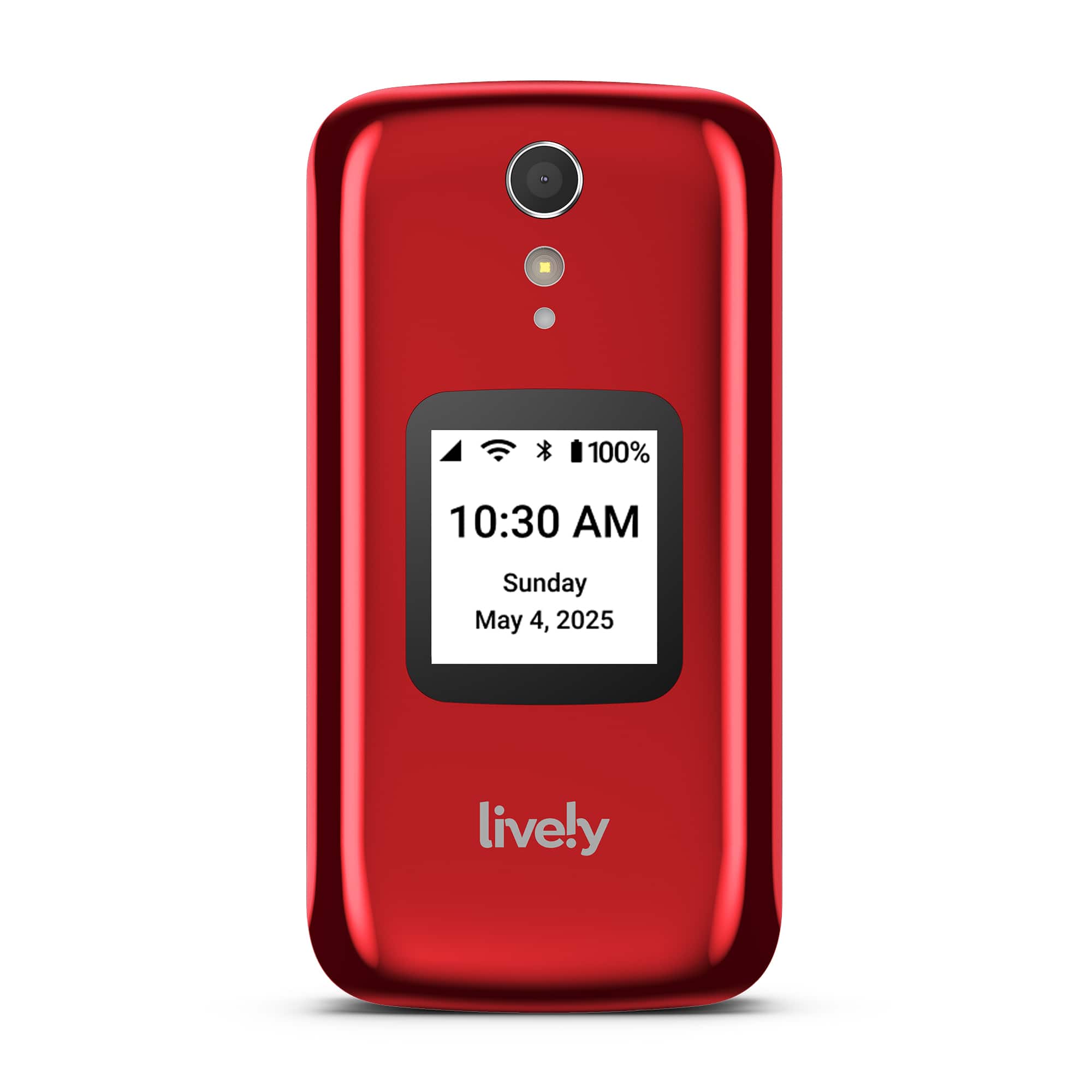
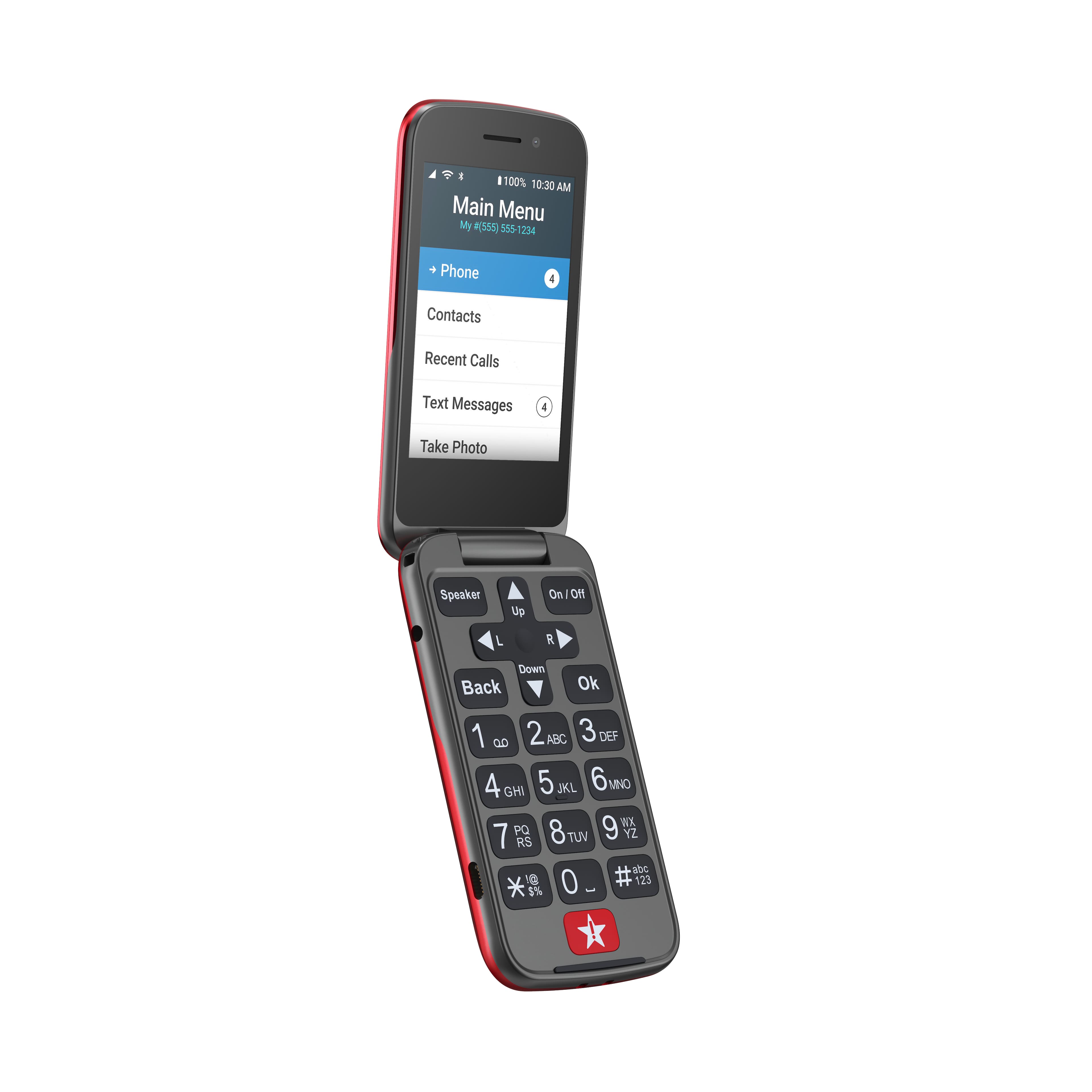
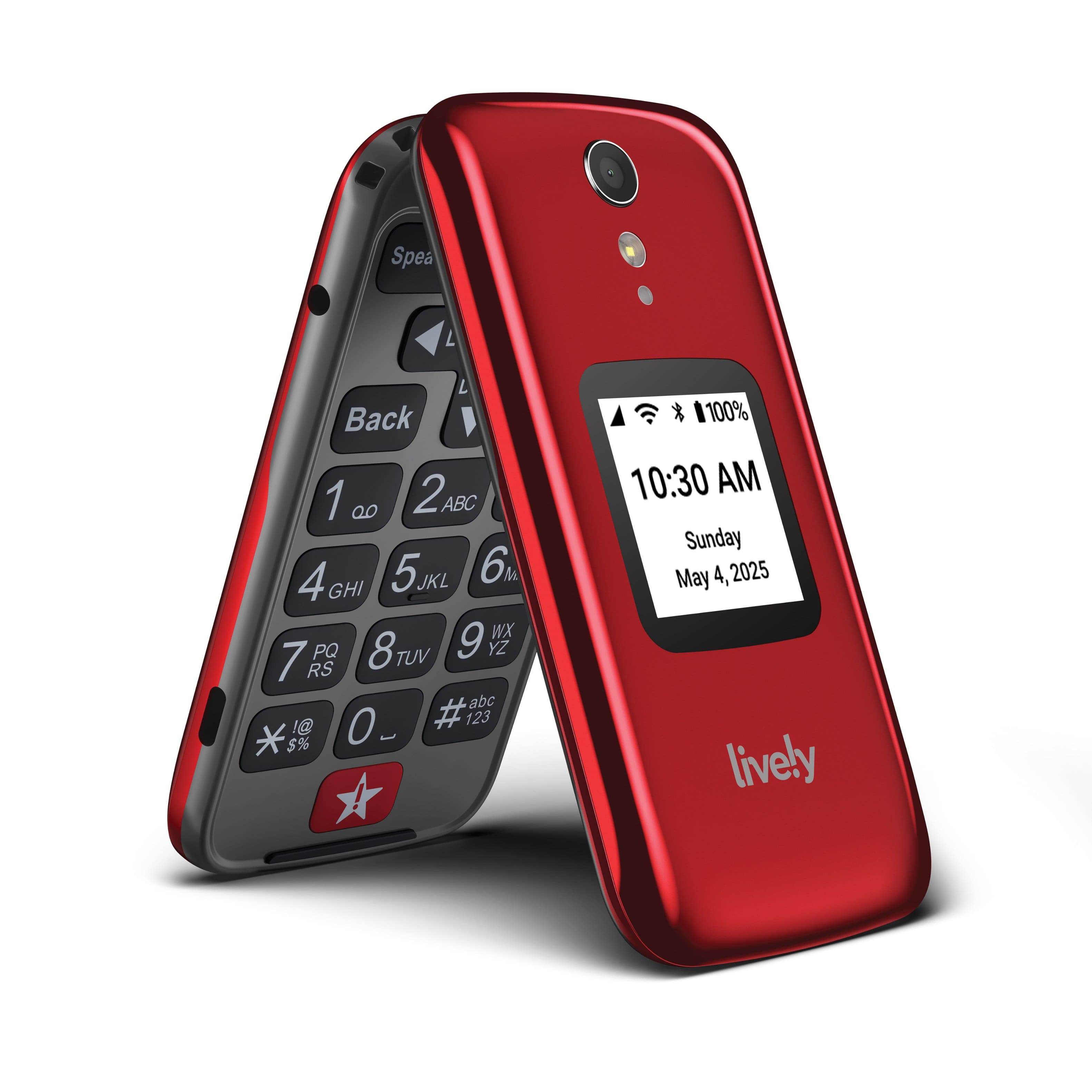
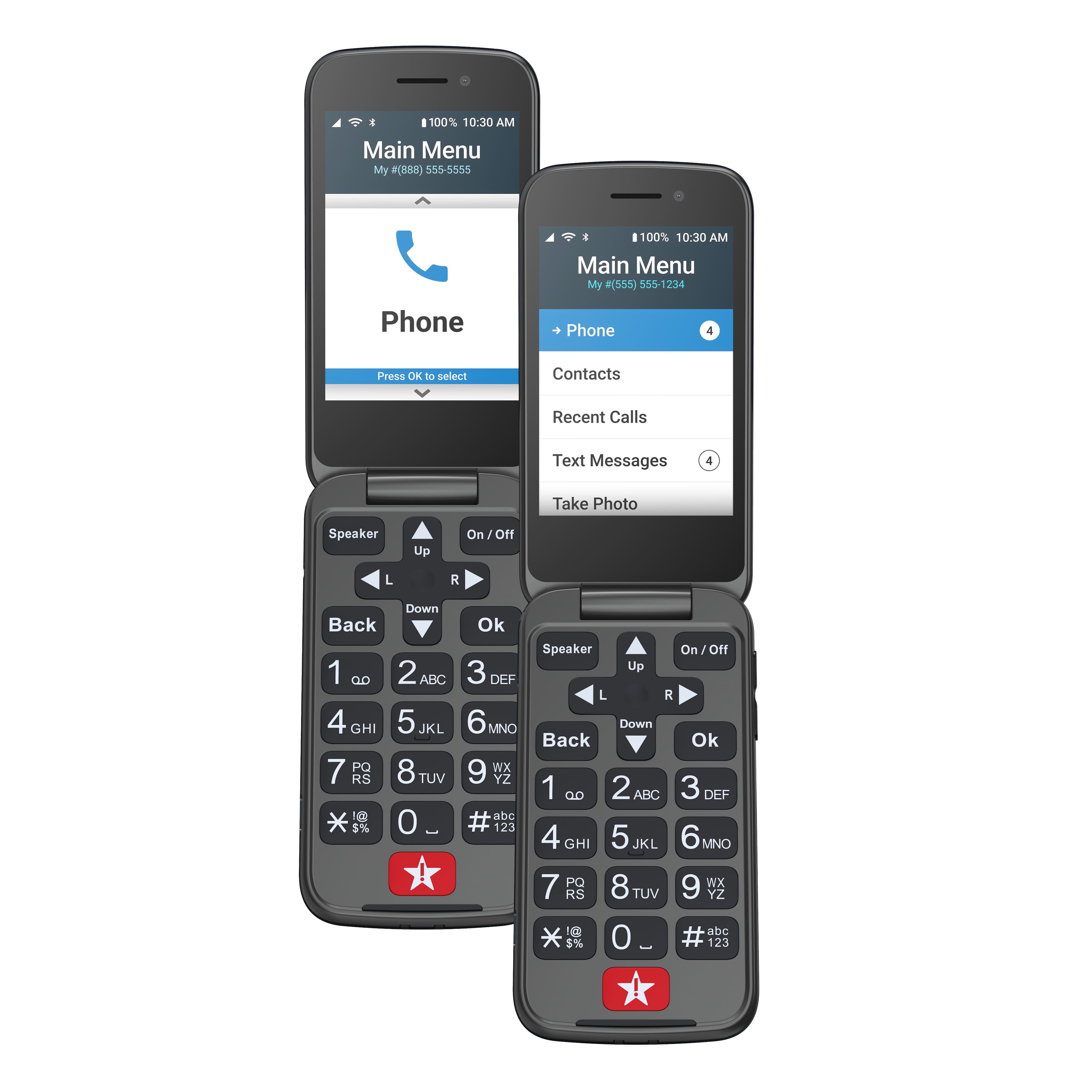
A:AnswerNo, my husband has a jitterbug/ lively flip 2 phone and he does not have internet. He has good service with phones calls and texting and the phone takes really good pictures. But no, it doesnt have to have internet.
A:AnswerAll Jitterbug cell phones and smartphones are unlocked per nationwide standards, but we cannot control which carriers choose to accept or activate our phones, nor do we guarantee our phones are compatible with other networks. Jitterbug phones were specifically designed to work on the Lively network which is powered by the nation’s largest and most dependable wireless network. Lively’s award winning U.S. based support and 5Star emergency response service is only available on the Lively network. Please visit Our website at Lively.com for more details.
A:AnswerHello, great question! There is no additional charge if the the button is unintentionally pressed. In this scenario, once you are connected to an Urgent Response agent you are able to inform them there is no emergency and end the call.
A:AnswerThank you for asking! To view your current software version please follow these simple steps. For more details on the Jitterbug Flip2, please visit the Support page of our website.
1. From the Main Menu screen
2. Tap (dial): *729#
3. A window will pop-up to display information
4. scroll down to Software Information and press the OK key
A:AnswerThe Jitterbug Flip2 does not support originating or receiving group text messages. The Jitterbug Smart3 however, does support Group Messaging. For more information, please visit the Support page on our website.
A:AnswerYes, you can transfer your photos from the Jitterbug Flip2 to your personal PC by using the USB charging cable included with the phone. For additional assistance, please contact our Customer Service at 1-800-733-6632.
A:AnswerLively flip uses WiFi for the Alexa app, not for voice or text. It cannot do "Wi-Fi calling." This information came after escalating a technical support issue.
A:AnswerThe Jitterbug Flip2 phone does not have the capability to access the internet. If you are interested in a phone that can, we would recommend our Jitterbug Smart3 phone.
A:AnswerThe answer is No! I tried this for my mother after she dropped & broke her flip phone through her Verizon contract. Took it directly to Verizon after purchasing and they tried to activate because they couldn’t see why not, because it’s also through Verizon, but they could not. It’s somehow a totally different prepay Verizon set up? You’re stuck with the Lively prepay that is carried w/ Verizon.
A:AnswerGreat question! The USB Cable that is packaged with the phone can be used to connect to a laptop. If you need to purchase a new one contact our customer service or view our website for available accessories.
A:AnswerThe Lively Flip phone does not have the capability to access the internet. If you are interested in a phone that can, we would recommend our Lively Smart phone.
A:AnswerWe had this same problem. Our newer iPhones would not connect with my mom's Lively Flip. We called tech support and had her added to the list for the tech update (we waited almost 2 weeks for the update). After the update was completed, we had no problems with the connection. I hope this helps!
A:AnswerHi Tim, we have several Text/Picture plans available with or without a Health and Safety plan. Currently our lowest plan is 500 Text/Picture messages for $3.00. You can view all of our rate plans and costs on our web page.