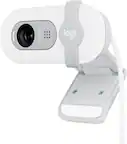
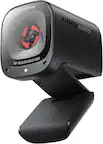
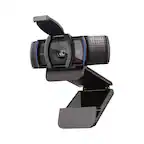
A:Answer There are 2 apps to download more of a diagnostic and ease of use function: the Logitech G HUB which allows you to alter the image, zoom/crop and if you have other logitech devices you can manage them there (headphones, mouse, keyboard etc..). And Logitune is another optional app that has the same function pretty much.
To get your microphone to function instead of the camera microphone you'll need to go into device settings set your preferred microphone and if it gives you issues you can go to device manager select audio inputs and outputs select the camera microphone and disable it from there. Camera should still function but the microphone will be turned off allowing you to use your designated microphone.