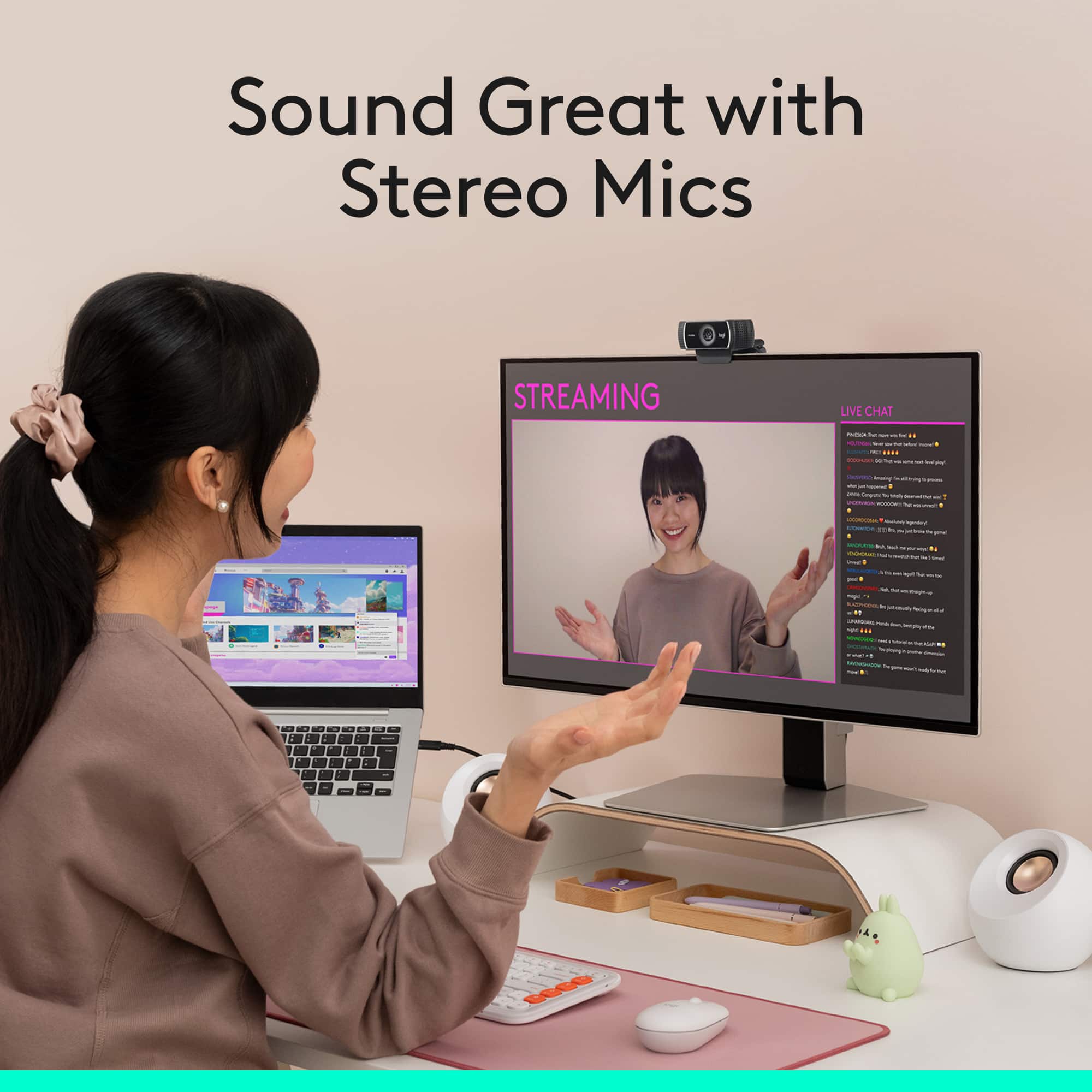
A:AnswerHello Greg, yes, you will be able to use your Blue Snowball ICE as your external microphone. Just make sure that you set your microphone to the Snowball ICE in whatever program you are using the webcam on. Have a great day.
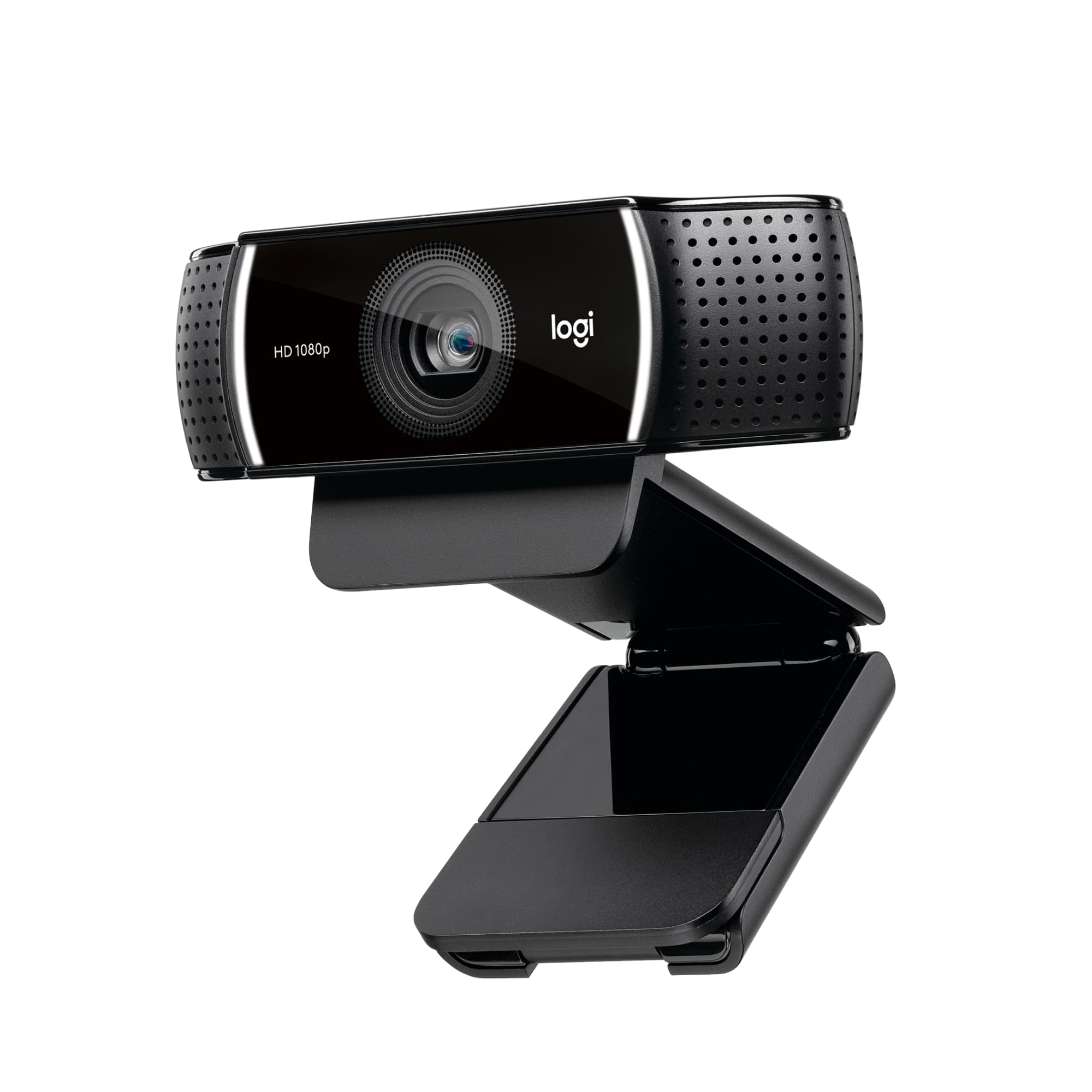
A:AnswerHello Ron, yes, the C922 webcam can be attached to a flat screen tv by using the clip that it comes with. Please know that the C922 won't work unless it is connected to a compatible computer. Good day.
A:AnswerSet up an account with Best Buy. One of the features of having an actual account is that you can request notification when the product is next available.
A:AnswerYou're going to see some form of image quality loss on any webcam when you add additional USB cable length to the original cable, there's just no way to truly prevent that. C922 will see quality loss, but the most minimal quality loss will come from the SteamCam Plus and the 4K Pro models.
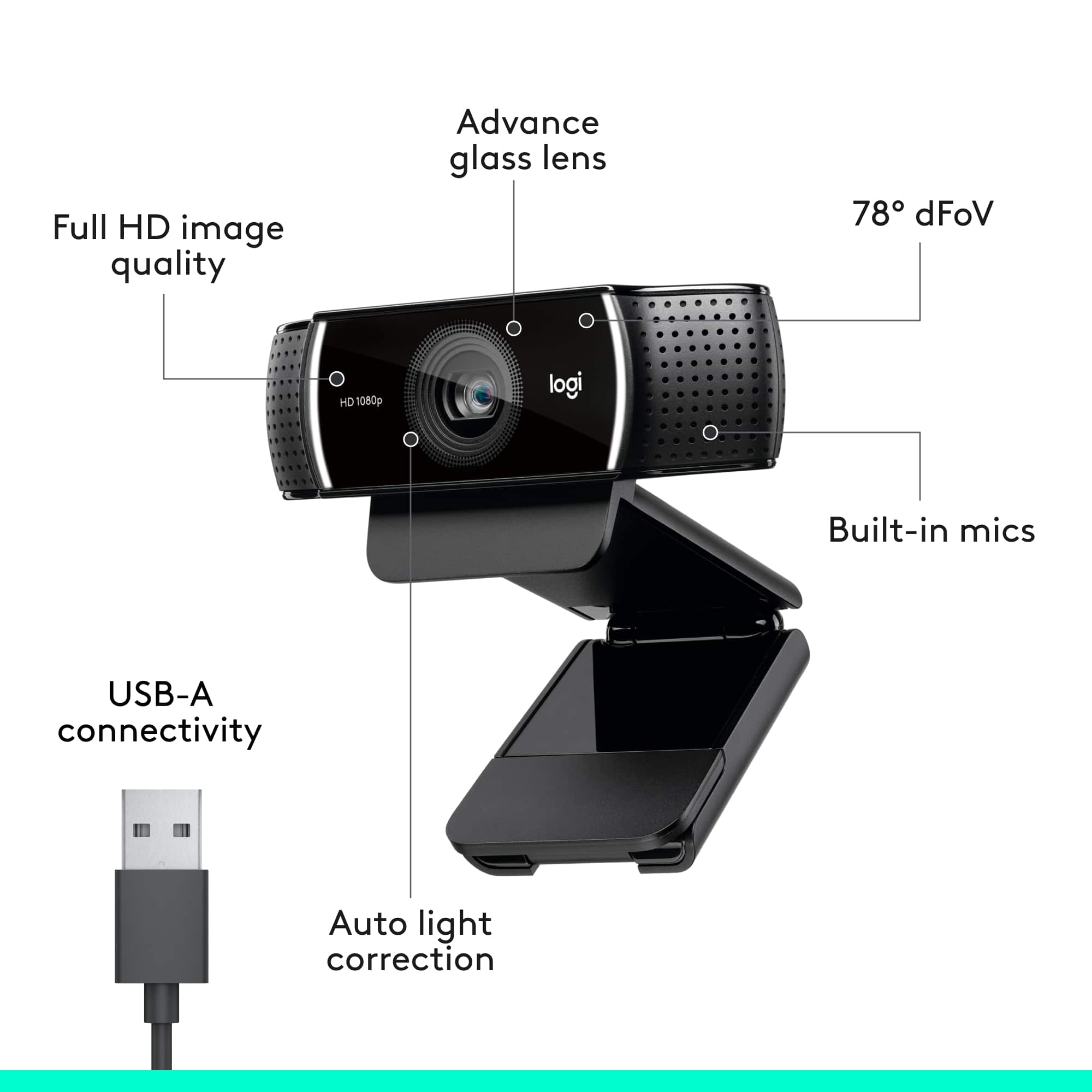
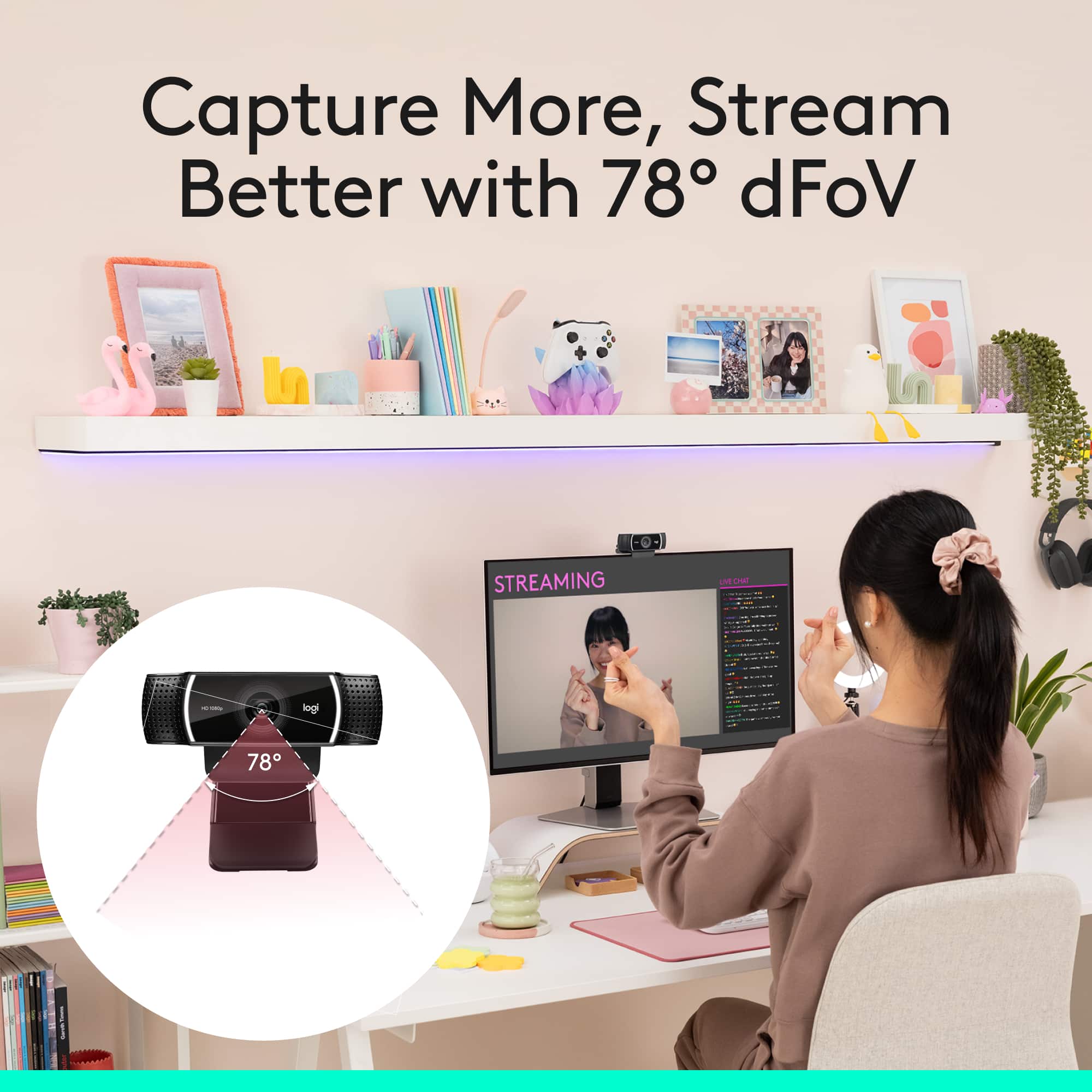
A:AnswerHello, thanks for the question. Yes you should be able to record your band. This is a 1080p camera and the viewing angle is 78°. As long as you put some distance between your band and the camera, then you will be fine. Just make sure you are using a quality external microphone.
A:AnswerYou should get a capture card, perhaps a gaming PC to stream from SLOBS. It isn't streaming properly through the consoles at the moment, there seem to be technical difficulties. Sound will cut out. It would be better to get a whole setup which takes time and money but if it's something you're serious about, go for it. I go by SovL on Mixer. If you ever need help stop by my stream and let me know. It's a different platform from Twitch but it's the same idea when it comes to setting up everything you need for your streams through the SLOBS software. I don't use OBS so I can't help there. Other than that I would advice going for a full setup and work your way for there. I had a hard time streaming on Twitch before Mixer was a thing on Xbox so I would say if you really wanted to take your streams to the next level or feel like you're doing what you would like it's going to cost you an investment for the proper gear to make that happen for you as you begin to feel the urge to provide a higher quality stream. I hope this helps.
Equipment:
Gaming PC to stream from PC
Desktop Monitors
Capture Card (Elgato HD60 S+)
Mix Amp (there are several on the Market, unless you go with a USB mic, then you would use software, ex. there is a software called "Voicemeter Banana" which is what you would use to setup your USB microphone as far as tone/pitch/volume is concerned outside of SLOBS/SLOBS is a free to use service on the web available for download)
Condenser Microphone/USB Microphone (for the Condenser Microphone you will need a audio interface or Mix Amp that can power a the microphone with what's called a Phantom Power Supply along with the proper cable to connect to a Condenser Microphone and to the Phantom Power Supply/Audio Interface machine)
Headphones
Gaming Headset
That's the basics.
There will be other small bits for equipment you'll need like a 3.5mm AUX cable with 2 male plugs via 1 female for your Mix amp if needed given that's the route you will be taking which would then require two ground loop isolators.
You can add on an Elgato Stream Deck for future purposes and other tech needed would be the proper mic holder whether using a condenser mic or USB mic that can fit along with how you have your stream gear setup.
Take into account logo commission aswell as other finances needed for providing the kind of content you'd like.
If you want, a chroma green screen is the next step for you from there and then all that follows would be figuring out your setup how you would like.
Good luck and I hope you find most of what you're looking for through this response.
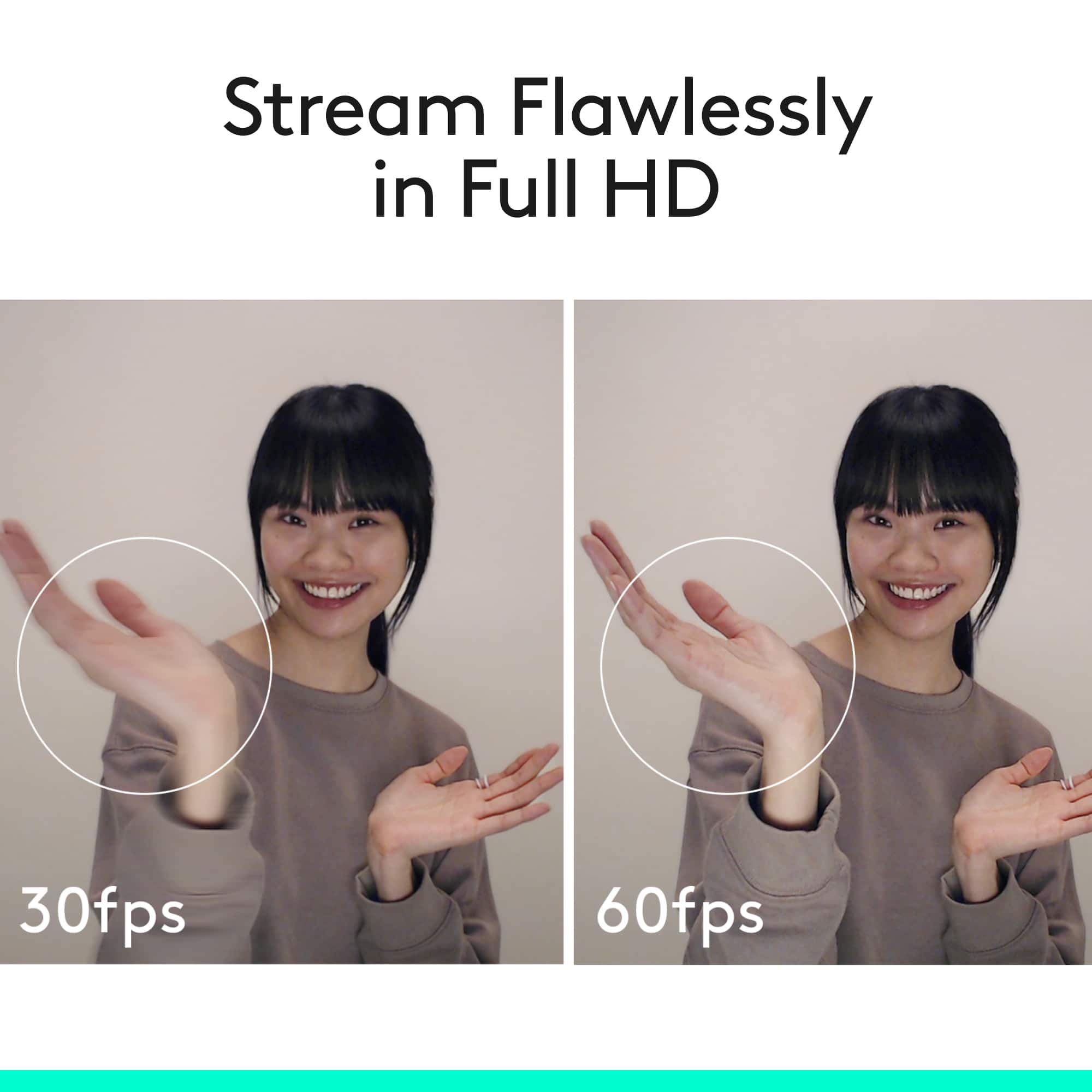
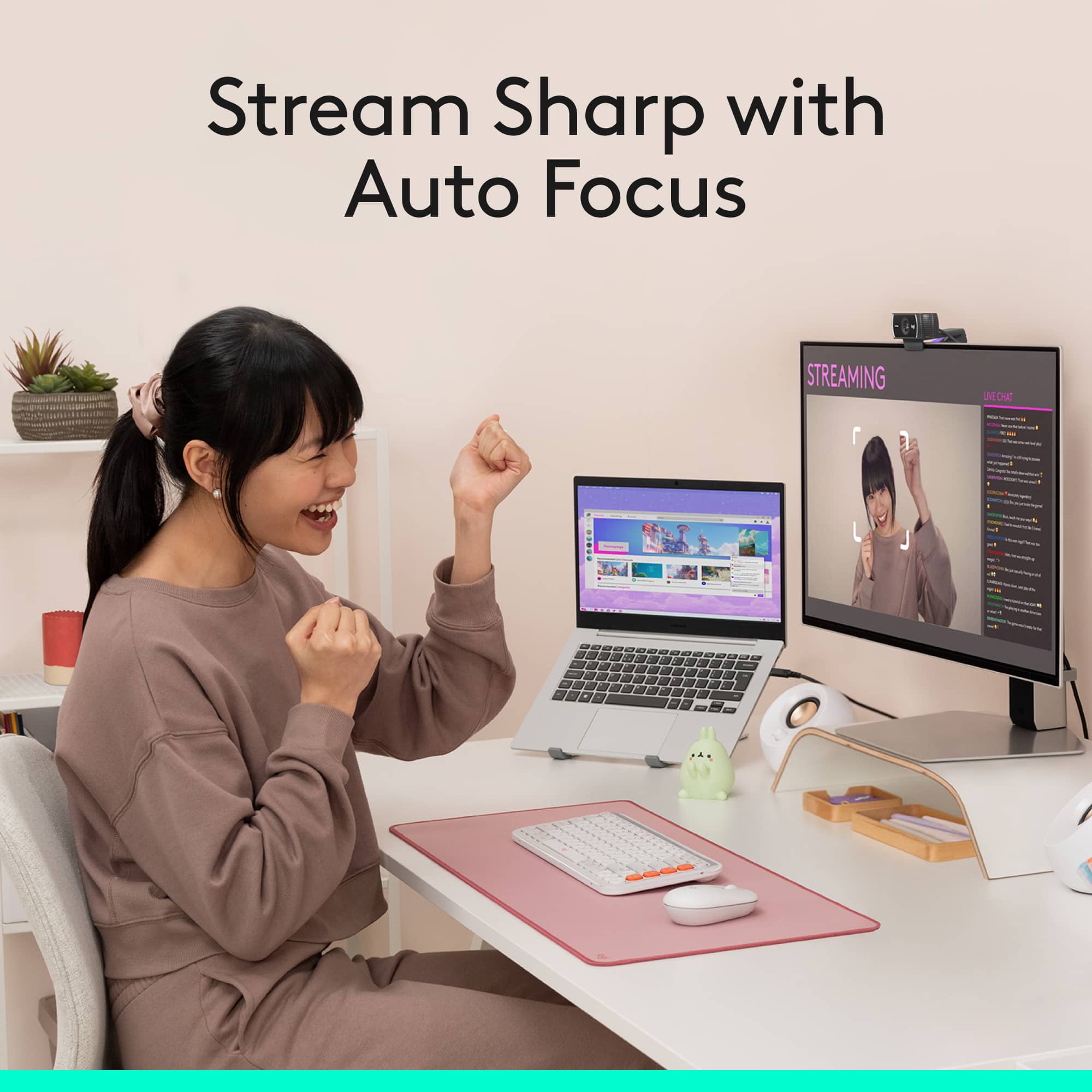
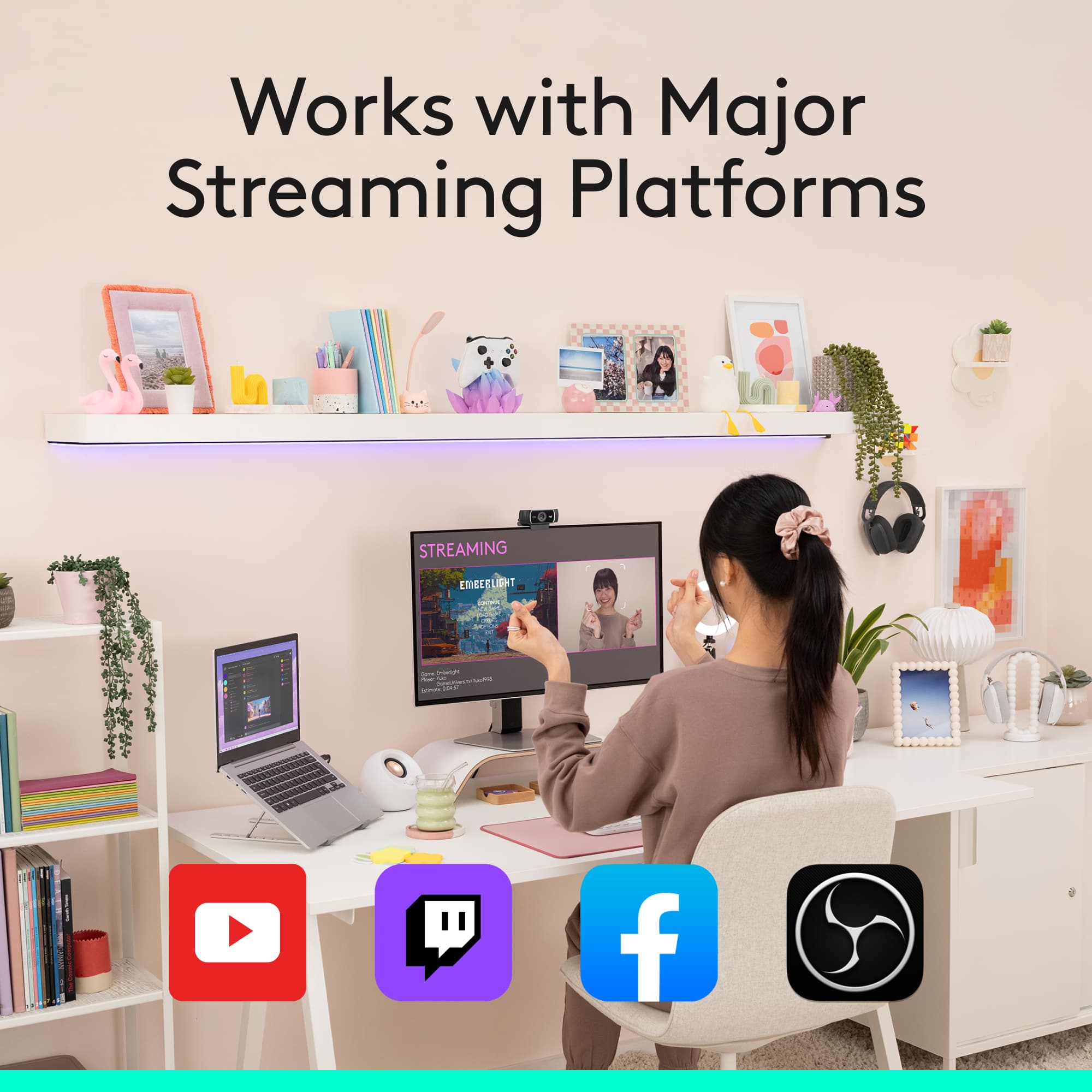
A:AnswerIt works on my Xbox one X and they have the same software to run the camera according to Microsoft when I contacted them before I bought it my self. It is crystal clear. I stream to twitch and then restream to Facebook and my picture is crystal clear. If you want to zoom into your face use the Xbox broadcasts stetup camera first and zoom it in then go back to the twitch broadcast app and it will stay zoomed the way you had it.