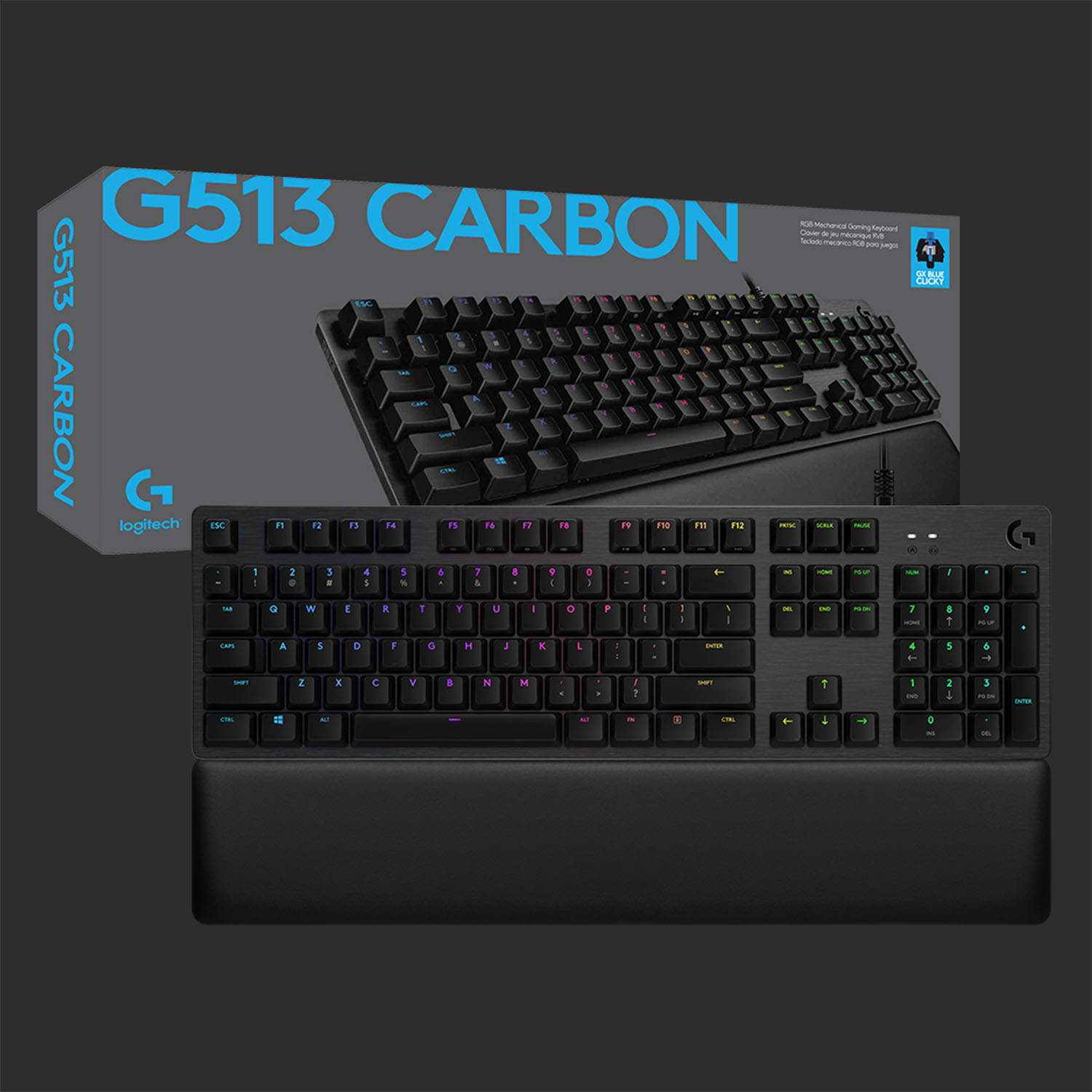
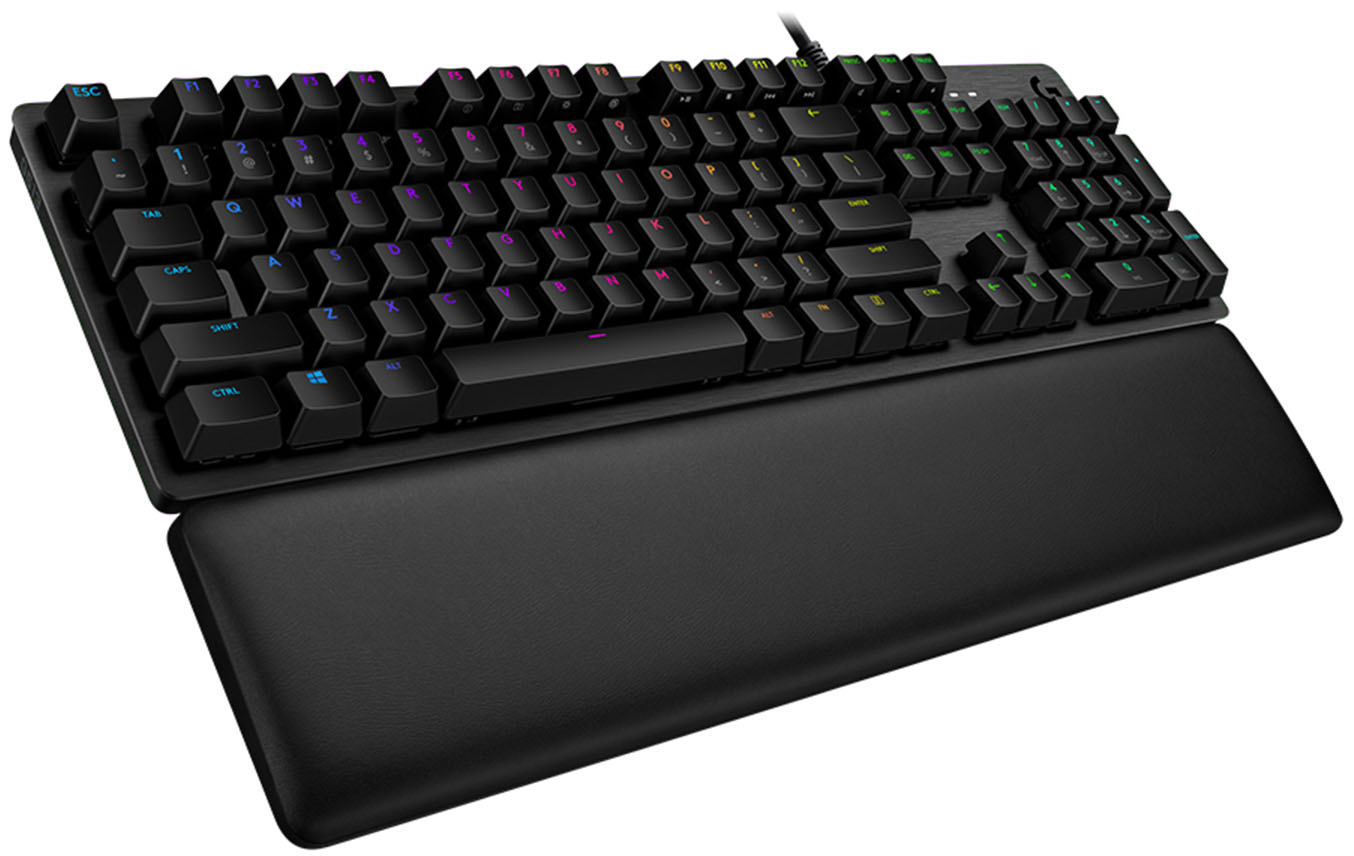
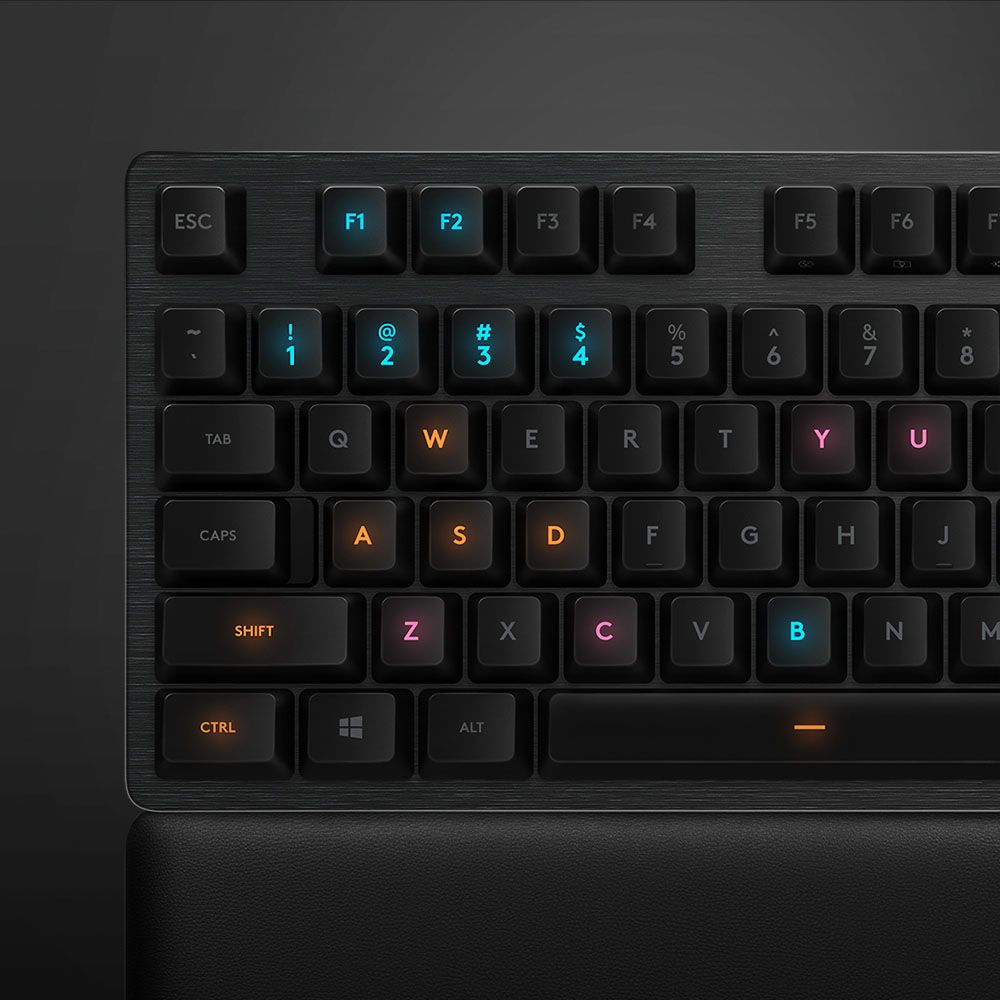
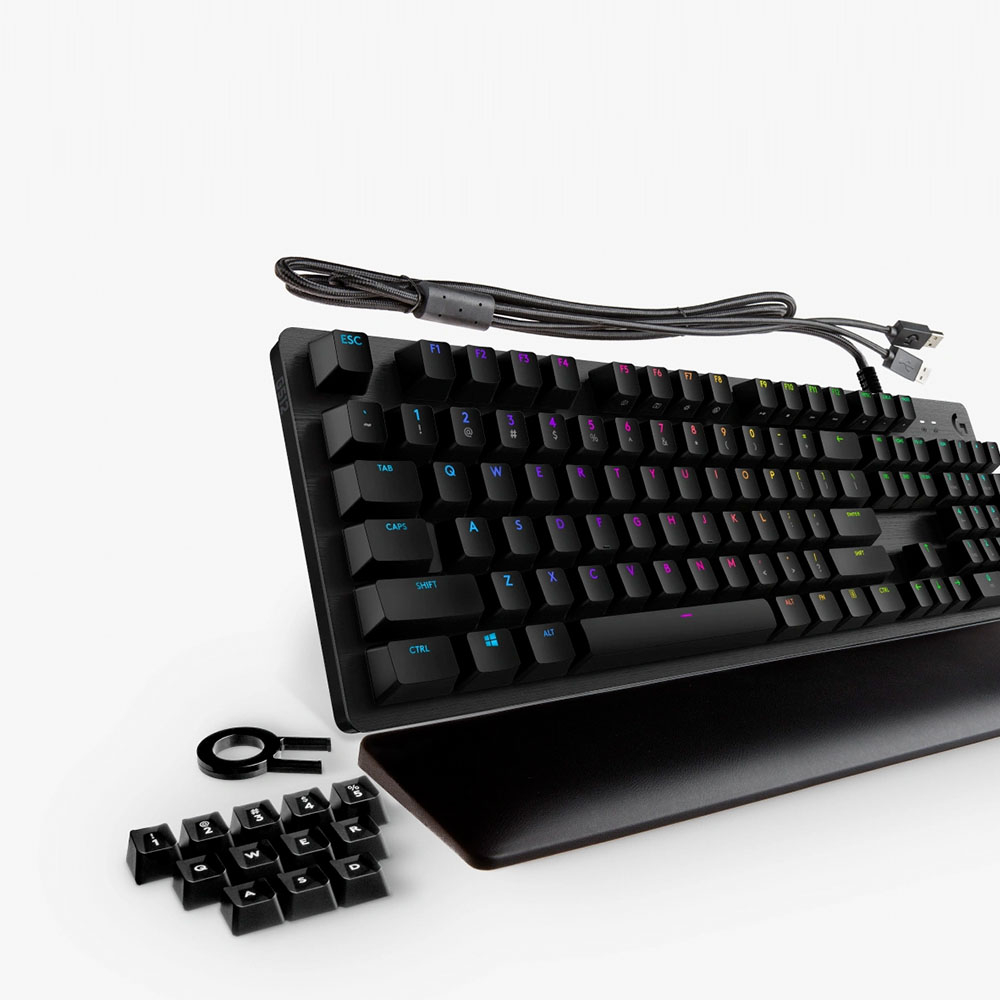
A:Answer Yes, you can set it to a continuous blue color with a keyboard command or you can install the supporting gaming software. I prefer to use this keyboard for typing, not gaming, so I use the keyboard command. Press and hold the FN key (on lower right on keyboard) then press the F5 key 6 times. It will cycle through various settings until the last one which is a continuous, always-on blue color. Unfortunately, you have to do this every time you boot your computer. It does not retain your setting choice like some other keyboards do. For that, you probably would want to install the gamer software. I just choose to enter the keyboard command to set it to solid color.
By the way, the F7 key (with FN key held down) controls the brightness of the keyboard lights. It will also cycle them down to OFF.


![ESC F1 F2 F3 F4 F5 F6 F7 F8 F9 F10 F11 F12 PRTSC SCRLK PAUSE - - 1 ! 2 3 # 4 $ 5 % 6 A 7 & 8 * 9 ) 0 ) - - INS HOME PGUP NUM / I TAB Q W E R T Y U I O P t { ] I I DEL END PG DN 7 HOME 8 9 PG UP CAPS A S D F G H J K L : : A ENTER 4 5 6 SHIFT Z X C V B N M K > / ? SHIFT T 1 END 2 3 PO DN ENTER CTRL ALT ALT FN CTRL 0 INS DEL](https://pisces.bbystatic.com/image2/BestBuy_US/images/products/6246/6246903_sd.jpg)