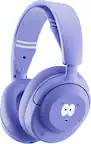
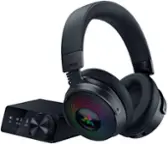
A:AnswerSounds like anissue with whatever chat program you are using. Check your settings in your game to make sure you have the headset selected as the mic
A:AnswerThat means you have to first make sure the USB port is powered, find something else that is USB powered, that you know works, and try that first.
A:AnswerHey there! While not designed for singing, thanks to our GHub software, you can tweak and customize the microphone however you like manually, or use user uploaded and premade presets to help you sound the best possible. -Weston from Logitech
A:AnswerHey there Coop. I would recommend downloading our G Hub software to see if it's being recognized by the computer at all. That should also allow you to tweak and modify both the sound of the headset and the microphone. -Weston from Logitech
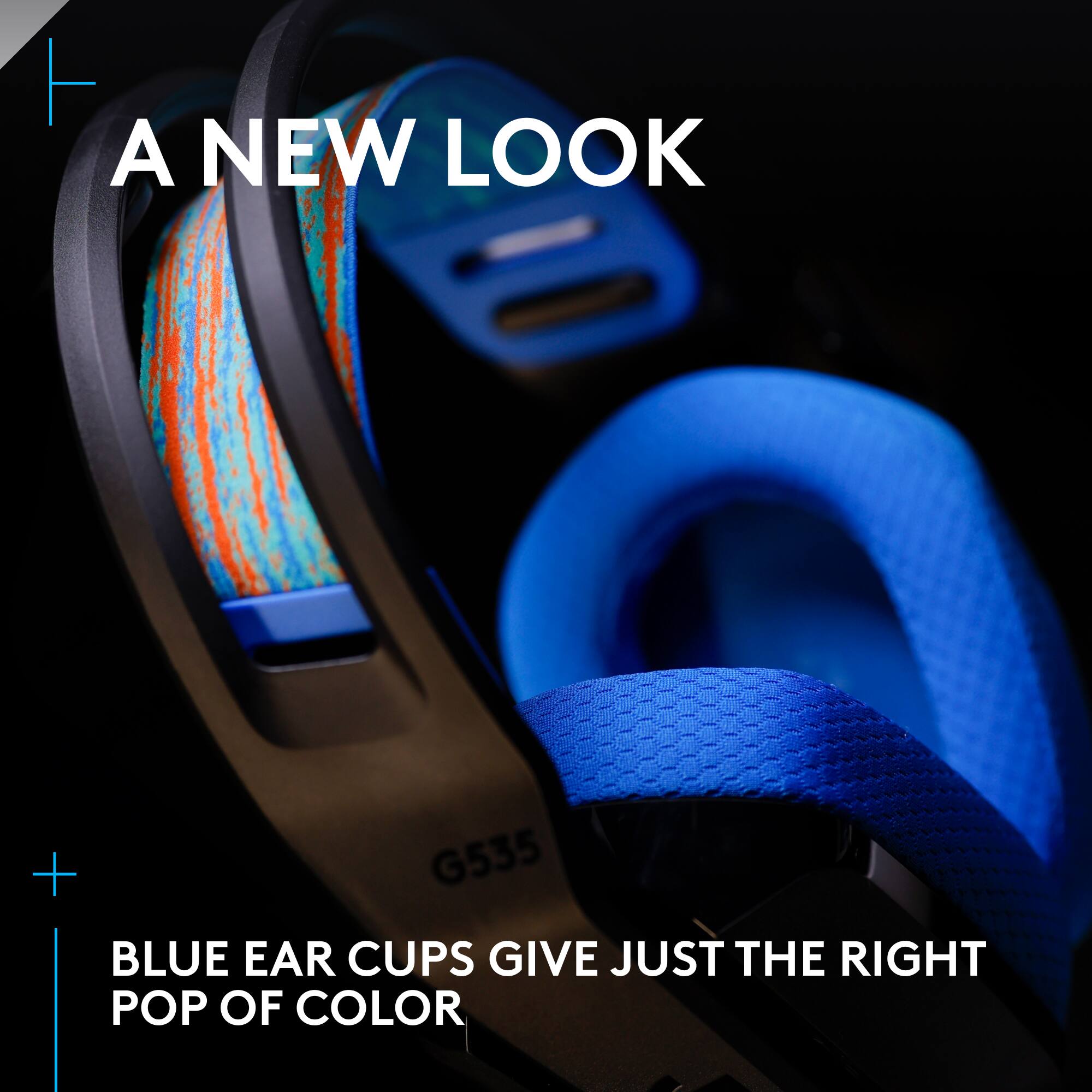
A:AnswerHello Pocket2s! The mic on the G535 LIGHTSPEED Wireless Gaming Over-the-Ear Headset should definitely work with the PS4, make sure to double check your Audio Devices in the Settings menu of your PS4 (Settings > Devices > Audio Devices) and make sure both your Input and Output Devices are set to the G535 Headset.
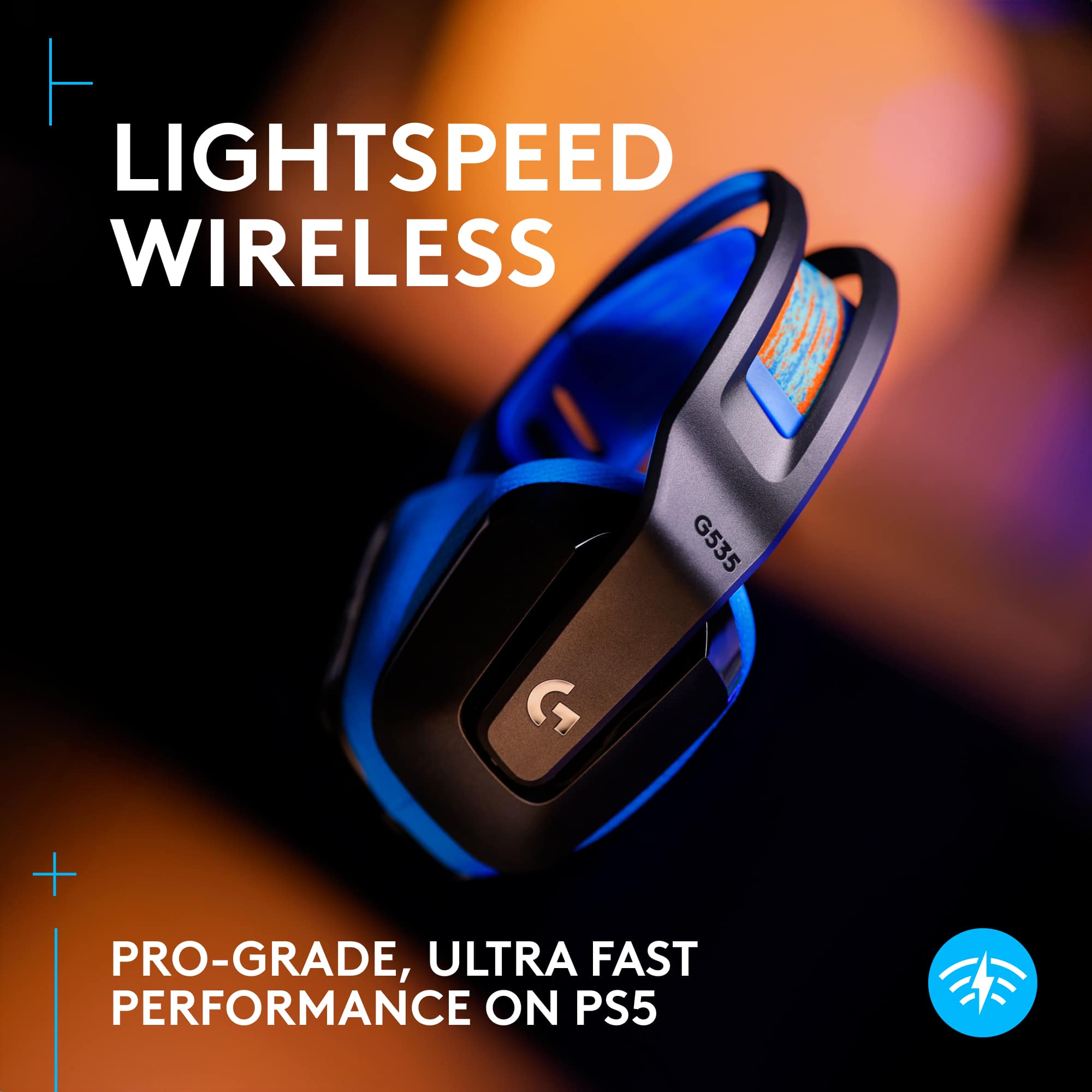
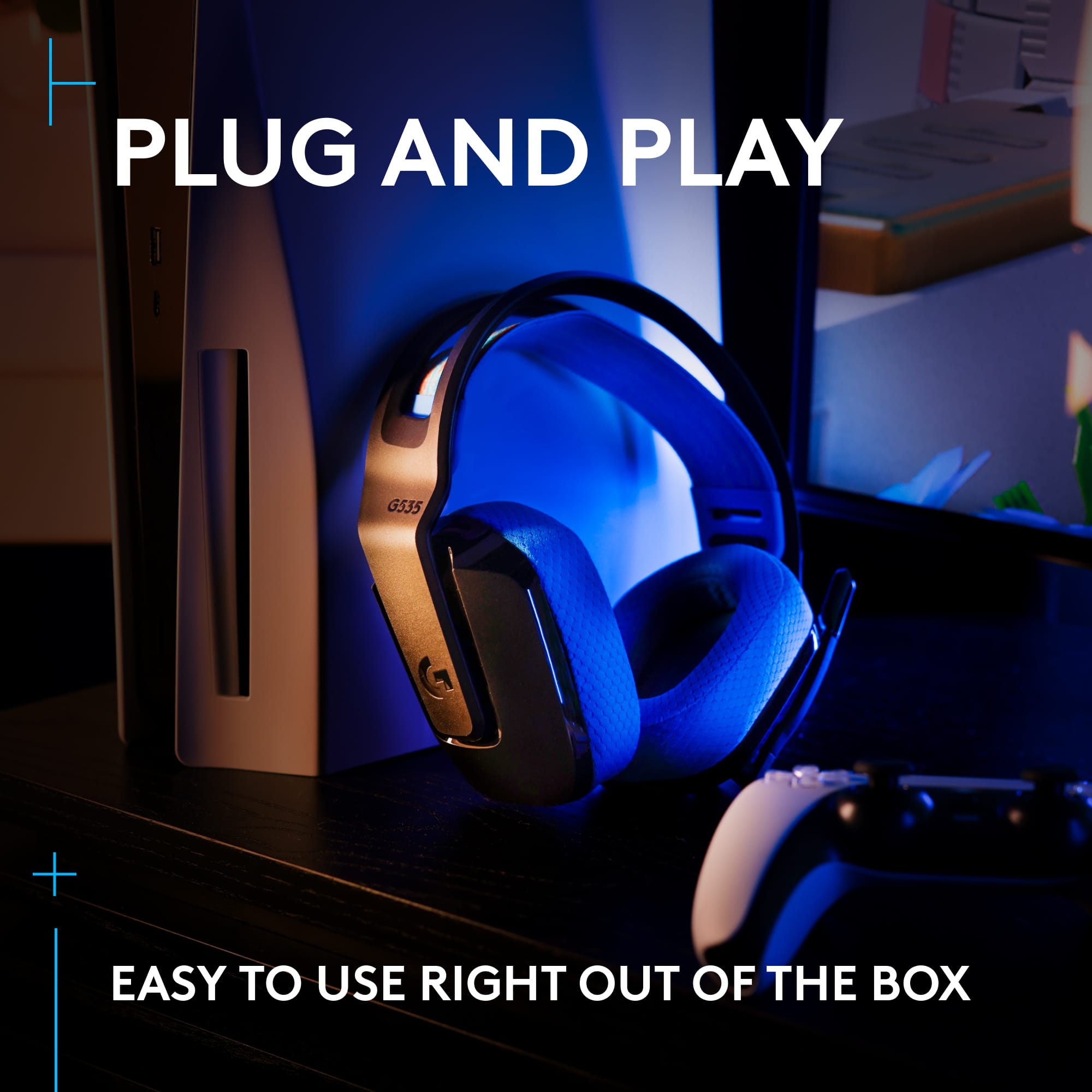
A:AnswerHi, yes you can use the G535 with your PlayStation 5 console! Just plug in the USB receiver that came with the headset into the USB port on the front of the console. -N from Logitech
A:AnswerHi, the G535 does not have a function on the headset to separate between party chat and game audio. You will have to use an external mixer on the PC or in the console settings. -N from Logitech
A:AnswerThe official answer is NO, they do not support mobile. This is not a BlueTooth headset and there is no pairing with other devices. It will only work with the LightSpeed USB-A adapter. However, if you have adapters to plug the USB-A dongle into your mobile device, it may work. I have a USB-C to multi port adapter for my Samsung Note 10+ and they work with it just fine.
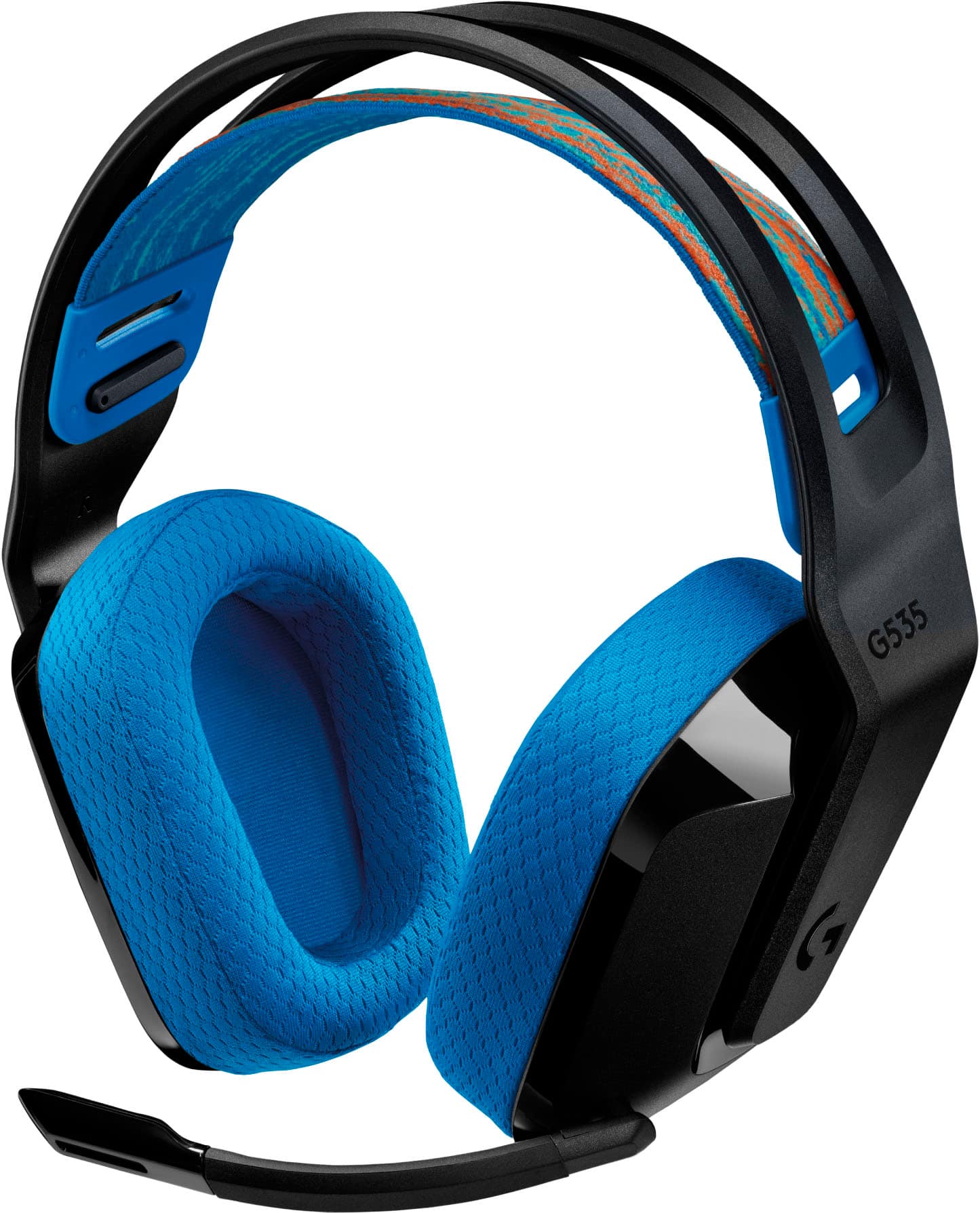
A:AnswerPlug the receiver into a different port and see if that does the trick. If the issue persists, don't hesitate to contact our Logi Support for further assistance. We're here to help!
A:AnswerThere is currently no firmware update for the g535 model to allow pairing with the Nintendo Switch bluetooth codec. Confirmed no pairing option via dock or usba/usbc adapter as of 12/23. You can control the volume, but no sound transmission between Switch and headset. Appears the g435 was patched and should work, but cannot confirm.