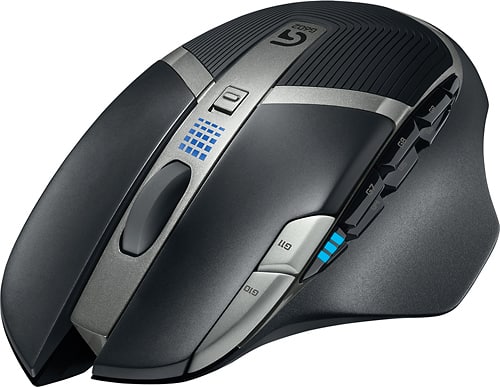
A:AnswerIt very much would be able to be done using the Logitech gaming software, NOT the other one Logitech has imo. I think it's called g hub? You can set the mouse up much easier in the older (and still updated) software. Don't use the mouse storage and you can set it up to change when certain program windows are open/active.
A:AnswerLogitech gaming software with profiles not saved on mouse is the best and easiest way to do this. The newer software that Logitech has released is garbage imo
A:AnswerThe short answer is yes. What sets a gaming mouse apart from a typical mouse is the speed of its response. A wireless mouse especially must have low latency or delay from the time the mouse moves to the resultant movement of the pointer on the screen. This also applies to the clicking of various buttons. These characteristics are not so critical for other uses which are not time or response critical.
A:AnswerYes, and Yes.
I use the enter key on mine as well as ctrl+C, ctrl+V, ctr+p escape, and enter. You can program any keyboard keystroke. You just set the mouse to keyboard, perform the function, and the mouse learns it.
A:AnswerYES!! This mouse was built for that. I use it for all my games. Just download Logitech Gaming Software. I can't tell any difference with lag between this and a wired mouse.