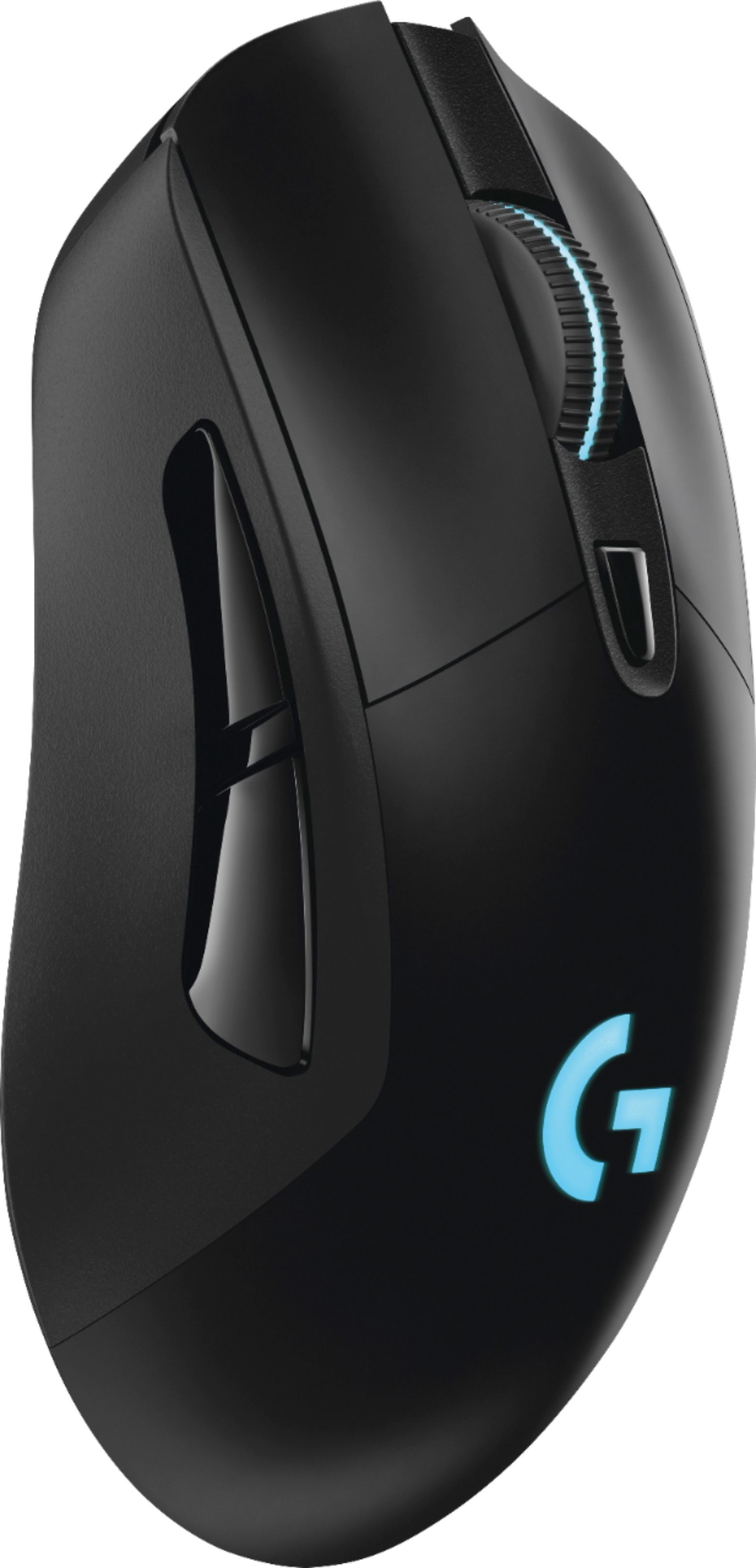
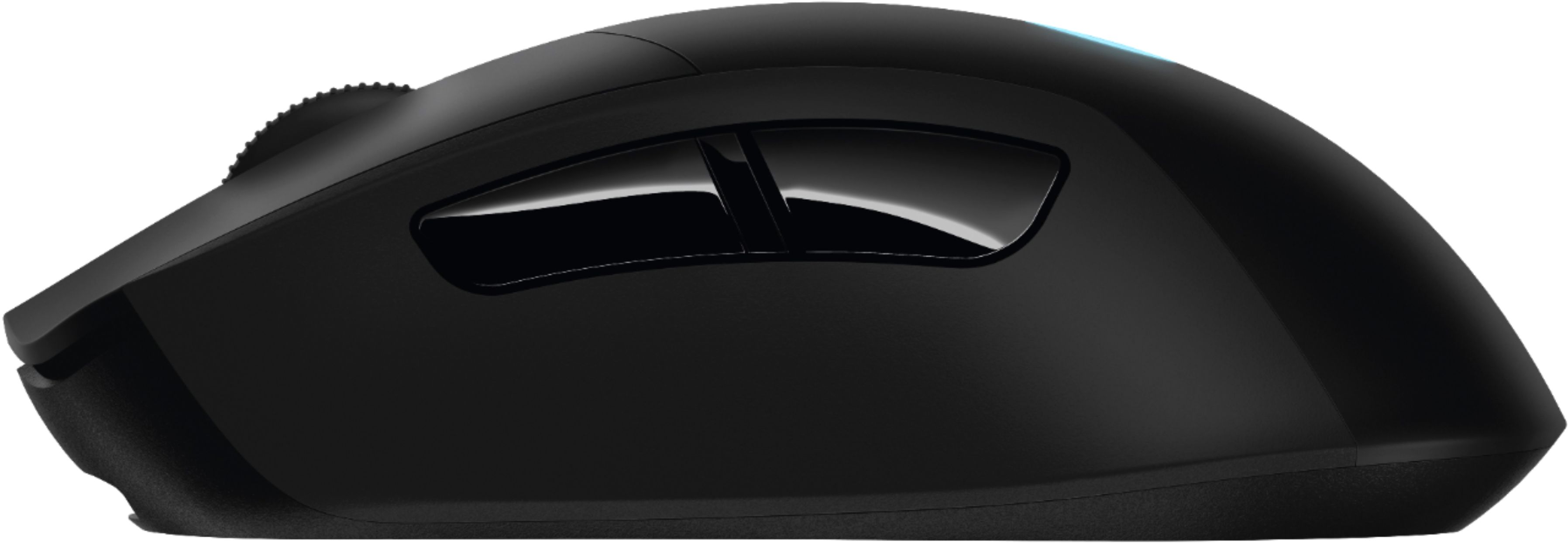
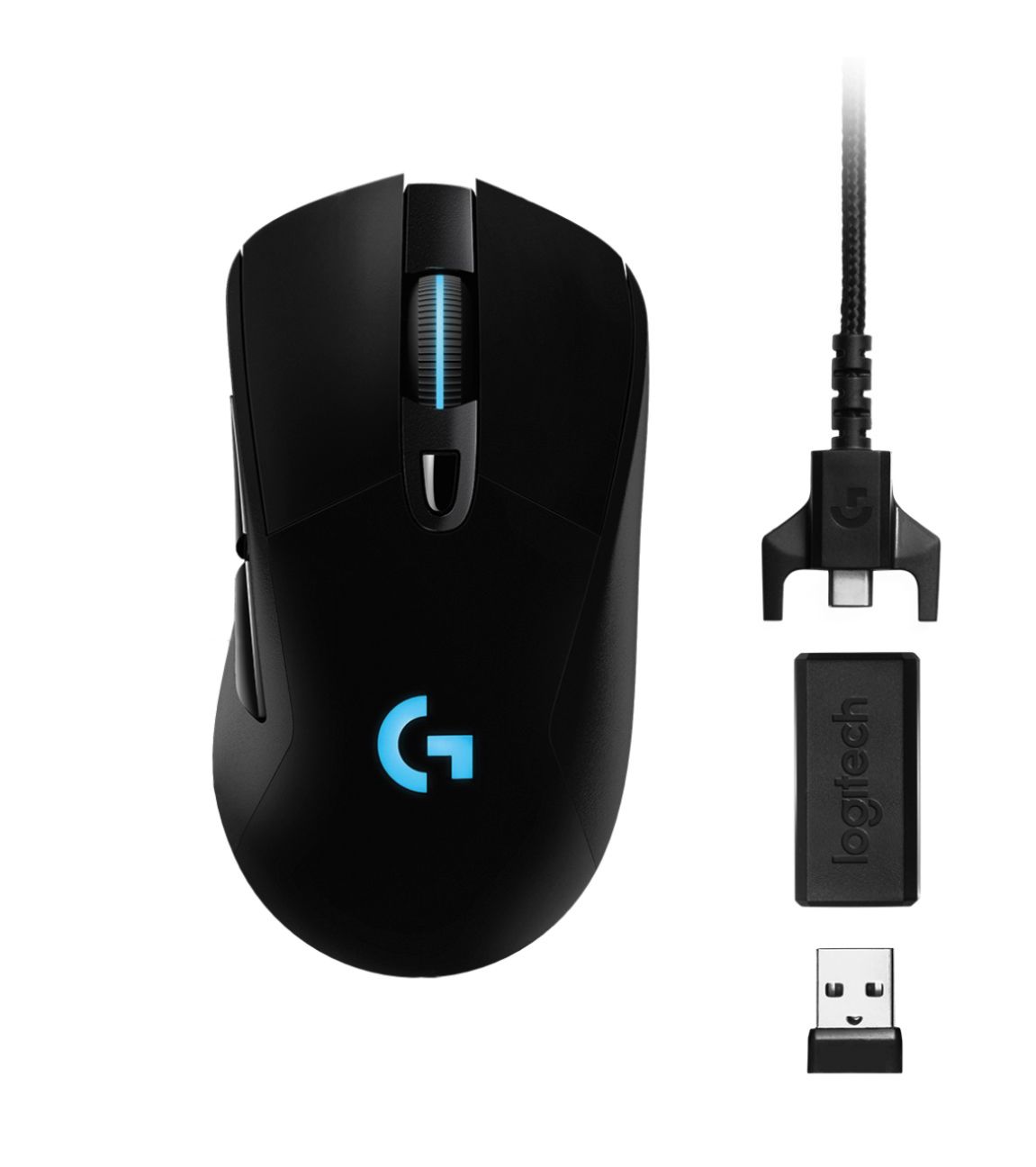
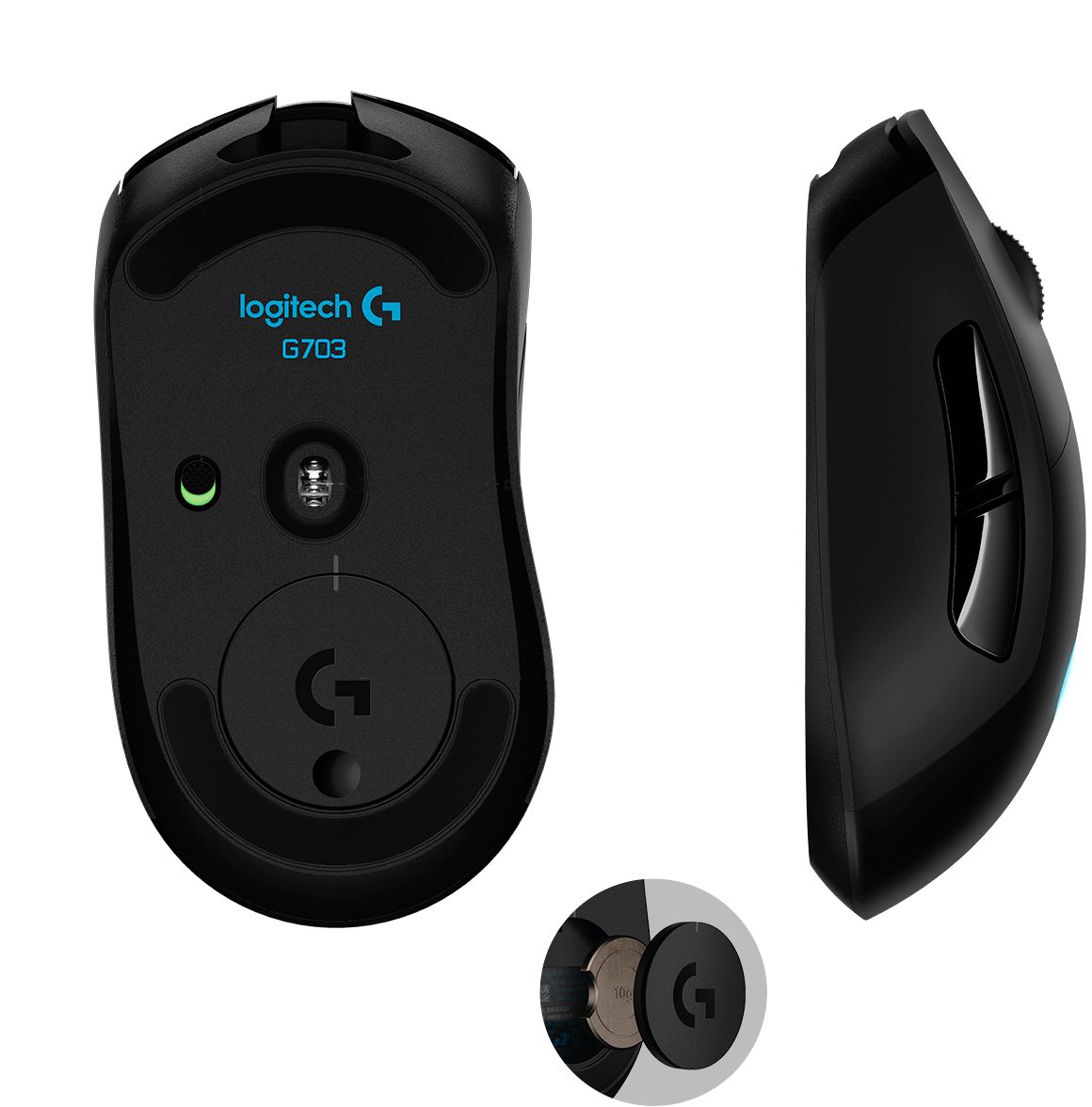
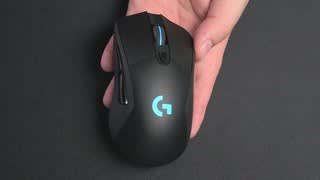
A:AnswerI chose the G703 because it's right-handed and fits my hand better. The G900 and G903 are a bit longer and flatter than my previous mice (G502, DeathAdder, Myonix NAOS). While the G900 and G903 have more buttons, some of them are there just to facilitate ambidexterity. I also prefer the LED patterning on the G703 with its lit scrollwheel. Technology-wise they are at the same level (same sensor, same LightSpeed tech, PowerPlay compatible), so pick the one that feels better.
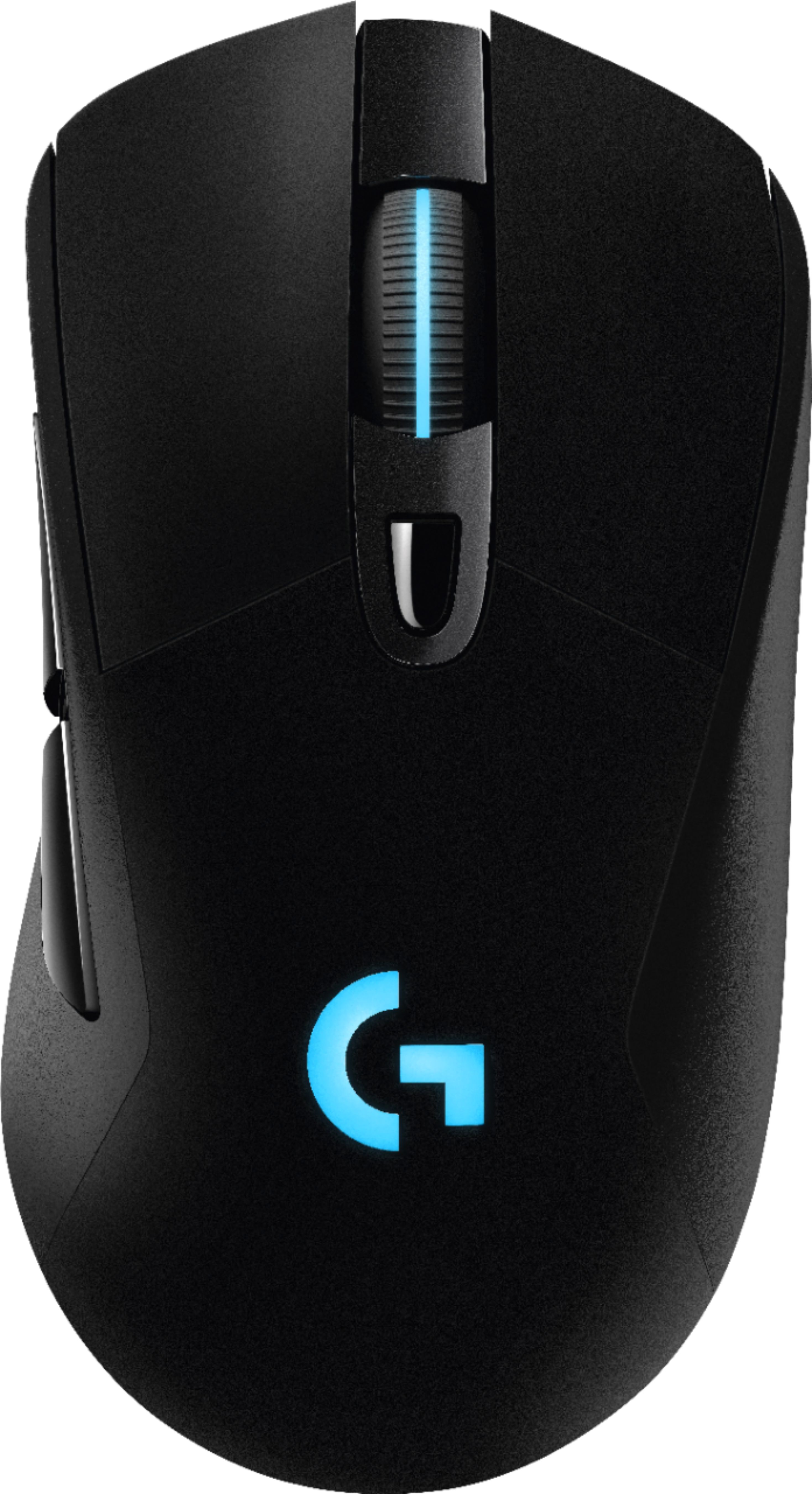
A:AnswerLighting settings.
Bottom right of screen on desktop click on the up arrow (win 10, maybe something different for a earlier windows) Click on it then click on Logitech icon. Logitech will open up and on the bottom of the Logitech window, click on third icon from the left which is lighting settings. Then Put logo and wheel to off.
A:AnswerCertain products need to be carried in store for stock and other items are sometimes for sale online only. It just depends on the products and the current market. Looks like this product is only sold in Best Buy stores.
A:AnswerSince this mouse uses a laser, it won't work very well on glass (most mouses shouldn't, and if they do it's probably not intended for that surface). So while you don't need a mousepad for ANY surface, you would need one if your desk is glass.
A:AnswerIt definitely isn't a bad mouse for Blender. It only has 2-3 buttons that are useful to be customized into macros, so if you want a mouse with a bunch of macros, this probably wouldn't be the best one for that. But it is good for most other uses you would need in Blender